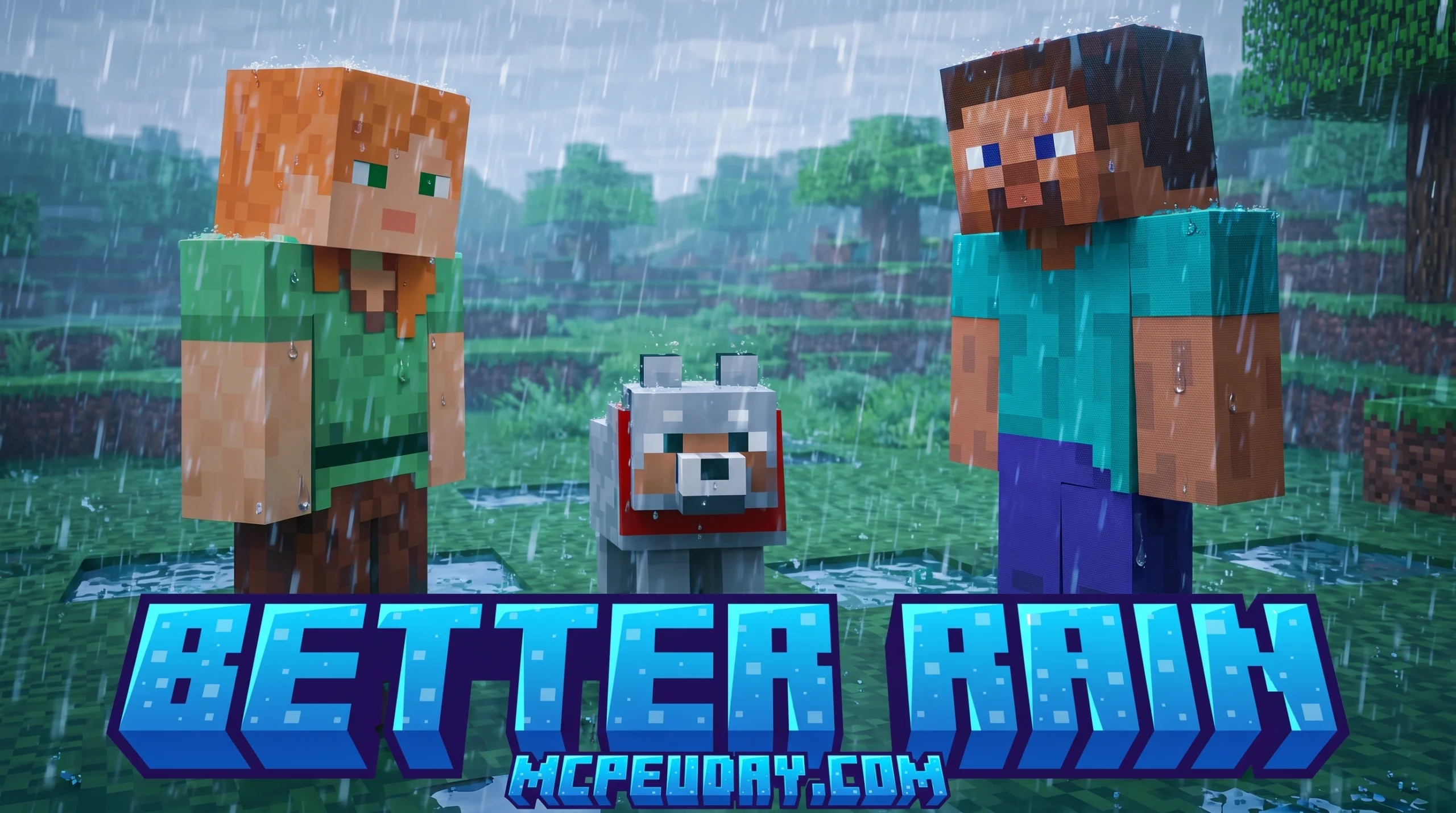
Why the BETTER RAIN+ Addon Transforms Your Minecraft Weather Experience
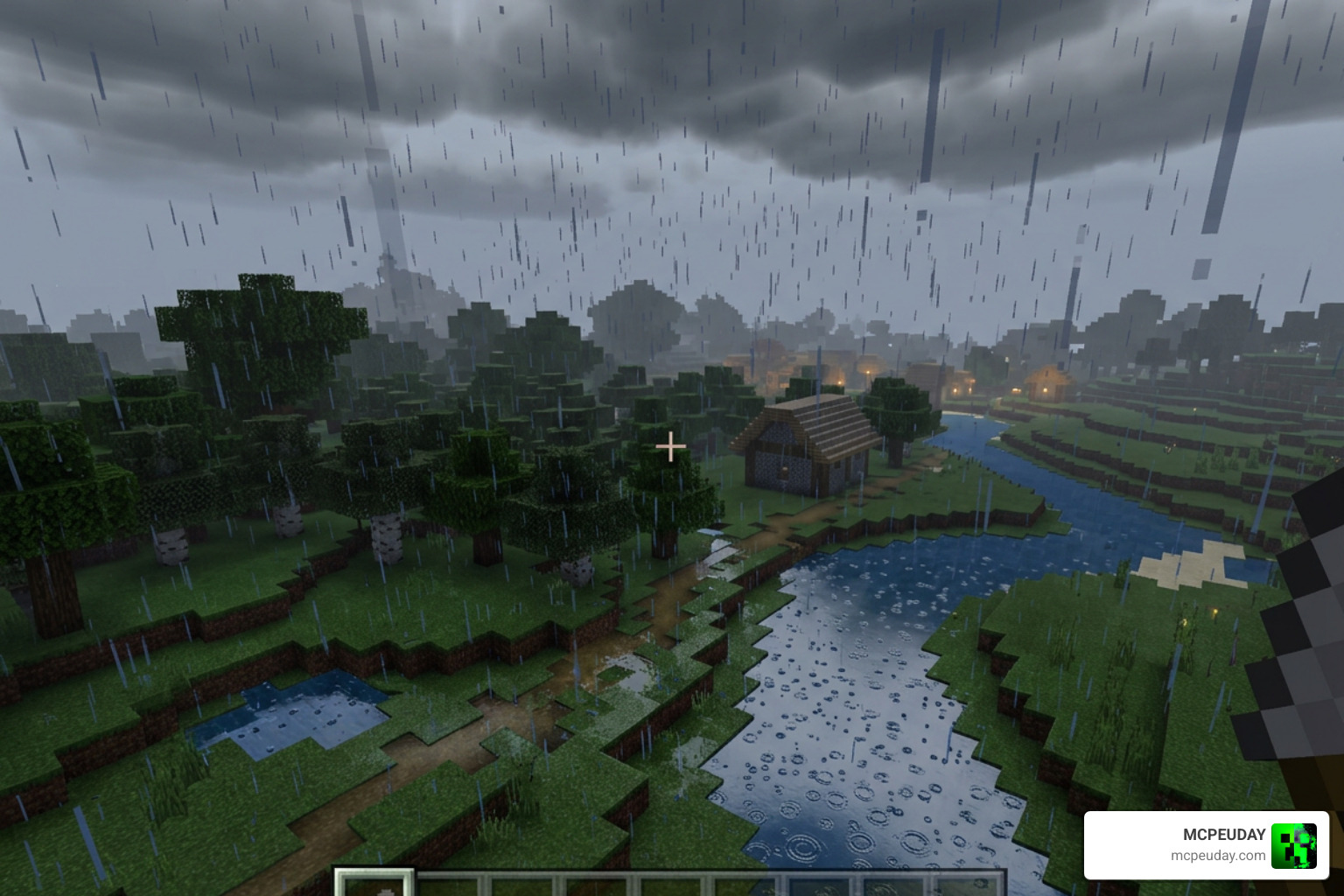
The BETTER RAIN+ Addon is one of the most popular weather upgrade packs for Minecraft Bedrock Edition — and it’s easy to see why it has racked up over 370,000 downloads.
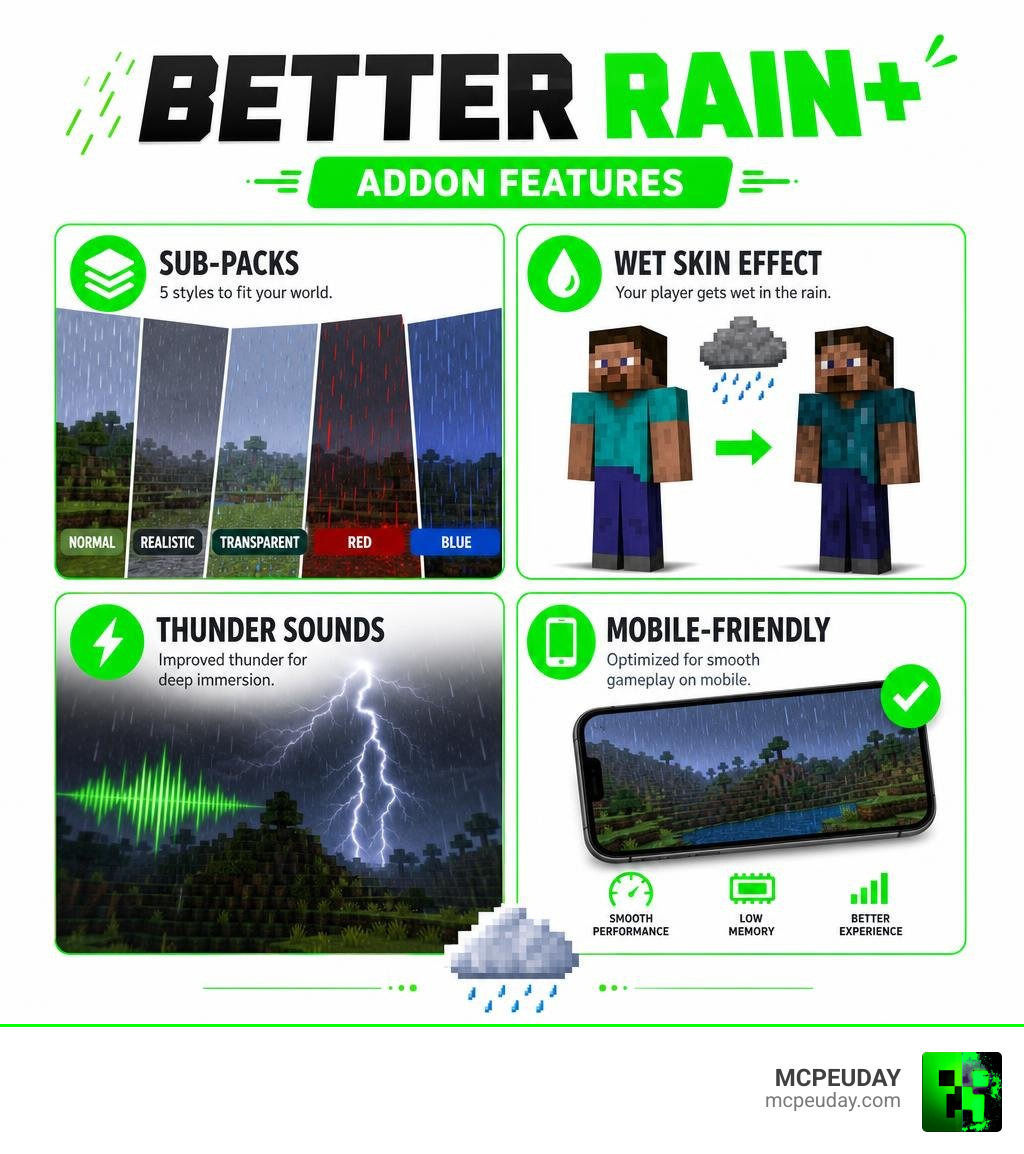
Quick answer — here’s what BETTER RAIN+ does:
- Replaces vanilla rain with finer, cleaner-looking raindrops
- Adds a wet player skin effect when it’s raining
- Improves thunderstorm sounds for a more immersive experience
- Offers 5 sub-packs — Normal, Realistic, Transparent, Red, and Blue
- Uses low memory so it runs smoothly on mobile devices
If you’ve ever tried to build or survive during a Minecraft downpour, you know the problem. Vanilla rain in Bedrock Edition tanks your visibility and turns every outdoor activity into a frustrating blur. BETTER RAIN+ fixes that — without killing your frame rate.
It’s a small file, a fast install, and a big difference in how your game looks and feels. Below, we’ll walk you through exactly how to get it running in three simple steps.
What is the BETTER RAIN+ Addon?
At its core, the BETTER RAIN+ Addon is a visual and auditory overhaul designed to rescue players from the obnoxious, screen-cluttering default weather in Minecraft. In the vanilla game, rain often feels like a solid wall of gray lines that makes it nearly impossible to see more than ten blocks ahead.
By restructuring the rain textures, this addon introduces much finer droplets that blend naturally into the environment. It also strips away the thick, ugly gray fog that usually accompanies storms, allowing you to enjoy vibrant visuals even during a heavy downpour. If you want to customize your environment even further, you can pair this with the Better Weather Texture Pack to completely transform the climate of your worlds.
Key Features of the BETTER RAIN+ Addon
What makes this addon stand out from standard texture edits are the thoughtful, immersive details the creator has packed into a tiny file size:
- Wet Player Skin Effect: When your character steps out into a storm, their skin texture takes on a shiny, wet appearance. It is a subtle touch of realism that makes you feel truly connected to the world.
- Remastered Thunderstorm Sounds: No more generic, repetitive static. The thunderstorm audio has been completely reworked to deliver deep, rumbling claps of thunder that make stormy nights genuinely atmospheric.
- 3D Audio Cues: Sound effects are balanced to give you a sense of direction, matching the rumbling sky above you. If you are looking to overhaul your entire game’s soundscape alongside this, we highly recommend checking out the Better Sounds Resource Pack.
Exploring the BETTER RAIN+ Addon Sub-Packs
One of our favorite aspects of this addon is its versatility. Instead of forcing a single style on you, the pack includes five distinct sub-packs that you can cycle through using an in-game slider:
- Normal: A clean, optimized version of vanilla rain. It keeps the classic feel but thins out the lines so you can actually see where you are walking.
- Realistic: Our personal favorite! This sub-pack adds incredibly fine, angled raindrops that mimic real-world precipitation.
- Transparent: If you want the weather mechanics (like watering crops or spawning lightning) but absolutely zero visual distraction, this sub-pack makes the raindrops completely invisible while keeping the audio.
- Red: A stylized, spooky option that turns the rain red. It is perfect for horror maps, nether-themed worlds, or custom survival challenges.
- Blue: A vibrant, highly saturated blue rain that adds a beautiful, fantasy-like aesthetic to your worlds.
How to Download and Install BETTER RAIN+ in 3 Simple Steps
Getting this gorgeous weather system into your game is incredibly straightforward. Because it is packaged as a standard Bedrock resource file, you won’t need to mess around with complicated file extractors or internal game folders. For general background on how Bedrock add-ons and resource packs work, you can also review the official Minecraft Add-Ons page on Minecraft.net.
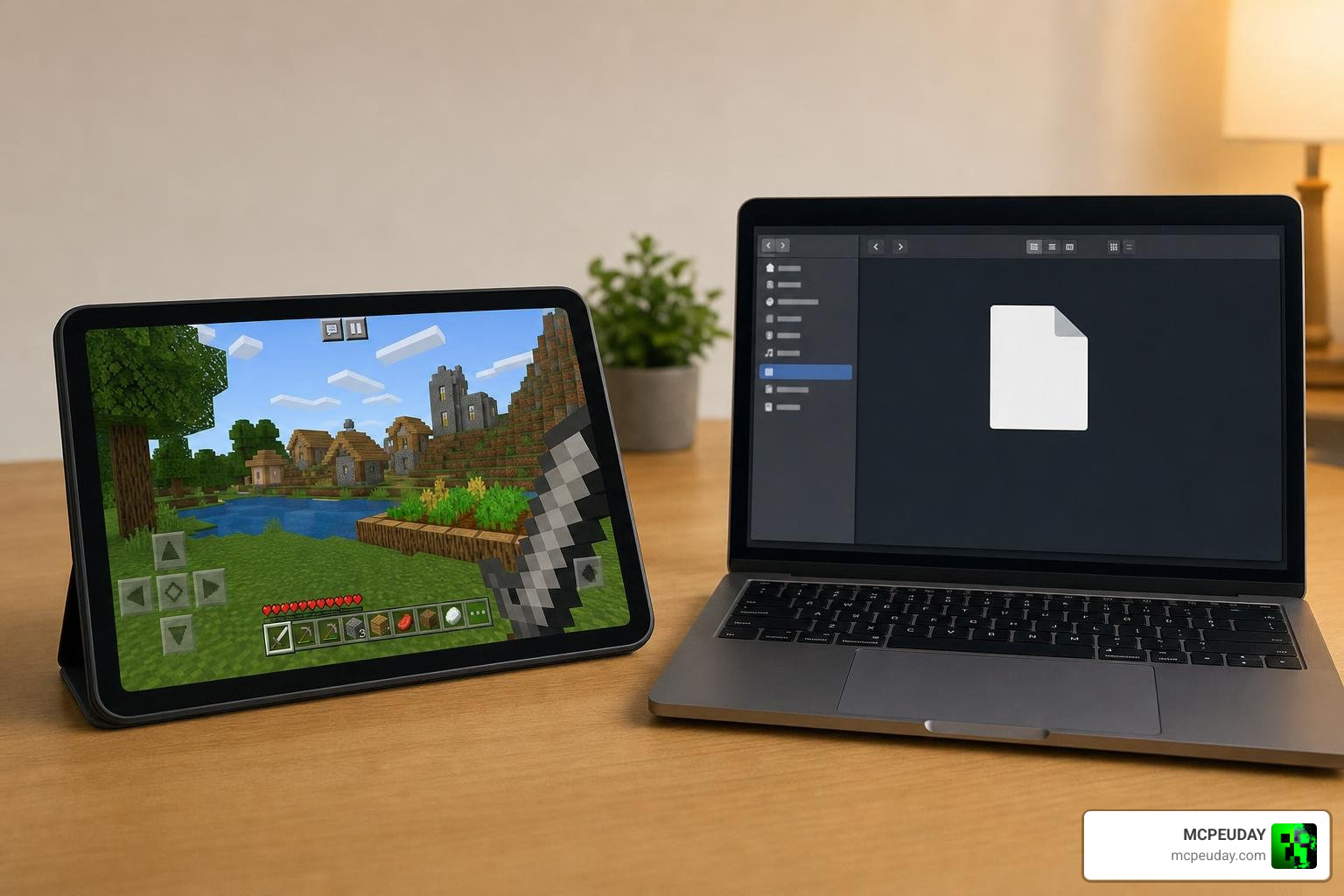
Follow our simple, up-to-date guide for July 2026 to get started.
Step 1: Download the Addon File
First, you need to grab the official .mcpack file. The file is incredibly lightweight (usually around 1.5 MB to 2.2 MB depending on the version), meaning it will download in a matter of seconds even on slower connections. Ensure you save the downloaded file somewhere easily accessible on your device, like your Downloads folder.
Step 2: Import to Minecraft Bedrock
Once the download is complete, importing it is as simple as a single tap:
- On Mobile (iOS/Android): Open your device’s file manager, navigate to your downloads, and tap on the downloaded file. Select “Open with Minecraft.” The game will launch automatically, and you will see a message at the top of your screen saying “Import Started” followed by “Successfully Imported.”
- On Windows 10/11: Simply double-click the downloaded
.mcpackfile. Minecraft will launch and automatically handle the installation process.
Step 3: Activate and Configure Sub-Packs
Now that the addon is safely inside your game, it is time to turn it on and choose your favorite style:
- Launch Minecraft and head to Settings (for all your worlds) or click the edit icon next to a specific world.
- Scroll down on the left menu and click on Resource Packs.
- Under the My Packs tab, locate the BETTER RAIN+ Addon and click Activate.
- Once activated, click on the pack under the Active tab. Tap the gear icon (Settings) next to the “Deactivate” button.
- Drag the slider to select your preferred sub-pack (Normal, Realistic, Transparent, Red, or Blue). Close the settings, and let the game load the resource resources!
Performance, Compatibility, and Comparison
We know what you might be thinking: “Will realistic rain turn my phone into a pocket-sized furnace?” Fortunately, no! Unlike heavy shader packs, this addon is built with performance as a top priority.
| Feature | Vanilla Rain | BETTER RAIN+ Addon |
|---|---|---|
| Raindrop Thickness | Heavy, obstructive gray blocks | Finer, optimized lines |
| Haze/Fog Effect | Thick, visibility-reducing fog | Clean, vibrant horizon |
| Player Visuals | No change to player skin | Shiny, realistic “wet skin” effect |
| Audio Quality | Repetitive, static loops | Remastered, deep 3D thunder |
| Performance Impact | Can cause frame drops on older phones | Highly optimized; zero lag |
Because the pack uses clever texture optimization rather than spawning thousands of new entities, it actually uses very little RAM. If you are playing on an older mobile device and want to guarantee absolute peak performance, you can combine this pack with our Better FPS Texture Pack to keep your frame rates locked and smooth.
System Requirements and Compatibility
We have thoroughly tested this addon to ensure it works beautifully across the entire Minecraft Bedrock ecosystem.
- Game Version: Fully compatible with Minecraft Bedrock 1.21 and newer.
- Platform Support: Works flawlessly on Android, iOS, Windows 10/11, Xbox, PlayStation, and Nintendo Switch.
- Addon Compatibility: Because it is a client-side resource pack, it won’t conflict with gameplay-changing mods. It runs beautifully alongside heavy overhaul mods like the popular Better on Bedrock Addon.
Frequently Asked Questions about BETTER RAIN+
Does BETTER RAIN+ cause lag on mobile devices?
No, it does not! The developer designed this pack specifically to resolve the performance drops that vanilla rain often causes on lower-end mobile devices. By thinning out the textures and optimizing the rendering process, it actually runs smoother than the default weather.
Can I use BETTER RAIN+ with other shaders or texture packs?
Yes, absolutely. However, you must make sure that you place this addon above other texture packs in your Active list. This ensures its custom rain textures and audio files take priority. If you want a full visual upgrade that includes gorgeous lighting, try running it alongside the Better Rain Shader.
Does this addon work in multiplayer and Realms?
Yes! Because this is a resource pack, you can use it as a client-side mod. This means you can join any public server or Bedrock Realm with the pack active, and you will enjoy the beautiful rain effects even if the server host doesn’t have it installed.
Conclusion
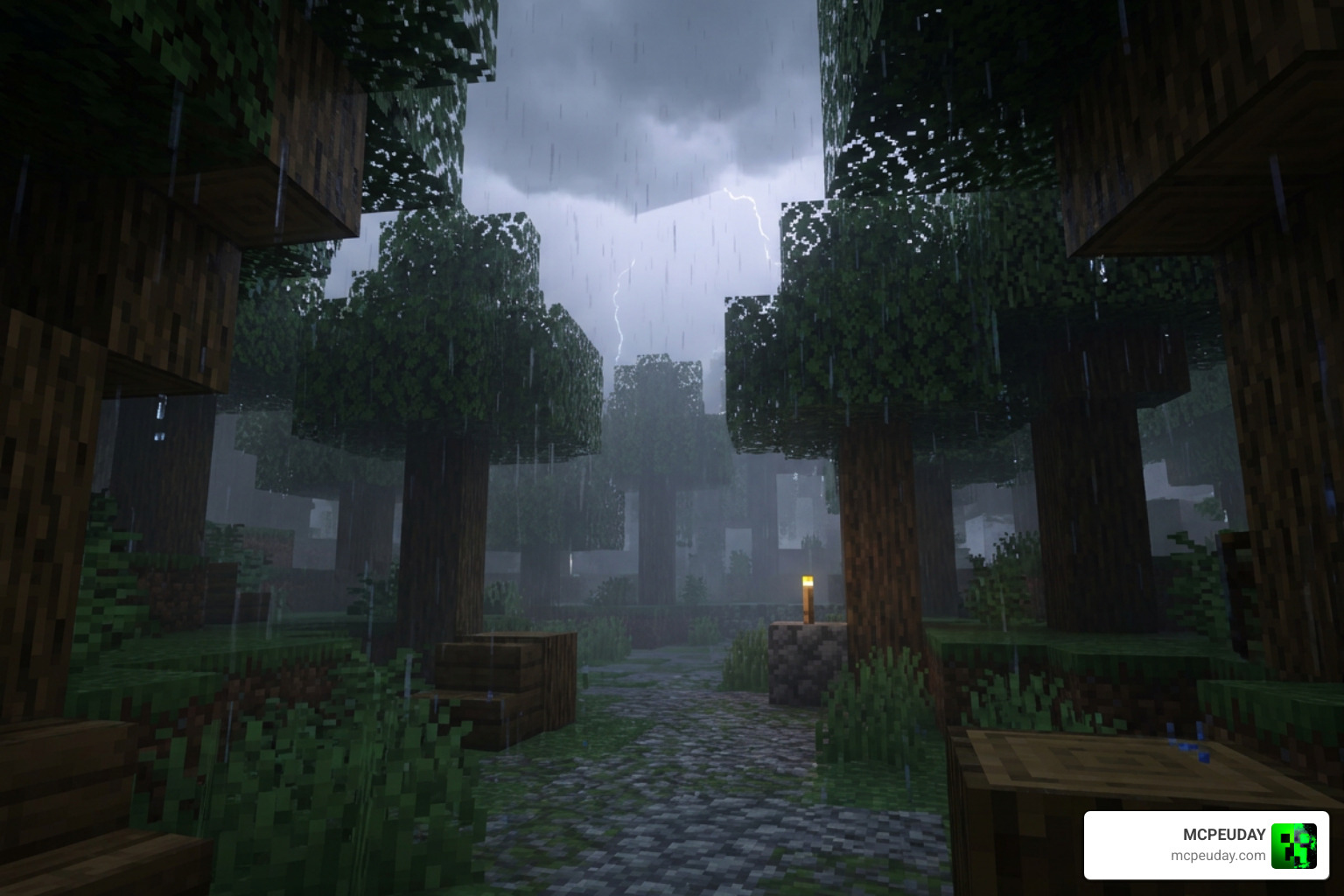
The BETTER RAIN+ Addon is a must-have upgrade for any Bedrock player who is tired of the loud, blinding default weather. Whether you want the ultra-clean look of the Realistic sub-pack or the spooky vibes of the Red rain, this pack gives you total control over your atmosphere without sacrificing a single frame of performance.
We at MCPEUDAY are dedicated to bringing you the absolute best tools, guides, and resources to elevate your blocky adventures. If you loved this upgrade, be sure to check out our main library to Explore more MCPE Bedrock Addons and take your Minecraft worlds to the next level!
1 thought on “BETTER RAIN+ Addon (26.x, 1.21) – MCPE/Bedrock Mod”