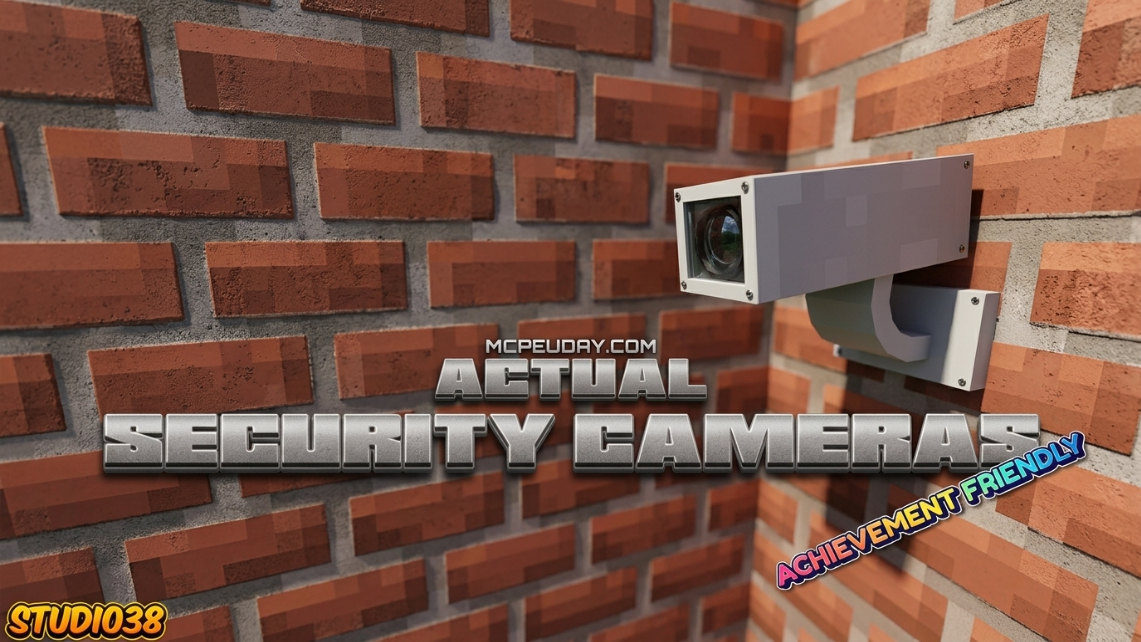
Why the Actual Security Cameras Addon Is a Game-Changer for Minecraft Bedrock
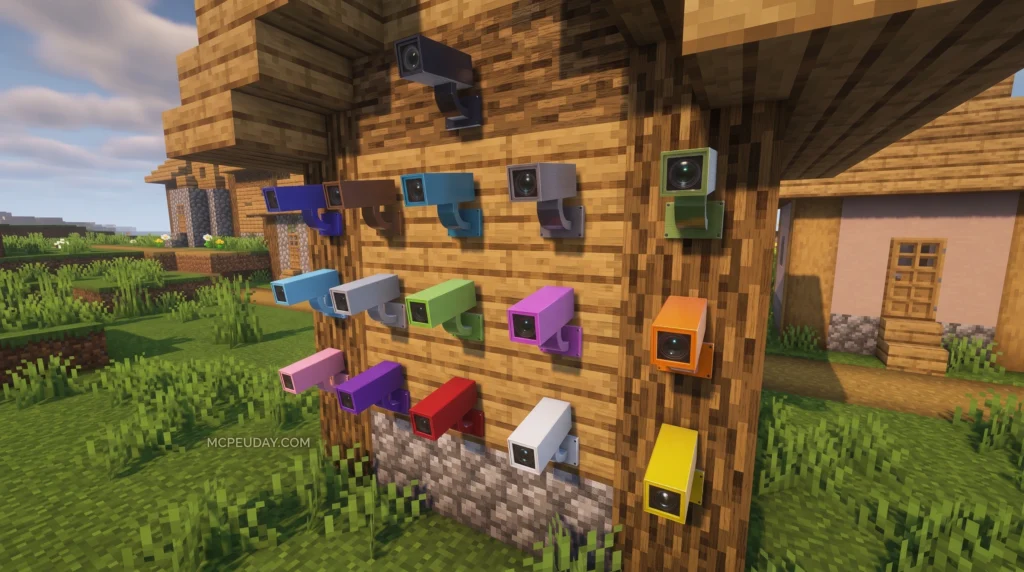
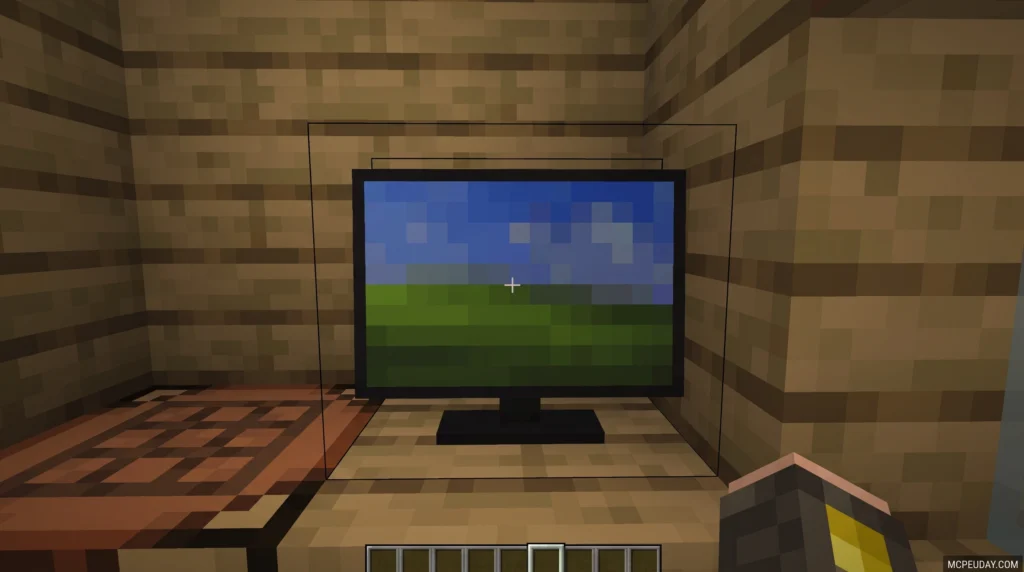
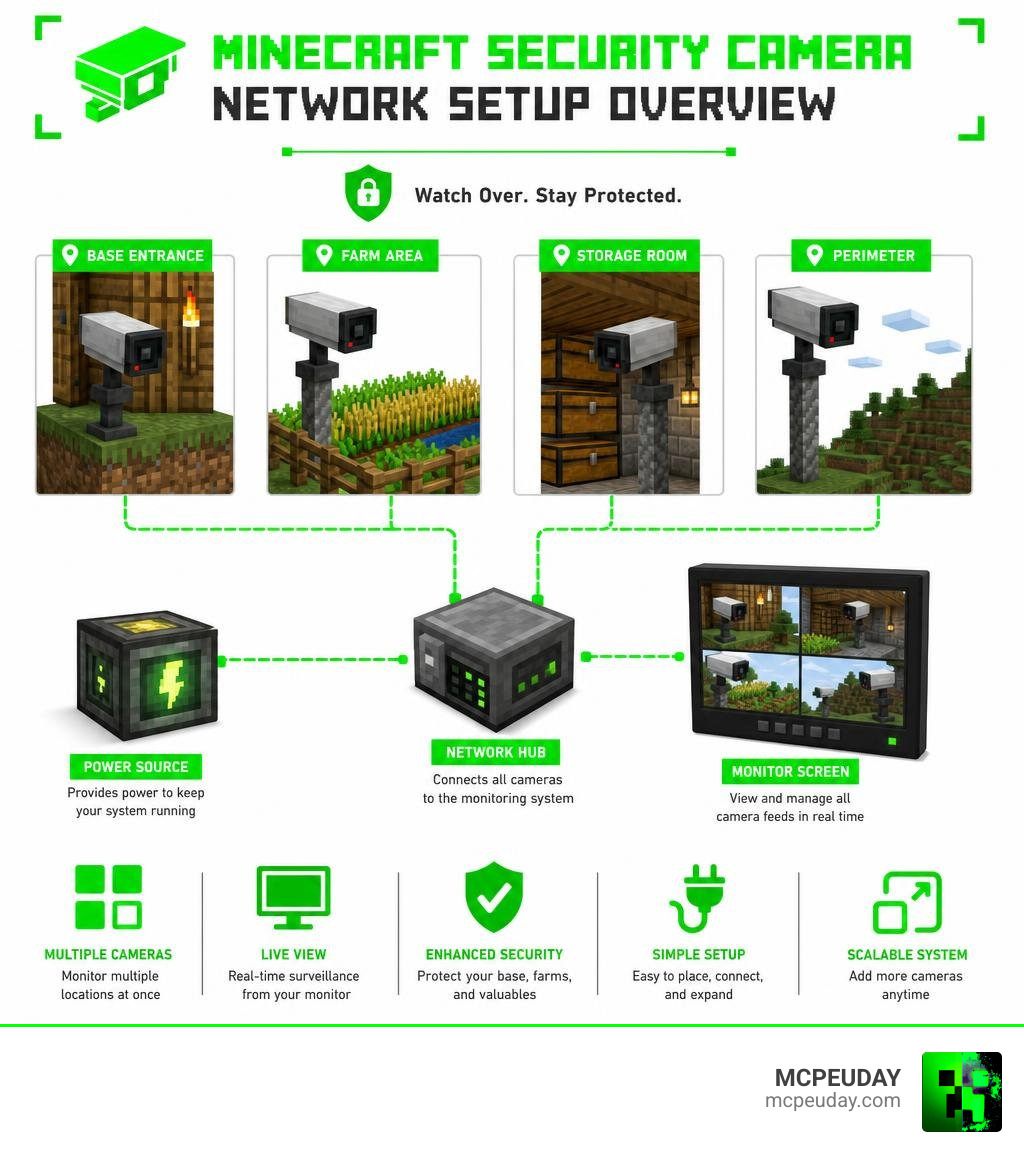
The Actual Security Cameras Addon brings fully working surveillance cameras to Minecraft Bedrock Edition — letting you watch your base, farms, and key locations from anywhere in your world.
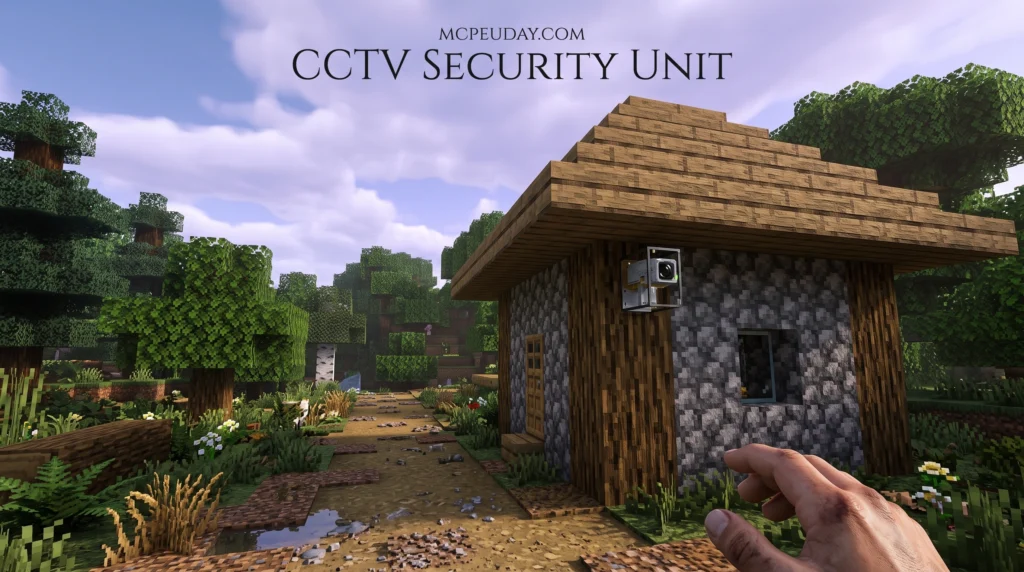
Quick answer:
- It adds placeable camera blocks and a monitor screen to the game
- Cameras are crafted using iron ingots, glass, redstone, and ink
- You can view multiple cameras on one monitor screen
- No experimental settings required
- Compatible with other addons (does not use player.json)
- Works with Minecraft Bedrock version 26.x and supports achievements
Whether you’re worried about players raiding your base or mobs sneaking up on your farm, this addon gives you a real surveillance system — right inside Minecraft.
It has earned a 4.8 out of 5 rating and is one of the most straightforward security addons available for Bedrock, with no messy experimental toggles needed to get it running.
What is the Actual Security Cameras Addon?
The Actual Security Cameras Addon is a lightweight, highly efficient Bedrock Edition addon that introduces functional CCTV-style cameras to your survival or creative worlds. Unlike older mods that required complex command blocks or placeholder entities, this addon provides clean, interactive camera blocks and a dedicated monitor screen to view your feeds.
In the early days of Minecraft, protecting your base meant building massive cobblestone walls, digging deep lava moats, or setting up complicated redstone tripwires that often ended up blowing up your own house by mistake. While those classic methods have their charm, they lack the sophistication and precision of modern technology. The Actual Security Cameras Addon bridges this gap by introducing a high-tech, reliable solution that fits perfectly into the modern Minecraft aesthetic. It transforms how you interact with your environment, turning a simple survival base into a fully monitored command center.
If you want to see how the system operates in real time, you can check out this helpful Video Guide demonstrating the addon in action.
Whether you are building a massive high-tech bunker in the USA or setting up a cozy, protected cottage in Russia, having remote eyes on your territory is incredibly satisfying. Think of it as installing a virtual security system. While real-world businesses might search for a physical Security Camera System In Jaipur to guard their physical properties, we Minecraft players can secure our digital castles with just a few iron ingots and redstone dust!
Core Features and Crafting Recipes
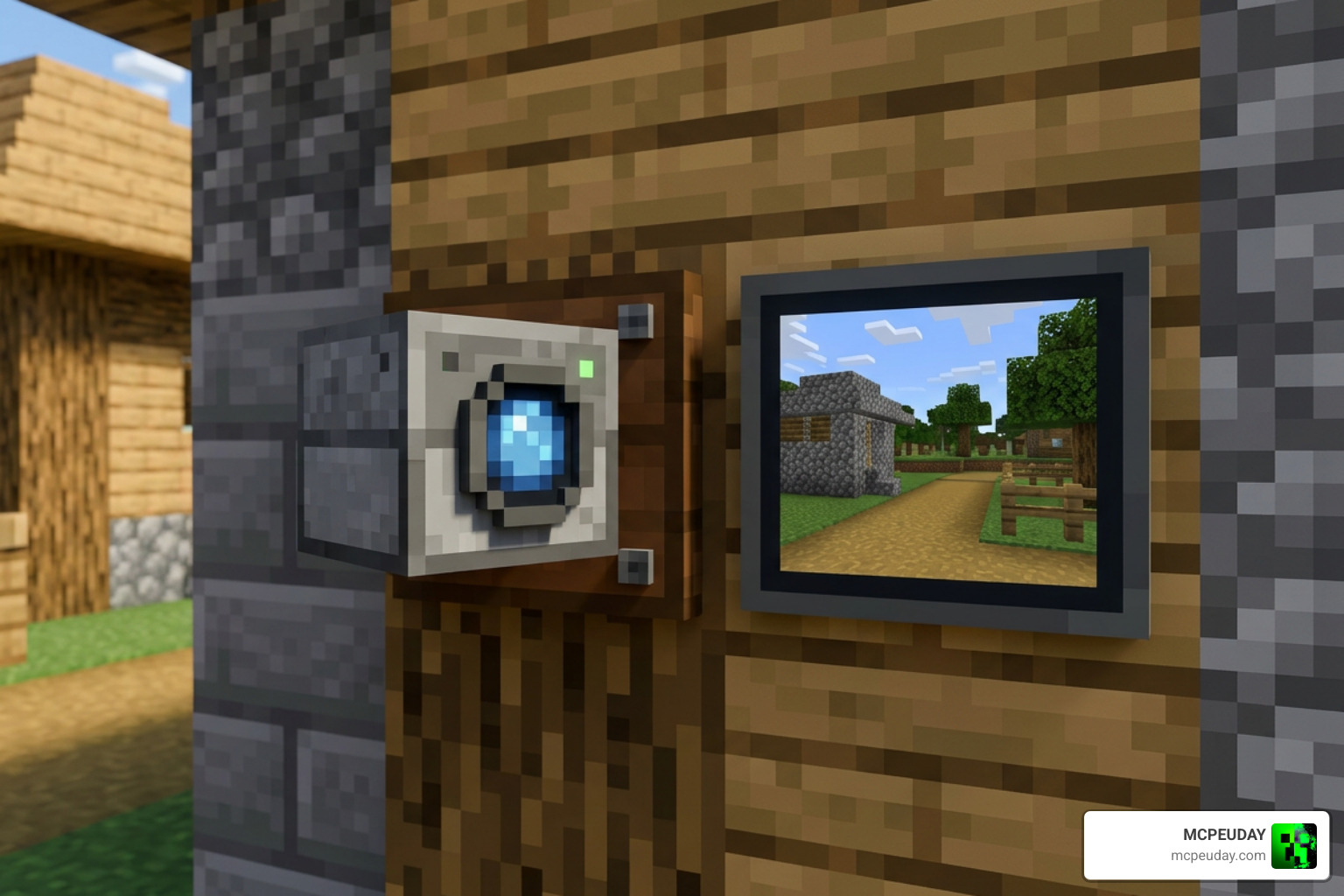
The beauty of this addon lies in its simplicity. It does not clutter your inventory with dozens of unnecessary items. Instead, it focuses on two main components: the camera itself and the monitor.
Here are the standout features:
- Fixed Position Placement: Place cameras on almost any block face to get the perfect angle.
- Location Naming: Easily name each camera after placing it (e.g., “Front Gate” or “Skeleton Spawner”) so you do not get confused.
- Multi-Camera Viewing: Switch between different active camera feeds seamlessly using a single monitor.
- Aesthetic Variety: The addon supports multiple camera colors to match your base’s build style.
To show how this addon holds up against other options on the market, let us look at a quick comparison:
| Feature | Actual Security Cameras Addon | Standard Security Apps / Alternatives |
|---|---|---|
| Experimental Toggles | None required (Keep achievements!) | Often requires multiple experimental toggles |
| Player.json Dependency | No (High compatibility with other mods) | Yes (Prone to breaking other addons) |
| File Size | Lightweight (~223 KB to 467 KB) | Heavy (Often bundled with bloated apps) |
| Dimension Support | Same-dimension monitoring | Limited to active chunk rendering |
If you are looking for alternative styles, you can also explore other community creations like the Security Cameras – Minecraft Bedrock Addons page on CurseForge, which features alternative v3.0 camera builds.
How to Craft Items in the Actual Security Cameras Addon
You do not need to hunt down rare endgame materials to secure your home. The crafting recipes are balanced perfectly for early-to-mid-game survival play.
To craft a basic Security Camera, you will need:
- Iron Ingots (for the durable casing)
- Redstone Dust (to power the internal wiring)
- Glass Pane (for the camera lens)
- Ink Sac / Black Dye (for the internal dark components)
Simply combine these items on a standard crafting table. Typically, you place the iron ingots around the outer edges of the crafting grid to form the protective shell, with the glass pane in the center to act as the lens, and the redstone dust and ink sac at the bottom to complete the internal circuitry. Once crafted, you can prepare your Monitor Screen using a similar recipe layout, substituting a few blocks to create the interactive screen interface. This screen acts as your central hub, allowing you to access any camera in your network with a simple tap.
If you love building high-tech defense grids, you might also want to check out our guides on the Security Craft Addon to add traps, lasers, and password-protected chests to your surveillance setup.
Viewing and Naming Your Cameras
Once you place your camera block, interacting with it opens a user-friendly UI. Here, you can name the camera location. We highly recommend doing this immediately! If you have cameras set up at your automated iron farm, your gold farm, and your front door, keeping them organized by name makes remote viewing a breeze.
When placing your cameras, think like a security expert. Position them high up on walls, under roof eaves, or hidden within tree leaves to cover all possible entry points. Avoid placing them in tight corridors where their field of view might be blocked by adjacent blocks. Once placed, interacting with the camera block opens a user-friendly UI.
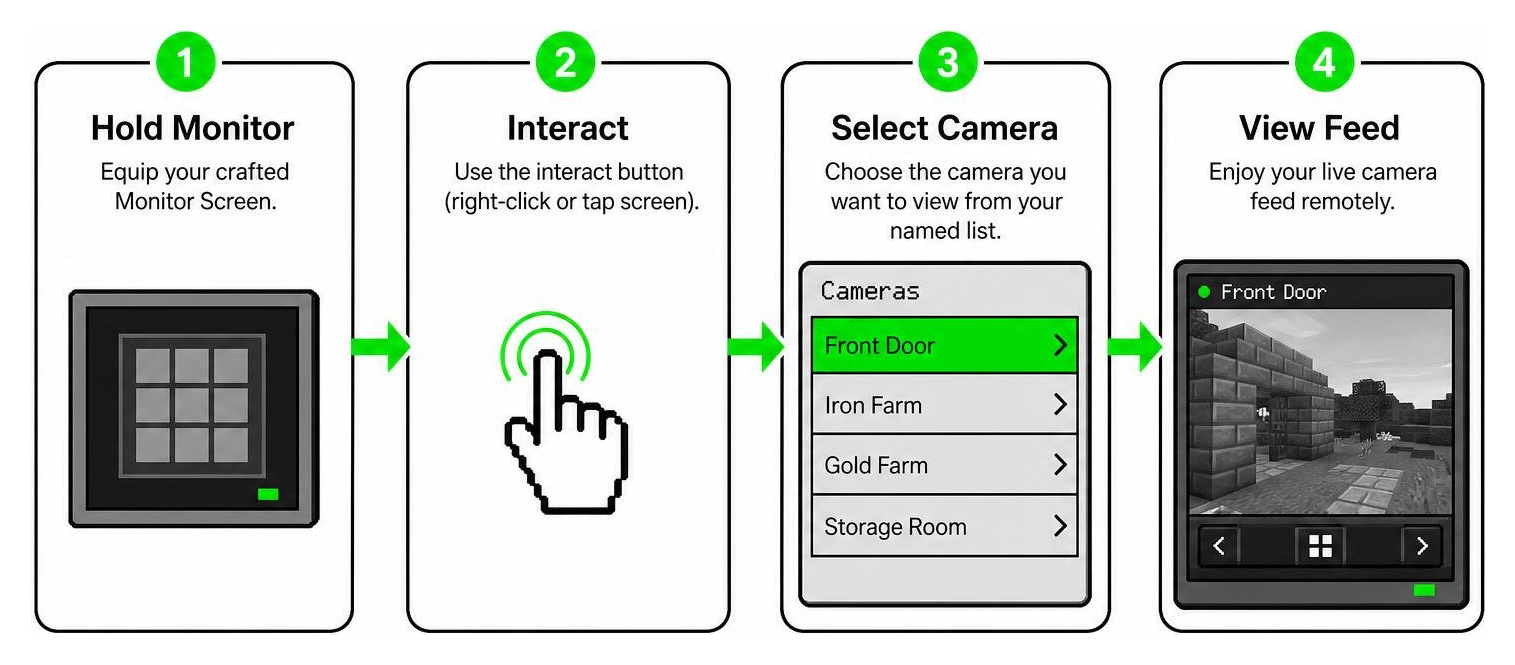
To view your cameras:
- Hold your crafted Monitor Screen.
- Use the interact button (right-click or tap screen).
- Select the camera you want to view from your named list.
- Enjoy your remote feed!
Just remember that Minecraft has dimension and chunk-loading limits. Like physical surveillance gear—such as a specialized covert GFCI outlet camera or a side pinhole camera outlet that must remain within Wi-Fi range—your Minecraft cameras require their chunks to be loaded to send a live feed back to your monitor. Keep your cameras in the same dimension you are currently exploring for the best results.
For more security options, you can also compare these UI controls with our review of the Securitycraft Bedrock Addon.
Step-by-Step Installation and Setup Guide
Installing the Actual Security Cameras Addon is incredibly simple because it does not require you to mess with experimental world settings. This means you can keep earning achievements in your survival worlds while enjoying full surveillance capabilities!
Installing the Actual Security Cameras Addon on Bedrock
Follow these easy steps to get up and running:
- Download the File: Grab the
.mcaddonfile from our trusted links here at MCPEUDAY. - Import to Minecraft: Double-click or tap the downloaded file. Minecraft Bedrock will open automatically and import both the Behavior Pack and Resource Pack.
- Create or Edit Your World: Go to your world settings menu.
- Activate the Packs:
- Navigate to Resource Packs and activate the Actual Security Cameras pack.
- Navigate to Behavior Packs and ensure the corresponding behavior pack is active.
- Start Your World: Enter your world, craft your cameras, and start securing your base!
Frequently Asked Questions
Does the addon require experimental settings to be enabled?
No! One of the absolute best features of the Actual Security Cameras Addon is that it runs perfectly without enabling experimental gameplay toggles. This ensures your world remains stable and fully supports standard achievement progression.
Can I use security cameras across different dimensions?
The addon works best when you and your cameras are in the same dimension (such as the Overworld). If you travel to the Nether or the End, the game unloads the Overworld chunks, which will temporarily pause your camera feeds until you return.
How many cameras can I connect to a single monitor?
There is no hard limit to the number of cameras you can register to your monitor screen. You can set up dozens of cameras across your base, farms, and mines, and access them all from the same handheld monitor. This makes it incredibly easy to scale up your security network as your world grows.
Do these cameras work in multiplayer mode?
Yes! The addon is fully compatible with multiplayer worlds and realms. Other players can craft their own monitors and view the cameras, making it an excellent tool for cooperative base management or faction-based gameplay where team members need to coordinate defense strategies.
Is this addon compatible with other Minecraft mods?
Yes, absolutely! Because this addon avoids editing the shared player.json file, it plays incredibly well with other popular addons.
If you want to turn your base defense up to eleven, we highly recommend pairing your security cameras with some firepower. You can easily run this addon alongside our popular weapon packs, such as the Actual Guns 3D Addon, the classic Actual Guns 2 Addon, or the updated Actual Guns 2 Addon 1 21 Realistic 3D Guns Mod For Mcpe. This allows you to spot an intruder on your monitor and immediately defend your base with realistic 3D weaponry!
Conclusion
The Actual Security Cameras Addon is an essential download for any Minecraft Bedrock player who values safety, automation, and high-tech base design. By allowing you to monitor your hard-earned farms and secure your valuables from afar, it adds a whole new layer of strategy and immersion to your survival gameplay.
We at MCPEUDAY are dedicated to bringing you the absolute best, most stable, and most exciting addons for your Minecraft worlds. Once you have your surveillance grid fully set up, why not upgrade your base defense even further? Explore the 5 Best Minecraft Bedrock Gun Mods for Survival and PvP in 2026 and turn your home into an impenetrable fortress!