
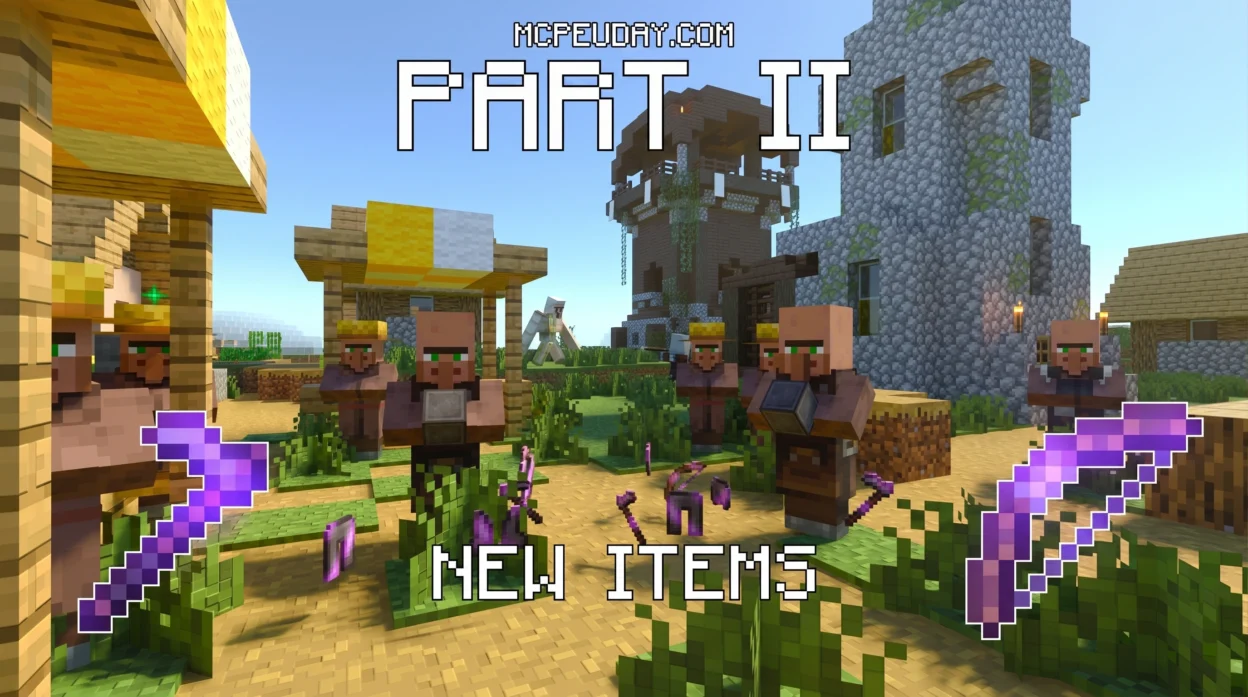
What Is the OP Tool Smith + Addon and Why Players Love It
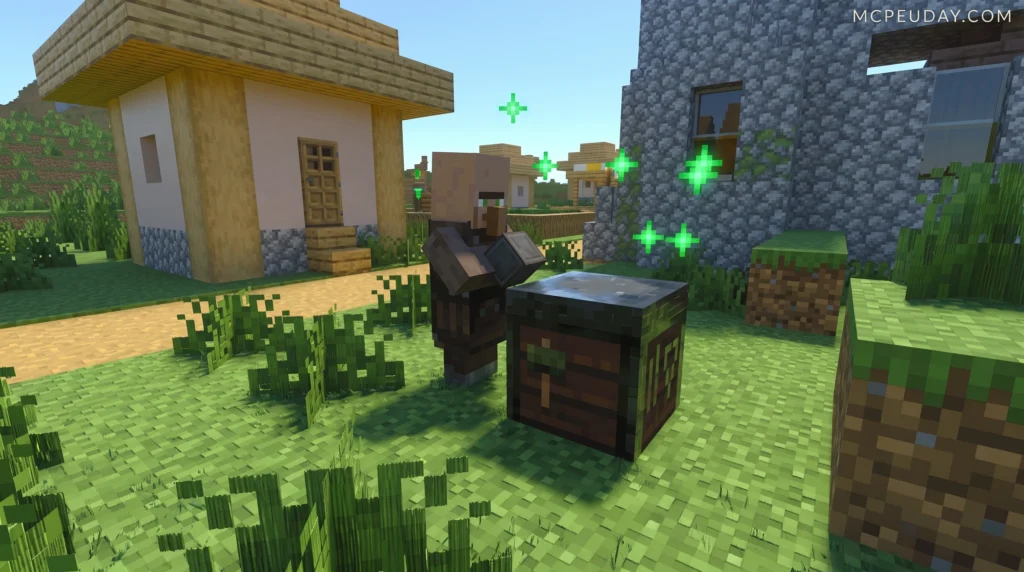
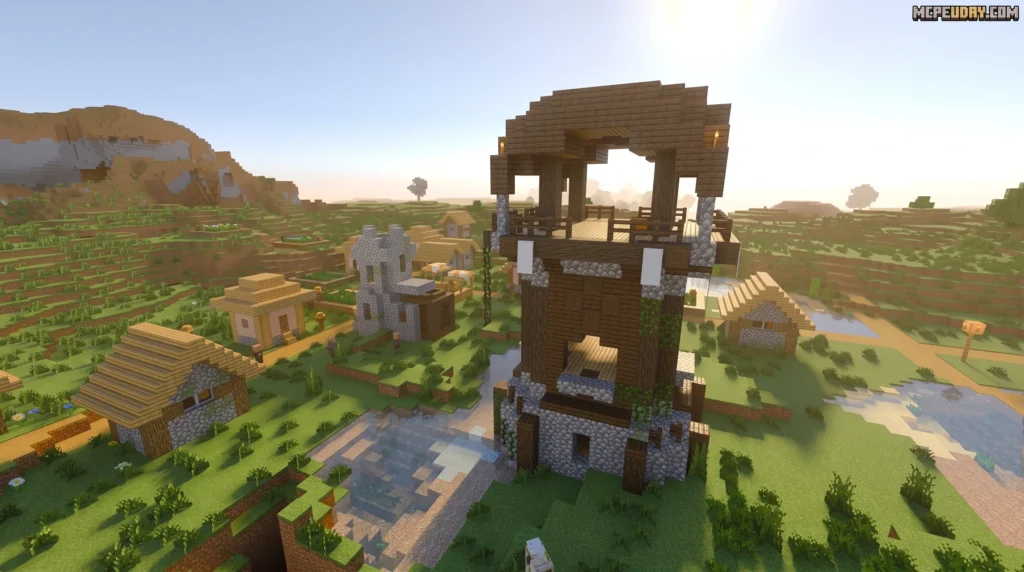
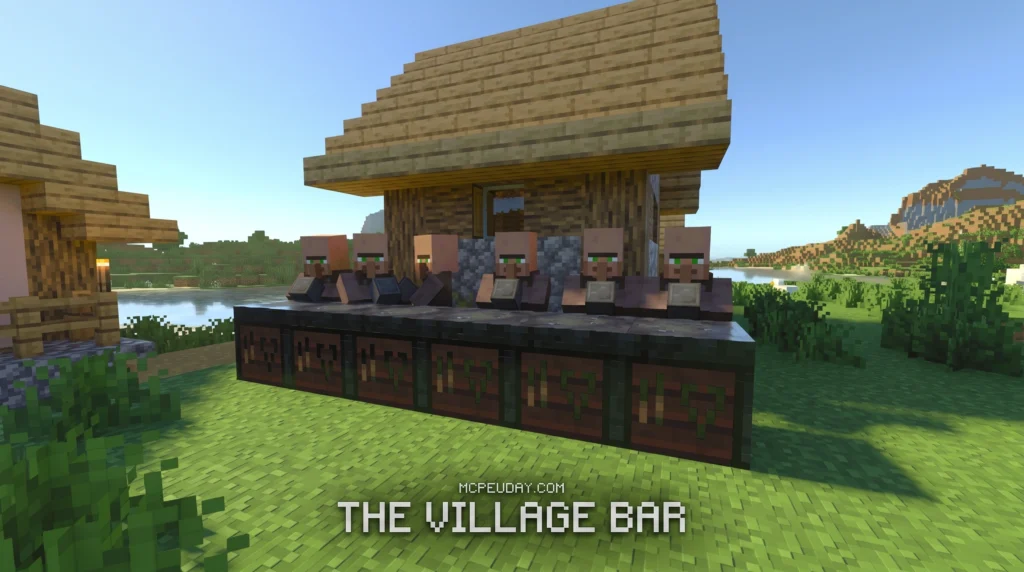
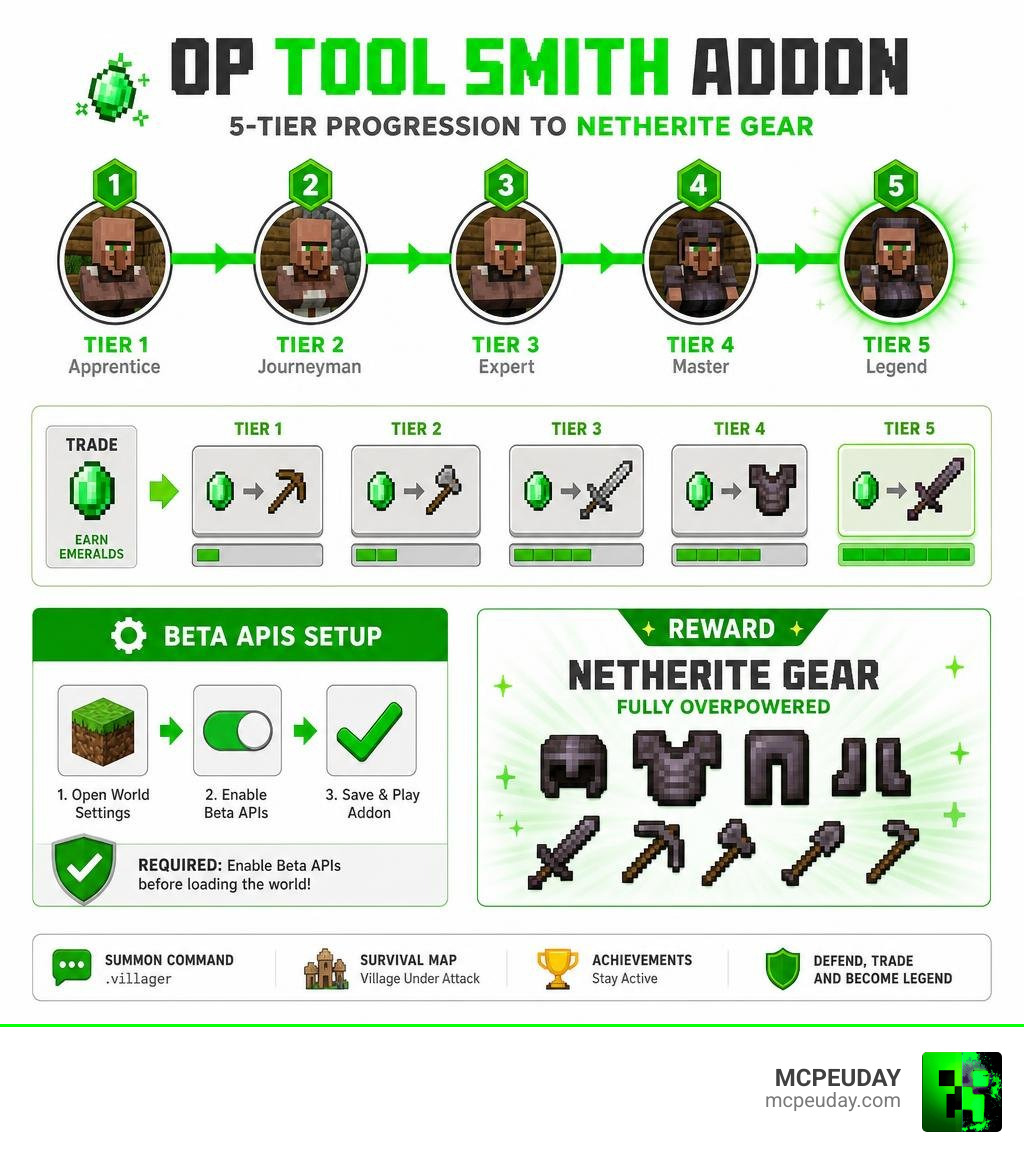
The OP Tool Smith + Addon is a Minecraft Bedrock Edition content pack that combines a custom survival map with an addon file, letting you trade with a specially scripted villager to unlock overpowered Netherite armor and tools — without disabling your achievements.
Here is a quick snapshot of what you get:
- Map file (
.mcworld, ~294 KB) — a survival village under attack by a nearby Pillager outpost - Addon file (
.mcaddon, ~71 KB) — adds the custom Tool Smith villager and scripted trading tiers - Summoning command — type
.villagerin chat to spawn the trader instantly - Required setting — Beta APIs experimental feature must be enabled before loading the world
- Top reward — fully overpowered Netherite gear unlocked at the highest trading tier
- Achievement status — stays active throughout the entire experience
The core idea is simple: instead of hunting through the Nether for gear upgrades, you earn them through trade. You defend the village, gather emeralds, level up your Tool Smith villager through five trading tiers, and walk away with some of the most powerful gear in the game — all inside a survival world where your progress still counts.
Complete Overview of the OP Tool Smith + Addon
If you have ever spent hours grinding for ancient debris in the fiery depths of the Nether, you know how exhausting it can be. We have all been there, dodging Ghast fireballs just to get a single upgrade. That is why the OP Tool Smith + Addon is such a breath of fresh air.
At its heart, this addon introduces a specialized, highly modified villager trader into your game. Instead of offering standard vanilla trades, this custom Tool Smith offers a progression system that leads directly to god-tier gear. The addon is built to work hand-in-hand with a custom survival map that drops you right into a tense, action-packed scenario. You spawn in a cozy survival village that is under constant threat from a nearby Pillager outpost.
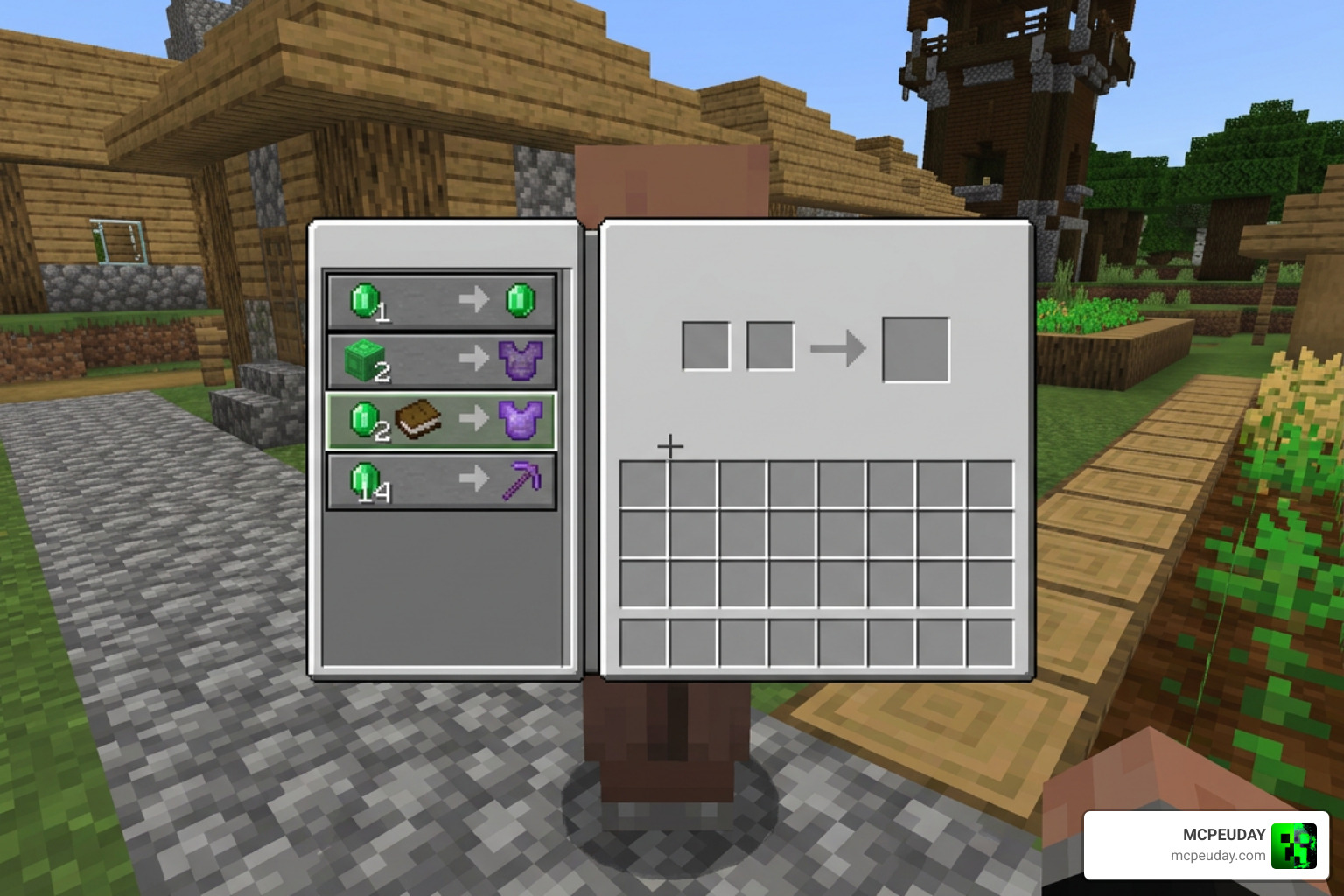
This setup creates a brilliant gameplay loop. You must defend the villagers from Pillager raids, gather resources, and build up a thriving emerald-based economy to fund your trading habit. To get started on this adventure, you can check out the OP Tool Smith Map (26.x, 1.21) – Trade For Overpowered Netherite to download the base map and see how the village is laid out.
Key Differences: Map vs. OP Tool Smith + Addon
We often get asked: “Can’t I just download the map? Why do I need the addon too?”
While the standalone map is fantastic, combining it with the addon unlocks its true potential. The map-only version relies entirely on localized command blocks and fixed coordinates. This means your overpowered villager is stuck in that specific village. If you wander too far or want to start a fresh world on a different seed, you lose access to your favorite trader.
The combined addon version, however, brings ultimate portability. The custom behaviors are coded directly into the game’s files via the .mcaddon format. This allows you to summon the custom Tool Smith in any world, on any seed, at any time. It gives you the freedom to integrate these overpowered trades into your long-term survival worlds. If you enjoy expanding your game with even more custom equipment options, you might also want to look at the More Tools Addon for an even wider variety of tools to play with.
Gameplay Progression and Achievement Preservation
One of the biggest hurdles with Minecraft mods is that activating them usually disables vanilla achievements. For many of us, turning off achievements takes away the satisfaction of survival mode. Fortunately, the creators of this addon designed it with achievement preservation in mind!
Because the custom behaviors are tied to specific villager trading tables and scripted entities rather than global game-breaking cheats, you can enjoy a fully modded progression system while keeping your achievement hunting active. The progression is balanced around a robust emerald economy. You cannot just walk up and grab god-tier gear on day one. You must trade wood, iron, and other basic resources to level up the villager through five distinct tiers. It feels like a natural, albeit highly rewarding, extension of the vanilla game. For players who love keeping things close to the original feel, we also recommend checking out the More Vanilla Tools Addon to complement your survival experience.
How to Install and Activate the Addon
Getting the OP Tool Smith + Addon up and running is a breeze, but there is one crucial step you cannot skip: enabling experimental features.
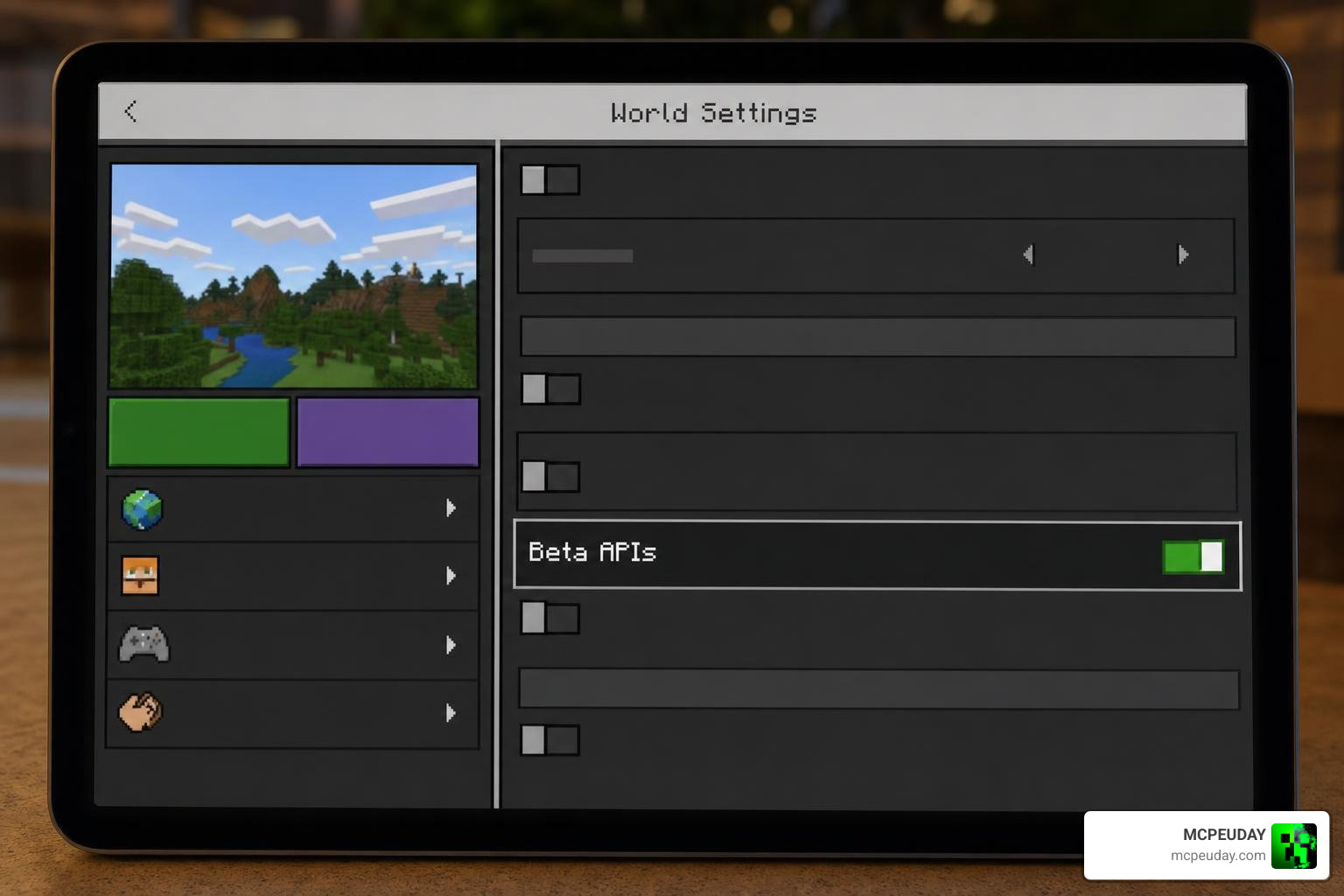
Because this addon uses custom scripting to modify villager trade tables and behaviors, Minecraft Bedrock Edition requires you to toggle on specific experimental settings. Specifically, you must enable the Beta APIs toggle in your world settings before launching. Without this, the custom villager behavior will not load, and you will be left with a completely normal, boring vanilla toolsmith.
If you are looking to expand your arsenal even further while tweaking your world settings, the More Vanilla Weapons Addon is another excellent choice that integrates smoothly with these experimental features.
Step-by-Step Installation of the OP Tool Smith + Addon
Whether you are playing on your phone, tablet, or PC, installing the addon is quick and simple. Here is a handy visual guide to how the files move into your game:
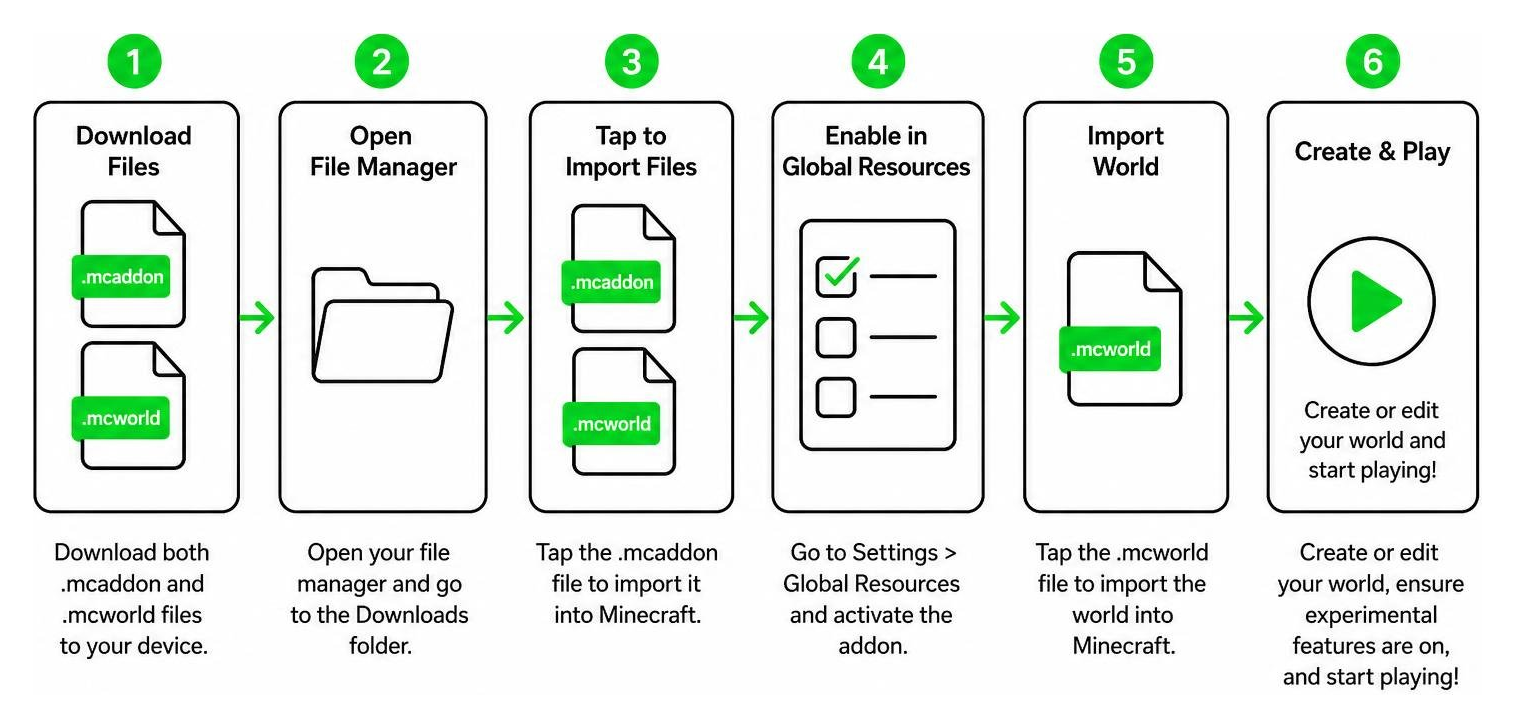
Follow these platform-specific steps to get started:
Android Installation
- Download both the
.mcworldand.mcaddonfiles to your device. - Open your preferred file manager app and navigate to your “Downloads” folder.
- Tap on the
.mcworldfile. Your device should prompt you to open it with Minecraft. Select Minecraft, and the game will import the map automatically. - Go back to your file manager and tap on the
.mcaddonfile. Again, open it with Minecraft to import the behavior and resource packs. - Create a new world or edit your existing world, scroll down to the Experiments tab, and toggle on Beta APIs.
- Activate the OP Tool Smith behavior pack in the world settings and launch!
iOS Activation
- Download the files directly onto your iPhone or iPad.
- Open the native Files app and locate the downloaded files.
- Tap the
.mcworldfile. iOS will automatically launch Minecraft and import the world. - Repeat the process for the
.mcaddonfile to install the behavior packs. - Edit your world settings, turn on the Beta APIs experimental toggle, activate the behavior pack, and you are ready to play.
Windows 10/11 Setup
- Download the files to your PC.
- Go to your downloads folder and double-click the
.mcworldfile. Minecraft will open and import the map. - Double-click the
.mcaddonfile to import the custom addon packs. - In Minecraft, go to your world settings, enable Beta APIs under the Experiments tab, apply the addon, and start your game.
Summoning and Trading with the Custom Villager
Once you are inside your world with the addon activated, it is time to meet your new best friend. If you are playing on the custom survival map, you can find the custom Tool Smith living in a specially designed house within the village.
However, if you are playing on a custom seed or your own survival world, you can summon him directly using a handy chat command. Simply open your chat window and type .villager to spawn the custom trader right in front of you.
Once spawned, you can protect him from incoming Pillager raids by building defensive walls or using custom shields like those found in the New Shields Overhaul Addon to keep your village safe.
Tier 5 Overpowered Netherite Gear and Tools
As you trade with the custom Tool Smith, you will unlock increasingly powerful items. Once you help him reach the final trade level (Tier 5), he will offer unmatched, overpowered Netherite armor and tools. These items come pre-enchanted with levels of efficiency, protection, and unbreaking that far exceed what is possible at a standard vanilla enchanting table.
To give you an idea of just how powerful this gear is, let us compare the stats of vanilla Netherite gear against the Tier 5 OP Tool Smith gear:
| Equipment Type | Vanilla Netherite Stats | OP Tool Smith Tier 5 Stats | Key Enchantments Included |
|---|---|---|---|
| Netherite Helmet | +3 Armor, +1 Armor Toughness | +6 Armor, +3 Armor Toughness | Protection V, Unbreaking V, Mending |
| Netherite Chestplate | +8 Armor, +1 Armor Toughness | +14 Armor, +5 Armor Toughness | Protection V, Thorns III, Mending |
| Netherite Pickaxe | 9.0 Attack Damage, 1.2 Speed | 15.0 Attack Damage, 2.5 Speed | Efficiency VI, Fortune IV, Mending |
| Netherite Sword | 8.0 Attack Damage | 16.0 Attack Damage | Sharpness VI, Looting IV, Fire Aspect II |
With these tools in hand, mining through deepslate feels like slicing through butter, and even the toughest bosses will fall in a matter of seconds. If you love using insanely powerful mining equipment, you should also take a look at the Sculker Weapons and Tools Addon for more unique late-game gear.
Technical Customization and Tool Generation
For the technical minds and developers out there, the magic behind these custom trading tables is incredibly fascinating. While players enjoy the simple in-game trading, developers often use advanced frameworks to generate and test these custom tool behaviors.
For instance, tools like zhattention/autogen-toolsmith allow developers to automatically generate and test complex tool schemas using natural language descriptions. Additionally, plugins like jms830/opencode-tool-search help optimize game performance by deferring complex tool descriptions until they are actually needed in the UI, saving valuable processing power on mobile devices. It is amazing to see how these advanced development tools help creators build smoother, more optimized addons for us to enjoy!
Frequently Asked Questions about OP Tool Smith
How do you summon the custom OP Tool Smith villager?
You can summon him instantly in any world where the addon is active by opening your in-game chat and typing the command .villager. Make sure you have a safe spot or a workstation ready for him so he doesn’t wander off into danger!
Does this addon disable achievements in Minecraft Bedrock?
No! One of the best features of this addon is that it preserves your vanilla achievements. Because it modifies villager trade tables rather than using global world cheats, you can earn your overpowered gear completely legitimately in your survival world.
What experimental settings are required for the addon to work?
You must enable the Beta APIs toggle under the Experiments section in your world settings. If you forget to turn this on, the custom villager behaviors and trade tables will not load correctly.
Conclusion
The OP Tool Smith + Addon is an absolute must-have for any Minecraft Bedrock player looking to spice up their survival gameplay. It strikes a perfect balance between challenging village defense and incredibly rewarding progression, all while keeping your achievements intact.
Here at MCPEUDAY, we love finding and sharing resources that make your Minecraft worlds more exciting. If you want to expand your tool collection even further, check out the Ultimate Drills Addon or try the Practical Tools Balanced Mod for a slightly different take on survival mining.
And if you are ready to take your survival combat to a whole new level, do not miss our guide to the Explore the 5 Best Minecraft Bedrock Gun Mods for Survival & PvP in 2026! Happy mining, and keep those villages safe!