What the Power Bia Jenny Mod Is (and Why Players Love It)
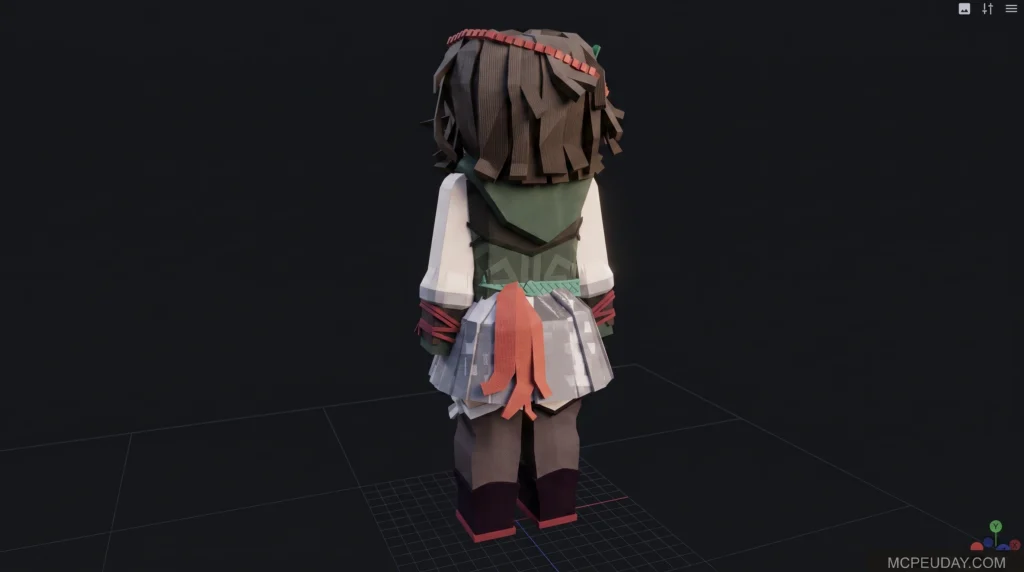
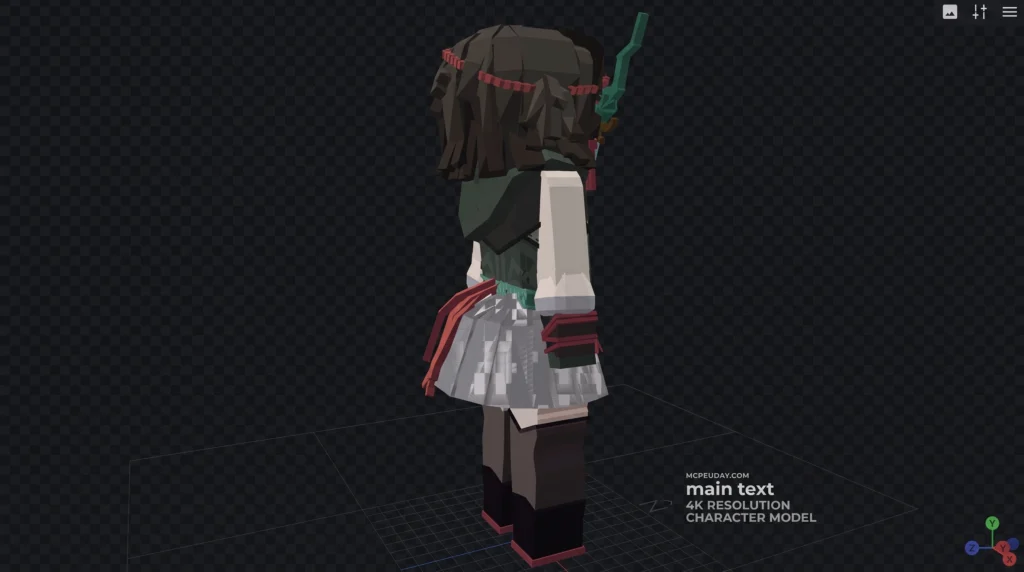
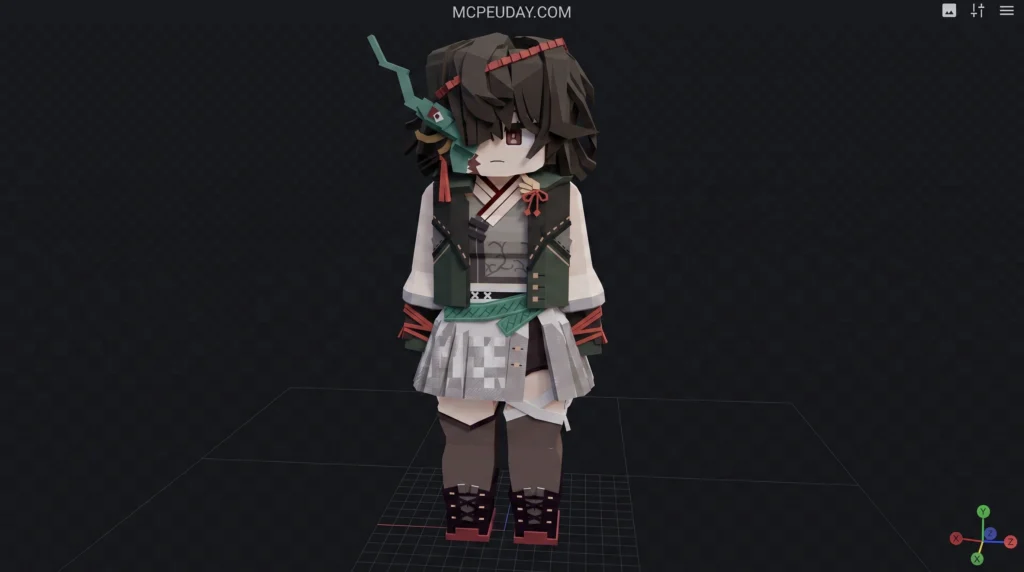
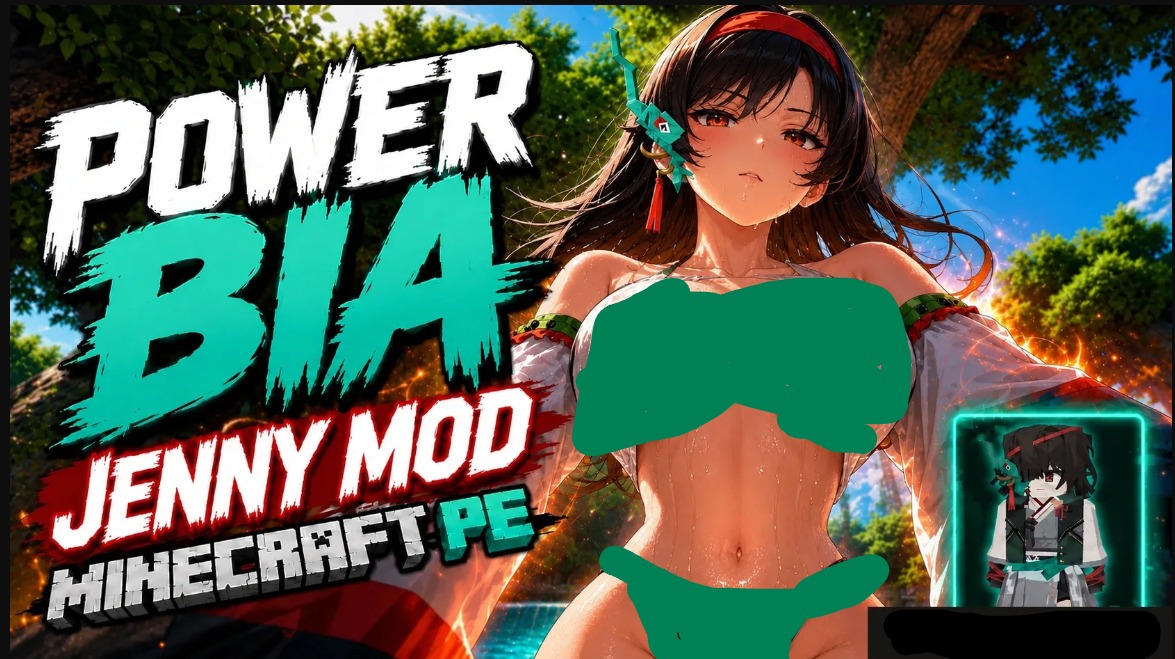
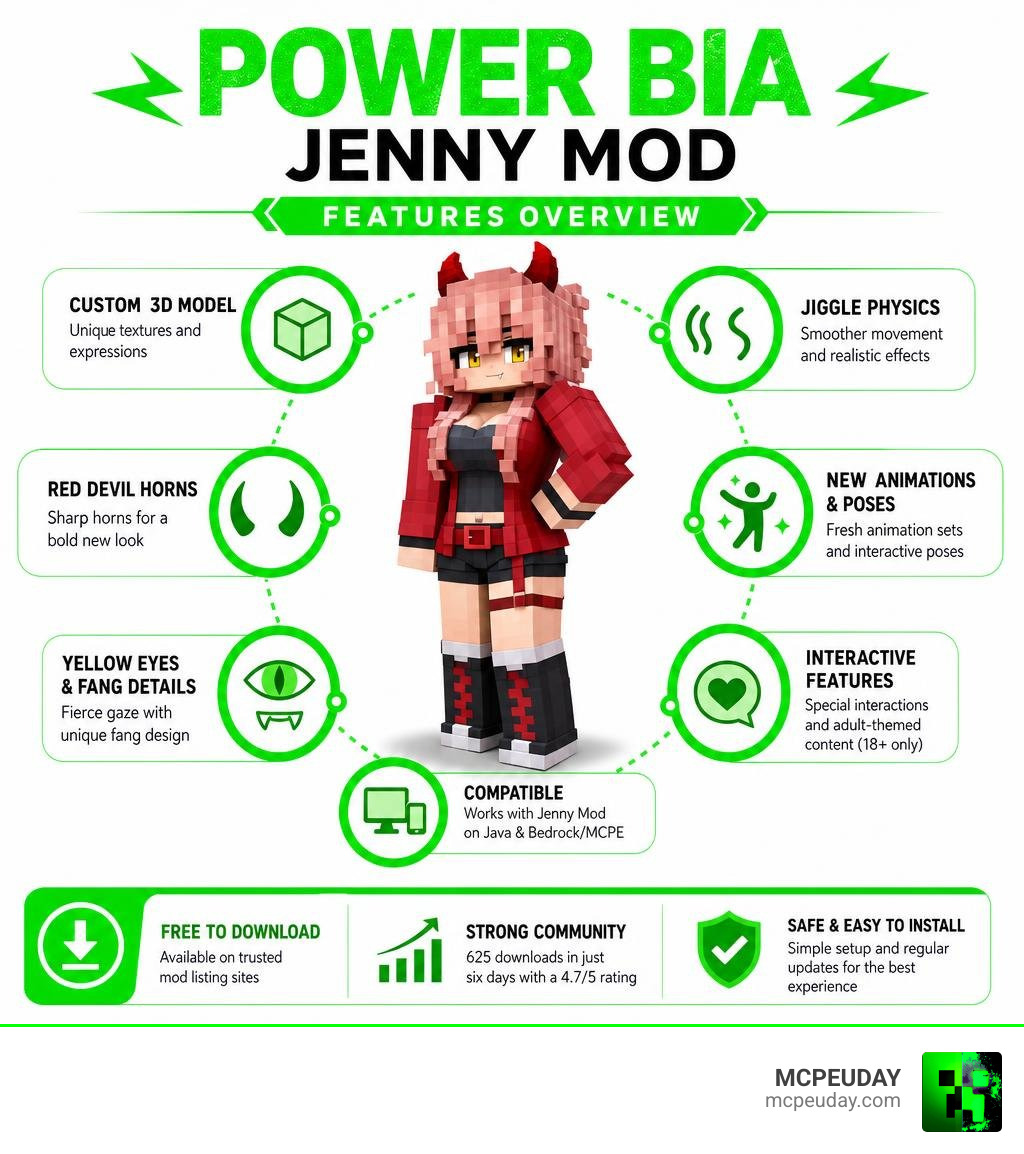
The Power Bia Jenny Mod is a custom 3D character model that replaces the standard Bia Prowell companion in the popular Jenny Mod for Minecraft. It gives Bia a bold new look — complete with messy pinkish-blonde hair, sharp red devil horns, yellow eyes, a red jacket outfit, jiggle physics, and new interactive animations.
Quick answer for what Power Bia Jenny Mod includes:
- Custom 3D model with unique textures and expressions
- Red devil horns and distinctive pinkish-blonde hair
- Yellow eyes and fang details for a fierce aesthetic
- Jiggle physics and new pose/animation sets
- Interactive adult-themed features (mature content, 18+ only)
- Compatible with Jenny Mod on both Java and Bedrock/MCPE editions
- Free to download from mod listing sites like 9Minecraft
Within just six days of release, the Power Bia model pulled in 625 downloads and earned a 4.7 out of 5 rating — a strong signal that the Minecraft modding community was ready for this upgrade.
Bia Prowell is already one of the most beloved characters in the Jenny Mod roster, known for helping players gather resources, healing in combat, and reacting to gifts like flowers and gems. The Power Bia model takes that familiar companion and wraps her in a completely new visual identity.
If you’ve been running the same Bia skin for a while, this guide will show you exactly what changed, how to install it, and where to download it safely.
What is the Power Bia Jenny Mod?
The Power Bia Jenny Mod is a specialized character model replacement designed specifically for the companion Bia Prowell. In the base mod, Bia is a magical companion who typically spawns in Birch Forest and Jungle biomes. She helps players gather wood, stone, and ores, defends them during combat, and reacts dynamically to world items. According to community lore, she is a magical companion with incredible agility and unique immunities. You can read more about her base traits on the Character – Bia Minecraft profile.
While the standard companion is already incredibly popular, players often look to customize her look using the Jenny Mod Bia Pack. The Power Bia Jenny Mod takes this customization to the next level by completely overhauling her aesthetic, turning her into a devilish, high-energy companion inspired by popular anime aesthetics.
Visual and Functional Upgrades of the Power Bia Jenny Mod Model
This model replacement does not just swap out a flat 2D skin; it introduces a highly detailed, custom 3D model. When you download the Power Bia Jenny Mod Model , you will immediately notice several striking visual and functional upgrades:
- Distinctive Hair and Horns: Her default look is replaced with messy pinkish-blonde hair, sharp red devil horns, and prominent yellow eyes complete with tiny fang details.
- The Red Jacket Outfit: She trades her traditional clothing for a stylish, modern red jacket outfit that gives her a rebellious, energetic vibe.
- Jiggle Physics: The model incorporates advanced animations, including jiggle physics, to make her movements feel more fluid and realistic within the blocky Minecraft world.
- Custom Expressions and Poses: Power Bia includes unique interactive poses, expressions, and adult-themed animations (such as strip and custom interaction poses) that are not present in the standard Bia character.
Comparing Power Bia to Other Bia Variants
Bia Prowell has several popular model variations created by the community. If you are trying to decide which style fits your current Minecraft world, here is how the Power Bia design stacks up against other popular variants:
| Variant Name | Visual Theme | Key Features | Best Suited For |
|---|---|---|---|
| Power Bia | Devilish Anime / Fiery | Red horns, pinkish-blonde hair, red jacket, custom jiggle physics | Action-packed survival, high-energy roleplay |
| Anime Bunny | Cute / Pastel Fantasy | Soft pastel colors, bunny ears, lightweight textures | Aesthetic fantasy builds, cozy survival worlds |
| Arlecchino | Dark / Elegant | Sleek black-and-white outfit, crimson accents, dramatic flair | Gothic or dark fantasy worlds |
| Emerald Bia | Classic / Jewel-Themed | Vibrant green attire, sparkling accents, magical aura | Traditional Minecraft fantasy adventures |
| Elma | Office / Dragon Inspired | Purple-tipped dark hair, unicorn-style horn, business suit | Modern city builds, quirky roleplay |
| Ellen Joe | Armored / Maid Style | Long black hair, silver crown, black armored dress | Combat-heavy playthroughs, high-tech worlds |
How to Install and Activate the Power Bia Model
Installing custom character models for the Jenny Mod is straightforward, but the process differs depending on whether you are playing on Minecraft Java Edition (PC) or Bedrock Edition (MCPE/Mobile).

To get started, make sure you have the core companion mod installed. For mobile players, we recommend using the Jenny Addon 26 X 1 21 Mcpe Bedrock Mod as your base framework before applying the Power Bia model.
Step-by-Step Java Edition Installation
To use the Power Bia Jenny Mod Model on Java Edition, you will need to utilize Minecraft Forge (typically version 1.12.2 for the most stable companion mod experience).
- Set Up Minecraft Forge: Ensure you have Java 8 installed, then download and run the Forge 1.12.2 installer to create a Forge profile in your Minecraft Launcher.
- Locate Your Mods Folder: Open the Run dialog on your PC (Windows Key + R), type
%appdata%\.minecraftand click OK. Locate or create themodsfolder. - Install the Base Jenny Mod: Place the core Jenny Mod
.jarfile into themodsfolder. - Add the Power Bia Model: Download the Power Bia model files. Depending on the packaging, these files are loaded as a resource pack or placed directly into the configuration/mod folder designated by the character pack instructions.
- Launch and Activate: Launch Minecraft using your Forge profile. Go to your Resource Packs menu in-game, move the Power Bia pack to the “Active” column, and load your world. Use a spawn egg or commands in Creative Mode to test the character.
Step-by-Step Bedrock and MCPE Installation
For pocket edition and console players, adding custom models requires importing behavior and resource packs.
- Download the .McPack Files: Ensure you download the Bedrock-compatible version of the Power Bia model.
- Import to Minecraft: Tap or double-click the downloaded
.mcpackfile. Minecraft will launch automatically and import the resource and behavior files. - Apply to Your World: Before launching your world, go to the world settings. Scroll down to Resource Packs and Behavior Packs, find the Power Bia pack, and click Activate.
- Enable Experimental Gameplay: Ensure that “Holiday Creator Features” and “Additional Modding Capabilities” are toggled ON in your world settings to prevent model glitches.
- Spawn Power Bia: Enter your world, open your Creative inventory, and look for the Bia spawn egg to see your new model in action!
Compatibility, Performance, and Safe Downloads
When adding high-quality 3D models with custom physics to Minecraft, performance is always an important consideration. Because the Power Bia model features detailed jiggle physics, custom animations, and distinct textures, players on lower-end mobile devices or older PCs might experience minor FPS drops if multiple characters are active at once.
To maintain stable performance, we recommend using lightweight shaders and disabling unnecessary background animations. If you love managing a large roster of companions, you can easily run Power Bia alongside the Jenny Mod Slime Girl Pack or download the Mega Collection Jenny Mod to keep all your favorite characters organized without crashing your game.
Additionally, always download your files from reputable community portals. Unofficial, unverified download links often carry risks of malware or adware. The core Jenny Mod has also historically faced DMCA challenges due to its mature themes, so sticking to trusted community mirrors like 9Minecraft or our verified links at MCPEUDAY ensures you get clean, safe files.
Minecraft Version Compatibility for Power Bia Jenny Mod
The original Jenny Mod was built for Minecraft 1.12.2, which remains the most stable and feature-complete version for Java players. However, modern Bedrock and MCPE ports have successfully brought these characters to Minecraft 1.21.
The Power Bia Jenny Mod Model is optimized to work seamlessly with both legacy 1.12.2 Java setups and modern 1.21 Bedrock addons. If you experience bugs—such as invisible textures or T-posing models—double-check that your base Jenny Mod version matches your Minecraft client version exactly.
Frequently Asked Questions about Power Bia
We receive many questions about how this character model functions in-game. Here are the answers to the most common queries:
Is the Power Bia model free to download?
Yes! The Power Bia model is a 100% free, fan-made creation. There are no paid versions or premium paywalls for this character skin. You can safely download it from community platforms like the Power Bia Jenny Mod Model page on 9Minecraft.
Does Power Bia include adult-themed features?
Yes, the Power Bia model is designed for adult audiences. It includes mature animations, interactive poses, and strip features that align with the adult-themed nature of the base Jenny Mod. If you prefer a family-friendly experience, you can toggle “Blur Mode” or “Safe Interactions” in the mod’s main settings menu to disable mature animations.
Can I use Power Bia in multiplayer servers?
Yes, but with conditions. To see the Power Bia model in a multiplayer environment, the server host must have the core Jenny Mod and the Power Bia resource/behavior packs installed on the server side. Additionally, due to the mature content of the mod, it is only suitable for private servers shared with consenting adult friends.
Conclusion
The Power Bia Jenny Mod is a fantastic visual upgrade for players who want to refresh their companion’s look with a bold, anime-inspired aesthetic. With her fiery red horns, signature red jacket, and highly detailed custom animations, she stands out as one of the most stylish variants available today.
At MCPEUDAY, we love bringing you the absolute best resources, installation guides, and files for your favorite Minecraft companion addons. Whether you want to try out the mysterious Jenny Mod Luna Pack, meet a magical elf with the Jenny Elf Addon, or dive into crossover content with the Jenny Nier Automata Addon, we have you covered.
Ready to expand your Minecraft world with more amazing companions and gameplay tweaks? Explore more Minecraft Mod Addons on our site today and customize your game exactly the way you want it!