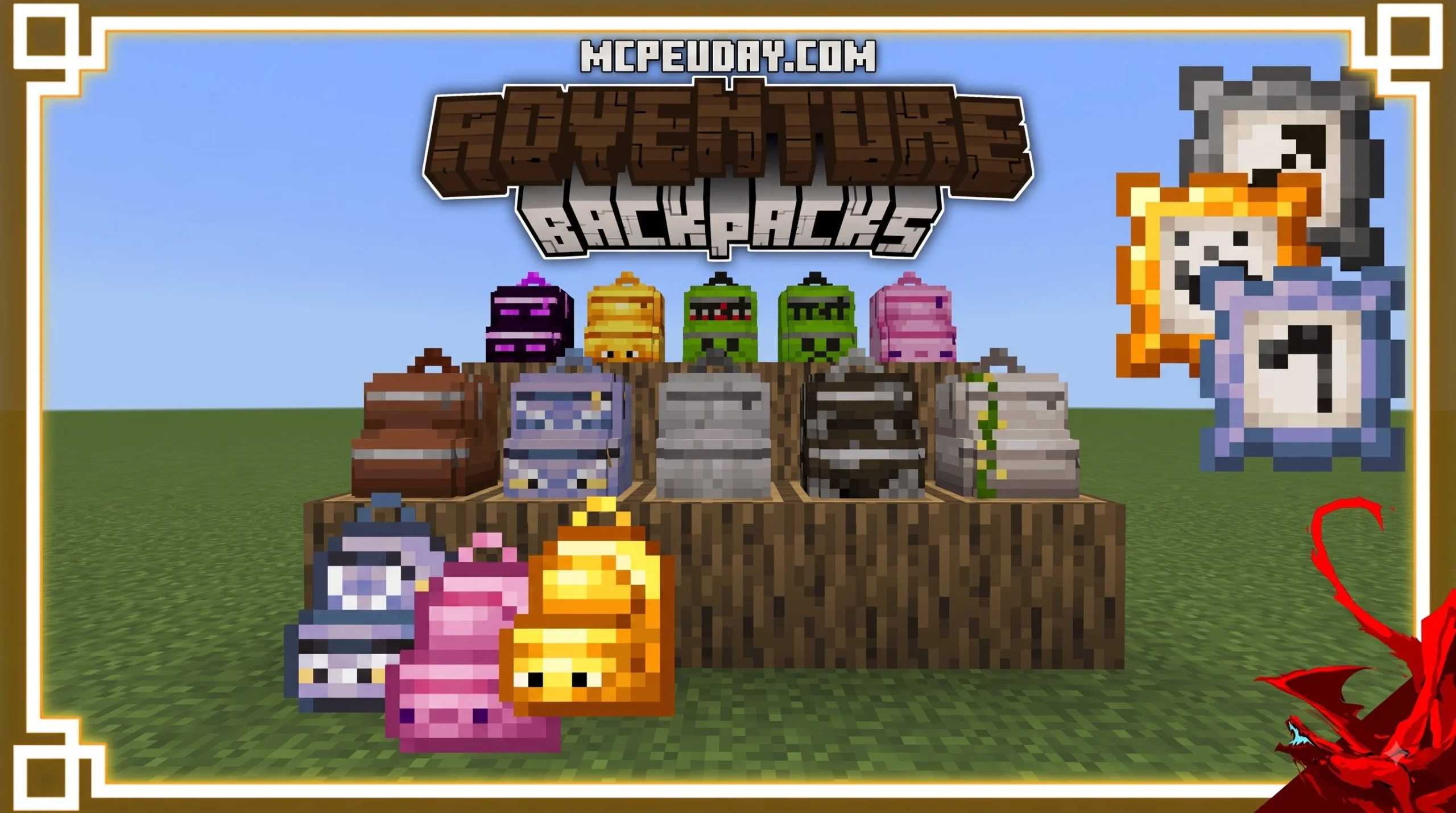
Core Mechanics of the Adventure Backpacks Addon
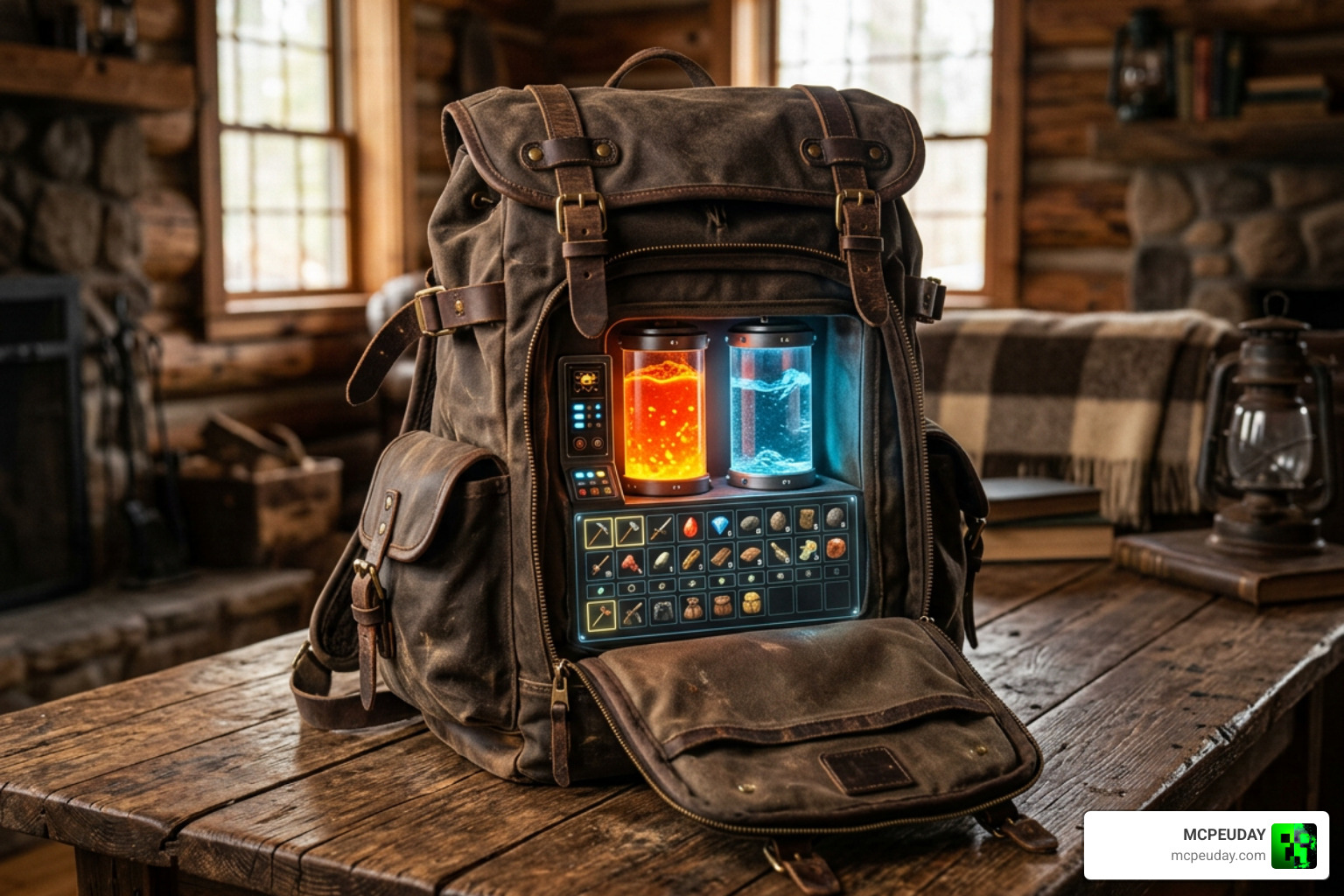
The core strength of the Adventure Backpacks Addon lies in how smoothly it integrates multiple survival tools into a single wearable item. Instead of clogging your inventory with a portable chest, bucket stacks, crafting tables, and beds, this mod consolidates everything onto your character’s back.
Fluid Storage and Tank Capacities
Every standard adventure backpack features two built-in fluid tanks mounted on either side, each capable of holding 4,000 mB (millibuckets) of liquid—the equivalent of 4 full buckets per tank. These tanks dynamically render liquid levels on the exterior model of the backpack. If you fill a tank with a glowing liquid like lava, the backpack emits ambient light in dark environments. You can drink directly from these tanks to receive custom status effects, such as temporary resistance or regeneration depending on the fluid stored.
Portable Crafting and Sleeping System
Opening the backpack interface gives you instant access to an integrated 3×3 crafting grid, allowing you to process gathered materials deep underground without placing down a workbench. For sleeping, the backpack includes a deployable sleeping bag roll. To use it, simply place the backpack on the ground with at least two open blocks in front and activate the sleeping bag to reset your spawn point anywhere in the world.
The Hose Tool Mechanics
The Hose is an essential companion tool for managing liquids inside your tanks. It operates in three distinct operational modes:
- Suck Mode: Pulls liquids directly from world blocks or containers into your backpack tanks.
- Spill Mode: Places stored liquids back into the environment or transfers them into external containers.
- Drink Mode: Allows players to consume stored liquids directly from the tanks to trigger specific buffs.
Essential Controls for the Adventure Backpacks Addon
Mastering key bindings ensures you can access your gear quickly during tense survival encounters. You can view additional details on the Home · runescapejon/AdventureBackpack2 Wiki · GitHub page.
- GUI Access: Press
B(configurable) while wearing a backpack to open its inventory, crafting grid, and fluid storage. - Quick Tool Swap: Sneak and scroll your mouse wheel to cycle held tools with items stored in the designated green tool slots.
- Hose Tank Switch: Press
Nwhile holding the Hose to toggle between the left and right liquid tanks. - Hose Mode Toggle: Sneak and scroll your mouse wheel while holding the Hose to cycle between Suck, Spill, and Drink modes.
Variant Abilities and Special Effects
With over 60 different cosmetic and functional designs in Minecraft, many backpacks provide unique passive or triggered abilities:
- Creeper Variant: Holding Shift while standing near another player plays an authentic creeper explosion hiss sound, making it perfect for harmless multiplayer pranks.
- Environmental Buffs: Specific biome-themed variants bestow passive stat boosts, such as fire resistance near lava or increased swimming speed in deep oceans.
Tiers, Upgrades, and Progression Systems
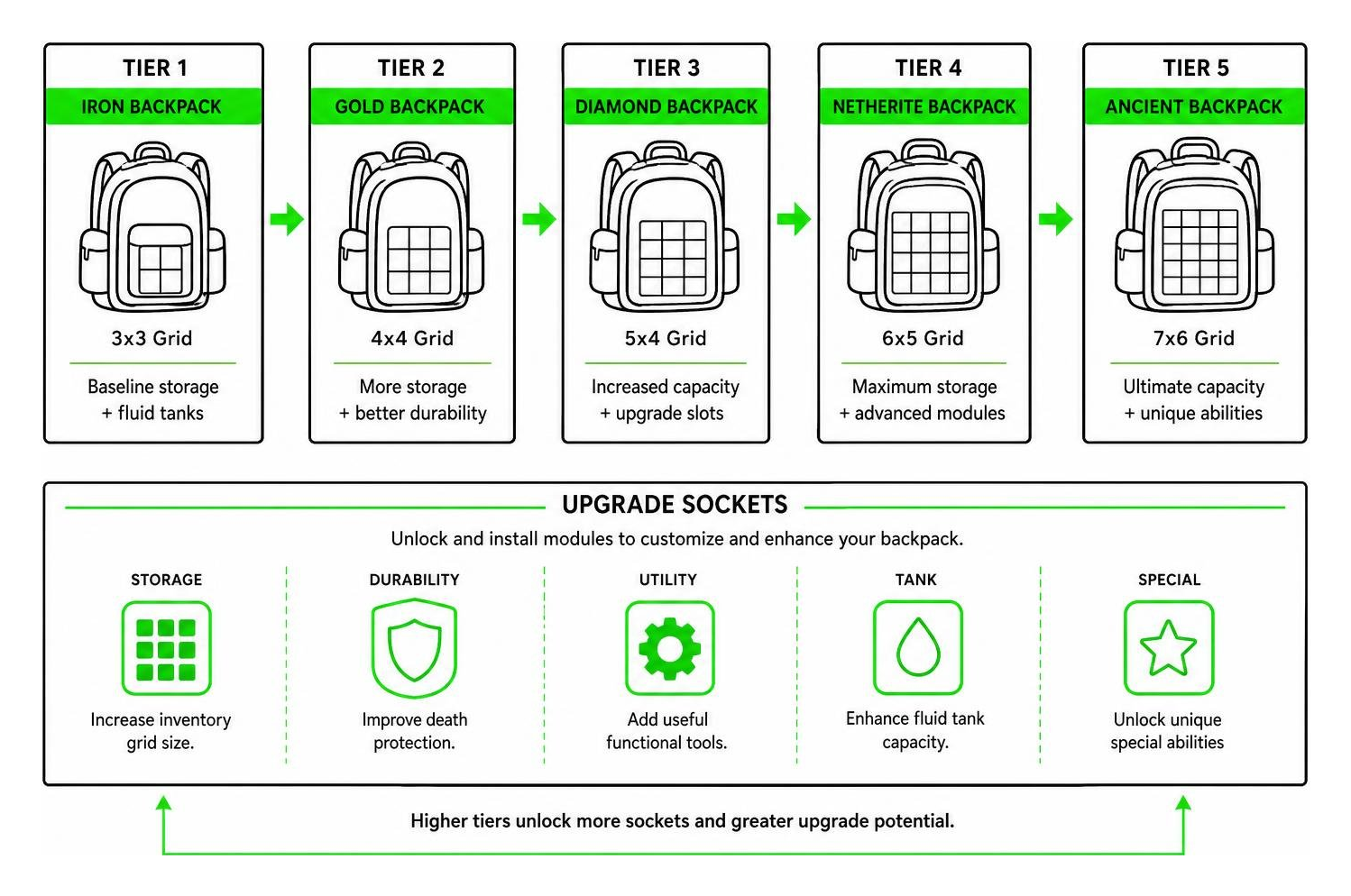
As you advance through your survival world, your inventory demands will grow. The Adventure Backpacks Addon features a clear progression path, allowing you to upgrade materials to expand grid space, enhance death durability, and unlock specialized functional modules.
| Backpack Tier / Variant | Platform | Primary Requirement | Unique Perk / Primary Feature |
|---|---|---|---|
| Iron Backpack | Minecraft | Iron Ingot Crafting | Baseline expanded storage with standard fluid tanks |
| Diamond Backpack | Minecraft | Diamond Upgrades | Higher slot capacity and improved magical durability |
| Netherite Backpack | Minecraft | Netherite Ingot Upgrade | Maximum storage capacity and complete fire immunity |
| Satchel Pack | Valheim | Meadows Tier Items | Basic inventory expansion for early-game foraging |
| Rugged Backpack | Valheim | Black Forest Materials | Increased carry weight capacity and tool straps |
| Explorer’s Wisppack | Valheim | Mistlands Tier Items | Built-in Demister effect to clear heavy environmental mist |
Progression Tiers in Adventure Backpacks Addon
In Minecraft, progression scales through traditional material tiers—moving from Iron up to Diamond and Netherite. Higher tiers significantly expand available inventory slots while strengthening the magic that protects your items during player death.
In Valheim, backpacks align with biome progression. Starting with the humble Satchel made from Meadows materials, players can progress through the Rugged Backpack, Bloodbag Wetpack, Arctic Sherpa Pack, Lox Hide Knappsack, and ultimately the Explorer’s Wisppack. Each step up matches the challenge of its respective biome while scaling carry weight limits and grid size.
Utility Upgrades and Enhancements
You can customize your gear using functional utility upgrades. Full technical details on crafting these modules are detailed in the project’s README.md.
- Lantern Hook: Hangs a portable lantern on your backpack to project dynamic hands-free lighting while exploring deep cave systems.
- Auto Pickup: Automatically pulls gathered block drops directly into open backpack slots instead of cluttering your main inventory.
- Recall Rune: Allows you to anchor waypoint home points to instantly navigate back to established outposts.
- Restock Upgrade: Refills depleted stacks on your hotbar automatically directly from your backpack storage during major construction projects.
- Food Pouch: Consolidates multiple food types into a single smart slot that feeds your character on demand.
Minecraft vs Valheim: Comparing Mod Editions
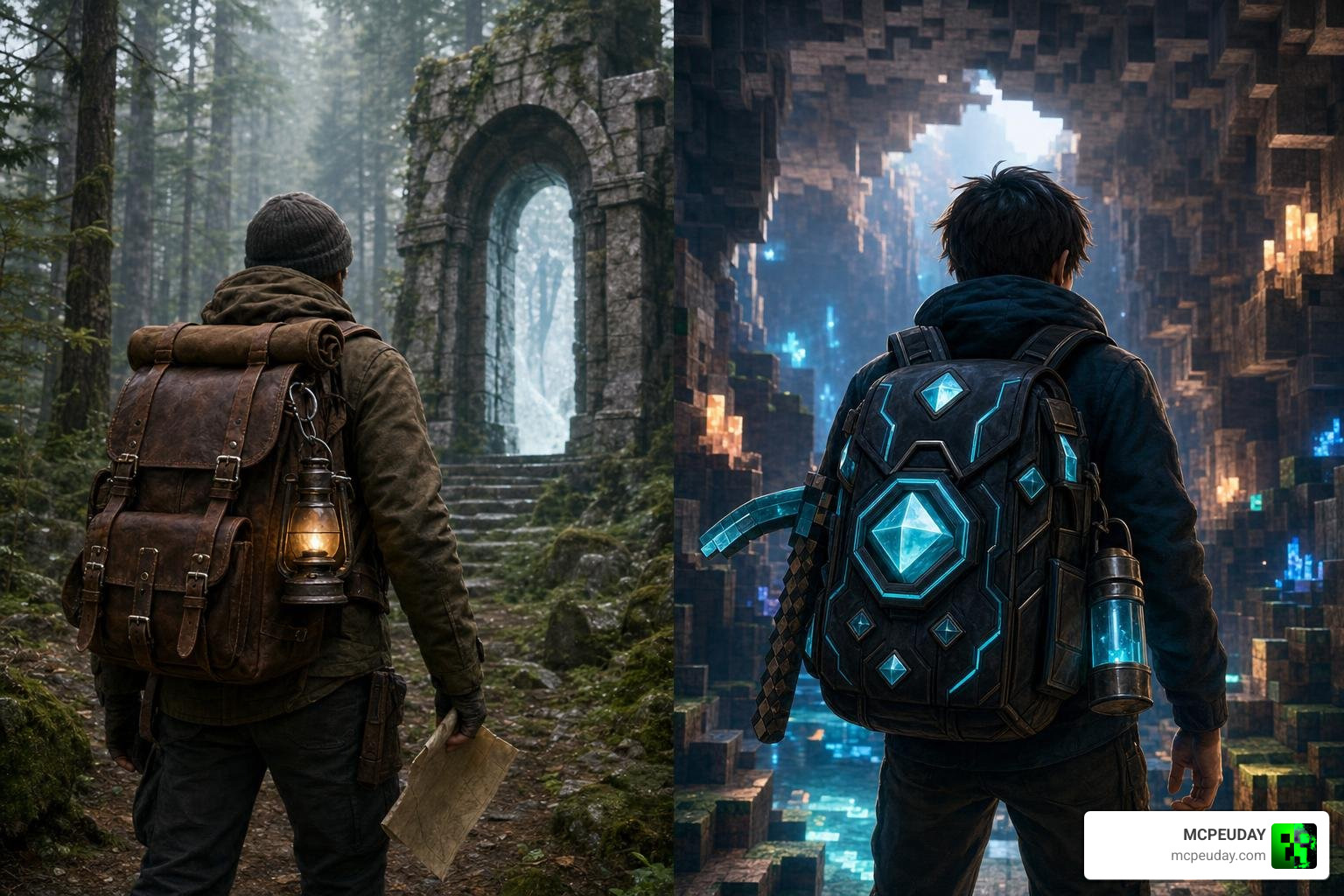
The Adventure Backpacks Addon serves similar survival roles across different game engines, but its core execution reflects the individual design choices of each game.
Biome Scaling and Portal Integration
In Valheim, the mod integrates deeply with the game’s core portal mechanics. Stored inventory adheres strictly to item teleportable rules—meaning if an item like raw ore is restricted from standard portal travel, holding it inside your equipped backpack won’t bypass the portal restriction. Furthermore, keys stored inside your equipped backpack (such as the Swamp Key) will automatically unlock crypt doors without requiring you to manually move them into your hotbar.
Outward Run Away Mode
The Valheim edition introduces an emergency escape keybind (Y by default) known as “Outward Run Away Mode.” Pressing this key immediately unequipped and drops your backpack onto the ground behind you, instantly removing its weight penalty so you can sprint away from dangerous boss fights or overwhelming enemy ambushes.
Death Mechanics and Protection Rules
One of the most praised features across all versions is reliable death protection. When a player dies in Minecraft, the backpack automatically deploys itself as a world block at the location of death rather than spilling loose items across the ground.
While placed as a block, the backpack is completely immune to lava, fire, and despawning timers, keeping your high-value items safe until you return. However, backpacks feature protected slots backed by magical durability—dying repeatedly degrades this durability balance, requiring periodic repairs to maintain full protection.
Engine Requirements and Dependencies
To ensure complete stability across multiplayer servers and single-player worlds, specific modding frameworks are required based on your platform:
- Minecraft Java (1.7.10 / Modern Fabric): Requires Minecraft Forge or Fabric API. If using lighting upgrades like the Lantern Hook on modern versions, LambDynamicLights is recommended for dynamic dynamic lighting rendering.
- Valheim: Requires the BepInEx framework alongside R2ModMan or manual installation inside the
BepInEx/pluginsdirectory. - Server Sync: For dedicated multiplayer servers, server-side configuration locking forces unified drop rates, grid sizes, and weight restrictions across all connected clients to prevent client-side cheating.
Frequently Asked Questions About Adventure Backpacks Addon
How do fluid tanks and the hose mechanic work?
Each adventure backpack includes two liquid tanks holding up to 4,000 mB (4 buckets) of fluid each. Using the Hose tool, players can toggle between Suck, Spill, and Drink modes using sneak and mouse scroll shortcuts. Tank fluids dynamically render on the backpack model, and consuming liquid contents offers custom stat boosts or quick hydration.
What happens to the backpack when a player dies?
Upon death, the backpack automatically places itself as a physical block on the ground at your exact death coordinates. This block conversion prevents your items from despawning or burning in lava hazards. Once you return to your point of death, you can safely pick up or open the placed block to retrieve your gear.
Can backpacks be nested inside other backpacks?
No. Placing backpacks inside other backpacks is strictly disabled across both Minecraft and Valheim editions. This inventory nesting restriction protects game save files from severe data corruption and prevents infinite storage duplication exploits.
Conclusion
The Adventure Backpacks Addon fundamentally improves long-distance exploration by balancing sheer convenience with smart survival mechanics. By combining fluid storage, tool rotation, portable crafting, and physical death protection into a single wearable upgrade, it eliminates tedious inventory micro-management while preserving core game difficulty.
Whether you are braving deep subterranean lava caverns in Minecraft or navigating dangerous biomes in Valheim, equipping an adventure backpack ensures you stay prepared for whatever the world throws at you.
For more guides, shader packs, and updated mod files, check out our growing library at MCPEUDAY.
1 thought on “Adventure Backpacks Addon (26.x, 1.21) – MCPE/Bedrock Mod”