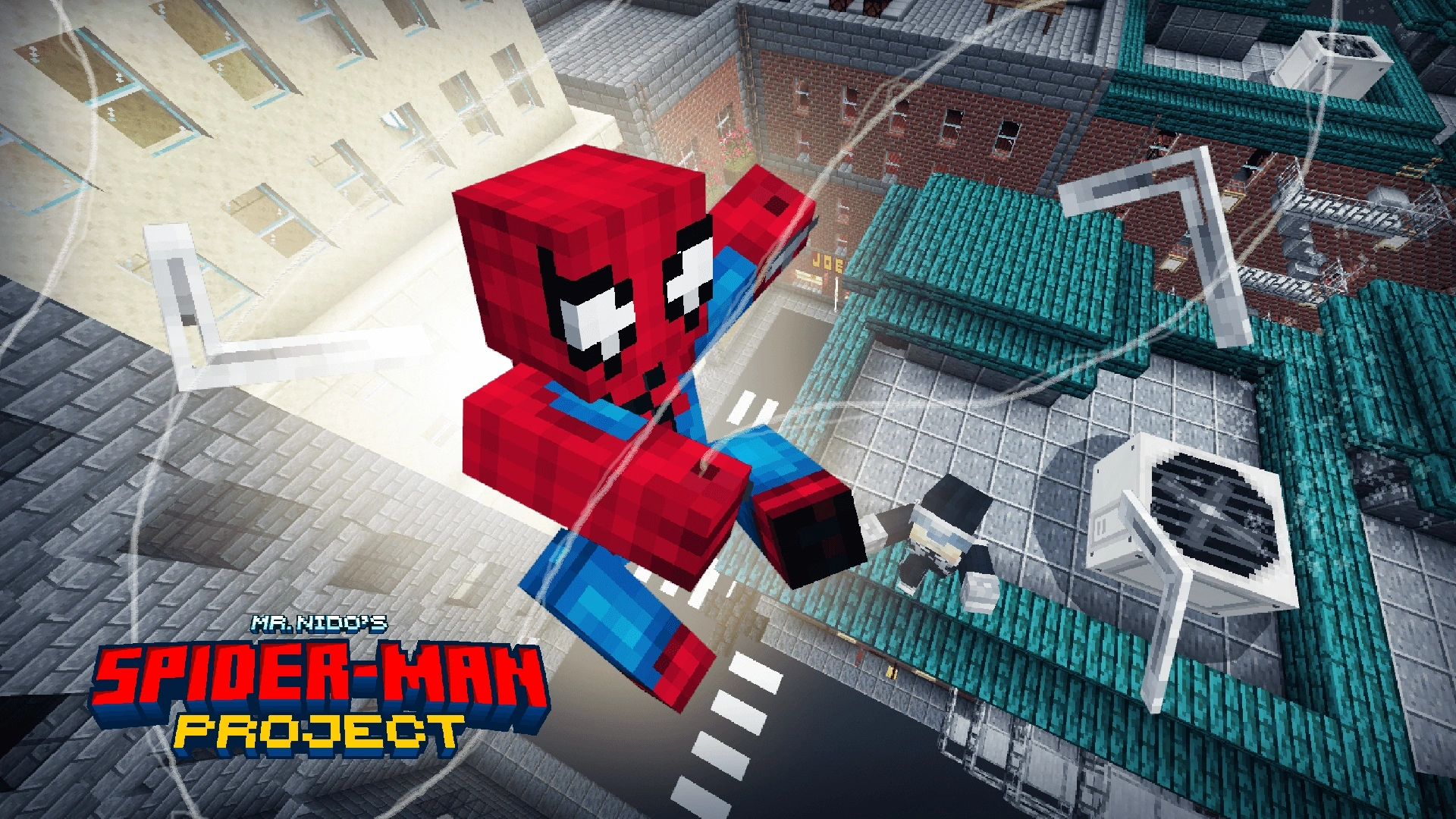
What Is the Spider-Man Project Addon and How Do You Install It?
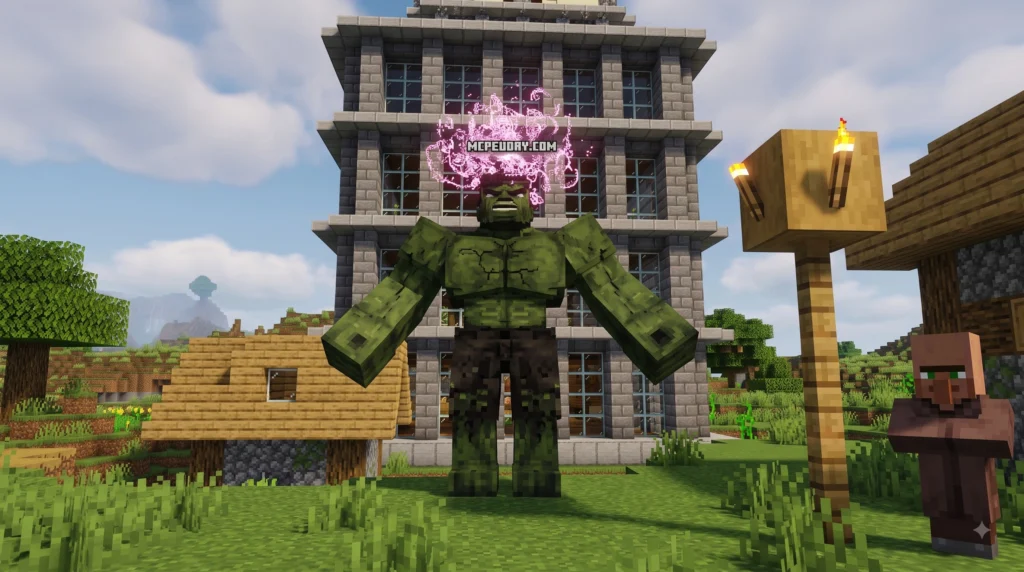
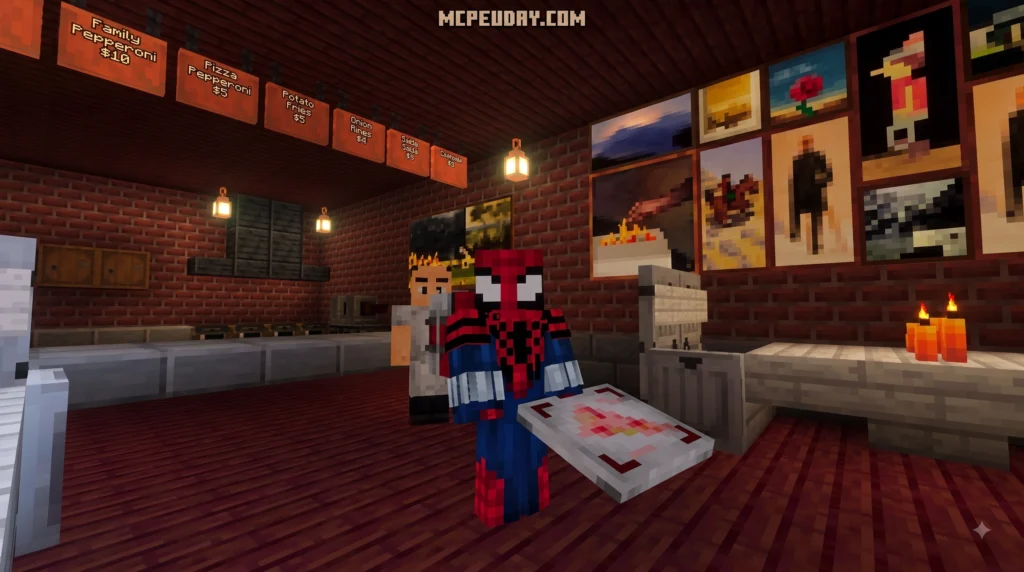
The Spider-Man Project Addon is a fan-made Minecraft Bedrock/MCPE mod that brings Spider-Man’s iconic web-slinging, custom suits, and visual effects directly into your Minecraft world. Here’s a quick overview before we dive in:
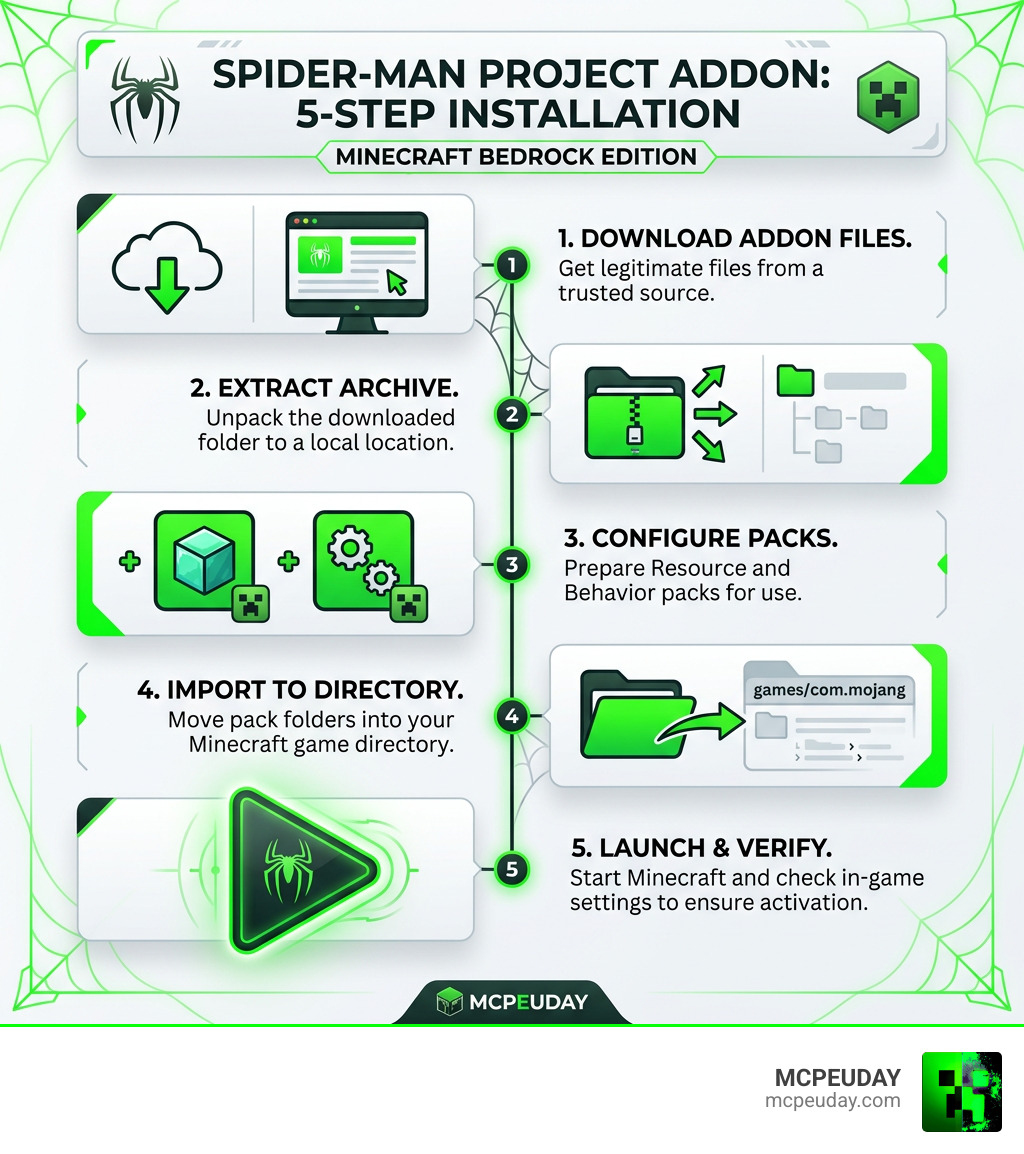
Quick Answer — Spider-Man Project Addon in 5 Steps:
- Download the addon files from a trusted source
- Extract the downloaded archive to a local folder
- Configure the resource and behavior packs
- Import the files into your Minecraft game directory
- Launch the game and verify the addon is working
What does the addon include?
- Custom Spider-Man suits (including fan-favorite comic-inspired designs)
- Web-slinging movement mechanics
- HD visual effects and textures
- Behavior and resource pack support for Minecraft Bedrock Edition
The addon draws inspiration from the wider Spider-Man modding community — a scene that has produced impressive projects like Spider-Man 2: Project RE, which brought HD character textures, revamped environments, and new HUD layouts to the classic 2004 game on Dolphin Emulator. That same passion for detail and visual fidelity has found its way into the Minecraft modding world, and the results are genuinely exciting for fans.
Whether you’re playing on mobile, tablet, or PC, getting this addon set up is easier than it looks — even if you’ve hit compatibility walls with other mods before.
I’m UDAY GAMER from MCPEUDAY, and I’ll walk you through every step so you can start web-slinging in minutes.
Understanding the Features of the Spider-Man Project Addon
When we test new modifications for Minecraft, we look for content that changes how the game feels without breaking core mechanics. The Spider-Man Project Addon hits that sweet spot by giving players dynamic mobility, custom suits, and vibrant visual FX. Inspired by historical modding endeavors like the Spider-Man 2 Project RE retexture project on Dolphin Emulator (which overhauled iconic locations like Grand Central Station), this Minecraft project focuses on bringing top-tier aesthetics to Bedrock Edition.
Below is a breakdown of how this pack stands out from typical community modifications:
| Feature | Standard Minecraft Addons | Spider-Man Project Addon |
|---|---|---|
| Mobility Mechanics | Basic speed/jump boosts | Dynamic web-slinging & wall-crawling animations |
| Suit Variety | Re-skinned armor sets | HD custom suits with unique lore-accurate details |
| Visual Effects | Default particle systems | Custom particle FX, HD webs, and revamped HUD |
| Configuration | Static behavior settings | Dual Resource & Behavior pack customization |
| Experimental Compatibility | Hit-or-miss support | Optimized for current Minecraft Bedrock toggles |
Overview of Graphical Enhancements and Visual Effects
The visual redesign is one of the standout features of this project. Instead of basic pixel tweaks, custom high-definition models ensure that Spider-Man’s iconic eyes, web lines, and suits pop against standard blocky terrain. The visual FX team behind this project implemented custom web-slinging particle trails, wall-sticking animations, and tailored HUD elements that make you feel like you are stepping straight into a comic book adventure.
Integration with Minecraft Addon Settings
To get the full experience, the addon links directly into Minecraft’s native Resource Pack and Behavior Pack architecture. When you load the packs into your world, you can adjust settings to match your hardware capabilities. It relies heavily on Minecraft’s experimental gameplay features, allowing advanced animations and custom entity interactions to process smoothly in real time.
How to Download and Install Spider-Man Project Addon in 5 Steps
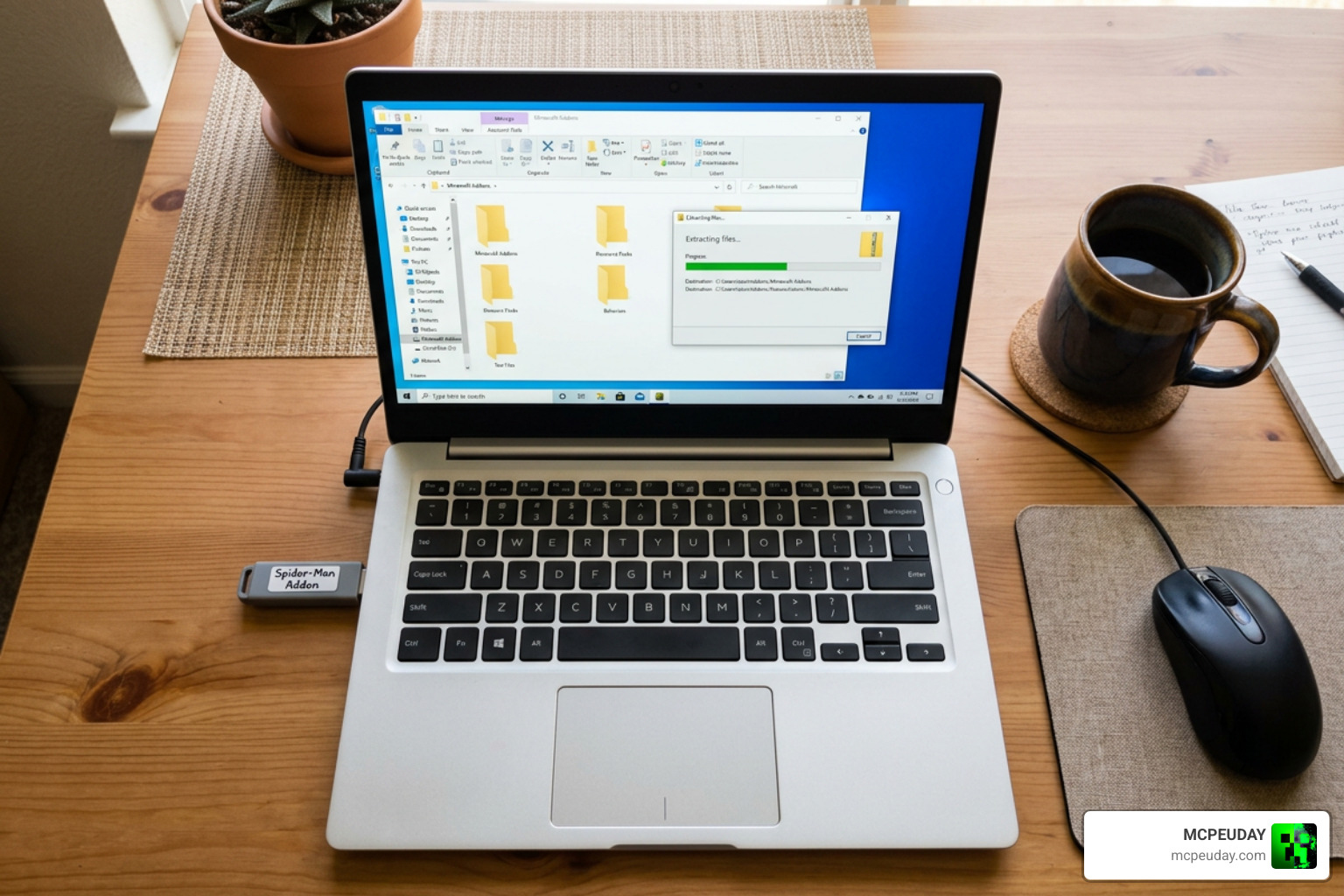
Installing modifications should never feel like solving a multi-step calculus problem. We have streamlined the process into five simple, foolproof stages so you can jump straight into the action.
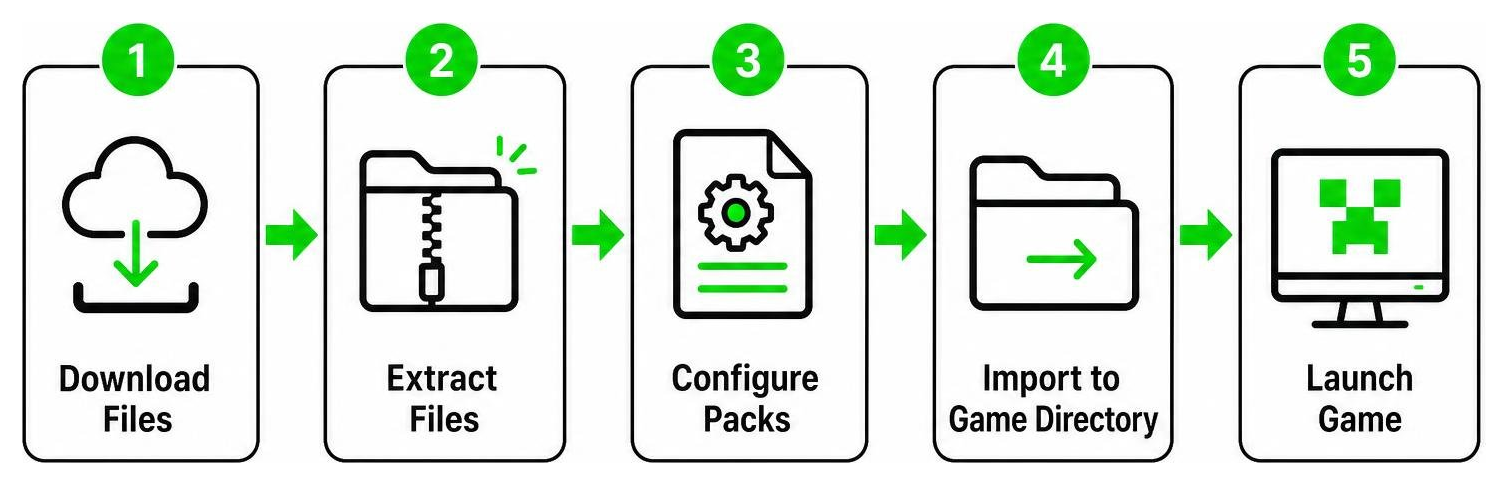
Step 1: Download the Required Addon Files
First, ensure you obtain the official pack package containing both the Resource Pack (.mcpack or .zip) and Behavior Pack. Double-check that your Minecraft Bedrock client is updated to the latest 2026 version to avoid missing syntax or experimental toggle errors.
Step 2: Extract and Folder Structure Setup
If your download comes as a compressed folder archive (.zip), you need to unpack it using a file manager on your PC or mobile device. Unzipping reveals the raw directory structure containing the necessary asset definitions.
Organizing project directories is an art form across all software development. For example, open-source tools like the spiderman-project-manager CLI utility (which has gathered over 7,266 downloads across 6 published versions since its inception) use dynamic schema configurations to sort dynamic view trees. While you do not need a command-line tool written in Rust to play Minecraft, keeping your .mcpack files in a clean, raw folder prevents directory collisions during installation!
Step 3: Configure Resource and Behavior Packs
Once extracted, verify that you have two distinct operational folders or files:
- Resource Pack (RP): Controls suit models, webs, FX particles, sound effects, and HUD graphics.
- Behavior Pack (BP): Handles swing physics, speed multipliers, fall resistance, and entity behaviors.
Make sure both files are matched to the same version build so that textures map correctly to player abilities.
Step 4: Import Files into Your Minecraft Game Directory
Importing is straightforward depending on your operating system:
- Mobile (iOS/Android): Tap the
.mcpackfiles directly within your file manager app and select “Open with Minecraft.” - Windows PC: Double-click the files, or manually paste the unpacked folders into your
development_resource_packsanddevelopment_behavior_packsfolders inside your Minecraft app data directory.
Step 5: Launch the Game and Verify Installation
Open Minecraft and create a new world (or edit an existing one). Scroll down to the Experiments tab in World Settings and toggle on:
- Holiday Creator Features
- Upcoming Creator Features
- Custom Biomes / Molang Features (if applicable)
Next, activate both the Spider-Man Resource Pack and Behavior Pack under the Add-ons tab, launch your world, and craft or select your first suit to verify that the custom HUD and web mechanics function cleanly!
Custom Suits, Gameplay Mechanics, and Addon Ecosystem
The Spider-Man modding ecosystem is vast and full of creative inspiration. Community creators have long ported classic aesthetics—like Vader’s famous Alex Ross suit retextures—into modern game engines. Similar creative passion thrives across platforms, from Steam Workshop::Nova’s Spider-Man Mod for PC games to dedicated Minecraft Bedrock projects.
Even developers outside gaming express their love for web-slinging tech. Tech enthusiasts built tools like spider-rs/spider-google-sheets—a web scraping add-on powering functions like SPIDER_SCRAPE and SPIDER_SCREENSHOT into spreadsheets with zero open issues—naming their automation tools after our favorite neighborhood hero! And when we aren’t tweaking suit files or building web-slinging mechanics, we love taking a break to watch Spider-Man on the big screen (you can even Book Spider-Man: Brand New Day Tickets in Jaipur if you’re hanging out near our India hub!).
System Requirements for Spider-Man Project Addon Installation
To keep your frame rates high while swinging through dense custom cities, ensure your device meets these basic hardware recommendations:
- Operating System: Android 8.0+, iOS 13+, or Windows 10/11
- RAM: Minimum 3 GB (4 GB or higher recommended for smooth particle rendering)
- Storage: At least 250 MB of free storage space for textures and dynamic world saves
- Minecraft Version: Bedrock Edition v1.20+ with experimental API capabilities active
Troubleshooting Known Issues in Spider-Man Project Addon Beta
Because this project receives continuous updates, you might encounter minor beta limitations:
- Missing Textures (Black & Purple Checkerboards): This happens if the Resource Pack is disabled or placed below standard texture packs in your active pack list. Move it to the top.
- Web-Slinging Latency / Lag: If web animation triggers lag your screen, lower your render distance in Minecraft video settings and turn off fancy graphics.
- Crash on World Loading: Ensure all experimental toggles are turned ON in world settings before launching.
Frequently Asked Questions About Spider-Man Mods
Which game platforms and devices support this project?
The Spider-Man Project Addon is tailored specifically for Minecraft Bedrock Edition. This includes Android, iOS, Windows PC, and console versions that support custom resource and behavior pack imports.
What is required to manage and activate the addon?
You need access to your world settings menu in Minecraft Bedrock. Enable both the custom Resource Pack and Behavior Pack, and turn on experimental toggles like Creator Features under the world settings tab.
Are custom skins like the Alex Ross suit included in full releases?
Yes! Popular comic suits—including classic red-and-blue variants, the symbiote suit, and iconic artist styles like the Alex Ross suit—are systematically added across beta updates and full public releases.
Conclusion
Bringing superhero abilities into Minecraft has never been more exciting. With custom textures, smooth web mechanics, and high-definition suit designs, the Spider-Man Project Addon offers hours of fun for solo play or multiplayer servers. By following our 5-step installation guide, you can quickly skip setup headaches and swing straight through your blocky worlds.
At MCPEUDAY, we pride ourselves on providing tested mod releases, step-by-step guides, and technical support for gaming fans across the globe. Head over to our catalog to discover incredible community builds, graphics shaders, and survival packs!
Explore popular MCPE mods and addons
Download and install the Spider-Man Project Addon for Minecraft Bedrock. Discover custom Spider-Man suits, web-slinging, gameplay features, installation steps, and compatibility.