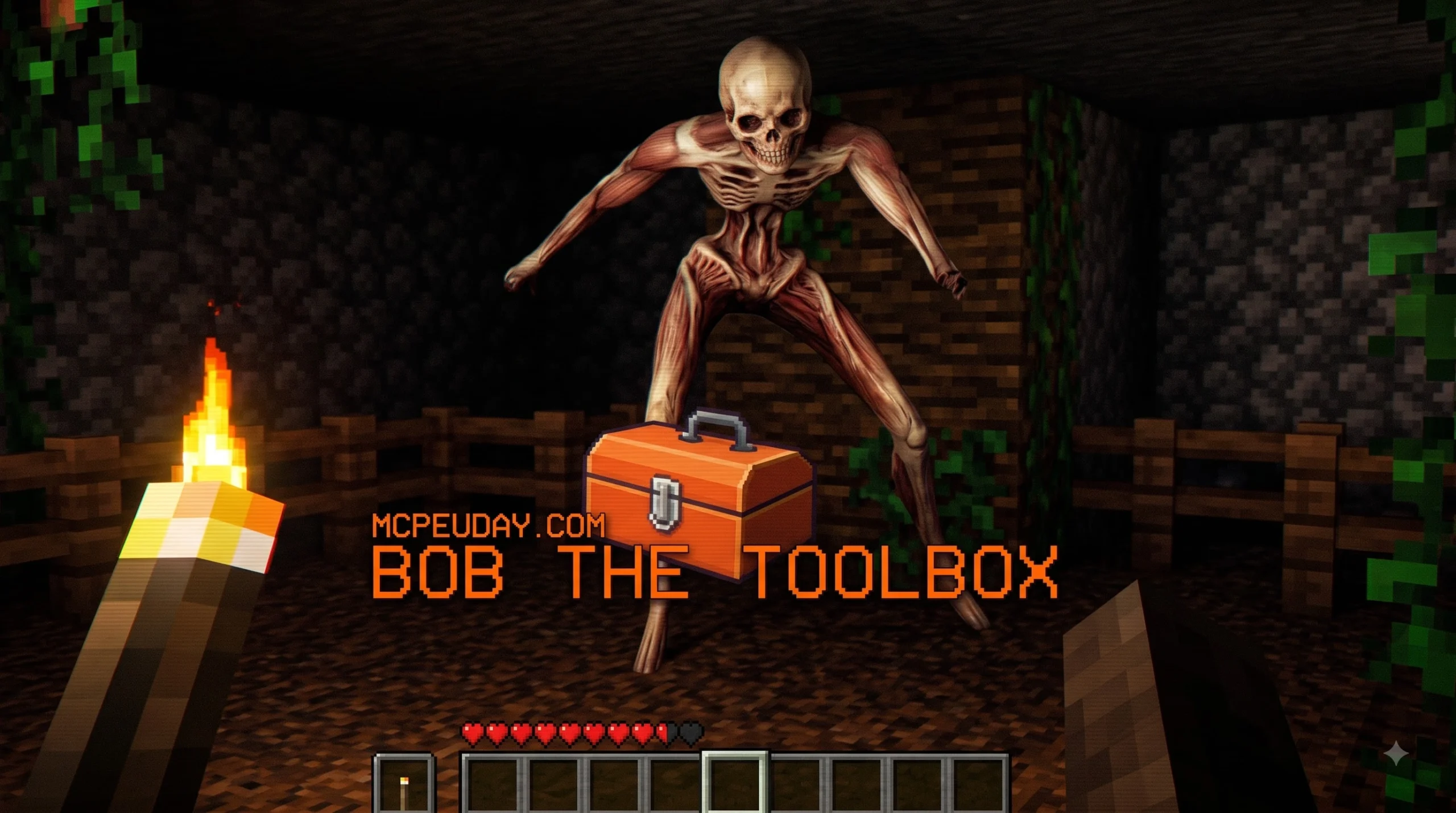
Bob The Toolbox Addon for Minecraft PE/Bedrock: What Players Need to Know
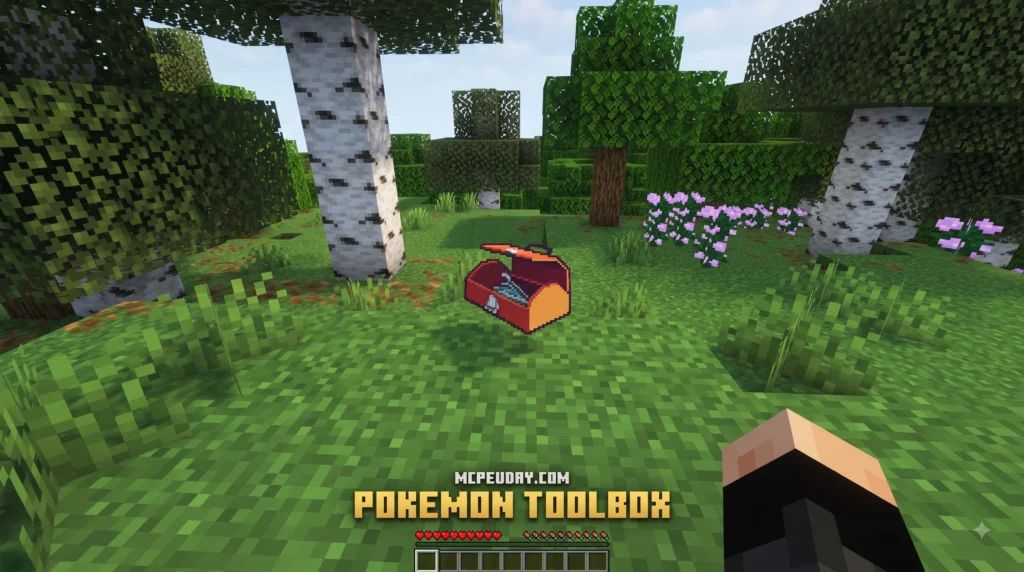
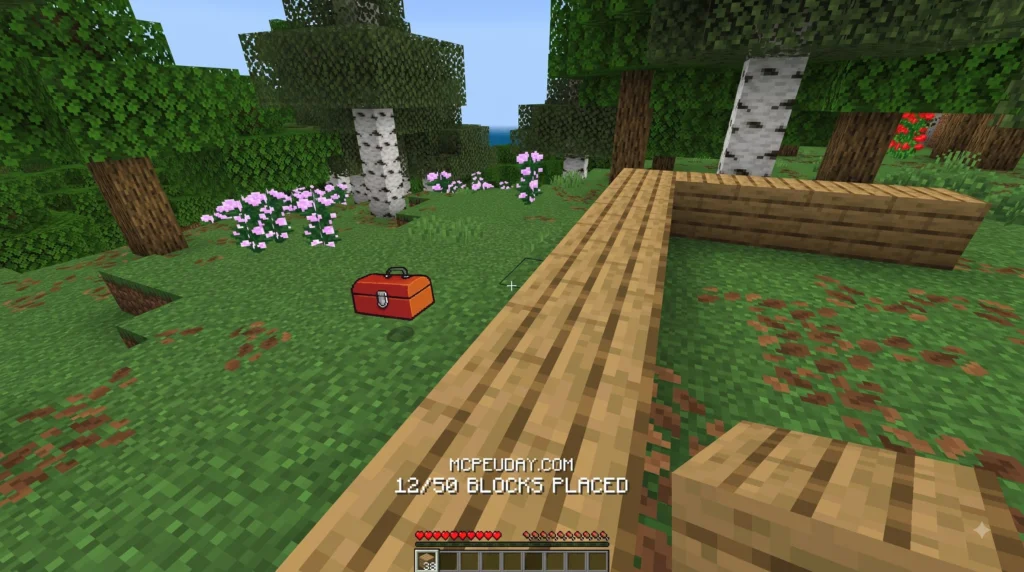
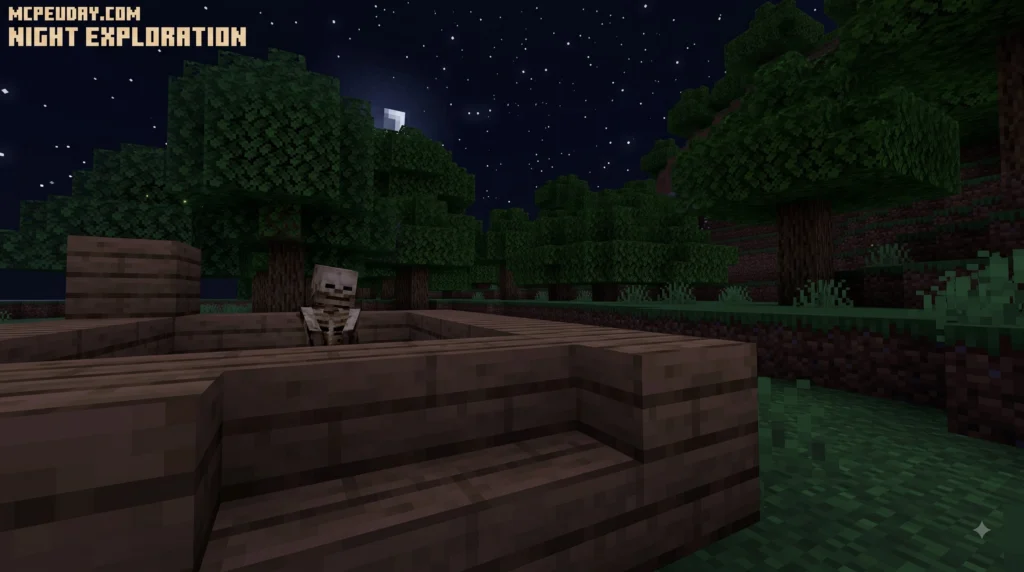
Bob The Toolbox Addon for Minecraft PE/Bedrock is a fan-made horror-style concept based on LookOut’s Minecraft series, where a talking toolbox gives building tasks while a dangerous creature called The Visitor turns simple survival into a tense story campaign.
| Quick answer | Details |
|---|---|
| What is it? | A building and psychological-horror experience inspired by Bob The Toolbox and The Visitor. |
| Is the official mod for Bedrock? | The documented official release is a Java Edition Forge mod for Minecraft 1.20.1, not a confirmed official MCPE/Bedrock addon. |
| What makes it scary? | The Visitor can appear nearby, and players may have only 10 seconds to find it before a chase begins. |
| What will this guide cover? | How to check addon compatibility, download files safely, and activate them in Minecraft PE/Bedrock. |
The original Java mod mixes lessons, resource gathering, shelter building, and sudden horror events. Bob can be carried in your inventory as you work, while The Visitor creates pressure with stealth, sound cues, and surprise attacks.
Because Java mods and Bedrock addons use different systems, players should always confirm that a download is made specifically for their Minecraft PE/Bedrock version. A Java Forge file, including one that needs GeckoLib, will not install directly in Bedrock Edition.
I am UDAY GAMER, and next we will break down what this strange toolbox horror experience is before getting into the download steps.
What is Bob The Toolbox Addon for Minecraft PE/Bedrock?
The BOB THE TOOLBOX – Minecraft Mod – Modpack Index project originated from LookOut3D’s viral horror series. In this adventure, players are accompanied by a sentient item named Bob. Instead of acting as a passive tool, Bob speaks, provides instructions, and guides you through a survival story campaign focused on building lessons.
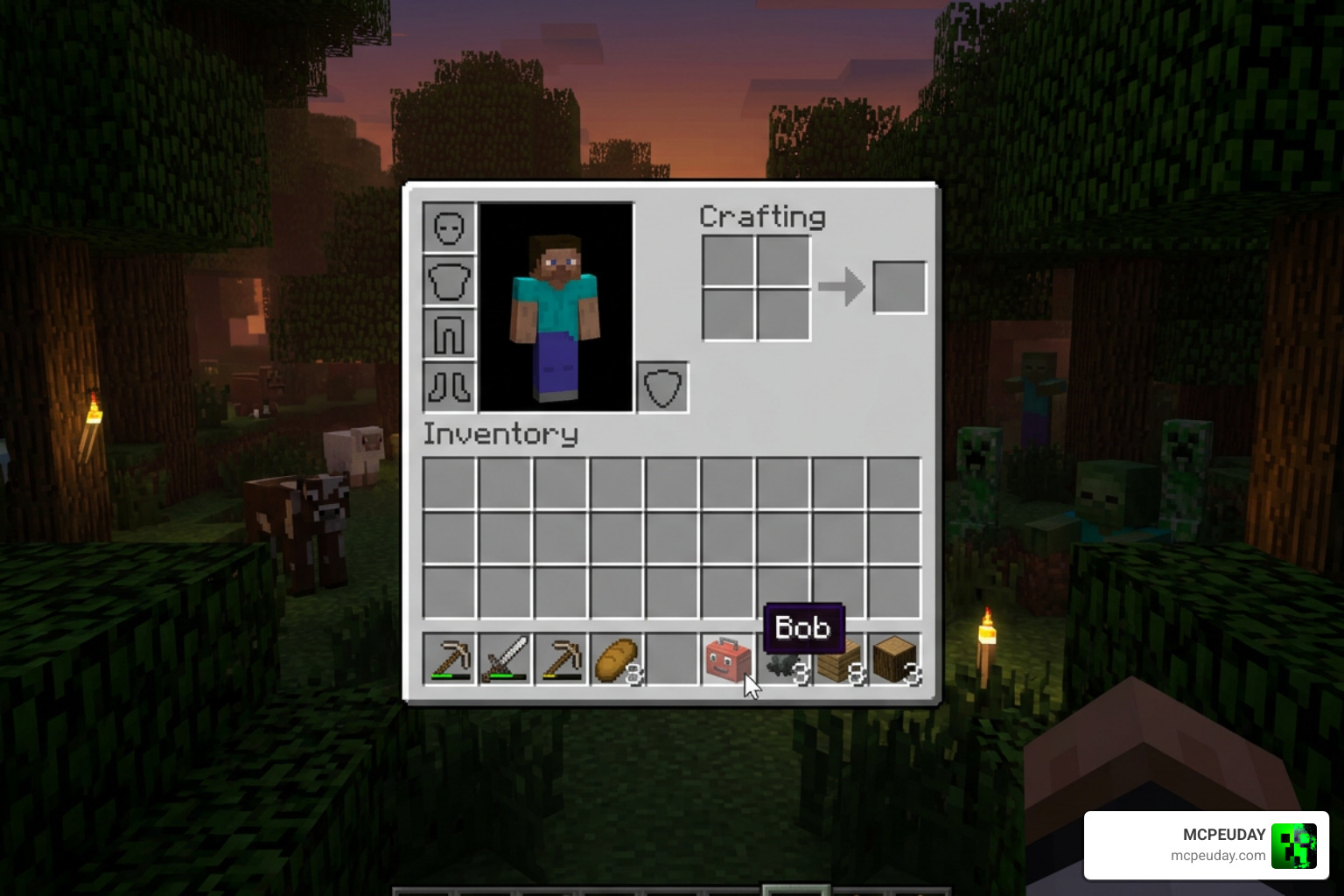
One of the most unique item mechanics is that players can literally pick up Bob and carry him around directly in their inventory. As you explore, Bob changes dynamic visual states (such as normal, talking, or crushed) and physically reacts to player actions while delivering vital warnings. However, while Bob helps you construct proper shelters, a terrifying entity known as The Visitor stalk you from the shadows, blending structured objective-based gameplay with psychological survival horror.
Core Features, Story Campaign, and Gameplay Mechanics
To understand how the experience translates across versions, we can look at how the Java mod features compare to a Bedrock Edition addon port:
| Feature | Java Edition Mod | Bedrock Edition Addon Port |
|---|---|---|
| Base Engine | Minecraft 1.20.1 (Forge Loader) | Bedrock / MCPE Engine |
| Animation Core | Requires GeckoLib API | Custom Bedrock Molang / Resource Animations |
| Inventory Mechanics | Dynamic entity states & item holding | Custom item behaviors & dialogue triggers |
| Stalking AI | Custom block-breaking & pathfinding | Behavior Pack entity target AI |
When exploring custom setups like the Most Accurate Bob The ToolBox – Minecraft Modpack – Modpack Index , the experience relies heavily on managing resources like wood while following structured building lessons before night falls.
The Visitor and Timed Visitation Events
The core threat during the story campaign is The Visitor. During timed visitation events, this stealth horror entity spawns in random hidden spots nearby.
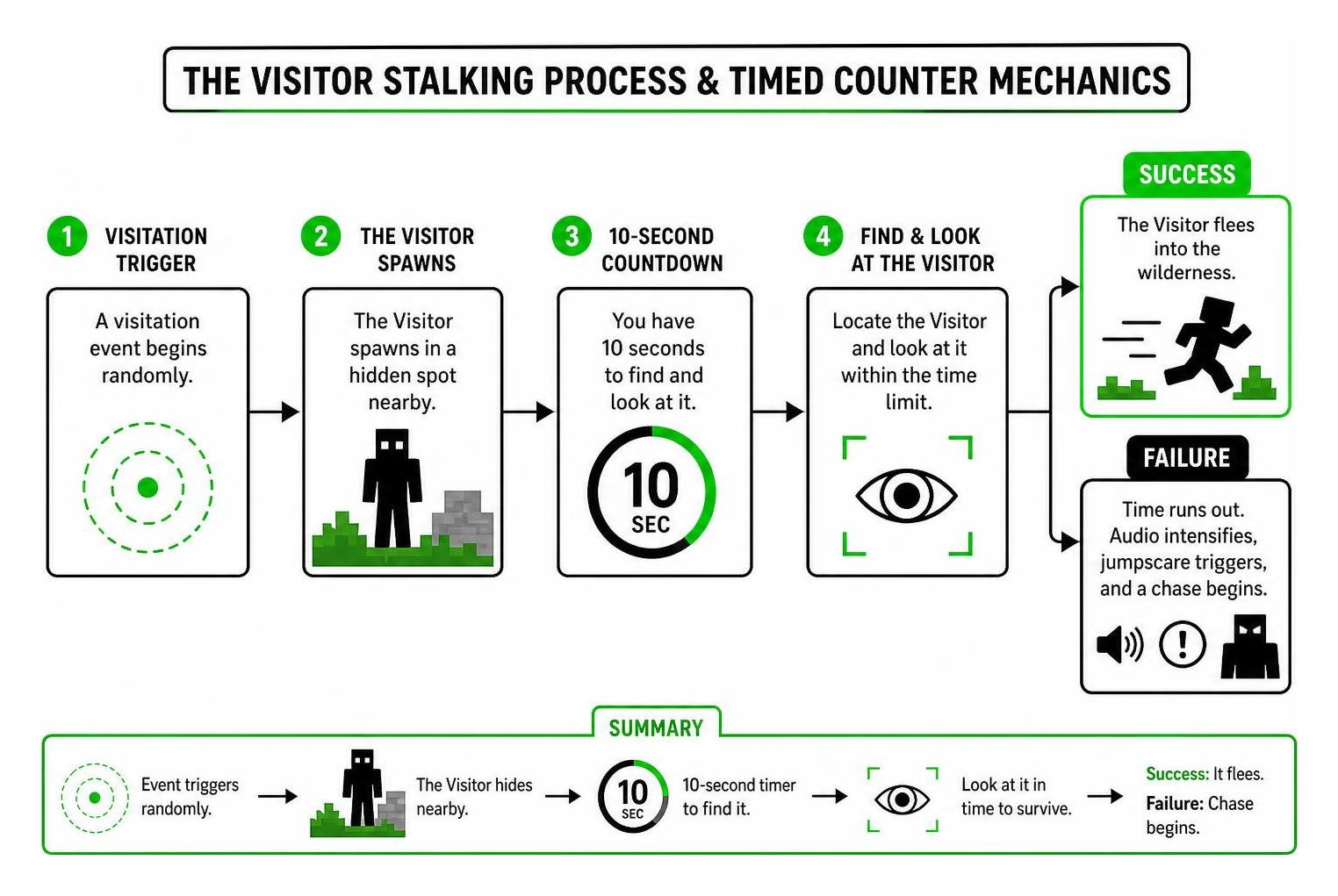
When a visitation event triggers, players have a strict 10-second timer to visually spot The Visitor hiding nearby. If you manage to find and look at the creature within those ten seconds, it flees into the wilderness. However, if you fail to locate it in time, audio cues intensify, jumpscares trigger, and an aggressive chase mechanic begins where the creature relentlessly hunts you down.
Building Lessons and Survival Campaign
Survival in the Bob The Toolbox Addon for Minecraft PE/Bedrock requires following Bob’s precise building objectives. Bob doesn’t just ask for a basic dirt hut; he instructs players to construct specialized shelters featuring crawlspaces, reinforced walls, and underground basements.
These architectural requirements are essential because The Visitor exhibits block-breaking and climbing behaviors. In Java Edition, the mod relies on GeckoLib for fluid skeletal animations, while Bedrock versions rely on custom geometry packs to render these terrifying entry animations.
Multiplayer Support and Event Commands in Bob The Toolbox Addon for Minecraft PE/Bedrock
We often get asked if you can brave this nightmare with friends. The mod and its addon adaptations support multiplayer co-op! In multiplayer worlds, The Visitor’s behavior becomes even more unpredictable as its entity target switching shifts dynamically between players based on who fails to spot it during visitation events.
For content creators and world hosts, built-in story commands allow administrative control over campaign events:
- Commands can manually initiate or reset specific story chapters.
- Players can force-trigger visitation events to test shelter defenses.
- Event controls allow hosts to monitor campaign progression across all connected players.
How to Download Bob Toolbox Addon in 3 Easy Steps
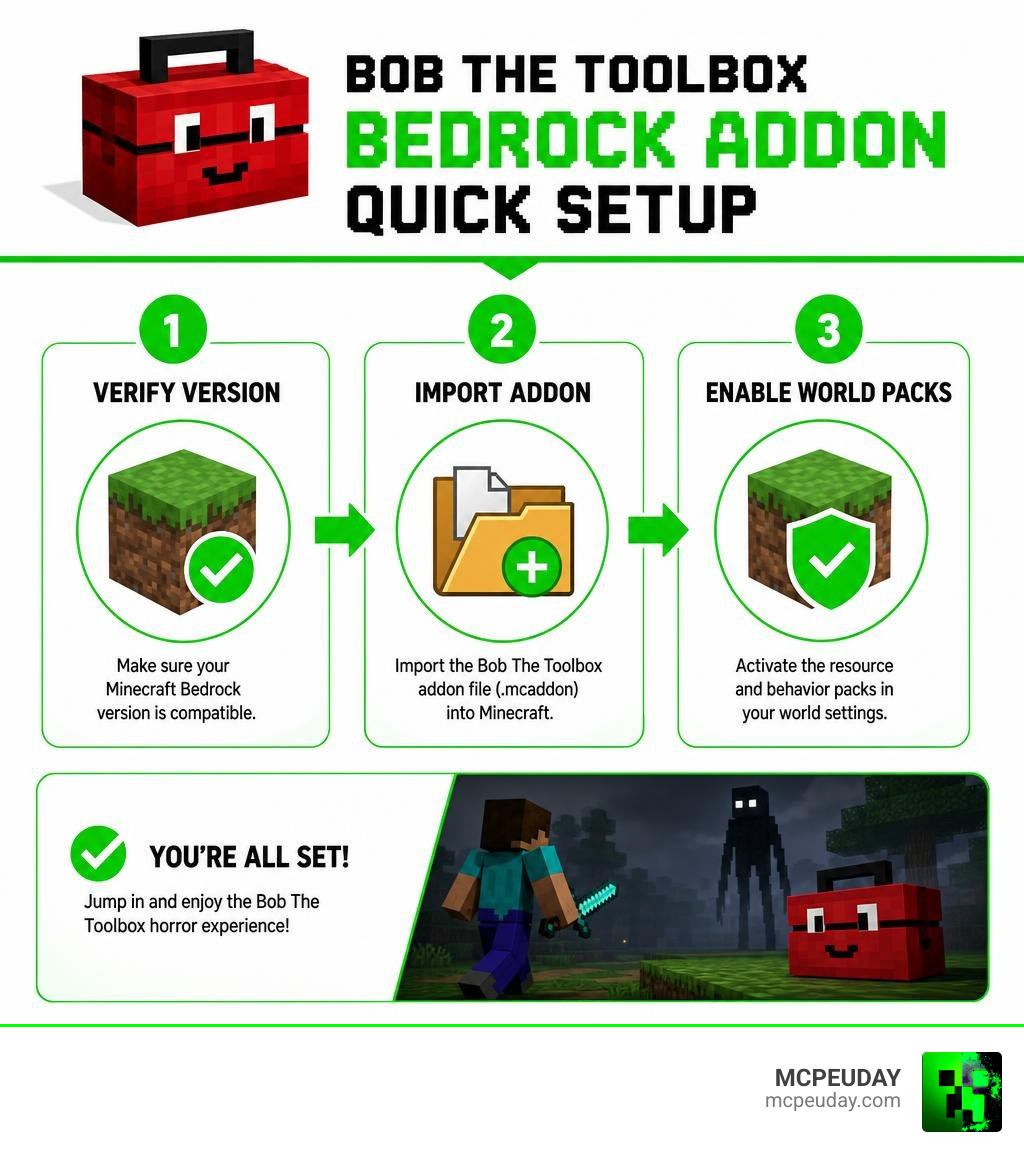
Installing custom story content on mobile and console devices requires a clean workflow. Follow these three streamlined steps to get Bob The Toolbox Addon for Minecraft PE/Bedrock running smoothly in your world.
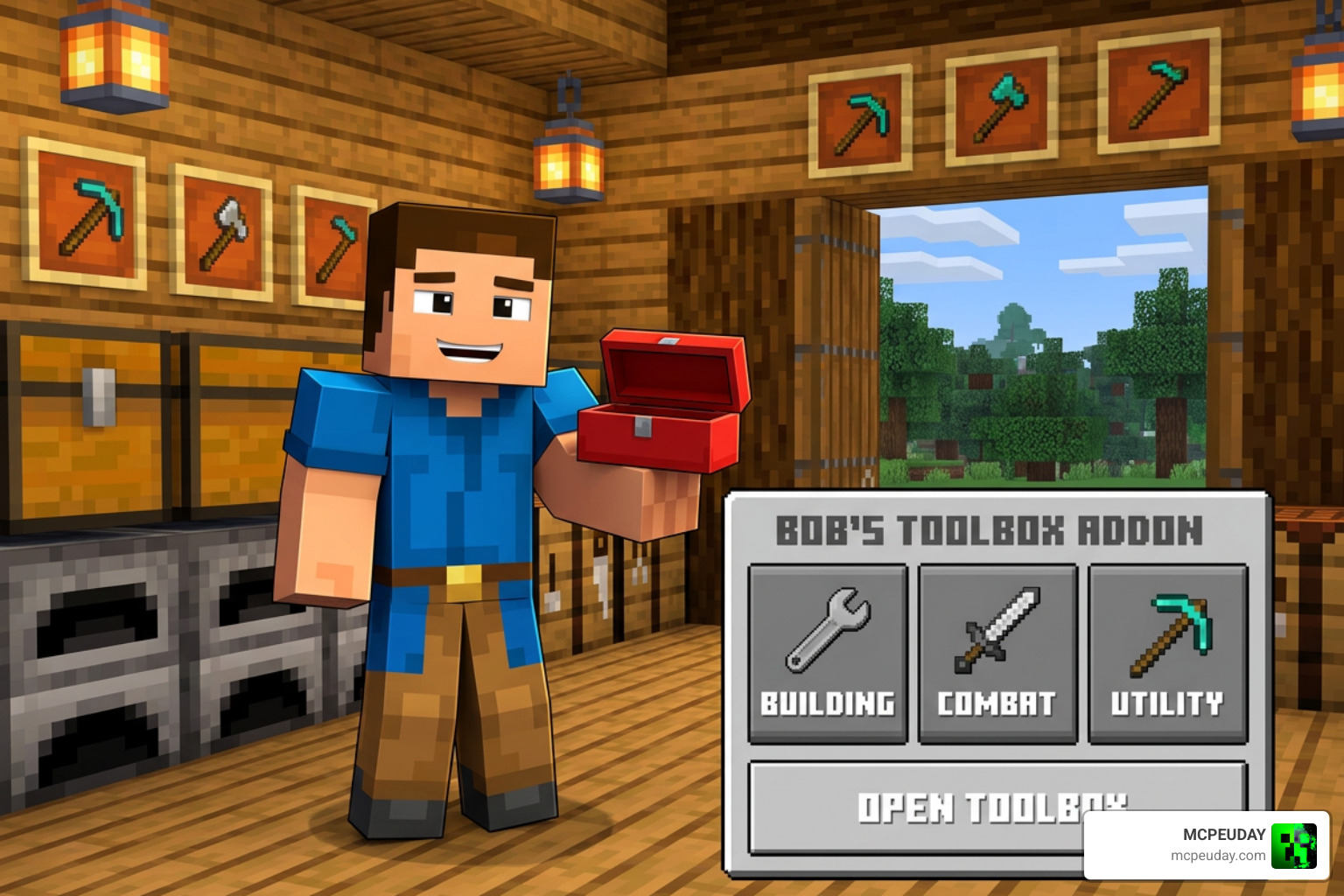
Step 1: Download Required Addon and Dependency Files
To get started, obtain the verified .mcaddon or .mcpack files. A complete package consists of two separate files:
- Resource Pack (
.mcpack): Contains the textures, voice lines, custom 3D models for Bob, and animation files for The Visitor. - Behavior Pack (
.mcpack): Contains entity AI logic, timed visitation scripts, building objective triggers, and audio cues.
Ensure your download is designed for Bedrock, as raw Java Forge mods (which require GeckoLib) cannot run on Minecraft PE.
Step 2: Import Files into Minecraft PE/Bedrock
Once downloaded to your Android, iOS, Windows, or console device, open your file manager:
- If you downloaded a single
.mcaddonfile, tap or double-click it. Minecraft PE/Bedrock will automatically open and import both resource and behavior components. - If you downloaded separate
.mcpackfiles, tap the Resource Pack first to import it, then repeat the process for the Behavior Pack.
Check the top of your Minecraft screen for the “Successfully imported” notification banner.
Step 3: Enable Experimental Features and World Settings in Bob The Toolbox Addon for Minecraft PE/Bedrock
To allow custom entities, talking tools, and objective scripts to function correctly, you must enable experimental gameplay features in your world settings:
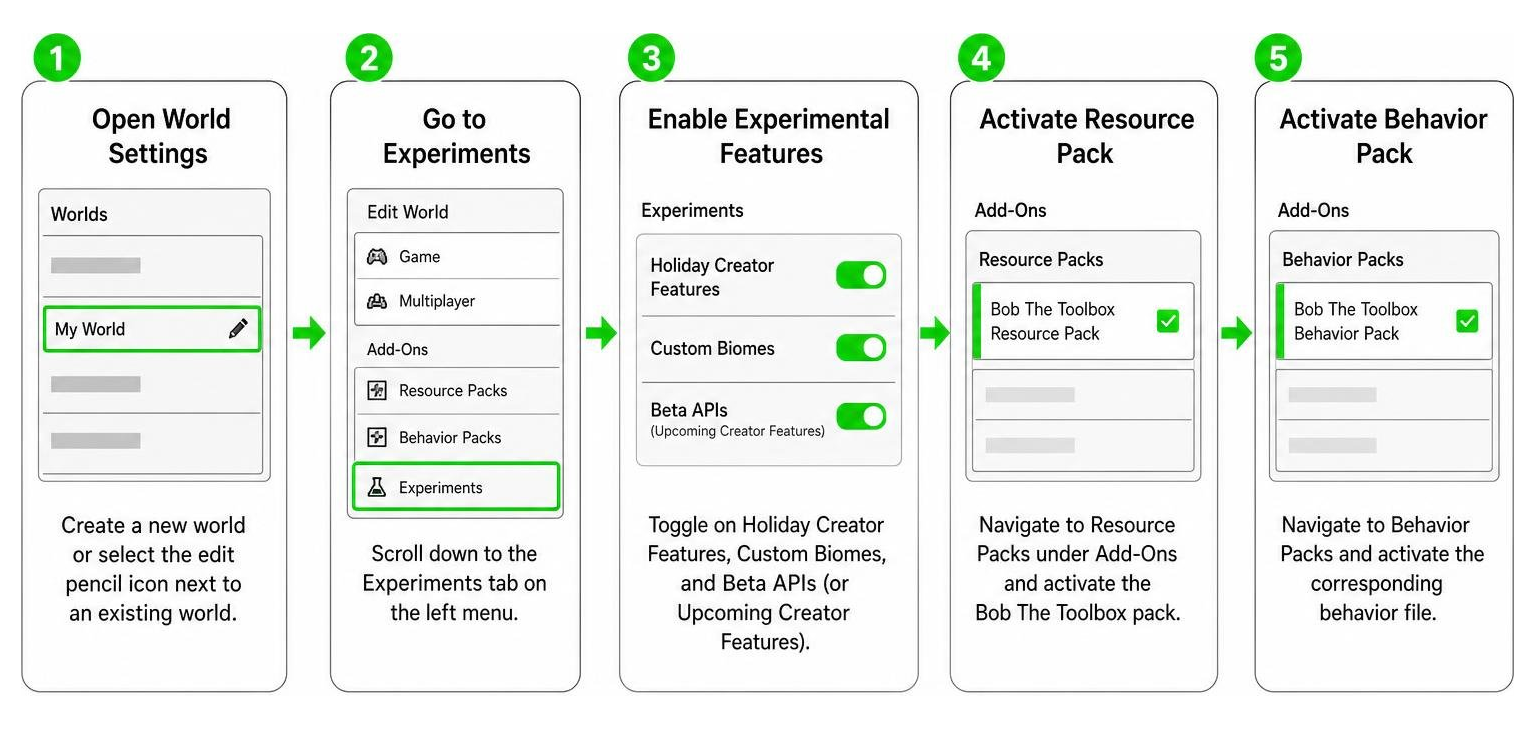
- Create a new world or select the edit pencil icon next to an existing world.
- Scroll down to the Experiments tab on the left menu.
- Toggle on Holiday Creator Features, Custom Biomes, and Beta APIs (or Upcoming Creator Features).
- Navigate to Resource Packs under Add-Ons and activate the Bob The Toolbox pack.
- Navigate to Behavior Packs and activate the corresponding behavior file.
- Click Create or Play to enter your world!
Essential Modpacks and Recommended Setup for the LookOut Experience
For players on Java Edition wanting the absolute most authentic LookOut video recreation, the community created the ‘Most Accurate Bob The ToolBox’ modpack. As of recent statistics, this specialized pack features 11 integrated mods, has accumulated 260 downloads, and was recently updated to refine entity behaviors on Minecraft 1.20.1 Forge.
Key components of this recreation setup include:
- BOB THE TOOLBOX: The core entity and campaign story mod (which has recorded over 2,403 total downloads).
- Torches Reimagined: Adds realistic dynamic lighting, making nighttime building lessons far more terrifying.
- Smart Zoom: Allows players to smoothly adjust their view from 1x to 100x magnification (by holding Z and scrolling), perfect for spotting The Visitor hiding in distant trees during the 10-second warning window.
- Performance Optimization Engine: Utilizes performance tools like FerriteCore and ImmediatelyFast to prevent frame drops during complex entity animation sequences.
Frequently Asked Questions About Bob The Toolbox
What dependencies are required to run Bob The Toolbox?
On Java Edition, the mod strictly requires the GeckoLib library mod and the Forge loader on version 1.20.1. On Minecraft PE/Bedrock, no separate Java libraries are used; instead, you must enable Experimental Gameplay toggles (specifically Beta APIs and Holiday Creator Features) in your world settings.
How do you stop The Visitor during visitation events?
When a visitation event starts, listen carefully for distinct ambient audio cues. You have exactly 10 seconds to look around and visually spot The Visitor hiding in nearby trees, structures, or shadows. Looking directly at the entity forces it to flee. If you miss the 10-second window, it enters an aggressive chase state.
Can you play Bob The Toolbox in multiplayer worlds?
Yes! The campaign mechanics adapt to co-op survival. In multiplayer, all connected players can assist in resource gathering and shelter construction. However, The Visitor will select targets dynamically, requiring teamwork and clear communication to keep eyes on the entity when visitation events occur.
Conclusion
The Bob The Toolbox Addon for Minecraft PE/Bedrock delivers an incredible blend of structured objective building and heart-pounding psychological horror. By combining Bob’s guidance with the constant threat of The Visitor, it transforms standard survival into an immersive story campaign. Simply download your pack files, import them into your game, enable experimental toggles, and prepare to build for your life!
Want to stay up-to-date with the latest horror maps, entity updates, and community guides? Join our community on Discord to share your build designs and survival tips. Be sure to Explore more mods and addons on our site to elevate your Minecraft PE experience today!