cScroll down to D0vvnl0ad
What Is the Magic Way Addon for Minecraft PE/Bedrock?
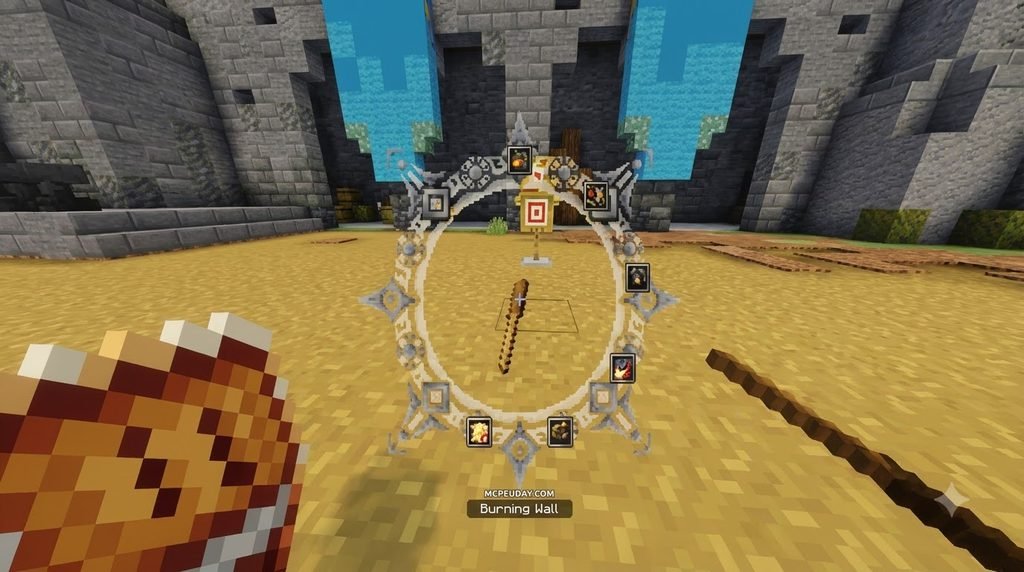
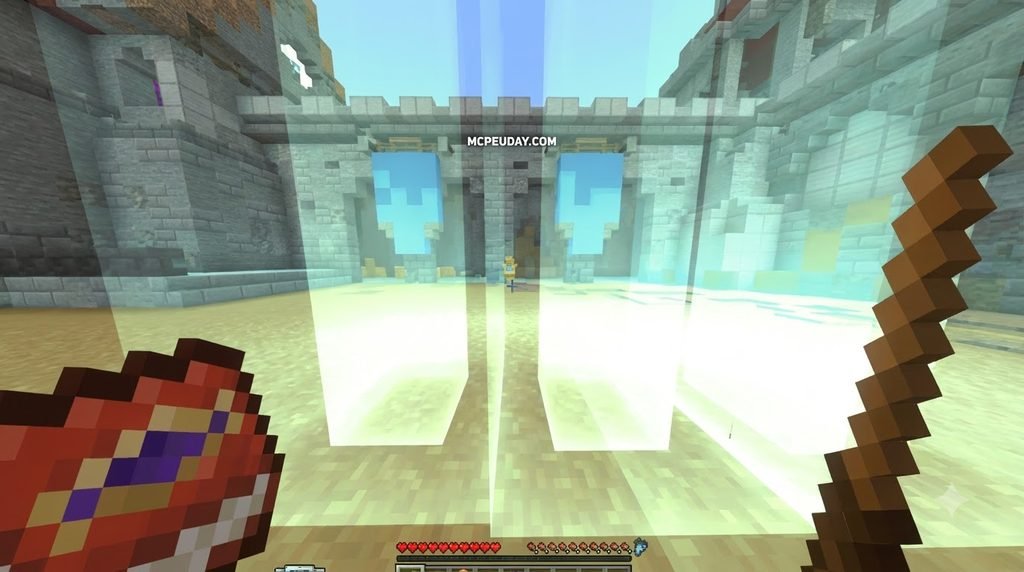
To find and install the Magic Way Addon for Minecraft PE/Bedrock, download the official .mcaddon file directly from MCPEUDAY, open the file to trigger Minecraft’s automatic import engine, activate both the Resource and Behavior packs in your world settings, and enable experimental features before launching your world.
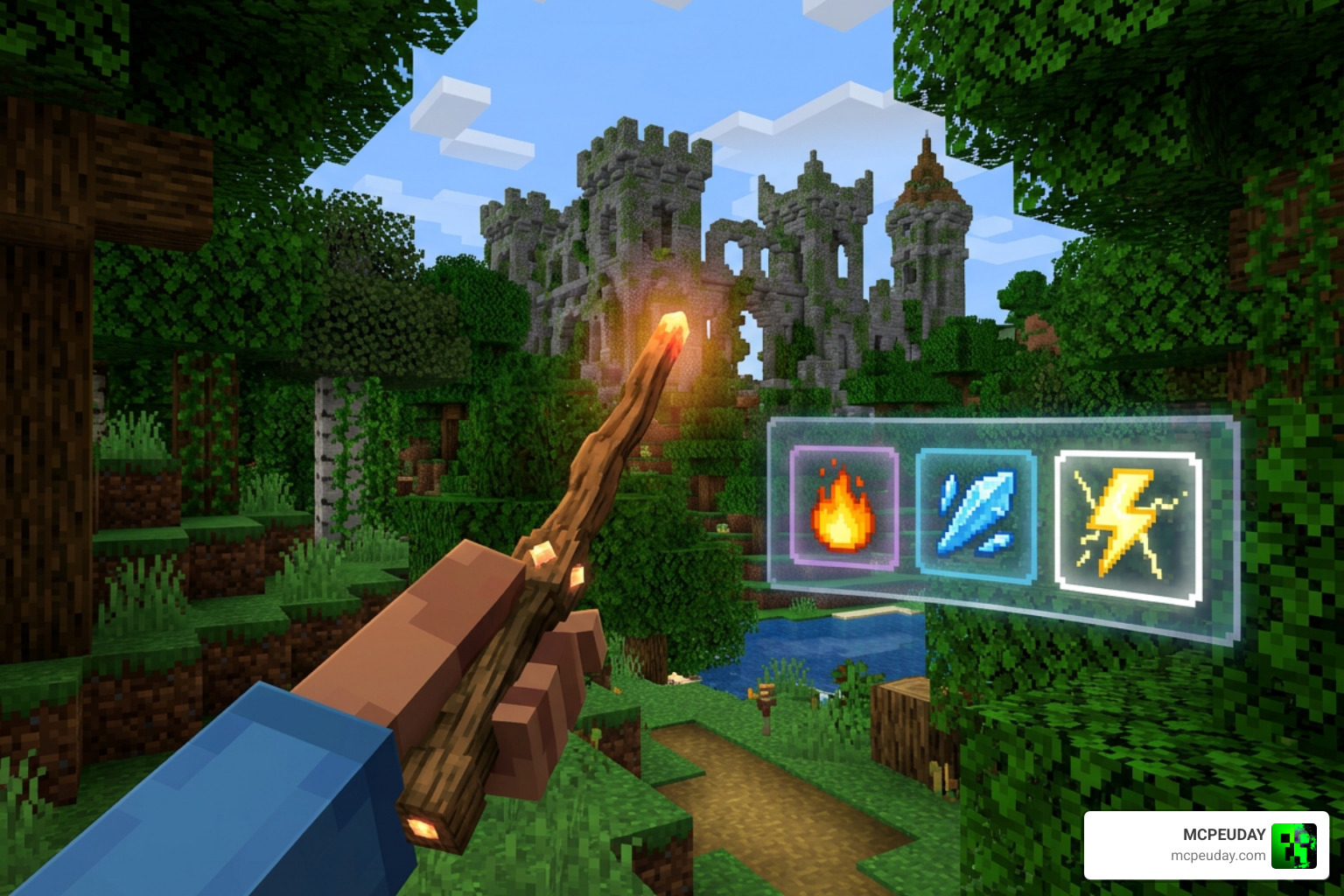
The Magic Way Addon transforms ordinary survival worlds in Minecraft into a rich fantasy sandbox. Instead of relying solely on enchanted diamond swords and bows, you harness arcane energy to bend elements, raise undead allies, and protect your base with mystic wards. With over 100,000 downloads as of our latest update in August 2026, it has become one of the most reliable spellcasting mods available for Bedrock Edition.
The pack introduces seven distinct schools of magic, giving you access to over 50 new spells and abilities to master. To support your magical journey, you can craft and wield more than 30 new magical items, ranging from apprentice wands to ancient elemental staffs, enchanted tomes, and specialized potions.
Core Features of Magic Way Addon for Minecraft PE/Bedrock
At the heart of the addon is a fully realized spellcasting framework driven by a dedicated mana pool. Every spell you cast draws from your mana reserves and triggers a balanced cooldown, preventing spam and encouraging tactical combat. Mana regenerates smoothly as you explore, but casting high-tier spells consecutively requires strategic planning and mana potion management.
The seven magic schools cater to different playstyles:
- Fire: Focuses on raw offensive power, area-of-effect burns, and explosive meteor strikes.
- Ice: Specializes in crowd control, freezing enemies in place, and forming defensive glacial walls.
- Necromancy: Lets you summon skeletal minions, siphon vitality from targets, and manipulate the balance between life and death.
- Wind: Provides exceptional aerial mobility, rapid directional dashes, and long-range knockback blasts.
- Earth: Grants formidable defensive buffs, localized earth tremors, and impenetrable stone ramparts.
- Light: Specializes in supportive radiant auras, team health regeneration, and purifying status remedies.
- Arcane: Unleashes pure mystical energy, teleportation rifts, and phase-shifting evasion skills.
If you enjoy creating custom class builds, pairing this magic framework with the Origins Mod allows you to match your chosen elemental affinity with custom racial traits for the ultimate Bedrock RPG experience.
Boss Encounters and Custom Magical Loot
Progressing through the addon requires you to test your arcane skills against five new boss mobs. These encounters are not mere stat-boosted vanilla mobs; each boss features dynamic attack phases, summon mechanics, and custom spell shields that force you to adapt your strategy on the fly. Boss arenas feature environmental hazards that require specific elemental spells to counter effectively.
Defeating these powerful foes rewards you with rare crafting materials, ancient spell scrolls, and relic-tier weapons. If your goal is to build an entire gothic world packed with dangerous monsters and challenging dungeon mechanics, combining this boss progression with the Dark Fantasy Addon turns your standard survival map into an unforgiving magical realm.
Step-by-Step Installation Guide for Minecraft Bedrock

Installing custom packs on Bedrock Edition is straightforward once you know where each file belongs. Whether you play on mobile (iOS/Android), Windows 10/11, or console setups, following our detailed setup guide guarantees that custom models, custom entities, and particle scripts load without any missing assets or script errors.
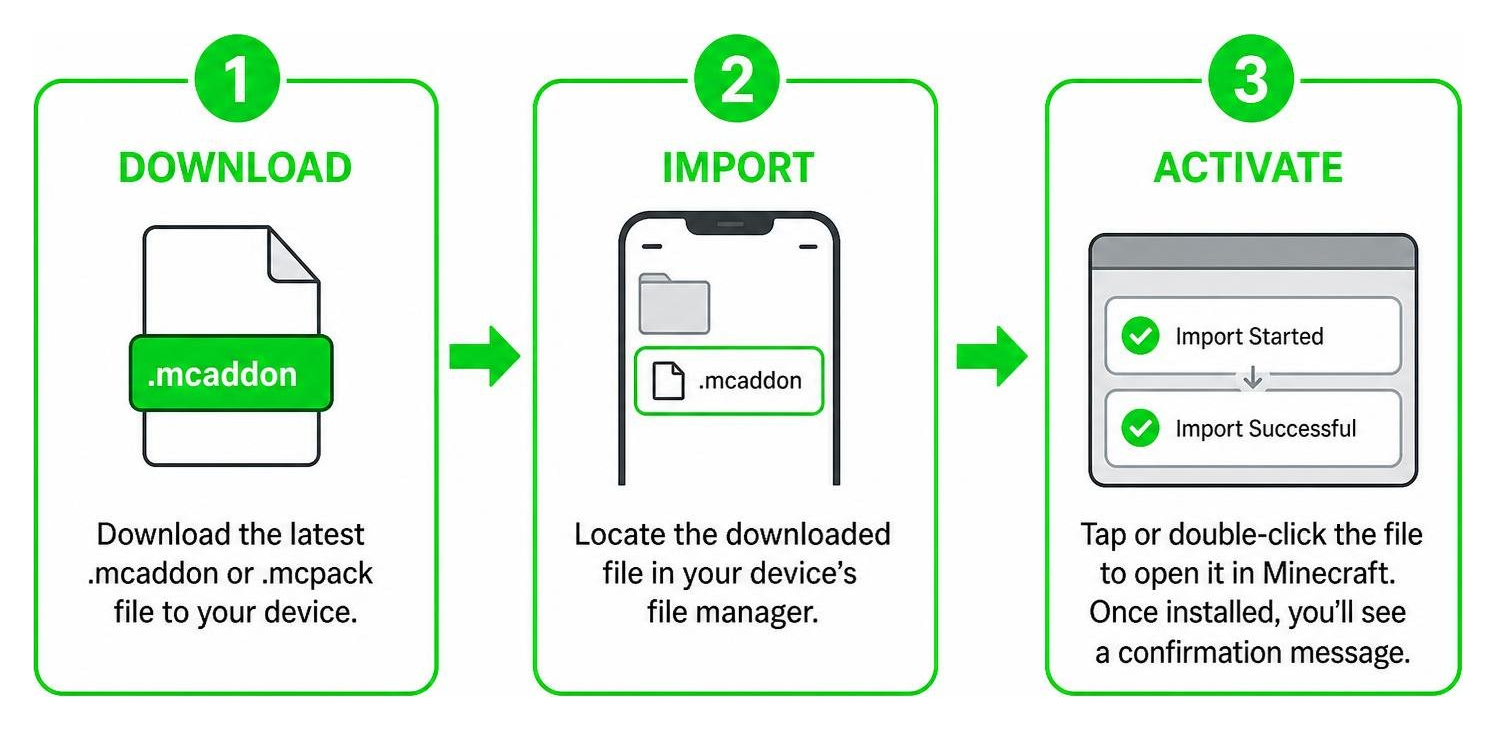
Step 1: Downloading and Importing the Addon File
- Download the latest
.mcaddonor individual.mcpackfiles directly to your device from MCPEUDAY. - Locate the downloaded file in your device’s file manager or downloads folder.
- Tap or double-click the file to open it automatically inside Minecraft. The game will launch and display an “Import Started” notification banner, followed by a confirmation message once successfully installed.
- If you downloaded separate
.mcpackfiles, repeat this process for both the Resource Pack and the Behavior Pack to ensure both are registered in your global storage. - Open Minecraft, navigate to Play > Create New World (or click the edit pencil icon beside an existing world), and scroll down to the Resource Packs and Behavior Packs tabs in the left sidebar.
- Under My Packs, locate the Magic Way entries and click Activate for both resource and behavior modules.
Step 2: Enabling Required Experimental Settings
Because the addon introduces custom items, animations, custom spell projectiles, and entity properties, you must enable experimental gameplay features in your world settings. Before launching the world:
- Scroll down the world settings menu to the Experiments section.
- Toggle on Holiday Creator Features, Upcoming Creator Features, and Molang Features.
- Enable Beta APIs and Custom Biomes/Features if your downloaded version utilizes custom scripting systems.
- Verify that game cheats are enabled if you plan to test spells and wands in Creative mode via custom item commands.
- Save your changes and click Create or Play to enter your new magical world with all arcane systems fully operational.
Magic System Mechanics: Schools, Spells, and Expansion
| Magic School | Primary Role | Signature Spell | Resource Impact |
|---|---|---|---|
| Pyromancy (Fire) | Burst Damage & DoT | Flame Nova | High Mana / Medium Cooldown |
| Cryomancy (Ice) | Crowd Control & Defense | Frost Tomb | Medium Mana / High Cooldown |
| Necromancy | Minion Summoning & Drain | Soul Siphon | High Mana / Long Cooldown |
| Aeromancy (Wind) | Mobility & Knockback | Gale Dash | Low Mana / Short Cooldown |
| Geomancy (Earth) | Physical Defense & Barriers | Stone Bulwark | Medium Mana / Medium Cooldown |
| Luminancy (Light) | Healing & Purifying Buffs | Radiant Aura | Medium Mana / Medium Cooldown |
| Arcane (Pure) | Teleportation & Utility | Phase Shift | High Mana / Short Cooldown |
Mana regenerates passively over time, but higher-tier incantations require careful resource management. You can increase your maximum mana and regeneration rate by crafting enchanted robes, equipping magic rings, and brewing custom restoration elixirs. As you defeat bosses and gather rare spell fragments, you unlock upgraded casting foci that decrease cooldown intervals and amplify spell radius.
Enhancing Combat with Complementary Addons
While Magic Way provides an expansive arsenal of wands and tomes, you can expand your melee and mobility options by layering other great community creations onto your world.
For high-voltage ranged strikes that stun enemies across the battlefield, check out our guide on the Lightning Magic Addon. If traversing steep mountain biomes on foot is slowing your exploration down, taking to the skies using the Magic Brooms Addon offers an intuitive flight system that pairs naturally with aerial spellcasting.
Melee-focused sorcerers can blend spellcasting directly with close-quarters combat by forging weapons from the Elemental Swords Addon. To further round out your armory with unique blades, shields, and custom weapon abilities, combining your spellbook with the Sword Expansion Addon creates a versatile, unstoppable battlemage setup capable of conquering any dungeon encounter.
Frequently Asked Questions
Does this addon support multiplayer and Realms?
Yes, the addon works seamlessly in standard multiplayer sessions, local LAN games, and Bedrock Realms. When hosting a world on a Realm or dedicated server, ensure that “Require players to accept resource packs to join” is checked in your world settings. This guarantees that all connected friends download the custom wand models, textures, sound files, and spell particle effects automatically without needing manual installation on their individual devices.
Troubleshooting Common Issues with Magic Way Addon for Minecraft PE/Bedrock
If you experience missing textures (indicated by purple-and-black checkerboards) or spells failing to cast, double-check the following:
- Ensure both the Resource Pack and Behavior Pack are active simultaneously in the world settings.
- Verify that every required experimental toggle was switched on prior to loading the world.
- If upgrading from an older version, delete old cached pack files in your game’s storage settings under Settings > Storage > Resource/Behavior Packs before importing the updated build.
- Check that your world difficulty is set to Easy, Normal, or Hard, as some spell summons and custom boss entities will not spawn in Peaceful mode.
How do you restore mana quickly during boss fights?
During prolonged boss battles, relying solely on natural mana regeneration can leave you vulnerable. We recommend brewing a stock of Greater Mana Potions before starting a fight. Additionally, wearing specific endgame Mage Robes and standing inside a placed Focus Crystal creates a localized field that dramatically accelerates mana recovery rates, allowing you to sustain continuous offensive spell rotations against tough boss shields.
Conclusion
The Magic Way Addon delivers a complete fantasy transformation for Minecraft Bedrock, swapping repetitive weapon clicking for deep, strategic spellcraft. Whether you choose to incinerate hostile mobs with fiery meteors, raise an army of skeleton guards, or test your skills against the five custom bosse
s, it offers hours of rewarding progression.
Check out our full collection to explore trending Minecraft PE/Bedrock mod addons and build the ultimate custom survival experience on MCPEUDAY today!