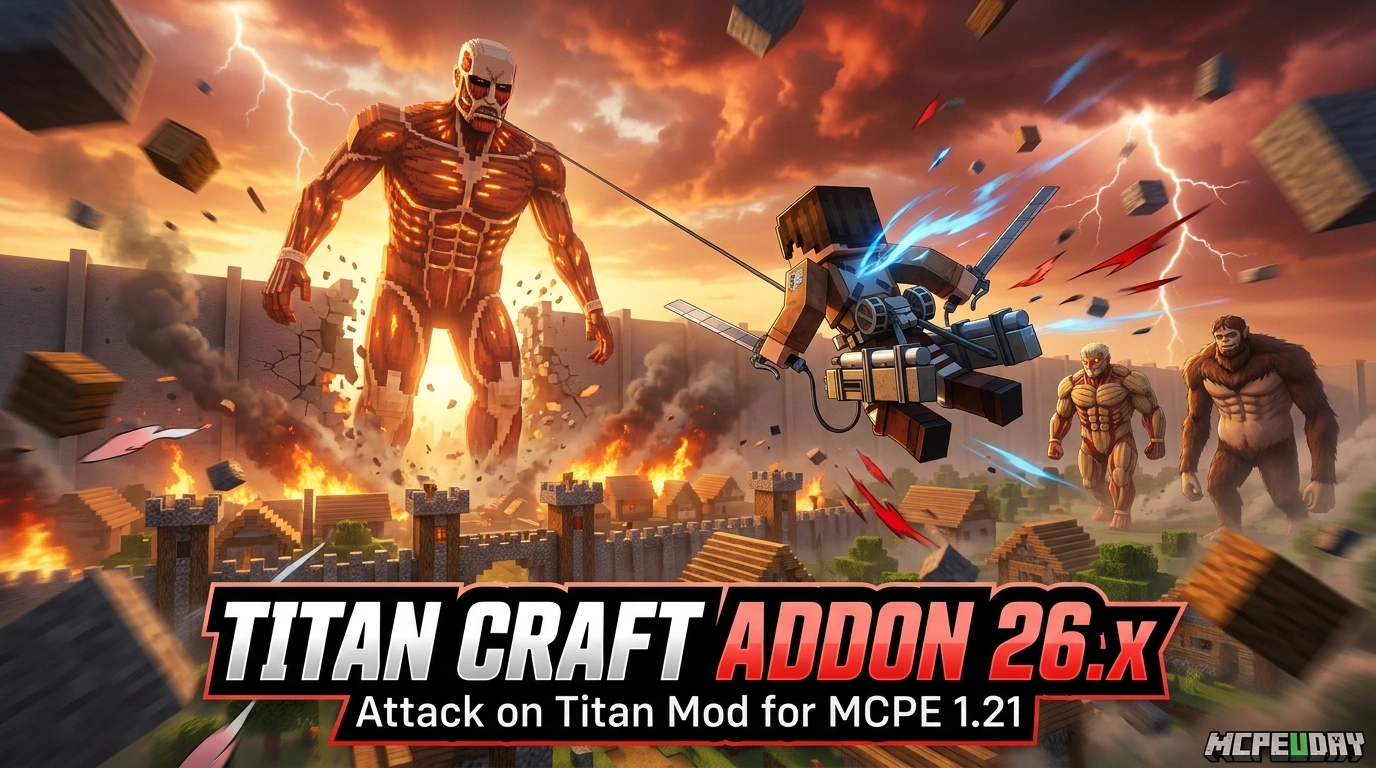
What the Titan Craft Addon (26.x, 1.21) – MCPE/Bedrock Attack on Titan Mod Actually Does
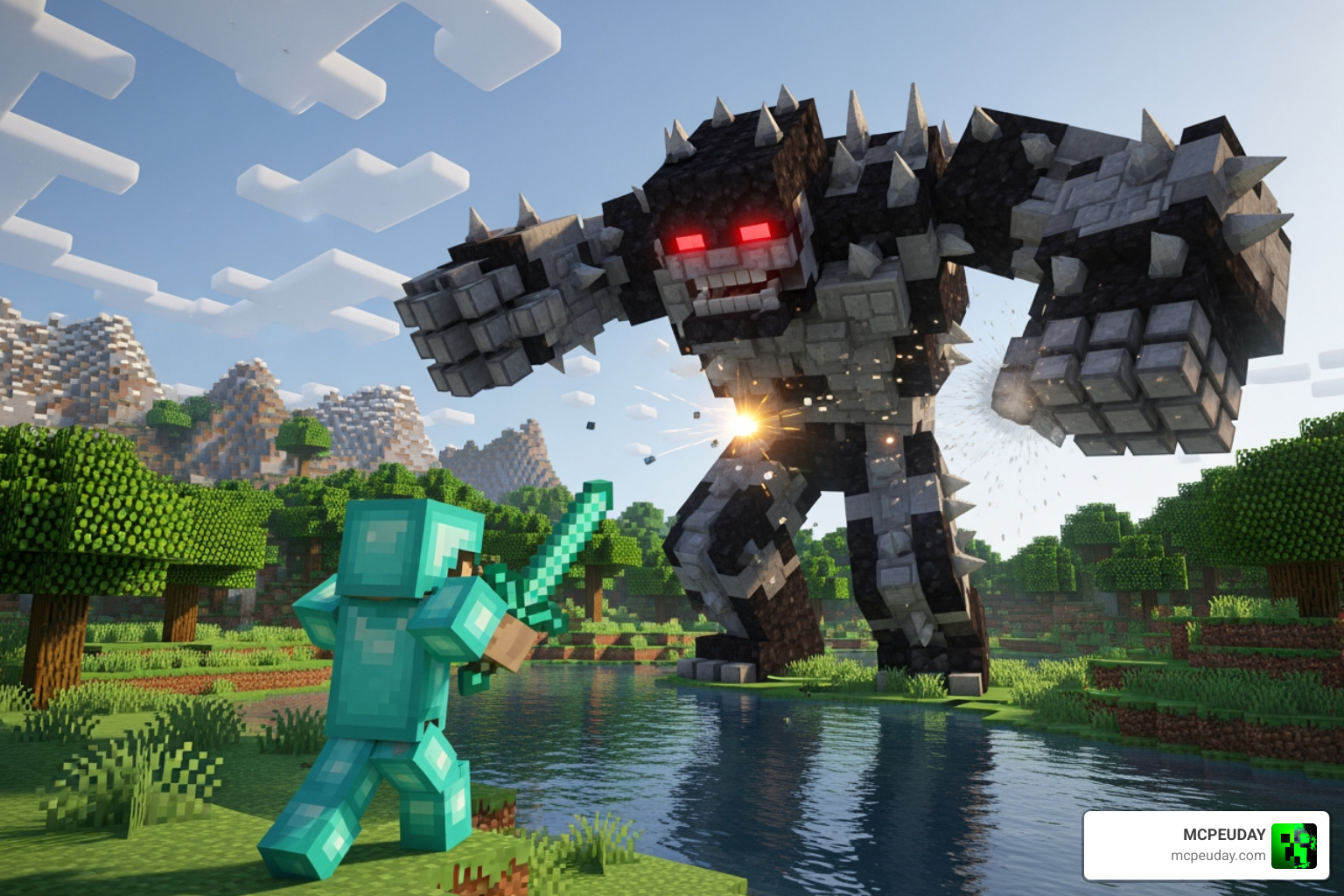
The Titan Craft Addon (26.x, 1.21) – MCPE/Bedrock Attack on Titan Mod brings the full world of Shingeki no Kyojin (Attack on Titan) into Minecraft Bedrock Edition, letting you fight massive Titans or transform into one yourself.
Quick answer for what this addon includes:
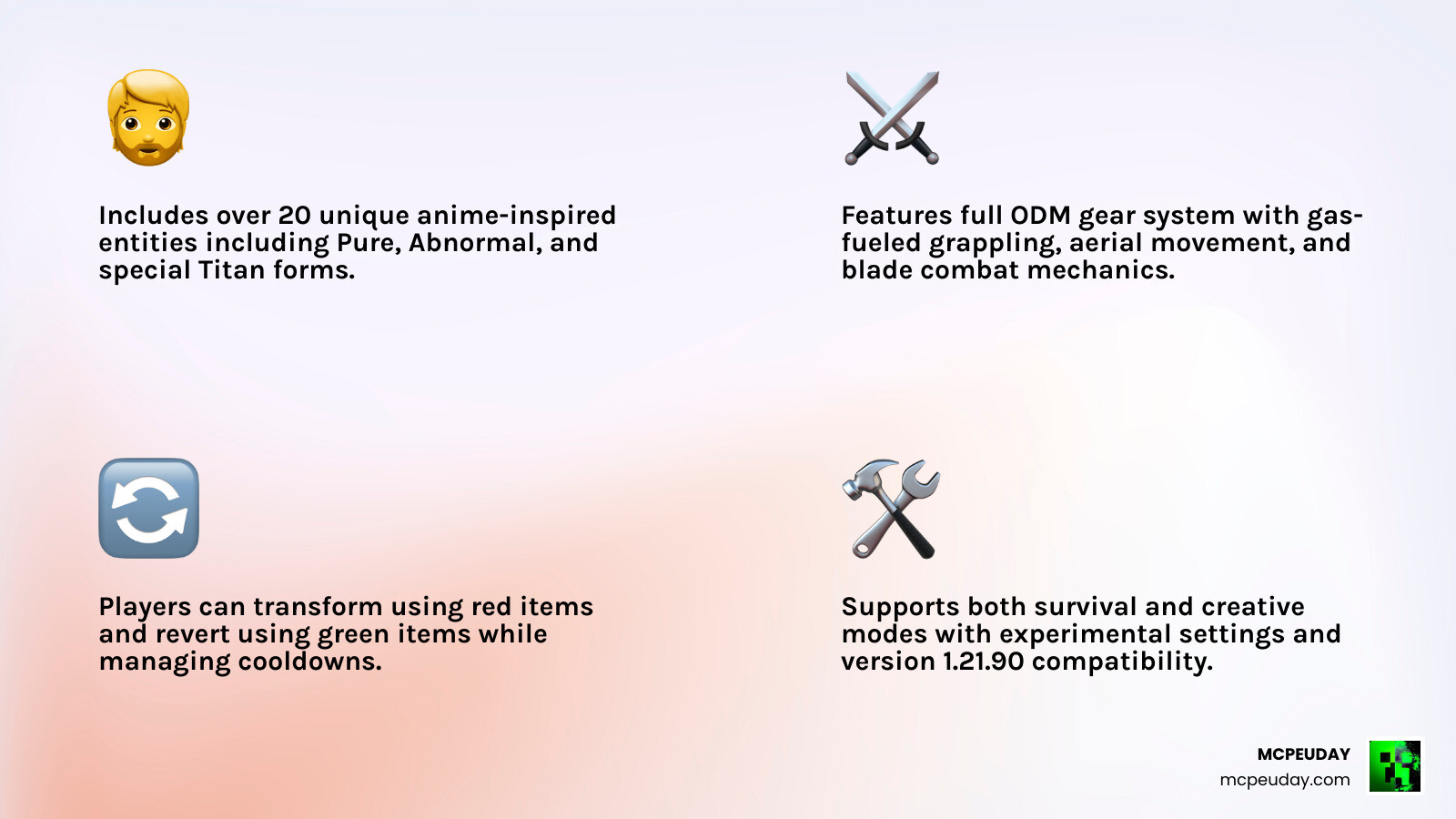
- Titan types – Colossal, Armored, Beast, Female, Warhammer, Jaw, and more, each with unique HP and abilities
- ODM Gear – Omni-Directional Mobility gear that lets you fly and grapple using gas as fuel
- Titan shifting – Use a red item to transform into a Titan, green item to return to human form
- Thunder Spears and Medkits – Special weapons and recovery items for combat
- Scout clothes and clan system – Eldian, Ackerman, and Ymir clans with unique skills
- 22 total entities based on the anime
- Compatible with Minecraft PE/Bedrock 1.21.90 and Bedrock version 1.26.0
This addon is built for fans who want more than just a skin pack. It changes how Minecraft plays — adding aerial combat, nape-targeting mechanics, and Titan transformation sequences straight from the anime.
It works in both creative and survival mode, though some features (like ODM crafting) are easier to access in creative. You’ll also need to enable Experimental Settings in your world for everything to function correctly.
Key Features of the Titan Craft Addon (26.x, 1.21) – MCPE/Bedrock Attack on Titan Mod
When we look at the Titan Craft Addon (26.x, 1.21) – MCPE/Bedrock Attack on Titan Mod, we aren’t just looking at a few new mobs. We are looking at a complete overhaul of the Minecraft combat experience. As we head into May 2026, this addon remains one of the most downloaded and highly-rated anime mods for Bedrock Edition, boasting an impressive 4.2-star rating from users who love the attention to detail.
The core of the experience lies in its authenticity. You aren’t just hitting a giant zombie; you are targeting the nape of a Titan’s neck, which is their specific weak point. If you hit them anywhere else, they might just regenerate and keep coming for you!
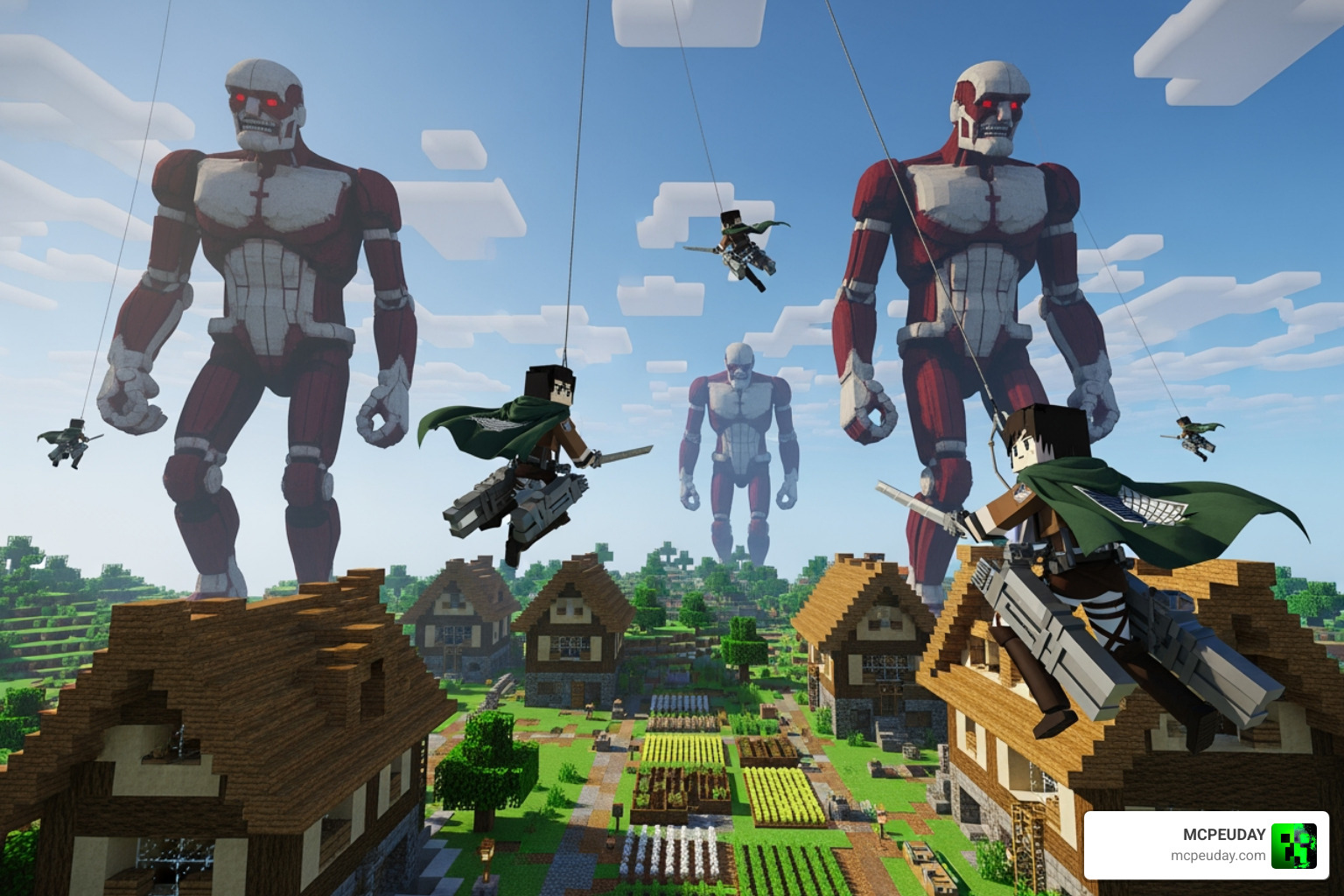
The addon introduces several key categories of items and entities:
- Military Equipment: You get access to the iconic Scout Regiment clothes, which make you look the part. Beyond aesthetics, you have functional items like Medkits to recover from those devastating Titan swipes.
- Advanced Weaponry: Standard diamond swords won’t cut it here. You’ll need specialized blades and the explosive Thunder Spears to take down the Armored Titan or the Colossal Titan.
- The Clan System: Depending on your luck or choice, you can belong to clans like the Ackermans or the Eldians, which can influence your stats and abilities.
- Visual Enhancements: To make these massive Titans look even more terrifying, we recommend pairing this mod with the Newb X Ambient Shader For Minecraft Pe Realistic Lighting Smooth Shadows Fps Friendly. The realistic lighting makes the scale of a 60-meter Titan truly sink in.
For more technical details and direct downloads, you can always check the official Titan Craft Addon (26.x, 1.21) – MCPE/Bedrock Attack on Titan Mod page.
Mastering ODM Gear and Combat Mechanics
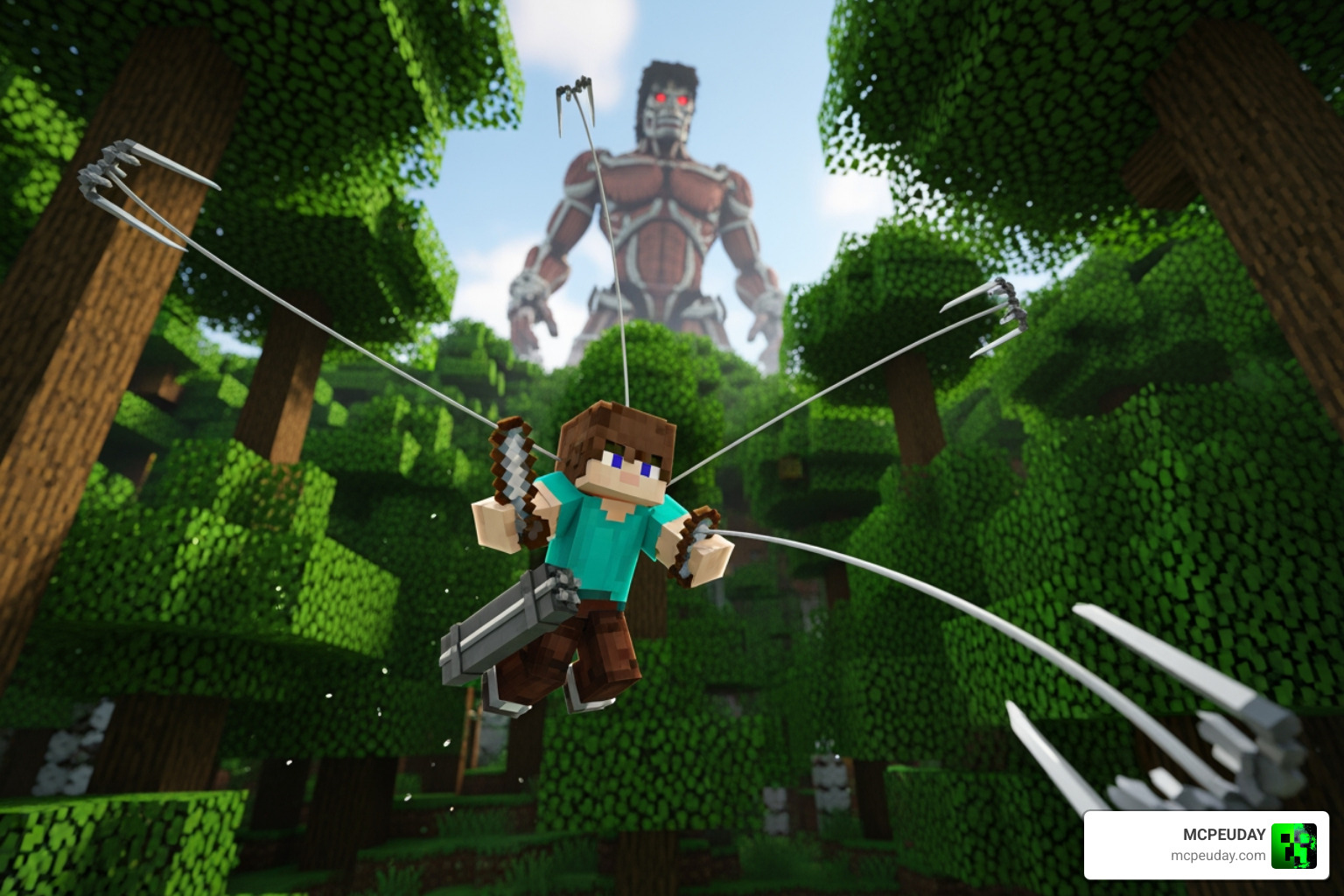
If you want to survive more than five minutes against an Abnormal Titan, you have to master the Omni-Directional Mobility (ODM) gear. In the Titan Craft Addon (26.x, 1.21) – MCPE/Bedrock Attack on Titan Mod, movement is your best defense.
How the Gear Works
To use the ODM gear, you first need to equip gas in your equipment slot. Without gas, you’re just a person with a heavy backpack. Once fueled, you can use the grappling hook to fly through the sky.
- Grappling: Use the grappling hook to latch onto blocks.
- Flight: Sneaking allows you to gain altitude, while a long tap allows you to charge in a specific direction, dealing damage if you collide with a Titan’s nape.
- Dual Wielding: You can use swords in your secondary hand, which is a game-changer for combat efficiency. These appear in the sword section of your inventory and allow for the classic cross-slash attack seen in the anime.
Mobility Comparison Table
| Feature | Vanilla Minecraft | Titan Craft Addon (ODM) |
|---|---|---|
| Vertical Speed | Slow (climbing/blocks) | Extremely Fast (grapple) |
| Air Control | None (falling) | High (gas-powered flight) |
| Attack Style | Ground-based | Aerial/Nape-focused |
| Fuel Requirement | Food (Hunger bar) | Gas Canisters |
To ensure your game doesn’t lag while you’re flying at high speeds, we suggest using the Newb X Unwind Shader For Minecraft Pe Mcpe 1 21. It provides stunning visuals without sacrificing the FPS you need for precision grappling.
Titan Shifting and Entity Guide
One of the most exciting parts of the Titan Craft Addon (26.x, 1.21) – MCPE/Bedrock Attack on Titan Mod is the ability to stop being the prey and start being the predator. Titan Shifting is a core mechanic that allows you to transform into one of the Nine Titans.
Becoming a Shifter in Titan Craft Addon (26.x, 1.21) – MCPE/Bedrock Attack on Titan Mod
To become a shifter, you typically need to use a special serum. Once you have the power:
- The Red Item: Selecting the red item in your hotbar triggers the transformation. Expect a bolt of lightning and a massive explosion (especially if you’re the Colossal Titan!).
- The Green Item: To return to your human form, use the green item.
- Skills: Each Titan form has specific skills. For example, the Armored Titan can charge through walls, while the Warhammer can create structures.
- Cooldowns: You can’t stay a Titan forever. There are energy limits and cooldowns to prevent you from being completely invincible in survival mode.
Titan Types and Stats
The addon includes 22 entities, but the “Intelligent Titans” are the stars of the show. Here is a breakdown of what you’re up against:
- Colossal Titan: The powerhouse. It has 100 HP by default but drops to 50 HP after using its steam attack. It is slow but devastating.
- Armored Titan: With 40 HP and high resistance, this Titan is a tank. You’ll need Thunder Spears to crack its shell.
- Warhammer Titan: Boasts 80 HP and can summon weapons. It is one of the toughest fights in the mod.
- Beast Titan: Has 35 HP and specializes in long-range rock-throwing attacks.
- Female Titan: 25 HP, but very fast and agile.
- Jaw Titan: Lower HP (around 16-20 depending on the variant) but incredibly fast and hard to hit.
- Pure & Abnormal Titans: These roam the land and have varying HP levels. Abnormals are unpredictable and can sprint or jump toward you suddenly.
Installation and Optimization Guide
Getting the Titan Craft Addon (26.x, 1.21) – MCPE/Bedrock Attack on Titan Mod to run smoothly requires a bit of setup. Since this mod uses complex animations and custom entities, standard world settings won’t cut it.
Setting up Titan Craft Addon (26.x, 1.21) – MCPE/Bedrock Attack on Titan Mod
- Download: Grab the
.mcaddonfile from a trusted source like our site or the official links provided. - Import: Open your file manager and tap the file. Minecraft should open automatically and import the resource and behavior packs.
- World Creation: When creating a new world, go to the “Packs” section and activate both the Titan Craft Resource Pack and the Titan Craft Behavior Pack.
- Multiplayer: If you’re playing with friends, ensure “Require players to accept resource packs to join” is checked so everyone can see the Titans.
Experimental Settings and Performance
For the 26.x version to work on Minecraft 1.21, you must enable the following Experimental Toggles:
- Beta API
- Holiday Creator Features
- Molang Features
- Custom Biomes (optional but recommended for better Titan spawning)
If you find your device struggling with the massive Titan models, check out our Newb X Ambient Shader For Minecraft Ultra Realistic Lighting Smooth Fps Boost 2026 Guide. It’s optimized to give you that high-end look without crashing your phone or tablet.
Frequently Asked Questions about Titan Craft
How do I transform into a Titan?
In the Titan Craft Addon (26.x, 1.21) – MCPE/Bedrock Attack on Titan Mod, you first need to acquire the Titan power (usually via a serum in survival or the creative menu). Once you have it, use the Red Item to transform. To turn back into a human, use the Green Item.
Where do I find Titans in survival mode?
Titans will naturally spawn in your world, often replacing some standard mob spawns. However, some users report that they spawn more frequently in plains and forest biomes. If you can’t find them, make sure your “Experimental Settings” are turned on, as this is the most common reason for spawning issues.
Why is my ODM gear not working?
There are three main reasons your ODM gear might fail:
- No Gas: You must have gas canisters in your inventory/equipment slot.
- Durability: Your blades might be broken and need replacing.
- Experimental Settings: If the grappling hook doesn’t fire, it’s almost always because the “Beta API” or “Holiday Creator Features” toggles were not enabled during world creation.
Conclusion
The Titan Craft Addon (26.x, 1.21) – MCPE/Bedrock Attack on Titan Mod is a masterpiece of community engineering. It successfully bridges the gap between the high-octane action of the anime and the sandbox freedom of Minecraft. Whether you are swinging through the trees with your ODM gear or standing tall as the Colossal Titan, the level of immersion is unparalleled for a Bedrock mod in 2026.
At MCPEUDAY, we strive to keep you updated with the latest and greatest mods. If you enjoy the combat in this addon, you might also want to expand your arsenal further. Check out the 5 best Minecraft Bedrock gun mods for survival and PVP in 2026 to see how modern weaponry stacks up against the Titan threat!
Keep practicing those nape strikes, and we’ll see you behind the walls!