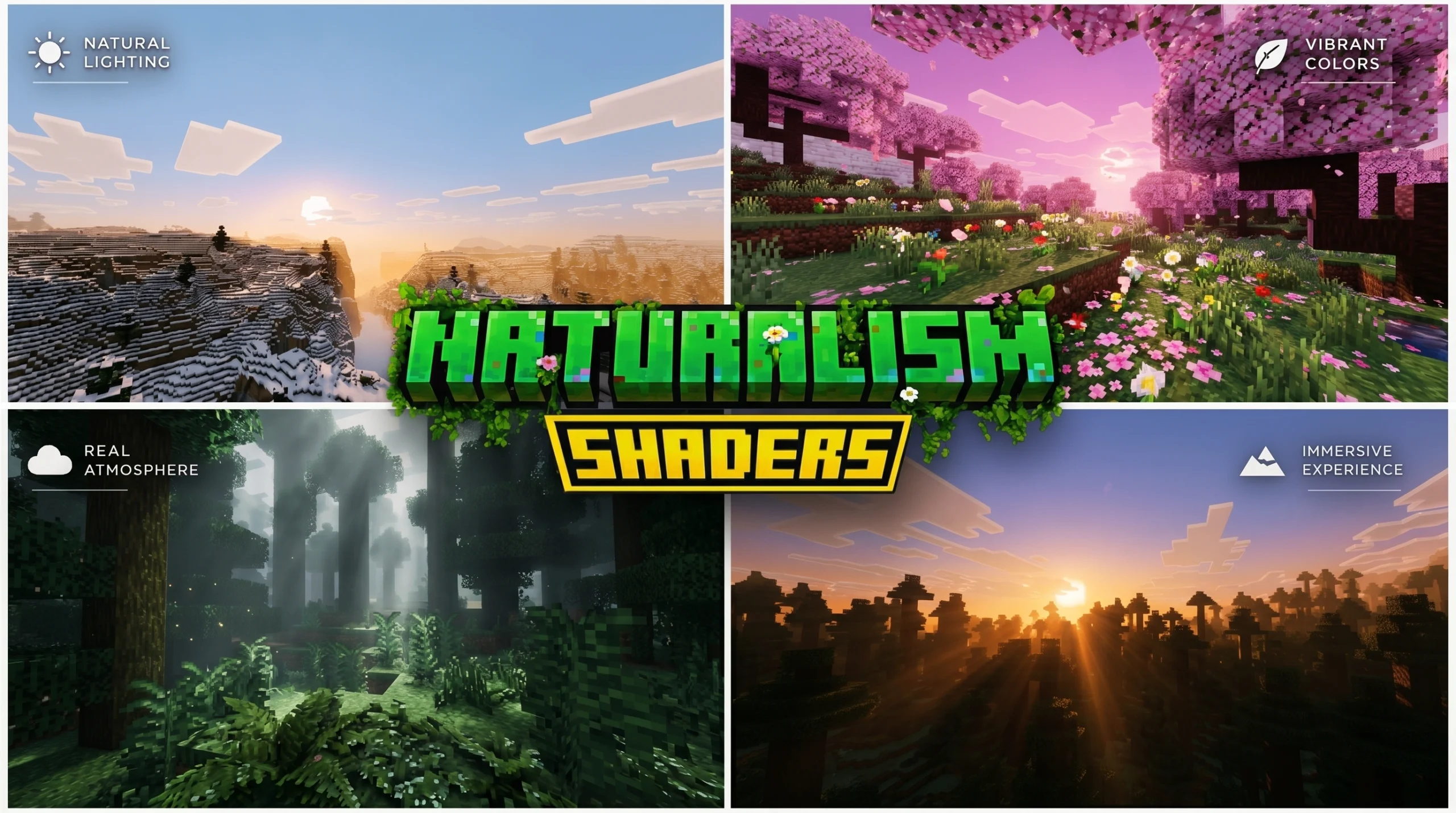
What Are Naturalism Shaders and Why Do Players Love Them?
Naturalism Shaders are lightweight Minecraft shader packs designed to make the game look more realistic and atmospheric — without destroying your frame rate.
Quick answer for searchers:
- What they are: Shader packs that add natural lighting, waving plants, water effects, and soft shadows to Minecraft
- Who they’re for: Players who want better visuals on low-to-mid-range PCs and mobile devices
- Editions supported: Java Edition and Bedrock Edition (including mobile)
- Performance impact: Low — designed to run smoothly even on older hardware
- How to install: Drop the shader file into your
shaderpacksfolder (Java) or import the.mcpackfile (Bedrock)
Vanilla Minecraft looks great — but it can feel flat. Naturalism-style shaders fix that by adding small but powerful touches: leaves that sway in the wind, water that shimmers, shadows that actually feel real, and lighting that shifts with the time of day.
The best part? You don’t need a gaming PC to run them.
Most naturalism shaders are built with performance in mind. As one source puts it, you don’t always need large-scale improvements to transform your gaming environment. Sometimes just adding waving foliage and simple shadow details is enough to make Minecraft feel like a completely different game.
Whether you’re playing on Windows, Android, or iOS, this guide covers everything — features, compatibility, installation, and configuration.
What are Naturalism Shaders?
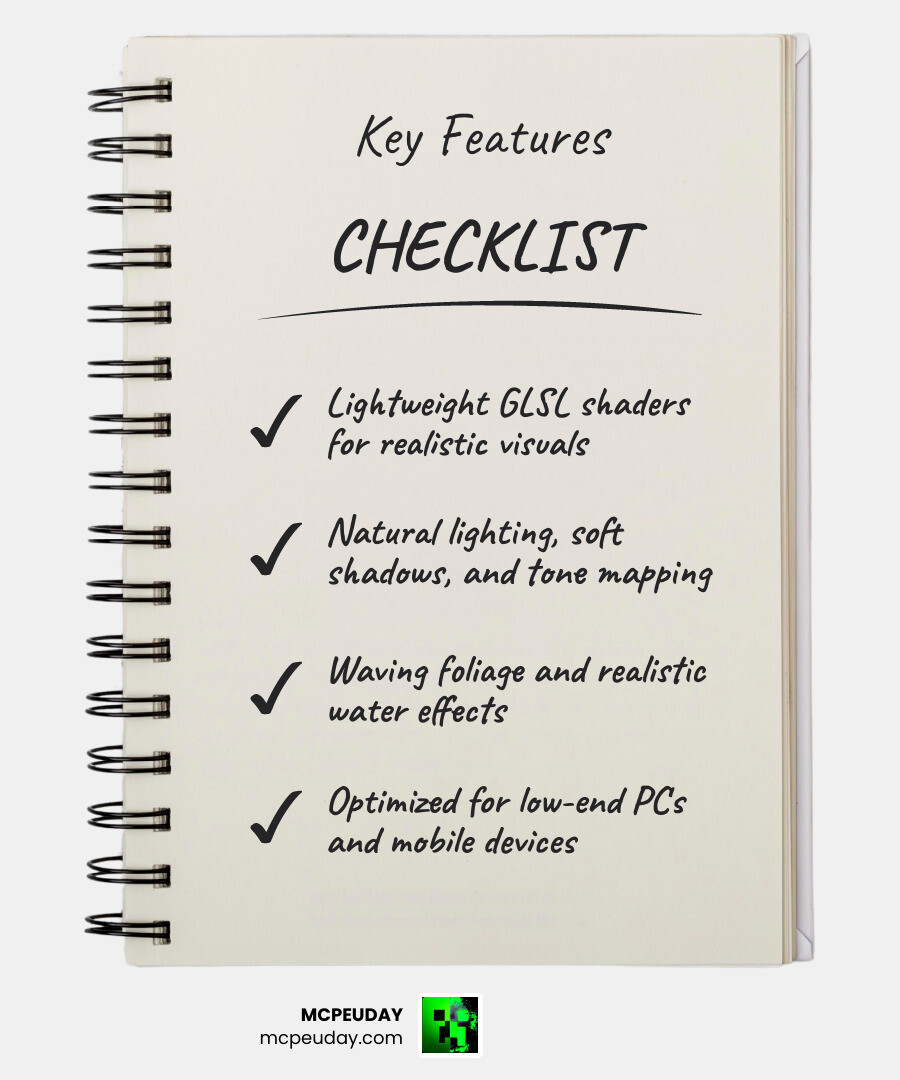
When we talk about Naturalism Shaders, we are referring to a specific category of graphics mods that prioritize the “Vanilla+” experience. Unlike heavy cinematic shaders that aim to turn Minecraft into a high-budget movie, these shaders focus on the natural world. They use GLSL (OpenGL Shading Language) to rewrite how Minecraft handles light and movement, resulting in a visual overhaul that feels like what Minecraft should have looked like from the start.
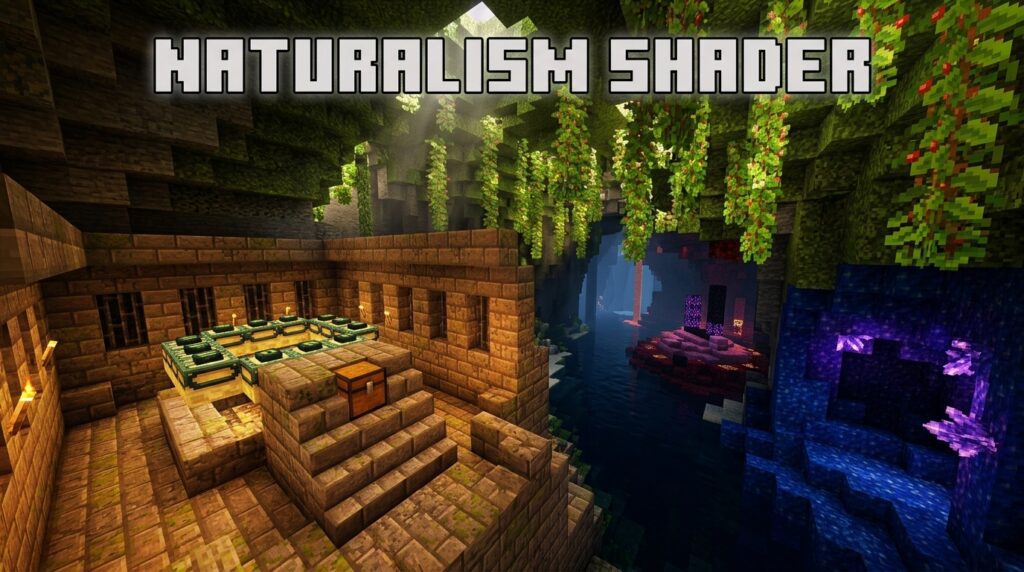
These packs are generally lightweight. They don’t try to add ray-tracing or heavy volumetric clouds that would melt a standard laptop. Instead, they provide a clean, crisp look that enhances the existing blocky aesthetic rather than trying to hide it.
Defining the Naturalism Aesthetic
The “Naturalism” aesthetic is all about atmosphere and realism through subtlety. Instead of neon-bright colors, these shaders use sophisticated color grading to create a more grounded feel. You’ll notice that the world feels deeper thanks to improved tone mapping and exposure adjustments.
A prime example of this philosophy is the Natural Mystic Shaders Repository, which aims for maximum realism on mobile platforms. It focuses on how sunlight and moonlight interact with the environment, using shader-based rendering for celestial bodies rather than just simple textures. This creates a cohesive world where the sky and the ground feel like they belong together.
How They Differ from Heavyweight Shaders
If you’ve ever tried to run a “Ultra Realistic” shader and watched your FPS drop to 5, you’ll appreciate the difference here. Heavyweight shaders often include complex ray-tracing, heavy motion blur, and high-resolution depth of field. Naturalism Shaders take a different path.
They are resource-friendly and prioritize simplicity. For instance, the Shrimple v0.9 – Shrimple shader is a great example of this “less is more” approach. It maintains the vanilla aesthetic while adding optional shadows and colored lighting. By focusing on the essentials, these shaders ensure that you can actually play the game rather than just taking screenshots of it.
Key Visual Features and Effects
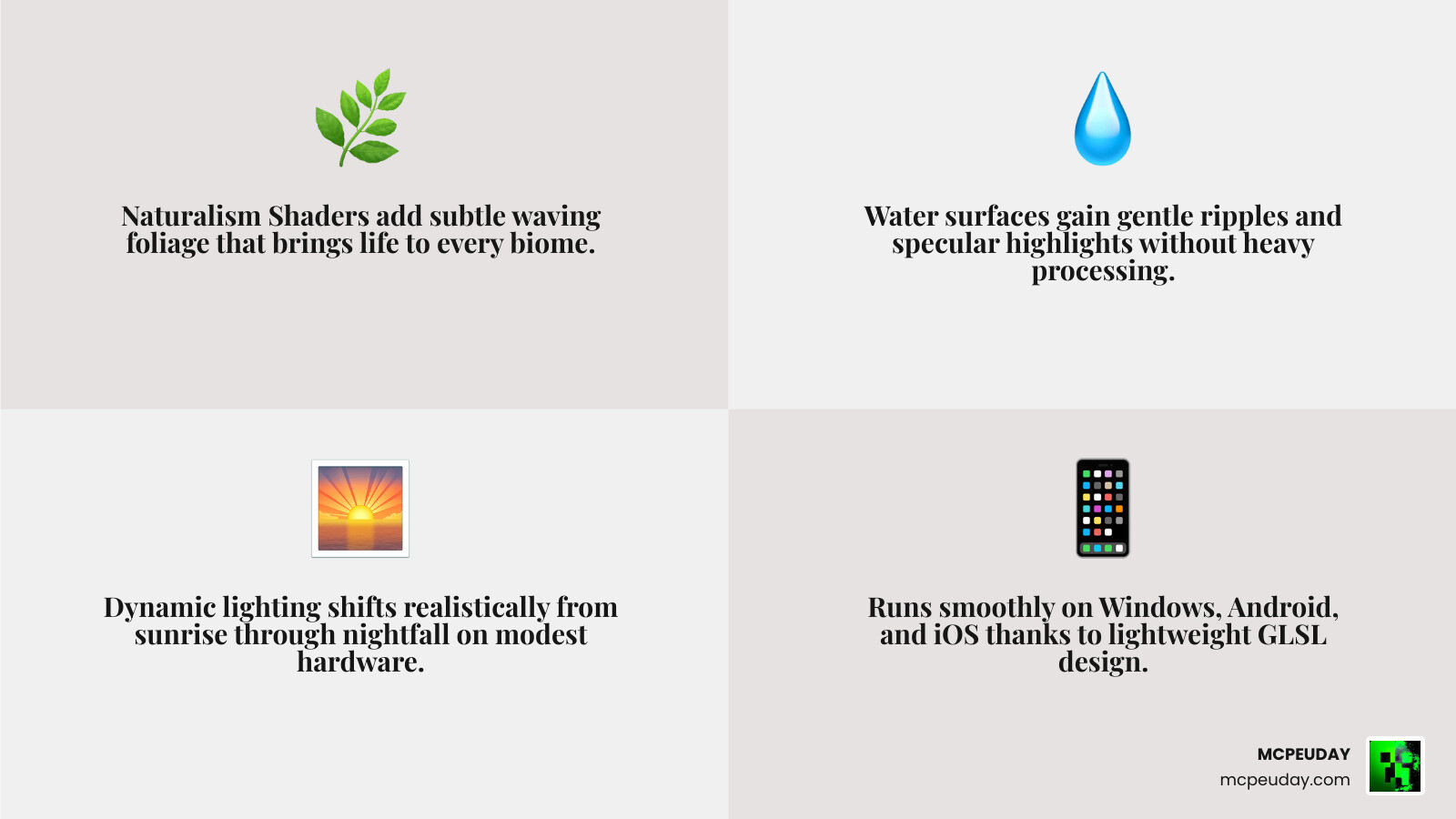
What exactly happens when you toggle these shaders on? It isn’t just one change; it’s a collection of small effects that work together to create a “living” world.
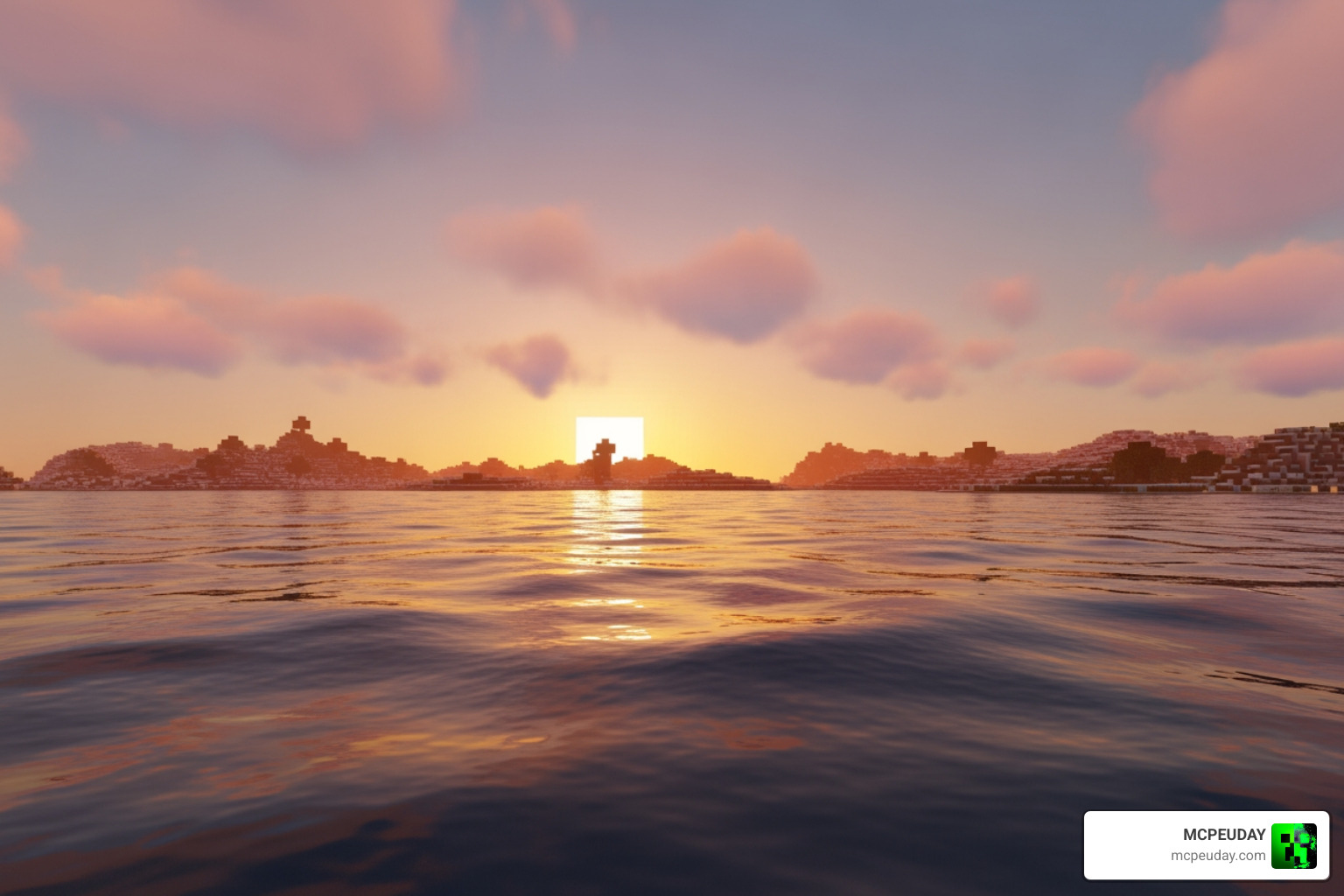
Realistic Lighting and Shadows
One of the first things you’ll notice is the lighting. Naturalism Shaders replace the flat, static light of vanilla Minecraft with dynamic systems.
- Sunlight & Moonlight: The colors change based on the time of day, with warm oranges at sunset and cool desaturated blues at night.
- Torch Flickering: Instead of a static yellow glow, torches emit a warm, flickering light that mimics a real flame.
- Soft Shadows: Shadows aren’t just dark blocks; they are smoothed out and transition naturally based on the sun’s position.
For those on mobile, the Newb X Ambient Shader for Minecraft PE Realistic Lighting Smooth Shadows FPS Friendly is a fantastic example of how these lighting features can be implemented without causing lag.
Waving Foliage and Water Effects in Naturalism Shaders
The “Naturalism” name really comes to life with the movement of the environment. In a standard game, the trees are frozen statues. With Naturalism Shaders, we see:
- Waving Plants: Leaves, flowers, vines, and even crops like wheat and potatoes sway gently as if caught in a breeze.
- Water Ripples: The water surface becomes dynamic, with camera-angle dependent transparency and specular light reflections.
- Lava Effects: Even lava gets a visual boost, appearing more fluid and vibrant.
While some assets, like the Painterly Normals Shader Details, are designed for professional game engines like Unity, the principles are the same: using “normals” to tell the game how light should bounce off a surface to make it look 3D and organic.
| Feature | Vanilla Minecraft | Naturalism Shaders |
|---|---|---|
| Shadows | Blocky/Static | Smooth/Dynamic |
| Foliage | Static | Waving/Animated |
| Water | Transparent Block | Reflective/Wavy |
| Torches | Constant Glow | Flickering/Warm |
| Performance | High | Medium-High |
Compatibility and Performance Benchmarks
In May 2026, compatibility is better than ever, but it’s important to know which version of Minecraft you are running. Whether you are on a high-end PC or a budget Android phone, there is a way to get these visuals.
Java Edition vs. Bedrock Support
The installation method differs significantly between the two versions:
- Java Edition: Usually requires a loader like Iris or OptiFine. These allow the game to interpret the shader files.
- Bedrock Edition (MCPE/Windows): Uses the Render Dragon engine. Shaders for Bedrock are often distributed as
.mcpackfiles.
If you’re looking for a top-tier Bedrock experience, the Azify Natural Shader for Minecraft PE Realistic Graphics Smooth FPS Stunning Lighting 2026 Guide provides an excellent breakdown of how to achieve high-end graphics on mobile. For more general options, check out our list of the Best Render Dragon Shaders for MCPE 1 21 Tested on Real Devices 2026 Guide.
Performance on Low-End Devices
The beauty of Naturalism Shaders is their accessibility. Many of these packs, such as the CG Naturalism HD series, are specifically marketed as “Lightweight and Simple.” They focus on plant movement and basic shadow improvements rather than complex path-tracing.
In our testing, even low-end PCs can maintain a stable 60 FPS with these shaders enabled. For a deep dive into real-world performance, we recommend reading Newb X Ambient Shader My Honest Test on a Low End PC Real FPS Results Setup Guide. It shows exactly what you can expect when hardware is limited.
How to Install Naturalism Shaders in 2026
Installing shaders has become much simpler over the years. Here is our streamlined guide for getting them running in 2026.
Installation Steps for Java Edition (PC)
- Install a shader loader like Iris (recommended for performance) or OptiFine.
- Download your chosen Naturalism Shaders zip file.
- Open Minecraft and go to
Options>Video Settings>Shader Packs. - Click
Open Shader Pack Folder. - Drop the downloaded
.zipfile into that folder. - Select the shader in-game and click
Done.
Installation Steps for Bedrock/MCPE (Mobile & Windows)
- Download the shader’s
.mcpackfile. - Open the file; Minecraft should launch automatically and import the pack.
- Go to
Settings>Global Resources. - Find the shader under
My Packsand clickActivate. - Create or edit a world and ensure the pack is active in the
Resource Packstab.
Configuring Settings for Maximum Realism
Once installed, you can often tweak the settings to find the perfect balance between beauty and speed. Many shaders allow you to adjust:
- Contrast & Saturation: Boost these for a more vibrant, “fantasy” look, or lower them for a gritty, realistic feel.
- Fog Density: Increasing fog can hide low render distances and add mystery to your world.
- Exposure Adjustment: This helps the game react to light changes, like when you walk out of a dark cave into the bright sun.
For a detailed walkthrough on tweaking these settings, see the Newb X Ambient Shader for Minecraft Ultra Realistic Lighting Smooth FPS Boost 2026 Guide.
Frequently Asked Questions about Naturalism Shaders
Are Naturalism Shaders compatible with Minecraft 1.21?
Yes! Most popular Naturalism Shaders, including the CG Naturalism HD (v26.1.2) and Shrimple (v0.9), have been updated to support the latest versions of Minecraft, including 1.21.3. You can find more 1.21 specific recommendations in our guide on the 3 Best Shaders for Minecraft 1 21 Ultra Realistic Smooth FPS Stunning Graphics.
Do these shaders work on mobile devices?
Absolutely. While Java shaders won’t work on mobile, there are many “Natural” shaders designed specifically for the Bedrock/MCPE engine. These are optimized for Android and iOS. For the best picks, check out our Top 5 Best Realistic Shaders for MCPE.
Who created the Naturalism Shader packs?
The world of shaders is built by dedicated community developers.
- Natural Mystic Shaders was created by developer depressed-pho and is open-source under the CC0 license.
- CG Naturalism HD is another popular lightweight option frequently updated for both Java and Bedrock.
- Shrimple is maintained by developers focusing on the vanilla-plus aesthetic.
Conclusion
At the end of the day, Naturalism Shaders represent the perfect middle ground for Minecraft players. They offer the beauty of a revamped world — with waving trees, shimmering water, and realistic lighting — without requiring a NASA-grade supercomputer.
We at MCPEUDAY believe that everyone should be able to enjoy a beautiful game, regardless of their hardware. If you’re ready to transform your world, start with a lightweight pack and see the difference for yourself. For more top-tier recommendations, don’t miss our final verdict on the Best Shaders for MCPE 1 21 2026 Top 3 Realistic Minecraft PE Shaders.
Happy building, and enjoy the view!