What Is a Pokémon Addon and Which One Should You Get?
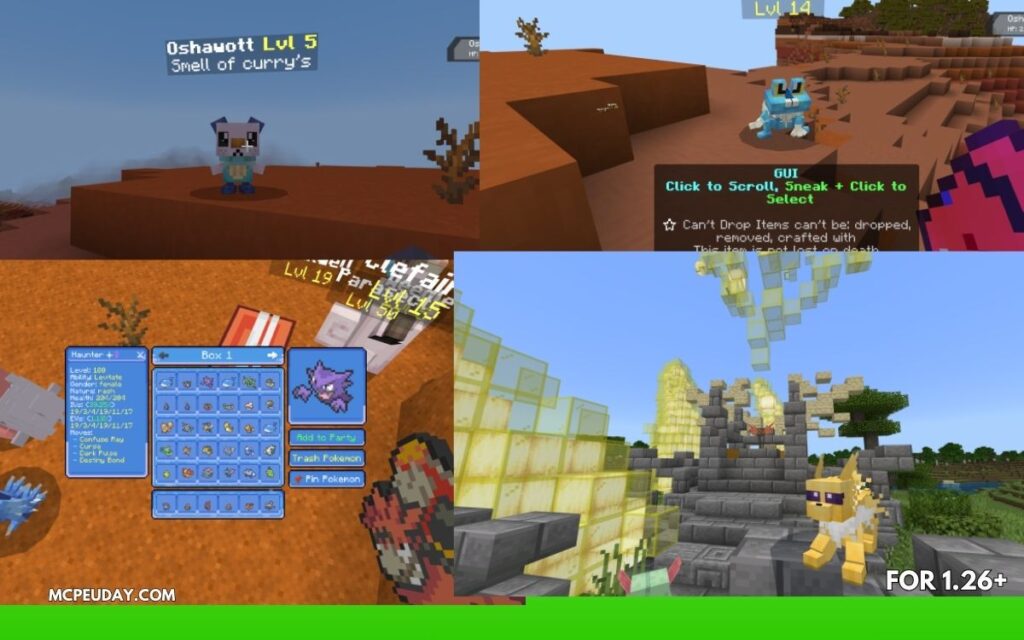
The best Pokémon Addon for Minecraft Bedrock depends on what kind of experience you want. Here’s a quick overview of the top picks:
| Addon | Best For | Downloads | Minecraft Version |
|---|---|---|---|
| SERP Pokédrock | Full Pokémon RPG experience | 4,444,562+ | Bedrock 1.21+ |
| Poké Revival | Legends Arceus-style gameplay | 52,796+ | Bedrock 1.20+ |
| PokéPixels | Survival + creature collection | Not listed | Bedrock 1.20/1.21 |
| Craftmon | Simple, lightweight Pokémon fun | Not listed | Bedrock Edition |
If you want the most feature-complete option, go with SERP Pokédrock. It has battles, evolutions, breeding, mounts, and biome-specific spawns — all in one addon.
Pokémon addons let you catch, train, battle, and evolve Pokémon right inside your Minecraft world. Whether you’re on mobile, tablet, or PC with Bedrock Edition, these addons transform your survival world into something that feels like a real Pokémon game.
The options have grown a lot. Some addons focus on full RPG systems with Professor Oak intros and VS Seekers. Others keep things simple with a handful of Kanto starters and basic catching mechanics. And a few — like Ankimon and Pokemanki Gold — aren’t for Minecraft at all. They gamify studying using Pokémon mechanics inside the flashcard app Anki.
This guide breaks down every major option so you can find the right one fast.
Top Bedrock Edition Pokémon Addon Options Compared
Finding the perfect Pokémon Addon can feel overwhelming with so many choices on the market. We have tested and compared the absolute best options available in May 2026 to help you choose the right fit for your playstyle.
If you are looking to expand your Bedrock world even further after picking a creature companion, you can browse through our extensive collection in the Mod Addons Category.
SERP Pokédrock: The Ultimate Pokémon Addon Experience
With over 4.4 million downloads on CurseForge, the SERP Pokédrock (Pokémon Addon) || 1.31.3 Dual & Visual Update is undisputed royalty in the Bedrock community.
This addon doesn’t just add skin-deep models; it implements a massive portion of the Kanto Pokédex with incredible attention to detail. When you start a new world, you summon Professor Oak using a starter item, watch a classic introduction, and crouch to select your first partner. From there, you can craft a Pokédex, use a VS Seeker to challenge wild Pokémon or other players, and buy Poké Rides from local villagers to traverse your world in style.
Poké Revival: Legends Arceus Style Pokémon Addon
If you prefer the action-oriented catching mechanics of Pokémon Legends: Arceus, Poké Revival is your go-to choice. We have a detailed guide on how to get started with this project over at our Pokemon Revival Addon Guide.
Poké Revival boasts over 52,000 downloads and features custom textures, smooth models, and a highly interactive catching system. Instead of navigating text menus, you physically craft and aim your Poké Balls at wild creatures roaming the biomes.
PokéPixels and Craftmon: Alternative Gameplay Systems
For players seeking a slightly different flavor of adventure, PokéPixels and Craftmon offer unique alternative systems:
- PokéPixels focuses heavily on early-game progression and emotional attachment to your starter. You begin your adventure using the
/function playcommand, which launches a custom starter selection screen. The addon emphasizes mobile-friendly animations, personality-infused idle behaviors, and a loop driven by earning coins to purchase better Pokéballs. - Craftmon takes a simplified, lightweight approach to evolution. Instead of traditional leveling, you win battles against specific Pokémon species to earn candies. Combine these candies with Stardust (earned from catching and battling), and you can evolve your companions. It features real-time battles where your Pokémon automatically target nearby opponents.
Core Gameplay Mechanics: Catching, Battling, and Evolution
To truly turn Minecraft Bedrock into an immersive RPG, these addons must overhaul how you interact with the world. When paired with comprehensive overhauls like the Bedrock Reimagined Addon, your game transforms into a fully-fledged role-playing masterpiece.
Catching and Poké Ball Crafting
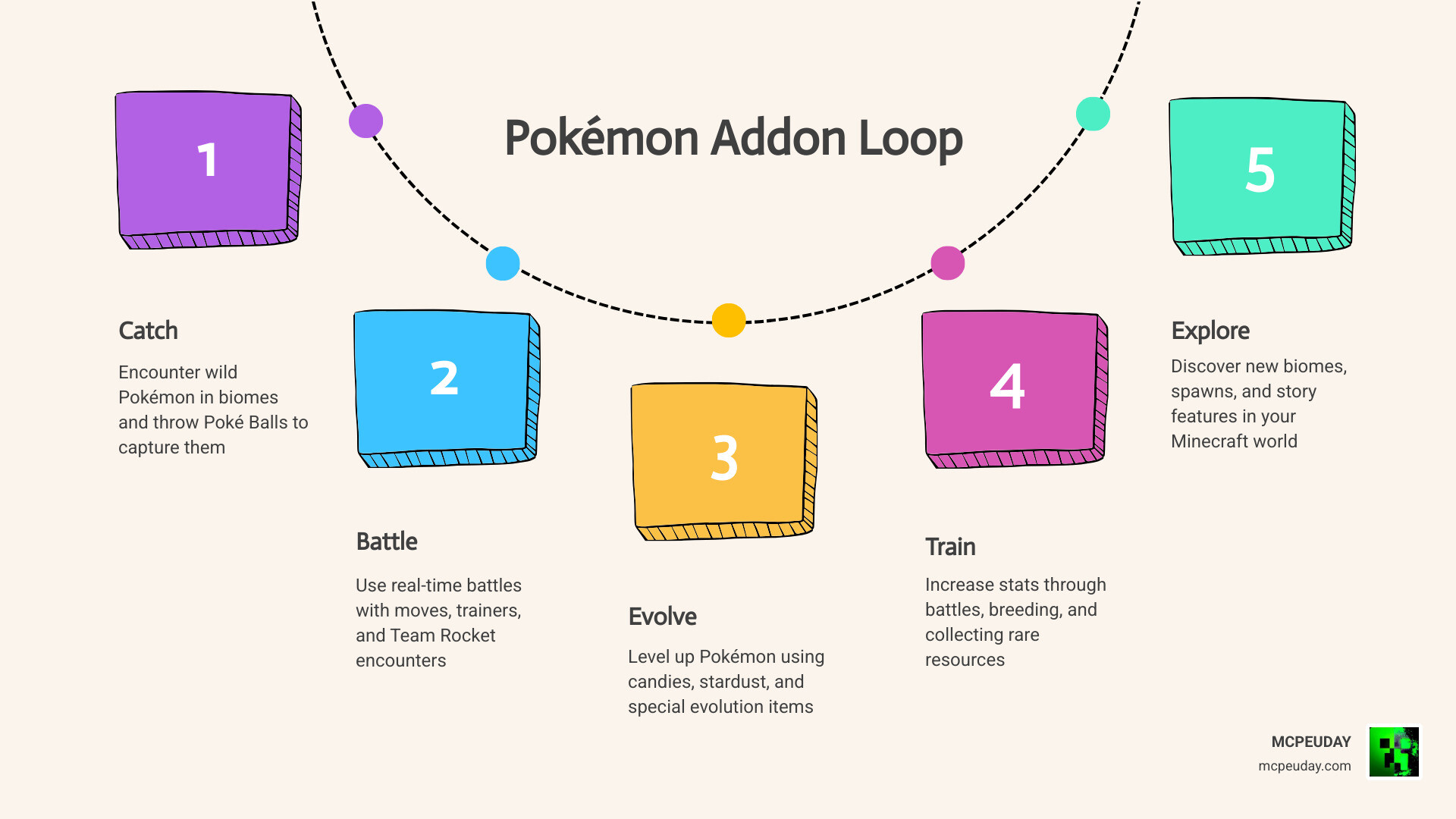
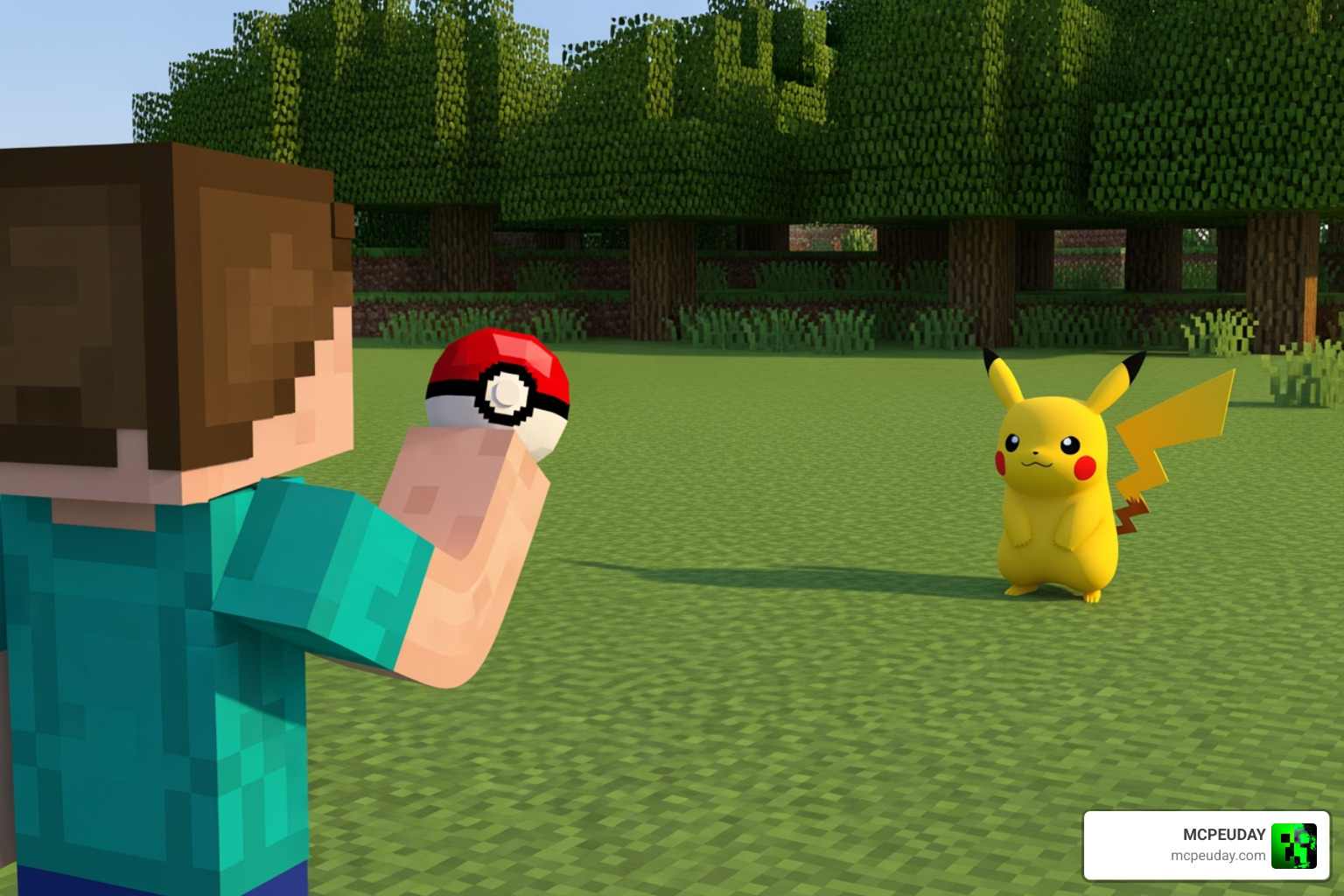
The core loop of any Pokémon Addon begins with gathering resources to craft Poké Balls. You will need to mine iron, find Apricorns (or addon-specific equivalents), and craft different tiers of balls. Classic Poké Balls have standard catch rates, while Great Balls and Ultra Balls significantly increase your chances of capturing stubborn, high-level, or legendary targets.
Real-Time Battles and VS Seeker
Battling in Bedrock Edition is handled beautifully through real-time combat systems. For example, in SERP Pokédrock, you use the VS Seeker item to make your active Pokémon search for opponents. This triggers automated or manual attacks against wild creatures, other players, or even hostile Team Rocket grunts spawning in your world.
If you love this style of action-RPG combat, you might also enjoy checking out the high-energy magic systems in the Jujutsu Kaisen Addon or the progression in the Solo Leveling Map Addon 1 21 1 20 For Mcpe Rpg Anime Mod.
Evolution, Candies, and Stardust
Evolution mechanics vary by addon. While SERP Pokédrock relies on traditional leveling, experience, and rare evolutionary stones (or X & Y factors for Mega Evolutions), Craftmon utilizes a mobile-inspired candy and stardust system. You must defeat wild Pokémon of the same species to harvest their unique candy, ensuring that you actively hunt and battle to grow your team’s power.
Bedrock Addons vs. Java Edition Mods
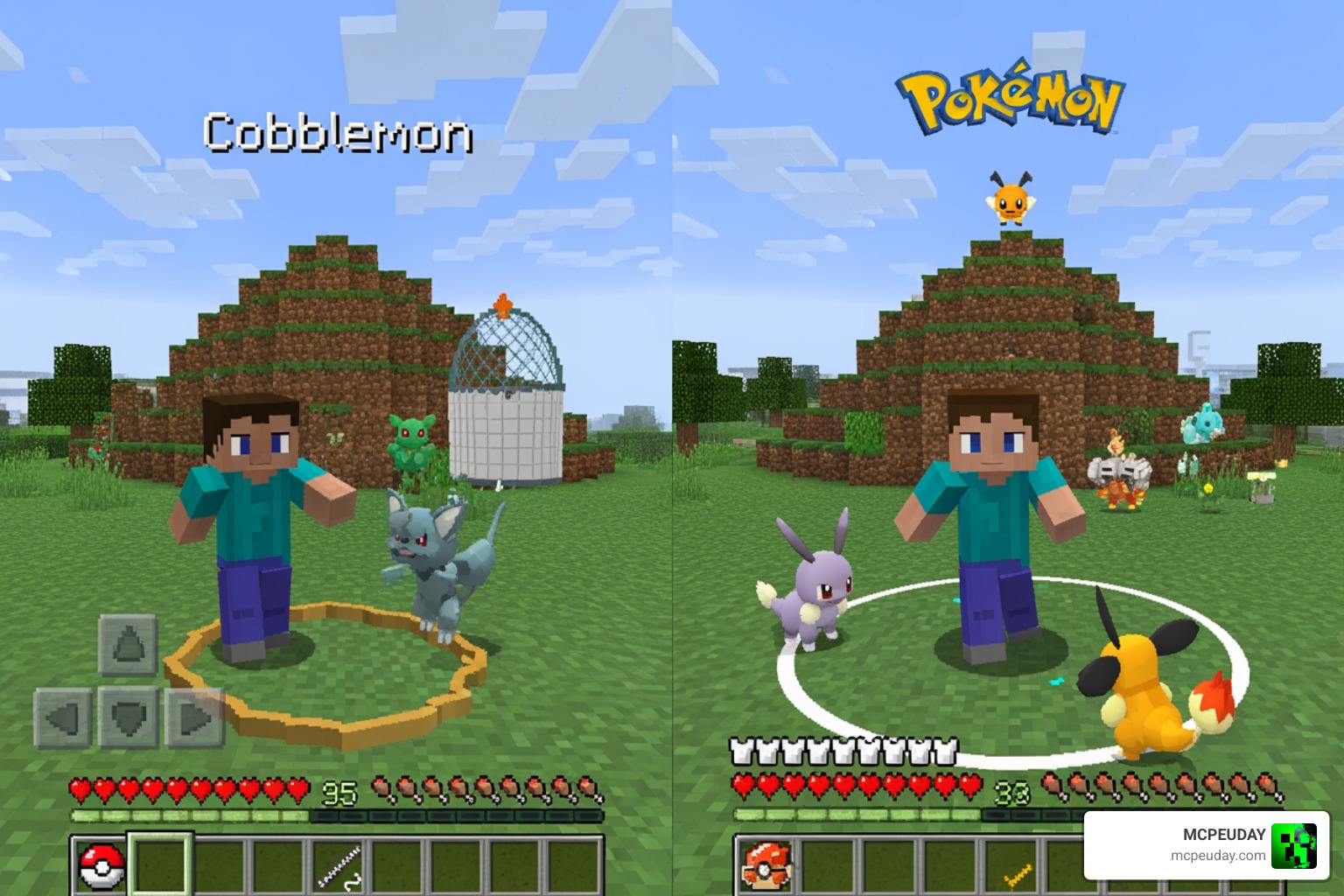
Many players wonder how Bedrock addons stack up against famous Java Edition mods like Cobblemon or Pixelmon.
Historically, Java mods held the upper hand due to the flexibility of the Java platform. However, in May 2026, the Bedrock Scripting API and resource/behavior pack capabilities have closed the gap significantly.
While Java mods like Cobblemon offer incredibly complex UI screens and deep PC-style integrations, Bedrock addons excel in performance optimization. They are built from the ground up to run smoothly on mobile devices, consoles, and lower-end PCs without causing game-breaking lag. Furthermore, Bedrock addons integrate natively with the bedrock engine, allowing multiplayer sessions via simple game invites without needing to set up complex Forge or Fabric servers.
Gamifying Learning: Pokémon Addons for Anki
If you are a student or a lifelong learner, you might be surprised to know that the Pokémon formula has successfully expanded into educational software! Developers have created brilliant addons for Anki — the popular spaced-repetition flashcard app — to turn studying into a monster-collecting RPG.
Ankimon: Spaced Repetition Battles
Unlucky-Life/ankimon is a highly rated open-source project (boasting over 277 stars on GitHub) that lets you catch and train creatures as you complete your daily flashcard reviews.
Compatible with PyQt6, Ankimon rewards your academic consistency by letting you encounter wild monsters during your study sessions. You can even export your trained team to battle other users on Pokémon Showdown! Just remember to back up your mypokemon.json and mainpokemon.json files before updating the addon to keep your save data safe.
Pokemanki Gold: Raising Pokémon While Studying
Another fantastic option is Pokemanki Gold, which you can read about on the 🎮Pokemanki Gold – Shige addons Wiki.
By installing this addon using the AnkiWeb code 1677779223, your card review statistics directly dictate your Pokémon’s levels and evolution stages. Pokemanki Gold includes classic generations (1 through 5), Alolan variants, customizable toolbar displays, and a daily trade system to swap companions. It is the ultimate tool to keep your study motivation at an all-time high.
Frequently Asked Questions about Pokémon Addons
How do I install a Pokémon Addon on Minecraft Bedrock?
- Download both the Resource Pack and Behavior Pack (.mcpack files) for your chosen addon.
- Double-click or tap the files to automatically import them into Minecraft Bedrock.
- Create a new world, go to the active packs menu, and activate both packs.
- Ensure you have enabled the necessary experimental toggles in your world settings before launching.
Do these addons require Experimental Mode?
Yes, most advanced Pokémon addons require you to toggle experimental settings (such as Holiday Creator Features, Beta APIs, or Upcoming Creator Features) to function properly. However, some optimized versions, like recent updates of SERP Pokédrock, have worked hard to minimize the need for experimental toggles to prevent world instability.
Are Bedrock Pokémon addons compatible with multiplayer?
Absolutely! You can use these addons in local multiplayer worlds, host them on a dedicated Bedrock Server, or upload them directly to a Minecraft Realm so you and your friends can embark on a co-op journey together.
Conclusion
Whether you want to build a sprawling Pokémon gym network in your survival world, catch legendary birds soaring above mountain peaks, or simply gamify your daily study routine, there is a Pokémon Addon tailored just for you.
We are committed to bringing you the absolute best, most up-to-date files and installation guides. Ready to start your next blocky journey? Head over to our Minecraft Bedrock Category to find the latest version downloads, shader packs, and gameplay enhancements!