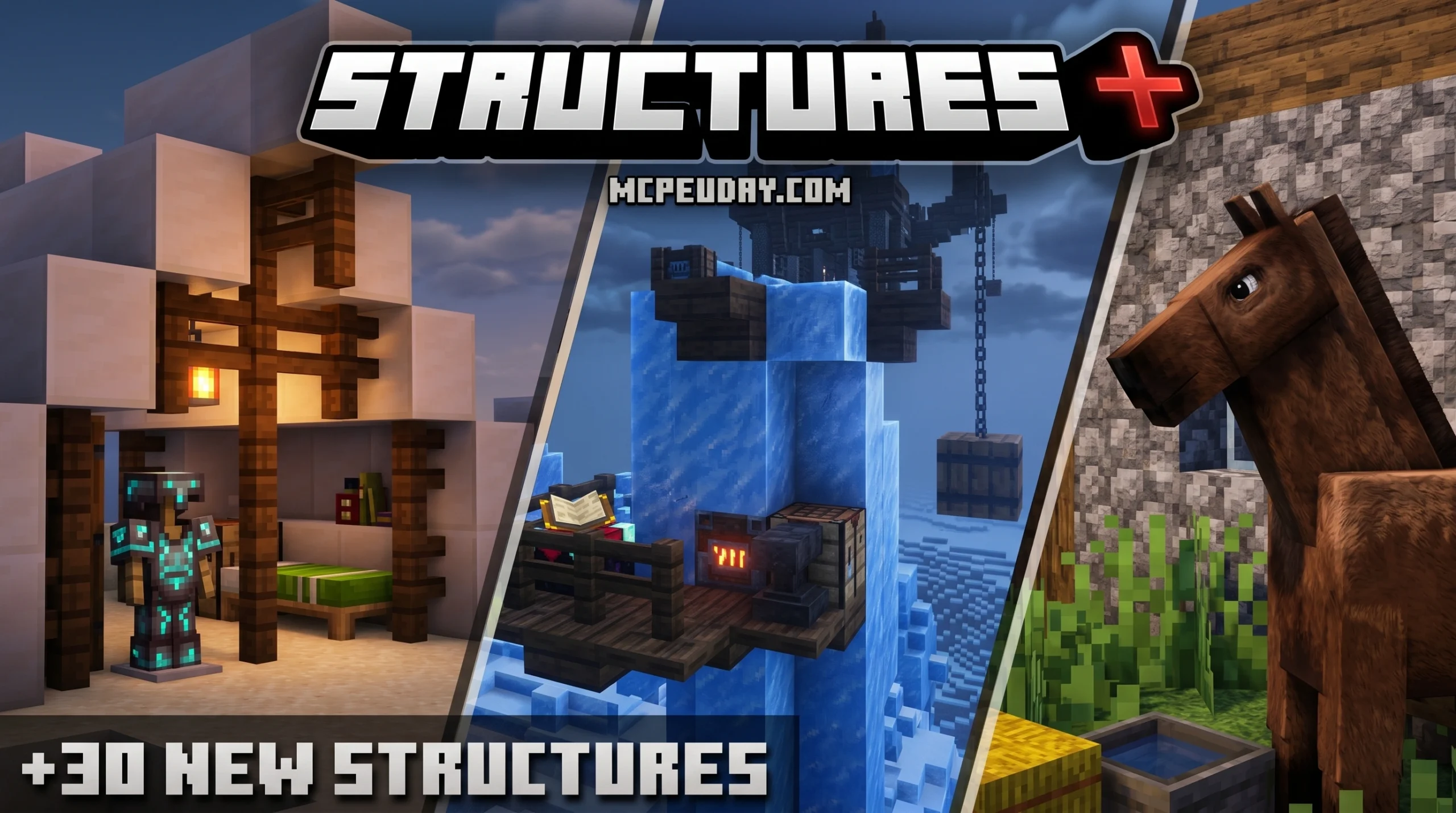
What Is the Structures Plus Addon and Why You Need It
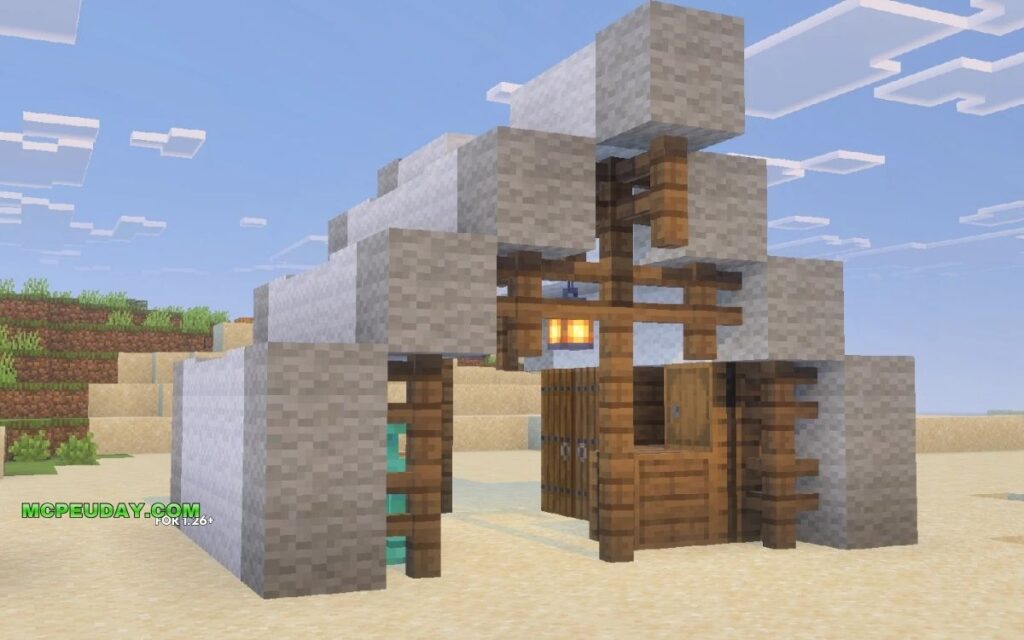
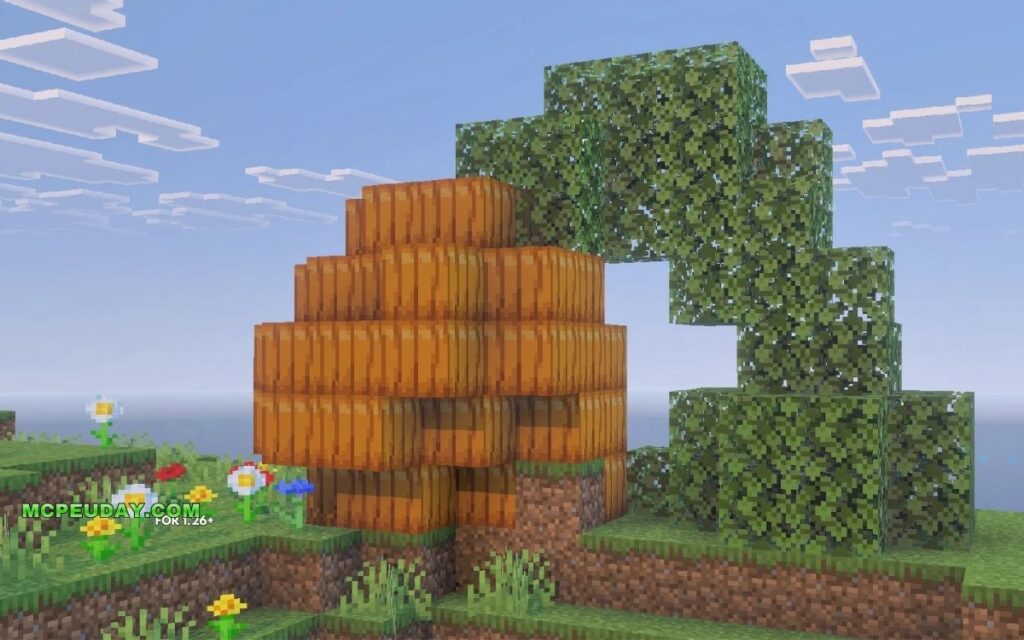
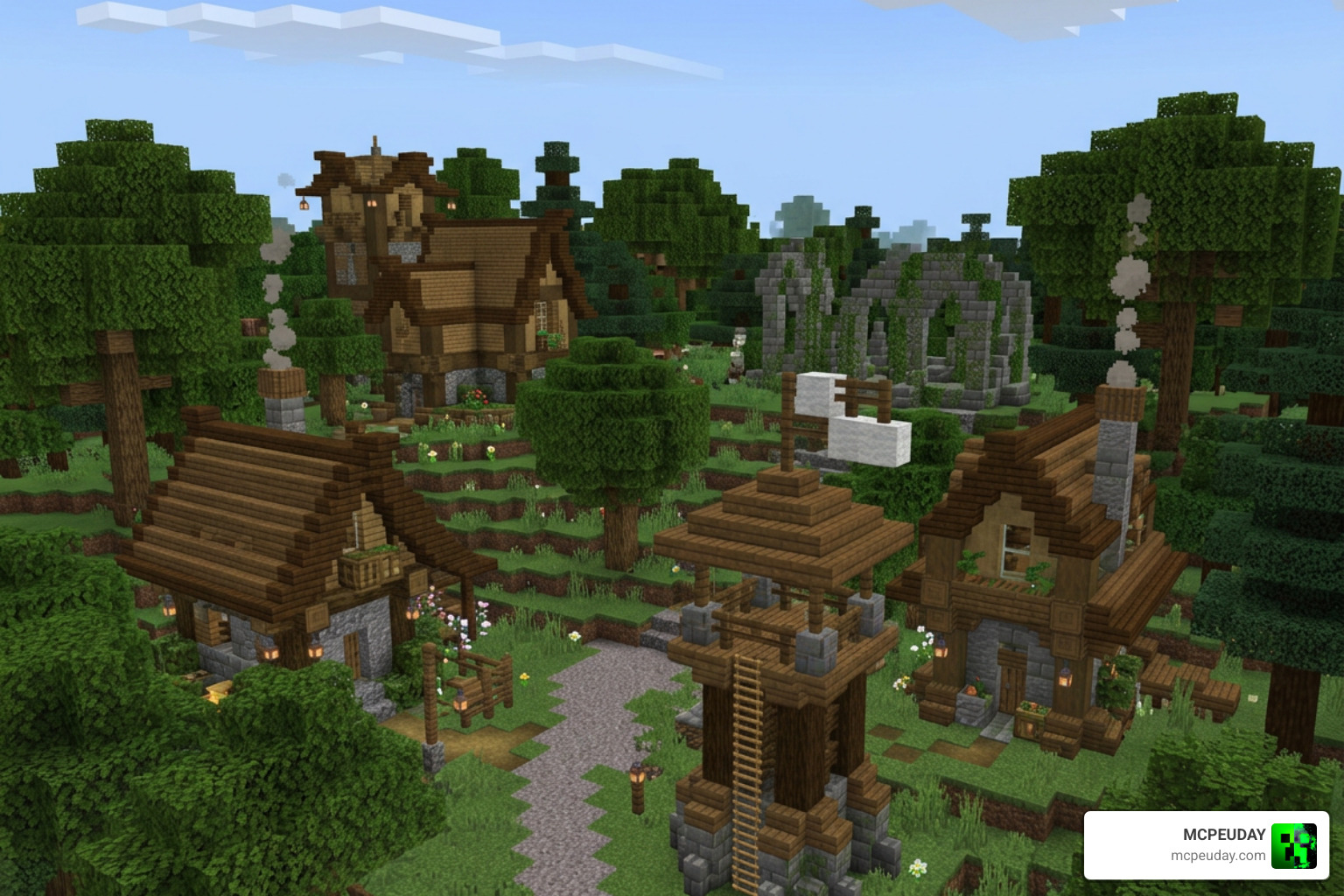
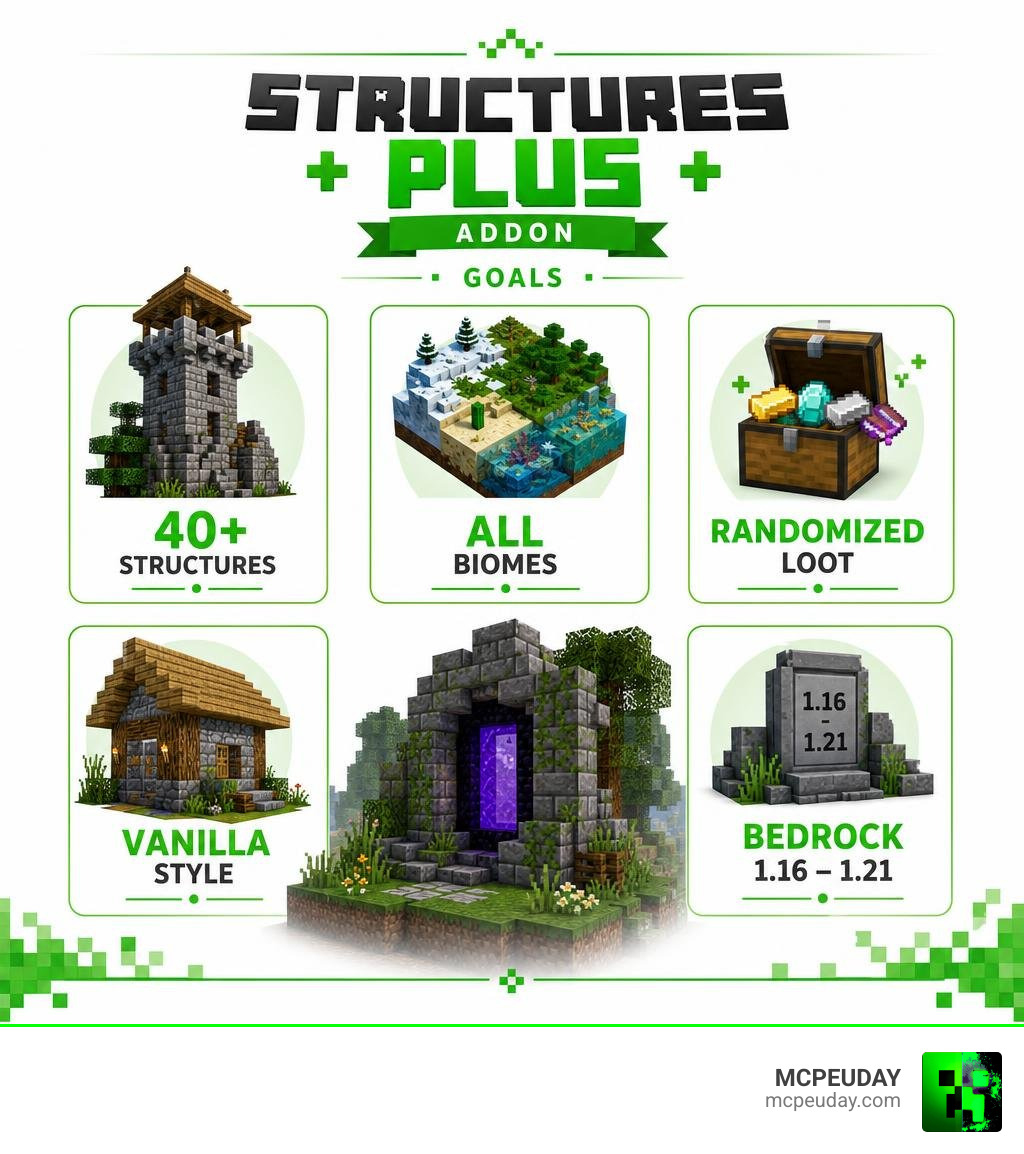
The Structures Plus Addon is one of the best ways to make your Minecraft Bedrock world feel fresh and full of surprises — adding 40+ new structures across nearly every biome without breaking the vanilla feel you already love.
Quick answer for what you’re looking for:
- What it is: A Minecraft Bedrock addon that adds new structures to your world
- How many structures: 40+ across the Overworld, Nether, and End
- Biomes covered: Taiga, Ocean, Desert, Forest, Plains, Mesa, Jungle, Swamp, Savanna, Mushroom Island, Snowy Plains, and more
- Loot: Randomized chests inside structures
- Versions supported: Minecraft 1.16 through 1.21
- New items added: None — uses only vanilla blocks
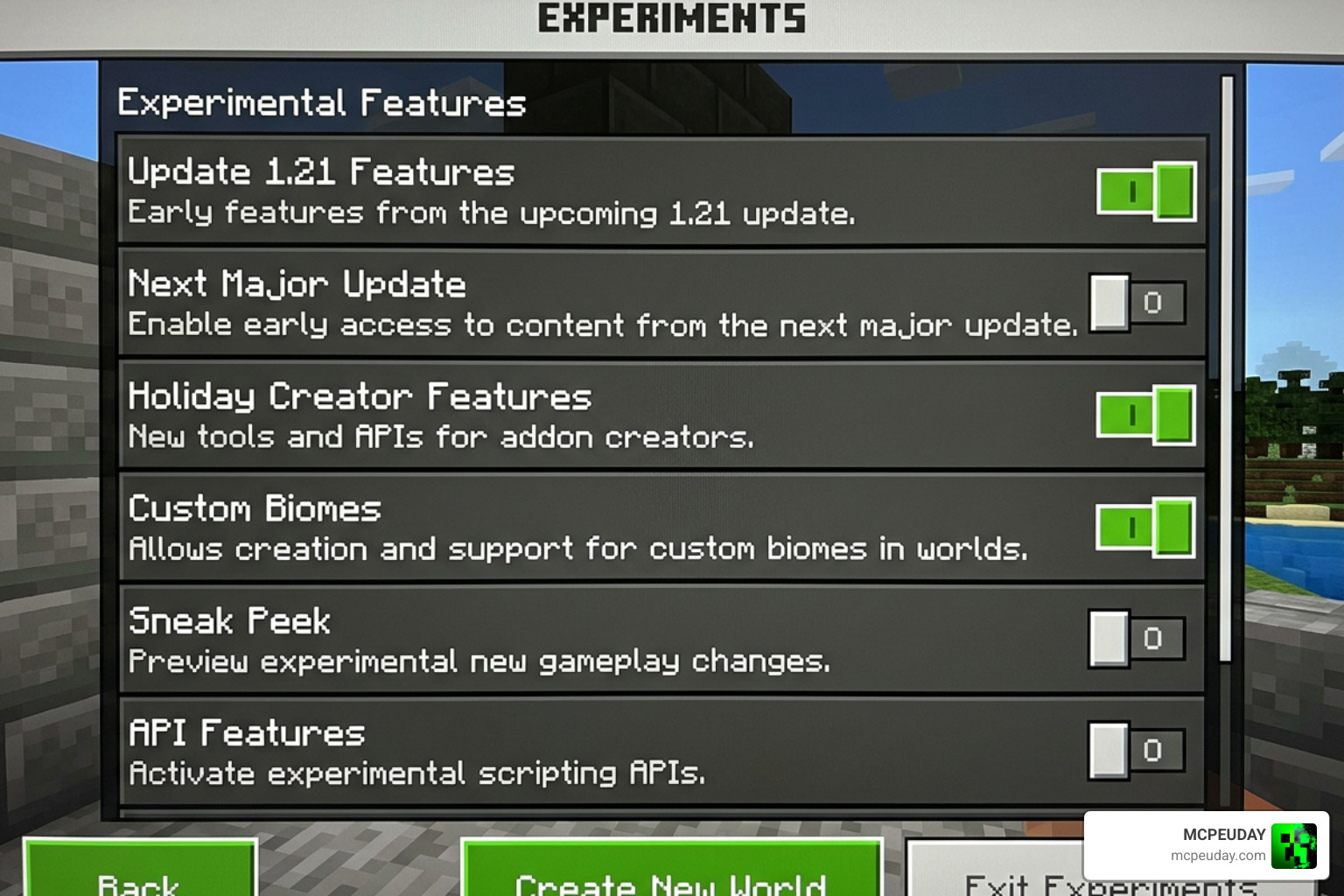
- Installation requirement: Experimental Gameplay options must be turned on
If you’ve ever felt like Minecraft’s world generation gets a little too predictable after a few hundred hours, you’re not alone. The base game has great structures, but they start to feel repetitive fast. That’s exactly the gap this addon fills. It acts as a gentle overhaul, breathing new life into your survival journeys without forcing you to learn entirely new game mechanics or deal with complex modpacks.
It drops new builds — like Evoker Towers, Windmills, Desert Pyramids, and Floating Islands — right into your existing world, each one feeling like it belongs there. No jarring new blocks, no unfamiliar textures. Just more things to find. Whether you are a casual builder looking for inspiration or a hardcore survivalist seeking new dungeons to conquer, this addon provides the perfect balance of novelty and nostalgia.
Key Features of the Structures Plus ADDON
When we look for world generation mods, we often worry about performance lag or weird custom blocks that look completely out of place. The Structures Plus ADDON solves both of these issues beautifully.
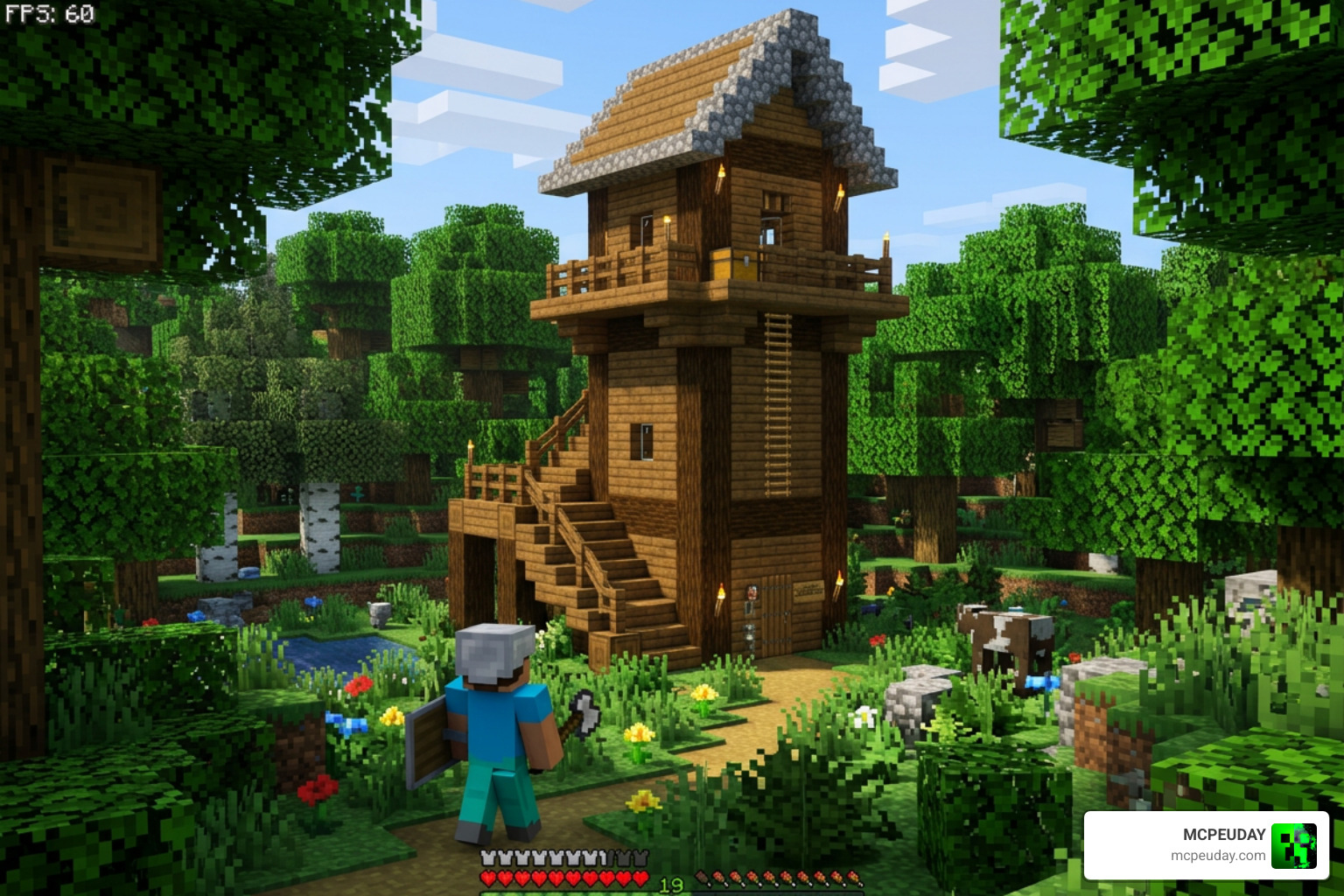
By utilizing only vanilla blocks, the addon keeps your game running smoothly while introducing over 40 meticulously designed structures. Whether you are scaling a massive tower or diving into a deep ocean trench, your world will feel vastly more alive. You can see some of these incredible designs in action in this showcase of 300+ New Structures in Minecraft! (Runes, Magic Sushi & More!).
Exploring Biomes with the Structures Plus ADDON
The magic of this addon lies in how seamlessly it integrates with Minecraft’s diverse biomes. No matter where you decide to set up camp, there is something unique waiting to be discovered nearby:
- Overworld Plains & Forests: Discover functional Windmills that tower over the landscape, cozy Mushroom Houses nestled in dark forests, giant decorative flowers that add color to the plains, and mysterious gravestones that hint at ancient battles.
- Deserts & Mesas: Explore revamped Desert Pyramids that feature deeper chambers, and hidden ruins half-buried in the red sands of the Mesa, holding secrets of civilizations long past.
- Oceans: Sail past abandoned rafts bobbing on the waves and fully realized ships resting on the water’s surface or decaying at the bottom of the deep blue, waiting for daring divers to reclaim their lost cargo.
- Cold Biomes: Find warm Winter Cabins tucked away in the Snowy Plains and Taiga, offering a safe haven from freezing temperatures and stray skeletons.
- The Nether & The End: Even the outer dimensions get love! You will encounter specialized shelters (like the Warped Shelter and Cave Shelter) in the Nether’s dangerous forests, and floating islands in the End designed to test your parkour skills and reward you with high-tier loot.
If you love this style of exploration, you should also check out our guide on the Structures Arises Remake Addon 26 x 1 21 Download Features Installation Guide for even more world generation options!
Loot Tables and Randomized Chests
What is a grand structure without some treasure at the end? To keep your survival adventures rewarding, the Structures Plus ADDON features fully randomized loot chests inside its builds.
You won’t find the exact same items in every chest, which keeps the excitement of exploration alive. These chests contain valuable survival resources, gear, and rare items to help you progress. By keeping the loot randomized, the addon ensures that every single discovery feels unique. You might find a chest filled with basic iron tools and bread in one structure, while another hidden room in an Evoker Tower might reward you with enchanted books, diamonds, or golden apples. If you are looking to pair this loot with some powerful custom gear to survive these new dungeons, we highly recommend checking out the More Armour Addon For Minecraft Pe Bedrock Unlock Powerful New Armor Sets Dominate Your World to prepare yourself for the challenges ahead.
Installation and Configuration Guide
Ready to add these builds to your world? Getting the addon up and running is incredibly simple, but there are a few important settings you must toggle to ensure the structures spawn correctly.
How to Install the Structures Plus ADDON
To install the addon on your Bedrock device, follow these quick steps:
- Download the Files: Get the official
.mcpackor.zipfiles for the addon. - Import to Minecraft: Double-click or tap the downloaded
.mcpackfile to automatically import it into your Minecraft game. - Create or Edit a World: Go to your world settings.
- Activate the Packs: Under Behavior Packs and Resource Packs, locate the Structures Plus ADDON and click “Activate.”
- Enable Experimental Gameplay: This is the most crucial step! Go to the “Experiments” tab in your world settings and toggle on Beta APIs, Upcoming Creator Features, and any other experimental toggles. Without these, the custom world generation scripts cannot run, and the new structures will fail to generate in your chunks.
If you are playing on a multiplayer server or a local LAN world, make sure that all players have downloaded the resource pack, or check the option “Require players to accept resource packs to join” to ensure a seamless visual experience for everyone. If you need a more visual walkthrough of installing Bedrock addons, our More Ores Add On Minecraft 1 21 26 x Download Guide covers the experimental setup process in great detail.
Subpacks and Custom Settings
Depending on the version of the addon you download, you may have access to custom subpack settings. By clicking the “gear” icon next to the active Resource Pack, you can sometimes adjust structure spawn rates. This is incredibly helpful if you have a lower-end mobile device and want to reduce the structure density to optimize your performance, or if you want to make structures incredibly common for a scavenger hunt! Lowering the density reduces the strain on your device’s CPU during chunk generation, preventing lag spikes when you travel at high speeds.
Comparing Structures Plus with Other Addons
How does this pack hold up against other popular structure mods on the market? Let’s take a look at how it compares to some of our other favorites:
| Feature | Structures Plus Addon | Better Structures Addon | Medieval Structures Addon 1 26 1 21 Transform Your Minecraft World With Realistic Medieval Builds |
|---|---|---|---|
| Structure Count | 40+ | 150+ | 30+ (Themed) |
| Vanilla Feel | High (Uses vanilla blocks) | Medium (Some custom items) | High (Medieval focus) |
| Dimensions | Overworld, Nether, End | Overworld mostly | Overworld |
| Performance | Extremely Lightweight | Medium | Lightweight |
When choosing the right structure addon for your Minecraft world, it’s important to consider what kind of experience you want. The Structures Plus Addon is designed for players who want a lightweight, vanilla-friendly expansion that doesn’t clutter their inventory with custom items. On the other hand, addons like Better Structures offer a massive variety of builds but may impact performance on lower-end devices due to the sheer volume of assets. Meanwhile, the Medieval Structures Addon is perfect for roleplay and themed worlds but lacks the dimensional variety found in Structures Plus.
Note: If you are searching online, you might also find references to “Structures Plus (S+)” for other survival games like ARK, which has its own massive history documented on the Structures Plus – ARK Official Community Wiki, Mod : Structures Plus, VanillaPlus Structures, and the Structures Plus (S+) – Workshop – Steam Community. However, rest assured that the Minecraft Bedrock addon we are discussing here is custom-built specifically for blocky builders and survivalists!
Frequently Asked Questions
What Minecraft versions are supported by the addon?
The Structures Plus ADDON supports Minecraft Bedrock versions from 1.16 all the way up to the latest 1.20 and 1.21 updates. Always make sure you download the version matching your game client.
Does this addon add new items or blocks to the game?
No! One of the best things about this addon is that it uses 100% vanilla blocks. This keeps the file size small (under 1 MB for the Bedrock version) and ensures it won’t conflict with your game’s performance.
Is the Structures Plus Addon compatible with other mods?
Yes! Because it doesn’t add custom blocks, it is highly compatible with other gameplay-altering addons. You can easily run it alongside the More Shield Addon For Minecraft Bedrock Mcpe New Powerful Shields You Must Try or the More Body Actions Addon V26 1 21 For Minecraft Pe Full Guide Features How To Use for a truly customized survival experience.
Can I use this addon in an existing world?
Yes, you can! However, the new structures will only generate in newly explored chunks. Any areas of your world that you have already visited and loaded will not spawn the new builds. To experience the addon fully, we recommend traveling to unexplored lands or starting a brand-new world.
Does this addon work on Minecraft Realms?
Yes, the Structures Plus Addon is fully compatible with Minecraft Realms. When uploading the world to your Realm, make sure that both the Behavior Pack and Resource Pack are active, and that the experimental gameplay toggles are enabled in the world settings before uploading.
Conclusion
At MCPEUDAY, we love finding tools that make your world feel brand new without losing that classic Minecraft charm. The Structures Plus ADDON does exactly that by sprinkling beautiful, loot-filled structures across your world.
Grab your gear, load up your world, and start exploring! If you want to make your survival journey even more intense, don’t forget to check out our list of the 5 Best Minecraft Bedrock Gun Mods for Survival PvP 2026 to defend your newly conquered towers in style!
4 thoughts on “Structures Plus Addon (26.x, 1.21) — MCPE/Bedrock Mod”