What You Need to Know About AziFy Truly Default Shader
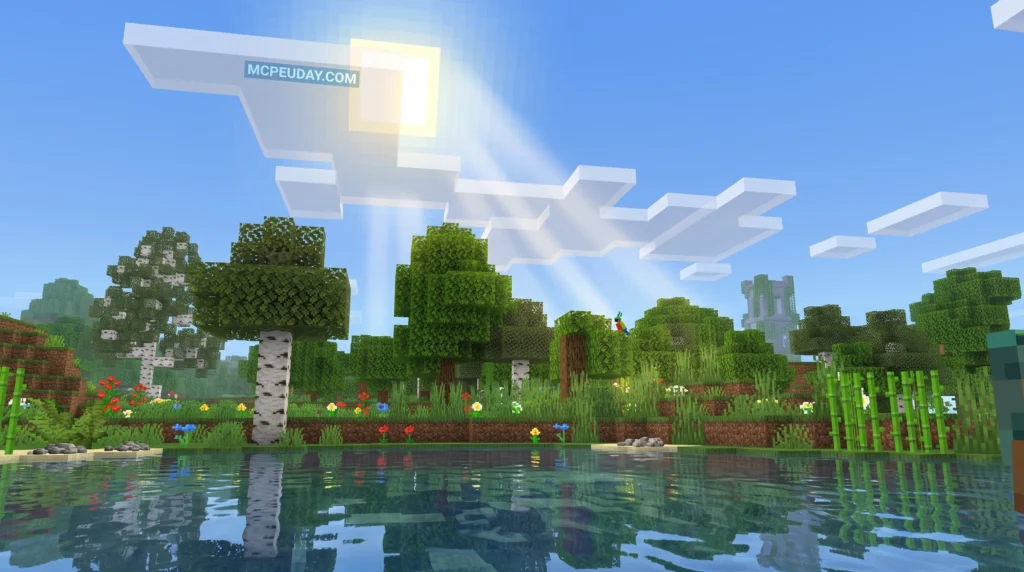
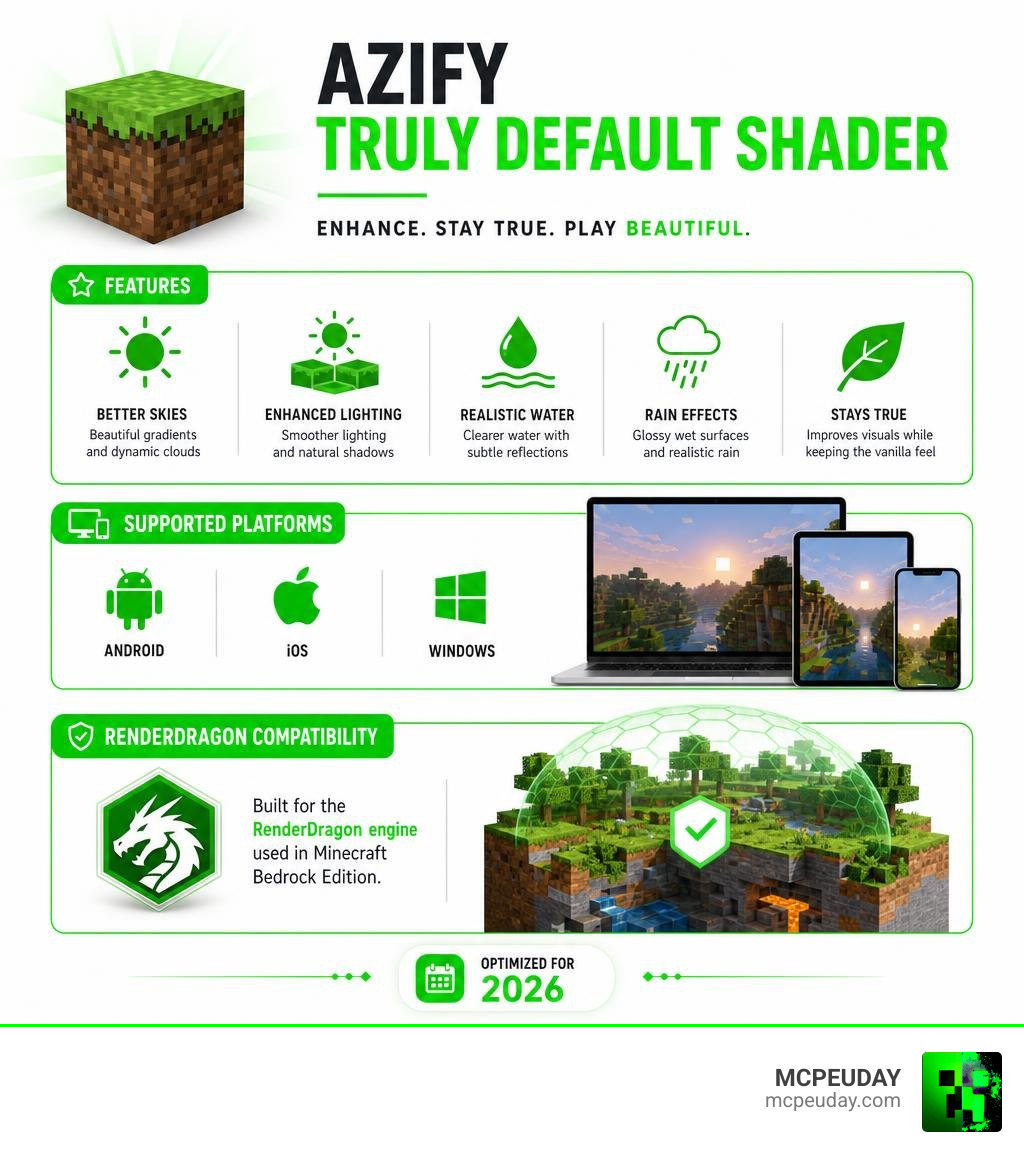
The AziFy Truly Default Shader is one of the most popular visual upgrade packs for Minecraft Bedrock Edition, with over 112,000 downloads recorded. Here’s a quick summary:
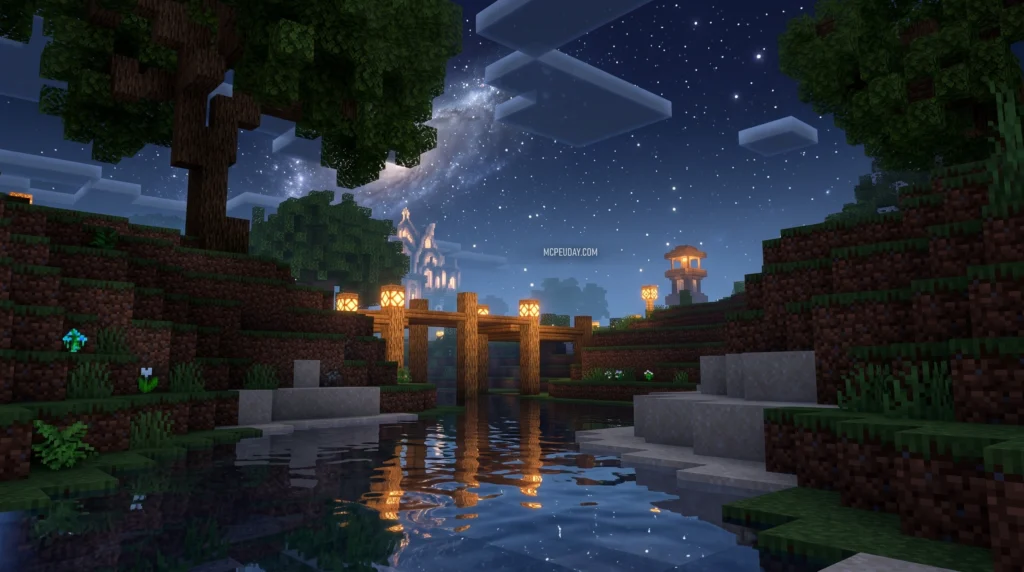
- What it is: A lightweight shader that improves Minecraft’s default look — better skies, lighting, water, and rain effects
- Platforms: Android, iOS, and Windows
- Minecraft versions: Compatible with 1.19, 1.20, 1.21, and up to 1.21.62+
- Official support: Not officially supported by Mojang — requires unofficial methods like BetterRenderDragon (Windows) or a patched Minecraft app (Android)
- Best for: Players who want better visuals without sacrificing performance or the classic Minecraft feel
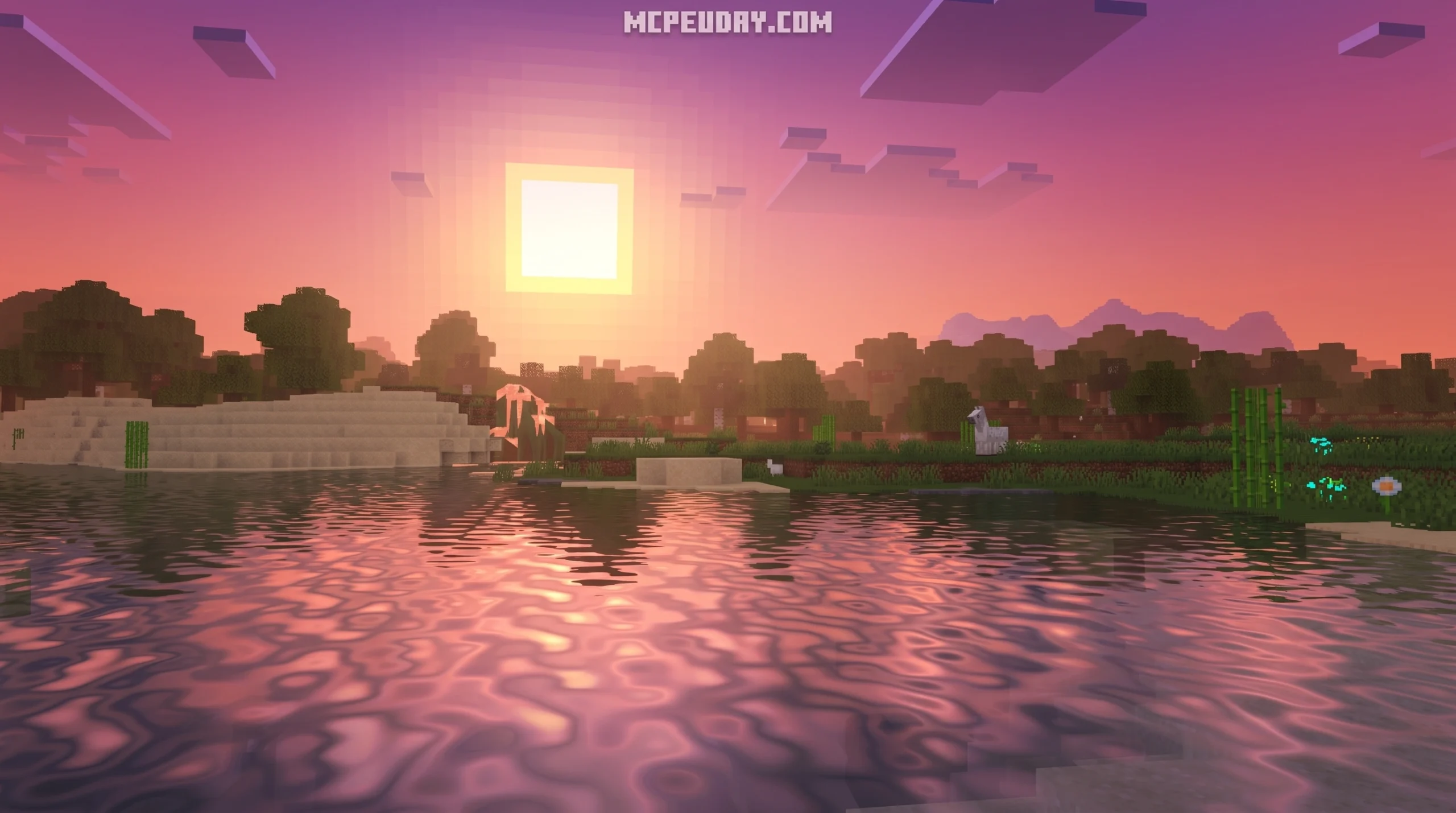
Vanilla Minecraft looks fine. But once you see it with proper sky gradients, glossy wet surfaces during rain, and smoother lighting — it’s hard to go back.
That’s exactly what the AziFy Truly Default Shader delivers. It doesn’t try to turn Minecraft into a photorealistic game. Instead, it polishes what’s already there — making everything feel cleaner, more alive, and more satisfying to look at.
It works on the RenderDragon engine, which is what Minecraft Bedrock Edition uses on all modern devices. This means the installation process is a little different from older shaders — but this guide will walk you through every step.
What is the AziFy Truly Default Shader?
The AziFy Truly Default Shader is an experimental rendering pack designed specifically for Minecraft Bedrock Edition. Developed to work within the constraints of the modern RenderDragon engine, its main goal is to preserve the classic, nostalgic vanilla aesthetic while introducing subtle, modern graphical improvements.
Unlike heavy shaders that completely overhaul block textures and tank your frame rate, this shader focuses on being incredibly lightweight. It targets the small details that make a massive difference in your daily gameplay. If you love the core look of Minecraft but want a world that feels warmer, more dynamic, and visually cohesive, this is the perfect pack for you. You can learn more about its development and open-source updates directly on the AziFy: Truly Default Official Page.
Key Features of the AziFy Truly Default Shader
We love how much care went into this pack. Rather than throwing every heavy visual effect at your device, the developer selected features that enhance the game naturally:
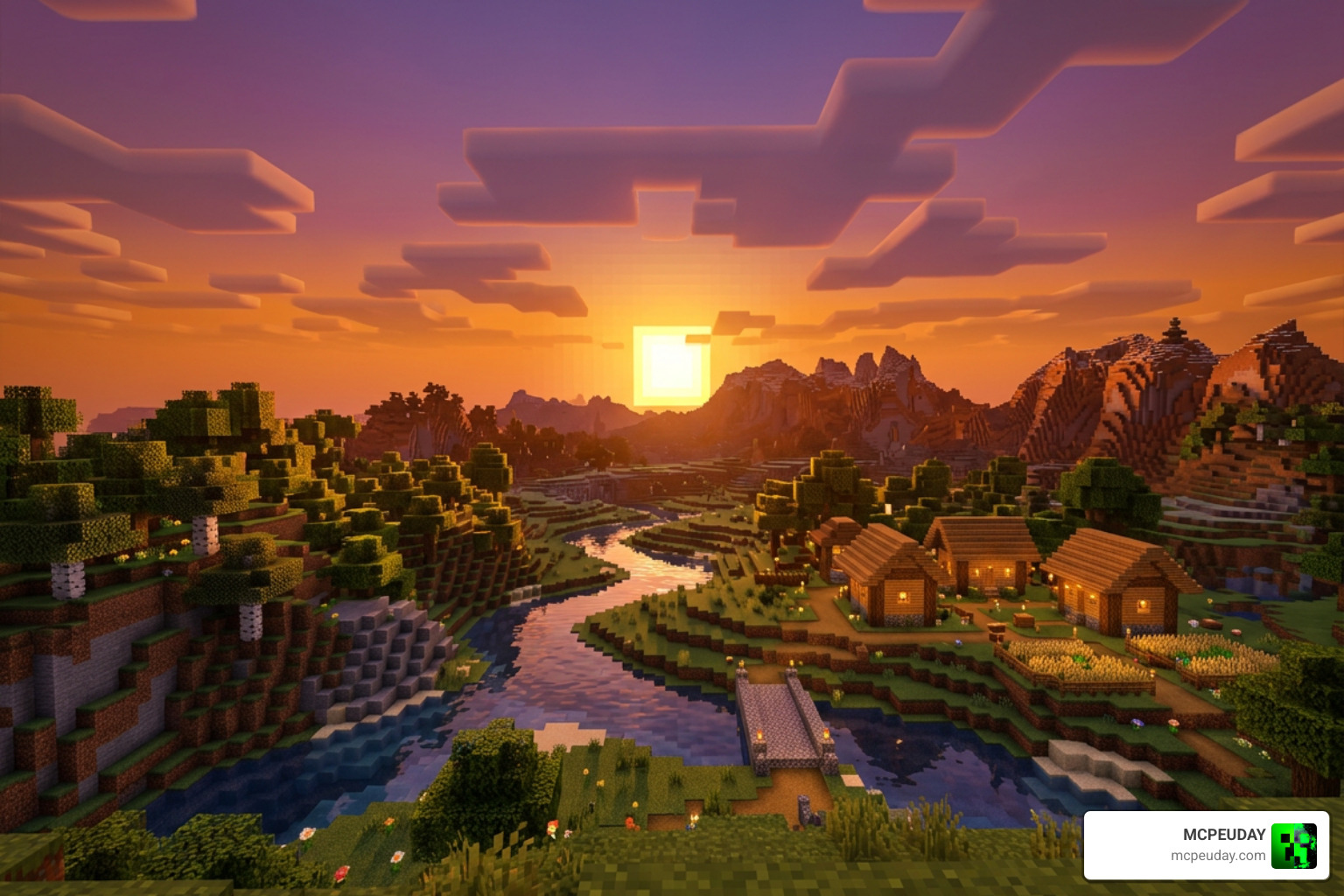
- Sky Transformation: Enjoy beautiful, smooth sky gradients during sunrise and sunset, along with more realistic cloud blending.
- Improved Lighting: The overall world lighting is softer, removing the harsh, flat shadows of vanilla Bedrock.
- Glossy Wet Textures: When it rains, blocks take on a beautiful reflective sheen, making storm nights feel incredibly atmospheric.
- Glowing Ores: Finding your way through dark caves is much easier (and prettier) thanks to subtle emissive light on ore blocks.
- Waving Elements: Leaves and plants sway gently in the wind, adding a layer of life to your forests and gardens.
If you are ready to give your world a fresh coat of paint, you can explore our collection and Download AziFy Truly Default Shader on MCPEUDAY.
Supported Minecraft Versions and Platforms
Compatibility can be tricky with Bedrock shaders, but the AziFy Truly Default Shader has excellent cross-platform support. It runs smoothly on Android, iOS, and Windows.
Whether you are playing on older releases like Minecraft 1.19 and 1.20, or enjoying the latest features in Minecraft 1.21 (including 1.21.62+ and version 26.10), there is a version of this shader built for you. For mobile players, we have tested these files extensively to ensure they run beautifully. To see how this pack stacks up against other top-tier options, check out our guide on the Best Render Dragon Shaders for MCPE 1.21.
Comparing AziFy Truly Default with Other AziFy Editions
The AziFy lineup features several different editions, each tailored to a specific style of play and performance level. Let’s look at how they compare:
| Shader Edition | Main Visual Focus | Performance Impact | Best For |
|---|---|---|---|
| Truly Default | Clean vanilla enhancement, lightweight | Extremely Low | Low-end devices, pure vanilla players |
| EnDefault | 17+ specific upgrades (glossy leaves, glowing ores) | Low | Players wanting a bit more flare than vanilla |
| Ultra Merged | All-in-one features with enhanced water and waves | Medium | Mid-range mobile devices and Windows |
| Reimagined | High realism, advanced reflections, and deep shadows | High | High-end devices looking for a cinematic feel |
| Revive | Classic pre-RenderDragon shader nostalgia | Medium | Fans of old-school pocket edition shaders |
If you are curious about the nostalgic, classic shader look, you can read our full Azify Revive Shader Guide to see if it fits your playstyle.
AziFy Truly Default Shader vs. AziFy Natural
While both shaders aim to keep Minecraft looking clean, they have different artistic directions. The AziFy Truly Default Shader keeps the colors and lighting close to the original Mojang vision, simply smoothing out the rough edges.
On the other hand, the Natural edition shifts the color palette toward warmer, earthier tones and features more realistic sunbeams and water shadows. If you prefer a slightly warmer, more organic atmosphere over the bright default look, take a look at our Azify Natural Shader Guide.
How to Download and Install AziFy Truly Default Shader
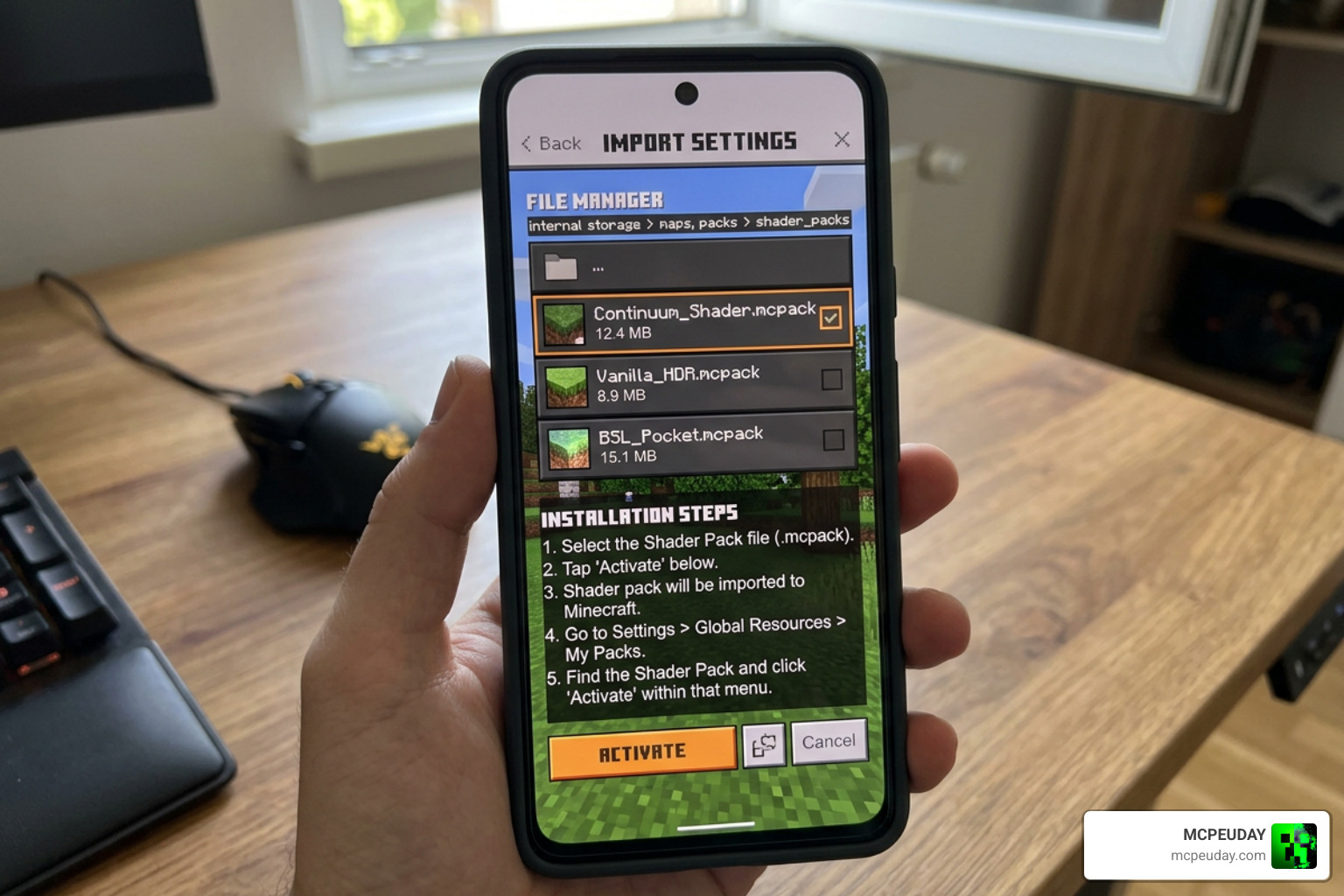
Installing shaders on Bedrock Edition requires a few extra steps due to the RenderDragon engine. Because Mojang does not officially support custom community shaders on Bedrock, we must use specific workarounds to load them.
Before starting, we highly recommend reading our list of the Top 5 Best Realistic Shaders for MCPE to get a feel for how different RenderDragon packs are packaged and configured.
Installation Guide for Android and iOS
To run the AziFy Truly Default Shader on mobile devices, you will need a patched version of Minecraft that allows custom material loading.
- Download the specific mobile
.mcpackfile (such as the Android or iOS universal packs) from our resource library. - For Android, you will need to use a patched Minecraft App or a launcher like Pojav/MCPELauncher.
- If you want to customize the shader files yourself, you can use Termux and MT Manager on Android. Clone the official repository, navigate to the folder, and edit the shader_inputs.glsl file.
- Run the build.sh script inside Termux to compile your custom material.bin files.
- Move these compiled material.bin files to your game directory under: mcpelauncher/versions/[your_version]/assets/renderer/materials/
- Launch Minecraft and activate the pack under your Global Resources.
Installation Guide for Windows (BetterRenderDragon)
Windows players have a much easier path thanks to community-developed tools.
- Download the Windows-specific version of the shader (e.g., aftd-411-windows.mcpack).
- Download and install BetterRenderDragon, which is a helper tool that enables custom shader loading on Windows 10/11.
- Open the BetterRenderDragon settings and ensure that the MaterialBinLoader option is enabled.
- Double-click the downloaded
.mcpackfile to automatically import it into Minecraft. - Open Minecraft, head to Settings > Global Resources, and activate the AziFy Truly Default Shader.
Customization and Performance Optimization
One of the best parts of the AziFy Truly Default Shader is how customizable it is. If you want to disable specific features—like turning off the waving leaves to squeeze out a few extra frames, or disabling the wet rain reflections—you can easily do so by editing the configuration files.
To customize the pack, locate the shader_inputs.glsl file inside the pack’s folder. Open it with any text editor and change the values of the features you want to toggle (usually changing a 1 to a 0). Once saved, compile the materials using the build.sh script.
Because of this modular design, it remains one of the most optimized packs available. If you want to see how it compares to other high-performance options, check out our breakdown of the 3 Best Shaders for Minecraft 1.21.
Frequently Asked Questions
Is the AziFy Truly Default Shader officially supported by Mojang?
No. Mojang’s RenderDragon engine does not officially support custom community shaders on Bedrock Edition. To use this shader, you must rely on community workarounds like patched game clients on mobile or BetterRenderDragon on Windows.
How do I fix black screen or loading issues with the shader?
If you experience a black screen, it usually means your compiled material.bin files do not match your current Minecraft version. Always make sure to backup your original materials folder before replacing any files. If an issue occurs, restore your backup and verify you downloaded the correct version of the shader for your game client.
Can I run this shader on low-end mobile devices?
Yes! The Truly Default edition is specifically optimized for low-end devices. It has a very small file size (around 4 MB to 8 MB depending on the version) and runs smoothly without causing significant frame drops.
Conclusion
The AziFy Truly Default Shader is a fantastic choice for anyone who wants to elevate their Minecraft Bedrock graphics while keeping the classic, nostalgic feel of the game intact. It is lightweight, highly customizable, and runs beautifully across Android, iOS, and Windows.
We at MCPEUDAY are dedicated to bringing you the safest, most up-to-date files for your favorite games. To explore more graphics packs, head over to our Category Shaders page, or jump straight into the action and Download the Best Shaders for MCPE 1.21 today!