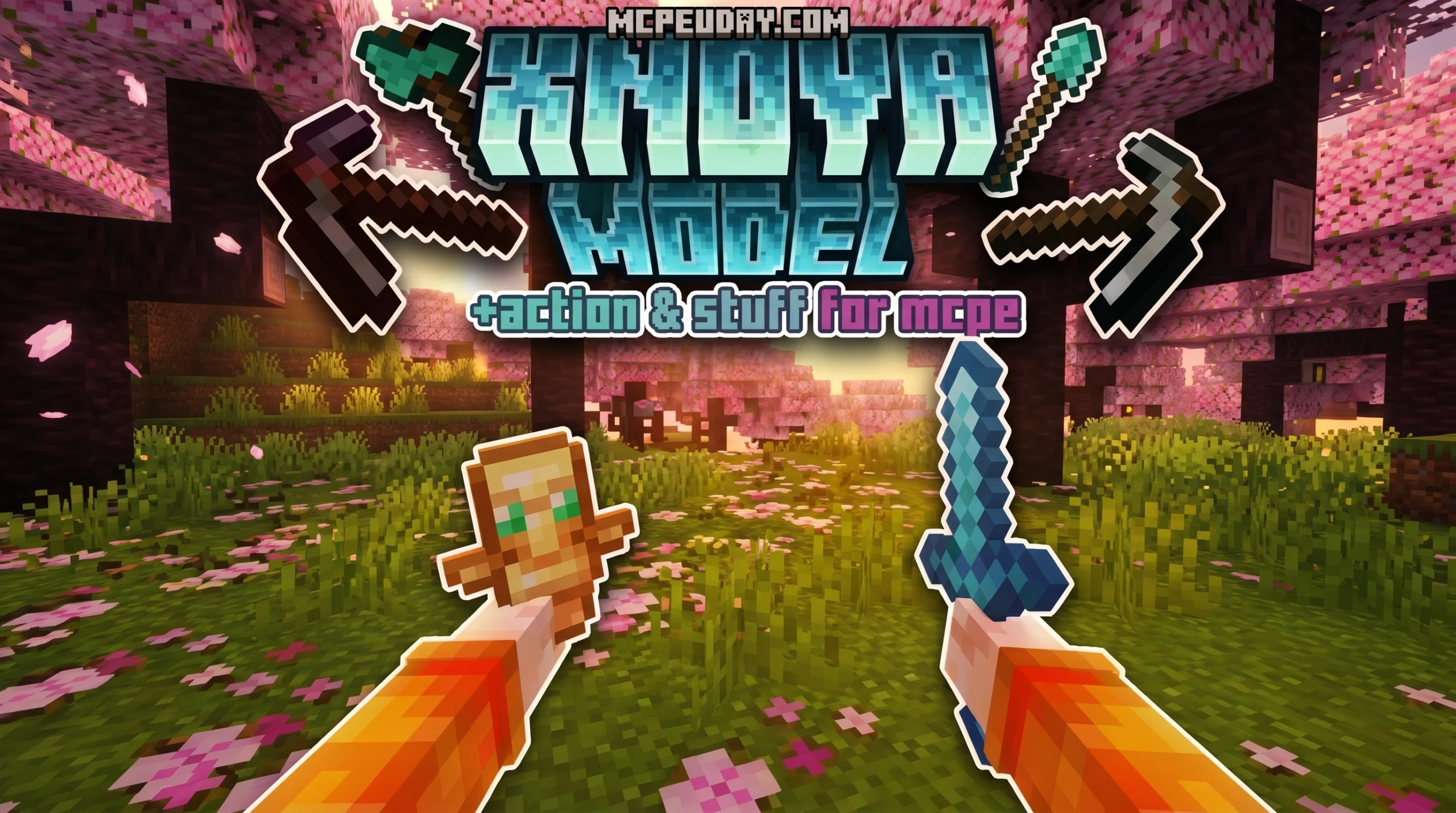
What Is the Xnova Model Texture Pack?
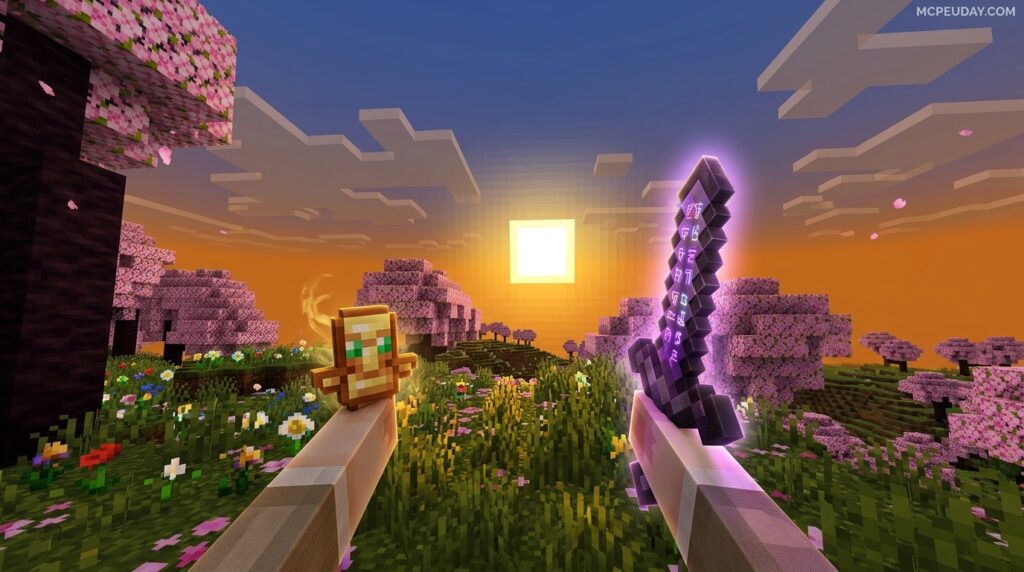
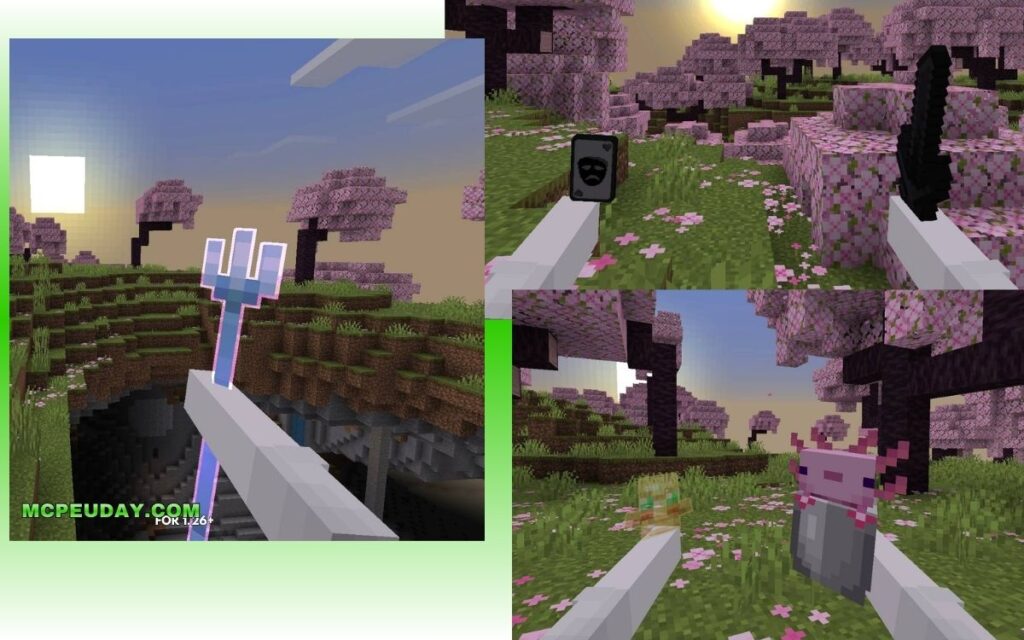
The Xnova Model Texture Pack is an innovative resource pack designed specifically for Minecraft Bedrock Edition. It completely reimagines the first-person perspective by modifying how your character’s hands, held items, and blocks are rendered on screen. Here is a quick overview of what this pack brings to your game:
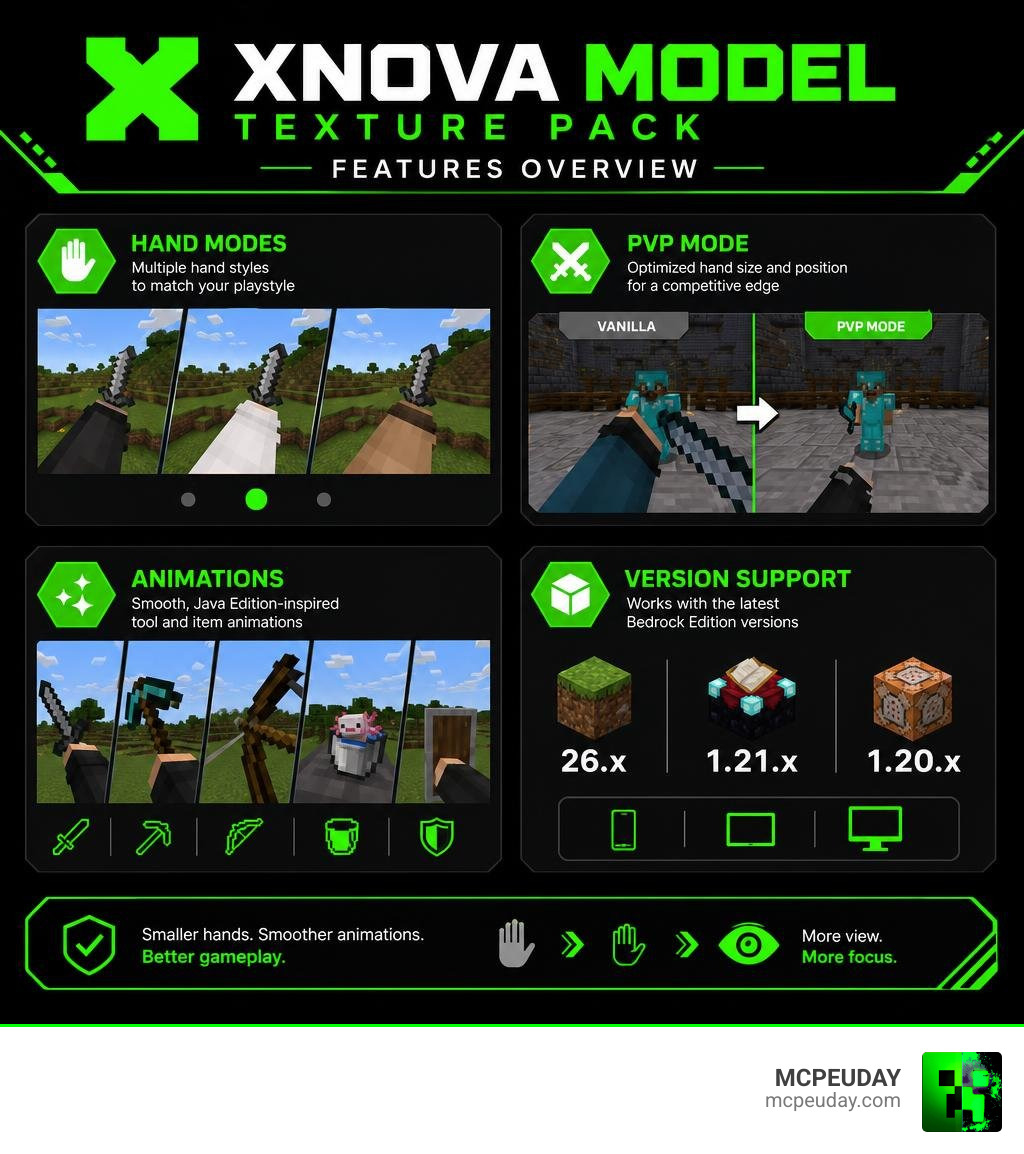
- What it does: Shrinks hand proportions, improves item-holding animations, and reduces held block size for better screen visibility
- Who it’s for: Bedrock Edition players on mobile (MCPE) and PC (Windows 10/11) who want a cleaner, more competitive first-person experience
- Versions supported: MCPE/Bedrock 26.x, 1.21.x, and 1.20.x
- File size: Around 5–6 MB, making it extremely lightweight and performance-friendly
- Rating: 3.8 out of 5 from 41 ratings
- Key modes: Multiple hand style subpacks including a dedicated PvP mode
In vanilla Minecraft, your character’s hand and whatever item you are holding take up a massive portion of the screen. While this default setup is perfectly fine for casual survival play, it becomes a major hindrance during competitive PvP matches, speedruns, or when you simply want an unobstructed view of the beautiful landscapes around you. The Xnova Model Texture Pack solves this issue by introducing smaller, repositioned hands and smoother holding animations — all while preserving the base game’s original art style.
Historically, Minecraft’s first-person perspective has remained largely unchanged since the early alpha days. While this blocky, oversized hand model is iconic, modern gaming trends favor a more streamlined field of view (FOV). The Xnova Model Texture Pack bridges this gap by bringing modern first-person shooter (FPS) camera standards to the sandbox world of Minecraft Bedrock.
Furthermore, the pack incorporates Java Edition-inspired tool animations, making the Bedrock experience feel significantly more polished and fluid. With over ten customizable subpacks to choose from, you can easily fine-tune the visual presentation to match your exact playstyle and preferences.
Core Features of the Xnova Model Texture Pack
When we load up our favorite Minecraft worlds, screen real estate is everything. The Xnova Model Texture Pack tackles this by adjusting how 3D models and hand proportions are rendered in the first-person view. By offsetting and scaling down items like swords, tridents, shields, tools, and even buckets containing axolotls, the pack ensures you can see more of the landscape and your opponents.
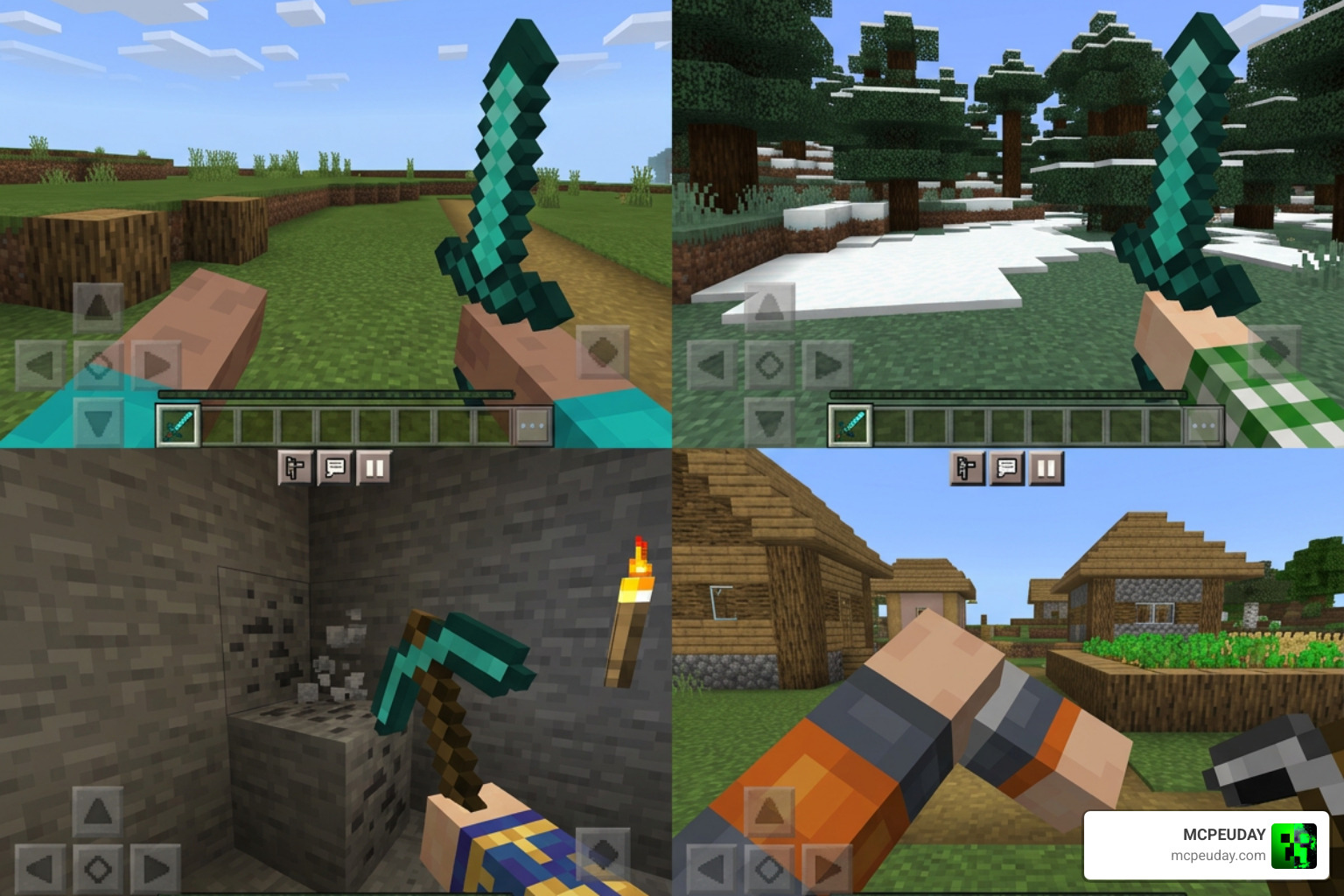
This level of detail in 3D modeling is highly praised by the community. It reminds us of how technical designers extract and convert detailed game models, such as those found in the SC2 Nova Covert Ops release for XPS, where precise bone renaming and model scaling make all the difference in the final presentation. Xnova brings that same dedication to scaling and model placement directly into Minecraft Bedrock.
To give you an idea of how much your view changes, here is a comparison of what you can expect:
| Feature | Classic Minecraft Hands | Xnova Model Hands |
|---|---|---|
| Hand Size | Large, blocking up to 25% of the lower-right screen | Scaled down, compact, and pushed slightly downward |
| Held Block Size | Standard size, blocking forward-right visibility | Reduced block rendering for an open field of view |
| Left-Hand Mechanics | Often static or visually clunky | Only appears when actively holding or using an item |
| PvP Optimization | Standard screen clutter | Minimalist UI option with lowered item placement |
Custom Animations in the Xnova Model Texture Pack
One of the standout features of Xnova Model v3 is its revamped animation system. The pack introduces Java-style animations to Bedrock Edition. This means your tools, weapons, and hands move with a natural, fluid sway that feels far less rigid than standard Bedrock.
When you run, walk, or swing a sword, the dynamics of the movement are designed to feel weighted yet clean. These animations are not just visual eye candy; they serve a practical purpose. In PvP encounters, knowing exactly when your weapon is ready for another strike is crucial. The fluid sway and natural recovery animations provided by Xnova give players a better rhythmic sense of their attack cooldowns, which is especially helpful when transitioning from Java Edition to Bedrock Edition. If you love the clean, minimalist vibe of the Bare Bones Texture Pack 1 21 Mcpe Bedrock Edition Download Now, you will appreciate how Xnova keeps your screen uncluttered while keeping the movement animations incredibly satisfying.
Subpacks and Hand Modes in Xnova Model Texture Pack
The pack is incredibly versatile, offering several subpacks that allow you to customize your first-person perspective. Whether you want a highly competitive setup or a standard aesthetic upgrade, there is a subpack for you:
- Animaciones (Beta): Features experimental holding and moving animations that closely mimic Java Edition’s fluid motion.
- PvP Mode: Features a clean, black UI and optimized item positioning designed to keep your focus entirely on the fight by minimizing visual distractions.
- Normal Hands: Retains standard hand shapes but applies the improved holding angles and smaller block sizes.
- Best Design: A balanced mode that offers the community’s favorite hand proportions and item positions for general gameplay.
Each of these subpacks has been meticulously tested by the Bedrock community to ensure they do not cause visual glitches or screen tearing. For instance, the PvP Mode is highly favored by competitive players on servers like Hive or Cubecraft, where every pixel of visibility can mean the difference between winning a duel or losing your gear. If you like to pair your gameplay modifications with visual upgrades, you can combine these modes with packs like the Glowing Plus Texture Pack Make Your Minecraft World Shine With Brilliant Light Effects to make your weapon animations pop even more against vibrant, glowing environments.
Compatibility, Supported Versions, and Addon Integration
A common concern with advanced resource packs is compatibility. The Xnova Model Texture Pack is designed to work seamlessly with Minecraft Bedrock Edition, supporting versions 1.20.x, 1.21.x, and the latest 26.x updates.
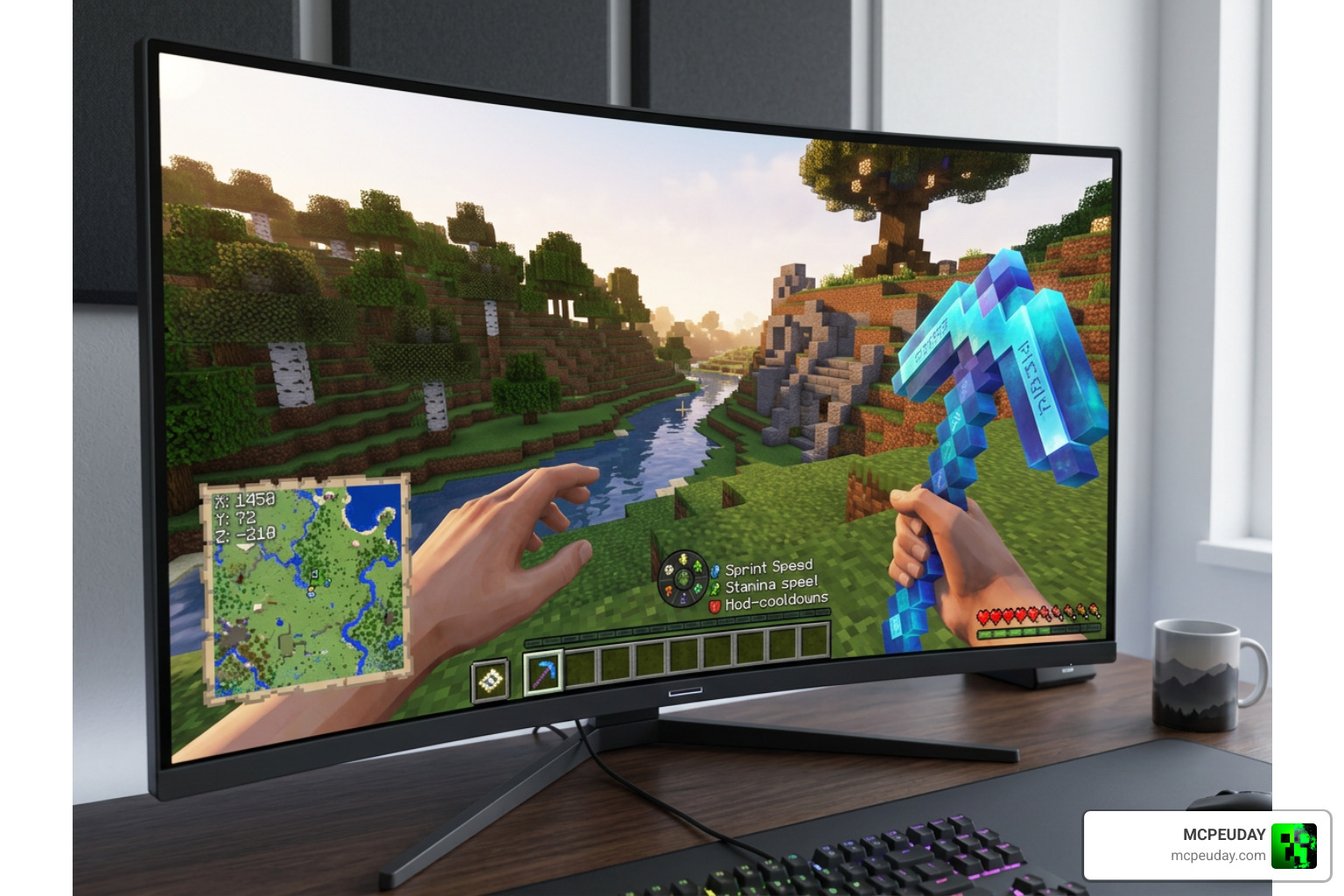
One of the most exciting aspects of Xnova Model is its compatibility with the popular Actions and Stuff addon. When paired correctly, you get gorgeous 3D blocks, custom items, and incredibly fluid character movements. However, because both packs modify animations, you must configure them properly. Using the dedicated animation modes within Xnova prevents these features from clashing, ensuring a smooth and bug-free experience.
Furthermore, the integration with external addons is a major selling point. Many players worry that installing custom hand models will break their favorite behavior packs or custom UI elements. Fortunately, the developers of Xnova have optimized the pack’s manifest and JSON files to ensure maximum compatibility. Whether you are playing on a local survival world with friends or joining massive multiplayer networks, this resource pack runs smoothly in the background.
While some creators focus on high-end, realistic transformations or retro polygonal aesthetics like those seen in Nova Poly XL – v2.0 | Illustrious Checkpoint | Civitai, Xnova focuses strictly on keeping your gameplay practical and clean. This makes it an excellent utility pack to run alongside your survival tools, such as the X Ray Texture Pack For Minecraft Pe Mcpe 1 21, without overloading your device’s performance or causing lag on mobile devices.
How to Install and Configure the Texture Pack
Getting the Xnova Model up and running on your device is a straightforward process. Follow these steps to ensure a smooth setup:
- Download the Pack: Download the
.mcpackfile (usually around 5 to 6 MB) directly to your device. - Import to Minecraft: Tap or double-click the downloaded file. Minecraft Bedrock will open automatically and import the resource pack.
- Activate the Pack: Go to Settings > Global Resources > My Packs. Select Xnova Model and click Activate.
- Select Your Subpack: Click on the active Xnova pack and tap the gear icon (Settings). Slide the bar to choose your preferred mode (such as PvP Mode, Best Design, or Animaciones Beta).
- Set the Load Order: If you are using other major graphic overhauls, like the Realsource Realistic Pack Mcpack, make sure Xnova is placed high enough in your resource pack list so its custom hand models are not overwritten by other textures.
Frequently Asked Questions about Xnova Model
What versions of Minecraft Bedrock does Xnova Model support?
The pack supports Minecraft Bedrock (including MCPE) versions 1.20.x, 1.21.x, and the 26.x sub-versions (such as 26.12 and 26.20+). It is continuously updated by the community and creators to ensure compatibility with major game updates and beta releases.
Why do my hands disappear when breaking blocks with this pack?
This is a known rendering bug that occasionally occurs when there is a conflict in your resource pack load order, or when using an incompatible subpack. To fix this, try switching to the “Normal Hands” or “Best Design” subpack, or move Xnova to the very top of your active resource packs list in the global resources settings.
Is Xnova Model compatible with Actions and Stuff?
Yes! However, you must select the compatible beta animation modes within the Xnova settings to prevent visual glitches. Also, note that the left hand is designed to only appear when an item is actively being used to prevent screen clutter, which aligns perfectly with the clean aesthetic of both packs.
Conclusion
The Xnova Model Texture Pack is an essential utility for Minecraft Bedrock players who want to clean up their first-person view, enjoy Java-style animations, and gain a competitive edge in PvP. With its lightweight file size and highly customizable subpacks, it fits perfectly into any player’s resource setup without sacrificing performance.
Ready to transform your Minecraft experience? Explore more Minecraft Texture Packs on our site to find the perfect visual style to match your new, polished animations! Whether you are looking for realistic shaders, minimalist designs, or utility packs, MCPEUDAY has everything you need to elevate your gameplay.