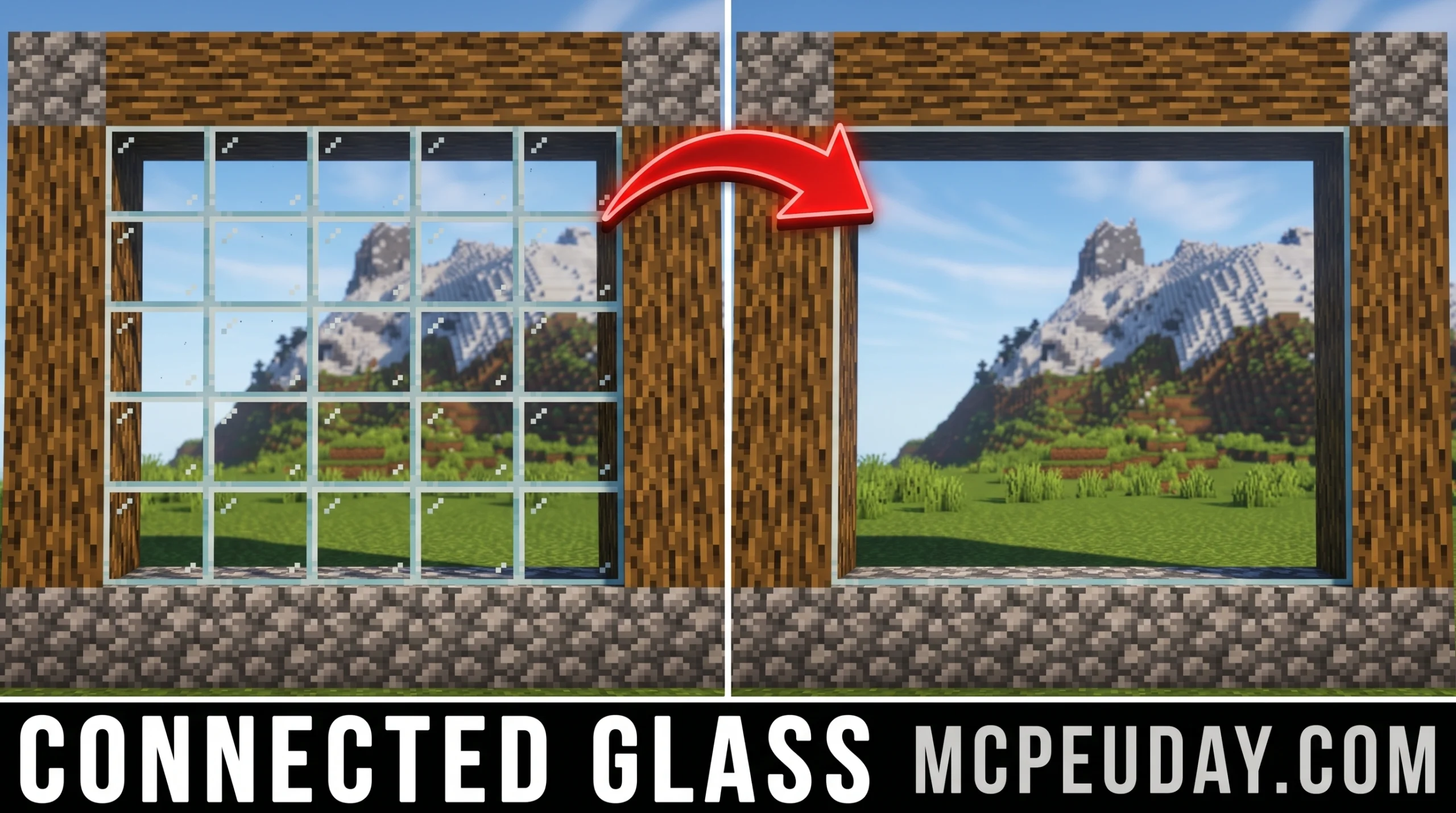
Why the Connected Glass ADDON Is a Game-Changer for Minecraft Bedrock Builders
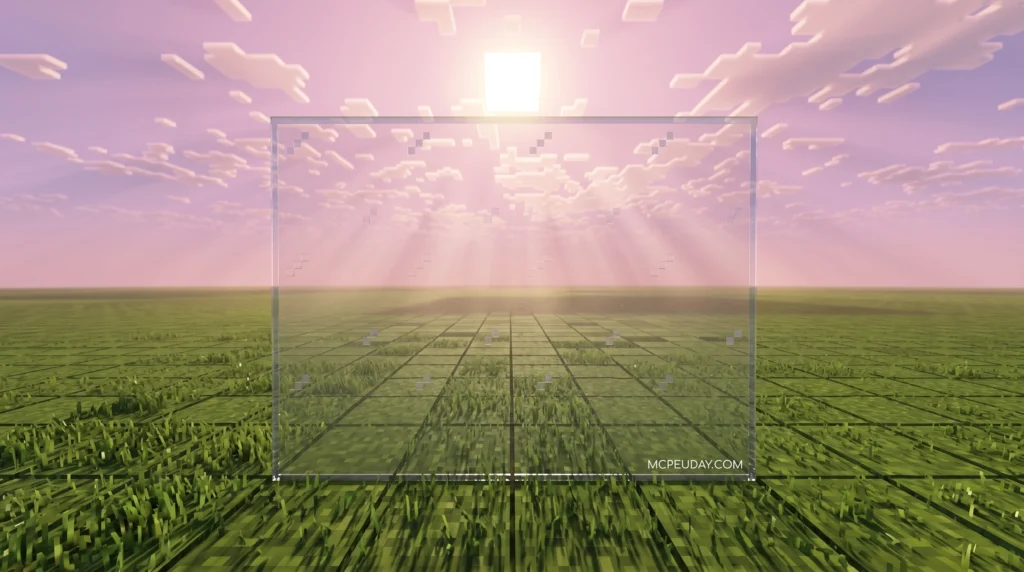
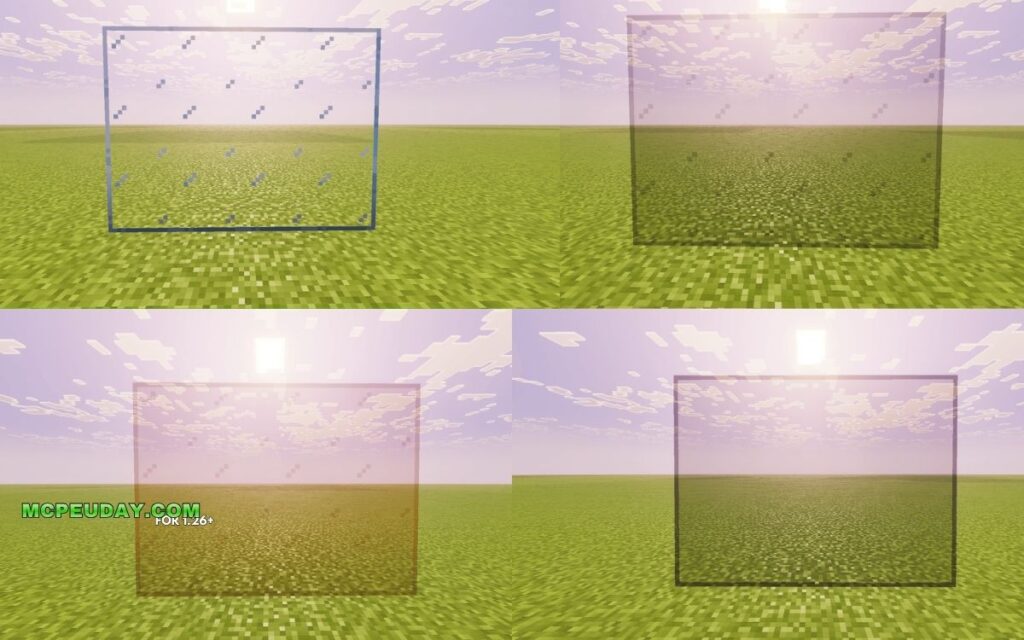
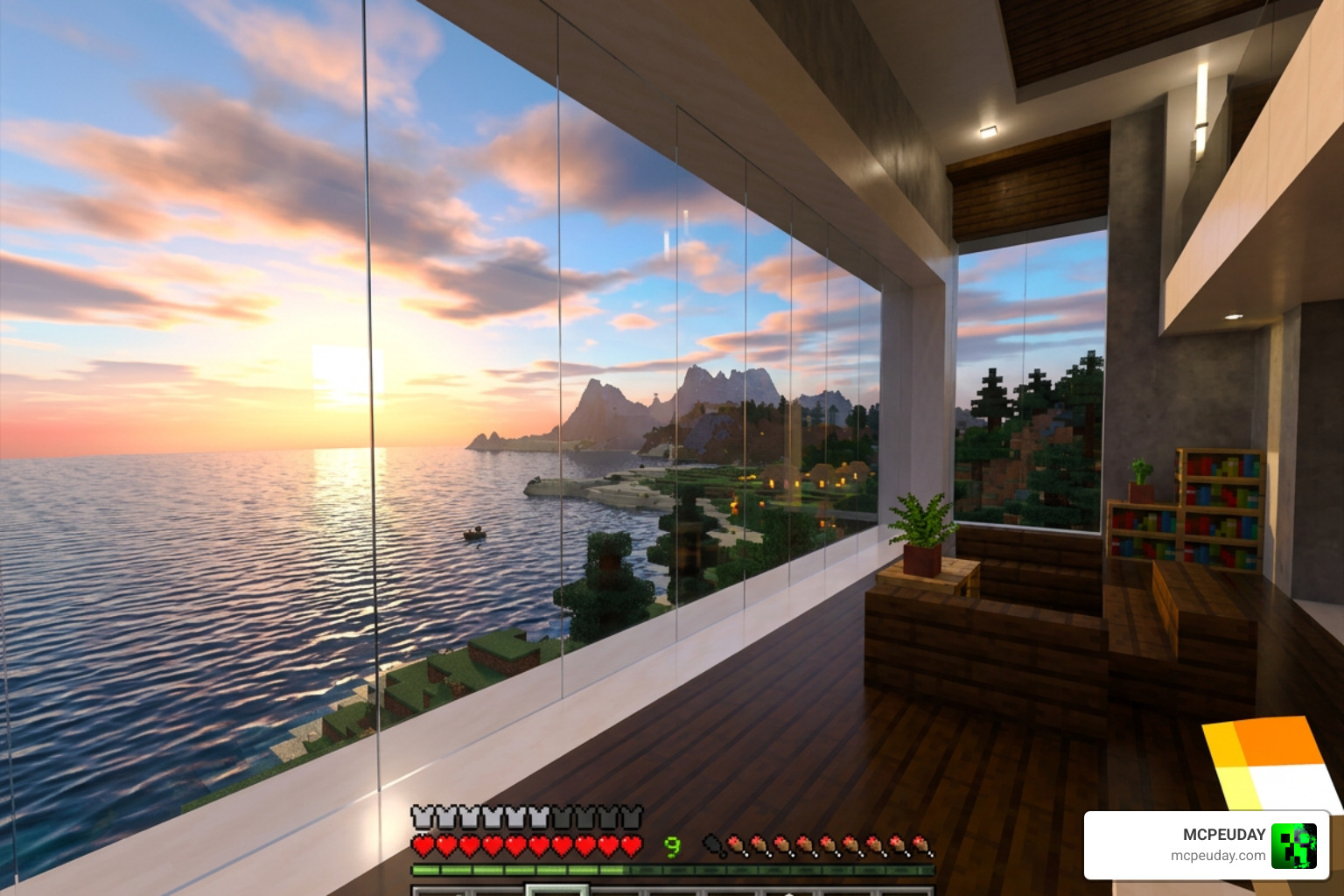
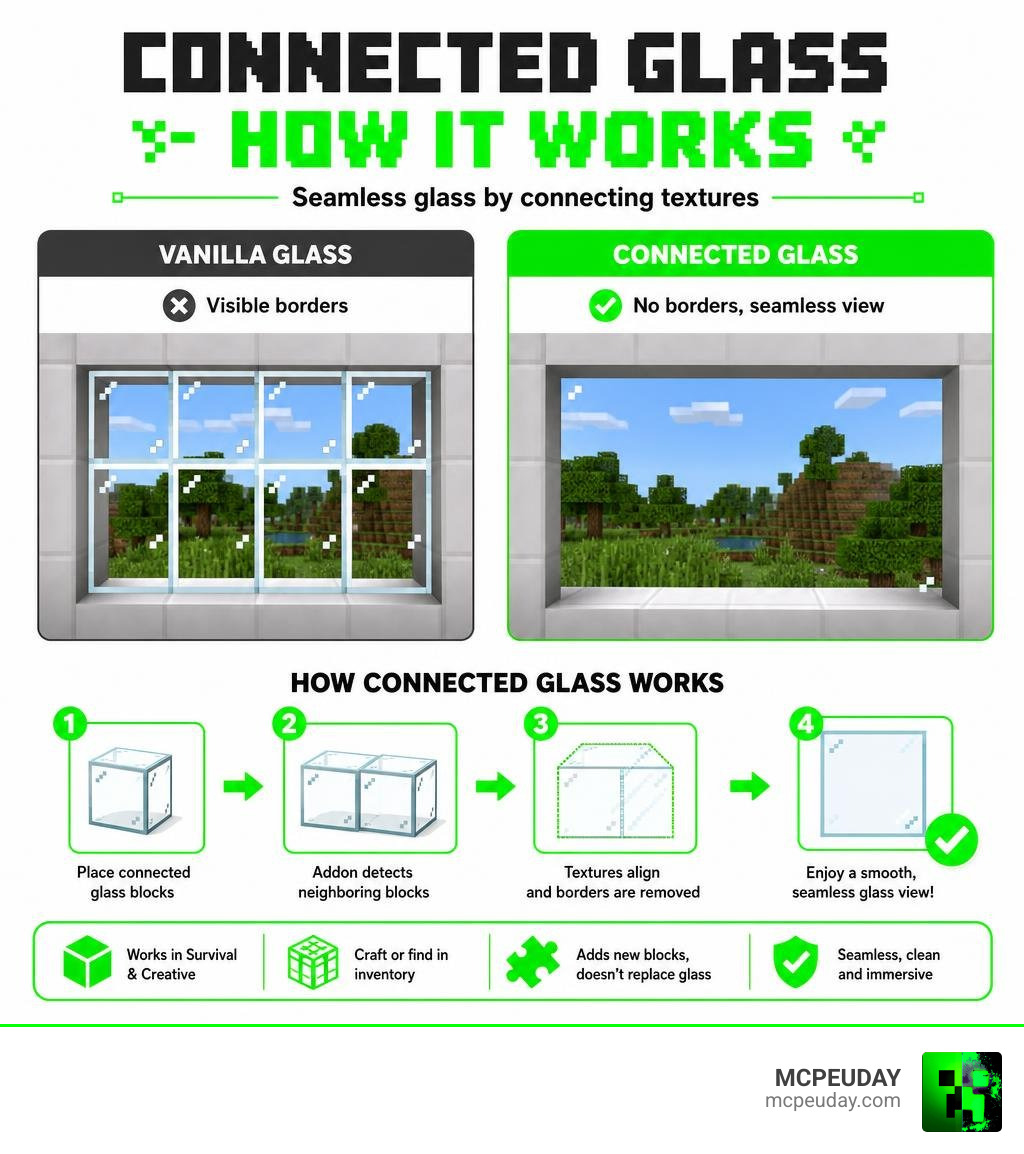
The Connected Glass ADDON removes the visible borders between glass blocks in Minecraft Bedrock Edition, making your windows and glass walls look completely seamless.
Quick answer — what it does:
- Eliminates the dark frame lines between glass blocks
- Adds frameless glass that connects smoothly to neighboring glass blocks
- Works in both survival mode (via crafting) and creative mode (via inventory)
- Does not replace your standard glass — it adds new blocks alongside them
- Available for Minecraft Bedrock / Pocket Edition only
If you’ve ever built a house with a big glass wall in Minecraft and hated how it looked like a grid of tiny framed squares, this addon fixes exactly that. Builders and decorators across Bedrock Edition have downloaded connected glass addons over 240,000 times from a single source alone — a clear sign this is one of the most wanted visual upgrades in the game.
The catch? Getting it installed without errors takes a few specific steps. The wrong load order, missing experimental toggles, or an outdated Minecraft version can all stop it from working.
This guide walks you through everything — cleanly and simply.
What is the Connected Glass ADDON and How Does It Work?
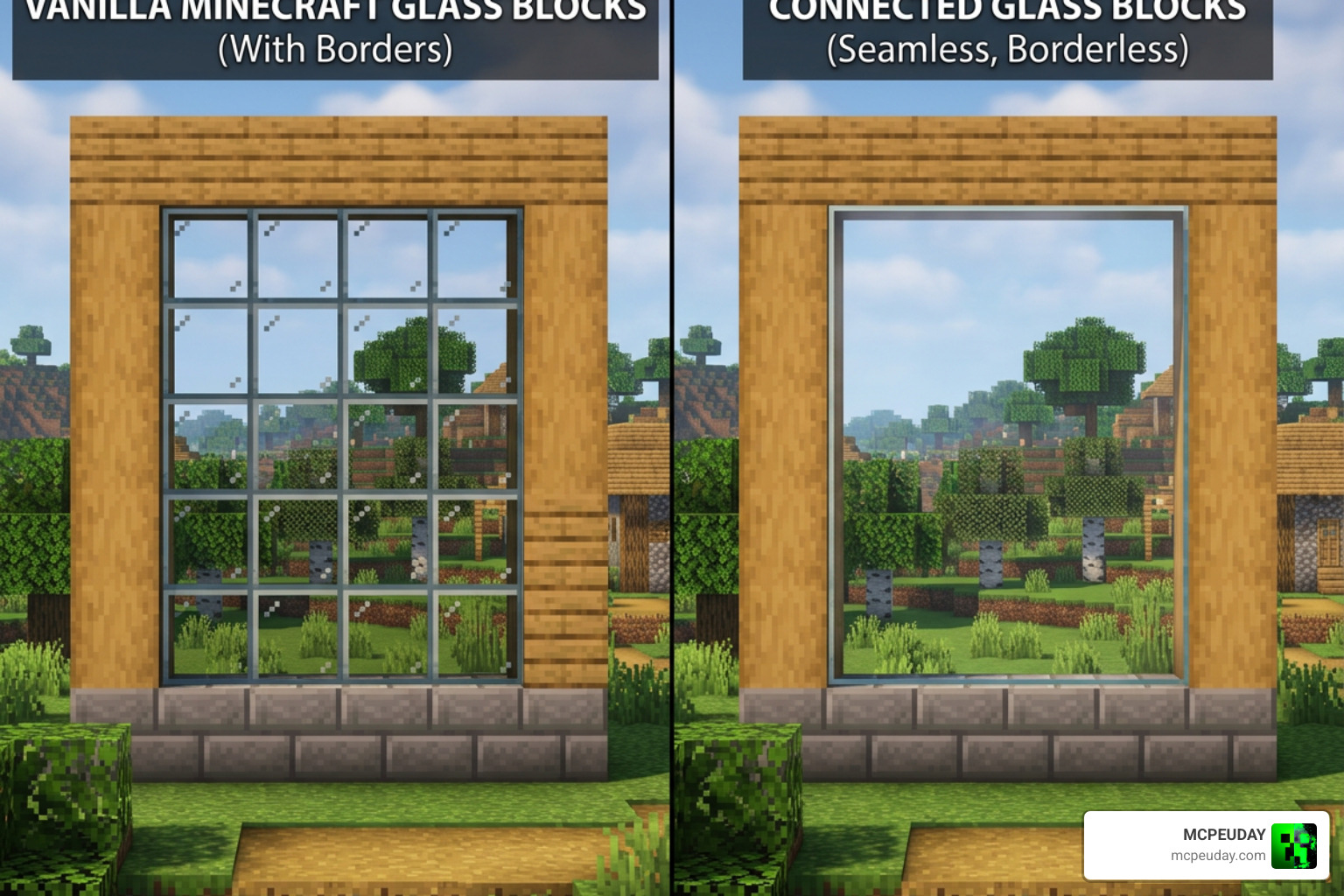
At its core, the Connected Glass ADDON relies on custom scripts and resource textures to detect when two matching glass blocks are placed adjacent to each other. In vanilla Minecraft, every single glass block maintains its own independent texture border. When you place them in a row, you get a distracting grid pattern.
This addon introduces frameless glass blocks into your game. Instead of altering your standard vanilla glass, it creates a separate set of glass blocks that dynamically update their textures based on neighboring blocks. When you place two of these custom glass blocks side-by-side, the addon instantly merges their borders, leaving you with a clean, continuous sheet of glass.
Crafting and Using the Connected Glass ADDON in Survival and Creative
You do not have to abandon your achievements or play exclusively in creative mode to enjoy beautiful windows. This addon is fully compatible with survival mode.
To get these seamless window blocks in survival mode, you simply need to craft them using ordinary glass blocks. By placing standard vanilla glass into your crafting table, you can convert them directly into the connected glass equivalent.
For creative mode players, the process is even simpler. You can find all the custom connected glass blocks and panes directly in your creative construction inventory.
One incredibly useful feature of this addon is the “stick usage” mechanic designed specifically for glass panes. Because glass panes can be tricky to align perfectly, you can hold a standard stick in your hand and interact with the custom glass panes to lock, unlock, or manually force their texture states. This gives you ultimate control over your build’s visual appearance.
To get started, you can find the file and learn more about the setup through our dedicated Download Connected Glass Addon for MCPE portal.
Accessing the Settings Menu in KwZ’s Connected Glass ADDON
If you are using the popular version developed by KwZ, you have access to an advanced in-game settings menu. This feature is incredibly helpful for managing performance and customizing how the addon behaves in your world.
To access the settings menu:
- Sneak (crouch) in-game.
- Hold any type of the addon’s custom glass blocks in your main hand.
- Interact with the air (right-click on PC, or tap the screen on mobile devices).
Once the menu opens, you can toggle several options:
- Disable Connected Glass: Temporarily turn off the connection script to save performance.
- Disable Automatic Updates: Stop the game from constantly scanning for glass updates.
- Change the Update Radius: Adjust how far away from the player the glass textures will actively update.
- Change the Update Interval: Adjust how frequently the script checks for block updates.
For a deeper dive into adjusting these settings, check out our comprehensive KwZ’s Connected Glass Guide.
Step-by-Step Installation Guide and Experimental Settings
Installing addons on Bedrock Edition can sometimes result in missing textures or “unresolved block” errors if the setup isn’t done correctly. Follow these steps to ensure a flawless installation.
Required Experimental Features and Supported Versions
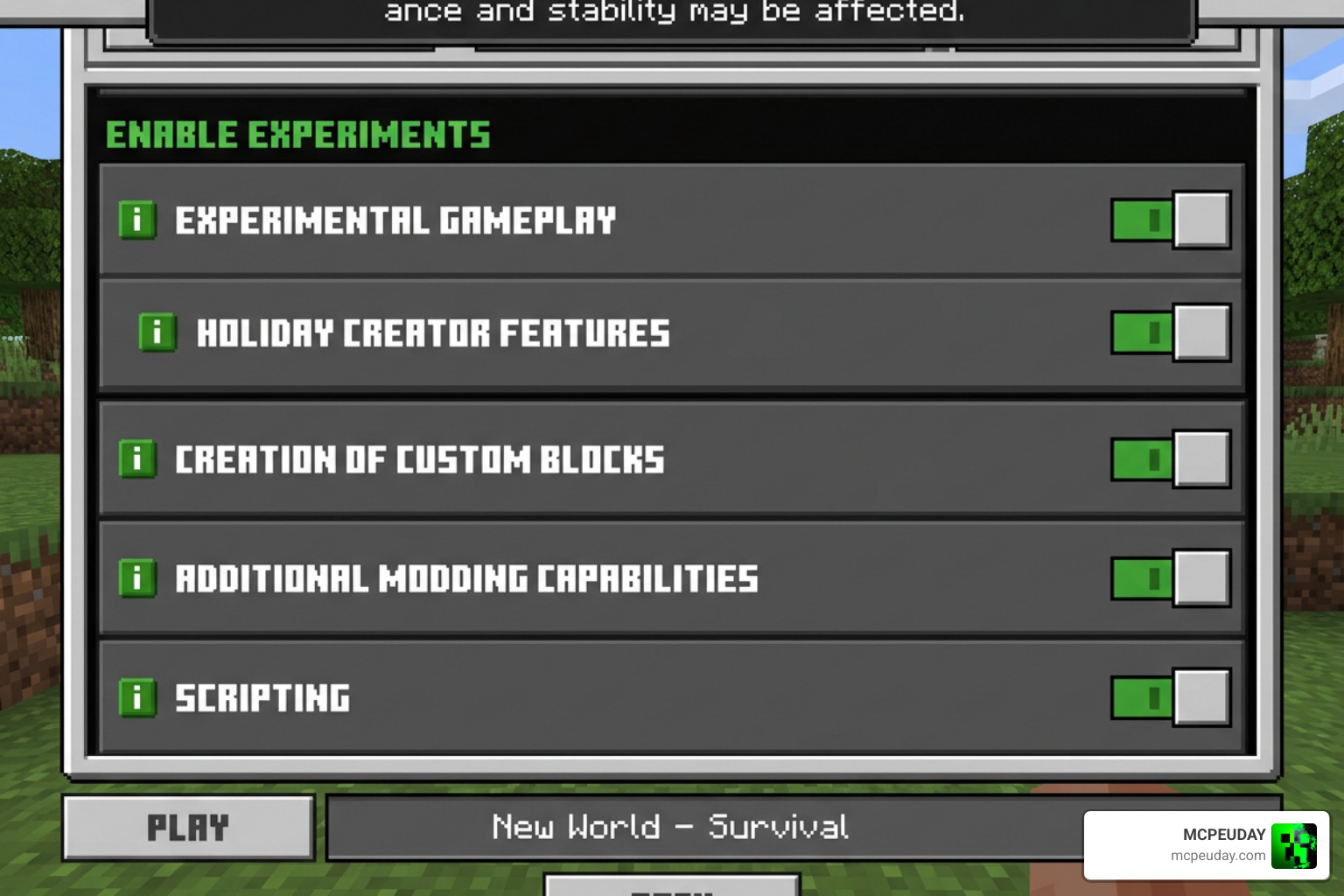
Because this addon introduces custom blocks and complex scripting, you must enable specific experimental toggles in your world settings before loading your world.
- Download the
.mcaddonfile from our Connected Glass Addon page. - Double-click or tap the file to automatically import it into Minecraft Bedrock.
- Create a new world or go to the settings of an existing world.
- Navigate to the Experiments tab.
- Toggle on Beta APIs and Holiday Creator Features.
- Go to Resource Packs and activate the Connected Glass Resource Pack.
- Go to Behavior Packs and activate the Connected Glass Behavior Pack.
This addon is fully updated for June 2026 and is fully compatible with Minecraft Bedrock 1.21 and newer. If you enjoy building and want to pair this with other incredible construction tools, we highly recommend checking out our guide on the Effortless Building Addon 26 x 1 21 to speed up your architectural projects.
Resolving Multiplayer and World Loading Errors
If you are hosting a multiplayer world or setting up a local server, you might run into errors where your friends see missing textures (the notorious purple-and-black checkerboard pattern) or can’t interact with the glass.
To resolve multiplayer loading errors:
- Ensure that “Require players to accept resource packs to join” is checked in your world settings. This forces joining players to download the client-side textures.
- Double-check your load order. Behavior packs must perfectly match your active resource packs.
- If you run other heavy mods, ensure there are no script conflicts. If your friends are struggling to navigate your custom worlds, pairing your build with utility mods like the Multiplayer Waypoint System Addon can make multiplayer exploration much smoother.
Comparing the Best Connected Glass Addons and Texture Packs
There are multiple connected glass projects available, and choosing the right one depends on whether you want a pure resource pack or a feature-rich behavior addon.
| Creator / Pack Name | Type | Download Stats | Key Feature |
|---|---|---|---|
| Habib_Anwash | Addon (Behavior + Resource) | 240.1k+ | Frameless custom blocks, high survival compatibility |
| KwZ’s Connected Glass | Addon (Behavior + Resource) | 148.5k+ | Custom in-game settings menu, performance toggles |
| Scodev (Connected Glasses) | Addon / Mod | 127k+ | Seamless pane connections, clean modern aesthetic |
| ddediego_d | Texture Pack | 44k+ | No experiments required, replaces vanilla glass textures |
Key Differences in Features and Performance
If you want a simple, performance-friendly option that doesn’t disable achievements, a texture-only pack like the one by ddediego_d is your best bet. Because it only changes the visual textures, it doesn’t require experimental toggles. However, texture packs are limited because they cannot dynamically calculate corner connections as cleanly as behavior-based addons can.
On the other hand, behavior-based addons like Habib_Anwash’s or KwZ’s offer flawless visual results. They dynamically calculate all 47 possible glass connection states. The trade-off is a slight performance impact on low-end mobile devices when placing massive amounts of glass at once.
If you want to download the addon directly, you can grab the Connected Glass Addon for Minecraft PE package. And if you are looking to generate gorgeous worlds to place your beautiful windows in, try pairing this with the Better Structures Addon to find amazing pre-built ruins and homes that look stunning with connected glass.
For Android users, we always recommend direct .mcaddon imports for the cleanest installation rather than using third-party APK installers.
Frequently Asked Questions About Connected Glass
Can I use the Connected Glass addon in survival mode without cheats?
Yes! If you use a texture-pack-only version, achievements remain enabled. However, if you use the advanced behavior-based versions (like KwZ’s or Habib_Anwash’s), you will need to enable experimental toggles, which automatically disables Xbox Live achievements for that world.
Why are my glass textures not connecting after installation?
This is almost always caused by missing experimental toggles. Make sure that Beta APIs and Holiday Creator Features are enabled in your world settings. Also, ensure both the Resource Pack and Behavior Pack are active and that the Resource Pack is placed high up in your active packs list.
Does this addon work on Minecraft Bedrock dedicated servers?
Yes, but the server must have experimental features enabled in its server.properties file, and all joining players must download the associated resource pack when prompted upon joining.
Conclusion
The Connected Glass ADDON is an absolute must-have for anyone serious about building in Minecraft Bedrock. By removing those outdated, clunky borders from your glass blocks, your modern homes, underwater bases, and massive skyscrapers will look cleaner than ever before.
We at MCPEUDAY are dedicated to bringing you the best tips, tricks, and guides to elevate your Minecraft experience. Once you’ve perfected your base with seamless windows, why not add some action to your world? Check out our list of the 5 Best Minecraft Bedrock Gun Mods for Survival PvP to defend your newly designed home in style!
2 thoughts on “Connected Glass Addon (26.x, 1.21) – MCPE/Bedrock Mod”