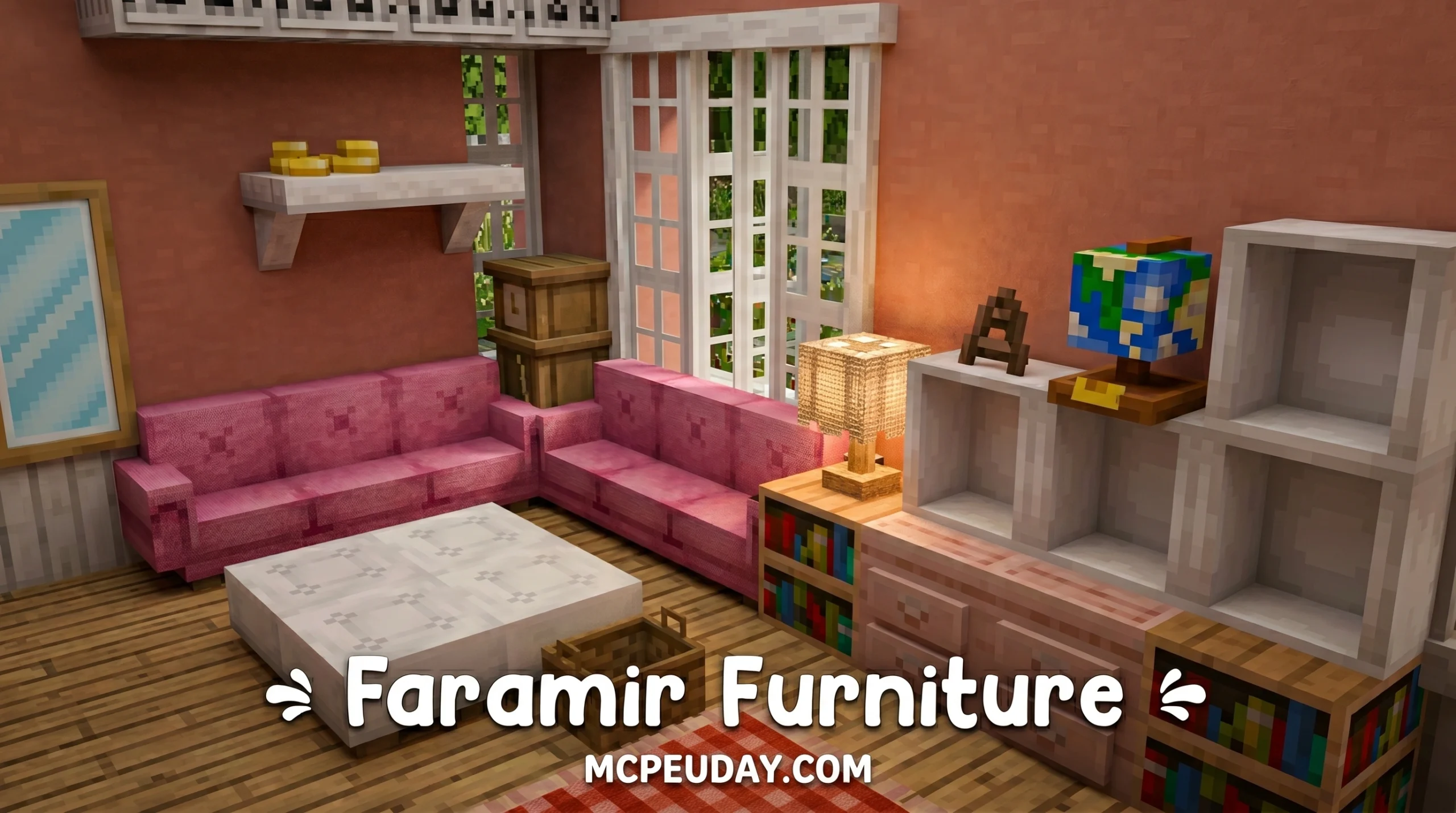
Why Faramir’s Furniture Addon Is a Must-Have for Minecraft Bedrock Builders
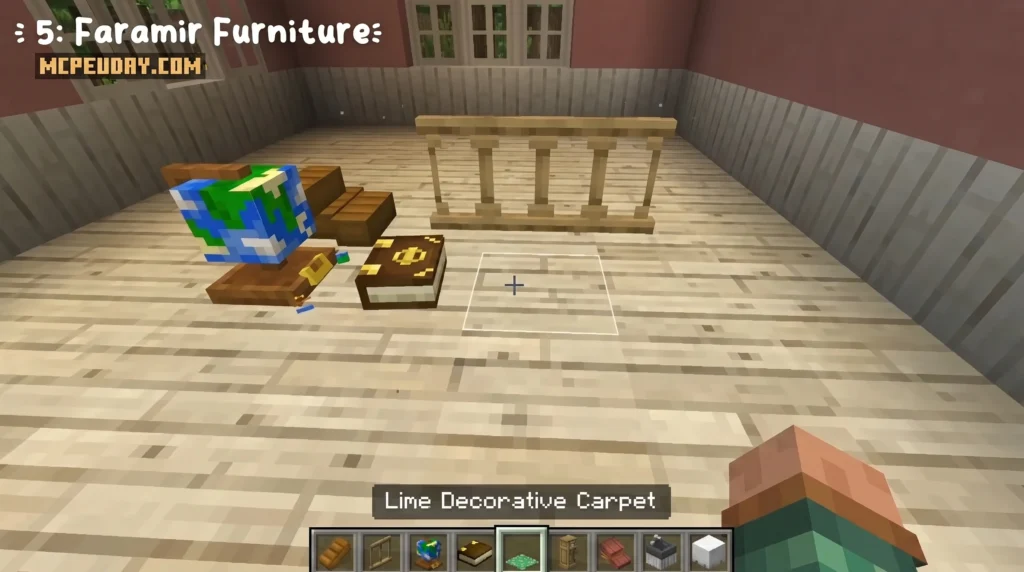

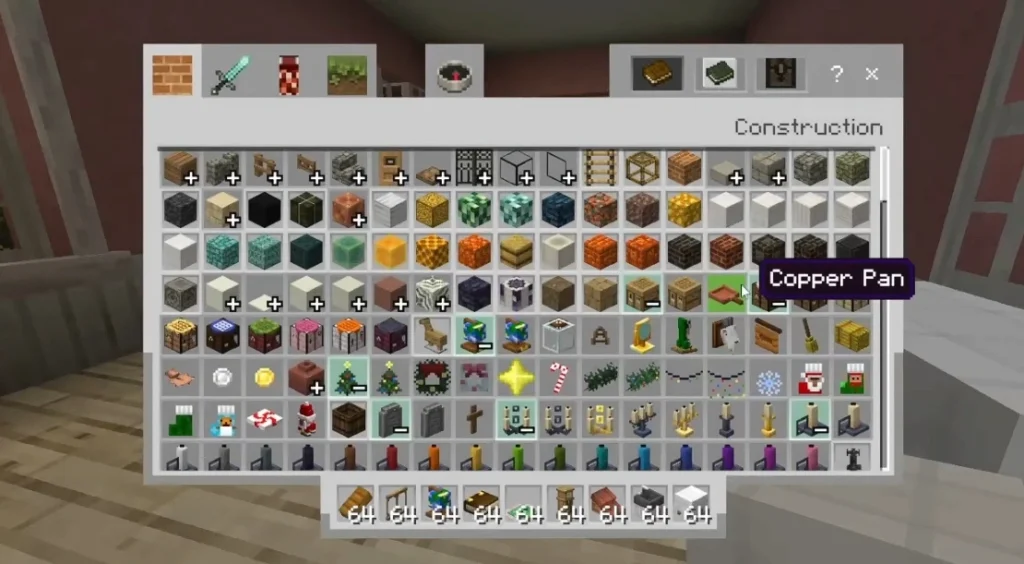
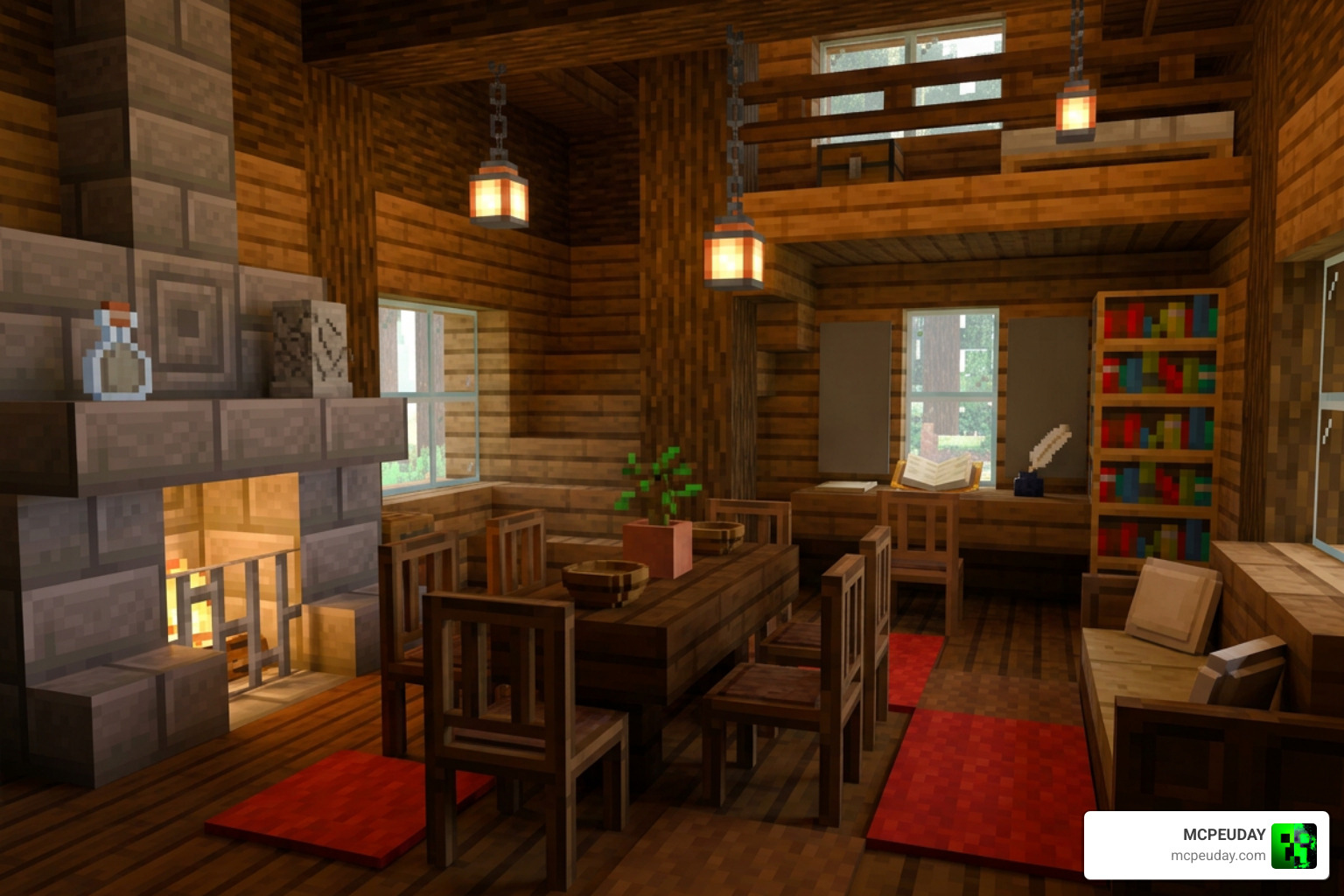
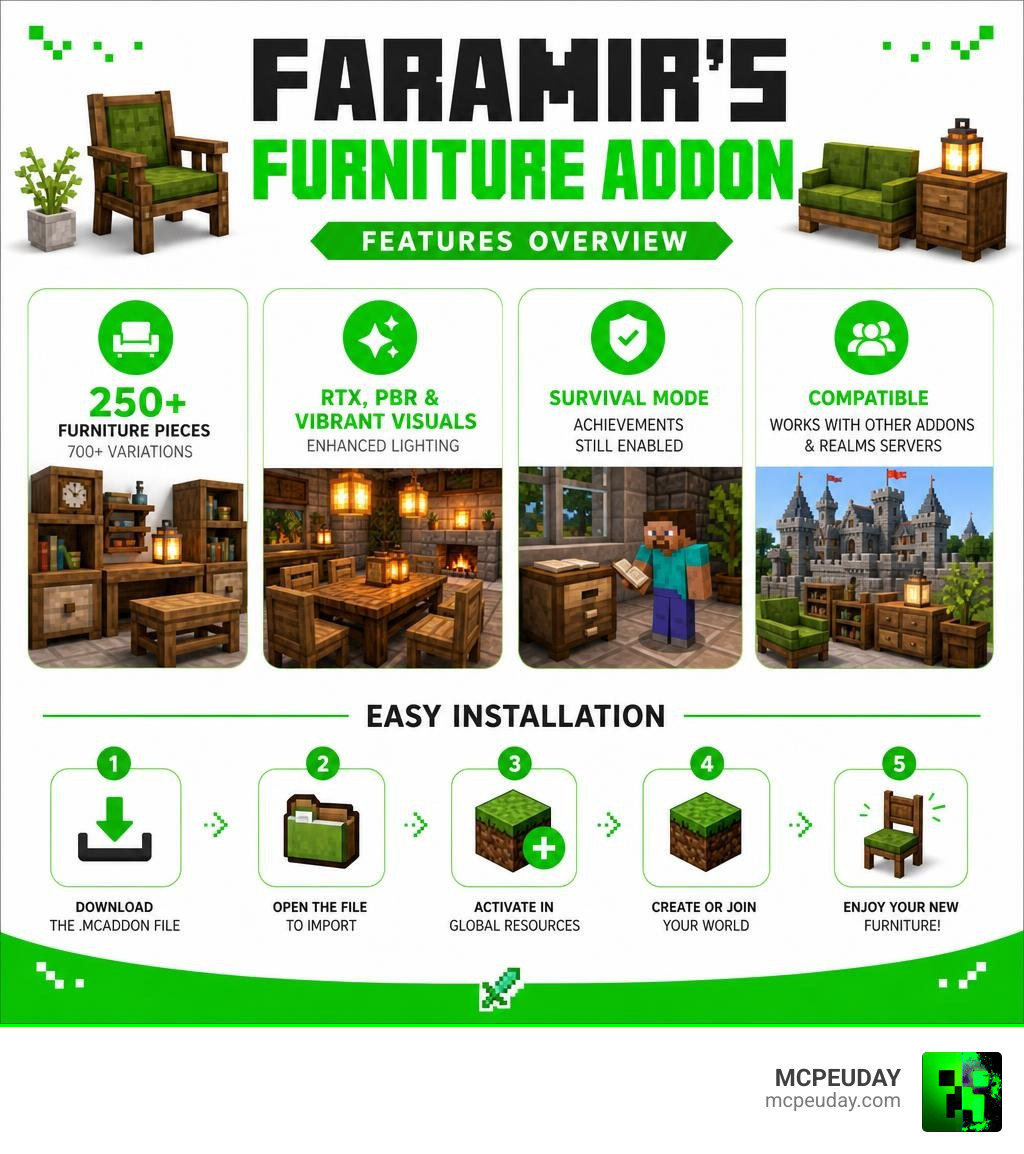
Faramir’s Furniture Addon is one of the best decoration addons available for Minecraft Bedrock Edition right now. Here’s a quick snapshot of what it offers:
- 250+ furniture pieces with 700+ variations
- Works in survival mode with achievements still enabled
- Supports RTX, PBR, and Vibrant Visuals for enhanced lighting
- Compatible with other furniture addons and Realms servers
- Available as a single 11.35 MB .mcaddon file — easy to install
If your base still looks like a storage cave after hours of building, this addon fixes that fast. It brings functional, vanilla-styled furniture — seats you can sit on, cupboards that store items, lights you can toggle — without breaking the feel of Minecraft or locking you out of achievements.
It ranked #4 in the Top 5 Best Furniture Addons for Minecraft PE 1.21, and it punches well above its file size.
What is Faramir’s Furniture Addon?
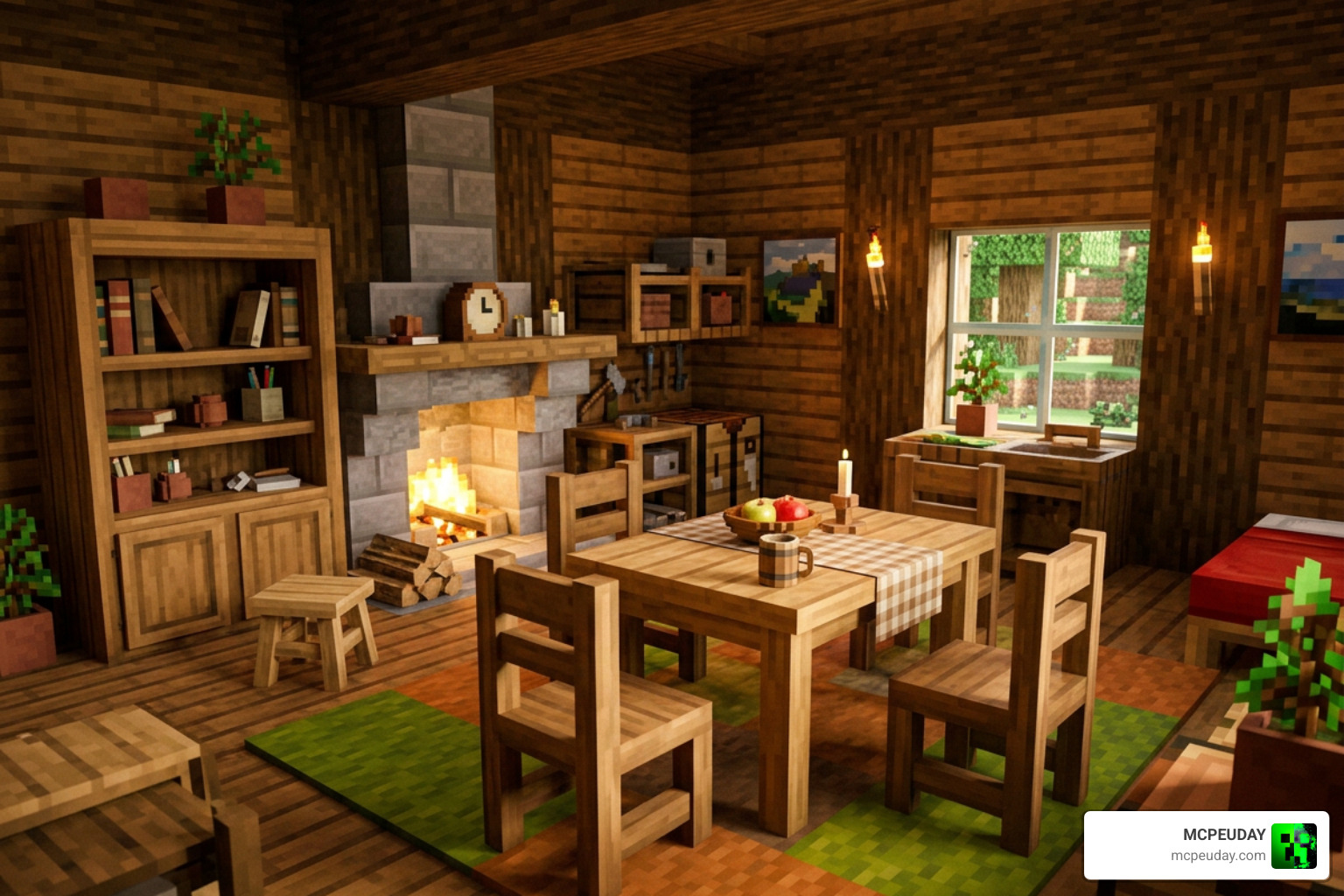
At its core, Faramir’s Furniture Addon is a massive interior design expansion pack designed specifically for Minecraft Bedrock Edition. Unlike other mods that introduce overly complex models that clash with the game’s classic blocky look, this addon focuses on a clean, vanilla-faithful aesthetic. Every piece of furniture is a solid 3D block that looks like it belongs in the base game.
Whether you are building a cozy starter cabin in a spruce forest or designing a sleek modern loft in a bustling city, this addon provides the exact tools you need. With more than 250 unique furniture pieces and over 700 distinct color and material variations, you will never run out of design options. If you want to compare it with more ultra-modern styles, you can also check out our guide on the Modern Furniture Addon 1 21 26 X Best Mcpe Decoration Mod.
Key Features of Faramir’s Furniture Addon
- Interactive Blocks: These blocks are not just for show. Most pieces feature functional elements that react when you interact with them.
- Seating Functionality: You can actually sit on the chairs, sofas, and benches. No more awkward crouching to pretend you are relaxing!
- Functional Storage: Cupboards, drawers, and cabinets open up to offer real storage space, helping you organize your items in style.
- Toggleable Lights: Lamps and light fixtures can be turned on and off with a simple tap, allowing you to set the perfect mood in your home.
- Smart Snapping & Rotation: Furniture pieces easily snap to walls and slabs, and they can be rotated in any direction just like normal vanilla blocks.
Survival Compatibility and Crafting Progression
One of the biggest pain points for Bedrock players is that many custom addons force you into Creative Mode or completely disable your survival achievements. We have fantastic news: Faramir’s Furniture Addon is fully survival-friendly, and it keeps your achievements enabled!
You do not need to rely on complex commands or cheat menus to furnish your home. Everything can be crafted naturally as you progress through your world. The crafting recipes are fully integrated into the vanilla recipe book, and you can also use the stonecutter to easily craft and swap furniture variants. This makes the progression feel incredibly smooth and rewarding. For players who love survival-friendly decor overhauls, you might also enjoy reading about the Modblockte Furniture Addon 1 21 1 20 Best Furniture Mod For Mcpe.
Crafting with Faramir’s Furniture Addon
- Batch-Crafting by Room: To keep your inventory organized, we highly recommend batch-crafting your furniture room by room. Start with the kitchen setups, move on to living room storage, and finish with your bedroom details.
- Layout First, Color Later: When designing a new space, place down basic oak or spruce furniture layouts first. Once you are happy with the flow of the room, use the stonecutter or dye workbench to swap them out for more colorful variants.
- Dye Workbench Setup: On multiplayer servers or Realms, set up a dedicated crafting and dye corner at your spawn point with labeled chests. This allows your friends to easily customize their furniture wood tones and fabric colors.
- Resource Gathering: Because the recipes use standard vanilla materials (like wood planks, iron ingots, and wool), you can easily gather everything you need during your normal survival mining and farming sessions.
Visual Enhancements and Shader Compatibility
If you love playing with high-end graphics, you are in for a treat. Faramir’s Furniture Addon comes with full PBR (Physically Based Rendering) support. This means that if you use RTX on Windows 10/11 or run Vibrant Visuals on your mobile device, the furniture will react dynamically to lighting.
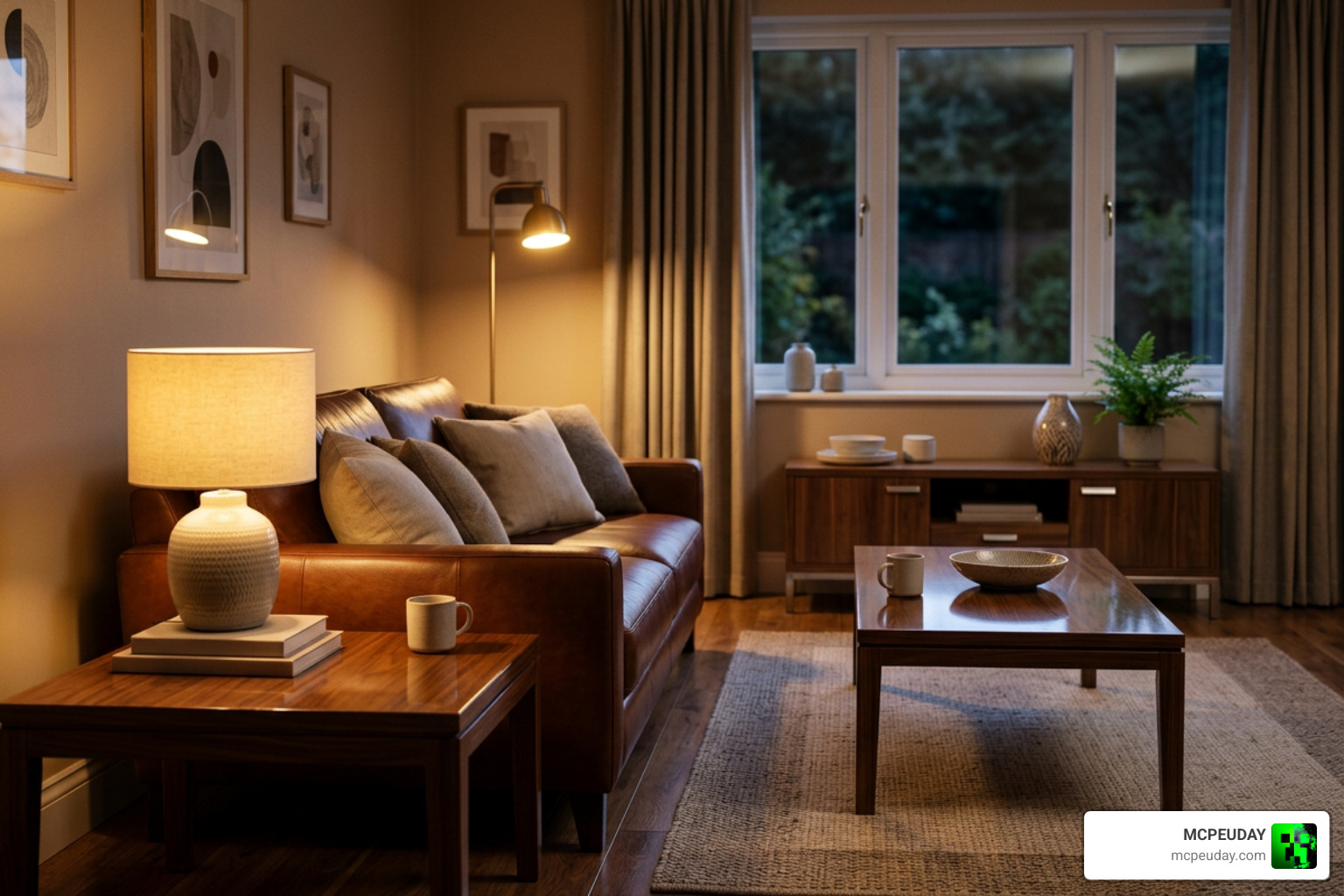
Imagine walking through your town at dusk: the warm light from a table lamp glints realistically off brushed metal hardware, casts soft reflections on glossy ceramic countertops, and highlights the textured weave of fabric sofas. To complement these stunning visuals with high-tech items, check out our Home Electronics Addon 1 26 1 21 For Mcpe Download Features Full Guide.
To see how this addon stacks up against other popular community decoration packs, we have put together a quick comparison table:
| Feature / Detail | Faramir’s Furniture Addon | Let’s Do Collection Furniture | MrCrayfish’s More Furniture Mod | Furniture Plus SpigotMC |
|---|---|---|---|---|
| Primary Platform | Bedrock Edition (MCPE) | Java Edition (Fabric/Forge) | Java Edition (Forge) | Java Server (ItemsAdder) |
| Survival Friendly | Yes (Achievements Enabled) | Yes | Yes (Requires Addon Wood Mods) | Yes (Requires Fabric Machine) |
| RTX / PBR Support | Yes (Fully Supported) | No (Requires Shader Packs) | No (Requires Shader Packs) | No |
| Style | Vanilla-Faithful Blocks | Modular & Highly Detailed | Modded Wood Variants | Themed Collections |
| Interactive Blocks | Yes (Storage, Seats, Lights) | Yes (Trashcan, Aquarium) | Yes (Functional Furniture) | Yes (Seating & Storage) |
Installation Guide and Server Performance
Installing Faramir’s Furniture Addon is incredibly straightforward because it comes packaged as a convenient .mcaddon file (which bundles the 5.72 MB behavior pack and the 4.66 MB resource pack together into an 11.35 MB file).
Whether you are playing solo, hosting a local world, or running a dedicated Realms server, this addon runs smoothly. Because it does not rely on heavy custom scripts or edit the player.json file, it is highly compatible with other popular gameplay addons. For example, you can pair it with our Effortless Building Addon or read about the Effortless Building Mod 26 X 1 21 Build Massive Structures Faster In Minecraft to speed up your construction time!
Step-by-Step Installation Steps:
- Download the latest
.mcaddonfile from the official Faramir’s Furniture Mod – MC-Addons page. - Locate the downloaded file on your device and double-click or tap it. Minecraft Bedrock will open automatically and import the packs.
- Go to your World Settings, scroll down to Active Resource Packs, and activate the Faramir’s Furniture Resource Pack.
- Scroll down to Active Behavior Packs and ensure the corresponding Behavior Pack is activated.
- If you are using other mods, make sure to place Faramir’s resource pack near the top of your load order to avoid any texture conflicts.
- Launch your world and start decorating!
Performance Tips for Low-End Devices & Realms:
- Spread the Details: If you are playing on a low-end mobile device, try to spread highly detailed decorated areas across multiple chunks rather than stuffing hundreds of furniture blocks into a single room.
- Control Mob Pathing: In tight hallways, use low tables and benches to guide mob movement and keep your base clean.
- Hidden Lighting Tricks: Place string on the floor, put rugs on top of them, and hide light blocks underneath to create seamless lighting that does not impact game performance or mob spawning.
Frequently Asked Questions
Does Faramir’s Furniture Addon disable achievements in survival?
No! This is one of the best aspects of the addon. Because it is designed to work seamlessly within vanilla Bedrock parameters, you can craft, place, and enjoy all 250+ furniture pieces in survival mode while continuing to earn your Xbox Live achievements.
How do I install Faramir’s Furniture Addon on Minecraft Bedrock?
Simply download the .mcaddon file, open it to automatically import it into Minecraft, and activate both the Resource and Behavior packs in your world settings. Ensure that any experimental features (such as Holiday Creator Features) are toggled on if prompted by your game version.
Is Faramir’s Furniture Addon compatible with RTX and shaders?
Yes! The addon features full PBR texture maps. This allows it to work beautifully with Windows 10/11 RTX ray-tracing and mobile-friendly Vibrant Visuals, creating realistic reflections, shadows, and light emissions.
Conclusion
In June 2026, Faramir’s Furniture Addon remains an absolute triumph for the Minecraft Bedrock building community. It strikes the perfect balance between offering massive variety (over 700 variations!) and maintaining that classic, cozy vanilla aesthetic we all love. It is lightweight, performs beautifully on multiplayer servers, and is incredibly easy to craft in survival mode.
Ready to take your builds to the next level? Head over to our MCPEUDAY Mod Addons category page to discover more incredible mods, textures, and survival expansions. Happy building!
3 thoughts on “Faramir’s Furniture Addon (26.x, 1.21) – MCPE/Bedrock Mod”