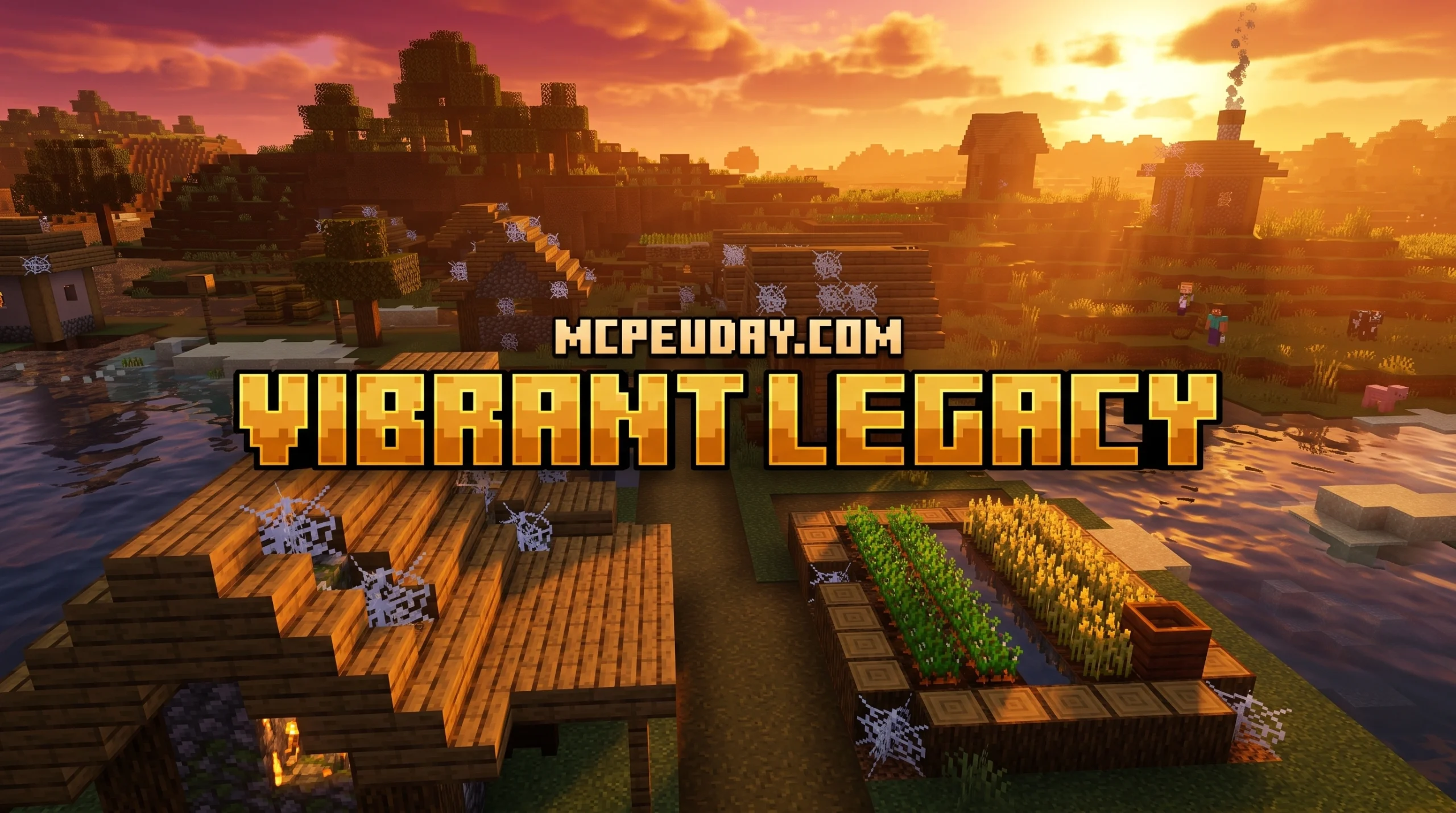
What the Vibrant Legacy Rewrite Shader Does for Minecraft Bedrock
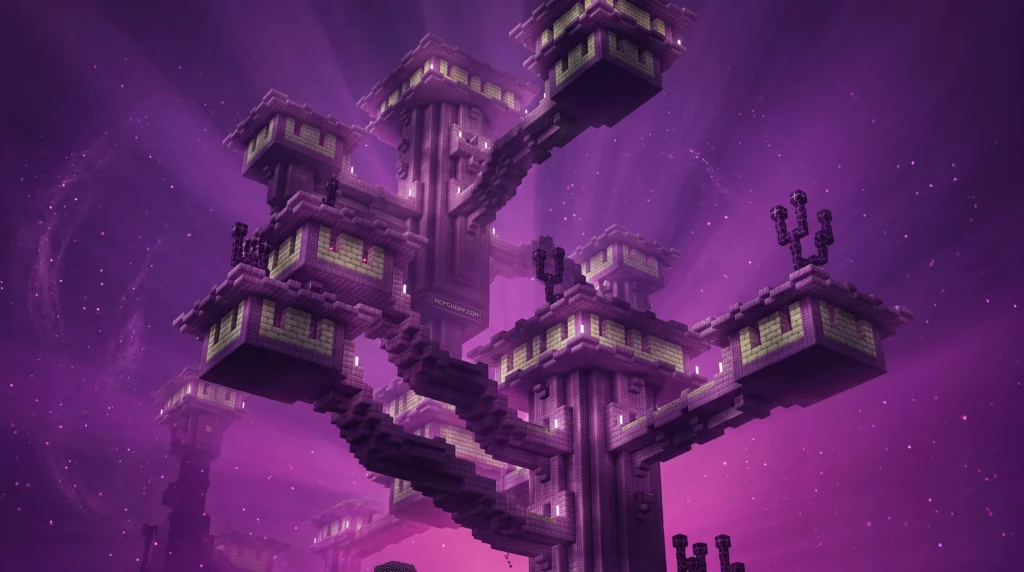
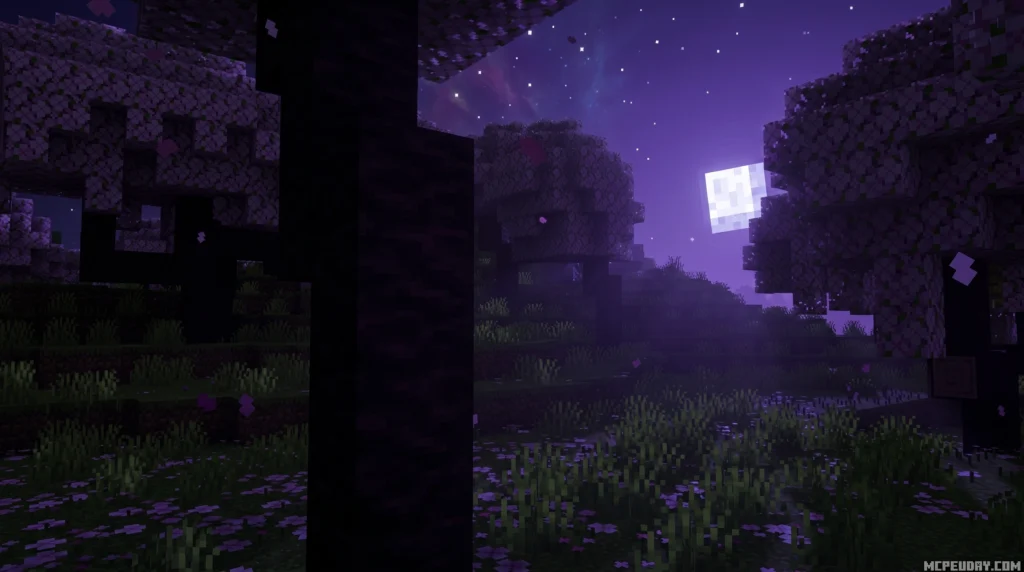
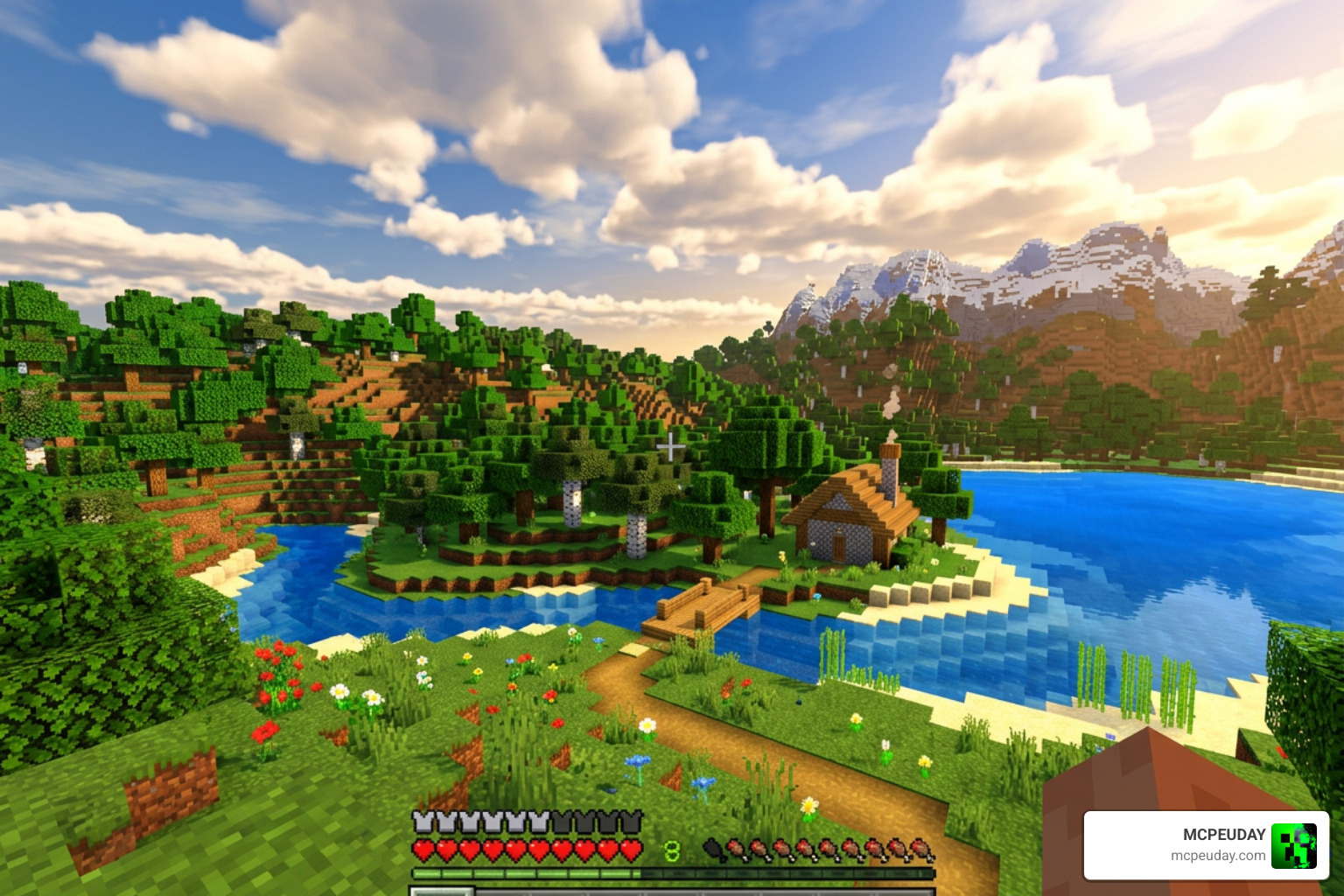
The Vibrant Legacy Rewrite Shader is a visual overhaul pack for Minecraft Bedrock Edition that rebuilds the original Vibrant Legacy look using Minecraft’s modern deferred rendering pipeline — no RTX hardware required.
Quick answer for what it is and does:
- What it is: A deferred rendering resource pack that enhances Minecraft Bedrock’s visuals through Vibrant Visuals mode
- Based on: The original Vibrant Legacy and Vibrant Enhanced Deferred series
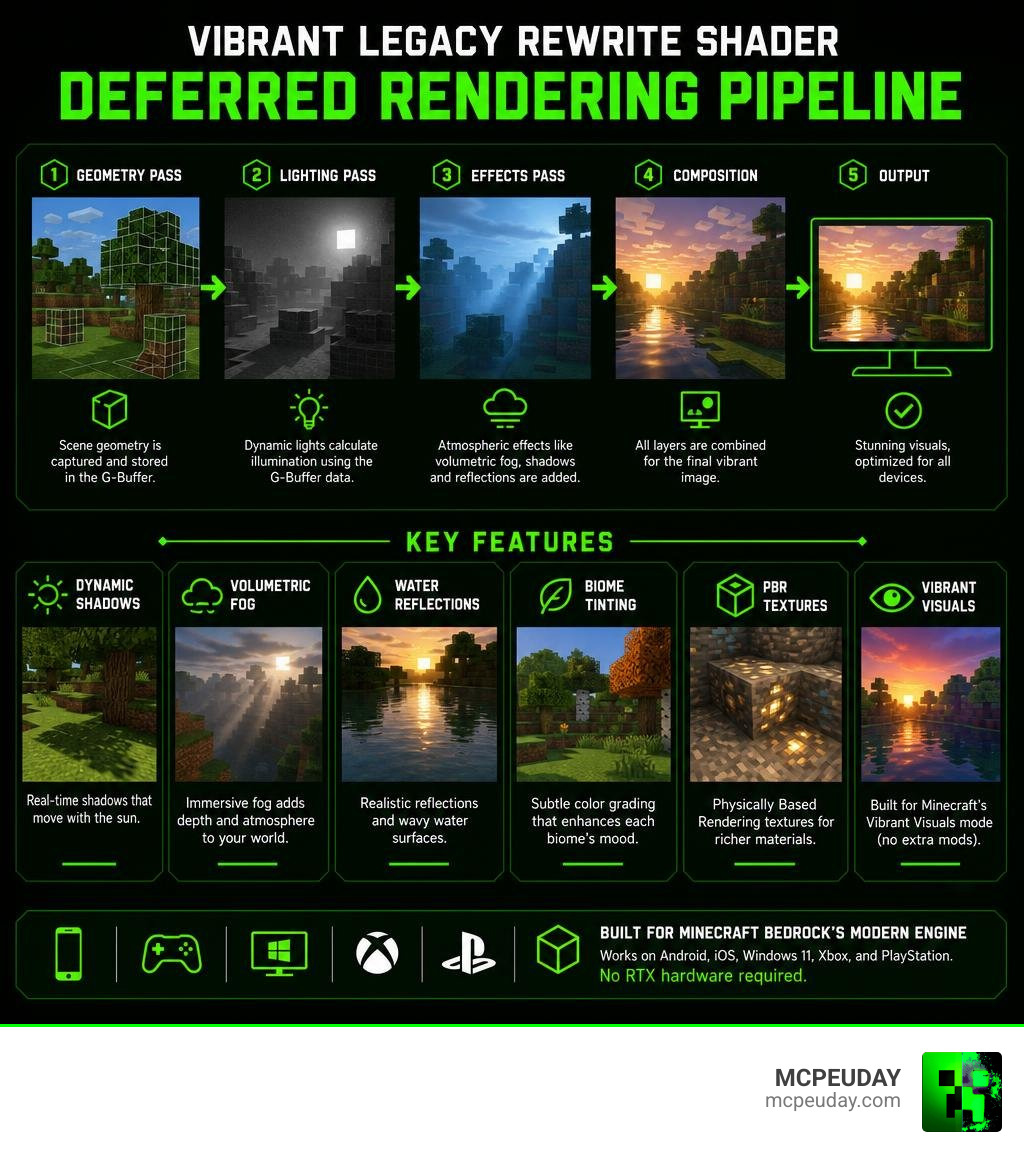
- Works on: Android, iOS, Windows 11, Xbox, and PlayStation
- Requires: Minecraft Bedrock 1.21.80 or newer with Vibrant Visuals enabled in Video Settings
- Key improvements: Dynamic shadows, volumetric fog, water reflections, biome tinting, and PBR textures
- Does NOT require: RTX graphics card or Java Edition
Minecraft Bedrock’s Render Dragon engine broke compatibility with most older shaders after version 1.20. The Rewrite builds around that engine instead of fighting it — which means it actually works on your phone, console, or PC without extra workarounds.
It sits somewhere between a traditional shader and a full texture pack. Think of it as a visual tune-up that plugs directly into Minecraft’s own Vibrant Visuals system to push colors, lighting, and atmosphere further than the default settings allow.
What is the Vibrant Legacy Rewrite Shader?
To understand the Vibrant Legacy Rewrite Shader, we first have to talk about how Bedrock Edition handles graphics. For years, players struggled to get working shaders on mobile devices and consoles because of Mojang’s Render Dragon rendering engine. This engine locked down the old ways creators used to inject custom lighting, rendering classic GLSL and HLSL shader packs completely obsolete. This left the community in a visual drought, forcing players to rely on flat, default textures without any dynamic depth.
The Vibrant Legacy Rewrite Shader is a complete ground-up reconstruction designed to work natively with Render Dragon’s deferred lighting pipeline. Instead of trying to bypass the game’s engine, this pack works alongside it to deliver a lively, cartoon-inspired aesthetic. It combines bright, saturated color grading with advanced physically based rendering (PBR) textures to give the blocky world a smooth, three-dimensional look. This modern approach ensures that the shader remains stable even during major game updates, providing a reliable visual upgrade for casual builders and hardcore survivalists alike.
If you are new to graphics modifications and want to understand how these systems work behind the scenes, you can read our guide on What are Shaders in Games to get fully up to speed.
How the Vibrant Legacy Rewrite Shader Differs from RTX
You might have heard of the original Vibrant Legacy RTX pack. While the RTX version is absolutely gorgeous, it comes with a massive catch: it requires a ray-tracing-capable graphics card (like an NVIDIA RTX card) and only works on Windows PC. This restriction excluded millions of console and mobile players who wanted to experience high-fidelity graphics.
The Vibrant Legacy Rewrite Shader solves this accessibility issue. By targeting the deferred rendering pipeline instead of hardware-based ray tracing, it brings almost the same level of depth—including glowing blocks, realistic sunrays, and wet-looking surfaces—to devices that do not have dedicated RTX hardware. It uses clever software-based approximations to simulate global illumination and light bounces, meaning you get beautiful, realistic lighting without turning your phone or console into a heater.
If you want a more lightweight, performance-focused alternative that still utilizes this modern pipeline, you can also check out the Vibrant Legacy Simple Shader for MCPE which is tailored specifically for lower-end mobile setups.
Key Visual Features and Graphics Improvements
The Rewrite version introduces a massive suite of graphical upgrades that completely change how you experience survival mode. Walking out of your starter base at dawn actually feels cinematic, and exploring dark caves becomes a thrilling adventure. The world feels less like a collection of static blocks and more like a living, breathing ecosystem.
Here are the standout features:
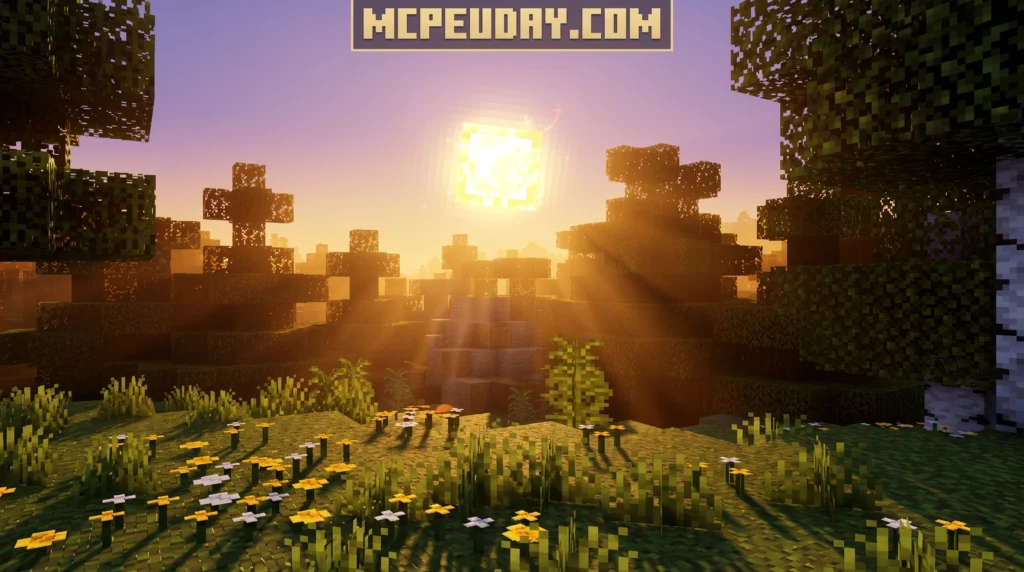
- Volumetric Fog: Light shafts (crepuscular rays) filter dynamically through trees and deep valleys, creating realistic atmospheric depth. This is especially breathtaking during early mornings in dense forests or deep jungle biomes where the sun struggles to pierce the canopy.
- Dynamic Shadows: Shadows cast by blocks and players shift smoothly based on the position of the sun and moon. Unlike older shaders that had jagged, pixelated shadows, the Rewrite features soft, filtered shadow edges that blend naturally with the environment.
- Biome Tinting: Different regions have unique atmospheric colors. Deserts feel warm, dusty, and dry, while cold taigas feel crisp, blue, and foggy. Even the Nether receives a dramatic overhaul, with crimson forests glowing in deep, eerie red hues.
- Water Reflections: Oceans, rivers, and lakes utilize screen-space reflections to mirror the surrounding hills, clouds, and sky. The water surface also features realistic wave displacement, making oceans look dynamic rather than flat.
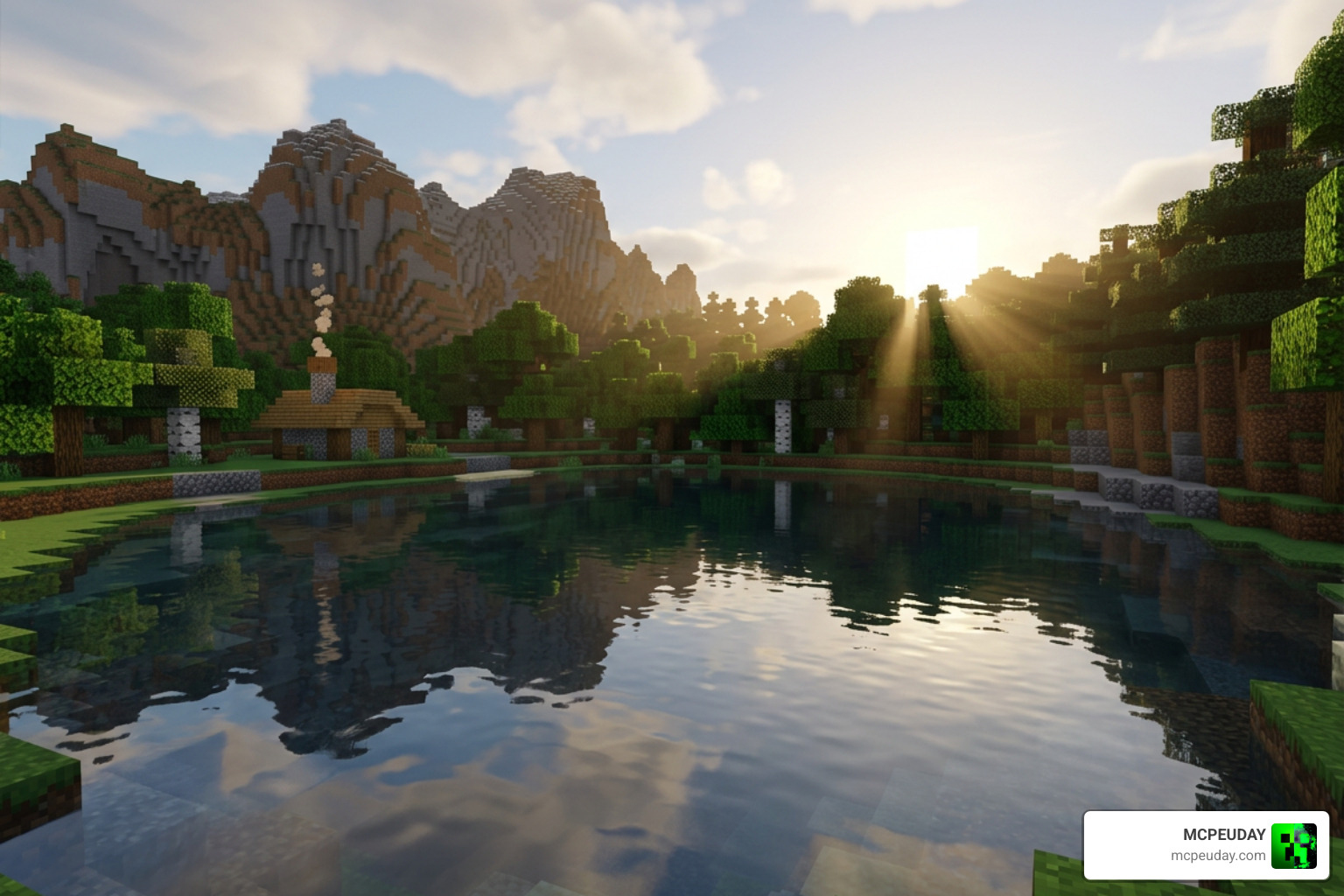
These features align closely with Mojang’s broader goals for modernizing Minecraft’s graphics across platforms. You can read more about their development journey in the official article on The road to Vibrant Visuals on Java – Minecraft.
Customizing Your Vibrant Legacy Rewrite Shader Experience
One of the coolest aspects of this shader is how it interacts with materials through MERS (Metalness, Emissive, Roughness, Subsurface scattering) texture mapping. This advanced mapping system dictates how every single block reacts to light sources, creating an incredibly tactile feel:
- Metalness (Red Map): Copper, iron, and gold blocks will gleam and reflect light like real metal. As copper oxidizes, its metallic sheen slowly fades, showcasing a realistic weathering effect.
- Emissive (Green Map): Sculk blocks, torches, lanterns, and glow-in-the-dark elements emit a soft, localized glow. This makes exploring ancient cities incredibly atmospheric, as sculk sensors pulse with eerie blue light.
- Roughness (Blue Map): Rough materials like wood, dirt, and cobblestone absorb light, while polished stones, glazed terracotta, and obsidian look slick and highly reflective.
- Subsurface Scattering (Alpha Map): Light can partially pass through semi-translucent blocks like leaves, ice, and honey. When standing under a tree canopy, you will see sunlight softly filtering through the leaves, illuminating them from within.
To fully customize these effects, we highly recommend pairing the pack with a compatible Vibrant Visuals Shader resource pack that defines these specific block properties.
Device Compatibility and Installation Guide
Because the Vibrant Legacy Rewrite Shader runs on Bedrock’s native deferred rendering pipeline, it supports a wide variety of hardware across Android, iOS, Windows 11, and modern consoles (Xbox and PlayStation). However, because deferred rendering is computationally heavy, you will need a device that meets these baseline requirements:
| Platform | Minimum Hardware Requirement | Expected Performance |
|---|---|---|
| Android | Adreno 640 / Mali-G68 GPU or better | 45-60 FPS (Medium Settings) |
| iOS | Apple A12 Bionic chip or newer | 50-60 FPS (Medium Settings) |
| Windows 11 | Dedicated GPU or modern integrated graphics | 60+ FPS (High Settings) |
| Consoles | Xbox Series X/S or PlayStation 5 | 60 FPS (High Settings) |
To get everything running smoothly on your device, follow these quick installation steps:
- Download the
.mcpackfile from our trusted resources. - Open the downloaded file; Minecraft Bedrock will launch and import the pack automatically.
- Go to Settings > Global Resources and activate the pack.
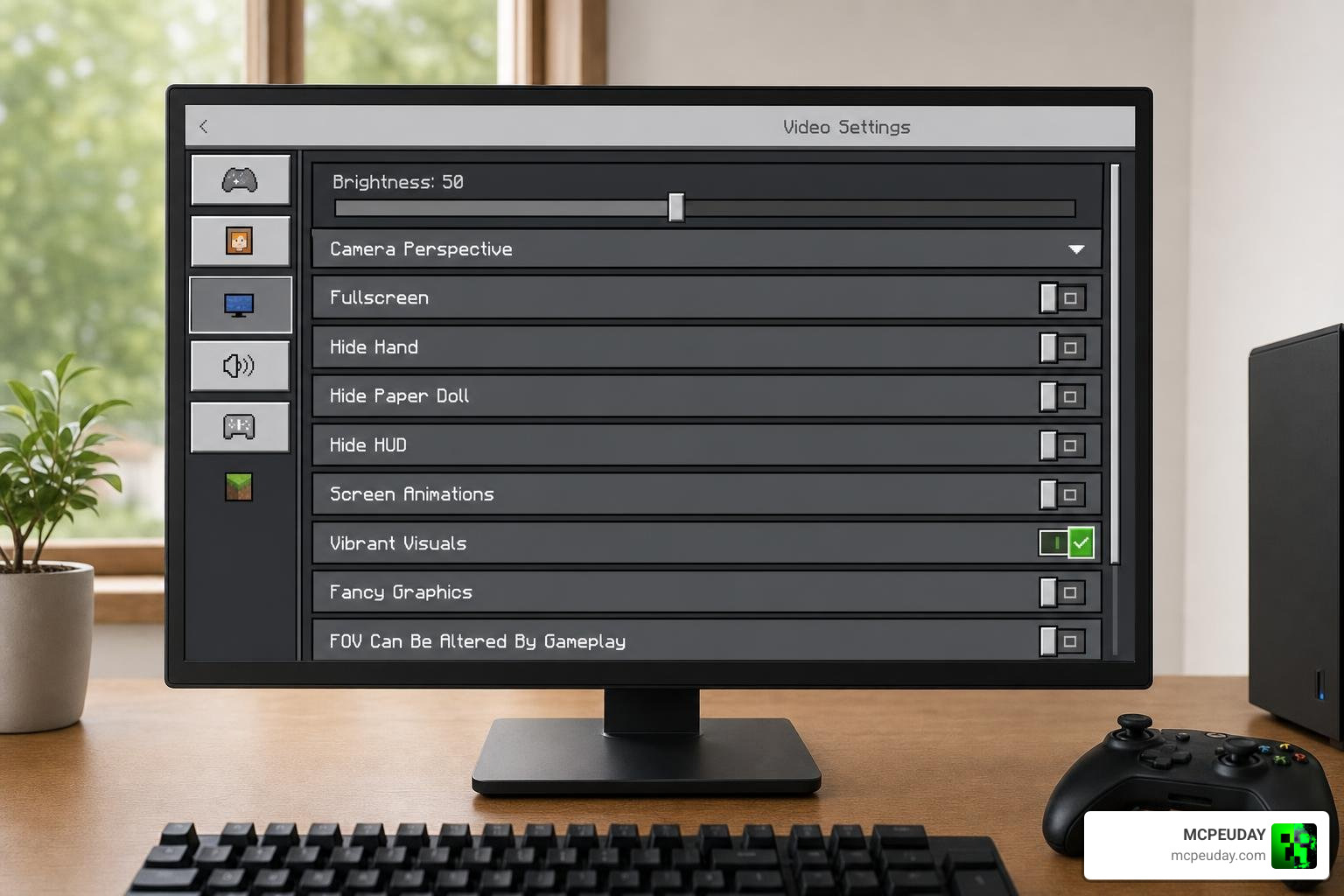
- Launch your world, open Settings > Video, and scroll down to enable Vibrant Visuals (or Deferred Technical Preview, depending on your version).
Troubleshooting Common Installation Issues
If you find that the “Vibrant Visuals” or “Deferred Technical Preview” option is greyed out in your video settings, don’t panic. This usually happens for one of three reasons:
- Outdated Game Version: Ensure you are running Minecraft Bedrock 1.21.80 or newer. Older versions do not have the necessary engine hooks to support deferred rendering.
- Incompatible Hardware: Your device’s GPU might not support the required feature levels. Double-check your hardware specs against our compatibility table.
- Driver Issues (PC): If you are on Windows 11, make sure your graphics card drivers are fully updated to the latest version via GeForce Experience or AMD Software.
For a more comprehensive walkthrough that covers troubleshooting steps for specific mobile operating systems, check out our How to turn on shaders in Minecraft 2026 Guide Java Bedrock MCPE Setup Fast Mcpeuday tutorial.
Frequently Asked Questions about the Vibrant Legacy Rewrite
What Minecraft versions support the Vibrant Legacy Rewrite Shader?
This shader is fully optimized for Minecraft Bedrock version 1.21.80 up to the latest 1.21.130+ releases, including Preview builds like 1.21.120.24. If you want to see these visuals in action before installing, you can check out community showcases like I PUT THE NEW VIBRANT VISUALS UPDATE ON MINECRAFT … to see how the engine handles real-time lighting.
Does this shader work on low-end mobile devices?
If you have an older budget phone, you might experience frame drops. However, you can easily optimize performance by going into your in-game video settings and lowering the “Deferred Render Distance” slider to between 2 and 8 chunks. This reduces the load on your mobile GPU while keeping the beautiful lighting effects intact.
How does it compare to Java shaders?
While Java Edition shaders like Complementary or BSL rely on OptiFine or Iris, Bedrock’s deferred pipeline is built directly into the engine. This means you get incredibly stable performance and cross-play compatibility without risking game crashes.
If you also play on Java and want to compare the visual differences, read our round-up of the 3 Best Shaders for Minecraft 1.21 Ultra Realistic Smooth FPS Stunning Graphics. You can also see how similar color-vibrancy mods behave in other popular titles by looking at the Vibrant ReShade | Hogwarts Legacy Mod preset or watching the official Minecraft LIVE – March 2025: VIBRANT VISUALS – YouTube broadcast.
Conclusion
The Vibrant Legacy Rewrite Shader is a must-have upgrade for any Minecraft Bedrock player who wants realistic lighting, gorgeous water reflections, and lush atmospheric colors without needing a high-end PC. It breathes brand-new life into the game while running beautifully on modern mobile devices and consoles.
Here at MCPEUDAY, we are dedicated to bringing you the absolute best, most up-to-date graphics mods, horror addons, and shaders. If you want to keep exploring other amazing visual styles for your game, make sure to browse our handpicked selection of the Best Shaders for MCPE 1.21 2026 Top 3 Realistic Minecraft PE Shaders!
1 thought on “Vibrant Legacy Rewrite Shader (26.x, 1.21) – MCPE/Bedrock Shader”