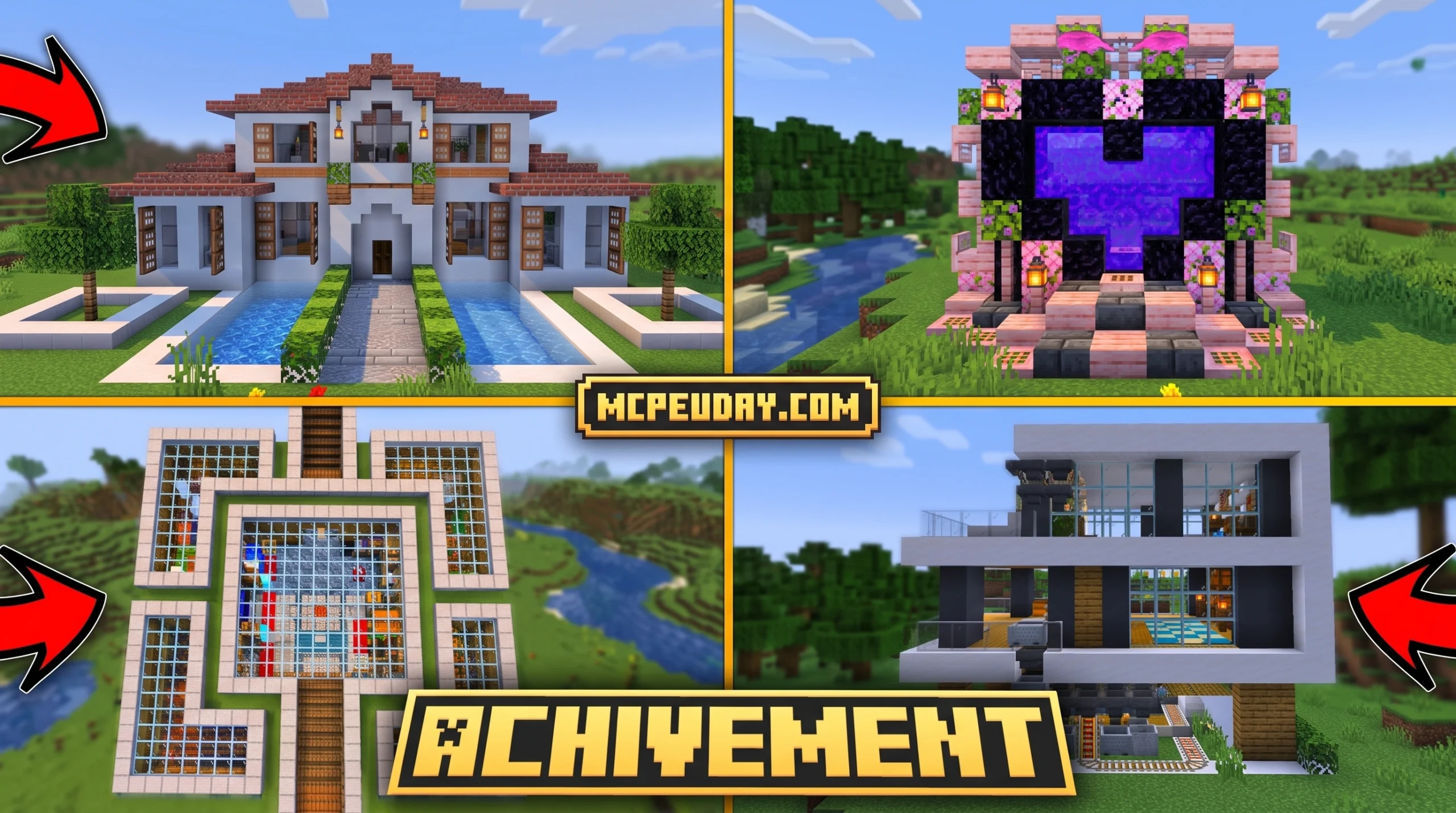
Why the Quick Craft Addon Is a Game-Changer for Minecraft Bedrock Builders
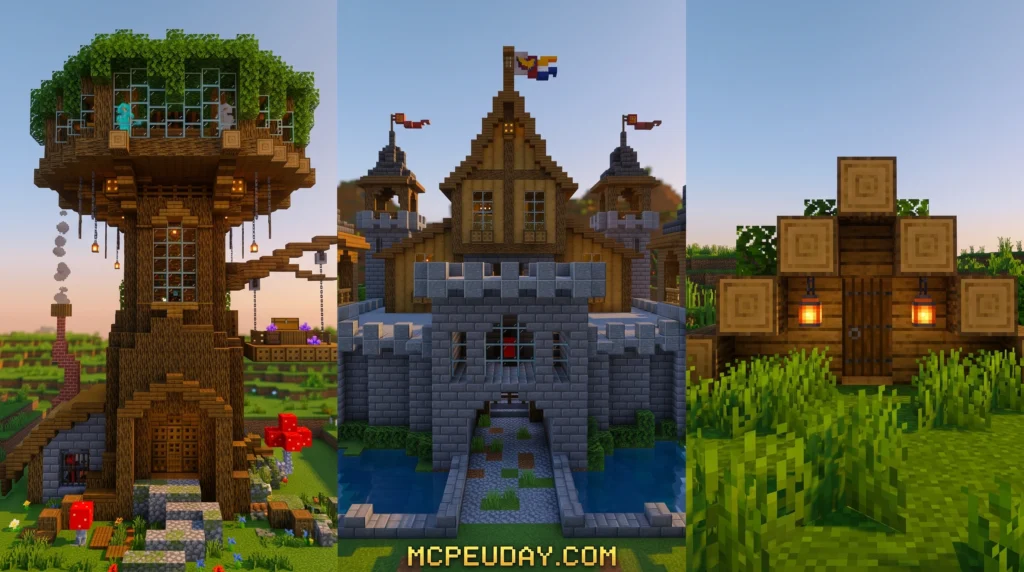
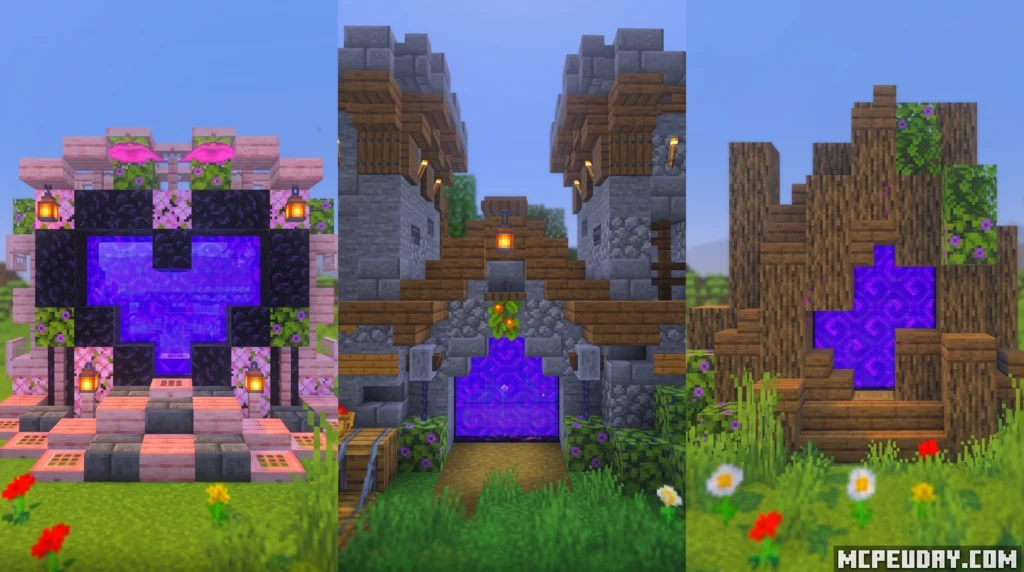
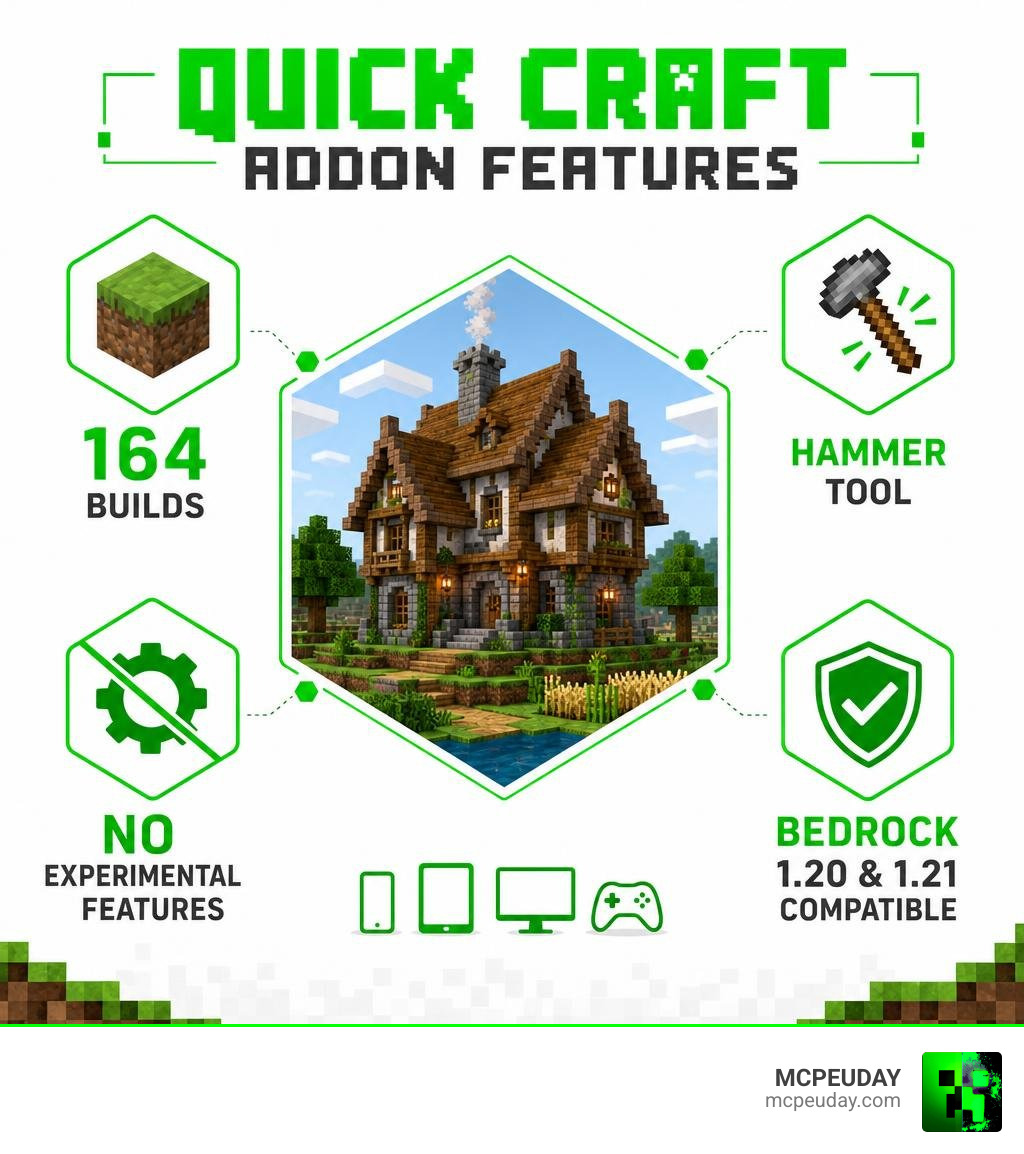
The Quick Craft Addon is a Minecraft Bedrock Edition add-on that lets you place fully built structures into your world instantly — no block-by-block building required.
Here’s what you need to know at a glance:
- What it does: Deploys pre-made structures (houses, farms, vehicles, castles, and more) instantly in your Minecraft Bedrock world
- How it works: Uses a craftable hammer tool or vanilla structure blocks to place builds with a single action
- Versions available: Quick Craft 2.0 (164 builds) and Quick Craft 3.1.3 (70+ buildings)
- Compatibility: Minecraft Bedrock Edition 1.20 and 1.21+, no experimental features needed
- Works in: Both Survival and Creative mode
- Platforms: Android, iOS, Windows 10/11, and most consoles
If you’ve ever wanted to skip the hours of manual building and jump straight into playing, this addon is built for you.
Not everyone has the time or skill to construct a massive base from scratch. That’s exactly the problem the Quick Craft Addon solves. Whether you’re setting up a survival starter home or populating a creative world with an entire town, this addon makes it happen in seconds.
It’s one of the most practical building addons available for Bedrock — and it works cleanly without breaking your vanilla gameplay experience.
What is the Quick Craft Addon and How Does It Work?
For players on Bedrock 1.20 and Bedrock 1.21, the Quick Craft Addon functions as a massive, portable architectural library. Instead of forcing you to use external world editors, this addon integrates directly into your active game session. It is completely vanilla-friendly and relies on Bedrock’s native structure loading systems to render high-quality, pre-assembled creations.
Unlike other complex mods that require turning on every experimental toggle in your world settings, this pack is designed to run natively. If you have ever used the Core Craft Addon Mcpe 1 21 Features Download Full Guide to enhance your core mechanics, you will find that this addon pairs beautifully with it to give you complete creative freedom.
The magic of the addon lies in how it references internal files. When you trigger a build, the game calls upon pre-saved structure block data to load the selected building relative to your character’s position. This ensures that the blocks align correctly with the grid of your world, preventing awkward half-cut structures.
Core Features of the Quick Craft Addon
The addon has evolved across different versions, providing players with distinct ways to interact with its massive structure library. Here are the core features you can expect:
- Massive Structure Library: Depending on the version you run, you can access either 164 builds in Quick Craft 2.0 or 70+ buildings in the streamlined Quick Craft 3.1.3.
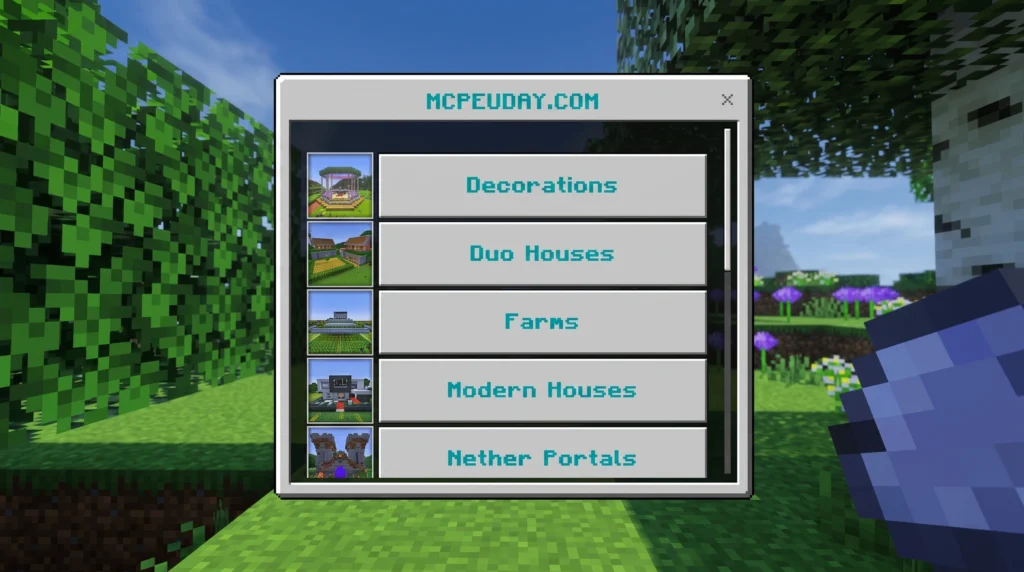
- The Hammer Tool: In version 3.1.3, you do not need to mess with commands. You simply craft a special hammer tool, interact with it, and a clean UI menu pops up on your screen.
- Undo Feature: We all make placement mistakes. This addon includes an incredibly handy “Undo Last Build” option, allowing you to clean up accidental placements instantly without manual demolition.
- Survival Integration: The structures are not just for creative mode. You can craft the necessary tools in a standard survival game, making this a fantastic companion to survival expansions like the Better On Bedrock Addon 1 21 Best Survival Expansion For Mcpe.
Structure Categories and In-Game Usage
One of our favorite aspects of this addon is the sheer variety of builds. You do not just get a few simple wooden boxes; instead, you get highly detailed, professional-grade designs. The addon categorizes these builds so you can find exactly what you need in seconds.
If you are a fan of quick building projects, you might also enjoy checking out the Effortless Building Mod 26 x 1 21 Build Massive Structures Faster in Minecraft to help you customize the areas around your new instant structures!
Here is a breakdown of the primary categories included in Quick Craft 3.1.3:
- Residential Buildings and Bases: This includes 7 starter houses, 6 medieval houses, 7 modern houses, 6 duo houses (perfect for multiplayer), 6 tree houses, and 5 underground houses.
- Farms and Mechanisms: Functional crop setups, mob grinders, and automated redstone designs that save you hours of wiring.
- Transport and Equipment: Rare and decorative objects such as cars, yachts, tanks, planes, and rockets.
- Decor and Landscape: Custom trees, custom gardens, and outdoor features to make your bases look lived-in.
- Infrastructure and Entertainment: Community town halls, arenas, and larger structures designed for multiplayer servers and Realms.
How to Use the Quick Craft Addon in Survival and Creative
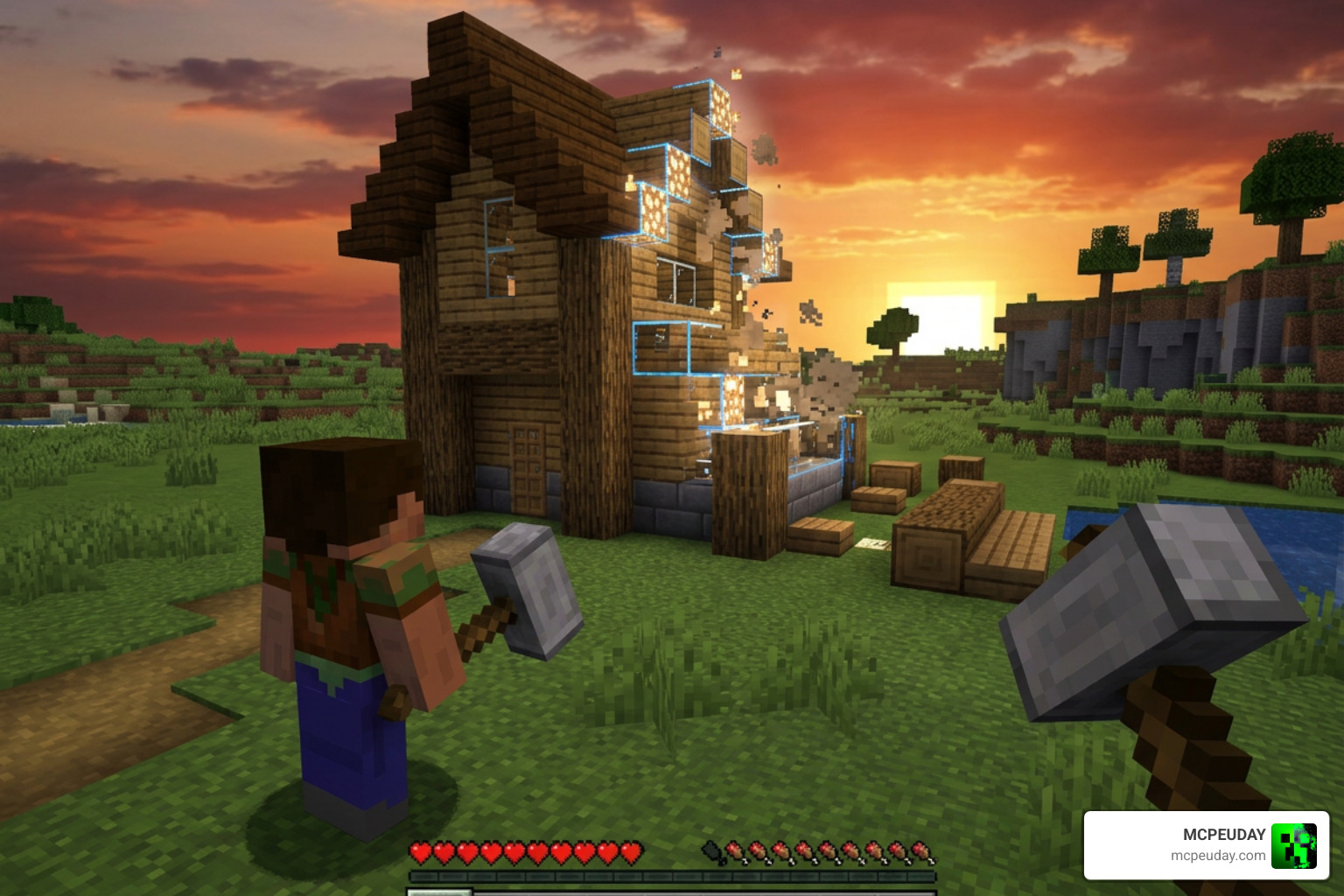
Using the addon is incredibly straightforward, but the exact method depends on whether you are playing in Survival or Creative.
Survival Mode (Using the Hammer Tool)
To deploy structures in survival mode, you will need to craft the Builder’s Hammer.
- Open a standard crafting table.
- Place 5 iron ingots and 2 sticks into the grid to craft the hammer.
- Hold the hammer in your hand and use it (right-click on Windows, or long-press on mobile screens).
- An interactive menu will appear. Select your desired category (e.g., Residential, Farms, Transport).
- Choose your building and click deploy. The structure will build itself instantly right in front of you!
If you want alternative ways to build rapidly on Bedrock, you can also look into the Effortless Building Addon for more real-time block-placement tools.
Creative Mode (Using Structure Blocks)
In Quick Craft 2.0, or if you prefer using vanilla tools, you can use the built-in structure block system.
- Open your chat box and type: /give @p structure_block
- Place the structure block down where you want your building to appear.
- To find the names of the structures available, run the command: /function @a list1 (you can search lists 1 through 5 to see all 164 builds).
- Enter the structure name into the structure block, adjust your offsets, and hit Load.
Installation, Compatibility, and Performance
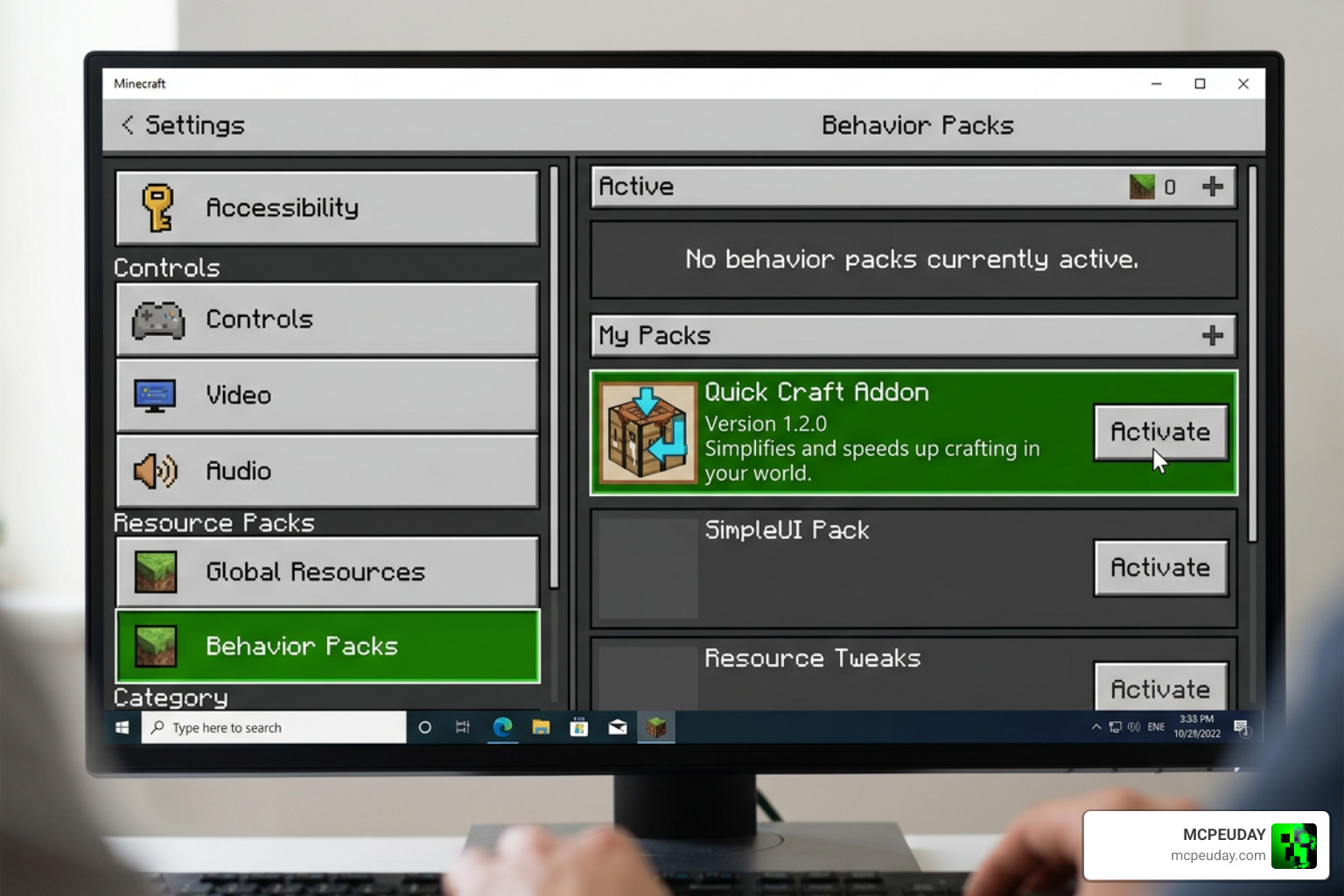
Installing the Quick Craft Addon is identical to installing other standard behavior and resource packs on Bedrock. It is compatible with Android, iOS, and Windows 10/11.
While the addon does not strictly require experimental features to load basic structures, we always recommend making a backup of your favorite worlds before loading any new addon. This keeps your progress safe and secure!
Performance Tips for Smooth Building
Loading massive structures instantly can sometimes cause a brief frame drop, especially on lower-end mobile devices. To keep your game running smoothly, follow these quick tips:
- Clear the Terrain: Always flatten the ground before placing a structure. Loading blocks into existing hills can cause weird block overlaps.
- Load One at a Time: Avoid spawning multiple massive castles or modern cities simultaneously. Let the first structure load completely before placing the next.
- Optimize Your UI: If you want to speed up your general crafting and looting alongside your building, consider pairing this addon with a fast craft and fast loot resource pack for a faster overall interface experience.
Comparing Quick Craft Versions
| Feature | Quick Craft 2.0 | Quick Craft 3.1.3 |
|---|---|---|
| Total Builds Included | 164 structures | 70+ structures |
| Primary Deployment Method | Structure Blocks / Commands | Craftable Hammer Tool |
| Undo Button Support | No (Manual removal required) | Yes (One-click undo) |
| Menu Interface | None (Text-based lists) | Interactive pop-up GUI |
| Best For | Massive creative world design | Fast survival base setup |
Quick Craft Addon vs. Java Edition Quickcraft Mods
It is common to confuse the Bedrock Quick Craft Addon with Java Edition mods that share a similar name. However, they serve completely different purposes!
While the Bedrock addon focuses on instant structure deployment and worldbuilding, Java mods named Quickcraft are centered around crafting automation and inventory management.
For example, the popular Fabric client-side mod hosted at cybertk/QuickCraft (and also maintained by other developers at 811Alex/Quickcraft ) is designed to speed up recipe book crafting. Instead of dragging items to the crafting output, Java players can use this modification to instantly craft items directly from their recipe book using simple keyboard shortcuts.
If you are looking for that level of automation and mechanical complexity on Bedrock, we highly recommend checking out the Create Addon 26 x 1 21 For Mcpe Best Automation Mod For Minecraft Bedrock to bring fully automated machinery to your pocket worlds.
Frequently Asked Questions about Quick Craft
Does the Quick Craft Addon require experimental features?
No! One of the best things about this addon is that it runs on vanilla structure loading systems. You do not need to enable risky experimental settings, making it highly stable and perfect for long-term survival worlds and multiplayer Realms.
Can I undo a structure placement if I make a mistake?
Yes, but this feature is exclusive to version 3.1.3. When using the interactive hammer menu, you can simply click the “Undo Last Build” button to instantly remove the placed structure and restore the terrain. If you are using version 2.0, you will have to remove structures manually or reload a backup.
Is the addon compatible with Minecraft Bedrock 1.21?
Yes! The addon is fully updated and compatible with Bedrock 1.20 and 1.21+. It works smoothly across Android, iOS, Windows, and consoles.
Conclusion
At MCPEUDAY, we are always looking for ways to make your Minecraft experiences more fun, creative, and efficient. The Quick Craft Addon is a perfect example of a tool that removes the tedious grind of building and replaces it with instant fun. Whether you want to build a quick survival starter home or spawn a massive fleet of modern vehicles, this addon puts that power right in your hand.
Ready to take your Bedrock worlds to the next level? Explore our extensive library of MCPE Bedrock Addons to find more incredible mods, texture packs, and gameplay expansions!