Why Bedrock Players Are Switching to DoubleHands for Java-Style Offhand
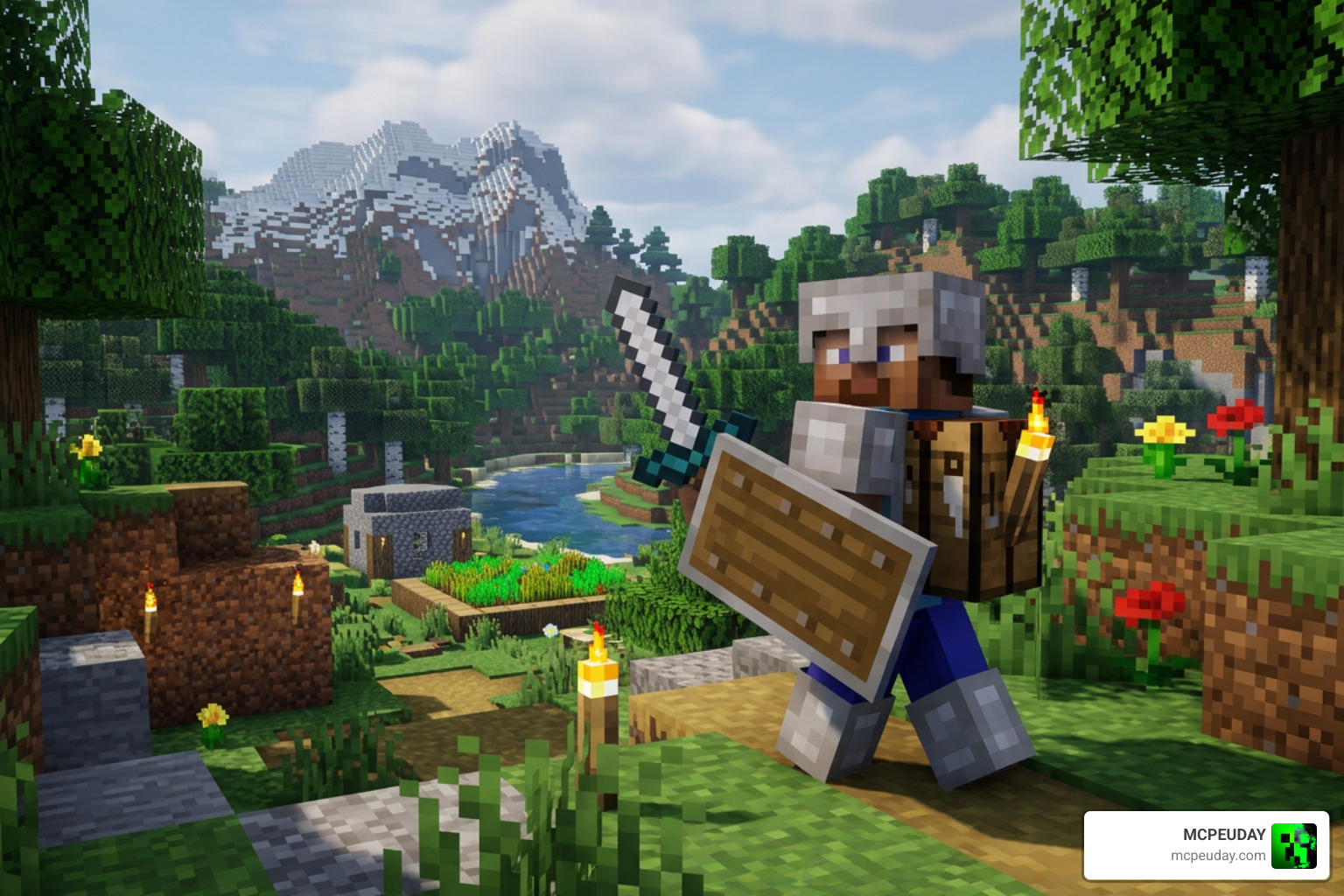
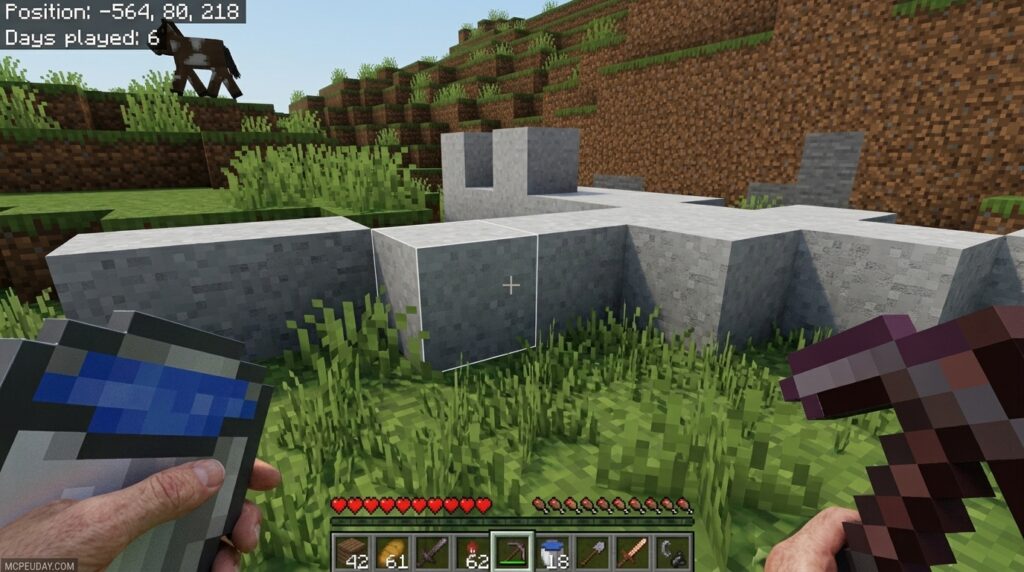
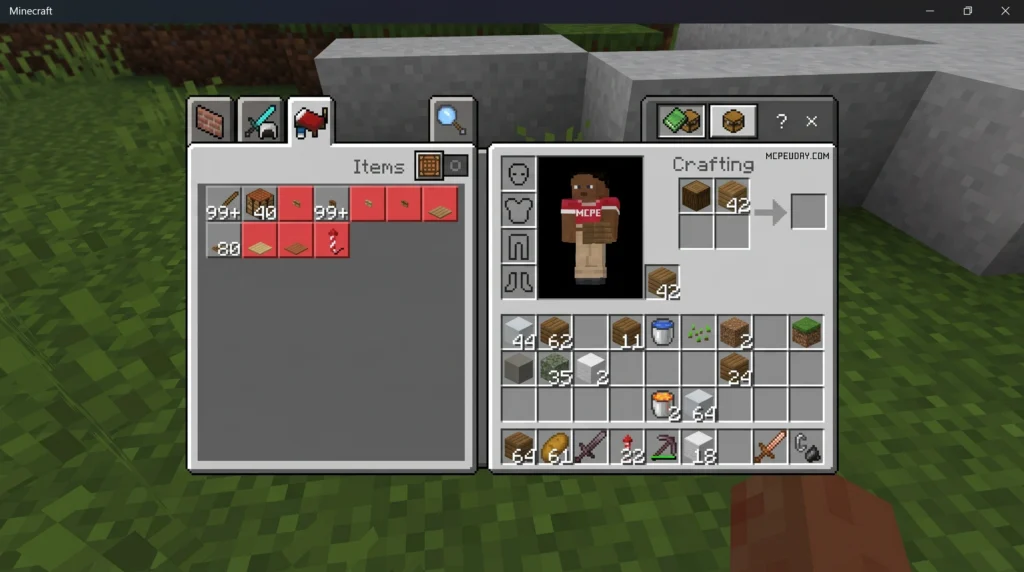
The DoubleHands – Functional Offhand like Java addon is the most complete solution for bringing true left-hand item usage to Minecraft Bedrock Edition — and with over 457,000 downloads, it’s clearly struck a nerve with the community.
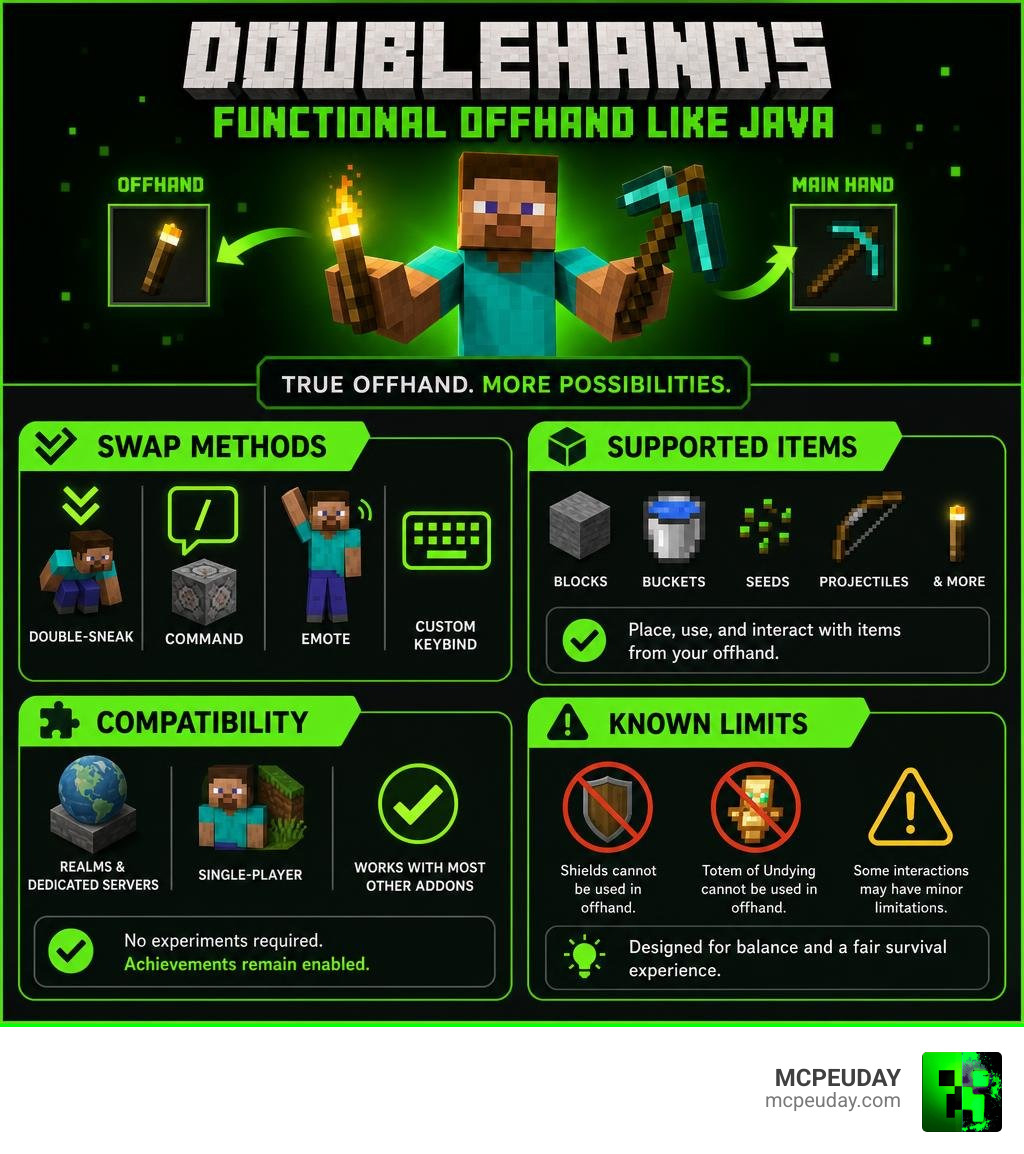
Quick answer for what DoubleHands does:
- Place blocks, use buckets, plant seeds, and throw projectiles from your left hand
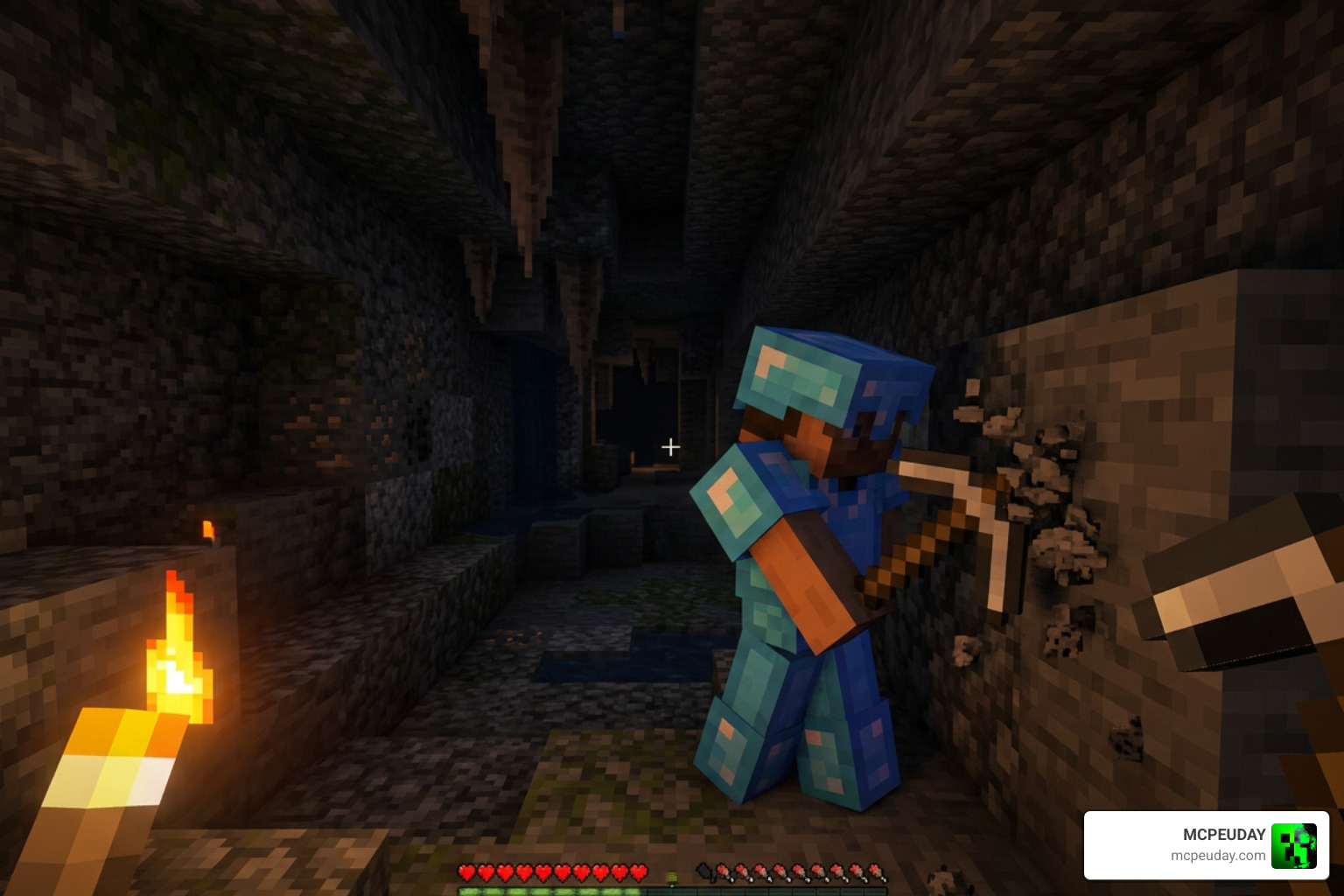
- Hold a torch in your offhand while mining with a pickaxe — just like Java Edition
- Swap items using double-sneak, a command, an emote, or a custom keybind
- Works on Realms, Dedicated Servers, and single-player — no experiments required
- Does not disable achievements
If you’ve ever switched from Java to Bedrock and missed being able to hold a torch while you mine, or place blocks while keeping a tool in your main hand, you already know the frustration. Bedrock’s default offhand slot only holds a shield or a map — nothing close to what Java players get.
DoubleHands fixes that. It gives Bedrock players a fully functional second hand, built without touching player.json, so it plays nicely with almost every other addon you’re already running.
What is the DoubleHands – Functional Offhand like Java Addon?
Created by talented developer Areed Elahi as part of the highly acclaimed Survival Essentials collection, the DoubleHands – Functional Offhand like Java Addon is a technical marvel for Minecraft Bedrock 1.21+. Released in late 2025 and constantly updated to maintain perfect compatibility, this addon has quickly amassed over 457k total downloads (including over 371k on CurseForge) and a solid 3.5-star rating from hundreds of community reviews.
Unlike older, clunkier attempts at offhand parity, DoubleHands provides a true Java-style experience. In vanilla Bedrock, your left hand is essentially decorative unless you are holding a shield, a map, or a totem of undying. With DoubleHands, your left arm is cured of its “laziness.” You can hold, interact with, and place almost any block or item in the game from your offhand.
Crucially, because this addon does not modify the player.json file, it will not disable achievements in your survival worlds. It also means you can combine it with immersive visual mods like the Dynamic First Person Model Addon 26 X 1 21 Realistic Mcpe Gameplay Guide without worrying about game-breaking conflicts.
Core Features and Gameplay Mechanics
At its core, DoubleHands is designed to make survival gameplay smoother, faster, and more intuitive. Let us break down how the mechanics work and why it feels so natural to use.
Block Placement and Item Usage with DoubleHands – Functional Offhand like Java Addon
The most common real-world use case for DoubleHands is dual-wielding during construction or mining.
With this addon active, you can place blocks directly from your offhand while keeping a tool—like a pickaxe, shovel, or axe—in your main hand. To prevent accidental block placement when you are trying to use your main-hand tool, the addon features a smart “Main Hand Priority” system. If you are holding a tool that has an active interaction (such as stripping logs with an axe or pathing grass with a shovel), the game prioritizes that action first. To place blocks from your offhand, simply hold a tool with no immediate right-click action or keep your main hand empty.
Farming also becomes incredibly efficient. You can hold a hoe in your main hand to harvest crops while simultaneously planting new seeds from your offhand. The addon also fully supports using buckets (including lava and water), flint and steel to light fires, and placing technical items like armor stands or minecarts.
Control Schemes and Keybinds in DoubleHands – Functional Offhand like Java Addon
How do you actually get items into that left hand? The developer has provided several highly accessible control methods to suit mobile, console, and PC players alike:
- Double-Sneak: Quickly tap your crouch button twice to instantly swap the item in your main hand to your offhand.
- Pointing Emote: Play the “overthere” (pointing) emote to swap your held items.
- The Swap Command: Type /swap in your chat console to move your current item to your offhand.
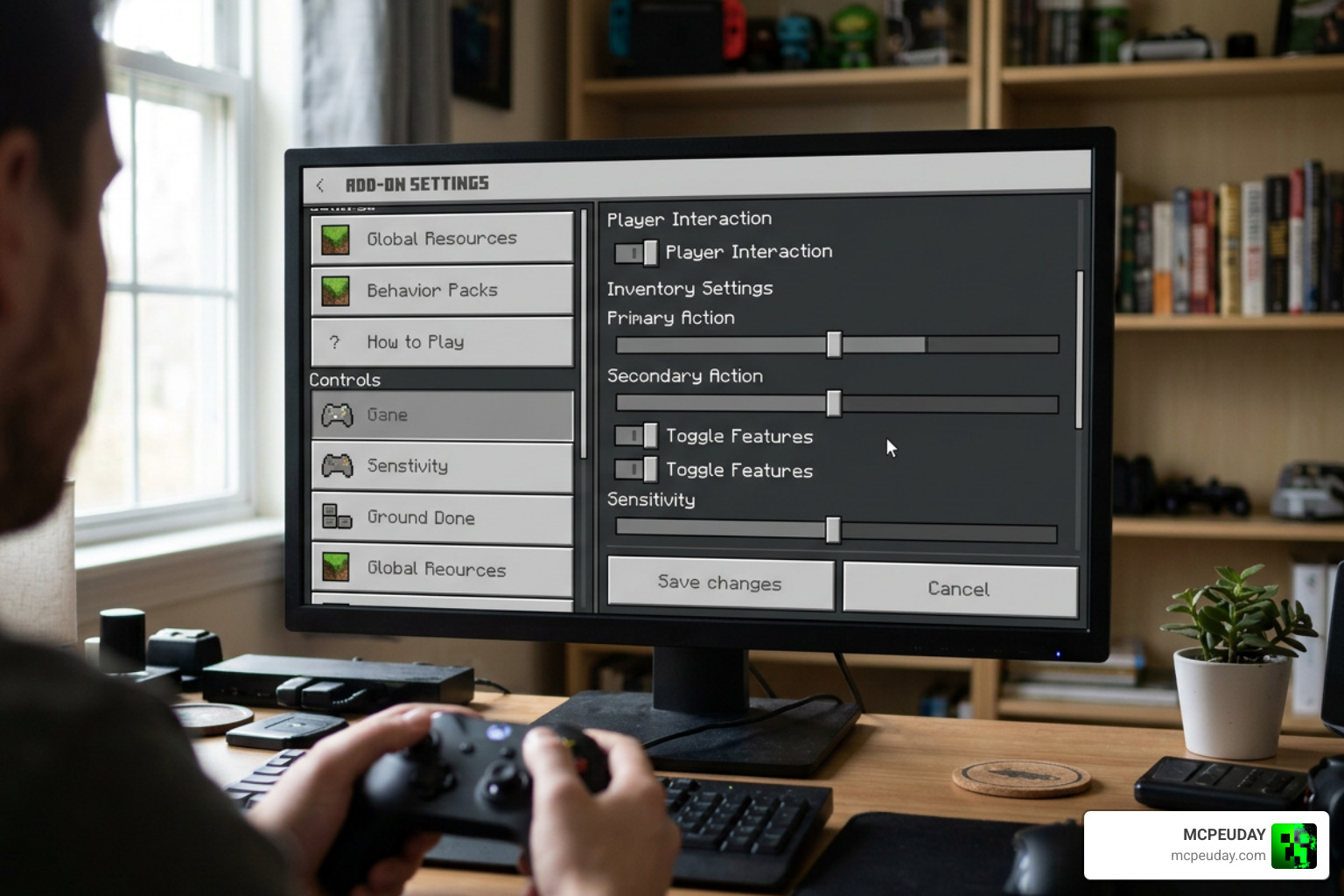
- Custom Keybinds: For keyboard and mouse players on PC, version 26.0+ allows you to map a dedicated key to swap hands instantly, mimicking Java’s default “F” key.
Projectiles, Entities, and Dynamic Lighting
DoubleHands is not just about placing blocks; it is also a massive upgrade for combat and exploration.
If you hold a torch, lantern, or any emissive glowing block in your offhand, the addon activates a built-in dynamic lighting system. This illuminates the caves around you as you walk, allowing you to mine in safety without constantly placing torches on the walls.
For combat and PVP, you can throw projectiles like snowballs, chicken eggs, and wind charges directly from your offhand. This is incredibly useful in PVP scenarios where you want to keep a sword in your main hand while using wind charges to launch yourself or knock back opponents.
To see how this stacks up against other options in the community, take a look at our comparison table below:
| Feature | Vanilla Bedrock | FoxyNoTail’s Off Hand | DoubleHands Addon |
|---|---|---|---|
| Experimental Toggles | Not Required | Requires Beta APIs | Not Required |
| Bypasses player.json | Yes | No | Yes |
| Disables Achievements | No | Yes | No |
| Dynamic Lighting | No | No | Yes (Built-in) |
| Projectile Throwing | Shields/Maps Only | No | Yes (Snowballs, Eggs, etc.) |
For players looking to pair this dual-wielding freedom with enhanced combat animations, we highly recommend checking out our guide on the Better Combat Mod 1 21 Best Combat Animation Mod For Minecraft Java. If you want to expand your defensive capabilities while dual-wielding, look into the More Shield Addon For Minecraft Bedrock Mcpe New Powerful Shields You Must Try to find the perfect shield for your offhand.
Compatibility, Installation, and Limitations
While DoubleHands is an incredible tool, Bedrock Edition’s engine has unique quirks. Understanding how the addon interacts with the game will help you get the most out of it.
Known Limitations and Visual Bugs
Due to the technical limitations of Minecraft Bedrock’s scripting engine, there are a few minor bugs and restrictions to keep in mind:
- No Food Consumption: You cannot eat food or drink potions directly from your offhand.
- Item Frame Quirks: Placing blocks directly adjacent to item frames from your offhand can occasionally cause the item frame to pop off the wall.
- Flower Pots: Flower pots placed from the offhand can sometimes be placed floating in mid-air if you are not careful with your crosshair placement.
- Visual Scale: Items and blocks held in the offhand may appear slightly smaller on your screen than they do in Java Edition.
Installation Guide and Server Compatibility
One of the greatest achievements of the DoubleHands – Functional Offhand like Java edition (MCPE PC etc) pack is its ease of installation.
Because it does not rely on experimental features or modify the player.json file, you do not need to turn on “Beta APIs” or other experimental world toggles. This means the pack is highly stable and will not break every time Mojang releases a minor game update.
To install DoubleHands:
- Download the official
.mcpackfile. - Open the file to automatically import it into Minecraft Bedrock.
- Apply the Behavior Pack and Resource Pack to your world or server settings.
- Enjoy true dual-wielding!
It is fully compatible with single-player worlds, multiplayer Realms, and Bedrock Dedicated Servers (BDS). Since it syncs perfectly, other players on your server will also see your offhand items rendered correctly in third-person view. For even more movement options to pair with your new dual-wielding setup, check out the More Body Actions Addon V26 1 21 For Minecraft Pe Full Guide Features How To Use.
Frequently Asked Questions about DoubleHands
We have compiled the most common questions from the 107+ user comments on the addon’s official pages to help you troubleshoot.
Does the DoubleHands addon disable achievements in Bedrock Edition?
No! Because the addon does not require you to enable experimental gameplay toggles and avoids modifying core player files, you can safely use it in your pure survival worlds while earning achievements.
Can you eat food or use fireworks for Elytra flight from the offhand?
No. Due to Bedrock’s technical limitations, eating food, drinking potions, and launching firework rockets for Elytra flight must still be done from your main hand.
Is DoubleHands compatible with other Bedrock addons?
Yes, it is highly compatible. Since it does not use the player.json file, it will not conflict with custom armor addons, weapon packs, or movement mods. If you want to combine your offhand utility with ultimate protection, try pairing it with the More Armour Addon For Minecraft Pe Bedrock Unlock Powerful New Armor Sets Dominate Your World.
If you are looking for Java-specific mods for comparison, you can read up on The Offhand Mod – Minecraft Mod or the popular Off Hand Combat [Forge] to see how the Java community handles dual-wielding combat.
Conclusion
The DoubleHands – Functional Offhand like Java Addon is a must-have upgrade for any Minecraft Bedrock player. By bridging the gap between Bedrock and Java, it brings a level of convenience to mining, building, and combat that you won’t want to play without.
We at MCPEUDAY are dedicated to bringing you the absolute best resources, guides, and downloads for your Bedrock experience. If you need help setting up your pack or want to share your dual-wielding adventures, join our community Discord to chat with fellow players!
Explore more Minecraft Bedrock Addons on MCPEUDAY
5 thoughts on “DoubleHands – Functional Offhand like Java Addon (26.x, 1.21) – MCPE/Bedrock Mod”