Why Your Minecraft Inventory Is Holding You Back (And What to Do About It)
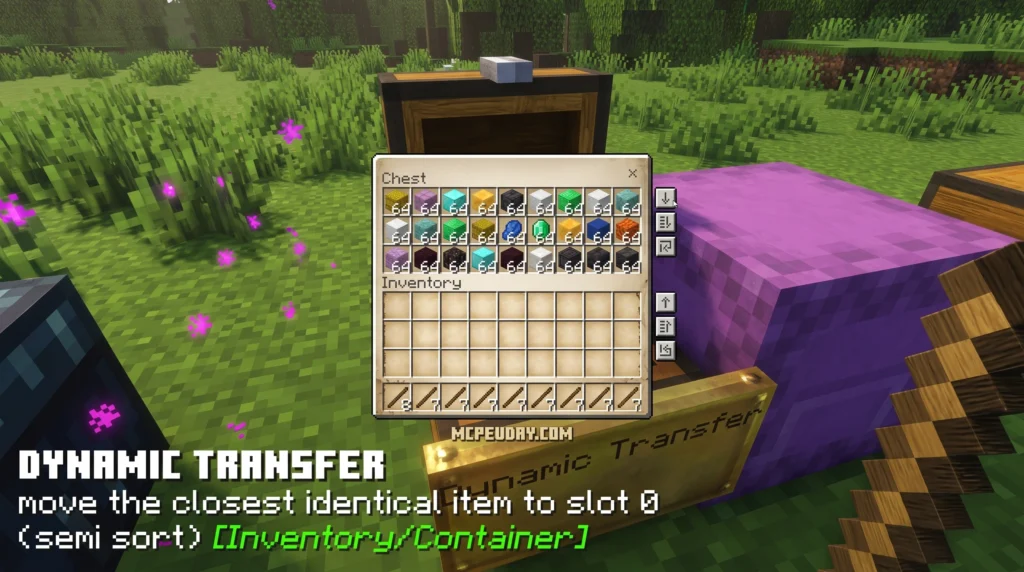
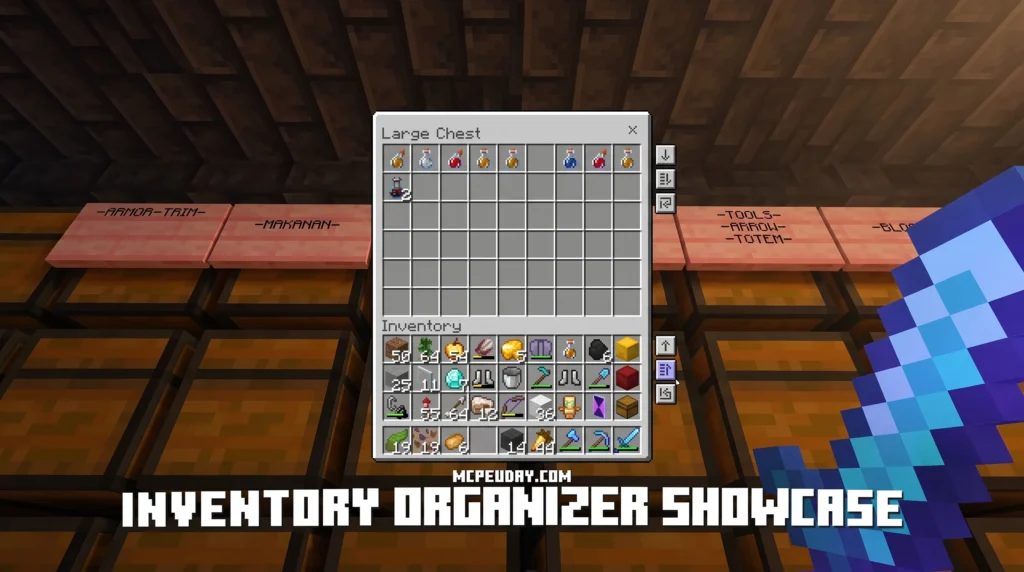
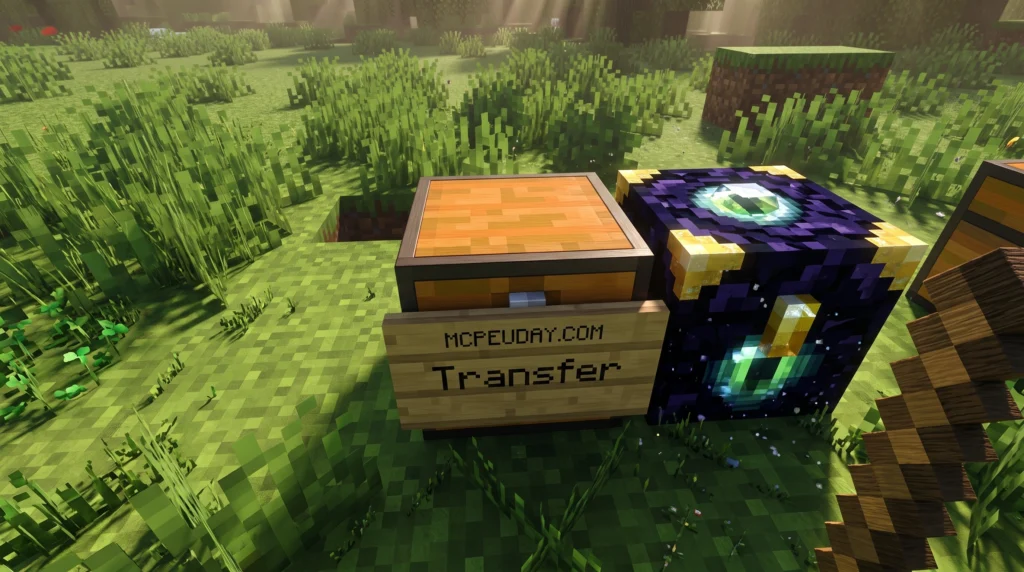
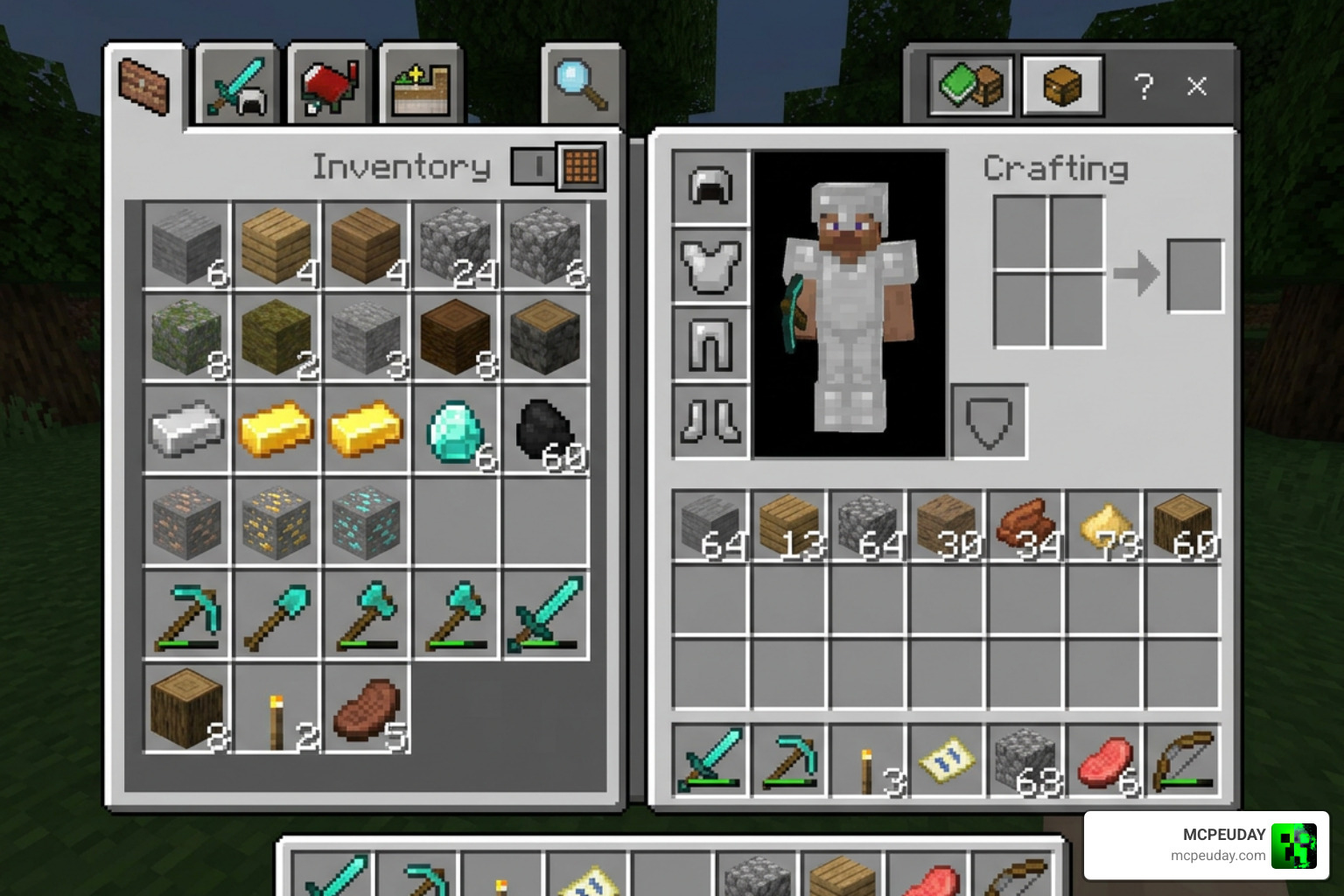
The Better Inventory Pack is the most popular UI texture pack for Minecraft Bedrock and MCPE players who want faster, smarter item management — without losing achievements or enabling cheats.
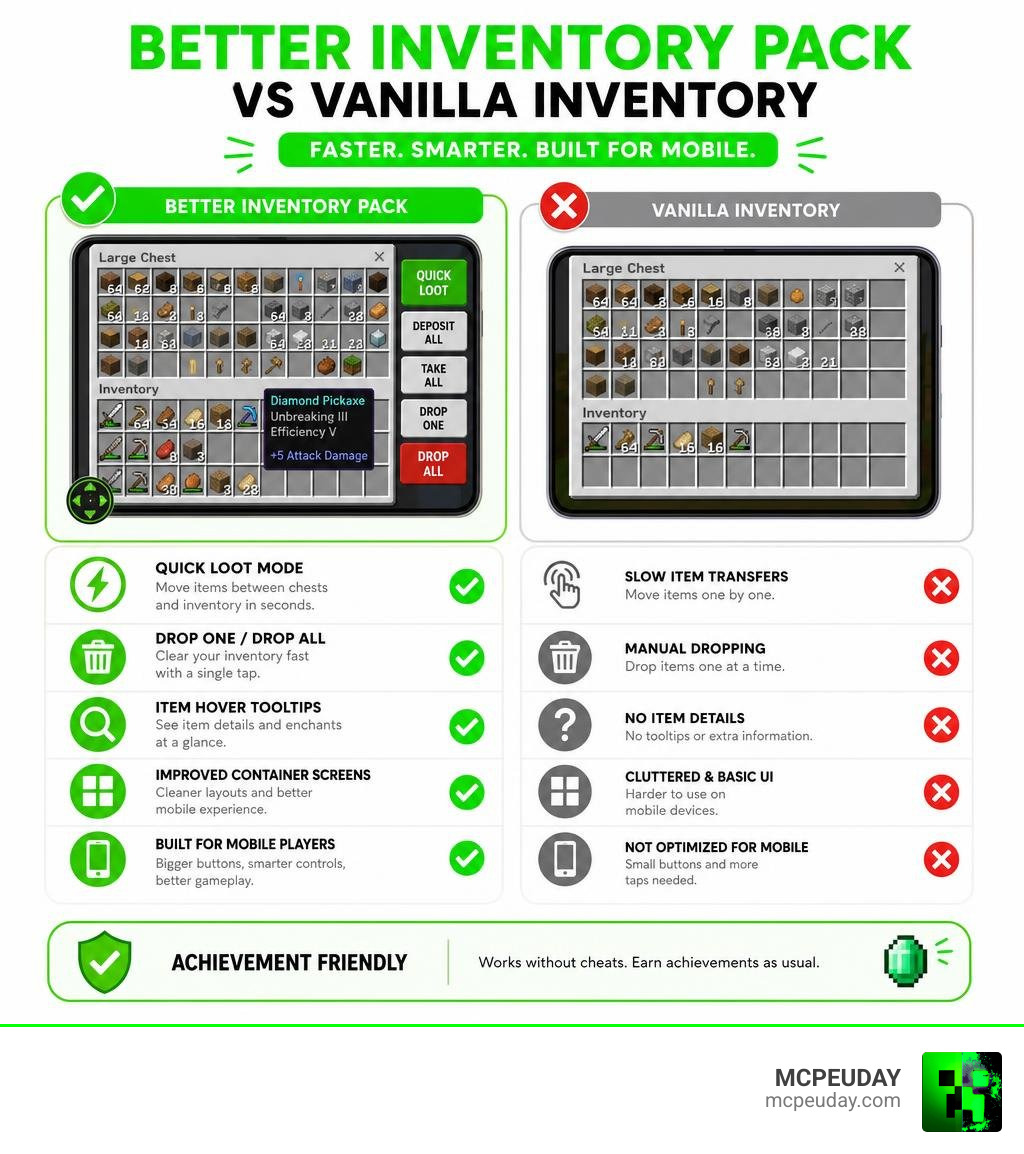
Quick answer — here’s what the Better Inventory Pack gives you:
- Quick loot mode — transfer items between chests and your inventory in seconds
- Drop one / drop all modes — clear your inventory fast
- Item hover text tooltips — see item details at a glance
- Improved container screens — crafting tables, chests, and more feel easier to use
- Works on mobile and PC — especially helpful for touch controls on phones and tablets
- No cheats required — achievements stay enabled
Minecraft’s vanilla inventory system was built for keyboard and mouse. On mobile, it feels clunky. Moving items one by one, fumbling through chests, and struggling with small touch targets — it slows everything down.
Whether you’re looting a dungeon, organizing a storage room, or crafting mid-battle, every extra tap costs you time.
That’s the problem this pack was built to solve. With over 643,000 views on Planet Minecraft for the overhauled version and a solid following across Bedrock communities, it’s become a go-to upgrade for players who want a cleaner, faster inventory experience — without breaking their game or turning off achievements.
What is the Better Inventory Pack?
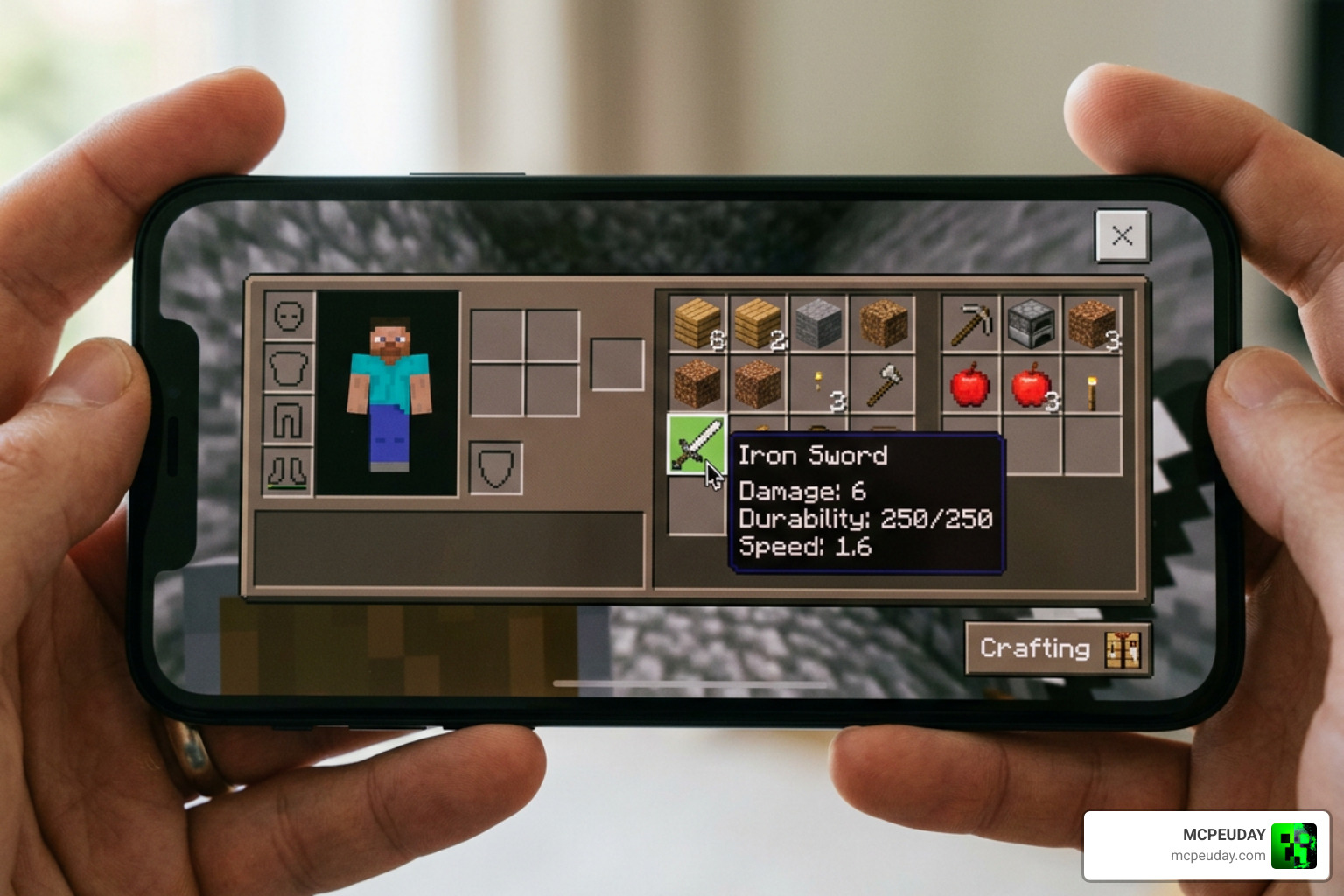
At its core, the Better Inventory Pack is a client-side resource pack designed to overhaul how you interact with items in Minecraft Bedrock Edition. Because it functions purely as a texture and UI modification, it does not require you to enable cheats in your world settings. This means you can enjoy a highly optimized inventory layout while still earning your Xbox Live achievements.
For mobile players, this pack is a complete game-changer. Standard Bedrock Edition forces you to rely on slow drag-and-drop actions or repetitive taps to transfer items. The pack introduces dedicated utility buttons directly onto your screen, giving you the desktop-level speed you need when managing resources on a touch device.
Key Features of the Better Inventory Pack
We love efficiency, and this pack delivers it in spades. Here are the core features that will completely change how you play:
- Quick Loot Mode: With a single tap, you can quickly move items between your personal inventory and any container. No more dragging stacks across a tiny phone screen. This is incredibly useful when you are raiding dangerous structures like Bastion Remnants or Ancient Cities, where every second spent in a menu increases your risk of being attacked.
- Drop One / Drop All Buttons: Need to throw away useless cobblestone or quickly hand over a stack of iron to a friend? Dedicated buttons let you drop a single item or the entire stack instantly. This eliminates the tedious process of holding down on an item stack and waiting for the green progress bar to fill up.
- Custom Hover Text: Hovering over items reveals detailed tooltips, helping you identify blocks and gear without opening sub-menus. This feature is especially helpful when dealing with custom items from other addons or complex enchanted gear.
- JEI-Style Layout Toggles: You can toggle a layout inspired by the popular Just Enough Items mod, making item search and recipe viewing incredibly clean.
To see these features in action, check out this great showcase on YouTube: BEST Utility Inventory Pack for Minecraft Bedrock – YouTube .
How It Overhauls Vanilla Minecraft Inventory
The default Minecraft Bedrock UI is notorious for taking up too much screen space and requiring too many inputs for simple actions. When you open a chest in vanilla Bedrock, you are greeted with large, rigid grids.
The pack replaces these bulky elements with streamlined, transparent, or non-transparent container screens. It resizes the quick-action buttons so they are easy to hit with your thumbs on mobile, yet small enough to keep your screen uncluttered. Looting a ruined portal chest or a desert temple now takes two seconds instead of twenty, keeping you safe from unexpected creeper sneak attacks. Additionally, the cleaner visual style reduces cognitive clutter, allowing you to focus on your gameplay rather than fighting with the user interface.
Compatibility, Configuration, and Installation
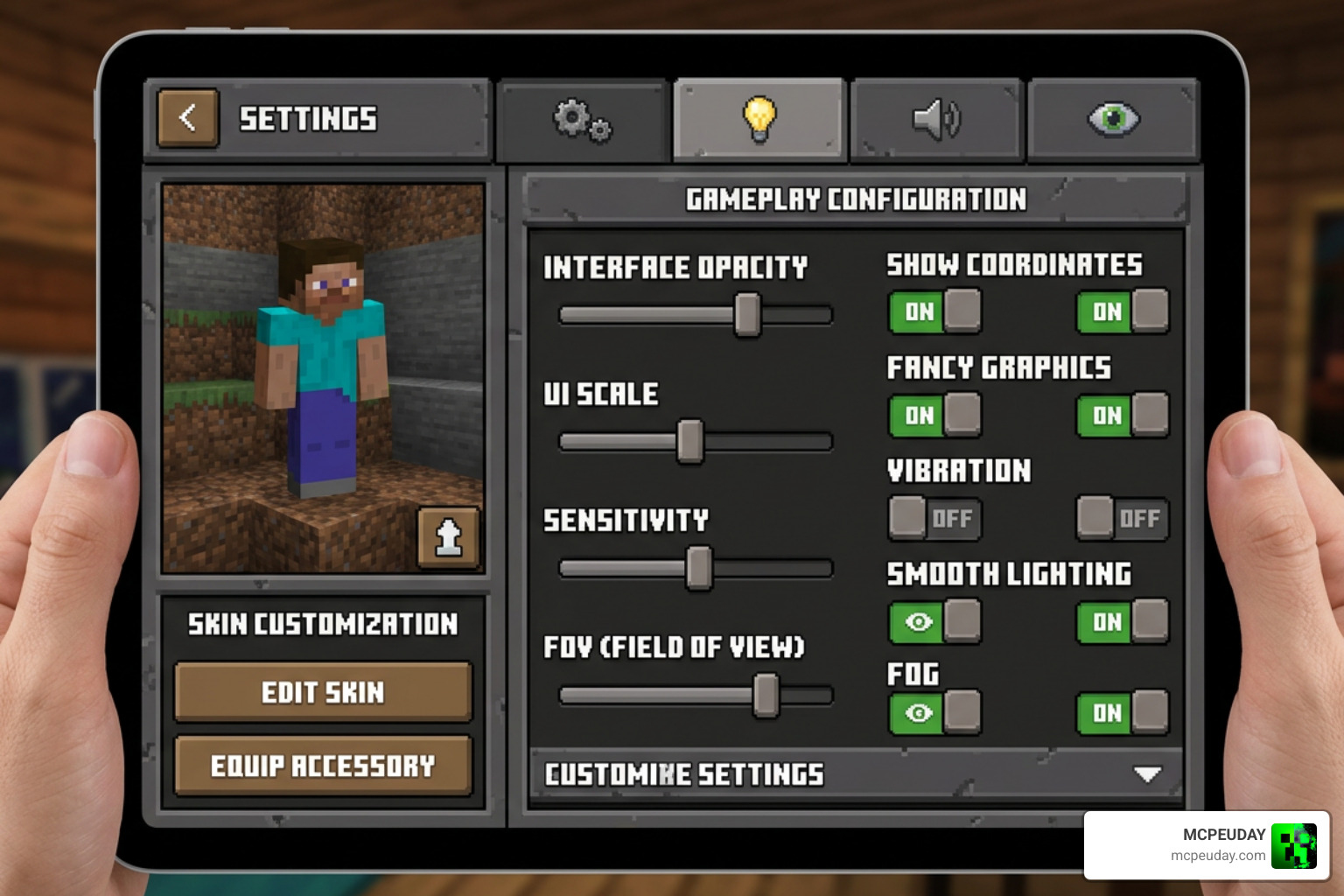
One of the best aspects of the pack is its incredible stability. As of June 2026, the pack is fully updated and compatible with Minecraft Bedrock versions 1.21 and the latest 26.x releases. Whether you play on an Android phone, iOS tablet, or Windows PC, you can run this pack seamlessly alongside your favorite worlds and servers.
Customizing Your Better Inventory Pack Experience
We all have different preferences when it comes to screen layouts. Fortunately, the pack is highly customizable. By editing the global_variables.json configuration file included within the pack, or using the in-game sub-pack settings slider, you can tweak the UI to your exact liking:
- Hover Text Position: Choose where your item tooltips appear. You can set them to the bottom-right, bottom-left, top-left, or top-right of your screen. This ensures that tooltips never block your view of other items in your inventory.
- Transparency Toggles: Switch between sleek, semi-transparent container screens (perfect for keeping an eye on your surroundings while crafting) and solid, high-contrast classic variants. The transparent option is a lifesaver in multiplayer survival worlds where players or mobs might sneak up on you.
- Quick Mode Button Resize: Adjust the size and placement of the quick loot and drop buttons to perfectly match your thumbs’ natural resting positions.
Step-by-Step Installation Guide for Mobile and PC
Ready to upgrade your game? Follow our simple guide to get up and running:
- Download the official .mcpack file for the pack.
- Locate the downloaded file on your device. On mobile, you can use a file manager app (such as CX File Explorer on Android or the native Files app on iOS). On PC, simply navigate to your Downloads folder.
- Tap or double-click the .mcpack file. Minecraft Bedrock will open automatically and import the resource pack.
- Once the import is successful, go to Settings, then Global Resources.
- Find the pack under My Packs, click on it, and select Activate.
- (Optional) Click the gear icon next to the active pack to adjust the sub-pack slider to choose your preferred layout style.
- Start your world and enjoy your lightning-fast inventory! If you want to use this pack on a multiplayer Realm, make sure to activate it in your Global Resources so it applies to all servers you join.
Comparing Better Inventory Pack to Other Inventory Mods
While we focus on Bedrock Edition, the concept of improving inventory management is popular across all platforms and games. Let’s look at how this pack compares to other popular inventory tools, APIs, and plugins in the gaming community.
| Mod / Tool Name | Platform | Primary Purpose | Key Focus |
|---|---|---|---|
| Better Inventory Pack | Minecraft Bedrock (1.21 / 26.x) | UI Overhaul & Quick Looting | Mobile touch optimization, fast chest transfers, vanilla-friendly. |
| Spiky-73/BetterInventory | Terraria (tModLoader) | Quality-of-Life Inventory Overhaul | Smart pickup, recipe filtering, and tooltip scrolling for Terraria players. |
| BKI v1.0.3 – Better Keep Inventory | Minecraft Java (Bukkit/Paper) | Server Keep-Inventory Rules | Allows server admins to enable keep-inventory on a per-world basis. |
| BeepSterr/BetterKeepInventory | Minecraft Java Server | Death Mechanics Control | Adds custom conditions and effects (like item damage) instead of simple keep-inventory toggles. |
| Placeblock/BetterInventories | Minecraft Java (Spigot API) | Developer API for Custom GUIs | Helps Java developers easily build complex, reusable custom inventory menus. |
As you can see, while Java developers use tools like the Spigot API to build custom server menus, Bedrock players get a direct, client-side visual upgrade with our featured pack. It bridges the gap between mobile touch controls and advanced desktop setups.
Frequently Asked Questions about Better Inventory Pack
Does the Better Inventory Pack disable achievements?
No! Because this is a client-side resource pack (texture pack) and does not modify the game’s behavior files or require experimental gameplay toggles, your achievements will remain fully enabled. You can safely use it on public survival servers, realms, and your personal single-player worlds.
Is the pack compatible with Minecraft Bedrock 1.21 and 26.x?
Yes, the pack is fully updated to support the 1.21 and 26.x Bedrock updates. The developers routinely update the file structures to ensure that new blocks, items, and UI changes introduced by Mojang do not break the custom quick-loot layouts.
How do I change the hover text position in the pack?
You can change the hover text position by opening the pack files and editing the globalvariables.json file. Look for the hover text position variables and set them to your preferred screen corner (such as bottomright or top_left). Alternatively, some versions of the pack let you select these presets directly using the resource pack settings slider in the main menu.
Conclusion
Managing your items shouldn’t feel like a chore. The Better Inventory Pack successfully removes the friction from Minecraft Bedrock’s inventory system, turning tedious chest sorting and crafting into a fast, fluid experience. It is lightweight, beautifully designed, and completely safe for achievement hunters.
If you are ready to explore even more ways to customize your game, we have got you covered. Explore more Minecraft Mod Addons on our site to find the absolute best tools, graphics, and gameplay upgrades available today!
4 thoughts on “Better Inventory Pack (26.x, 1.21) – MCPE/Bedrock Pack ”