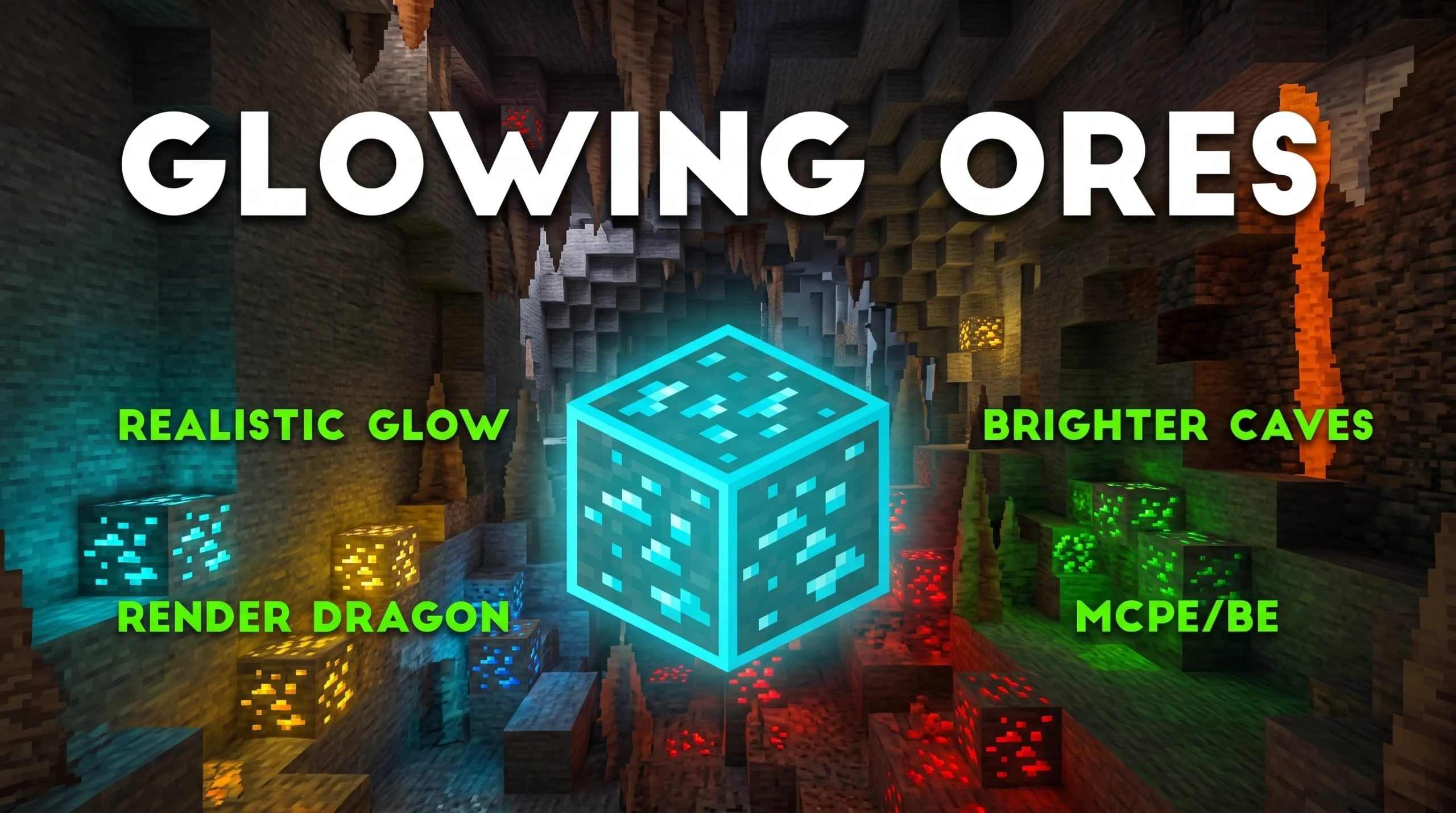
The Best Glowing Ores Texture Packs for Minecraft (2026)
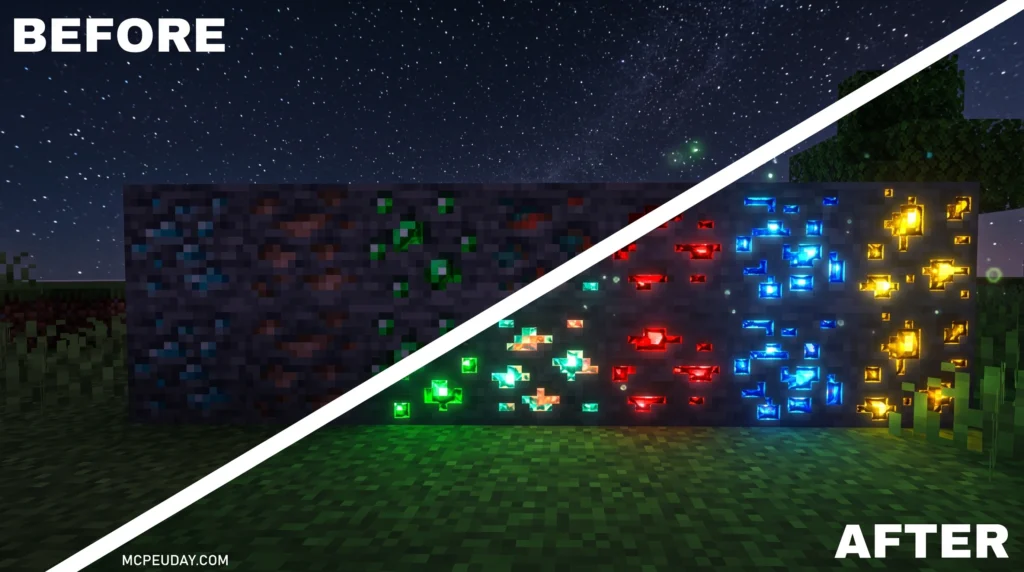
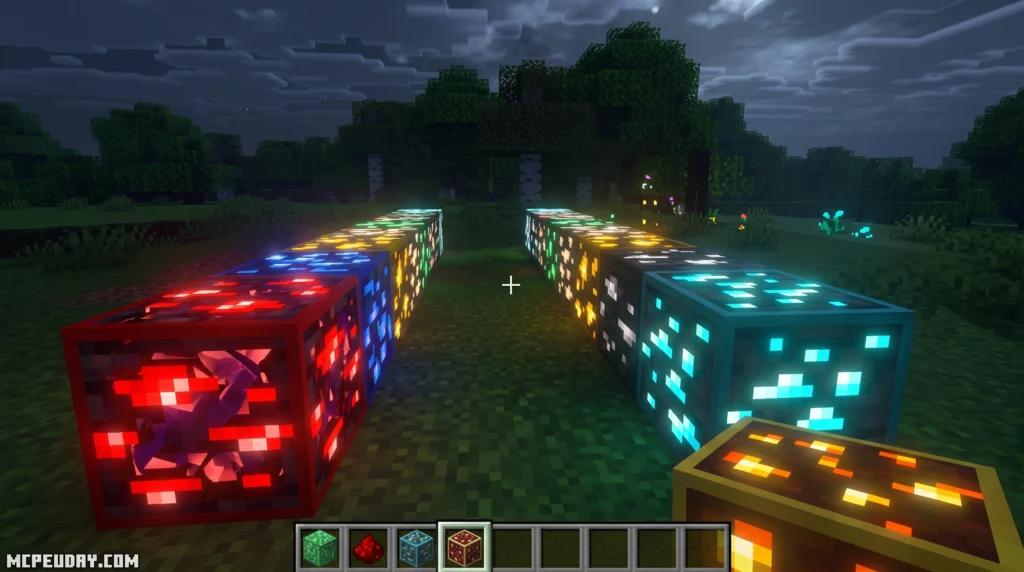
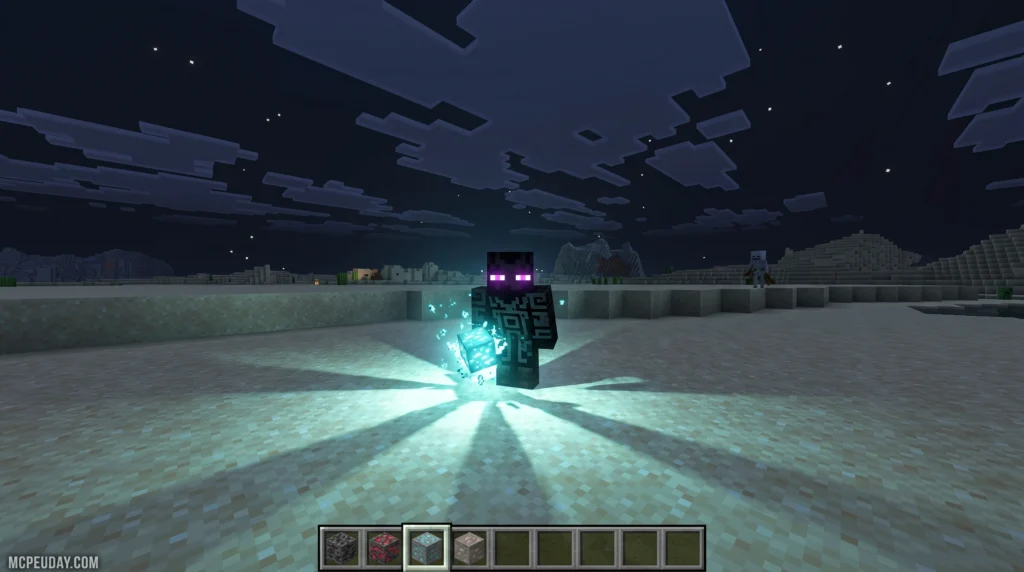
A Glowing Ores Texture Pack makes ore blocks emit light or glow so they’re easier to spot in dark caves — no X-ray cheats needed. Here are the top picks at a glance:
| Pack Name | Downloads | Best For |
|---|---|---|
| New Glowing Ores | 1.1M | Java, general use |
| Visible Ores | 2.69M views | Vanilla-style glow |
| Glowing Ores! Borderful Edition | 369.9K | Modded + vanilla |
| Emissive Glowing Ores | 245.9K | Wide ore coverage |
| Glowing Emissive Ores | 218.3K | Mod pack support |
| Simple Glowing Ores | 146.9K | Lightweight setups |
Mining in Minecraft can feel slow when ores blend into dark stone walls. A glowing ores pack fixes that instantly.
These packs use emissive textures — a technique that makes ore blocks appear to glow on their own, even without a torch nearby. Most work on Java Edition, and several support Bedrock/MCPE too.
The catch? Most require either OptiFine or a mod like Continuity to actually show the glow effect. Without them, you just get a regular texture swap.
There are over 173 resource pack projects matching “glowing ores” available online, so there’s a lot to sort through. This guide compares the best ones so you don’t have to.
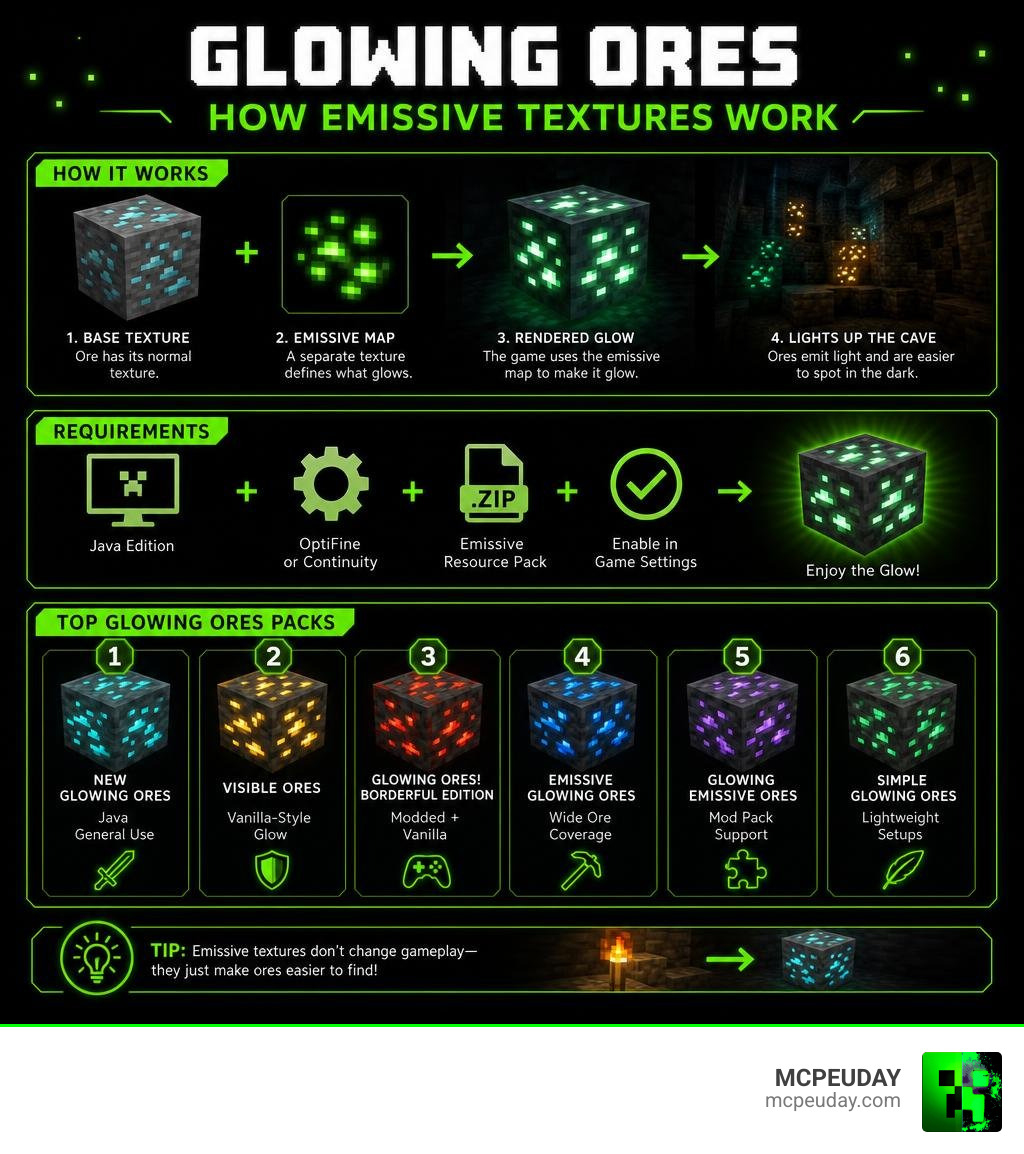
What is a Glowing Ores Texture Pack?
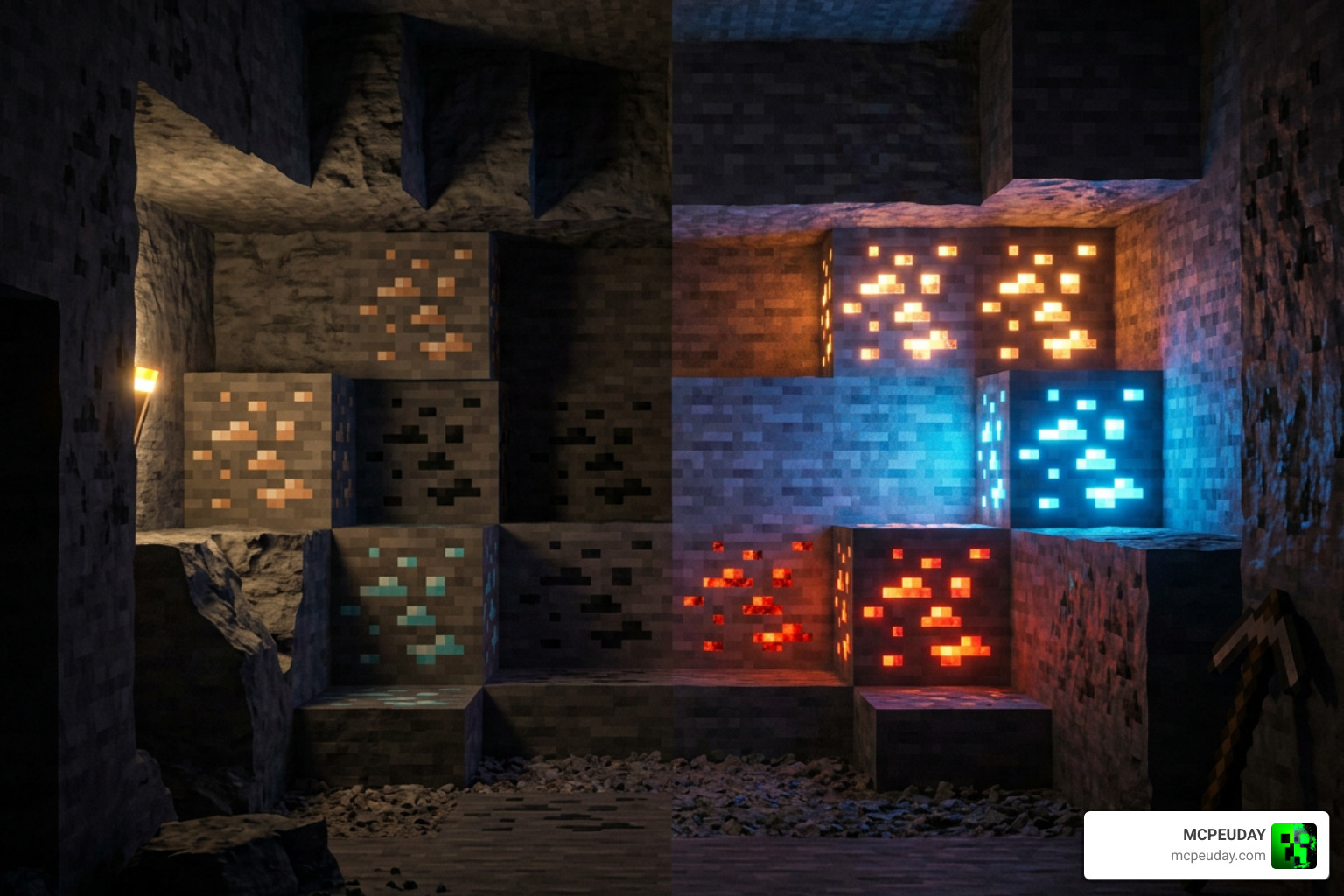
At its core, a Glowing Ores Texture Pack is a custom resource pack designed to solve one of Minecraft’s oldest visual challenges: spotting valuable materials in pitch-black caves.
Unlike standard resource packs that change the entire look of your game, these packs focus primarily on the ore blocks. They utilize emissive textures, which are special image overlays that ignore the surrounding light levels. When you step into a dark cavern, the stone around the ore remains dark, but the actual diamond, gold, or iron veins shine brightly.
This creates an excellent mining helper tool that completely preserves the vanilla feel of the game. It is a massive quality-of-life upgrade compared to illegal X-ray packs, which strip away all stone blocks and ruin the rewarding progression of survival gameplay. With a glowing ores pack, you still have to explore and mine, but you will no longer walk right past a hidden diamond vein just because you ran out of torches.
Top Glowing Ores Texture Pack Options for Java and Bedrock
Finding the perfect style depends entirely on your Minecraft edition, game version, and whether you run a heavily modded client. We have compiled the absolute best options available on the market today.
Visible Ores: A Popular Glowing Ores Texture Pack
If you want a clean, professional look, Visible Ores is one of the most widely used options in the community. It keeps the native 16×16 resolution of vanilla Minecraft but draws a glowing outline around each ore block.
For players who prefer Bedrock Edition, you can grab the Visible Ores Texture Pack 26 X 1 21 Mcpe Bedrock Pack to experience the same spectacular glowing borders on your mobile device or console.
Key features of Visible Ores include:
- Connected Textures Support: Ore veins connect visually across block borders, making massive clusters look incredibly satisfying.
- LabPBR Support: If you use compatible shaders, each ore type emits its own unique colored blocklight, casting a colorful glow onto the surrounding stone.
- Vanilla Style Preservation: It highlights the ores without changing their underlying textures.
Radiant Glowing Ores Texture Pack for Bedrock
For dedicated mobile players and Pocket Edition enthusiasts, the Radiant Glowing Ores T Pack is a fantastic choice. It is fully optimized for MCPE and Bedrock Edition, ensuring that your device’s performance does not suffer while lighting up deep caves.
If you want to expand your visual upgrades to other aspects of the game, you can check out our guide on the Best Realistic Minecraft Animals Mods Texture Packs For Java Mcpe to make your entire world feel more alive.
Other Excellent Java Options
If you are looking to find alternatives, here are a few other highly-rated packs:
- New Glowing Ores: With over 1.1 million downloads, it features highly optimized, clean glowing textures.
- Glowing Emissive Ores: If you play large modpacks, Glowing Emissive Ores is the gold standard. It supports emissive textures for vanilla Minecraft plus over 110 popular mods (including Create, Mekanism, and Mythic Metals).
- Emissive Glowing Ores: Emissive Glowing Ores is a simple, lightweight option supporting versions from 1.16.2 up to the latest releases.
- Simple Glowing Ores: For players on older or lower-end machines, Simple Glowing Ores offers incredibly lightweight 16x and 32x files that get the job done beautifully.
- GLOWING+: If you want your world to look vibrant, GLOWING+ and the Glowing Plus Texture Pack Make Your Minecraft World Shine With Brilliant Light Effects will turn your dark tunnels into glowing neon wonderlands.
- Glowing Ores (Scientific/Realistic): This pack takes a scientific approach, designing its glowing effects around real-world mineral luminescence and dynamic pulsing animations.
- Bedrock Alternatives: For Bedrock players looking for smooth lighting and bright caves, there are several excellent external resources that offer realistic glow and bright caves.
System Requirements and Installation Guide
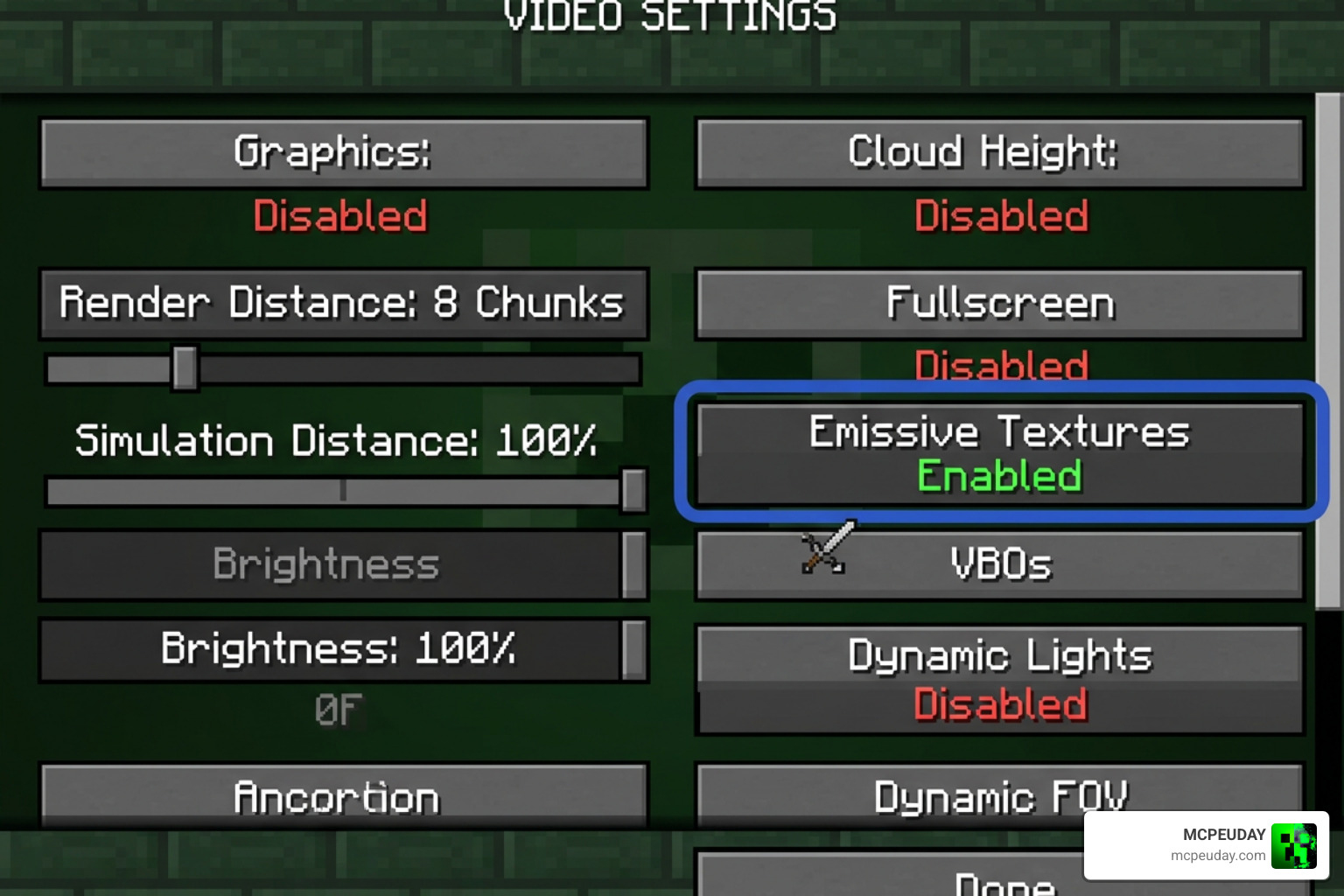
To get your Glowing Ores Texture Pack working correctly, you must install the required dependency mods. Emissive textures are not supported by the default, unmodified Minecraft Java client. If you want to understand how Minecraft loads pack files, the community-maintained Minecraft Wiki resource pack guide is a useful reference for folder structure, pack priority, and version formats.
Before installing, always check three things: your Minecraft version, your loader type, and the pack’s required features. A pack made for 1.21 may still load on a nearby version, but missing texture formats or outdated metadata can stop the glow from appearing. Also remember that resource pack order matters. If another pack replaces ore textures above your glowing ores pack, it may override the emissive files.
For Java Edition (OptiFine Setup)
- Download and install the version of OptiFine that matches your Minecraft game version.
- Download your chosen glowing ores pack (such as Visible Ores or Simple Glowing Ores).
- Open Minecraft, go to Options > Resource Packs, and click Open Pack Folder.
- Drag and drop the downloaded
.zipfile into this folder. - In the game menu, move the pack to the Selected column on the right. Ensure it is placed at the very top of your active packs list.
- Go to Options > Video Settings > Quality and make sure Emissive Textures is set to ON. If you are using connected borders, set Connected Textures to Fancy or Fast.
For Java Edition (Fabric / Sodium Setup)
If you prefer using Fabric for better performance, you cannot use OptiFine. Instead, use these steps:
- Install the Fabric Loader and the Sodium mod.
- Install the Continuity mod (which enables emissive and connected texture support on Fabric).
- If required by your specific pack, install the MoreMcmeta mod.
- Place your resource pack in the
resourcepacksfolder and enable it in-game.
Many Fabric players also use Iris shaders alongside Sodium. Iris is not required for a basic glowing ore outline, but it can improve the look of bloom, reflections, and colored lighting when paired with compatible shader packs. If the ores still do not glow after installation, restart the game, confirm that the correct loader profile is selected, and test the pack by itself with no other resource packs active. This quick troubleshooting step usually reveals whether the issue is pack priority, version mismatch, or a missing dependency.
Frequently Asked Questions About Glowing Ore Packs
Do glowing ore texture packs work on multiplayer servers?
Yes! These packs are entirely client-side, meaning they only change how the game looks on your screen. They do not alter server files or give you an unfair “X-ray” cheat advantage. You can safely use them on public survival, faction, and minigame servers without worrying about anti-cheat bans.
Do I need OptiFine or shaders for the ores to glow?
For Java Edition, yes. You need either OptiFine or an equivalent Fabric mod setup (like Continuity) to read the emissive properties. Without these, the ores will simply display their standard, non-glowing textures. Shaders (like BSL or Complementary) are not strictly required, but they make the glowing effects look significantly more realistic by casting actual light on nearby blocks.
Will these resource packs decrease my game performance?
Generally, no. Most glowing ore packs use standard 16×16 resolutions, which have virtually zero impact on your frames per second (FPS). If you choose a high-resolution version (like 32x, 64x, or 512x) or run heavy shaders to get colored blocklight effects, your graphics card will have to work harder, but the base emissive textures are incredibly lightweight and friendly for low-end PCs.
Conclusion
A Glowing Ores Texture Pack is one of the best upgrades you can install to make your mining trips more efficient and visually stunning. Whether you are playing on a high-end Java rig with realistic shaders or exploring caves on your phone using Bedrock Edition, there is a perfect pack waiting for you.
We at MCPEUDAY are dedicated to bringing you the absolute best graphics enhancements, gameplay mods, and resources. If you are ready to make your Minecraft world shine, check out our extensive Category Texture Packs to download the latest releases today!
2 thoughts on “Glowing Ores Texture Pack (26.x, 1.21) – MCPE/Bedrock Texture Pack”