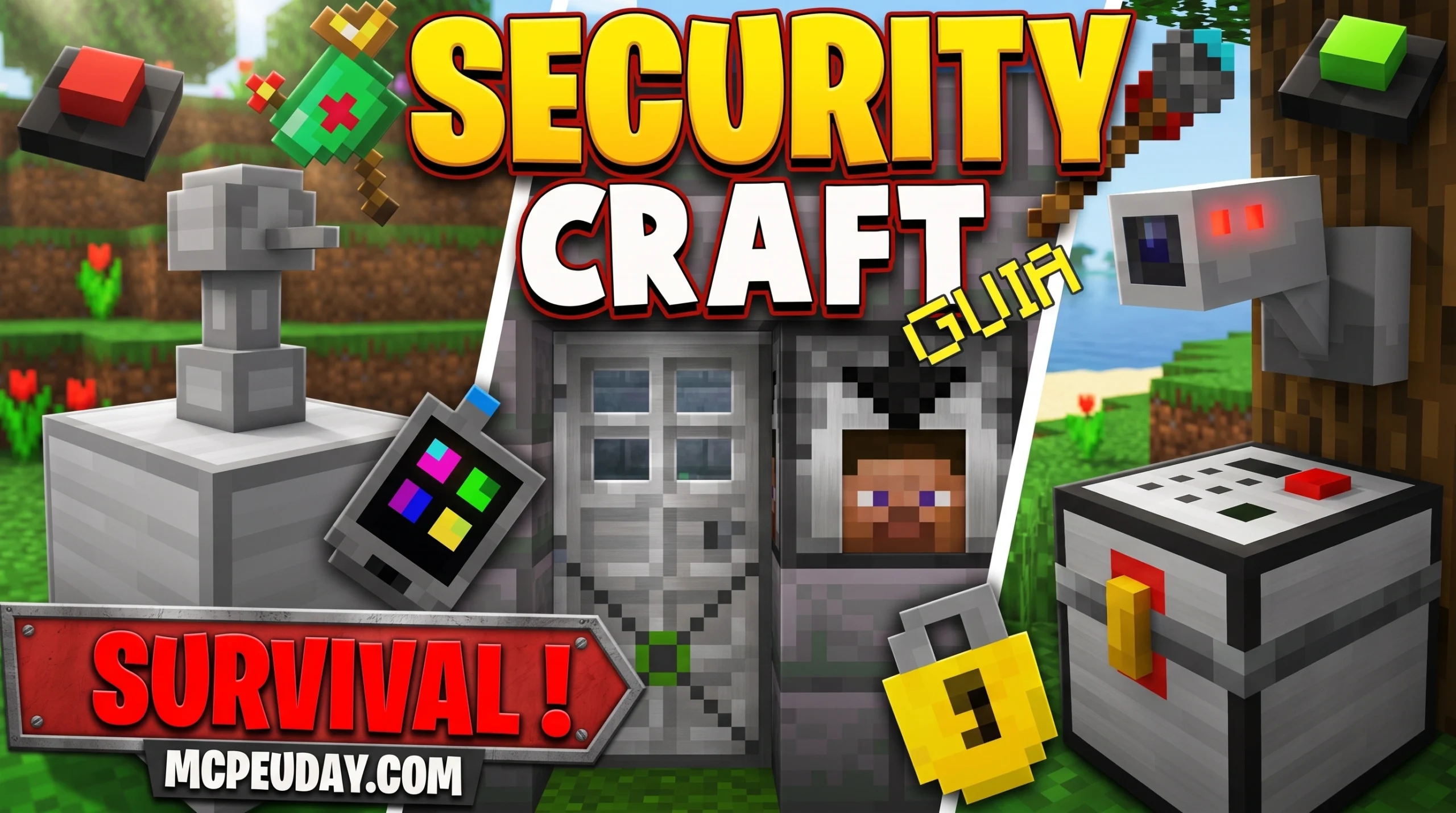
What the Security Craft Addon/MOD Actually Is (And Where to Get It Safely)
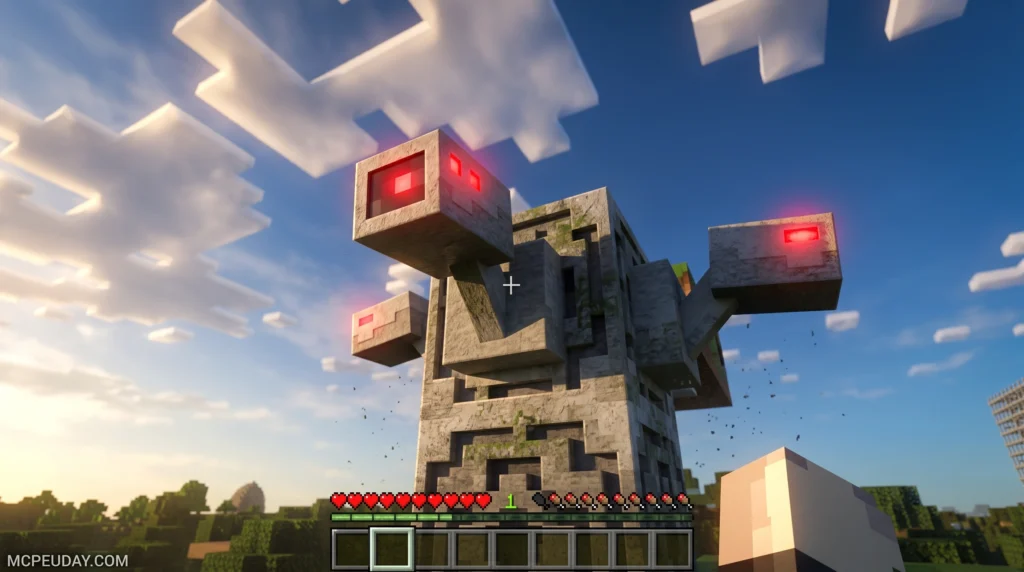
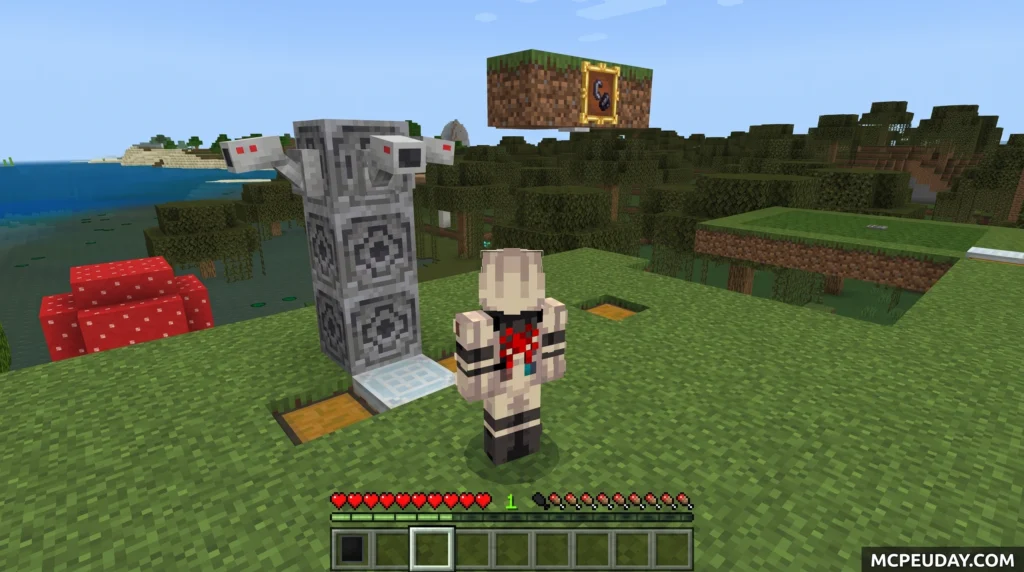
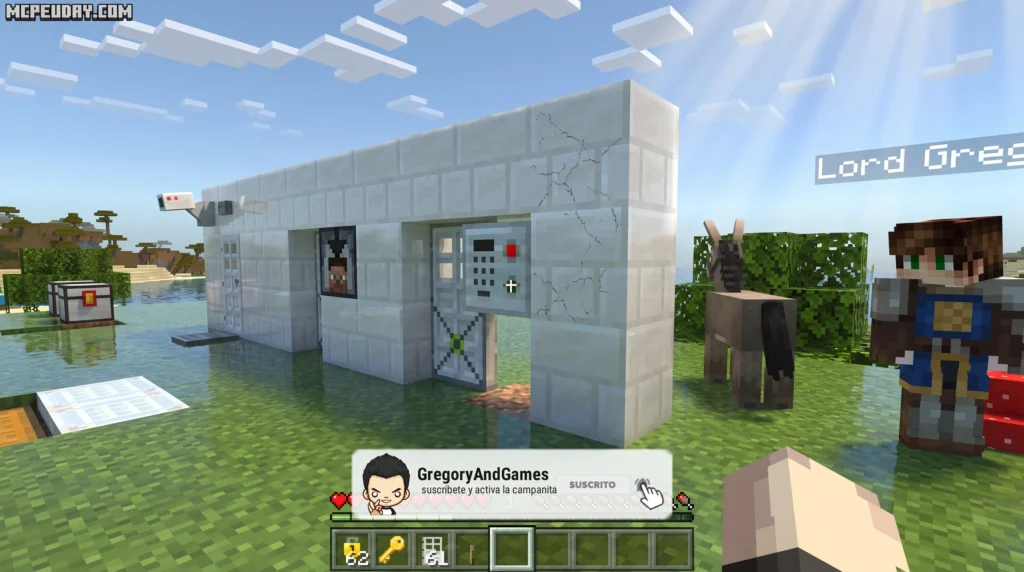
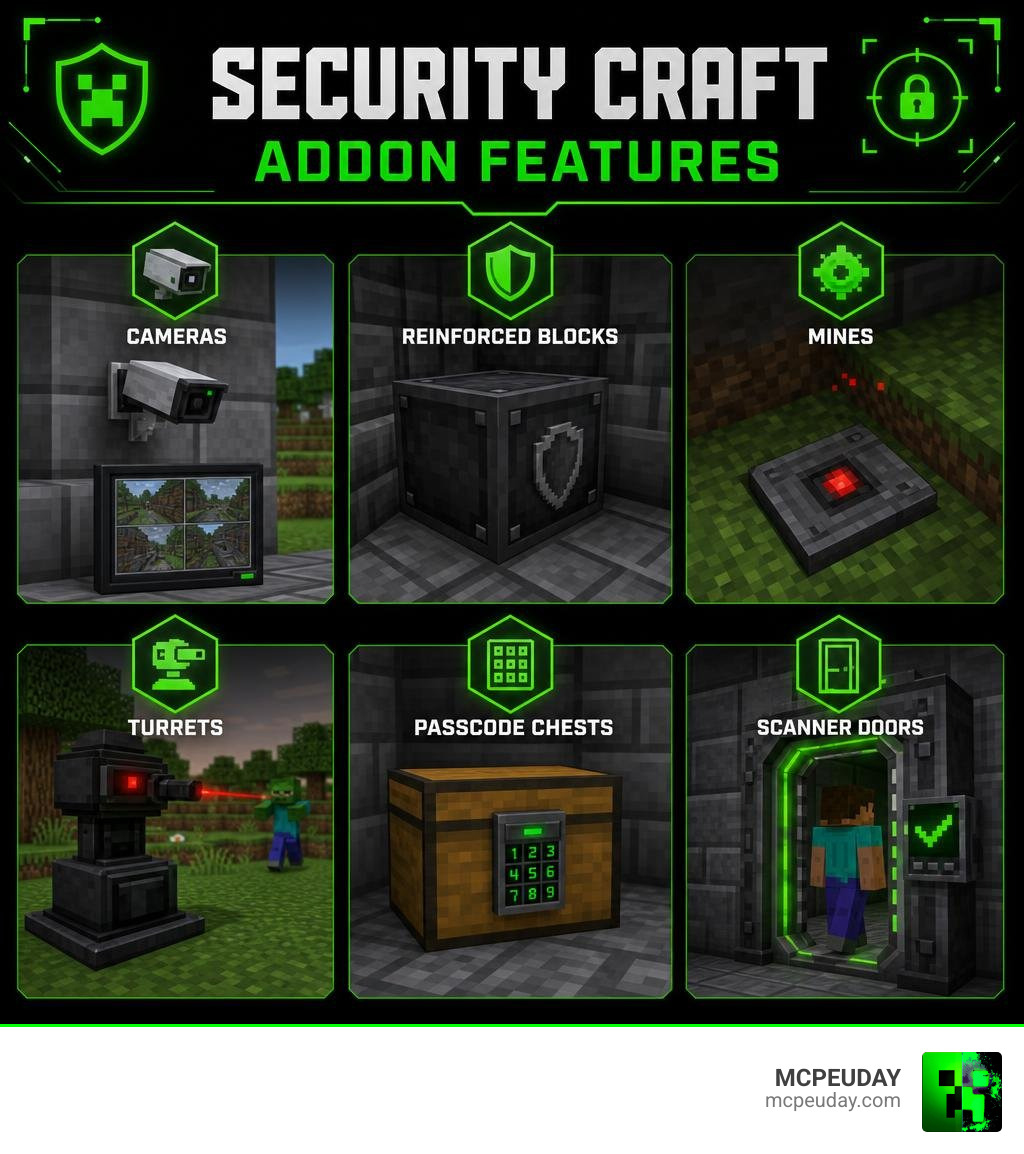
The Security Craft Addon/MOD is a security-focused addon for Minecraft Bedrock Edition that lets you protect your base with cameras, reinforced blocks, laser fields, passcode-protected chests, mines, and sentry turrets.
Here’s a quick overview of what it offers:
- Security Cameras – Monitor your base remotely using a linked Camera Monitor
- Reinforced Blocks – Unbreakable variants of vanilla blocks that other players can’t mine
- Passcode Protection – Lock chests, doors, and keypads with a custom code
- Mines and Traps – Hidden explosives that trigger when non-owners break them
- Sentry Turrets – Auto-targeting defense against players or mobs
- Inventory Scanners – Detect and remove banned items from visitors
It started as a hugely popular Java Edition mod — now with over 94 million downloads on CurseForge — and has since been ported to Bedrock Edition by the community.
The Bedrock version is unofficial but permitted under the original mod’s license. It requires the Beta APIs experimental feature to be enabled in your world settings.
One thing to know upfront: there are multiple versions floating around, and not all of them work as advertised. The app store version carries a 4.2-star rating from 2,670+ reviews, but many users report it doesn’t function as described. The more reliable route is downloading directly from trusted addon sites.
What is the Security Craft Addon/MOD?
At its core, the Security Craft Addon/MOD is the ultimate insurance policy for your Minecraft builds. If you have ever spent hours building a beautiful base in a multiplayer server, only to log on the next day and find it completely ransacked by griefers, you know exactly why this addon is necessary.
By introducing a robust system of ownership mechanics, player safety tools, and active defense grids, this addon changes how players interact in shared worlds. In the Bedrock port, every security block you place is bound specifically to you. This means other players cannot simply walk up with a diamond pickaxe and dismantle your hard work. It bridges the gap between Java’s complex modding capabilities and Bedrock’s lightweight, cross-platform ecosystem.
Key Features of the Security Craft Addon/MOD for Bedrock
The Bedrock port brings a massive arsenal of defensive tech straight to your mobile device, console, or PC. When browsing through our collection of Category/Mod Addons, you will find that this security system stands out due to its sheer variety of features:
- Security Cameras & Monitors: Place cameras at strategic choke points and link them to a handheld monitor to view live feeds of your perimeter.
- Laser Fields: Set up invisible or visible laser tripwires that trigger redstone signals, alarms, or traps when crossed by unauthorized players.
- Passcode-Protected Chests & Furnaces: Keep your precious diamonds and netherite under a secure digital keypad lock.
- Scanner Doors: Doors that utilize advanced biometric checks, opening only when the rightful owner looks directly at them.
Legitimate Downloads vs. Safety Concerns
Because the Security Craft Addon/MOD is incredibly popular, the internet is flooded with unofficial “helper” apps and sketchy third-party listings. Many of these mobile app store listings boast over 100K+ downloads and a 4.2-star rating, but user reviews reveal a different story: many of these apps are just ad-heavy wrappers that fail to install the actual mod.
To keep your device safe from malware and frustration, always download the verified addon files directly. You can find the fully functional, clean version of the Securitycraft Bedrock Addon right here on our site, ensuring you get the actual behavior and resource packs without the unwanted bloatware.
Core Security Tools, Blocks, and Defense Systems
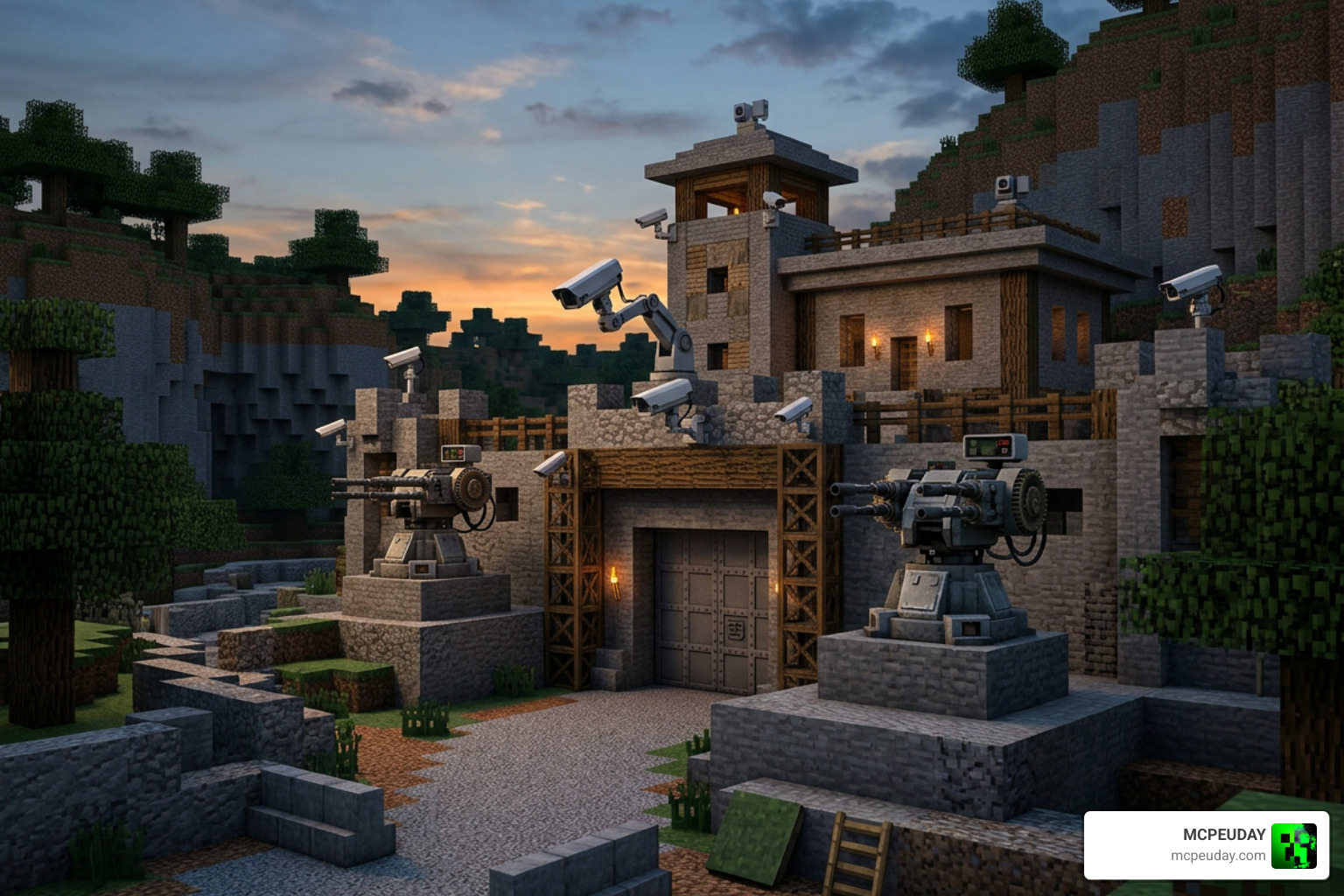
Defending your base requires more than just high walls; you need an active, intelligent defense network. The Security Craft Addon/MOD gives you the tools to automate your security and punish intruders.
| Tool / Block | Durability / Charges | Primary Function |
|---|---|---|
| Universal Block Remover | 476 Durability | The only tool that can safely break and pick up your own reinforced blocks. |
| Wire Cutters | 476 Durability | Used to defuse active mines, claymores, and cage traps without detonating them. |
| Universal Block Reinforcer | Varies by Level | Upgrades standard vanilla blocks into blast-proof, unbreakable variants. |
| Codebreaker | 3 Uses | Has a 33% chance to successfully bypass passcode-protected blocks. |
| Sentry Turret | Infinite (Entity-based) | Automatically targets and shoots hostile mobs or unwanted players. |
Advanced Defense: Mines, Scanners, and Lasers
For those who prefer a more explosive deterrent, the addon features an array of block mines. These mines look identical to standard vanilla blocks like stone, dirt, sand, or diamond ore. However, the moment a non-owner attempts to mine them, they detonate, leaving a fiery crater and eliminating the thief. To set these up safely, you can use Wire Cutters (crafted with shears and iron ingots) to disarm them for relocation.
Additionally, the Inventory Scanner can be placed at your base’s entrance. When configured, it scans anyone passing through and instantly deletes pre-banned items from their inventory—perfect for keeping unauthorized weapons or explosives out of your private lounge.
Customization with Modules and Ownership Tools
What makes these security blocks truly “smart” is their modular customization system:
- Disguise Module: Allows security blocks (like keypads or scanners) to look exactly like standard vanilla blocks, blending seamlessly into your base’s aesthetic.
- Allowlist Module: Lets you add your friends’ usernames to your security systems so they can bypass your turrets and laser fields without getting blasted.
- Universal Block Modifier: A handy tool that lets you toggle owner immunity and change specific block settings on the fly.
- Universal Owner Changer: Need to hand over base ownership to a faction member? Rename this tool in an anvil and shift-right-click to transfer block ownership instantly.
Java Edition vs. Bedrock Edition: Key Differences
While the Bedrock version is an exceptional port, there are structural differences between how the mod runs on Java Edition versus Bedrock Edition. The original Java mod, available on Security Craft – Minecraft Mods – CurseForge , utilizes Forge and NeoForge mod loaders to achieve deep integration with Minecraft’s engine. This allows features like custom chunk loading for camera feeds and complex API hooks for team-based ownership compatibility.
The Bedrock edition, on the other hand, relies heavily on Bedrock’s experimental scripting and Beta APIs. While it features almost all the core blocks, some advanced rendering (like picture-in-picture camera feeds) is simplified to fit within Bedrock’s performance constraints. If you want to expand your Bedrock survival experience even further alongside security, check out our Category/Mod Addons page for more game-changing expansions.
Performance and Compatibility in 2026
As of July 2026, the addon has been optimized to run beautifully on Minecraft 1.21 and beyond. It is highly compatible with major survival overhauls like the Better On Bedrock Addon 1 21 Best Survival Expansion For Mcpe.
If you happen to play on Java Edition as well, you can grab the latest desktop updates such as the 1.21.1-v1.9.12 – SecurityCraft release on Modrinth, which features optimizations for server performance and fixes for mod conflicts.
Installation and Troubleshooting Guide
Getting the Security Craft Addon/MOD up and running on your Bedrock world is a straightforward process, but missing a single step can cause the blocks to lose their textures or fail to function entirely.
How to Install and Troubleshoot the Security Craft Addon/MOD
Follow these simple steps to ensure a flawless setup:
- Download the Packs: Grab both the Resource Pack (.mcpack) and Behavior Pack (.mcpack) from our verified download page.
- Import to Minecraft: Double-click or tap the downloaded files to automatically import them into your Minecraft Bedrock client.
- Apply to World: Go to your world settings, activate the Security Craft Resource Pack, and then activate the corresponding Behavior Pack.
- Enable Experimental Toggles (Crucial): Scroll down to the “Experiments” section in your world settings and enable Beta APIs and Holiday Creator Features. Without these, custom block behaviors will not load!
If you are looking for more guides on installing advanced gameplay additions, take a look at our Nics Common Sense Addon 1 26 1 21 Download Features Installation Guide for a detailed walkthrough on managing experimental toggles.
Frequently Asked Questions
How does block ownership work in Security Craft?
Every security block is registered to the player who placed it. By default, only the owner can open, modify, or break these blocks. If an intruder attempts to break your reinforced wall, the block will remain completely unbreakable to them. You can use the Universal Block Modifier to adjust these permissions.
Can passcode-protected blocks be bypassed?
Yes, but it isn’t easy! Crafting a Codebreaker tool allows players to attempt to hack into passcode-protected chests or doors. However, the tool only has a 33% success rate, comes with just 3 total uses, and is quite expensive to craft, requiring gold, diamonds, and an emerald.
What are reinforced blocks and how do you make them?
Reinforced blocks are blast-proof, unbreakable versions of vanilla building materials (like stone, wood, or glass). You create them using the Universal Block Reinforcer. Level 1 reinforcers have 300 durability, Level 2 has 2,700, and Level 3 is completely unbreakable, allowing you to build an impenetrable fortress.
Conclusion
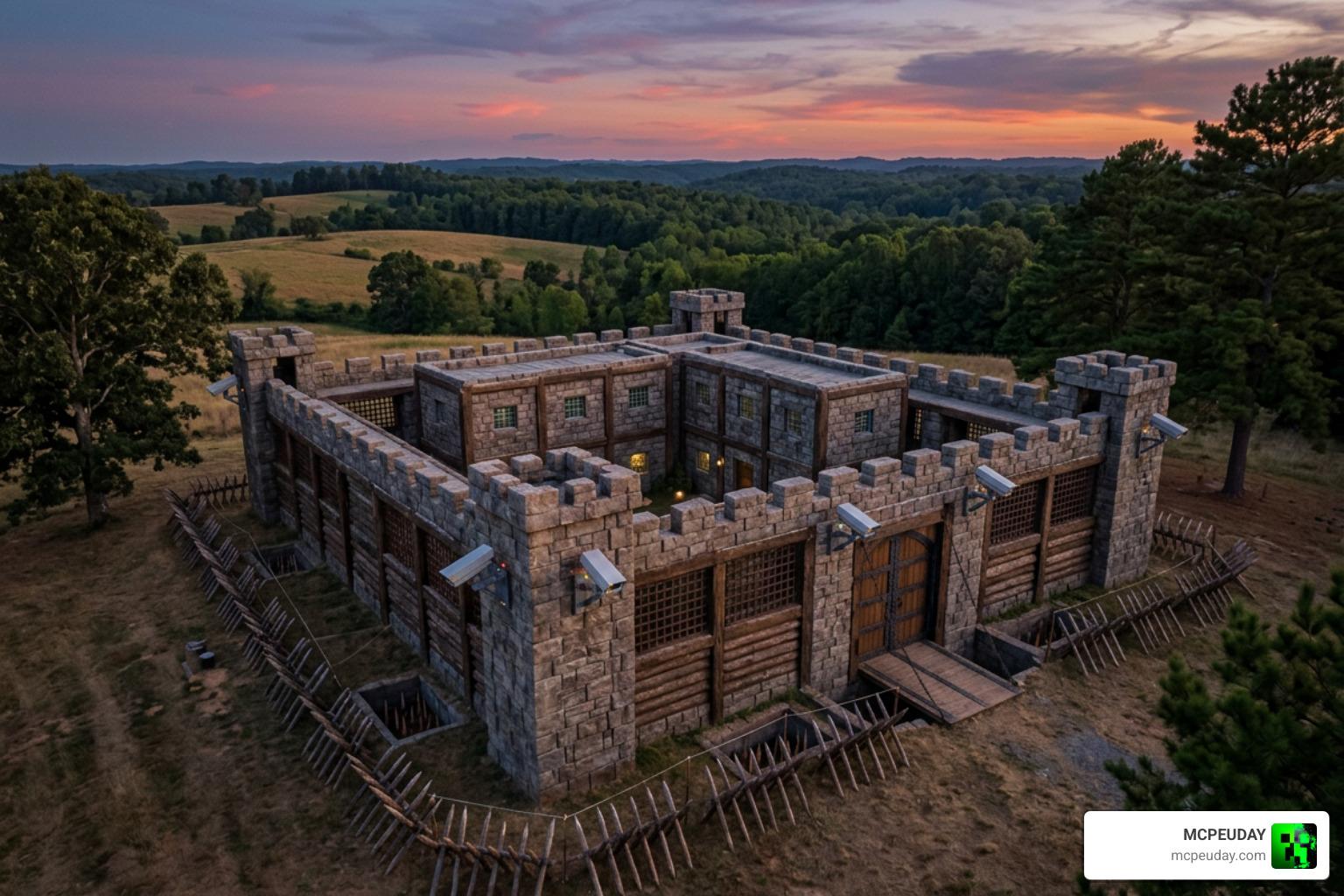
Whether you are looking to safeguard your hard-earned survival loot from sneaky thieves or want to set up an automated high-tech fortress to fend off hostile mobs, the Security Craft Addon/MOD is an absolute must-have. With its advanced camera networks, unbreakable reinforced blocks, and devious trap systems, your base will truly become your castle.
For more amazing Bedrock modifications, shaders, and gameplay expansions, dive into our curated collection over at the https://mcpeuday.com/category/mcpe-bedrock/ category. Safe building, and may your base remain forever secure!
1 thought on “Security Craft Addon (26.x, 1.21) – MCPE/Bedrock Mod”