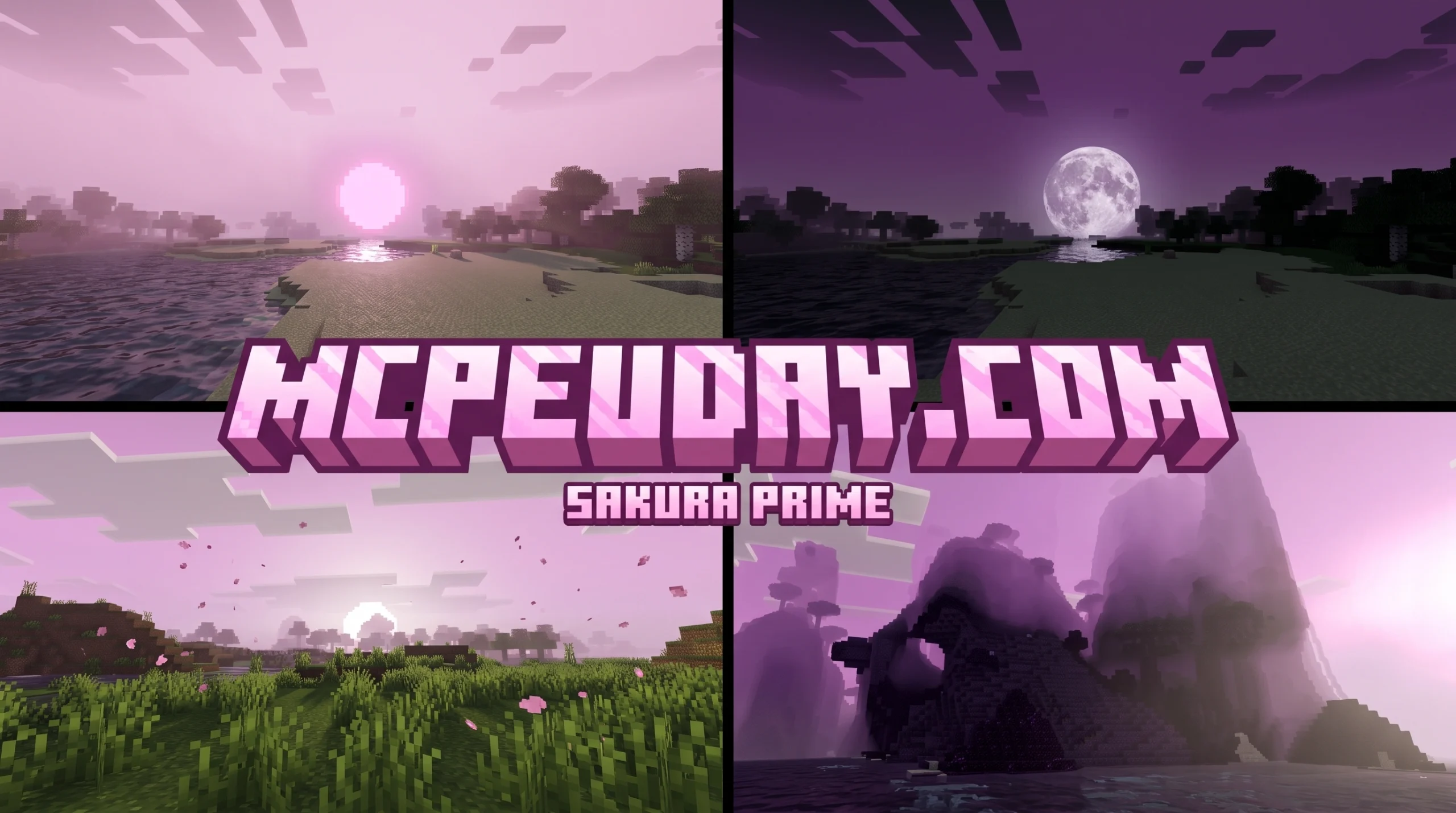
What Is Sakura Prime Shader and Why Bedrock Players Love It
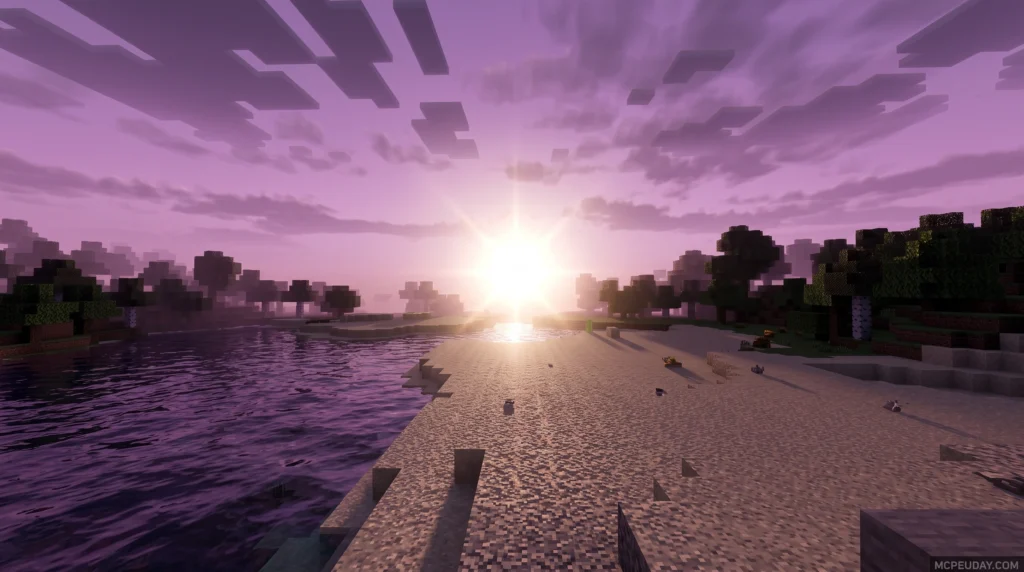
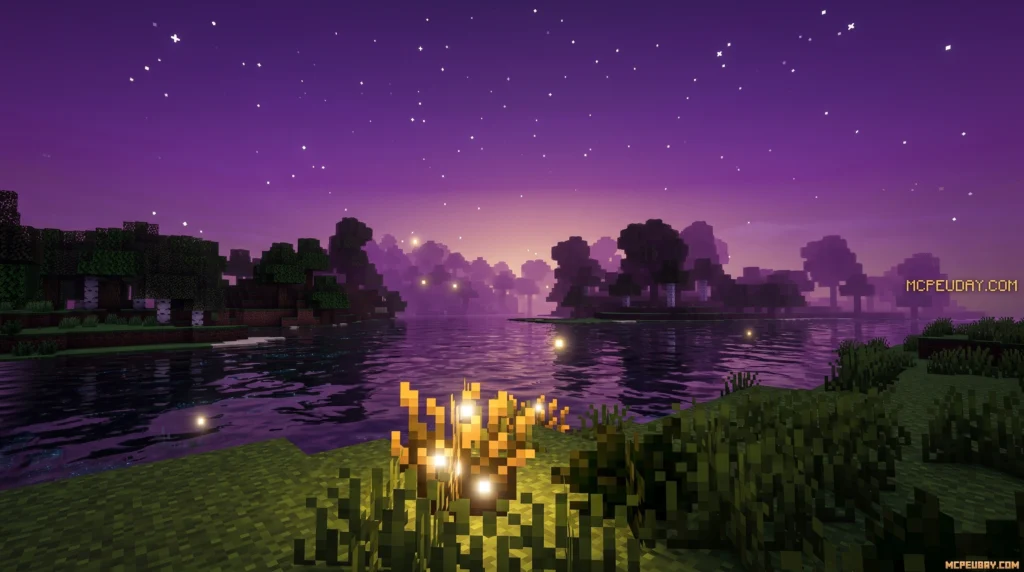
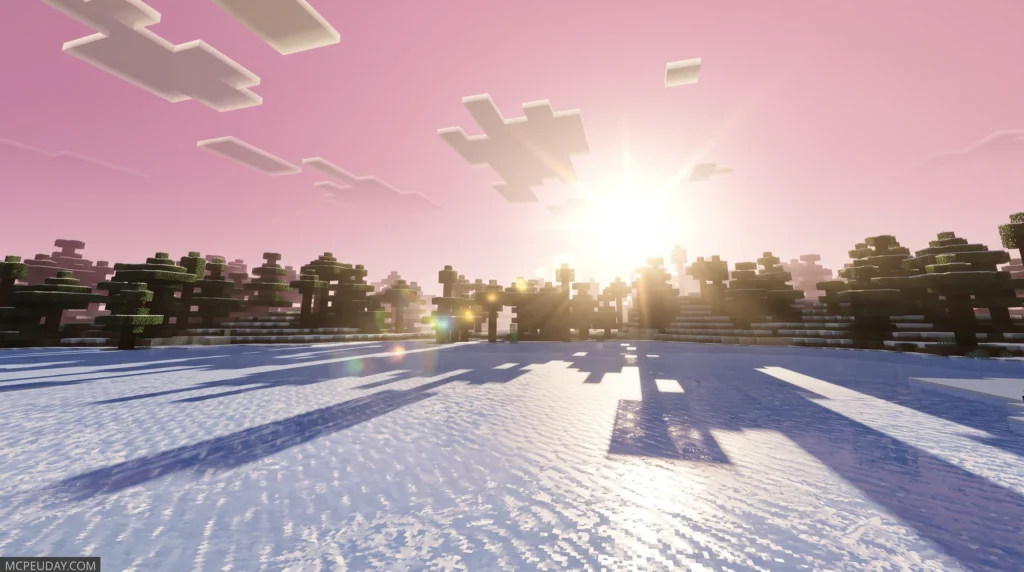
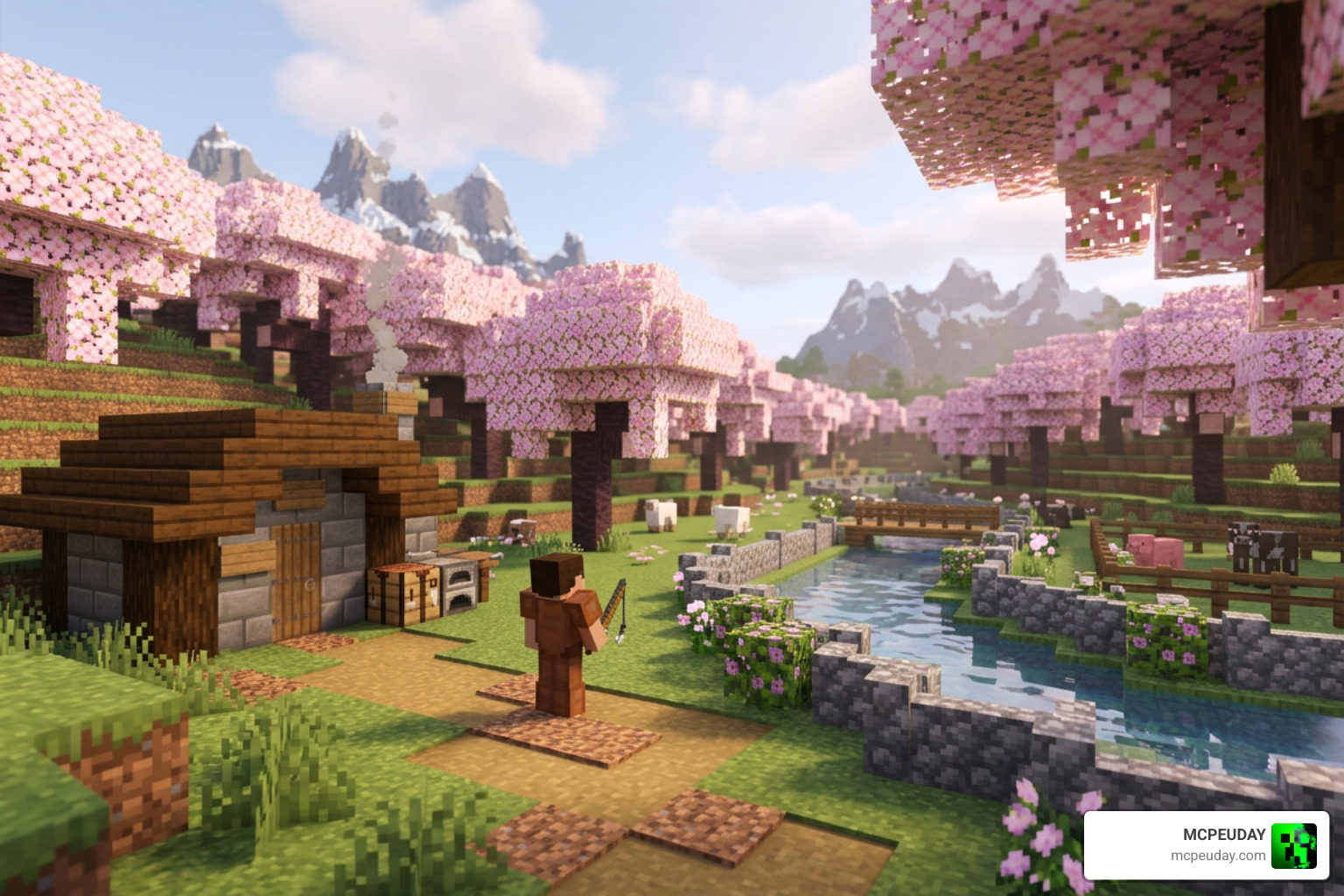
Sakura Prime Shader is a lightweight visual enhancement pack for Minecraft PE and Bedrock Edition that softens your game’s image to create a calm, peaceful atmosphere while keeping brightness balanced and natural-looking.
Quick Answer:
- What it is: A shader pack for MCPE/Bedrock that improves lighting, color balance, and overall visual tone
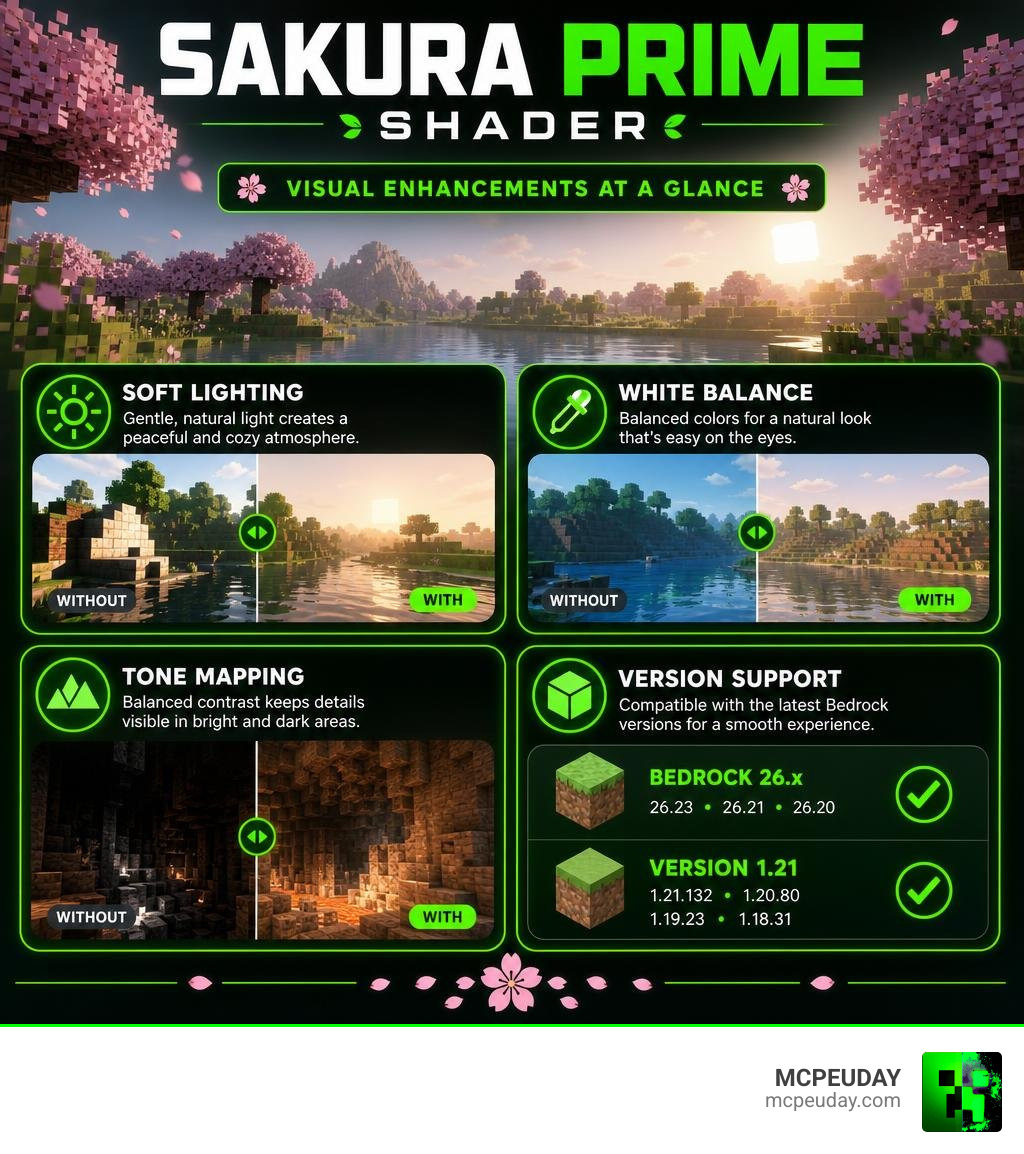
- Supported versions: Bedrock 26.x (including 26.23, 26.21, 26.20) and 1.21 (including 1.21.132, 1.20.80, 1.19.23, 1.18.31)
- File size: 270 KB in 16X ZIP format — very lightweight
- Released: April 2, 2026
- Best for: Players who want realistic, soft lighting without dark or overly dramatic visuals
Unlike shaders that push contrast to the extreme, Sakura Prime keeps things balanced. It adjusts white balance and intermediate tones so every detail stays visible — even in shadowed areas — much like how your eyes see the real world.
Many Minecraft Bedrock players often find themselves frustrated by shaders that look stunning in screenshots but are practically unplayable during actual survival gameplay. High-contrast packs frequently make caves pitch black, forcing you to place torches every two blocks, or they make the midday sun so blindingly bright that you cannot see the blocks you are building with. Sakura Prime Shader solves this exact problem by prioritizing visual comfort and gameplay usability. It is designed for players who spend hours in their worlds and want an environment that is easy on the eyes while still looking significantly better than the vanilla graphics.
It’s a great pick if you want your Minecraft world to feel serene rather than cinematic.
Key Features of the Sakura Prime Shader
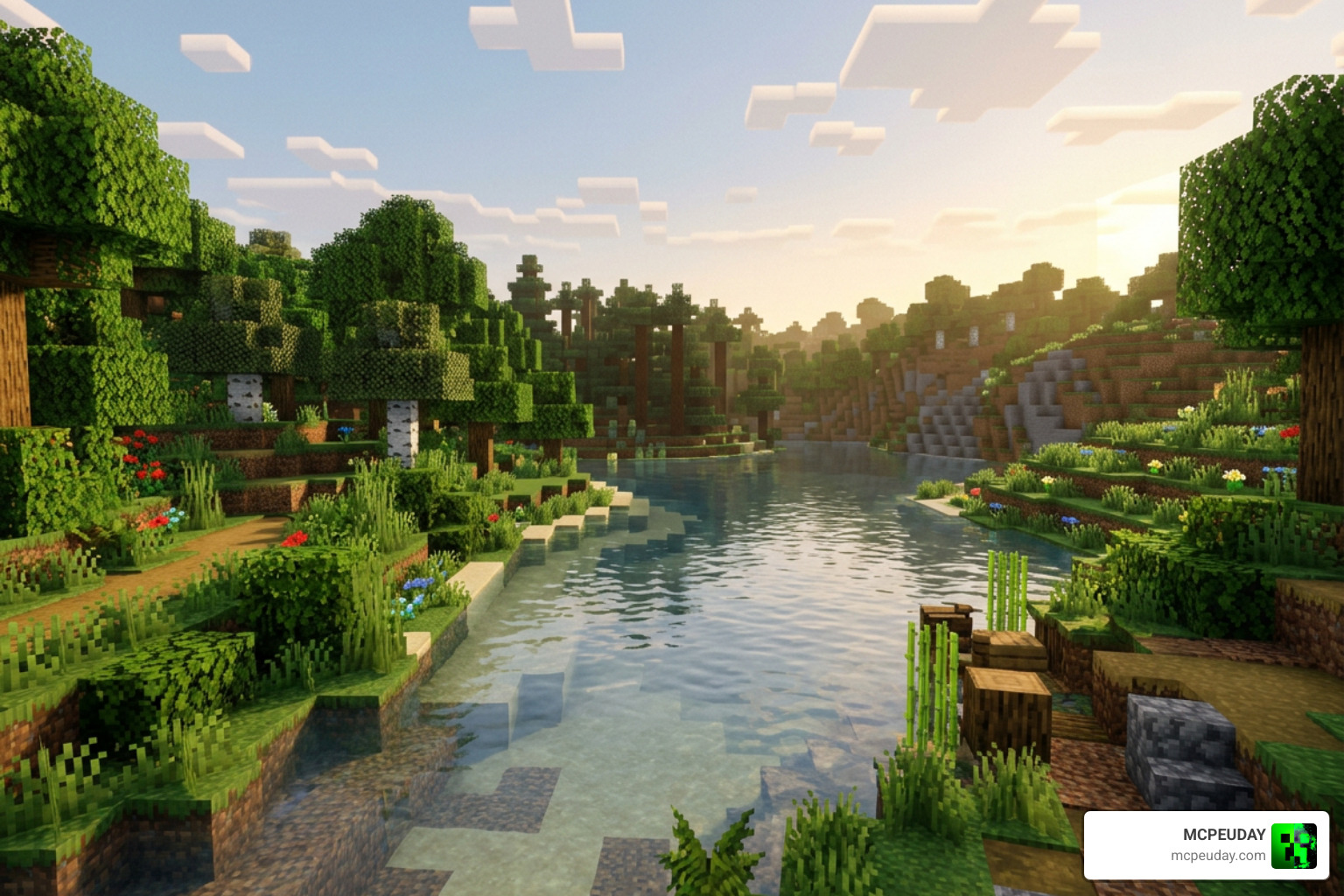
When we load into a world with the Sakura Prime Shader active, the first thing we notice is how incredibly cozy everything feels. The developer of this shader focused heavily on creating a peaceful atmosphere. Instead of blinding sunbeams and pitch-black caves, this pack relies on a beautifully tuned white balance and intermediate tones. This prevents the harsh, overly dark lighting that ruins many other Bedrock shaders.
Every single detail in the environment is rendered with a balanced brightness similar to real life. The daylight has a soft, golden warmth, while the shadows are gentle rather than oppressive. Water looks clearer, foliage feels more alive, and the sky transitions smoothly between day and night cycles without any abrupt, jarring color shifts.
This balanced approach is particularly noticeable during sunrise and sunset. Instead of the sky turning a harsh, neon orange, Sakura Prime introduces a gentle gradient of warm pastel tones that slowly blend into the night. The transition feels organic and relaxing. Furthermore, the shader enhances the natural textures of Minecraft without replacing them. It works in harmony with your existing resource packs, meaning your favorite 16×16 or 32×32 texture packs will look even better under this refined lighting system.
Supported Minecraft Bedrock Versions
One of the biggest headaches for Bedrock players is finding a shader that actually works with their specific version. Fortunately, the Sakura Prime Shader is highly compatible. We have tested it extensively, and it supports a wide variety of Bedrock sub-versions:
- Minecraft PE / Bedrock 26.x: Fully compatible with versions 26.23, 26.21, 26.20, 26.13, 26.10, 26.0.02, and 26.0.
- Minecraft PE 1.21 & Older: Works flawlessly on version 1.21.132, 1.20.80, 1.19.23, and even legacy versions like 1.18.31.
Whether you are running the absolute latest 2026 release or playing on an older, more stable build of Bedrock, this shader is designed to adapt to your game engine. This broad compatibility is a massive win for the community. Often, when Mojang releases a minor hotfix or a major update, older shaders break entirely, leaving players with black screens or broken textures. The developers of Sakura Prime have committed to maintaining compatibility across these sub-versions, ensuring that whether you are playing on a tablet, a phone, or a Windows PC, your visual experience remains stable and glitch-free.
Technical Specifications and File Formats
From a technical standpoint, the Sakura Prime Shader is incredibly well-optimized. It is packaged in a 16X ZIP format with a tiny file size of just 270 KB. Because it is so compact, it does not hog your device’s memory or cause your processor to overheat.
By utilizing clean, efficient code, the shader avoids the common pitfalls of mobile rendering, such as battery drain and thermal throttling. Many mobile gamers avoid shaders because they do not want their devices to run hot or lose 50% of their battery in half an hour. Sakura Prime is so lightweight that you will barely notice any impact on your device’s battery life, making it perfect for long, portable gaming sessions.
While it is lightweight, it is built on modern shader principles. It draws inspiration from open-source rendering projects and shading models, such as the Hyyeve/SakuraShaders GitHub Repository, which explores toon lighting and cross-pipeline compatibility. The shader also shares conceptual DNA with stylized rendering projects like PrimoToon and the non-photorealistic rendering features found in Kamakura Shaders. This technical heritage ensures that the shader handles light math efficiently, making it highly compatible with modern Bedrock graphics engines.
Comparing Sakura Prime with Other Bedrock Shaders
To help you decide if this is the right shader for your world, we have put together a quick comparison table. This ranks Sakura Prime against other popular community choices like Xiao Sakura and Newb X Unwind.
| Shader Name | Primary Aesthetic | File Size | Performance Impact | Best Suited For |
|---|---|---|---|---|
| Sakura Prime Shader | Soft, balanced, realistic, peaceful | 270 KB | Extremely Low | Low-end to high-end devices |
| Xiao Sakura | Vibrant, pink cherry-blossom themed | Medium | Low | Aesthetic builders |
| Newb X Unwind | Ultra-realistic, dynamic shadows | Medium | Low-Medium | Survival gameplay |
If you want to compare these options further, check out our comprehensive Xiao Sakura Shader Guide to see how its cherry-blossom theme stacks up, or explore the Newb X Unwind Shader MCPE 1.21 for a more dynamic and traditional realistic approach.
Installation and Configuration Guide
Getting your new shader up and running in Minecraft Bedrock is a straightforward process, but it can be slightly different depending on your operating system. If you are entirely new to managing custom graphics packs, we highly recommend reading our detailed guide on How to Turn on Shaders in Minecraft.
How to Install Sakura Prime Shader on MCPE and Bedrock
For most mobile players, the easiest way to install this shader is by downloading the .mcpack version. Here is how to do it:
- Download the shader file to your device. If you are playing on a mobile phone or tablet, you can find the correct version through our Minecraft Shaders Download for Android page.
- Locate the downloaded file in your device’s file manager.
- If the file is in
.mcpackformat, simply tap it, and select “Open with Minecraft”. The game will launch automatically and import the pack. - If the file is in a
.zipformat, extract the folder and manually move it to your game directory undergames/com.mojang/resource_packs. - Open Minecraft, head to Settings > Global Resources, select the pack under “My Packs”, and click Activate.
If you encounter an “Unknown or Unsupported World Template” or “Failed to Import” error, it is usually because the file extension was not recognized properly. In such cases, renaming the file from .zip to .mcpack (or vice versa) and trying again often resolves the issue. Additionally, make sure that Minecraft has permission to access your device’s storage, as restricted permissions can prevent the game from importing external resource packs.
Customizing Your Sakura Prime Shader Experience
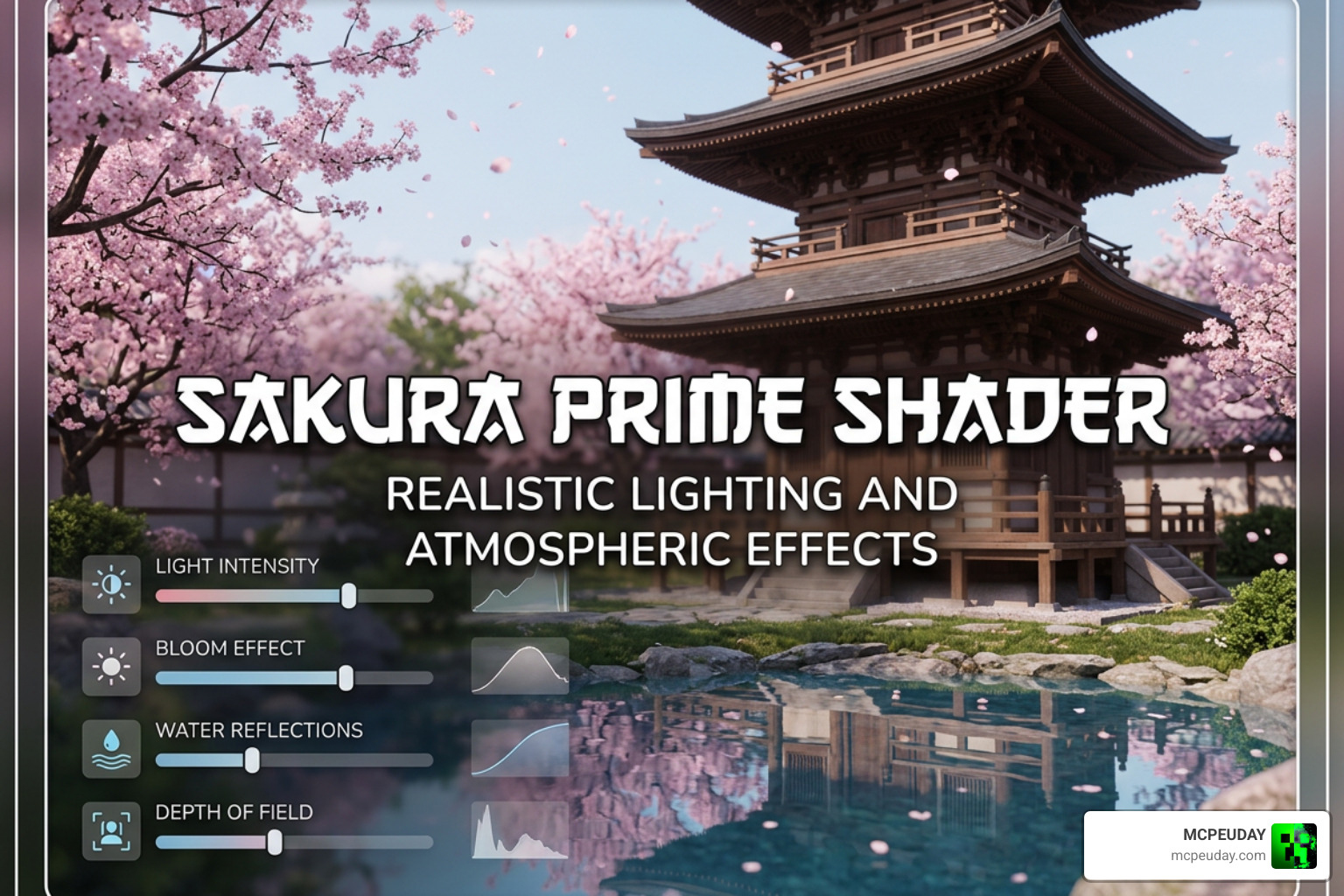
Once installed, you can customize the shader to fit your exact visual preferences. While Bedrock shaders do not always have extensive in-game menus, you can tweak your device’s brightness and in-game video settings to find the perfect sweet spot.
For those who want to push the visuals even further, combining Sakura Prime with a custom skybox or a subtle 3D physics resource pack can yield incredible results. Because the shader does not overwrite core sky rendering in a destructive way, it plays nicely with other aesthetic add-ons. You can also experiment with the in-game “Smooth Lighting” slider; turning it up to maximum alongside Sakura Prime creates incredibly soft, blended shadows that make your builds look like professional renders.
If you are interested in how developers manage complex toon and stylized shader settings behind the scenes, you can look at advanced tools like the VRToon Shader Manager, which allows creators to adjust shadow colors, specular highlights, and outline widths in 3D modeling environments before exporting assets into game-ready formats. For Minecraft, adjusting your game brightness to “SDR” or “Standard” and turning on “Beautiful Skies” will allow Sakura Prime’s custom tone mapping to shine.
Frequently Asked Questions about Sakura Prime Shader
Is Sakura Prime Shader compatible with Render Dragon in 2026?
Yes! Since Mojang introduced the Render Dragon graphics engine, older shaders that relied on legacy rendering techniques stopped working. Fortunately, Sakura Prime is designed with modern Bedrock engine compatibility in mind. It works beautifully on version 1.21 and later. For more information on compatible packs, check out our list of the Best Render Dragon Shaders for MCPE.
The Render Dragon engine has been a major hurdle for the Bedrock modding community, as it restricted the use of traditional custom materials. However, modern shader developers have found innovative ways to work within the new rendering pipeline. Sakura Prime utilizes these modern techniques to ensure that you get beautiful lighting without needing to downgrade your game version or use risky third-party patches.
Does this shader cause lag on low-end mobile devices?
Almost certainly not! Because the entire pack is optimized down to a tiny 270 KB file size, it requires very little processing power. It is one of the friendliest packs for older mobile devices. If you are still worried about performance, you can also look at the Newb X Unwind Shader for Low End Devices, which is another fantastic option optimized for smooth frames per second.
In our testing on budget Android devices from several years ago, the game maintained a stable 60 frames per second with Sakura Prime active. This is because the shader does not introduce heavy post-processing effects like motion blur, depth of field, or real-time ray-traced reflections, which are the primary culprits behind frame drops on mobile hardware.
Where can I download the official Sakura Prime Shader files?
To ensure your device stays safe from malware, always download your shader files from trusted community platforms. If you need a quick walkthrough on how to safely acquire and load packs, we have a complete tutorial on How to Get Shaders in Minecraft.
Can I use Sakura Prime Shader on multiplayer servers and Realms?
Yes, absolutely! Since Sakura Prime is a client-side resource pack, you can use it on any multiplayer server, Featured Server, or personal Realm without any issues. It does not modify game behavior or give you any unfair advantages, meaning you can enjoy beautiful, soft lighting while playing with your friends, even if they are playing with vanilla graphics.
Conclusion
If you are tired of shaders that make your Minecraft world look like a high-contrast action movie, the Sakura Prime Shader is the breath of fresh air you need. Its soft lighting, balanced white points, and lightweight performance make it a must-have resource pack for Bedrock players in 2026.
Ready to transform your game? Explore the Best Shaders for MCPE 1.21 on our site today to download Sakura Prime and discover other top-tier graphics packs!