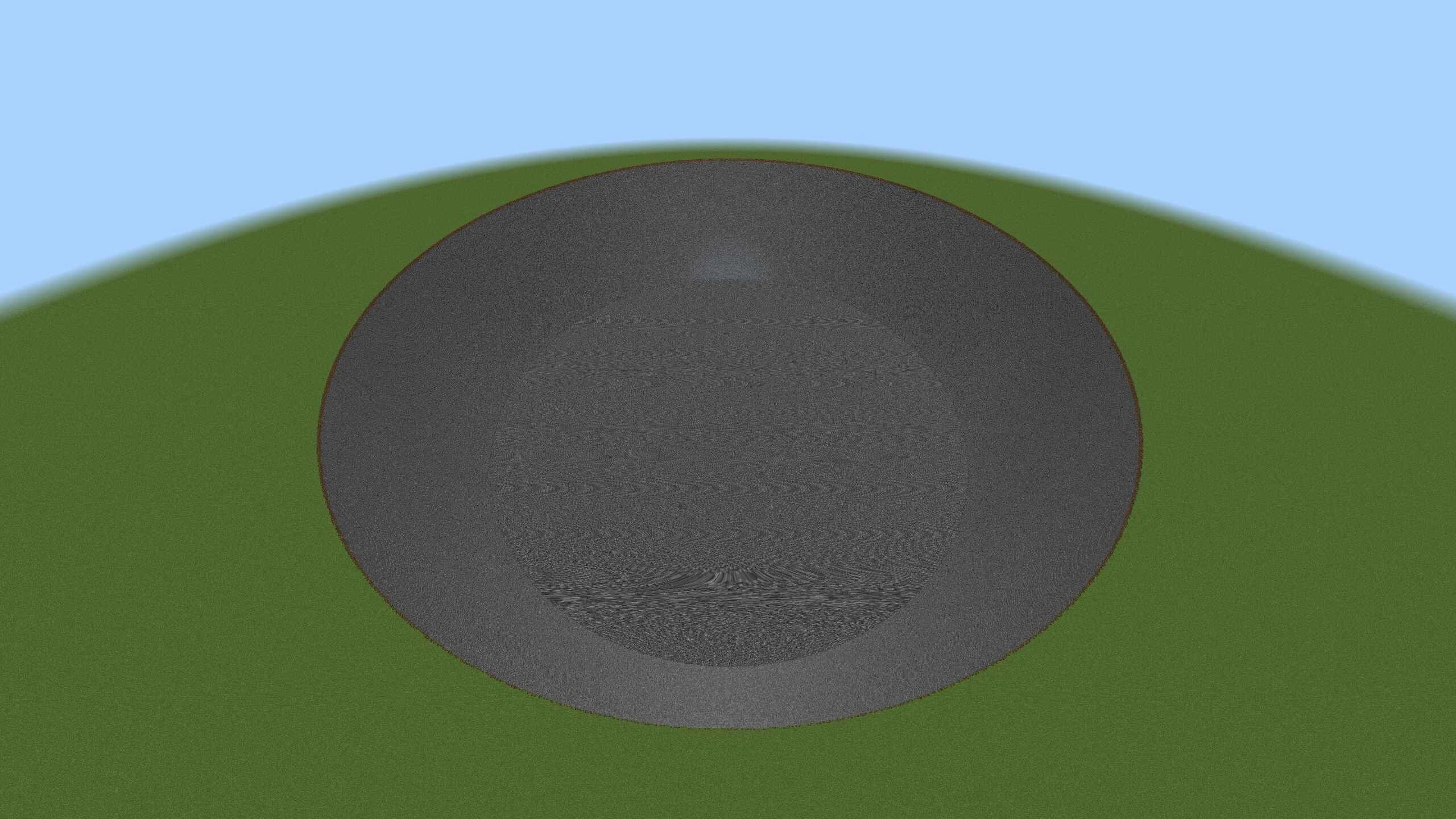
Why the TNT Addon Is a Must-Have for Minecraft Bedrock Players
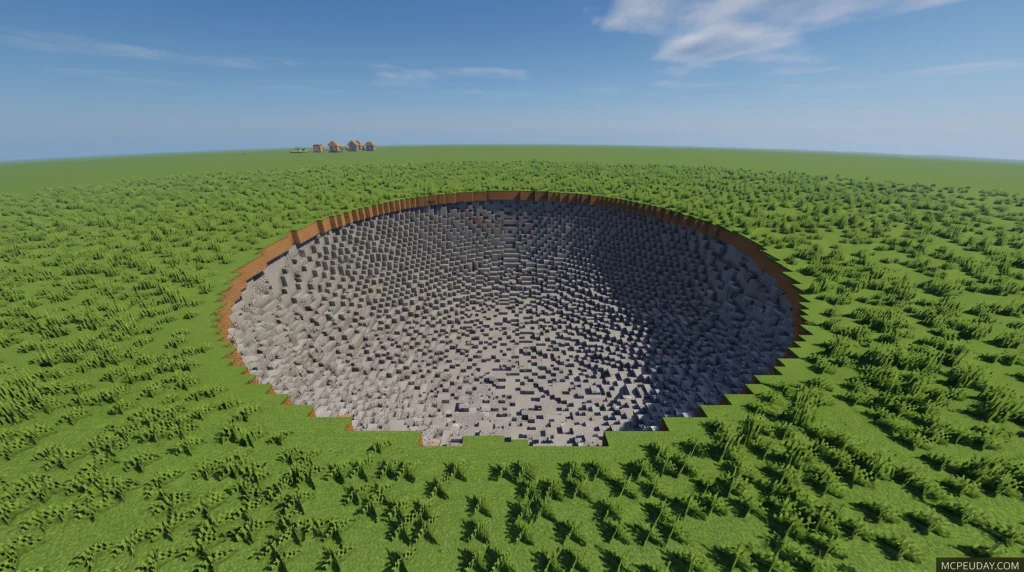
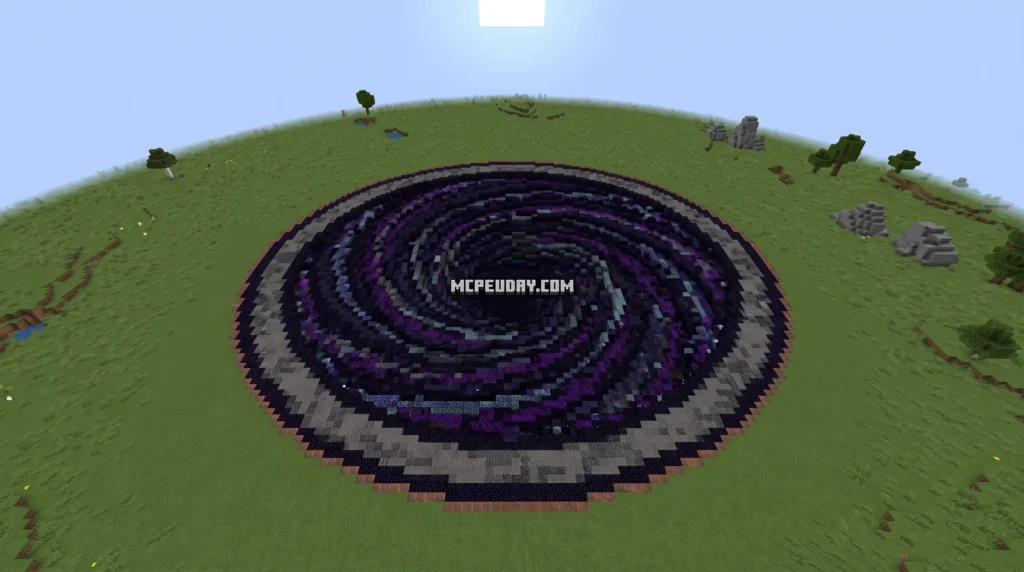
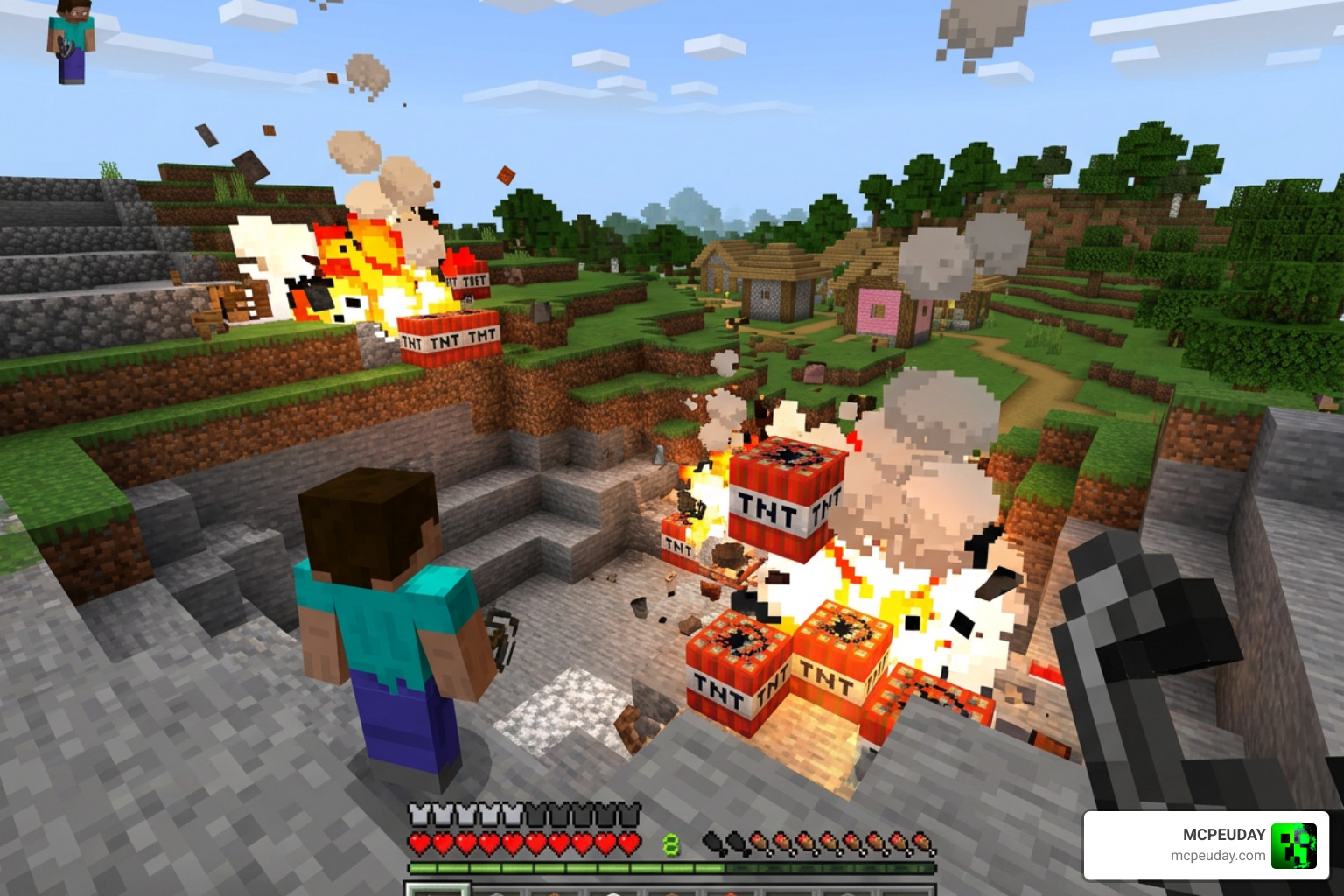
The TNT Addon is one of the most popular ways to supercharge your Minecraft Bedrock experience with powerful custom explosives — and downloading it takes just three steps.
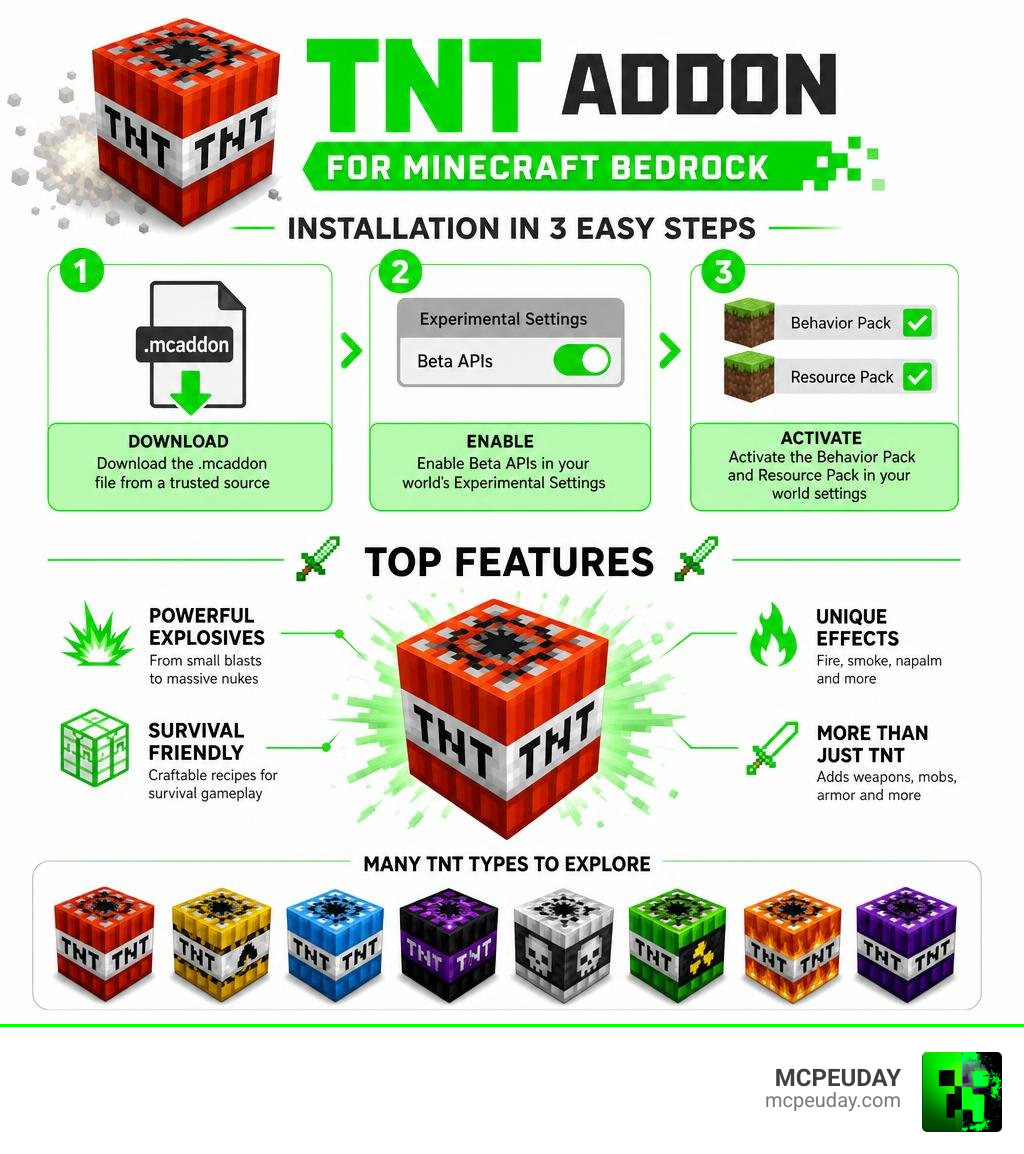
Here’s how to download the TNT Addon quickly:
- Download the
.mcaddonfile from a trusted source - Enable Beta APIs in your world’s Experimental Settings
- Activate the Behavior Pack and Resource Pack in your world settings
That’s it — you’re ready to blow things up.
Whether you want a nuke that levels entire mountains, a sneaky fake TNT block to prank your friends, or a napalm explosion that sets everything on fire, there’s a TNT Addon built for it. Some free addons add 27 to 32 new TNT types, while premium Marketplace options pack in over 80 unique variants alongside weapons, mobs, and armor sets.
The best part? Most of these addons are fully survival-friendly with craftable recipes — no creative mode required.
What is the TNT Addon for Minecraft Bedrock?
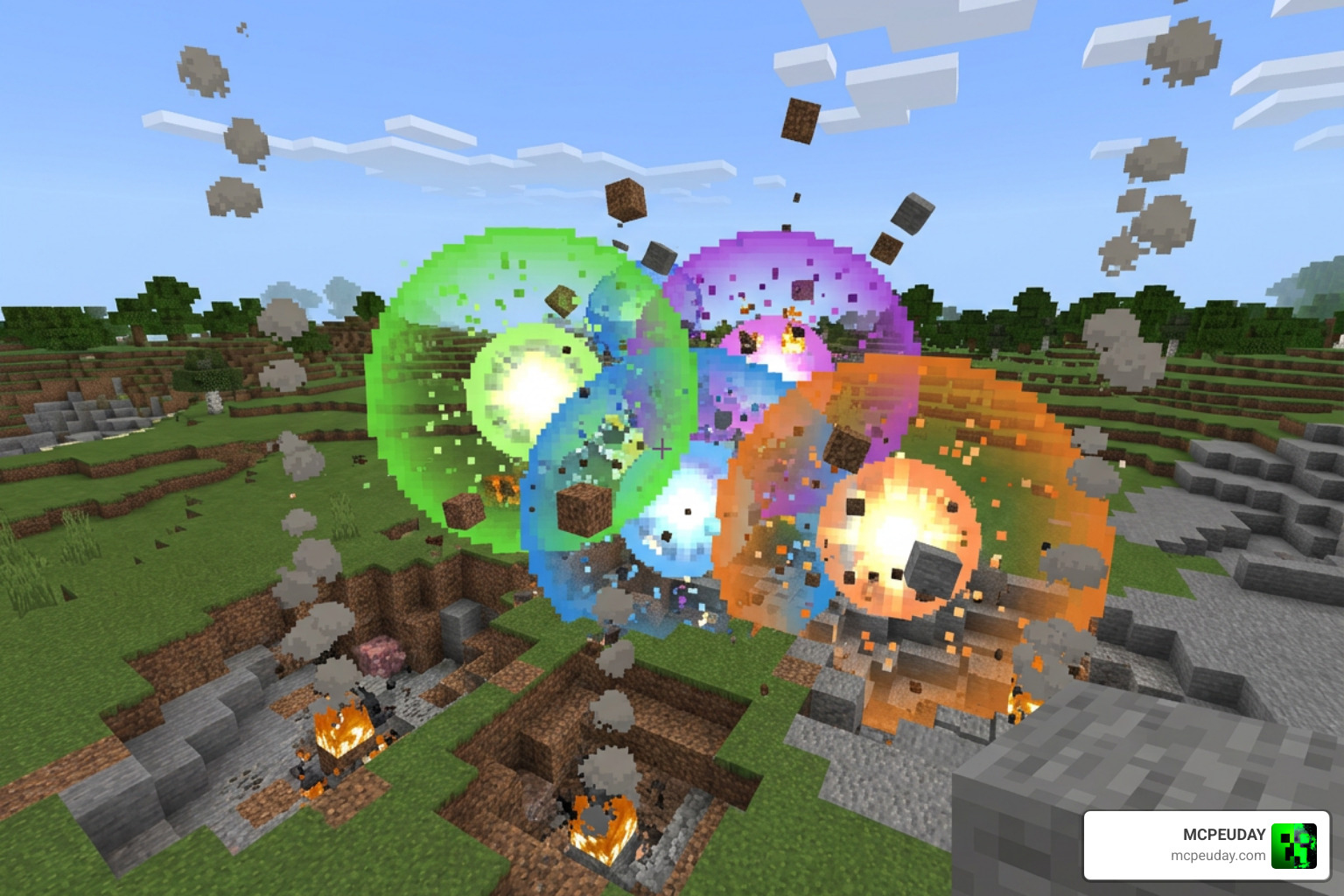
In vanilla Minecraft, TNT is fun, but it can feel a bit limited. The TNT Addon completely changes the game by introducing a massive variety of custom explosives directly into Minecraft Bedrock Edition. It is heavily inspired by classic Java Edition mods like “Too Much TNT,” but it is built from the ground up to run smoothly on modern Bedrock platforms, including Windows 10/11, mobile devices, Xbox, and PlayStation 5.
Rather than simply boosting vanilla explosion power to ridiculous levels (which usually crashes your game), modern versions of the TNT Addon use custom scripting and unique entities to handle massive, clean, spherical explosions. This means you can carve out gigantic craters or clear out vast underground mining areas without permanently freezing your device.
For a closer look at these custom explosives in action, we highly recommend watching this community showcase Reviewing FREE More TNT Addon for Minecraft Bedrock … .
Key Features of the TNT Addon
The variety of explosives available depends on which version of the pack you choose to install. For instance, the popular More TNT! Add-On | Minecraft by Tsunami Studios features a stellar 4.8/5 rating from over 460,000 reviews, offering players a seamless, high-quality experience.
Depending on your chosen pack, you can expect:
- Multiplied Power Levels: Classic multipliers like x5, x20, x50, x100, and even x500 TNT.
- Specialized Environmental Effects: Cryocharges that freeze blocks, Napalm that rains fire, and radiation effects.
- Utility Explosives: Mining TNT designed to drop 100% of destroyed blocks as items, and aquatic bombs that work perfectly underwater.
- Prank Blocks: Fake TNT blocks that look identical to vanilla TNT but trigger funny, harmless effects when ignited.
Crafting and Survival Compatibility
We know how important survival mode is to our community. Fortunately, the TNT Addon is fully survival-compatible! The custom explosive blocks are integrated directly into the vanilla crafting menu.
You do not need to rely on creative mode commands to access these blocks. Simply open your crafting table, check your recipe book, and use vanilla items like gunpowder, sand, fire charges, or ice blocks to craft your specialized explosives.
How to Download and Install the TNT Addon in 3 Easy Steps
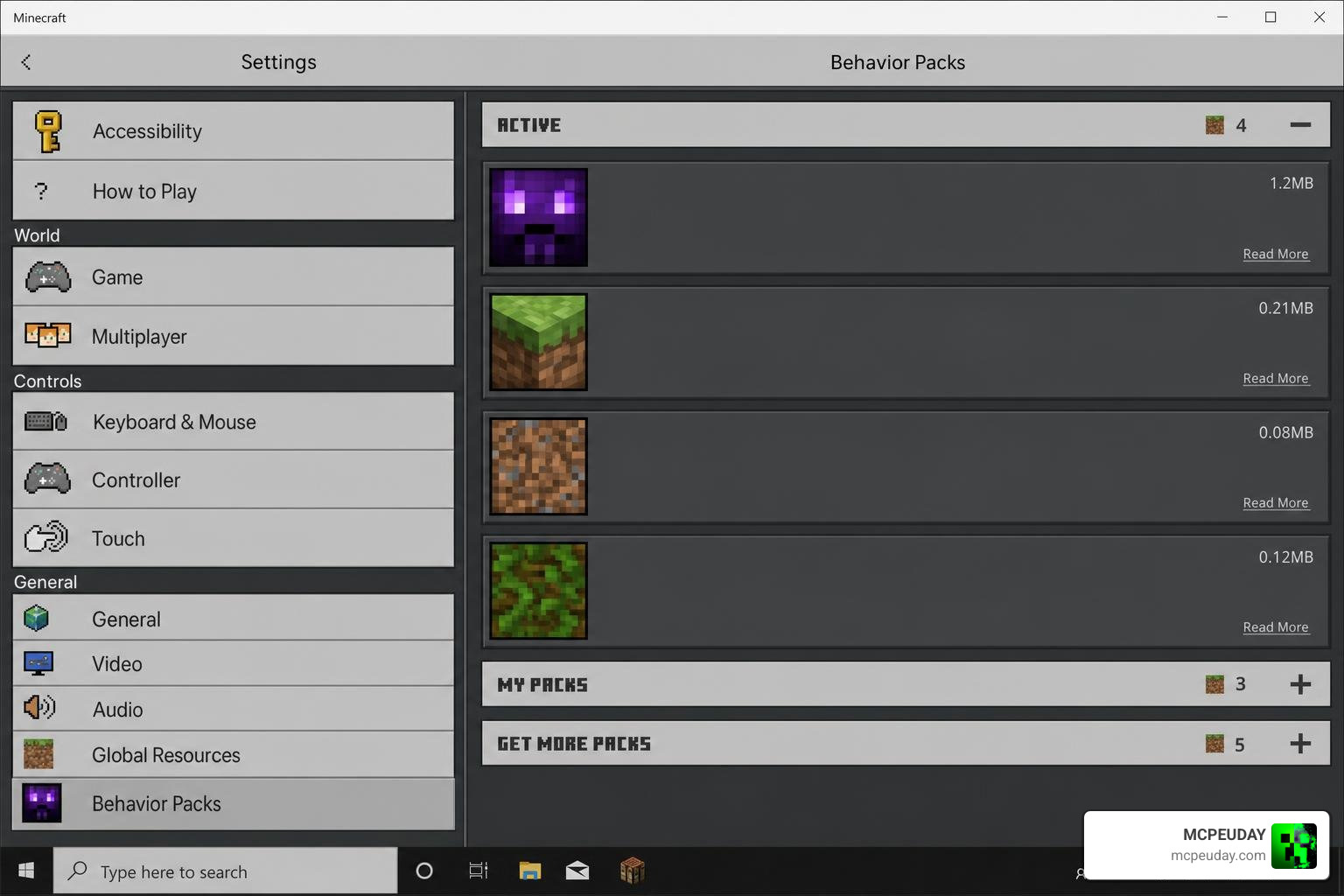
Installing custom content on Bedrock Edition is incredibly simple in 2026. Follow our quick 3-step guide to get your new explosives up and running safely.
Step 1: Download the TNT Addon Files
First, you need to acquire the official files. Depending on your preferences, you can choose between community-made open-source versions or official marketplace packs.
If you are looking for a highly technical version that features massive, mathematical spherical explosions, you can download the files directly from the InfinitySwordofDiamond/TNT-Addon GitHub repository.
Make sure to download the .mcaddon or .mcpack files. Double-clicking or tapping these files on your device will automatically launch Minecraft and import the packs.
Step 2: Enable Experimental Settings
Because this addon introduces custom blocks and advanced scripting, you must configure your world settings correctly before playing.
- Go to your world creation or edit screen.
- Scroll down to the Experiments tab.
- Toggle on Beta APIs and Upcoming Creator Features.
- Set your Simulation Distance to its maximum setting (preferably 8 or higher) to ensure that large explosions do not cut off at chunk borders.
Step 3: Activate the Behavior and Resource Packs
Finally, you need to link the packs to your active world:
- In your world settings, click on Resource Packs and activate the TNT resource pack.
- Click on Behavior Packs and activate the corresponding behavior pack.
- Click Play and enjoy your new sandbox of destruction!
Comparing the Best TNT Addon Variants and Explosive Effects
To give you an idea of what to expect when detonating these massive custom blocks, we have compiled a performance and scale comparison based on the popular open-source TNT Addon specifications.
| TNT Variant | Explosion Radius (Blocks) | Average Render/Processing Time | Special Characteristics |
|---|---|---|---|
| TNT #1 | 20 | 0 seconds (Instant) | Great for basic mining and clearing trees |
| TNT #3 | 80 | 3 seconds | Perfect for clearing out large underground caverns |
| TNT #5 | 320 | 1 minute 23 seconds | Ideal for high-end devices; leaves a massive crater |
| TNT #7 | 1280 | 27 minutes 10 seconds | Extreme scale; requires maximum render distance (96 chunks) |
Massive Explosions with the TNT Addon
When you detonate top-tier explosives like the Nuke TNT or the Hydrogen bomb, the landscape changes forever. The Hydrogen bomb, for example, features a 20-second fuse to give you plenty of time to run away, generating a blast three times more destructive than a standard tactical nuke.
Because these addons use custom scripting, they generate clean, perfect spheres. Instead of lagging your device with thousands of falling block entities, the script calculates the block removal smoothly, allowing even mobile players to experience massive explosions safely.
Special Utility and Prank Explosives
It isn’t all about mindless destruction! The TNT Addon also brings a lot of utility and humor to your game:
- C4 Explosives: Can be placed on walls and remotely detonated using a handheld detonator within a 60x60x60 block range.
- Aquatic Bombs: Perfect for clearing out ocean monuments or mining deep underwater without the water muffling the blast.
- Block Transformation Bombs: Rather than destroying blocks, some unique variants transform surrounding stone into wool or sculk.
- Fake TNT: Looks identical to regular TNT, but when your friends try to light it, it might just shoot them into the air with zero block damage, making it the ultimate prank tool.
Frequently Asked Questions About the TNT Addon
Is the TNT Addon compatible with multiplayer and Realms?
Yes! Because Bedrock Edition natively supports behavior and resource packs, the TNT Addon works flawlessly on multiplayer worlds, local LAN games, and official Bedrock Realms. When your friends join your world, they will automatically download the required resource pack.
Does the TNT Addon cause lag or performance issues?
While the scripts are highly optimized, detonating massive explosives (like TNT with a radius over 320 blocks) will cause temporary freezing while your device renders the newly cleared chunks. For lower-end mobile devices or older consoles, we highly recommend sticking to the smaller TNT variants (Radii 20 to 80) to keep your gameplay smooth.
Can I use the TNT Addon alongside gun mods?
Absolutely! Combining heavy artillery with custom explosives is the ultimate way to play. We highly recommend checking out our list of the 5 Best Minecraft Bedrock Gun Mods For Survival Pvp 2026 to find the perfect pairing.
If you want realistic 3D firearms to go along with your C4 and tactical nukes, you should definitely install the highly-rated Actual Guns 3D Addon.
Conclusion
The TNT Addon is a fantastic addition to any Minecraft Bedrock world, offering an incredible balance of survival-friendly crafting, hilarious prank potential, and jaw-dropping destruction. Whether you are clearing out space for a massive new base or just having some explosive fun with your friends on a Realm, this addon keeps the game fresh and exciting.
If you are ready to explore even more game-changing additions, weapon mods, and beautiful shaders, Explore more Bedrock mods on MCPEUDAY to build your perfect Minecraft setup today!
Download
Download Addon
MORE ADDONS – MCPE/Bedrock – MCPEUDAY
Free with Minecraft Marketplace All Packs – Click and Join
1 thought on “TNT Addon (26.x, 1.21) – MCPE/Bedrock Mod”