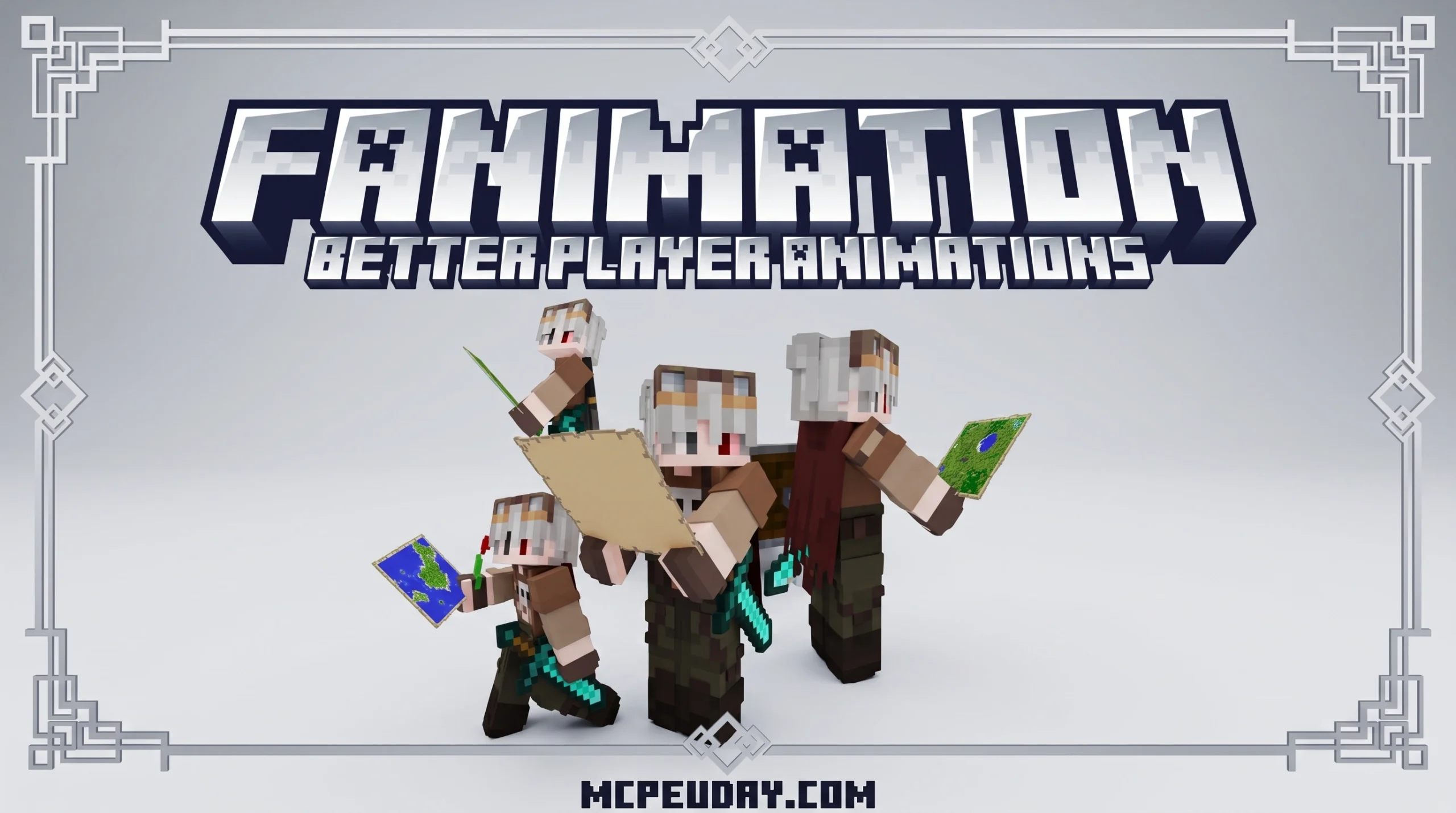
What the FAnimation Texture Pack Does (and Why Players Love It)
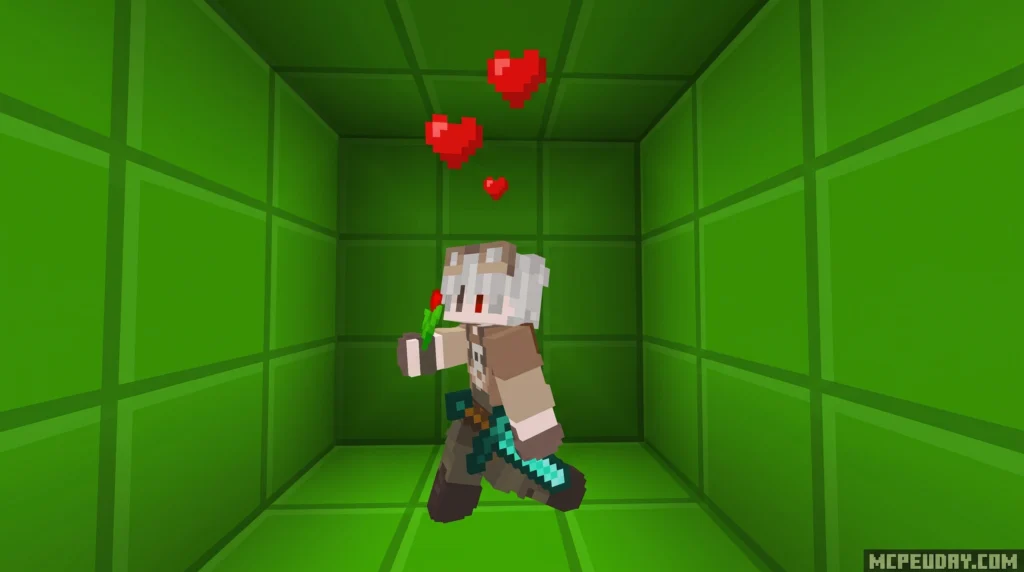
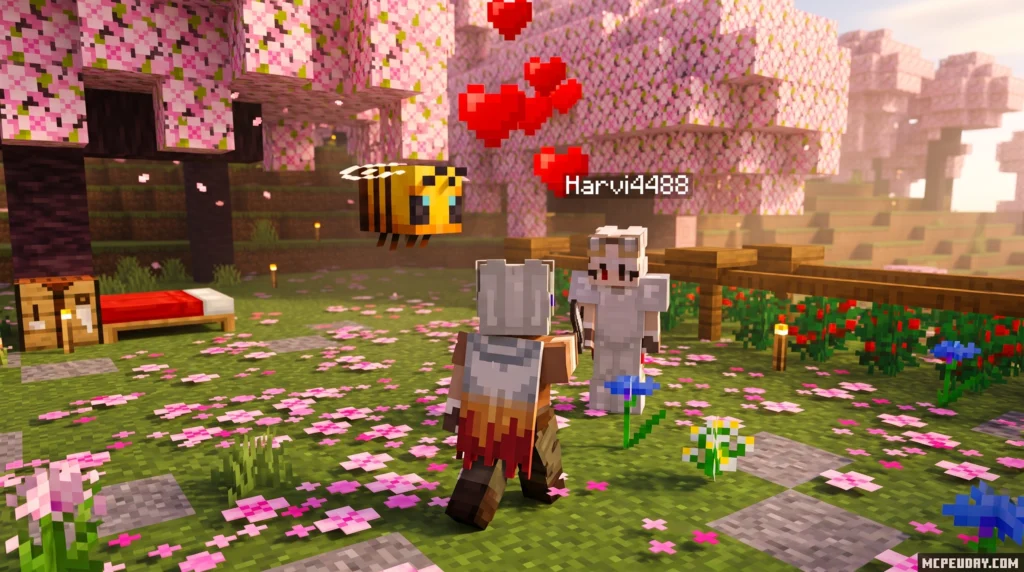
The FAnimation Texture Pack is a free resource pack for Minecraft Bedrock Edition that replaces the game’s stiff default player animations with smoother, more dynamic movements inspired by Minecraft Dungeons.
Quick answer for what you need to know:
- What it is: A Bedrock Edition resource pack that overhauls player animations
- Who made it: Creator known as fieryabyss, first released August 2023
- What it adds: 15+ new animations including walking, running, sneaking, combat, fishing, flying, and sitting
- Special effects: Heart particles, speed lines, black smoke, and 3D item models
- Requires experiments: No – works without enabling experimental features
- Best version: FAnimation U7.1 X Fiery Combat (compatible with Minecraft 1.20-1.21)
- Where to get it: Use a trusted Minecraft Bedrock resource source and always check that the file matches your game version
If you’ve ever looked at your character in vanilla Minecraft PE and thought the movements looked robotic and flat, you’re not alone. The default animations haven’t changed much in years – your character slides around, punches with zero weight, and idles like a cardboard cutout.
FAnimation fixes that. It makes every movement feel intentional – from the way your character holds a sword to the sparkle effect that plays during elytra gliding.
Thanks to its smooth movement overhaul, Minecraft Dungeons-inspired style, and compatibility with modern Bedrock versions, it has become one of the most popular player animation packs for Bedrock and Minecraft PE.
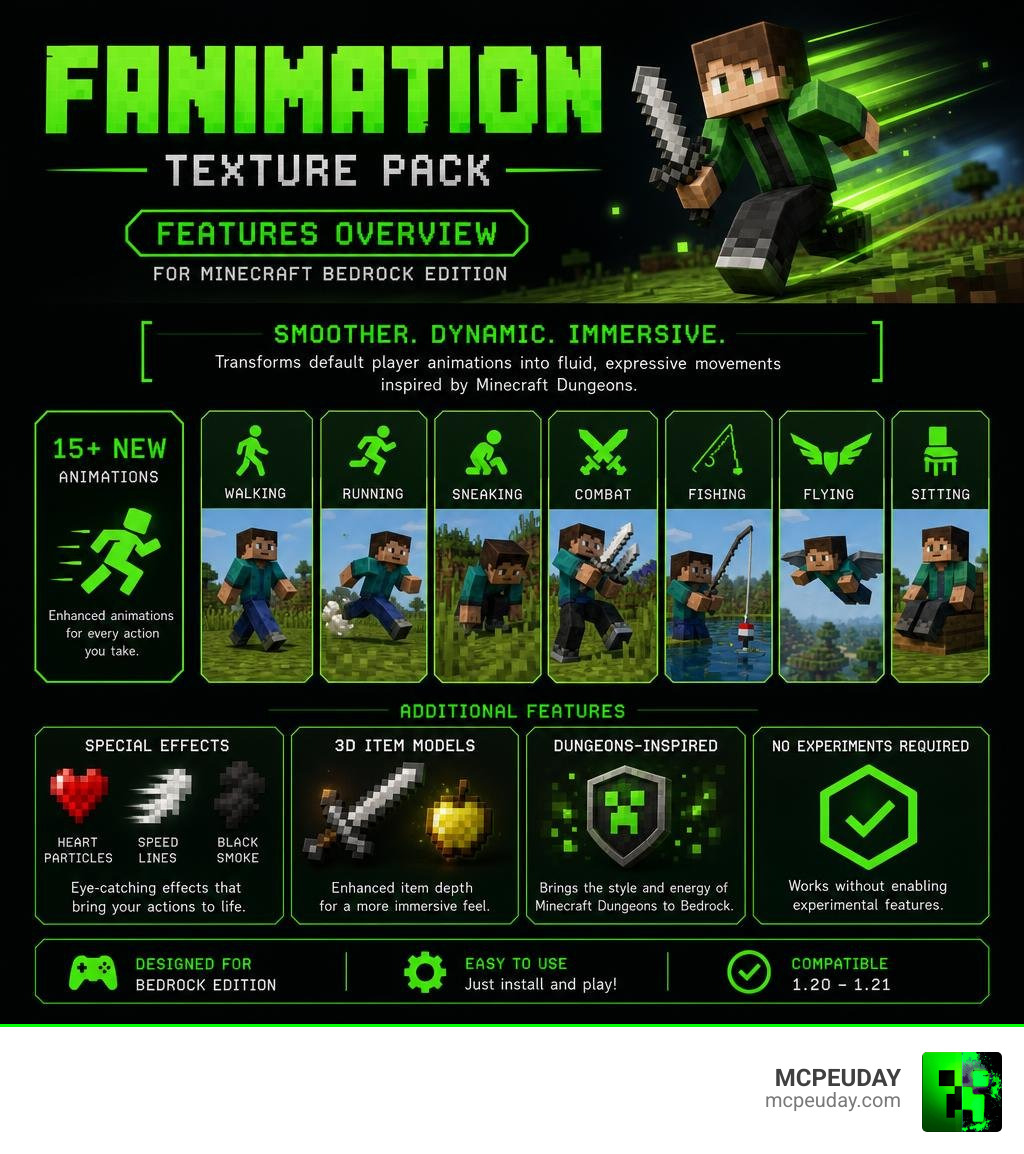
What is the FAnimation Texture Pack?
At its core, the FAnimation Texture Pack is a comprehensive visual overhaul designed specifically for Minecraft Bedrock Edition. Heavily inspired by the fluid and expressive character models seen in Minecraft Dungeons, this pack bridges the gap between classic blocky aesthetics and modern action-RPG movement.
Developed by the talented creator fieryabyss, the pack focuses entirely on player movement and interaction. You can find the original FAnimation | Better Player Animations Minecraft Texture Pack listing to learn more about its development history. Rather than modifying block textures or changing how the environment looks, it targets the player entity model. It updates the keyframe animations for everything your character does, making your actions look incredibly smooth and satisfying.
This visual upgrade is particularly noticeable when playing in third-person perspective, allowing you to appreciate the fluid transitions between running, jumping, and landing. It also enhances multiplayer gameplay, as other players using the pack will display these same high-quality movements, making cooperative adventures feel much more cinematic and immersive.
Whether you are exploring solo or playing on a massive multiplayer server, this pack injects a sense of life into your character. For MCPE and Bedrock players, it is one of the most appealing ways to upgrade character movement without changing the core Minecraft experience.
Key Features and New Animations in FAnimation
What makes this resource pack stand out is the sheer attention to detail. The animations do not just look “different”—they feel heavy, responsive, and natural. Every action has been carefully keyframed to ensure that transitions between different states, such as moving from a sprint into a sudden stop, feel completely seamless.
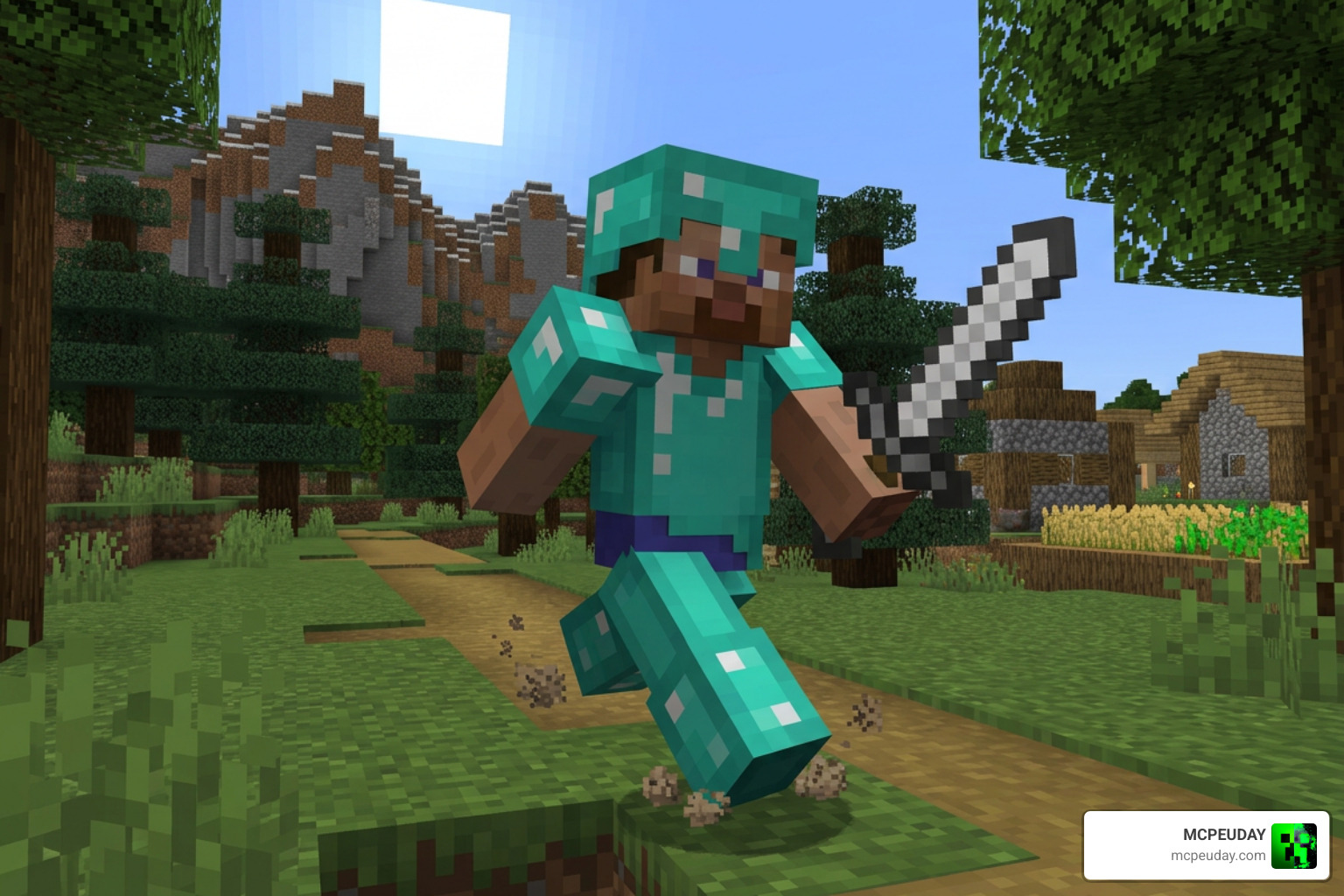
Movement and Combat Upgrades in FAnimation Texture Pack
The fundamental movements of your character receive a massive upgrade, replacing the outdated legacy animations with modern, dynamic alternatives:
- Walking and Running: Gone is the stiff, sliding motion of vanilla Minecraft. Your character now leans into their runs, bobbing slightly with realistic weight distribution. When running with a sword, your character holds the weapon ready, looking like a true warrior prepared for battle.
- Sneaking and Crawling: Sneaking looks incredibly stealthy, with a lowered stance that looks natural. Crawling is equally fluid, allowing you to slide through one-block gaps with realistic arm-and-leg coordination that mimics real-world movement.
- Shield Blocking and Combat: When you block with a shield, your character actually hunkers down behind it, providing a true sense of protection. Sword strikes have follow-through weight, and basic punch animations look like actual strikes rather than quick arm twitches.
Special Particles and 3D Models
Beyond basic skeletal movements, the pack introduces highly immersive visual effects and custom item models that elevate the overall aesthetic of your game:
- Heart Particles: When you sneak while holding flowers, adorable heart particles float around your character, adding a touch of charm to your interactions.
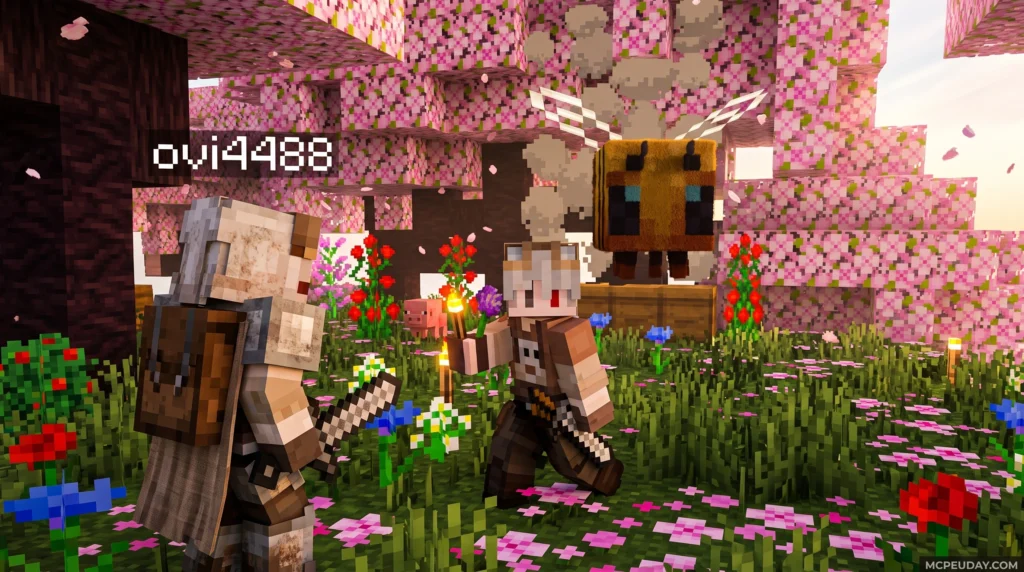
- Black Smoke: Holding a Dragon Egg produces an ominous black smoke effect, emphasizing the mysterious and powerful nature of the item.
- Speed Lines: Gliding at high speeds with an Elytra generates dynamic wind lines around your screen, enhancing the sensation of flight and making high-altitude travel feel incredibly fast.
- 3D Items: Items like maps and torches are rendered as full 3D models. The torch even features a realistic holding angle rather than floating awkwardly in your hand, which greatly improves first-person immersion.
- Smooth Cape Support: Built-in cape physics allow your cloaks to wave naturally behind you as you move, reacting dynamically to your speed and direction.
Compatibility, System Requirements, and Fiery Combat Integration
One of the best aspects of the FAnimation Texture Pack is its lightweight footprint. Because it is a resource pack rather than a heavy script-based mod, it does not destroy your frame rate. It runs smoothly on everything from budget Android phones to high-end Windows 10 PCs.
FAnimation Texture Pack Version Compatibility and Setup
The pack is highly compatible across Bedrock platforms, supporting Minecraft PE versions 1.20 all the way through 1.21+.
Unlike many complex animation mods, the standard version of FAnimation does not require you to toggle experimental gameplay settings. This makes it incredibly easy to use as a global resource on servers and realms. However, if you want alternative options with different technical setups, you can also check out the New Player Animation Addon for a similar realistic movement experience.
The Fiery Combat Collaboration
To take your combat experience to the next level, fieryabyss collaborated with the creator of Fiery Combat. This crossover pack, known as FAnimation U7.1 X Fiery Combat, bridges the animation system with an epic combat addon.
Fiery Combat introduces over 20 new weapons (including the Sword of Justice, Spear of Thunder, Void Breaker, and Ender Claymore) and nearly 50 new items. The FAnimation pack provides custom attack, idle, and running animations specifically designed for these legendary weapons, making the integrated version a strong choice for players who want smoother combat visuals alongside expanded weapon gameplay.
How to Install and Customize FAnimation
Installing the pack is straightforward. Since it uses the standard .mcpack format, you can usually import it with a single click.
Step-by-Step Installation
For Android devices, navigate to your file manager and place the downloaded folder in this directory: Android/data/com.mojang.minecraft.pe/files/games/resource_packs/
For Windows 10/11 users, double-clicking the .mcpack file will automatically launch Minecraft and install the pack. Once installed, go to Settings, select Global Resources, and activate the pack.
Customizing Your Cape
FAnimation features smooth cape physics and allows you to customize your cloak. The pack includes 12 random cape textures, but you can assign a custom texture to your specific gamertag.
To do this, open the pack files, locate the cape.rendercontroller file, and edit it to include your Minecraft gamertag. Then, replace the customcape.png file with your own design.
FAnimation vs. Other Animation Packs
How does FAnimation stack up against other popular animation packs? Let’s take a look at how it compares to Fay’s Player Animation and the legendary Fresh Animations pack.
| Feature | FAnimation | Fresh Animations | Fay’s Player Animation |
|---|---|---|---|
| Primary Focus | Player character | Mobs and creatures | Player character |
| Inspiration | Minecraft Dungeons | Official trailers / Life-like mobs | Realistic movement |
| Experimental Toggles | Not required | Required (on Java/Bedrock) | Not required |
| Special Features | 3D models, custom capes, particles | Facial expressions, blinking | 30+ custom actions, server-friendly |
While the Fresh Animations Bedrock Addon is the absolute gold standard for making mobs like Creepers and Villagers feel alive, FAnimation remains the best choice for styling your own character. To build the ultimate immersive setup, we highly recommend combining FAnimation with environmental upgrades like the Better Foliage Addon Texture Pack and the Better Sounds Resource Pack.
Frequently Asked Questions about FAnimation
Does FAnimation require experimental features?
No! The latest versions of the FAnimation pack (including U7.1) do not require you to turn on experimental toggles. However, if you use older legacy versions, certain complex animations like climbing and riding might require experiments enabled to function correctly.
How do I customize the cape texture in FAnimation?
You can replace the default customcape.png file inside the resource pack’s texture folder with your own custom image. To ensure it only displays on your character in multiplayer, edit the cape.rendercontroller file and input your exact Xbox Live gamertag.
Is FAnimation compatible with multiplayer servers?
Yes. Because it functions as a client-side resource pack, you can activate it in your Global Resources menu. It will work perfectly on multiplayer servers, Featured Servers, and Bedrock Realms without causing issues for other players.
Conclusion
The FAnimation Texture Pack is an absolute must-have for any Minecraft Bedrock player looking to escape the stiff, outdated movements of vanilla gameplay. By blending the expressive style of Minecraft Dungeons with the combat mechanics of the Fiery Combat addon, it transforms your everyday survival adventures into an epic, visually dynamic experience.
We at MCPEUDAY are dedicated to bringing you the absolute best mods, shaders, and resource packs. Explore our complete library of Minecraft Texture Packs to find more incredible ways to customize your game today!