What Is Mellowv Shader and Where to Download It
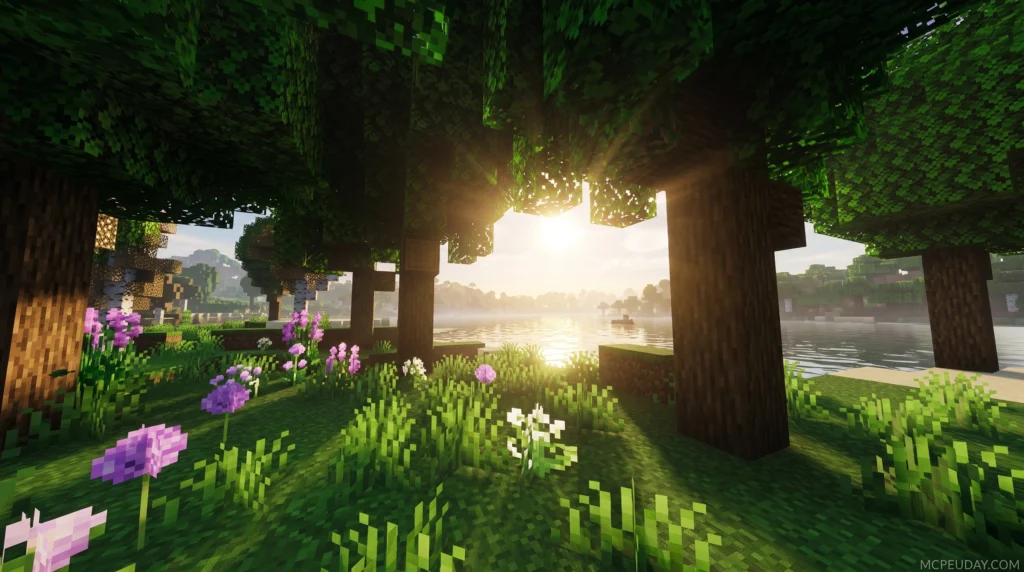
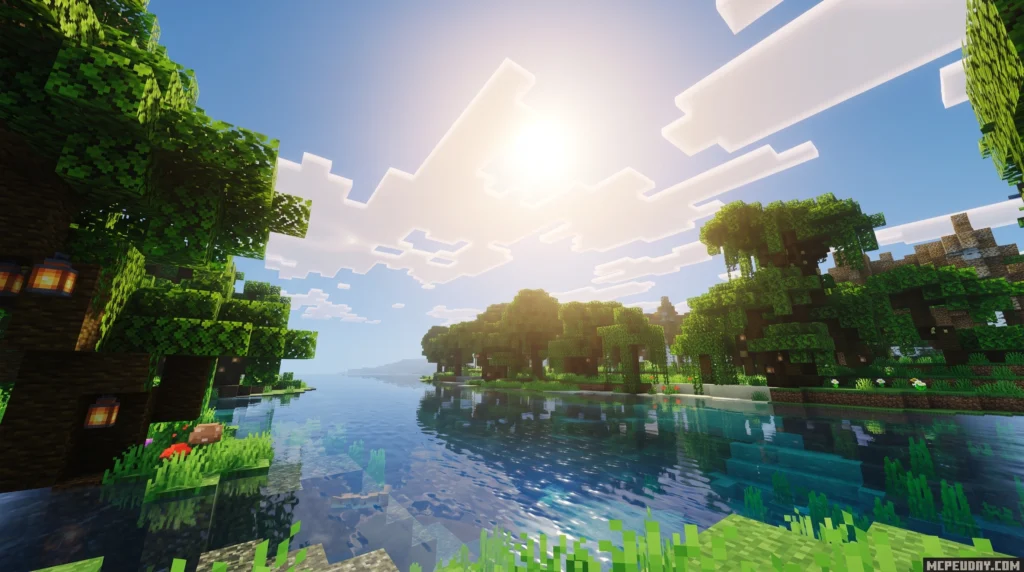
Mellowv Shader is a lightweight, painterly Minecraft shaderpack built for players who want better visuals without tanking their FPS. You can download it right now from these official sources:
- Modrinth — recommended for stable, bug-free releases (3.15M+ downloads)
- CurseForge — over 6.5 million downloads and counting
- Codeberg — the open-source repository for the latest source code
The current version is Mellow 3.0, published February 5, 2026.
If you’ve ever wanted shaders that actually let you play the game — not just stare at it — Mellow is worth your attention. Most shader packs push your GPU hard with ray tracing and heavy post-processing. Mellow takes the opposite approach.
Its whole design philosophy is summed up in its own tagline: “Easy on your eyes and on your computer.”
That’s a rare thing in the shader world. And with over 6.5 million downloads on CurseForge alone, it’s clearly landing for a lot of players.
Whether you’re on a budget laptop or a mid-range gaming PC, this guide will get you up and running in minutes.
Understanding the Mellowv Shader Aesthetic and Features
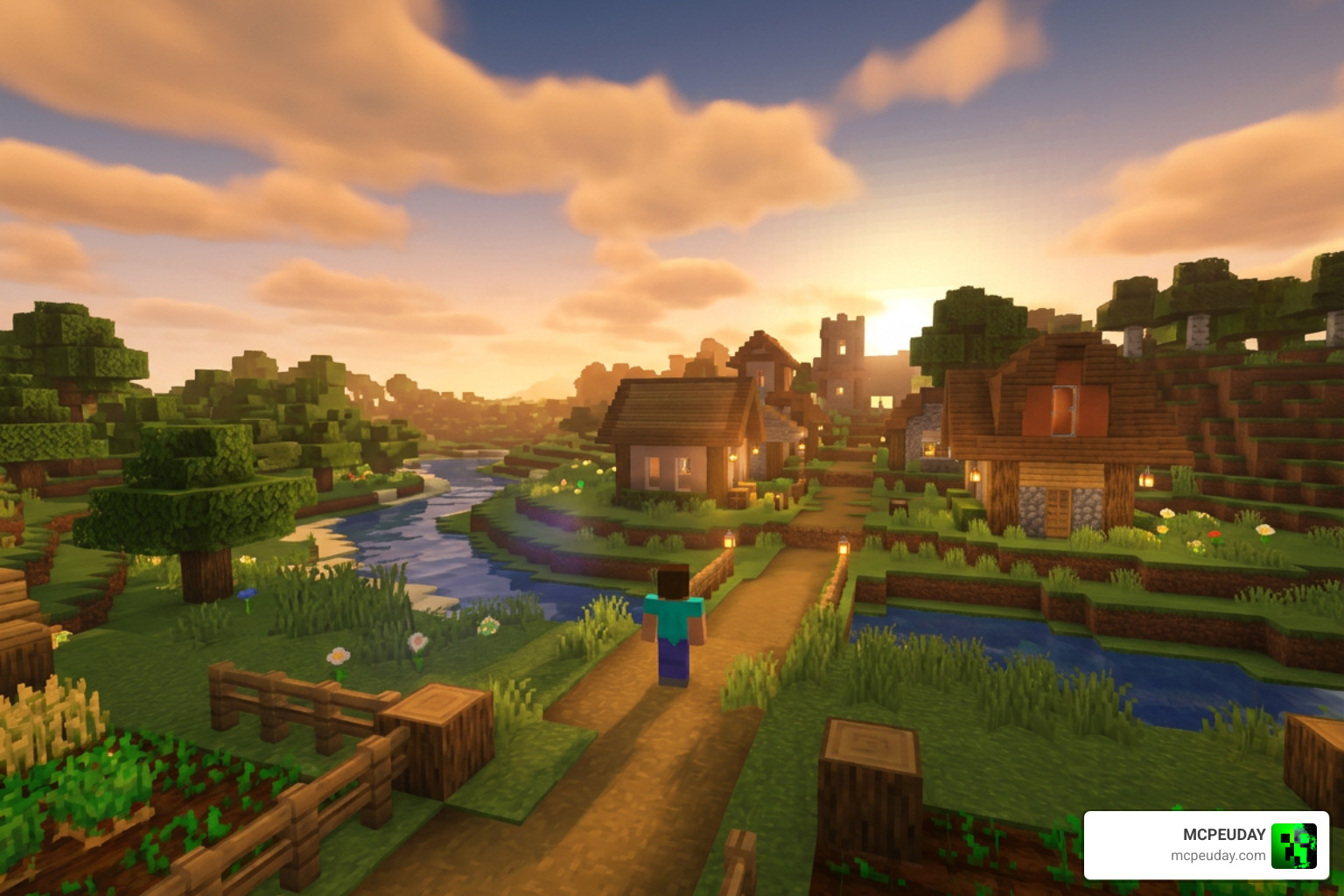
When we talk about shaders, the conversation usually revolves around hyper-realism, blinding lens flares, and water that looks like a high-end CGI movie. But let’s be honest: actually playing survival Minecraft under those conditions can be exhausting. Your fans scream, your frames drop, and you can barely see what you are mining.
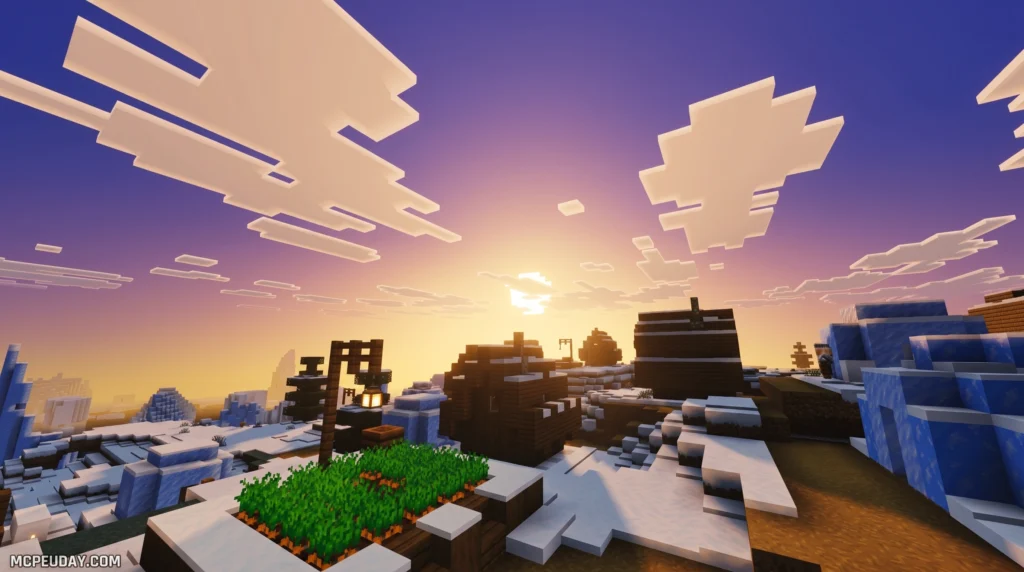
That is where the Mellowv Shader shines. It is designed to offer a beautiful, “painterly” aesthetic that enhances the game’s atmosphere while keeping the vanilla feel intact. Instead of replacing Minecraft’s blocks with hyper-realistic textures, it softens the world, balances the colors, and cleans up the lighting. It is one of our top recommendations, often ranking alongside the 3 Best Shaders for Minecraft 1.21 for players who value smooth performance over heavy visual effects.
What is the Mellowv Shader?
Created by the talented developer TheCMK, the Mellowv Shader is a simple, gameplay-oriented shaderpack built primarily for low-end computers. If you are tired of slideshow-like frame rates, this pack is your ticket to a prettier game.
Unlike heavy shaderpacks that muddy up dark areas, Mellow maintains vanilla-like visibility. You will still be able to see caves clearly, navigate deep oceans, and explore the Nether without squinting. For those who love looking under the hood, the open-source project is hosted on Codeberg: TheCMK/mellow-shader: Simple optifine shaderpack meant for low-end computers. – Codeberg.org .
Key Features and Mod Compatibility
Despite being built for performance, the Mellowv Shader does not skimp on standard features. Here is what you get out of the box:
- Bloom & Wavy Foliage: Subtle glowing effects on light sources and realistic waving animations for leaves, grass, and water.
- Ambient & Border Fog: An extensive, highly customizable fog system that blends the horizon beautifully.
- Realistic Clouds: Multiple cloud styles that look natural and shift with the time of day.
- Lightmap Shadows: By default, it uses lightweight lightmap-based shadows to keep performance high, though shadowmap-based shadows are available if your hardware can handle them.
- Mod Compatibility: One of Mellow’s greatest strengths is its broad compatibility. It integrates seamlessly with popular visual mods like Distant Horizons (for massive level-of-detail rendering), Voxy (for smooth far-terrain LODs), and Colorwheel.
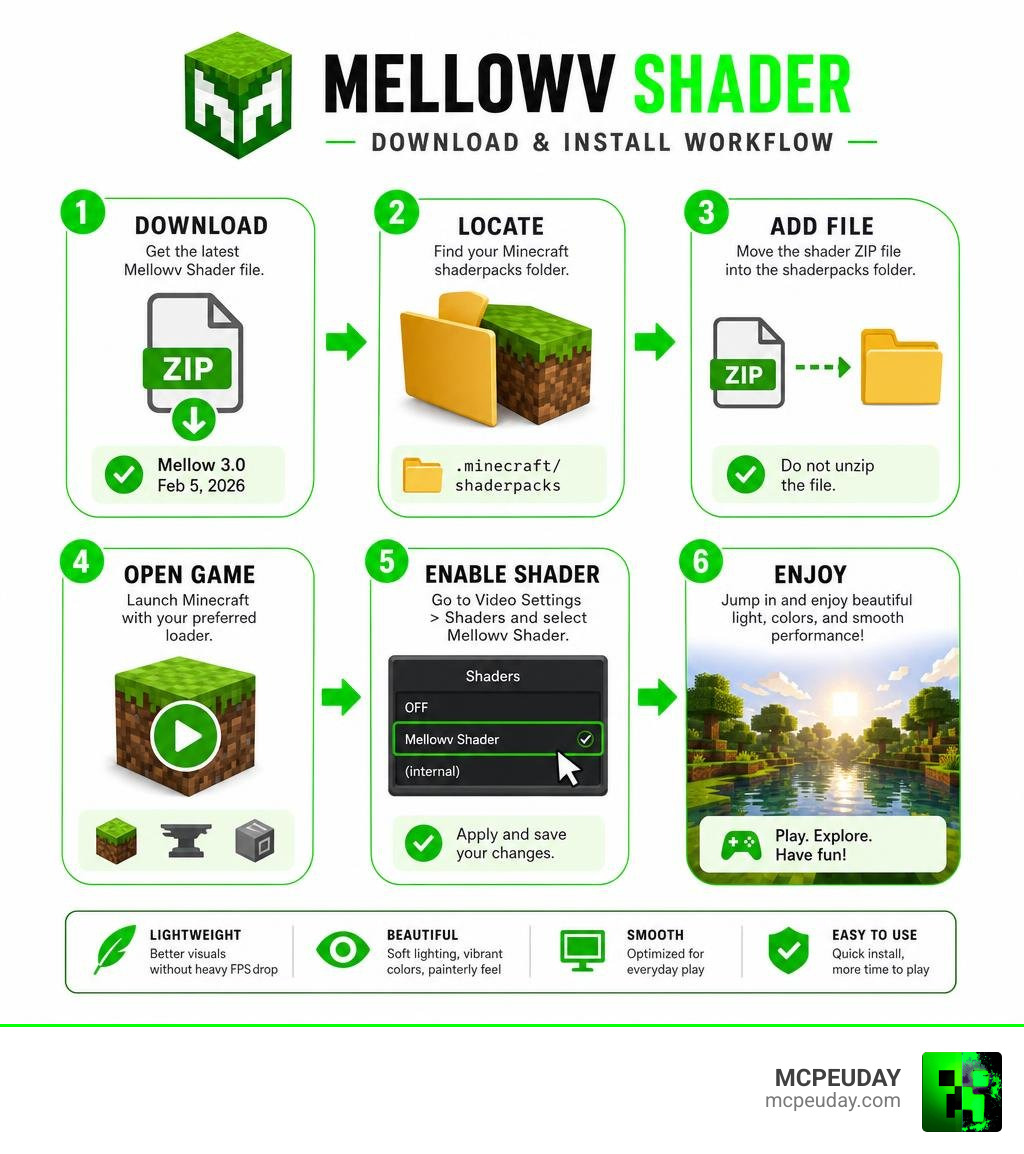
Step-by-Step Guide: How to Download and Install Mellowv Shader
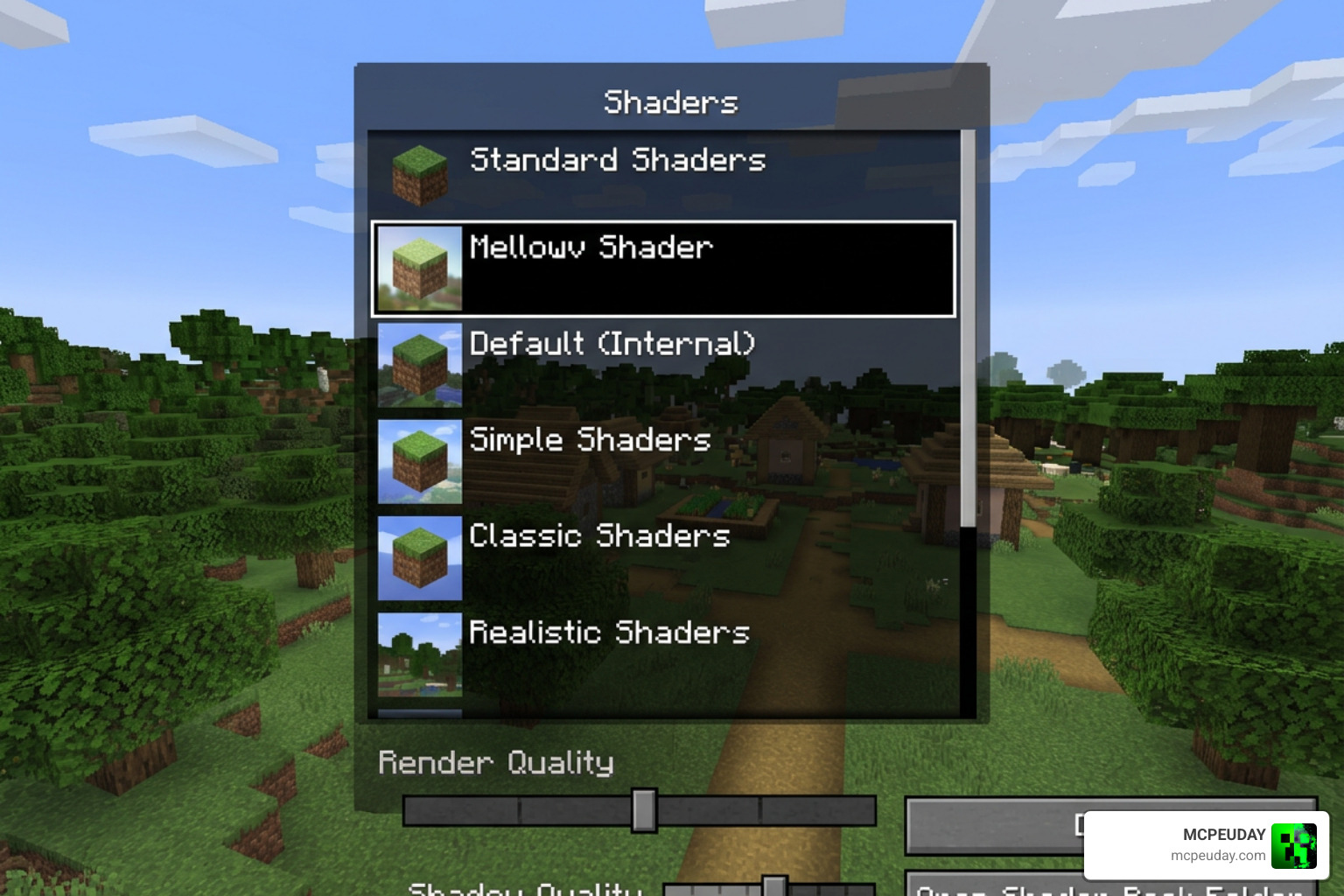
Ready to transform your world? Installing the Mellowv Shader is a straightforward process. Whether you prefer the lightweight Iris mod or the classic OptiFine setup, we will walk you through the process step-by-step. If you have never used shaders before, you can also check out our comprehensive guide on How to Turn On Shaders in Minecraft for a deeper dive.
Downloading from Official Sources
To ensure you get a safe, bug-free file, always download the shader from its official developer repositories. We highly recommend using Modrinth or CurseForge. If you want to grab the files directly from the source, you can visit Mellow – Minecraft Shaders.
- Navigate to the official download page.
- Select the version that matches your Minecraft installation (Mellow 3.0 supports everything from legacy versions up to the latest 1.21.x releases).
- Download the
.zipfile to your computer (do not extract it!).
Installing with Iris or OptiFine
For the absolute best performance and compatibility, we highly recommend using the Iris Shaders mod. OptiFine is supported, but it has a few known minor bugs with Mellow’s custom uniforms.
For Iris Users:
- Make sure you have installed the Iris mod (either standalone or via a modpack like Sodium).
- Launch Minecraft and go to Options > Video Settings > Shader Packs.
- Click the Open Pack Folder button.
- Drag and drop the downloaded Mellow
.zipfile into this folder. - Select Mellow from the in-game list, click Apply, and enjoy!
Performance Analysis and Customization Options
One of the coolest aspects of the Mellowv Shader is its scale of customization. It can run on literally almost anything—from old Intel integrated graphics (iGPUs) to high-end Nvidia or AMD dedicated GPUs (dGPUs).
To give you an idea of what to expect, let’s look at how the shader performs across different hardware profiles, including its popular high-performance fork, Wispy.
| Performance Profile | Expected FPS (Low-End iGPU) | Expected FPS (High-End dGPU) | Best For |
|---|---|---|---|
| Ultra Performance | 190+ FPS | 440+ FPS | Potato PCs & Integrated Graphics |
| Balanced | 180+ FPS | 380+ FPS | Standard survival gameplay |
| Ultra Quality | 120+ FPS | 350+ FPS | Taking screenshots & high-end rigs |
Key Customization Settings for Mellowv Shader
Once you have installed the shader, open the shader settings menu in Minecraft to tweak it to your liking. In the latest Mellow 3.0 update, the developer switched to GLSL version 400, which keeps the code incredibly clean and allows for several advanced features. You can read more about these updates at Mellow 3.0 – Mellow .
Here are the settings you should look out for:
- Dynamic Shadows: These are turned off by default because they are highly demanding. If you have a dedicated GPU, toggle them on for beautiful, realistic shadows.
- PBR Support: Mellow 3.0 supports labPBR 1.3 resource packs, enabling realistic surface normals, specular reflections, ambient occlusion, and emissive block textures.
- Color Grading & Channel Mixer: Tweak exposure, saturation, and contrast, or use the built-in color schemes to match your mood.
- Season Coloring: A fantastic feature that automatically shifts foliage colors over a 30-Minecraft-day cycle, starting with fresh spring greens and ending with warm autumn oranges.
Wispy Shader: The High-Performance Fork
If you are playing on a true “potato” computer or a school laptop with integrated graphics, you should check out Wispy Shaders. Wispy is a heavily optimized fork of Mellow designed specifically for maximum performance on low-end hardware.
Wispy streamlines the post-processing effects, bloom, and water rendering of the original Mellow shader. It boasts a massive 40%+ performance improvement on its Balanced profile compared to other lightweight shaders like MakeUp-Ultrafast with all effects turned off. It is the ultimate choice for squeeze-every-frame performance.
Frequently Asked Questions about Mellowv Shader
Which Minecraft versions are supported by Mellowv Shader?
The shader officially supports Minecraft Java Edition versions from 1.8 all the way up to 1.21.x. While versions 1.17 and newer are the most thoroughly tested, the shader maintains excellent backward compatibility for legacy players.
Why are dynamic shadows turned off by default?
Dynamic shadows require your computer to calculate real-time light paths for every block and entity. To ensure that players on low-end hardware get great performance right out of the box, the developer chose to disable them by default. If you have a decent graphics card, you can easily turn them on in the shader settings.
Is Mellowv Shader compatible with Mac or mobile devices?
Mellow is designed for Minecraft Java Edition on Windows and Linux. While it may work on macOS, compatibility is not guaranteed and users occasionally report minor visual bugs. If you are a mobile player looking for high-quality shaders for Bedrock Edition on Android or iOS, we recommend checking out the Best Render Dragon Shaders for MCPE 1.21.
Conclusion
At MCPEUDAY, we love shaders that prioritize actual gameplay over flashy, unplayable tech demos. The Mellowv Shader strikes the perfect balance—giving you a vibrant, painterly world to explore without turning your computer into a space heater.
If you are playing on mobile or Bedrock Edition and want a similar performance-friendly boost, don’t worry! We have you covered. Check out our curated list of the 15 Best Minecraft PE Shaders or jump straight to our top recommendations to Download the Best Shaders for MCPE 1.21. Happy mining, and enjoy your beautiful new views!