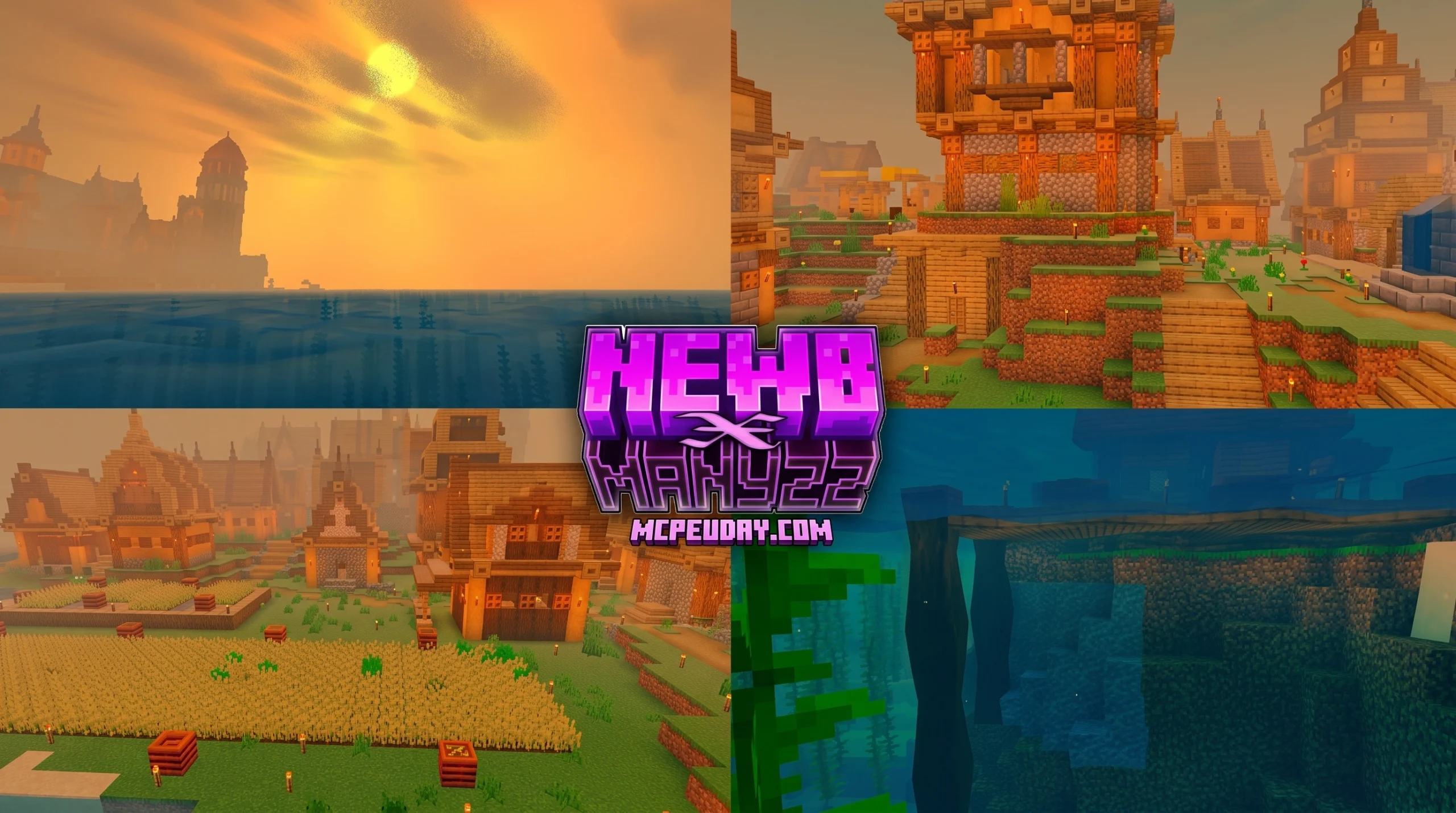
What Is the Newb X Manyzz Merged Shader and Where to Download It
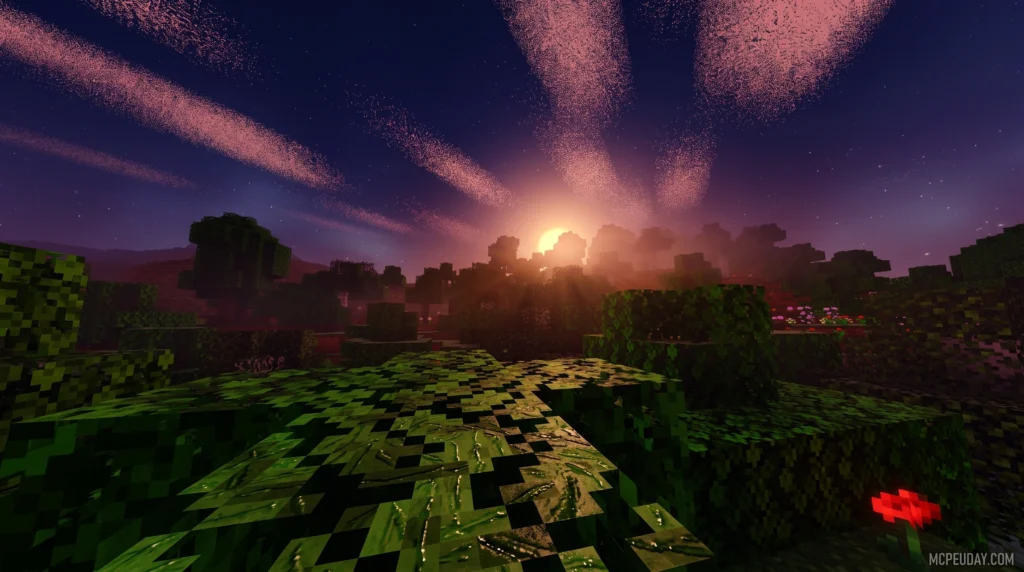
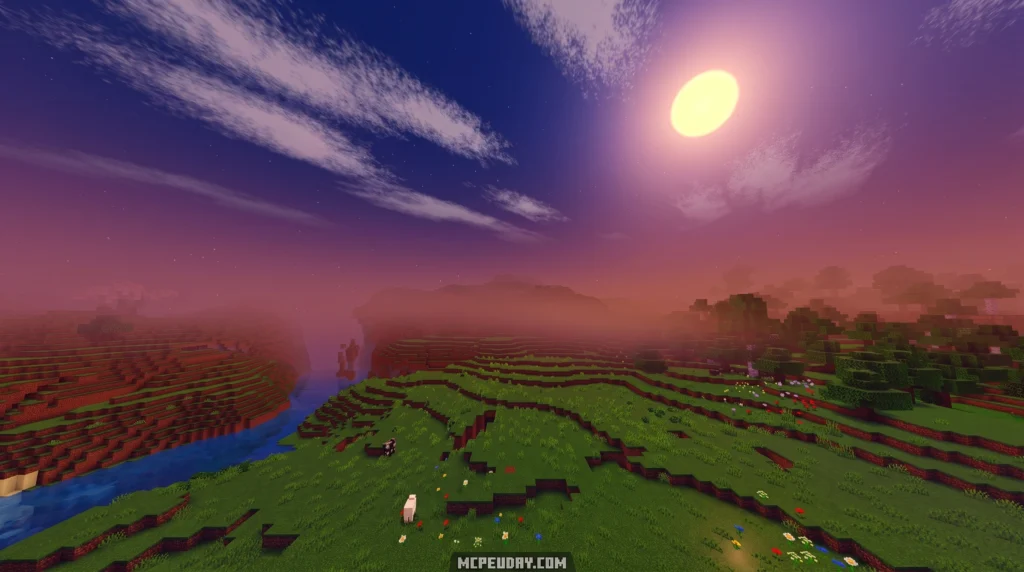
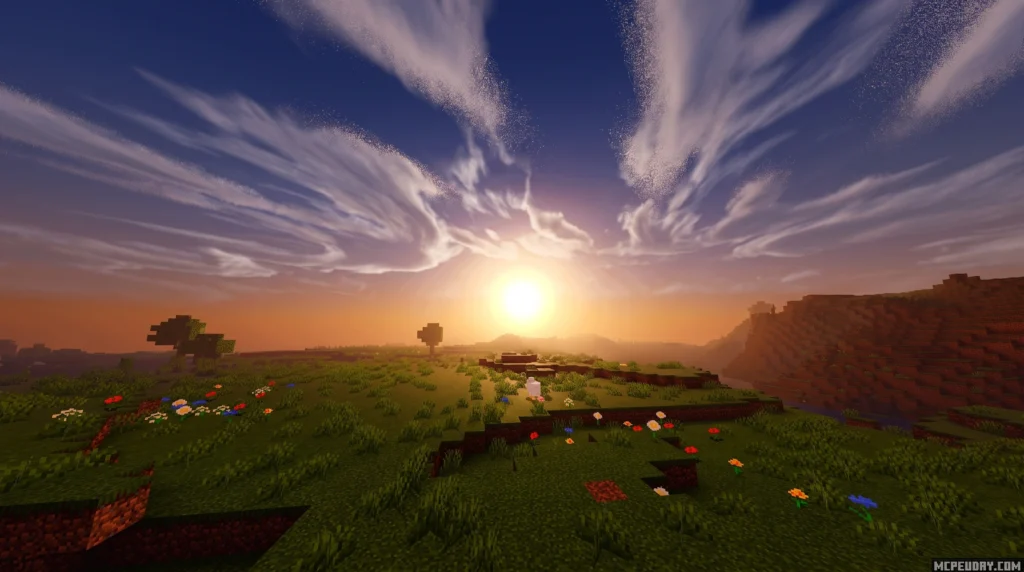
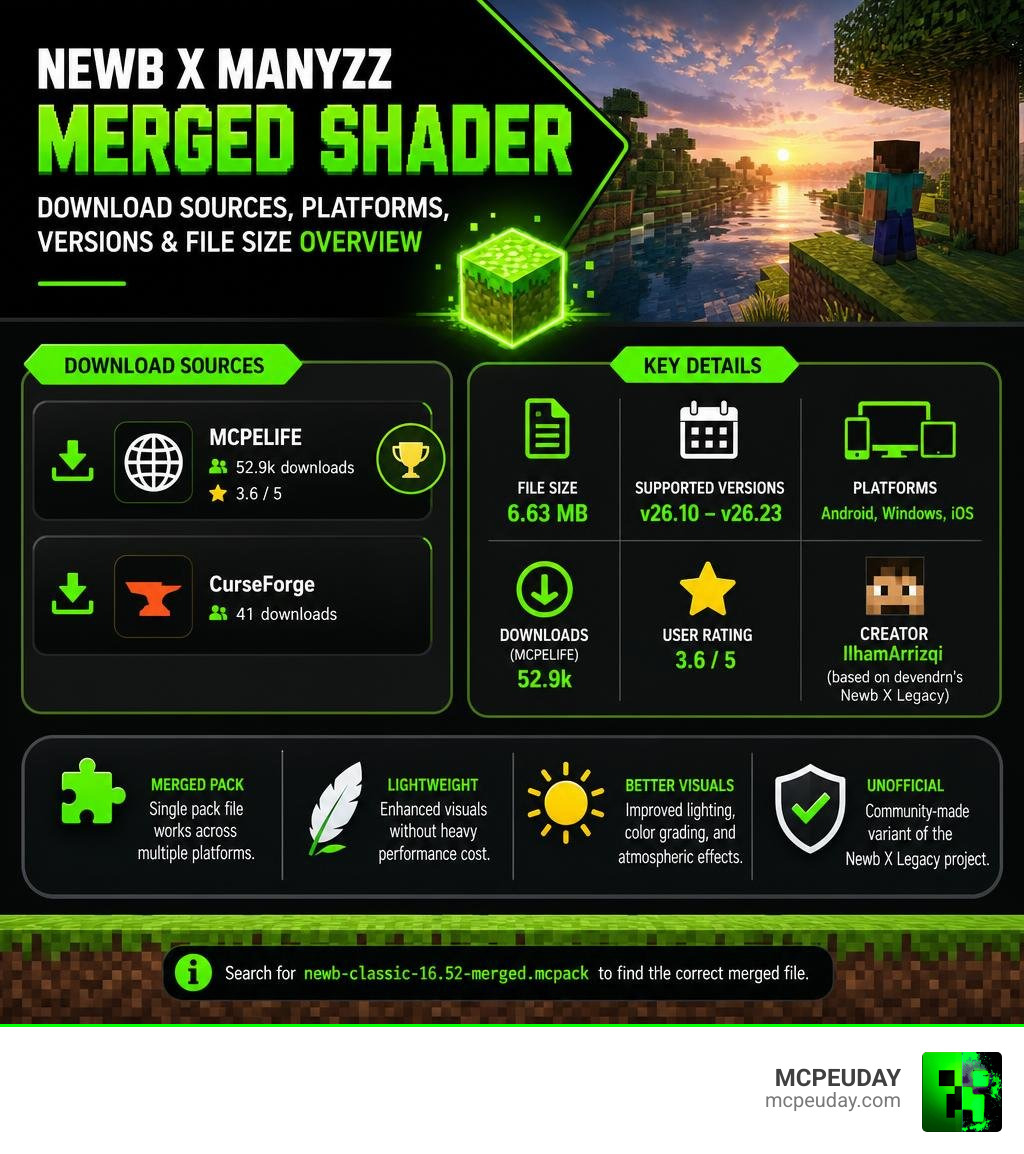
The Newb X Manyzz Merged Shader is a community-made RenderDragon shader for Minecraft Bedrock Edition that upgrades your game’s visuals with better lighting, color grading, and atmospheric effects – all while staying lightweight.
Quick answer for download:
- Look for the merged pack file named
newb-classic-16.52-merged.mcpack - Confirm the merged pack file size is around 6.63 MB before installing
- Use trusted Minecraft Bedrock shader download pages and avoid suspicious reuploads or renamed files
Key facts at a glance:
| Detail | Info |
|---|---|
| File size (merged) | 6.63 MB |
| Supported versions | Minecraft Bedrock v26.10 – v26.23 |
| Platforms | Android, Windows, iOS |
| User rating | 3.6 / 5 |
| Creator | IlhamArrizqi (based on devendrn’s Newb X Legacy) |
It is an unofficial variant of the original Newb X Legacy project. The “merged” version means a single pack file works across multiple platforms, which makes it easier to install than platform-specific builds.
Below, we cover everything – features, installation steps, and how to identify the correct download file safely.
Complete Guide to the Newb X Manyzz Merged Shader
To understand what makes the Newb X Manyzz Merged Shader so special, we have to look at how Minecraft Bedrock handles graphics. Ever since Mojang introduced the RenderDragon rendering engine, traditional GLSL shaders stopped working. This left many of us playing with flat, vanilla graphics. The transition to RenderDragon meant that the game no longer read external shader files in the same way, requiring a complete overhaul of how community developers approached visual modding.
Fortunately, brilliant creators in the community found a workaround. The original Newb Shader, which was a beloved GLSL project, received a spiritual successor built specifically for the RenderDragon engine. This official successor is known as Newb X Legacy, developed primarily by the talented creator devendrn. You can explore the core framework and see how it works on the official devendrn/newb-x-mcbe: A custom vanilla RenderDragon shader for … GitHub repository.
Because Newb X Legacy is open-source, other creators can fork the project to build their own custom versions. That is where IlhamArrizqi comes in. IlhamArrizqi took the lightweight foundation of Newb X and merged it with custom code, color palettes, and environmental settings to create the Newb X Manyzz variant. It is an unofficial, community-driven project that offers a unique aesthetic twist compared to other popular variations like the Newb X Lowres Renewed Shader. By tweaking the core rendering files, this variant achieves a distinct look that sets it apart from standard configurations.
Supported Minecraft Versions for Newb X Manyzz Merged Shader
One of the biggest headaches with Bedrock shaders is version compatibility. Because Mojang frequently updates the RenderDragon engine, shaders can break easily. A minor game update can completely alter how materials are compiled, leading to black screens or invisible blocks.
We have great news for you: the Newb X Manyzz Merged Shader is fully compatible with Minecraft Bedrock versions 26.10 through 26.23. Whether you are playing on Android, Windows, or iOS, this merged pack is designed to run smoothly on these specific versions without causing annoying graphic glitches or crashes. It ensures that players on different platforms can enjoy the same visual fidelity without worrying about sudden compatibility breaks.
Performance and Subpacks in Newb X Manyzz Merged Shader
If you are worried that your device will turn into a portable heater while running this pack, you can breathe a sigh of relief. Just like the Newb X Sapphire Shader, Newb X Manyzz is built with lightweight performance in mind. The optimization techniques used in the code prevent unnecessary GPU overhead, making it ideal for mobile players.
It preserves your precious frames per second (FPS) while completely overhauling the atmosphere. Even better, the pack includes built-in subpack options. If your device can handle a bit more visual weight, you can toggle on the realistic clouds subpack for gorgeous, fluffy skies. If you are playing on a low-end mobile device, you can easily turn it off to keep your gameplay buttery smooth. This level of customization ensures that whether you are on a flagship gaming PC or a budget smartphone, you can tailor the shader to fit your hardware capabilities perfectly.
Key Visual Features and Enhancements
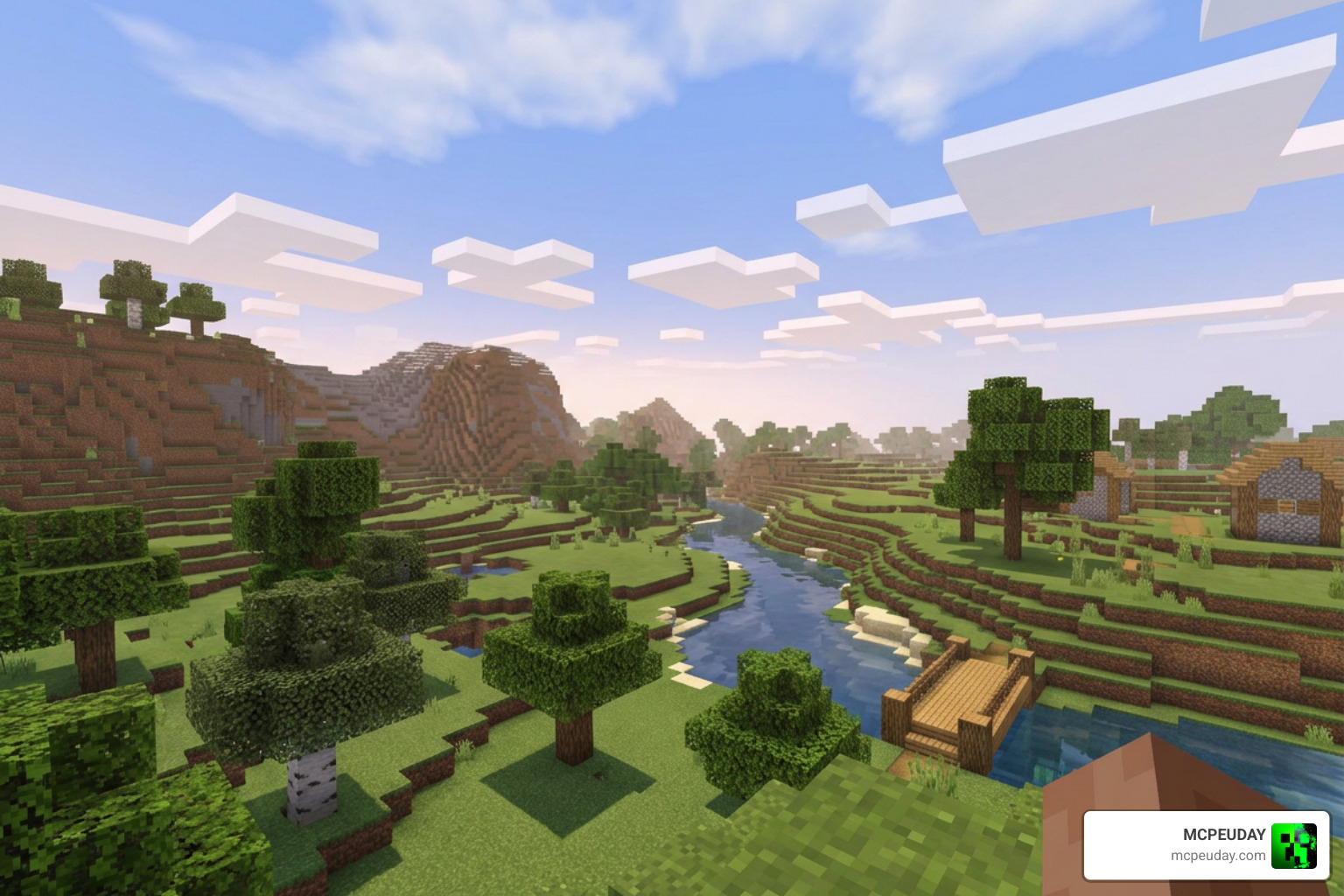
What actually changes when you load the Newb X Manyzz Merged Shader into your world? Unlike some shaders that make everything blindingly bright or pitch black, Manyzz focuses on soft, natural, and highly atmospheric aesthetics. It aims to enhance the vanilla art style rather than completely replacing it, ensuring that your builds still look recognizable but significantly more polished.
Here are the standout visual features you will experience:
- Balanced Color Grading: The shader features slightly lowered gamma, exposure, and saturation. This removes the harsh, neon look of vanilla Minecraft, replacing it with a more natural, realistic color palette. The daylight feels warmer, while shadows carry a soft, cool blue tint that mimics real-world lighting behavior.
- Moody Nether Ambience: Instead of the standard warm orange fog in the Nether, Manyzz introduces a stunning purple and magenta ambient tone. It makes exploring the Nether feel incredibly mysterious and alien. The glowing lava pools contrast beautifully against this dark, cosmic fog, creating a highly cinematic underworld experience.
- Hand-Held Glow Effects: Items that naturally emit light (like torches, lanterns, or glowstone) will softly illuminate your hand and the immediate area when you hold them. This dynamic lighting feature is incredibly useful for cave exploration, as you no longer need to constantly place torches just to see where you are walking.
- The End Dimension Black Hole: If you step through the portal to fight the Ender Dragon, look up! The sky features a mind-bending black hole effect that makes the End feel like a true cosmic void. This dramatic skybox replacement adds an epic scale to the final boss arena, making the entire dimension feel far more menacing.
- Dynamic Weather and Sky: Enjoy beautiful aurora effects during cold nights, realistic rain particles, and custom sun textures that blend perfectly with the sky. The water rendering also receives a subtle upgrade, featuring gentle wave animations and improved transparency that makes oceans and rivers look much more lifelike.
If you love these kinds of atmospheric upgrades but want to see how they compare to other options, check out our guide on the Newb X Future Shader.
How to Install Newb X Manyzz on Android and Windows
Because shaders are not officially supported by Mojang on Bedrock Edition, installing them requires a few extra steps. You cannot just double-click the pack and expect it to work immediately; you need a tool to load the custom materials into the RenderDragon engine. This is because the modern engine restricts direct modification of its rendering pipeline, meaning we must use external injectors or loaders to bypass these security and system limitations.
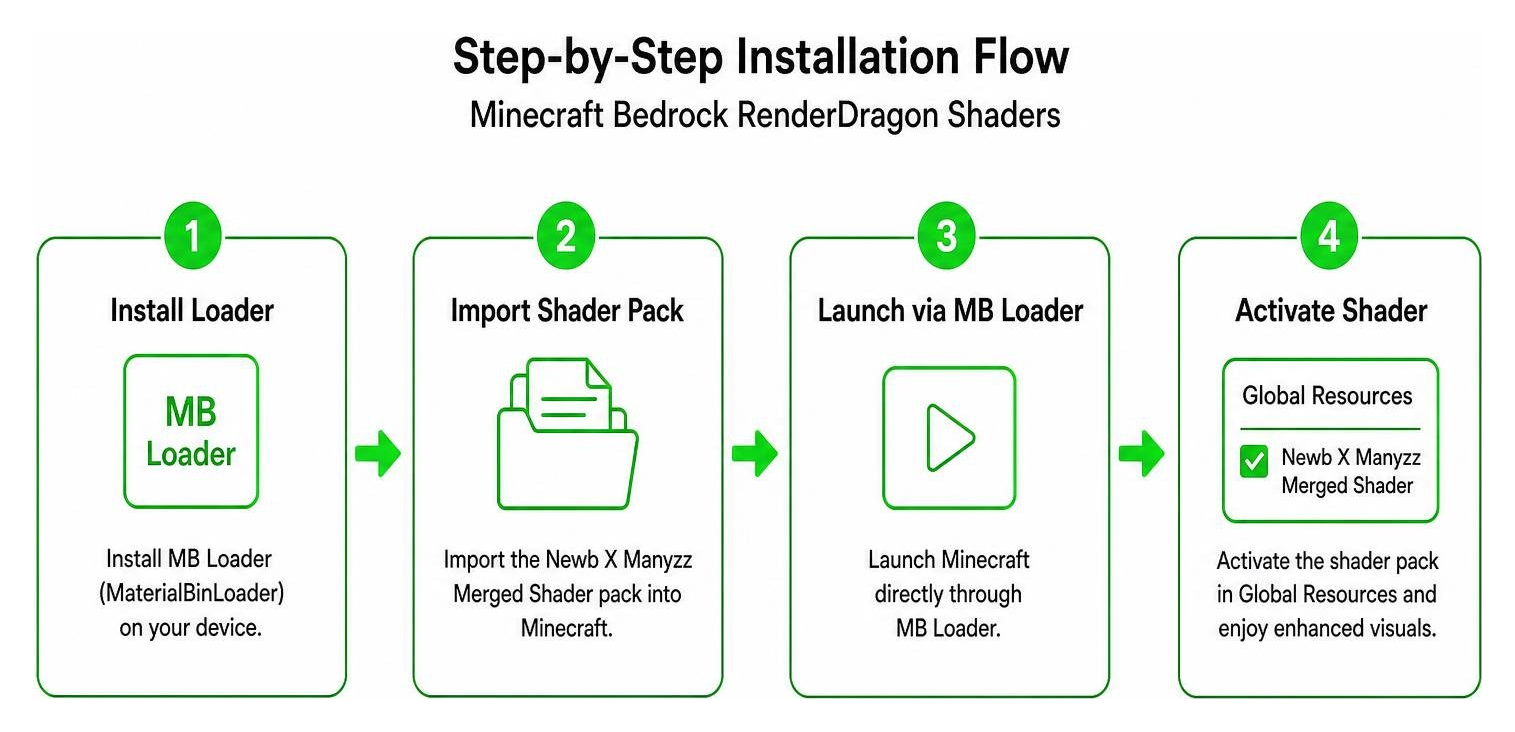
Here is a quick comparison of the installation methods for both platforms:
| Platform | Required Tools | Basic Installation Steps |
|---|---|---|
| Android | MB Loader (MaterialBinLoader) | 1. Install the MB Loader app. 2. Import the shader pack into Minecraft. 3. Launch Minecraft directly through MB Loader. 4. Activate the shader in Global Resources. |
| Windows | BetterRenderDragon or Matject | 1. Download BetterRenderDragon. 2. Run mcbe_injector.exe to launch Minecraft with material loading enabled.3. Alternatively, use Matject with IObit Unlocker to replace the default material bin. 4. Import and activate the pack. |
Understanding the Loading Tools
To get the most out of your installation, it helps to understand what these tools are doing behind the scenes. On Android, MB Loader acts as a wrapper that intercepts the game’s asset loading process, forcing it to read the custom shader materials instead of the default vanilla ones. On Windows, BetterRenderDragon works similarly by injecting code into the running Minecraft process, allowing the engine to compile custom HLSL shaders. While it might seem complicated at first, these tools have been thoroughly tested by the community and are safe to use.
For a complete beginner-friendly breakdown of how these loading tools work, you can read our Newb X AI Shaders guide or check out the setup tips in our Newb X Ambient Shader review.
Where to Find the Newb X Manyzz Merged Shader Download Link
If you are ready to download the pack, we recommend sticking to safe, verified Minecraft Bedrock shader pages and checking the file details carefully before importing anything into your game.
For the merged release, look for the cross-platform shader file named newb-classic-16.52-merged.mcpack. The correct merged pack file size is 6.63 MB. If you find older Android-specific builds, their file sizes may be smaller, commonly ranging from about 1.37 MB to 4.04 MB depending on the Minecraft version they were made for.
Before installing, double-check these details:
- The file name should match the merged
.mcpackrelease you are looking for - The file size should be close to 6.63 MB for the merged pack
- The listed Minecraft Bedrock compatibility should mention versions v26.10 through v26.23
- Avoid files with unusual extensions, renamed archives, or download pages that do not explain the pack version
For the tech-savvy players who want to see the development history or look at other custom forks, you can check out the add newb manyzz · 56a982f · faizul726/blog commit, or explore similar projects like the faizul726/newb-x-morgi: Morgi Shader repository on GitHub.
Frequently Asked Questions about Newb X Manyzz
We know that setting up RenderDragon shaders can be tricky. Here are answers to some of the most common questions we get from the community.
Is Newb X Manyzz an official shader?
No, it is an unofficial community variant. The original RenderDragon project is Newb X Legacy by devendrn. The Manyzz variant was created and customized by IlhamArrizqi.
How does Newb X Manyzz differ from Newb X Legacy?
While it uses the same lightweight code foundation, Manyzz features custom color grading (lower gamma and saturation), a unique purple Nether fog, a black hole sky effect in the End, and hand-held item glow effects that are not present in the base legacy version.
What Minecraft Bedrock versions are supported?
The merged shader pack is optimized to run on Minecraft Bedrock versions v26.10 through v26.23.
Conclusion
Upgrading your Minecraft Bedrock graphics does not mean you have to suffer from terrible lag or system crashes. The Newb X Manyzz Merged Shader strikes the perfect balance between soft, immersive realism and lightweight performance.
By following our guide, using the proper loading tools like MB Loader or BetterRenderDragon, and grabbing the safe 6.63 MB merged pack, you will have a gorgeous new world to explore in no time.
Want to see how this pack stacks up against other top-tier options? Be sure to check out our ultimate list of the https://mcpeuday.com/best-shaders-for-mcpe-1-21-2026-top-3-realistic-minecraft-pe-shaders/ to find the perfect look for your game!