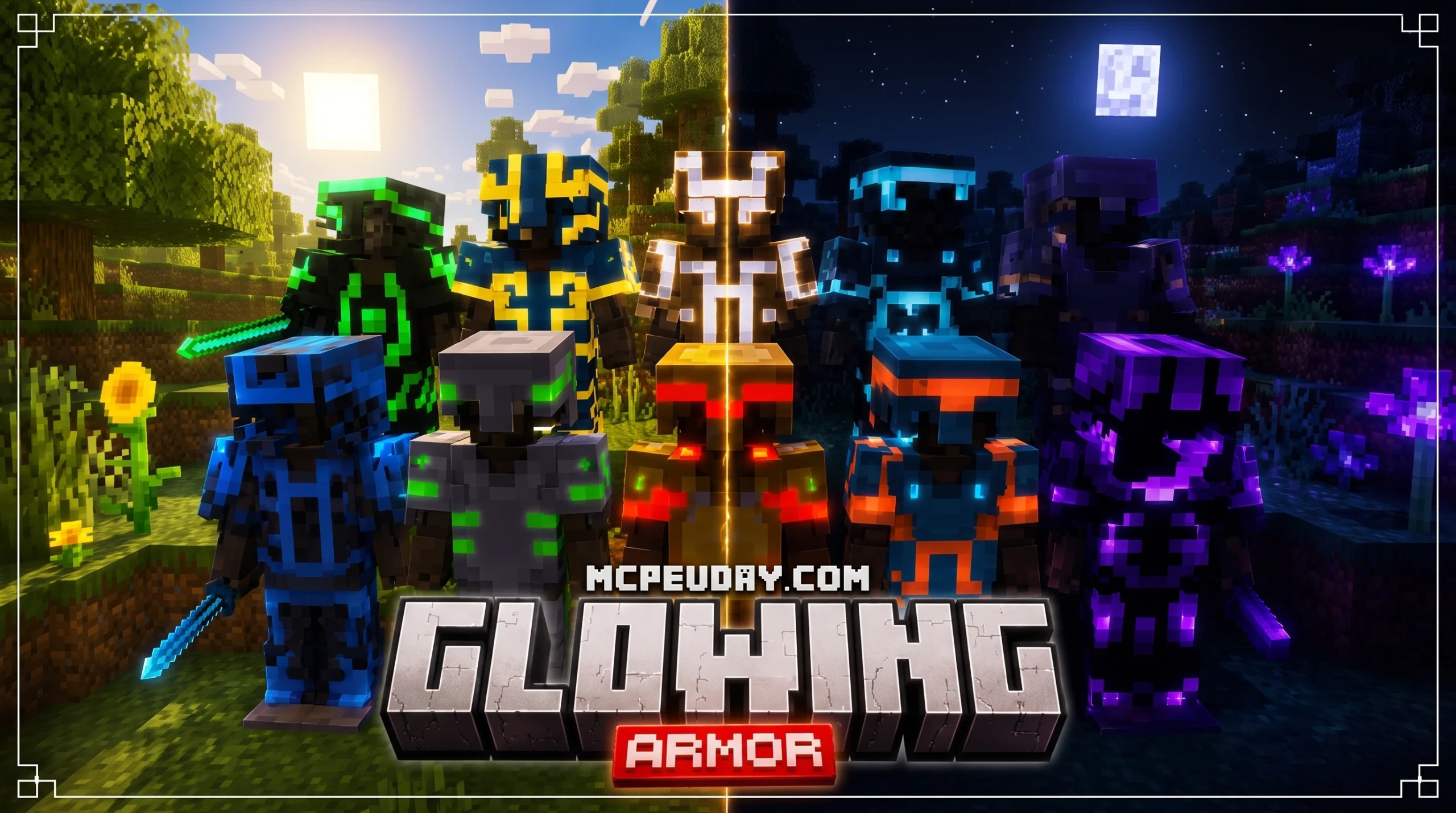
Make Your Armor Glow in the Dark with the Glowing Armor Addon
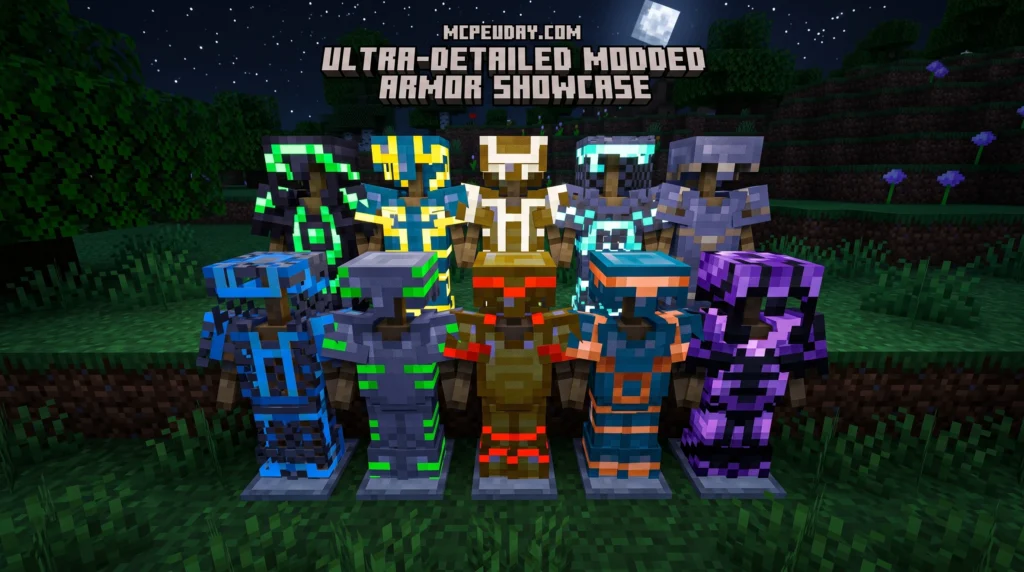
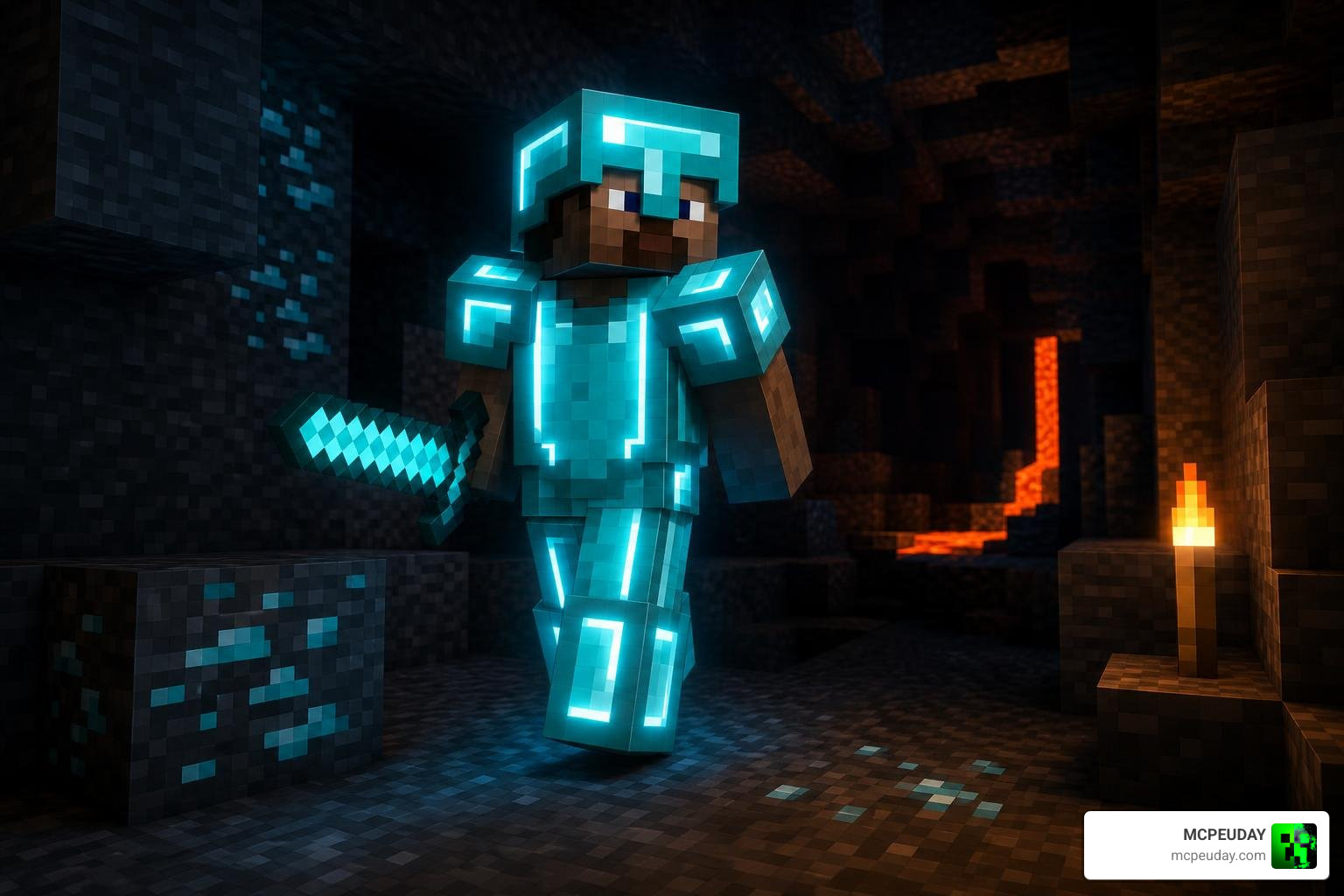
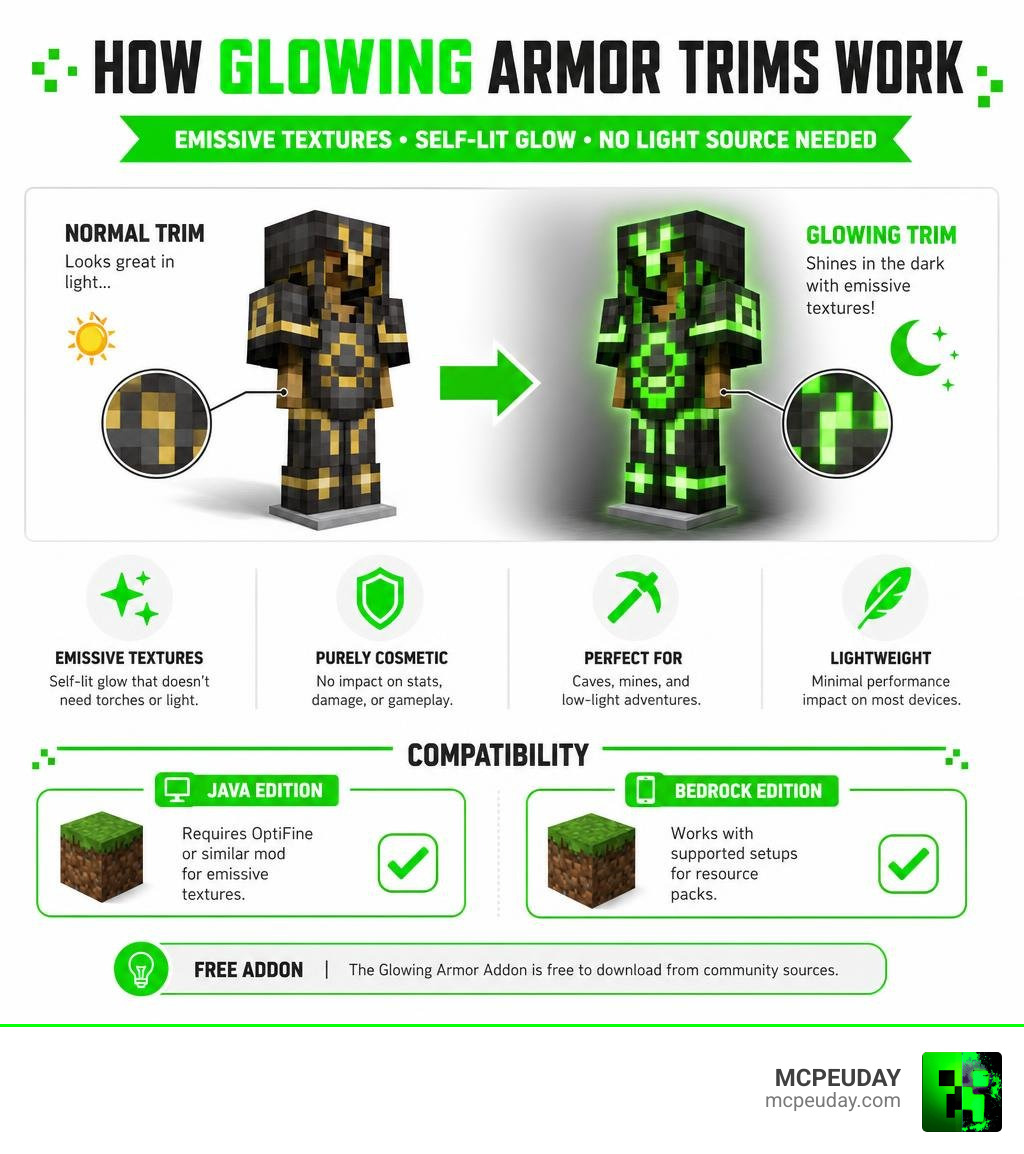
The Glowing Armor Addon is a resource pack for Minecraft that makes your armor trims light up in the dark using emissive textures. Here’s the quick version:
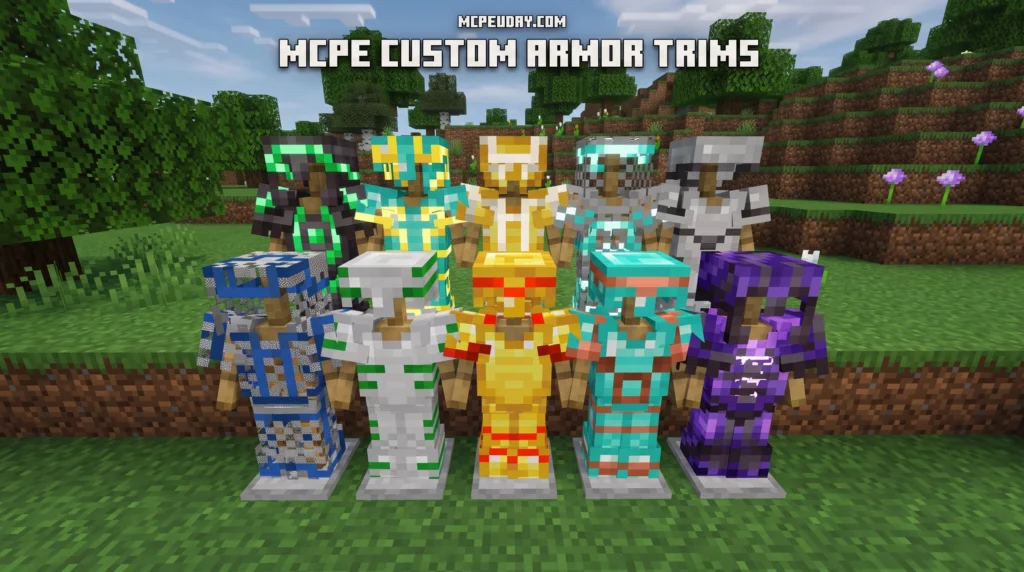
- What it does: Adds a glowing effect to all 16 armor trims in Minecraft 1.20+
- How it works: Uses emissive (self-lit) textures so trims glow without needing a light source
- What you need: OptiFine or a similar mod for Java Edition; Bedrock Edition has its own setup
- Cost: Free to download from community sources
- Performance impact: Minimal on most devices
Your trimmed armor will actually light up in caves, mines, and dark areas. It looks great and gives your character a real visual edge.
This is a purely cosmetic upgrade. It does not change gameplay, damage, or armor stats. It just makes your gear look incredible in low-light environments.
I’m UDAY GAMER, and in this guide I’ll walk you through everything you need to find, download, and install the Glowing Armor Addon in under an hour.
What is the Glowing Armor Addon and How Does It Work?
If you have spent any time exploring the deep, dark corners of Minecraft since the 1.20 update, you know how easy it is to lose your friends—or your own sense of direction—in the pitch black. The Glowing Armor Addon (often referred to in the community as the Glowing Trim Armors resource pack) solves this beautifully by giving your gear a futuristic, self-illuminating look.
At its core, this addon utilizes custom textures to target the armor trim system. Armor trims, which were officially introduced to let players customize their gear with unique patterns, are detailed on the Official Minecraft Wiki on Armor Trims. While standard trims look fantastic in broad daylight, they completely disappear when the sun goes down.
By applying emissive textures directly to these trim layers, this pack ensures that the decorative lines on your helmet, chestplate, leggings, and boots remain vibrant and visible regardless of the surrounding light level. If you love this radiant aesthetic and want to apply it to other elements of your world, you should also check out the Glowing Plus Texture Pack to make your entire environment pop.
Visual Mechanics of the Glowing Armor Addon
How exactly does this visual wizardry work? The addon uses a rendering technique called “emissive rendering.” In standard Minecraft, textures require an external light source—like a torch, glowstone, or the sun—to be visible. When there is no light, the game renders the texture as dark or black.
Emissive textures bypass this rule. The game engine is instructed to render the trim pixels at maximum brightness at all times. This means that even if you are standing at the very bottom of a deepslate cave, your armor trims will cut through the darkness like neon signs.
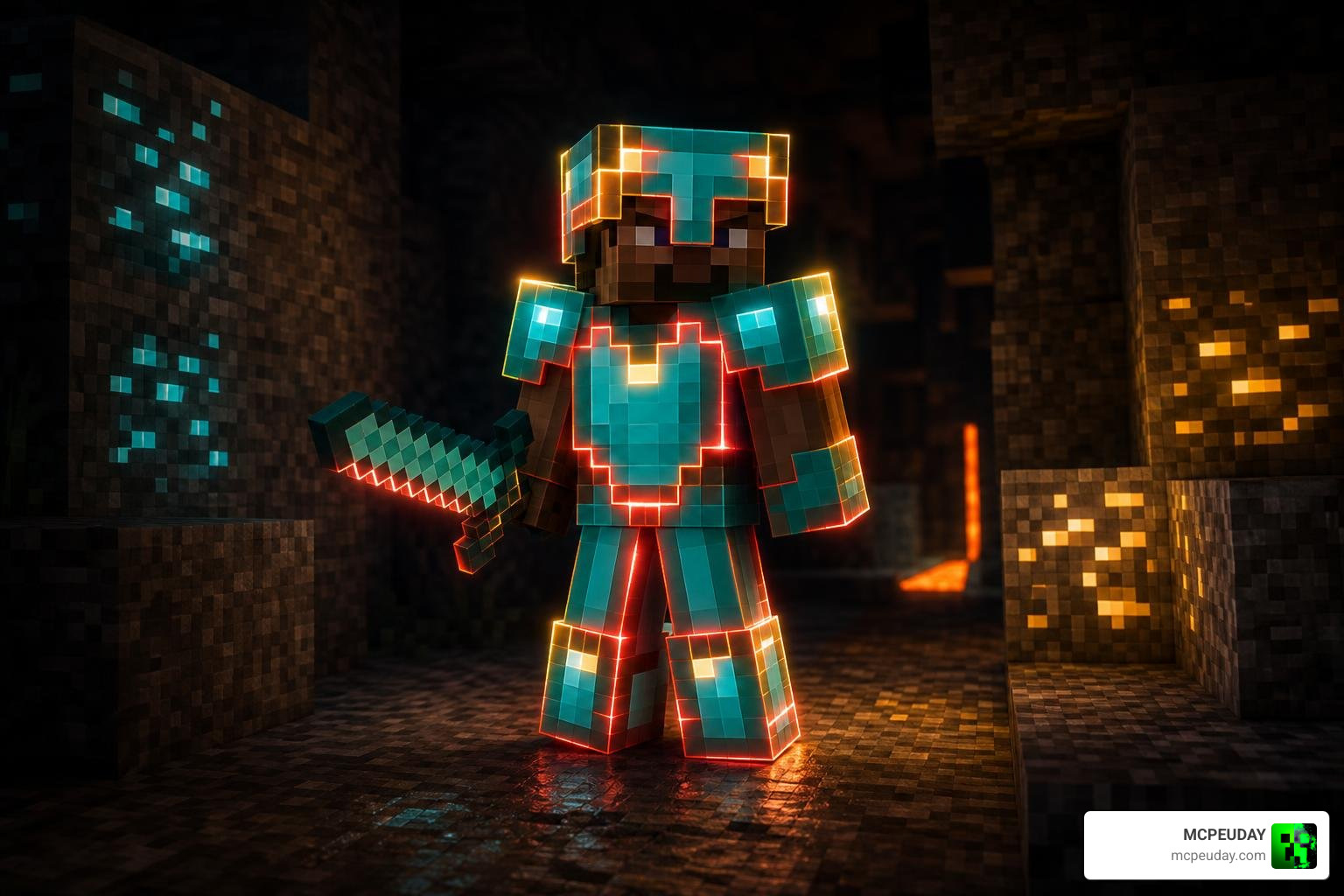
To get the absolute best visual results, many players pair this addon with the Glow ‘Em All Shader. This combination creates a soft bloom effect around your glowing trims, making you look like a legendary warrior straight out of a sci-fi movie.
Supported Armor Trims and Customization
One of the best things about the Glowing Armor Addon is its complete coverage. It actively supports all 16 armor trims available in Minecraft. Whether you are rocking the classic Sentry trim, the rare Silence trim, or the ocean-dwelling Tide trim, this pack has you covered.
The glowing effect applies beautifully across all primary armor materials, including:
- Netherite
- Diamond
- Gold
- Iron
Because the pack targets the trim layer rather than the base armor texture, you can mix and match materials and trims to create your own signature look. If you want to take your armor customization even further by adding entirely new armor sets and overhauling your defensive gear, we highly recommend trying out the Better Armor Addon (New Armors Overhaul).
System Requirements and Compatibility
We have excellent news for players worried about their frame rates: the Glowing Armor Addon is incredibly lightweight. Because it relies primarily on texture manipulation rather than complex scripting or heavy entity models, the performance impact on your device is virtually zero.
It is fully compatible with Minecraft version 1.20 and above, supporting the latest armor trim features seamlessly on both Java Edition and Bedrock Edition (including MCPE on mobile devices).
To help you understand how this pack stacks up against traditional armor modifications, we have put together a quick comparison:
| Feature | Glowing Trim Armors Pack | Standard Armor Packs |
|---|---|---|
| Glow-in-the-dark Trims | Yes (All 16 trims) | No |
| Performance Impact | Extremely Low | Low to Medium |
| Requires Shaders? | No (But recommended for bloom) | No |
| File Size | Very Small (< 5 MB) | Varies |
| Multiplayer Compatible | Yes (Client-side) | Yes |
Do You Need OptiFine or Shaders?
If you are playing on Minecraft Java Edition, the resource pack requires OptiFine or a similar mod to enable the glowing effect through custom textures. OptiFine provides the underlying engine support for emissive textures. You can download the latest version directly from the OptiFine Official Site.
If you prefer using modern performance mods like Sodium, you will need to install Iris and a companion mod like “Entity Texture Features” (ETF) or “Continuity” to achieve the same emissive rendering.
For Bedrock Edition and MCPE players, the addon is designed to work out of the box without needing any external mod loaders. If you enjoy this glowing look and want to make mining much easier, consider pairing your new armor with the Glowing Ores Texture Pack to easily spot valuable resources in the dark.
Step-by-Step Installation Guide
Ready to upgrade your look? Installing the Glowing Armor Addon is a straightforward process that takes less than ten minutes.
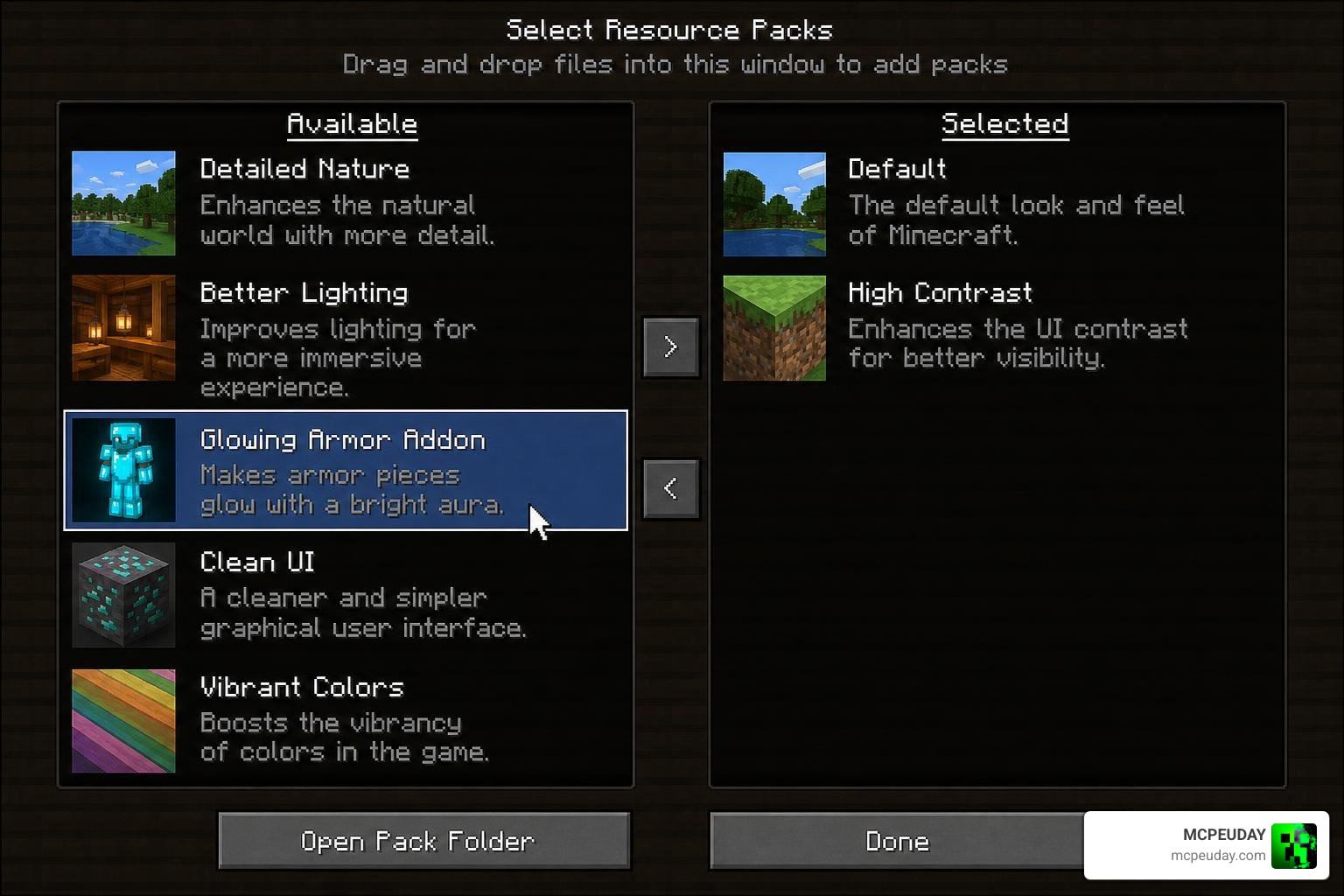
Below, we have broken down the exact steps to get your armor glowing.
How to Install the Glowing Armor Addon Quickly
To make things easy, we have mapped out the installation sequence in this simple workflow diagram:
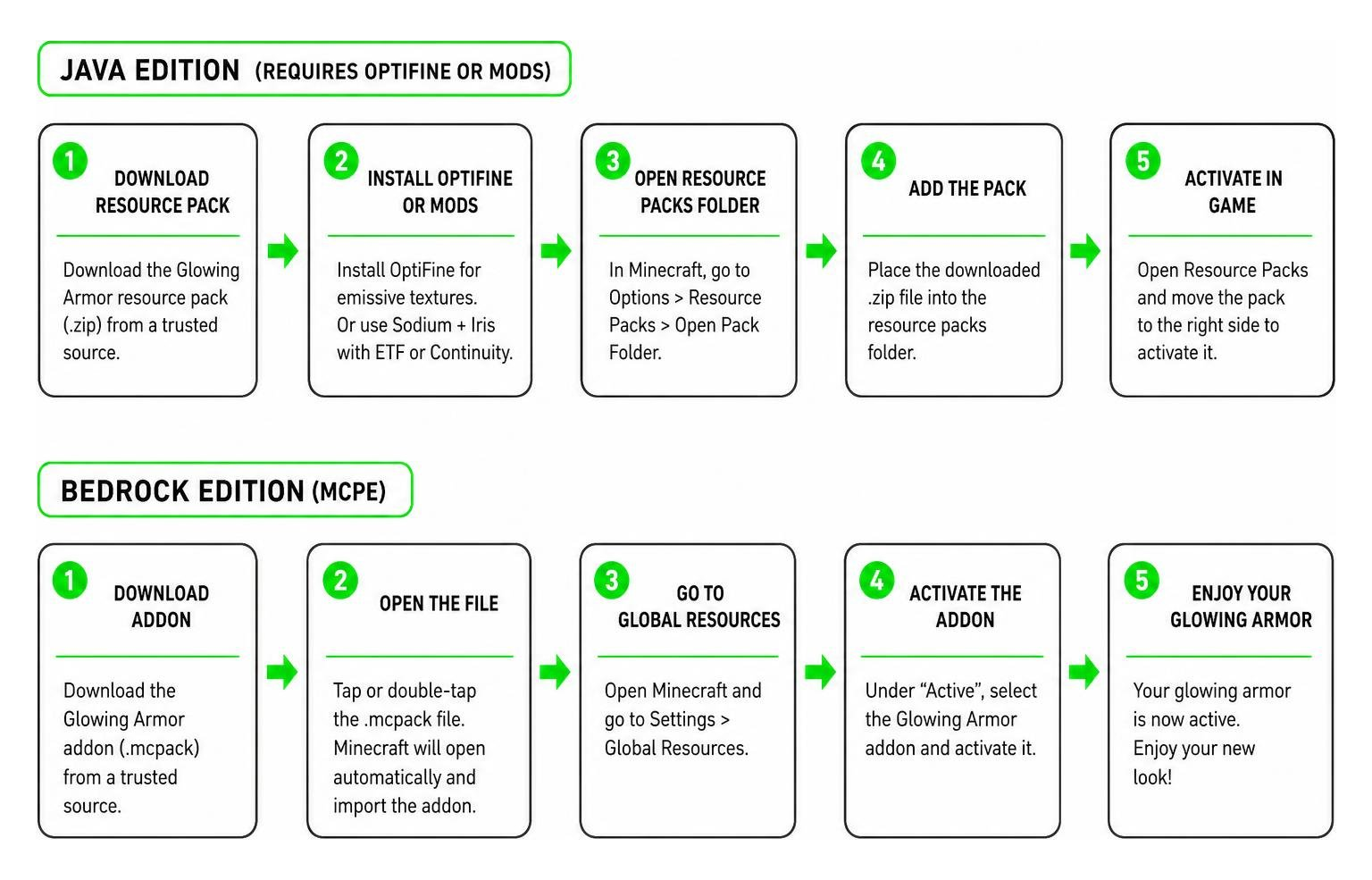
For Minecraft Bedrock / MCPE:
- Download the
.mcpackfile from a trusted community source or our resource library. - Double-click or tap the downloaded file. Minecraft will open automatically and import the pack.
- Go to Settings > Global Resources > Active and activate the pack.
- If you want to make sure your ores match your cool new style, try installing the Glowing Ores Addon alongside it!
For Minecraft Java Edition:
- Download the resource pack
.zipfile. - Launch Minecraft, go to Options > Resource Packs > Open Pack Folder.
- Drag and drop the downloaded
.zipfile into this folder. - Hover over the pack in your in-game list, click the arrow to move it to the Active column, and click Done.
Troubleshooting Common Issues
While this addon is highly stable, you might occasionally run into a minor visual glitch. Here is how to fix them quickly:
- Black or Missing Textures: This usually happens on Java Edition if OptiFine or your emissive texture mod is turned off. Double-check that your mod loader is active and running the correct version.
- Broken Trims: If your trims look standard and do not glow, ensure that no other texture pack loaded above the glowing pack is overwriting the armor files. Move the glowing pack to the very top of your active list.
- Mod Conflicts: If you are using heavy graphical overhauls, they might conflict with custom armor models. If you experience issues, try using the highly compatible Radiant Glowing Ores T Pack to keep your visual style consistent without breaking your game.
Frequently Asked Questions about Glowing Armor
Is the Glowing Trim Armors pack free to download?
Yes! The pack is created by passionate community developers and is entirely free to download and use.
Does this pack work on Minecraft Bedrock Edition?
Absolutely. The Glowing Armor Addon is fully optimized for Bedrock Edition, meaning you can enjoy glowing armor on Windows, Xbox, PlayStation, Nintendo Switch, and mobile devices (iOS and Android).
Will this addon lag my game?
No. Because the pack only changes how textures render light rather than adding physical light blocks or complex scripts, it has a negligible impact on your game’s frame rate (FPS). It is perfectly safe for low-end devices.
Conclusion
At MCPEUDAY, we love finding simple ways to elevate your Minecraft experience. The Glowing Armor Addon is one of the quickest, easiest visual upgrades you can install. Within less than an hour, you can transform your hard-earned trimmed armor into a radiant masterpiece that commands attention in any multiplayer lobby or dark cavern.
Once your armor is glowing and you are ready to conquer survival mode, why not upgrade your offensive capabilities too? Check out our guide on the 5 Best Minecraft Bedrock Gun Mods for Survival & PvP in 2026 to take your combat gameplay to the next level!

1 thought on “Glowing Armor Addon (26.x, 1.21) – MCPE/Bedrock Mod”