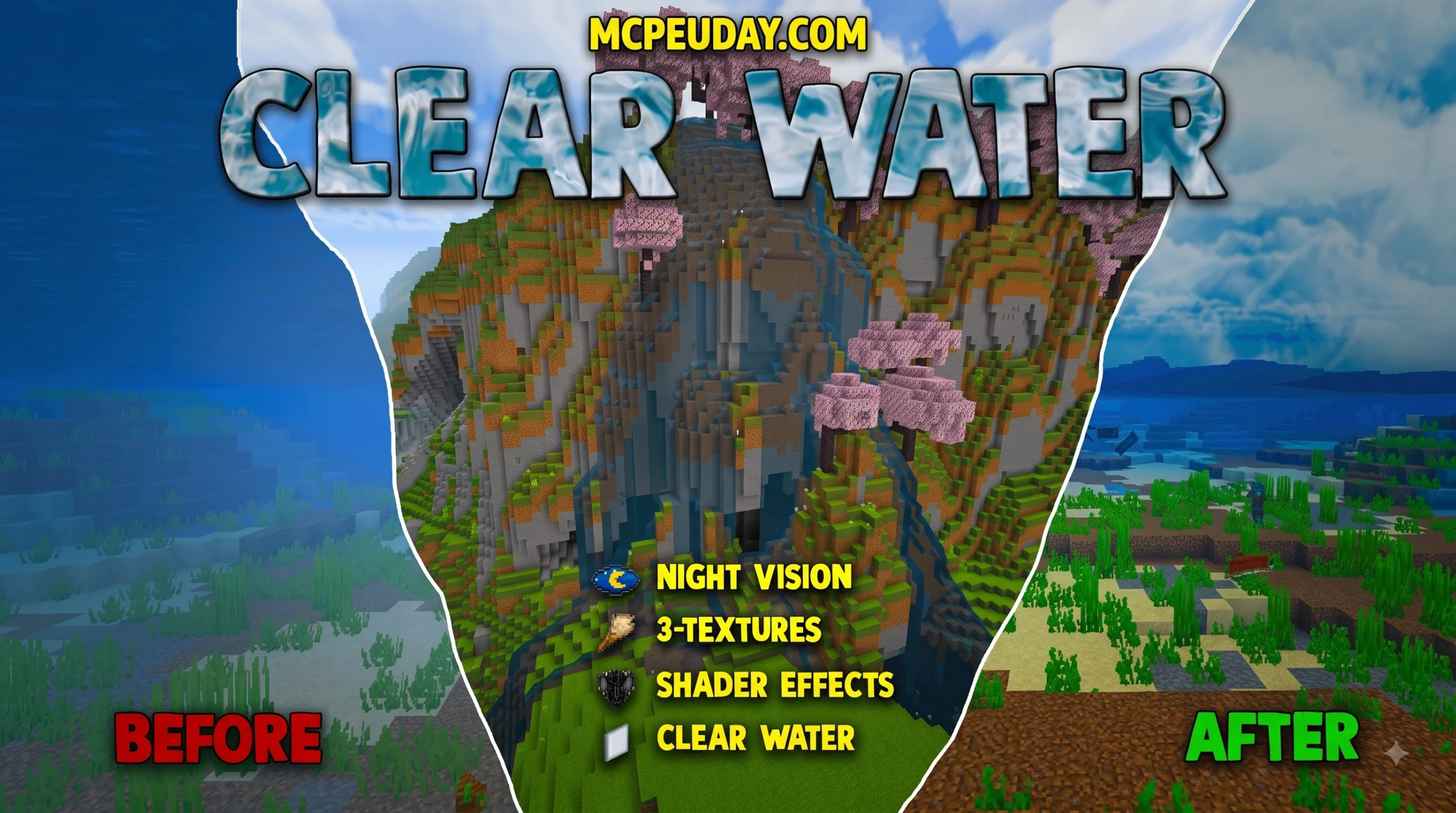
Clear Water Texture Pack: A Quick Overview
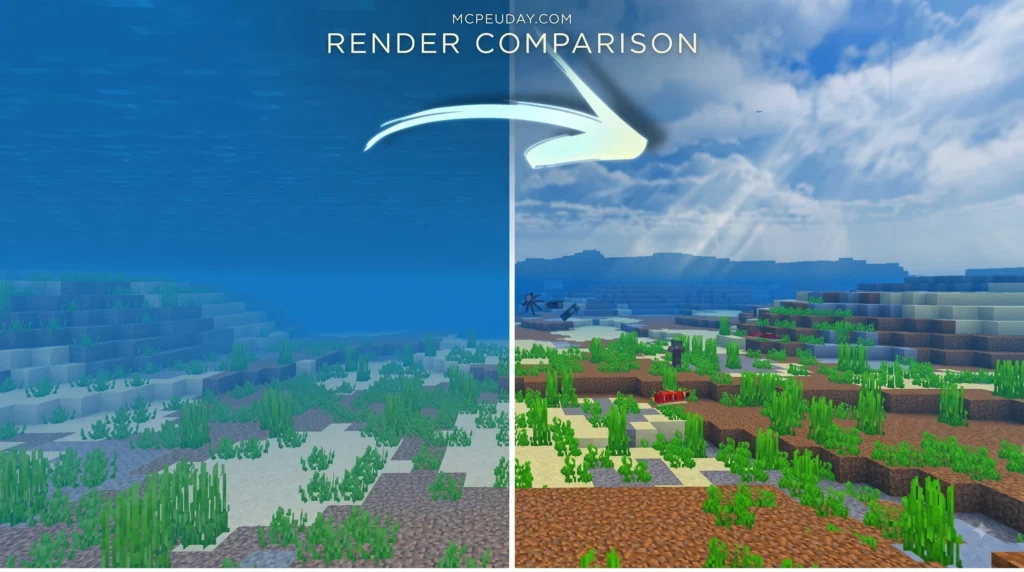
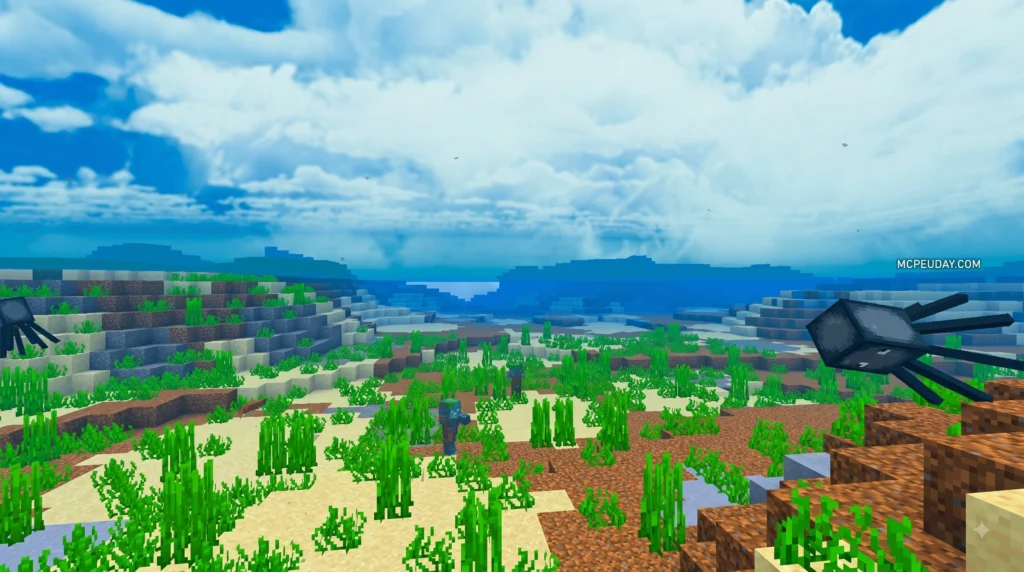
Clear Water Texture Pack makes Minecraft water significantly less obstructive, allowing you to see far more clearly beneath the surface. It is a lightweight 16x-style resource pack built specifically for easier underwater exploration and navigation, whether you are hunting for shipwrecks, ocean monuments, buried treasure chests, or other hidden ocean structures. By reducing screen tint and removing heavy underwater depth fog, this utility pack transforms deep ocean diving into a seamless visual experience. Whether you are a casual builder creating underwater glass domes or a survival player searching for buried treasure, clear water textures give you a distinct visual advantage.
| Quick answer | Details |
|---|---|
| What it changes | Reduces the water overlay and underwater fog effect |
| Why use it | Makes oceans, rivers, and underwater builds easier to see |
| Best for | Exploring, looting structures, and navigating underwater |
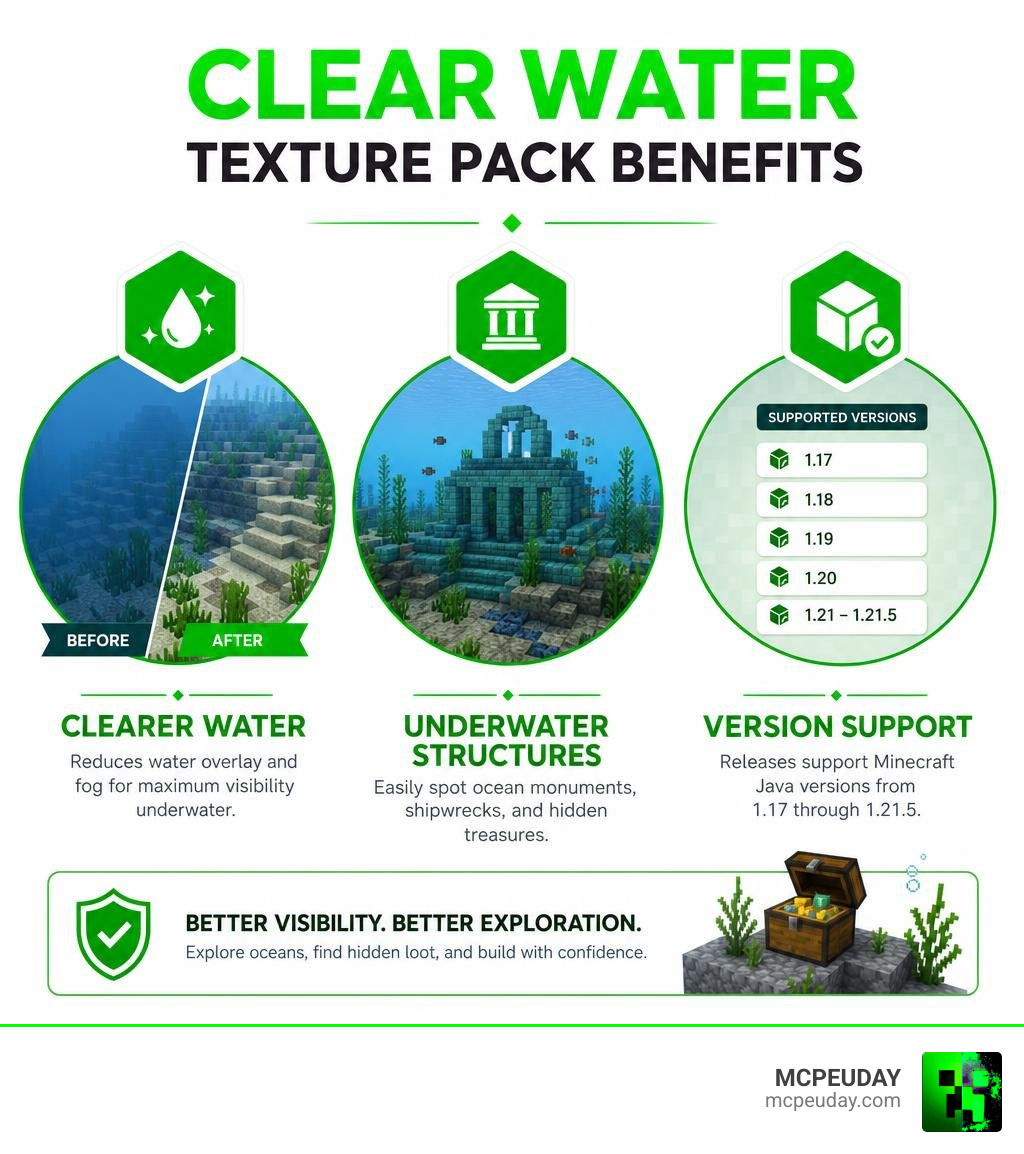
| Version support | Pack releases cover Minecraft Java versions from 1.17 through 1.21.5 |
| Important note | Compatibility can vary with rendering mods such as Sodium and Rubidium |
In standard vanilla gameplay, diving underwater instantly applies a dark blue screen tint and dense distance fog that restricts your sightline to just a few blocks. This makes raiding ocean monuments or finding buried treasure tedious without specialized status effects. Using a clear water pack removes those visual barriers while maintaining the default aesthetics of surrounding blocks.
Some related dual-liquid pack variants also clear lava vision, making Nether lava lakes far easier to search when hunting for Ancient Debris. This detailed setup guide will help you choose the right pack version, understand its core feature set, and avoid common rendering setup problems across different game versions.
I am UDAY GAMER, and next I will break down exactly what the pack changes and why its massive visibility boost matters for every survival world.
What Is the Clear Water Texture Pack and How Does It Work?
The Clear Water Texture Pack is a lightweight visual tweak designed to boost underwater clarity without sacrificing the standard game feel. By modifying default liquid overlays, this pack removes the murky blue screen tint and reduces heavy fog when diving underwater. Keeping a standard 16×16 resolution, it fits right into vanilla gameplay while giving you maximum visual clarity.
In default Minecraft, the game engine renders a dense color gradient on top of the player’s camera whenever submersed. Texture artists achieve transparent water by tweaking shader files like fog.glsl or reducing the alpha channel opacity on water texture assets. This technical change ensures that swimming underwater feels transparent and crisp, granting full distance vision regardless of biome depth.
Key Features of the Clear Water Texture Pack
The main benefit of installing a clear water pack is how quickly you can spot underwater structures from long distances. Instead of squinting through heavy dark blue fog, you get immediate line-of-sight to key loot targets:
- Ocean Monuments: Spot Prismarine blocks, sea lanterns, and Elder Guardians from a distance without needing a Conduit effect or Respiration enchantment.
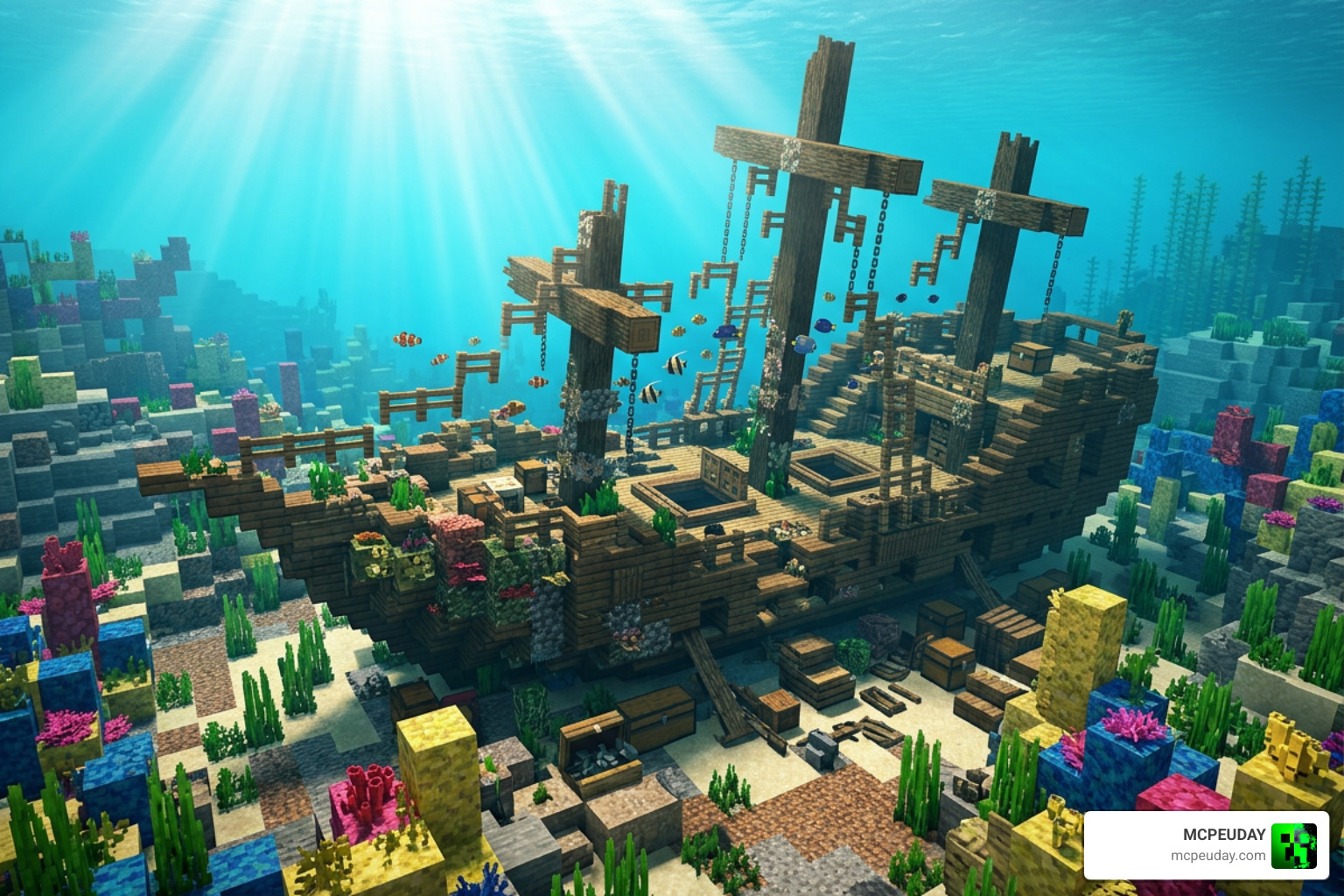
- Shipwrecks: Quickly identify wreck layouts, locate hidden chest compartments, and plan your dive route before running out of breath.
- Buried Treasure: Easily inspect ocean floors, sandbars, and gravel shores for chest locations without digging blindly.
- Ancient Debris: When using dual-liquid clear packs, you can peek under Nether lava pools to locate rare Netherite materials safely.
Enhancing Underwater Visibility and Fog Reduction
Vanilla Minecraft applies a dense liquid overlay and thick screen fog whenever your character’s camera submerges underwater. The Clear Water Texture Pack alters these rendering parameters directly. By cleaning up screen fog and lowering the opacity of the liquid layer, underwater navigation becomes effortless. You no longer have to rely solely on Water Breathing potions or night vision effects just to see where you are swimming. By stripping away visual clutter, you can easily navigate complex underwater cave networks, spot drowned mobs holding tridents, and gather clay or gravel deposits in record time.
Clear Water vs Clear Lava and Water Packs: Key Differences
While both utility packs aim to eliminate annoying screen overlays, they serve slightly different purposes depending on where you are exploring across dimensions.
| Feature | Clear Water Pack | Clear Lava and Water Pack |
|---|---|---|
| Primary Focus | Oceans, Rivers, and Ponds | Overworld Lakes & Nether Lava Oceans |
| Removes Lava Overlay | No | Yes |
| Helps with Ancient Debris | No | Yes |
| Texture Resolution | 16×16 | 16×16 |
| Ideal Use Case | Ocean Looting & Monument Raiding | Netherite Mining & Lava Diving |
If you want options dedicated exclusively to water clarity, standard clear water resource packs focus on refining liquid translucency without modifying Nether mechanics. You can learn more about standard game mechanics on the official Minecraft Wiki. For players who enjoy deep-sea base building or ocean exploration, keeping lava opaque prevents accidental falls into unseen hazard pools while keeping rivers and oceans completely transparent.
Clear Water Functionality in Oceans and Rivers
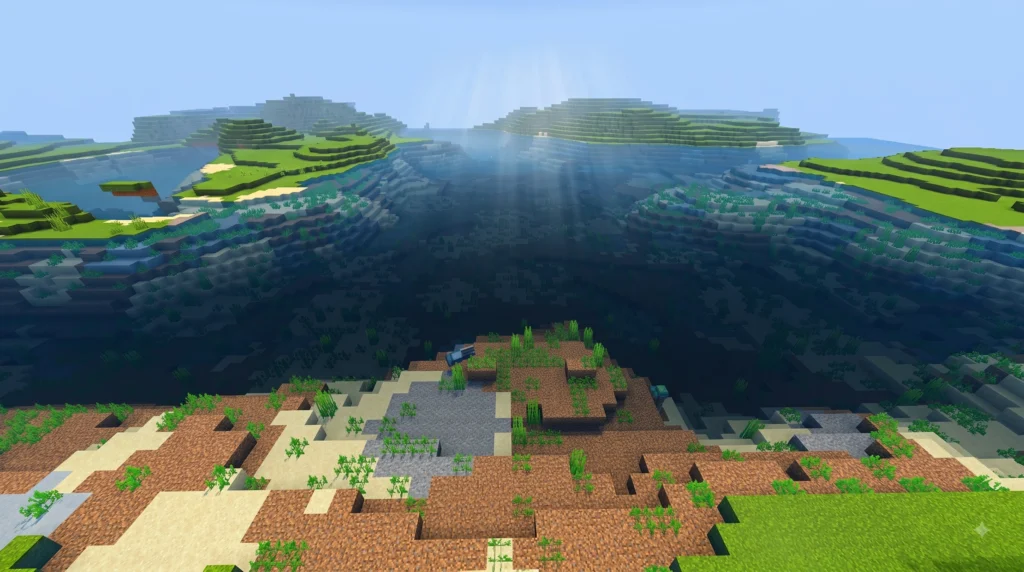
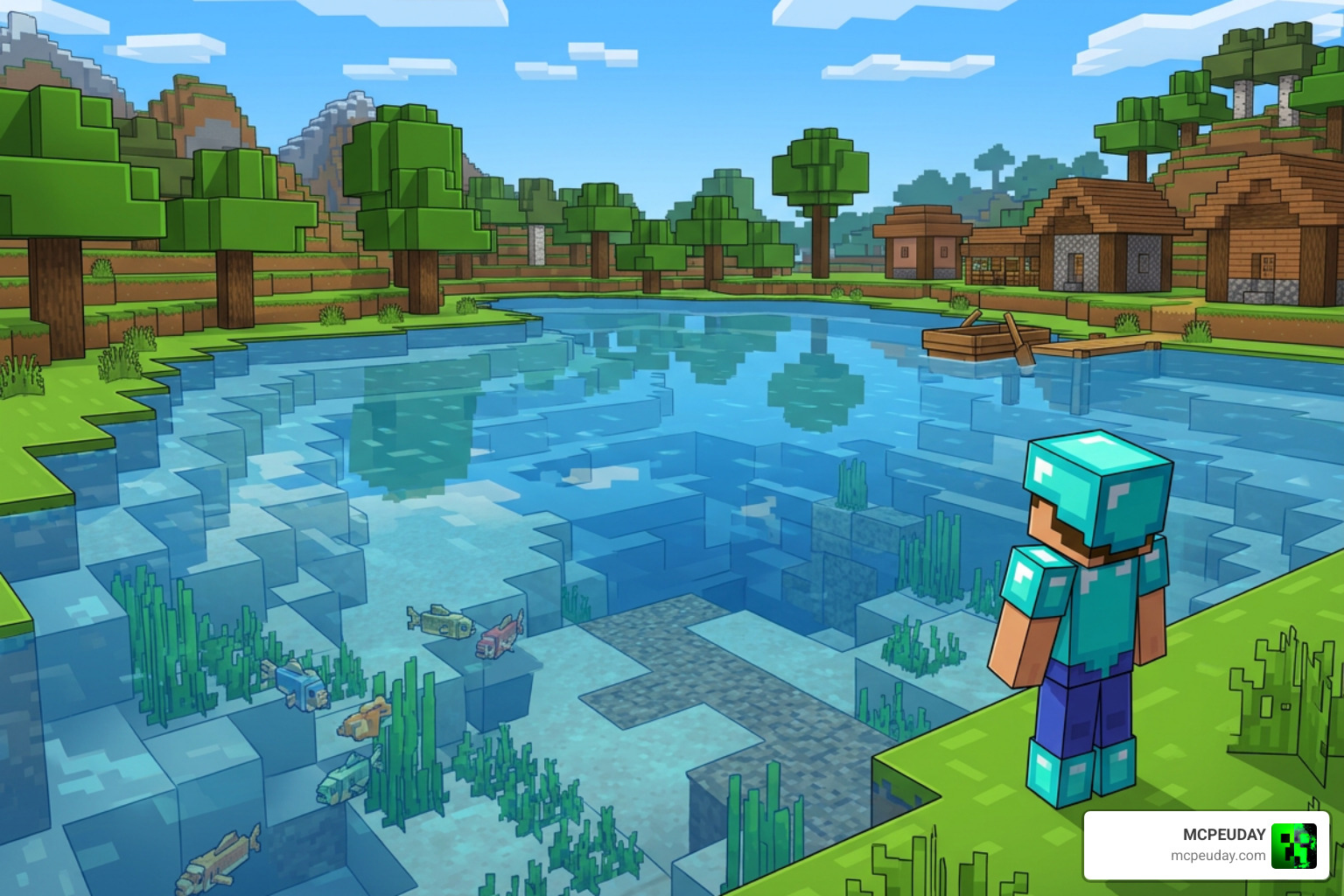
In deep ocean biomes, clear water packs remove murky depth fog, making massive underwater biomes visible directly from the surface. You preserve default vanilla textures for blocks, but gain structural visibility over long distances. This makes farming underwater resources, mapping warm ocean coral reefs, or constructing expansive glass bases smooth and visually impressive.
Clear Lava and Water Pack for Nether Exploration
If you download the combined dual-liquid version, you get full visual visibility inside lava lakes as well. In the Nether dimension, standard lava overlays normally blind players completely the moment their view submerge. Removing that visual barrier makes Netherite mining significantly safer and less frustrating when diving near Ancient Debris deposits or navigating vast crimson lava oceans.

System Requirements, Compatibility, and Modpack Usage
Because the Clear Water Texture Pack maintains a 16×16 standard resolution, it works smoothly on virtually any low-end hardware without decreasing frame rates. Over 200,000 players have used these packs to optimize their gameplay clarity without experiencing performance lag or memory overhead.
OptiFine Requirements and Performance
Requirement details depend on which exact file build you choose for your client setup:
- OptiFine HD: Certain legacy builds rely on OptiFine HD for custom liquid rendering, connected textures, and specific fog control settings.
- Standalone Mods: Newer builds for modern game updates (1.20.5+) modify shader files directly and can run on vanilla client installations without needing OptiFine.
- FPS Impact: None. Performance remains identical to default vanilla settings or slightly improves due to reduced fog rendering demands on your graphics card.
Because the pack does not replace complex 3D block models or high-resolution textures, low-end PCs, laptops, and mobile devices will experience steady performance and high frame rates.
Incompatible Mods and Modpack Guidelines
While this resource pack works seamlessly with standard vanilla environments, certain performance optimization mods alter liquid rendering and conflict with shader edits:
- Sodium (Fabric) & Rubidium (Forge): These popular rendering engines often override standard vanilla shader calls (
fog.glsl), causing the clear liquid effect to fail or flicker. You may need extra compatibility patches or custom fog settings inside these mod engines. - Modpack Usage: You are free to include these packs in your custom modpacks. Just remember to provide proper creator credits in your project documentation and distribution guides.
How to Download and Install the Clear Water Resource Pack
Installing the pack takes less than two minutes on standard game installations, whether you play on Java Edition or Bedrock Edition platforms.
Installing the Clear Water Texture Pack on Java Edition
- Download the pack ZIP file matching your game version (supports Java versions from 1.17 up to 1.21.5).
- Launch your game client and open Options > Resource Packs from the main menu or pause screen.
- Click Open Pack Folder to open your local system
resourcepacksdirectory. - Move the downloaded
.zipfile into this folder. - In the game menu, move the pack to the right-hand column using the arrow icon and click Done to load textures.
If the textures do not immediately display, verify that the resource pack is placed at the top of your active pack hierarchy list so it overrides default vanilla liquid shaders.
Bedrock Edition Setup Instructions
For players on mobile devices, Windows Bedrock Edition, or consoles, installing custom textures uses .mcpack installation files designed for seamless activation.
- Download the appropriate
.mcpackfile to your target device. - Tap or double-click the file to open it automatically within the game app.
- Navigate to Settings > Global Resources (or individual world settings) and activate the pack under My Packs.
Frequently Asked Questions
Is OptiFine required for this clear water pack?
No, OptiFine is not strictly required for all pack versions. While older builds or specific texture tweaks work best with OptiFine HD enabled for advanced fog control, many updated releases run natively on vanilla installations without third-party graphics tools.
Which Minecraft versions are supported by this pack?
The pack supports a broad range of versions starting from 1.17 all the way up through 1.21.5, including popular multiplayer updates like 1.19.2, 1.19.4, 1.20.1, and 1.20.6. Always select the ZIP build that matches your client version.
Why is liquid overlay glitching when using Sodium or Rubidium?
Sodium and Rubidium use custom rendering pipelines that bypass standard vanilla fog.glsl modifications. To fix visual glitches, you may need to adjust liquid occlusion options in the mod settings or use dedicated Fabric shader extensions designed for transparent water.
Conclusion
The Clear Water Texture Pack is an essential utility for anyone tired of blinded underwater swimming or frustrating Nether lava searches. By stripping away heavy liquid overlays and screen fog, it streamlines structure hunting, ocean base building, and resource gathering across every survival biome.
Ready to transform your world visuals further? Explore more Minecraft texture packs right here at MCPEUDAY!
