Scroll down to D0vvnl0ad
What Is an ESP Texture Pack for Minecraft PE/Bedrock and How Does It Work?
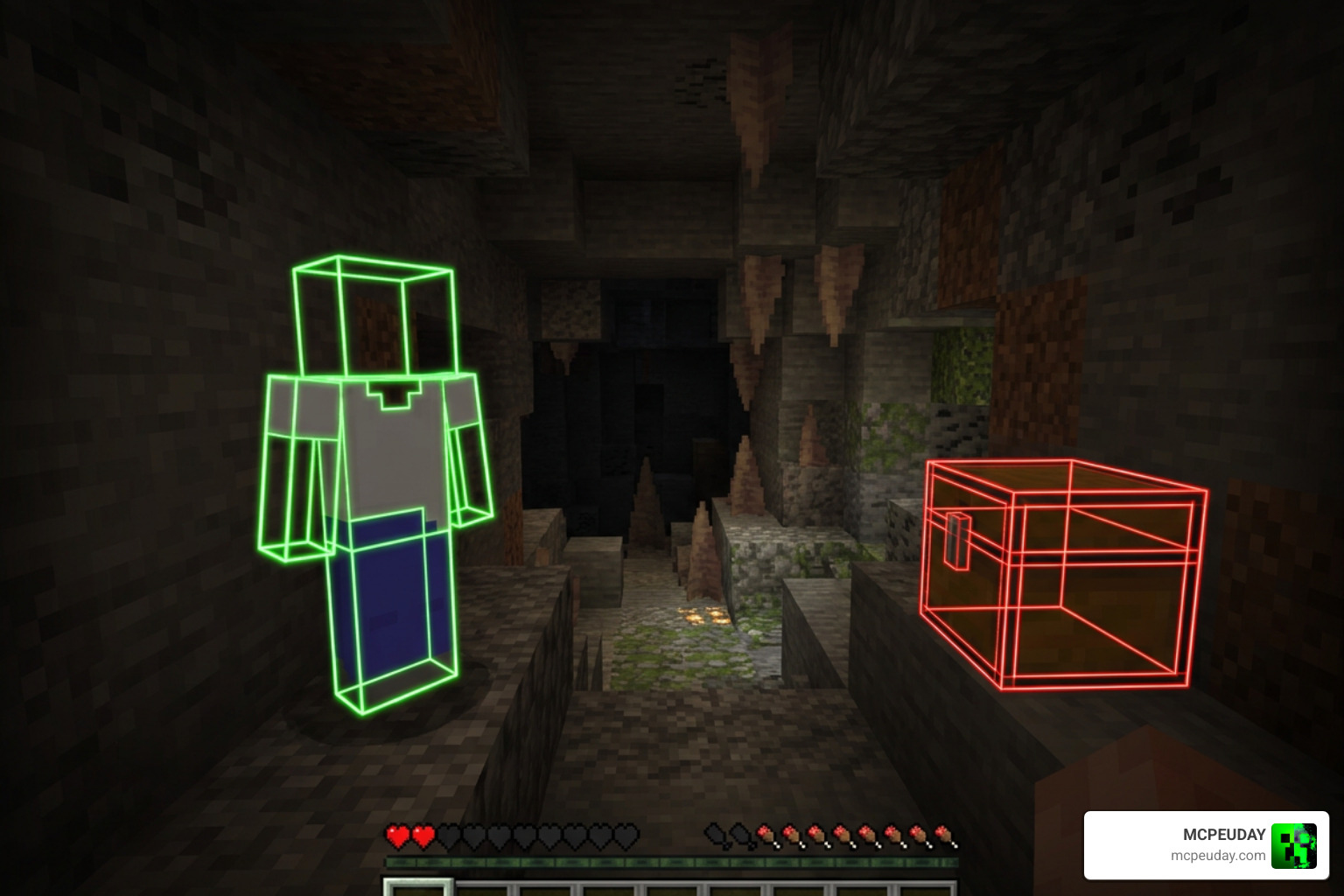
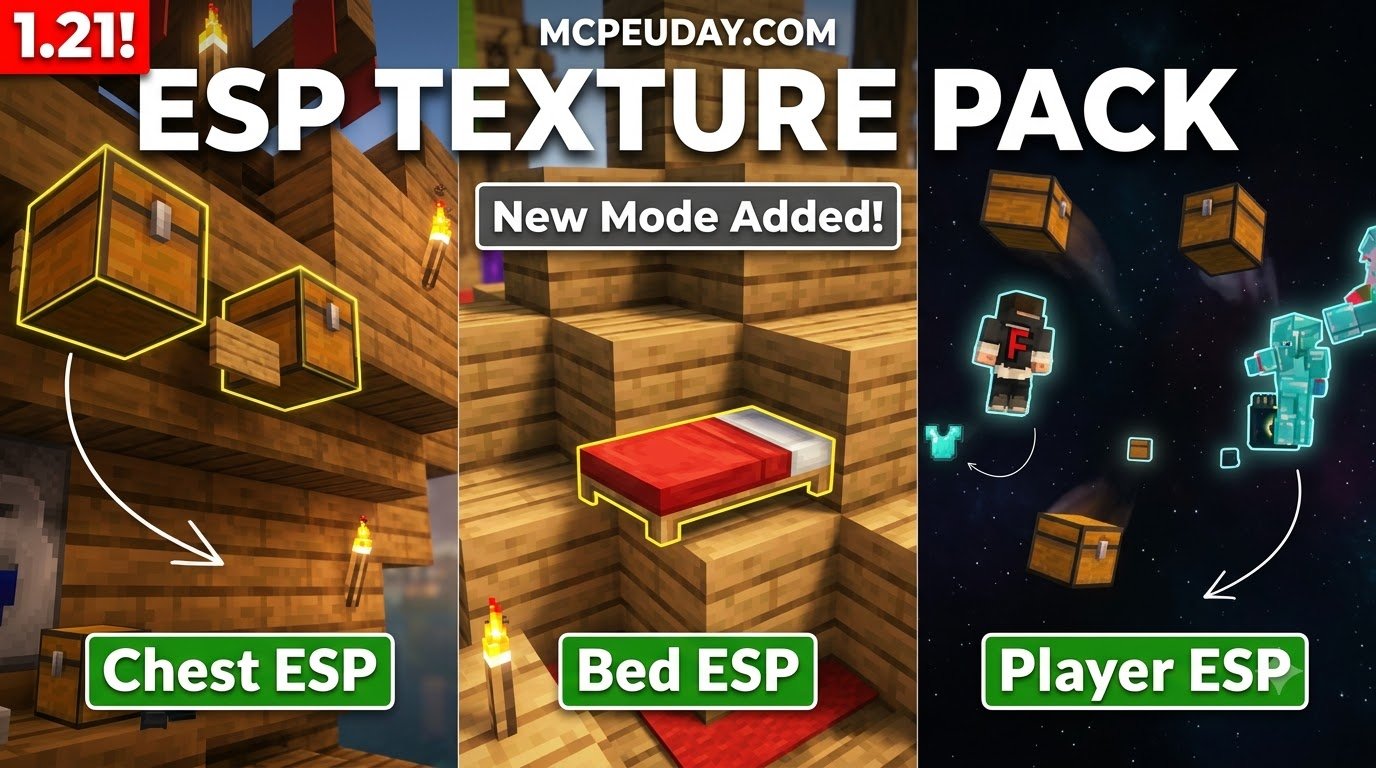
ESP stands for Extra Sensory Perception. In gaming, ESP refers to visual modifications that highlight hidden entities, blocks, or objects that would normally be obscured by walls, solid terrain, or atmospheric fog. In Minecraft Bedrock Edition and Minecraft Pocket Edition (MCPE), an ESP pack alters how models, materials, and textures render on your screen.
Bedrock uses the modern RenderDragon graphics engine to manage lighting, geometry, and shader calculations. Traditional mods on Java Edition might inject custom Java code or forge hooks directly into the runtime to create glowing overlays. On Bedrock, an ESP Texture Pack relies on custom entity models, modified material definitions, and altered alpha channels to force target geometry to render through solid blocks. When an entity or specific block enters your simulation distance, the modified texture bypasses normal culling checks and renders vivid, transparent geometry or bright wireframe boxes around your target.
An ESP Texture Pack for Minecraft PE/Bedrock is best understood as a client-side visual resource pack rather than a full gameplay addon. It usually does not create new mobs, change loot tables, or alter server-side world generation. Instead, it changes what your local device displays after the game has already loaded nearby entities and block entities into memory. That means its practical range is still limited by your render distance, simulation distance, device performance, and server settings. If a chest, bed, or player is outside loaded chunks, the pack cannot magically display it. For private testing, map checking, or learning how resource packs affect the Bedrock render pipeline, this makes ESP a useful visual experiment. In competitive multiplayer, however, the same visibility becomes a major fairness problem.
Key Features of the ESP Texture Pack for Minecraft PE/Bedrock
When you activate an ESP pack in your world, it turns the environment into an open book by revealing several high-value targets across varying distances:
- Player Tracking: Highlights opposing players across long distances, preventing sneak attacks and ambushes in open-world survival or faction warfare.
- Bed Location: Pinpoints spawn beds through thick obsidian vaults, blast-proof end stone layers, or deep underground bunkers, which completely changes mini-games like Bedwars.
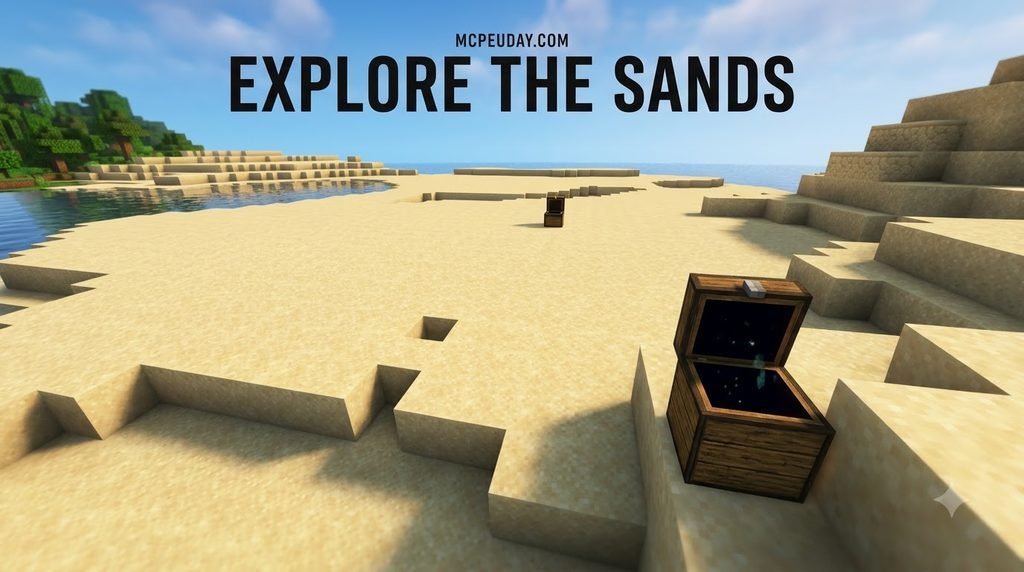
- Hidden Chests & Storage: Reveals regular chests, trapped chests, ender chests, barrels, and shulker boxes tucked away inside secret player bases or buried rooms.
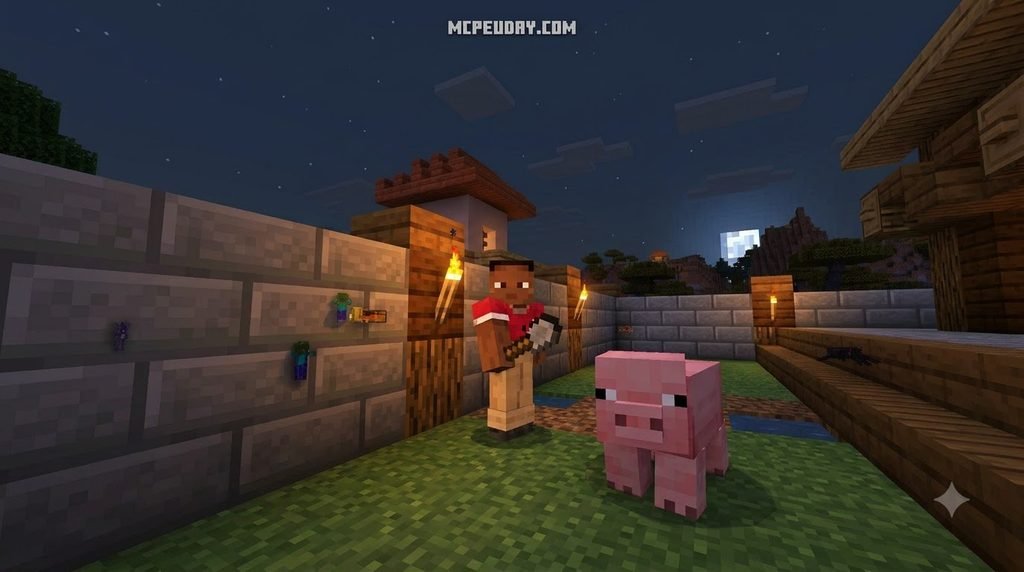
- Mob Outlines: Illuminates dangerous hostile mobs in dark cave systems or pinpoints rare passive mobs like horses, cows, and villagers for efficient resource farming.
- Base Raiding Utility: Exposes buried redstone contraptions, underground farm machines, and hidden faction hideouts tucked behind natural mountains or ocean trenches.
ESP Mechanics Compared to Traditional X-Ray Addons
While both tools aim to reveal hidden objects, their underlying mechanics function differently. Standard X-ray packs make common blocks invisible, while ESP highlights specific targets directly.
An X-Ray Glow Addon removes solid terrain textures (such as stone, dirt, netherrack, and deepslate) so you can look directly into the ground to find resources. In contrast, ESP packs modify the target entities themselves, drawing prominent boxes or brightly colored skins around them without removing surrounding world geometry. This preserves natural terrain textures so you never lose your physical footing. When paired with a Full Bright Addon, players achieve complete night vision alongside persistent entity outlines across all lighting conditions.
| Feature | ESP Texture Pack | Traditional X-Ray Pack |
|---|---|---|
| Primary Visual Method | Highlights entities/blocks with outlines | Turns stone/terrain blocks fully transparent |
| World Visibility | Normal terrain remains visible | Terrain is invisible, causing visual clutter |
| Target Focus | Players, beds, chests, mobs | Ores (diamonds, netherite, iron, gold) |
| Navigation Ease | Easy to walk around without falling | Difficult to navigate due to missing block faces |
| Performance Impact | Low to moderate entity render load | High chunk re-render load on mobile |
Step-by-Step Installation Guide for Minecraft PE 1.20 and Bedrock
Installing custom resource packs on mobile devices and Bedrock platforms is straightforward thanks to direct file integration.
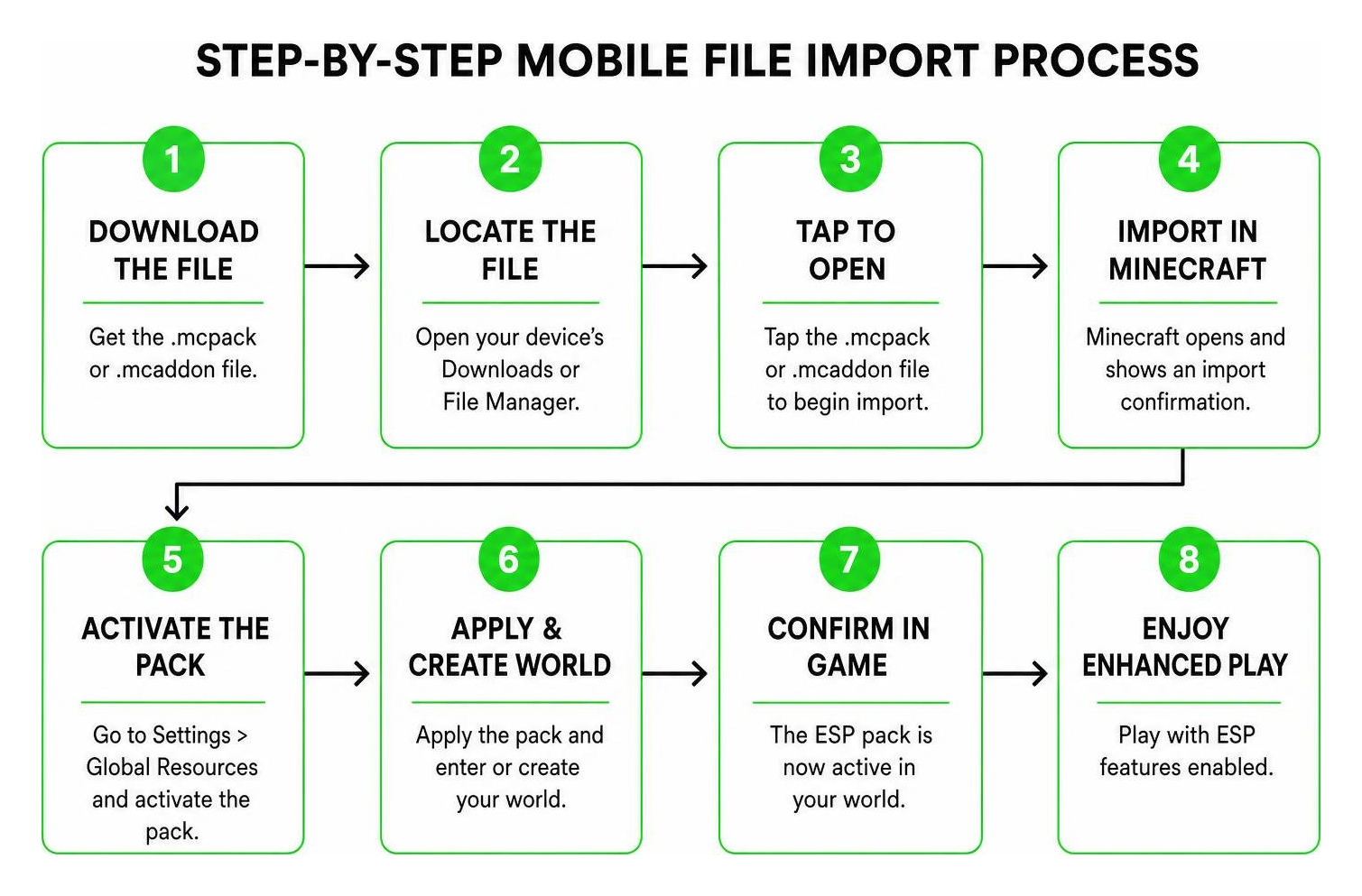
How to Install the ESP Texture Pack for Minecraft PE/Bedrock on Mobile
Follow these steps to set up the pack on Minecraft Pocket Edition 1.20 or newer versions:
- Download the File: Obtain the
.mcpackor.mcaddonfile for the ESP pack from a verified download source. - Launch the Installer: Open your device file manager (such as Files on iOS or your preferred Android file manager). Tap the downloaded
.mcpackfile, and select Minecraft to open it. - Automatic Import: Minecraft PE will launch automatically and display an “Import Started” banner at the top of the screen, followed by “Import Successful.”
- Apply to World Settings: Navigate to Play > click the Edit (Pencil) icon next to your world > scroll down to Resource Packs.
- Activate the Pack: Select Available > Owned, locate your ESP pack, and click Activate.
- Apply Global Resources (Optional): If you want the pack active across all local worlds, go to the main menu > Settings > Global Resources, and activate it there.
- Configure Subpack Options (If Available): Many ESP packs include a settings gear icon under the activated pack. Tap the gear icon to adjust outline colors, toggle specific mob groups, or switch between chest-only and player-only visual filters.
- Restart the Client: Close Minecraft completely and relaunch the app. This forces the RenderDragon engine to clear cached textures and load the modified materials properly.
Troubleshooting Rendering Glitches and Compatibility
If you notice missing textures, pink-and-black checkerboards, or solid black models, the cause is usually RenderDragon material conflicts or outdated pack sub-packs.
- Check Pack Hierarchy: In your Resource Pack settings, place the ESP pack at the very top of your active list so its materials take priority over other visual mods and custom UI packs.
- Address Android Scoped Storage: On Android 13 and Android 14, operating system permissions can occasionally block direct file association. If tapping the
.mcpackfile does not launch Minecraft automatically, use an archive tool like ZArchiver to manually move the extracted folder intoAndroid/data/com.mojang.minecraftpe/files/games/com.mojang/resource_packs/. - Lower Render Distance: If you experience severe frame drops when multiple highlighted chests or mobs appear simultaneously, reduce your render distance to 8–10 chunks to limit entity buffer stress.
- Alternative Outlines: If your mobile device struggles with full ESP entity tracking, you can use a lighter alternative like the Outline Texture Pack 26.x 1.21 MCPE Bedrock Texture Pack to highlight blocks with clean borders rather than heavy entity shaders.
Fair Play, Multiplayer Survival, and Server Ban Risks
Using an ESP pack dramatically shifts game balance. In competitive survival, faction realms, and PvP mini-games, information determines victory. Seeing where an enemy is hiding behind cover or spotting a hidden underground stash gives you an asymmetric advantage that standard players cannot match.
While single-player worlds offer complete freedom to experiment, test builds, or manage complex bases, public servers enforce strict competitive rules. Modern server administrators use automated anti-cheat plugins and behavioral detection algorithms to monitor client activity. Anti-cheat tools monitor player movement vectors, head angles, and mining patterns. If an anti-cheat system notices you heading directly toward underground player bases without prior scouting, digging straight toward buried chests without mining surrounding stone, or tracking hidden players through solid walls, you face immediate kicks, inventory wipes, or permanent account bans.
Furthermore, featured servers often enforce server-side resource pack manifests that override or disable client-side global packs to maintain fair gameplay across mobile, console, and PC players.
For survival mining on single-player worlds, players often combine visual aids with an X-Ray Texture Pack for Minecraft PE MCPE 1.21 to find ores rapidly without disrupting competitive multiplayer integrity.
Frequently Asked Questions About ESP Texture Packs
Is using an ESP pack considered cheating on Bedrock servers?
Yes. On almost every public multiplayer server, featured server, and survival realm, ESP texture packs are classified as an unfair advantage or visual hack. Using them violates terms of fair play and will result in a permanent ban if detected by staff or automated anti-cheat systems.
Can ESP texture packs work on Minecraft Realms?
If a Realm allows client-side resource packs without forcing server-side textures, an ESP pack applied in your Global Resources can render locally. However, realm owners can check player logs or enable mandatory resource packs that override your client settings.
Does an ESP texture pack lower FPS on mobile devices?
Yes, it can. Because the pack forces your phone to render entity models, chests, and beds that are normally hidden behind terrain culling, your GPU must process dozens of additional visual elements at once. On low-end mobile devices, this can cause frame rate stutters around large bases or mob farms.
Conclusion
ESP packs offer a fascinating look at how Bedrock’s rendering pipeline can be adjusted to reveal hidden targets, secret caches, and enemy players. While they serve as handy utility tools for private survival experiments, moderation testing, or offline worlds, they undermine fair competition in public multiplayer. Always respect server rules and fellow players before joining a community lobby.
To explore more visual upgrades, custom interfaces, and safe gameplay enhancements, check out our full collection of Minecraft Bedrock Texture Packs at MCPEUDAY. We wish you a pleasant game!