Scroll down to D0vvnl0ad
Install Newb CraftEdge Shader for Minecraft PE/Bedrock
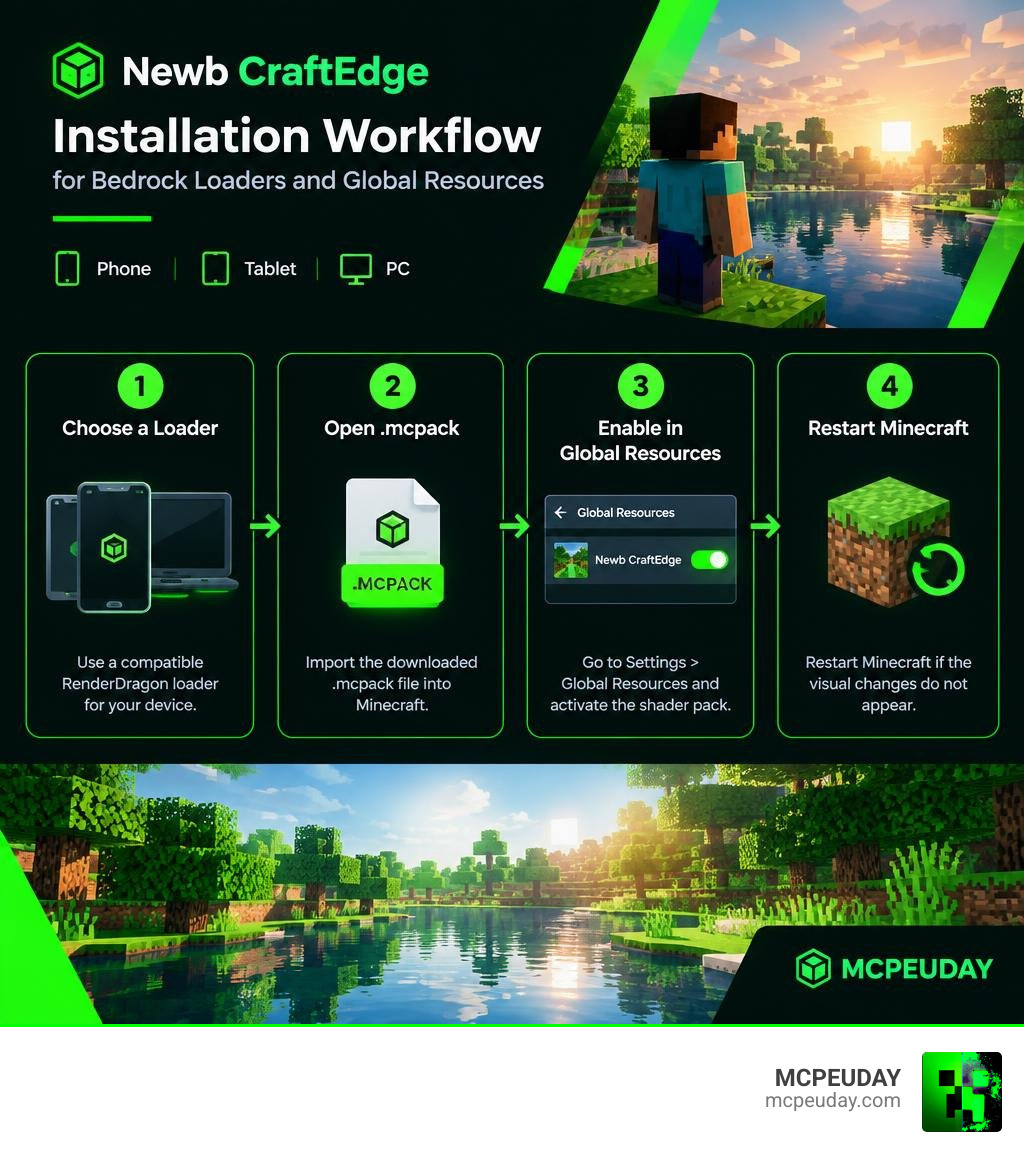
To install the Newb CraftEdge Shader for Minecraft PE/Bedrock, download its .mcpack release, use a compatible RenderDragon loader for your device, import the pack into Minecraft, and enable it under Global Resources. This shader is designed for Bedrock 1.26+ and aims to improve vanilla-style lighting with a soft, lightweight look. For more background on how RenderDragon shaders work, see the RenderDragon engine overview.
- Choose the right loader for your platform, such as MB Loader on Android or a RenderDragon-compatible loader on Windows.
- Open the downloaded
.mcpackfile to import it into Minecraft. - Go to Settings > Global Resources and activate the shader pack.
- Restart Minecraft if the visual changes do not appear.
Newb CraftEdge is part of the newer RenderDragon-era Newb shader family. Because Bedrock does not officially offer normal custom shader support, these packs depend on community-made loaders. That extra step can be frustrating, but it also makes enhanced lighting possible on phones, tablets, and PCs without choosing an especially heavy shader.
I am UDAY GAMER, and next I will explain what this shader changes before we move into the correct install method for each device.
What Is Newb CraftEdge Shader for Minecraft PE/Bedrock and Its Core Features?
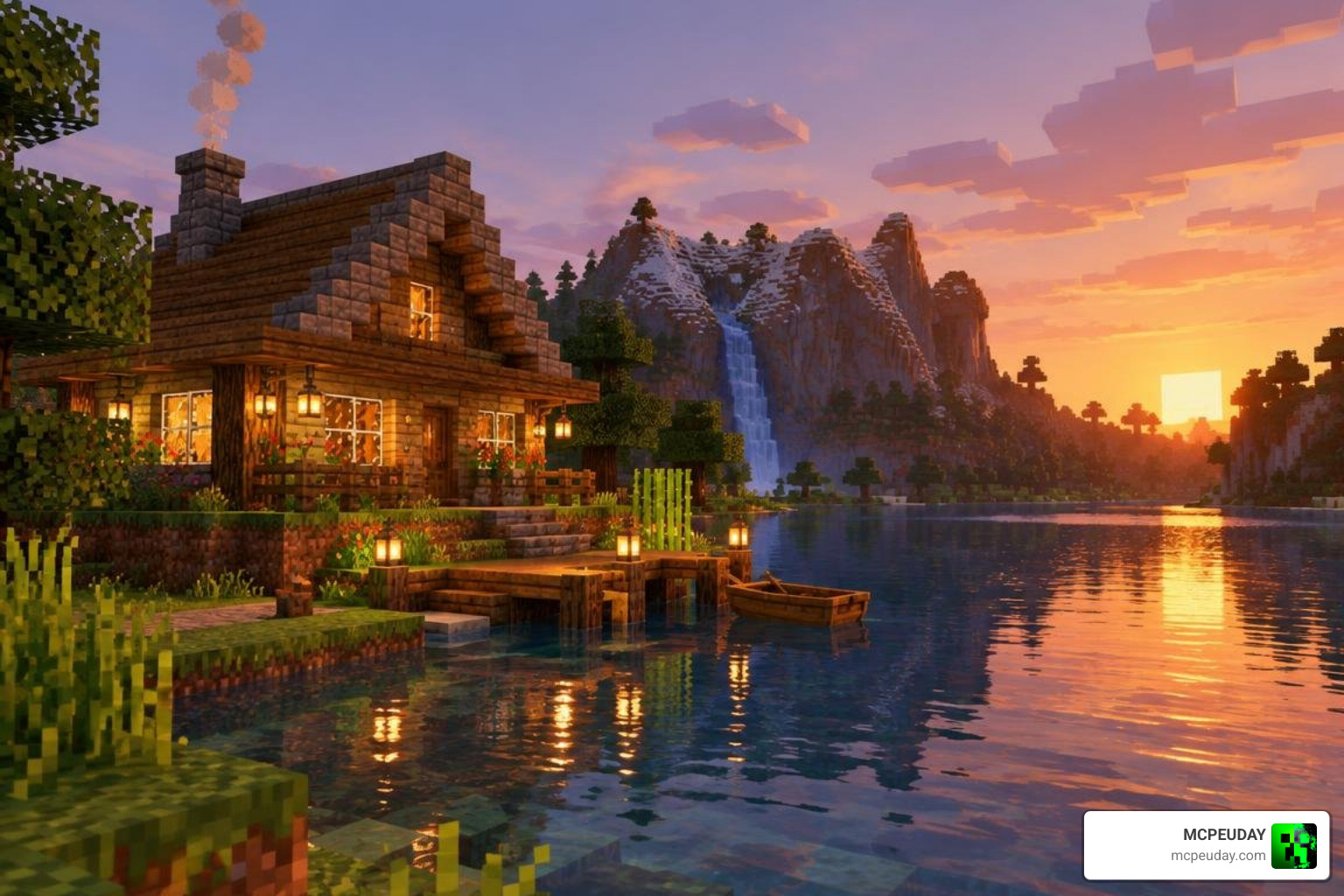
RenderDragon completely changed how Minecraft Bedrock handles graphic pipelines. In the past, players could simply drop a pack into their resource folder and enjoy instant visual upgrades. Today, modern packs like Newb CraftEdge (developed alongside the Newb X Legacy architecture) operate by modifying material bin files to inject custom lighting calculations straight into RenderDragon.
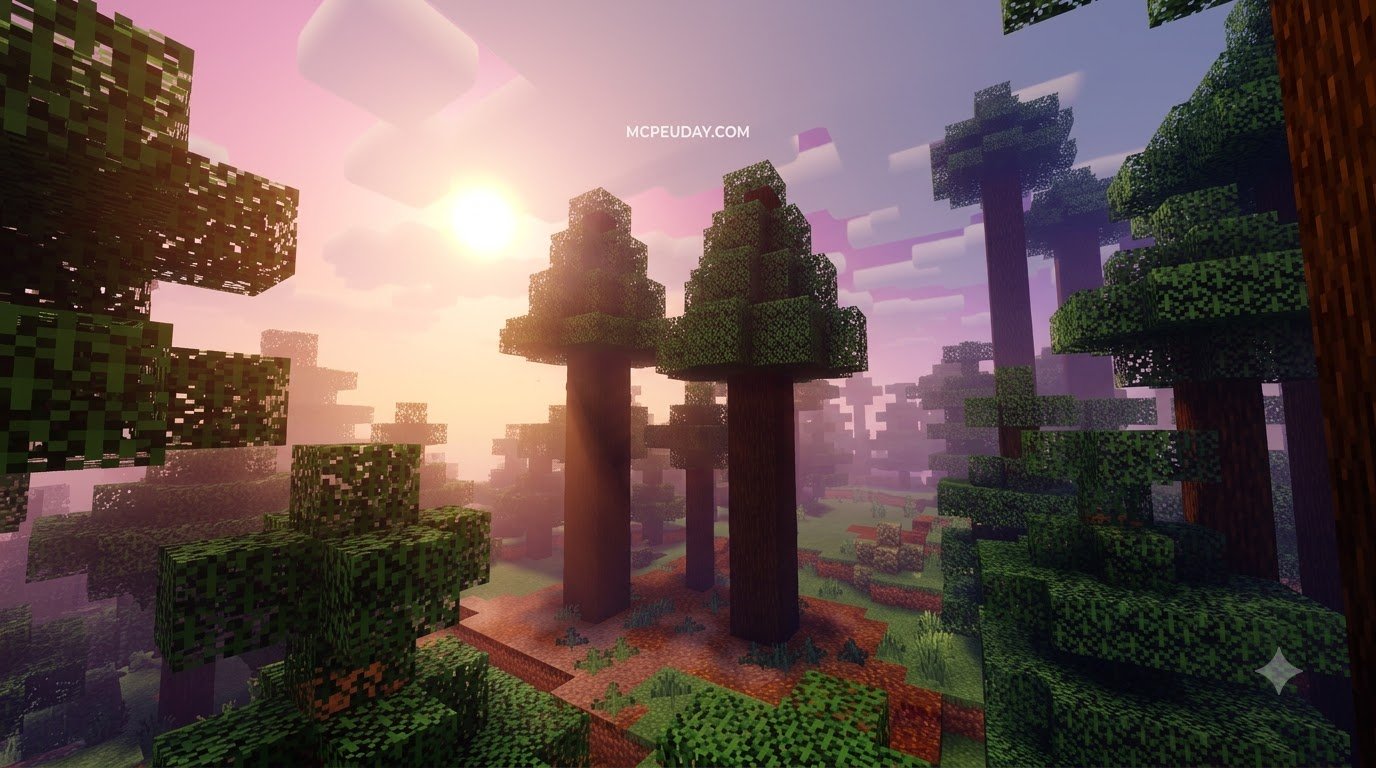
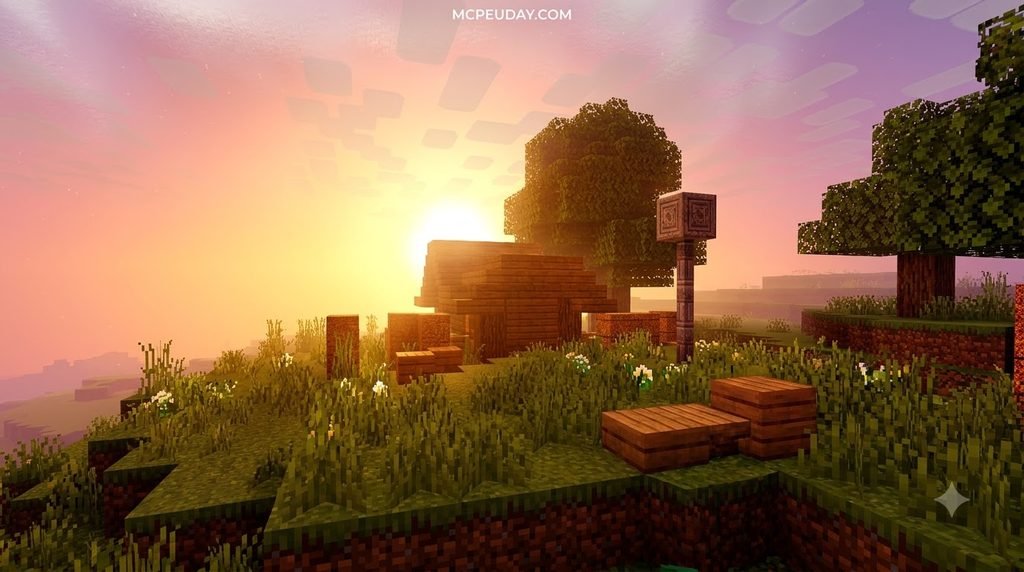
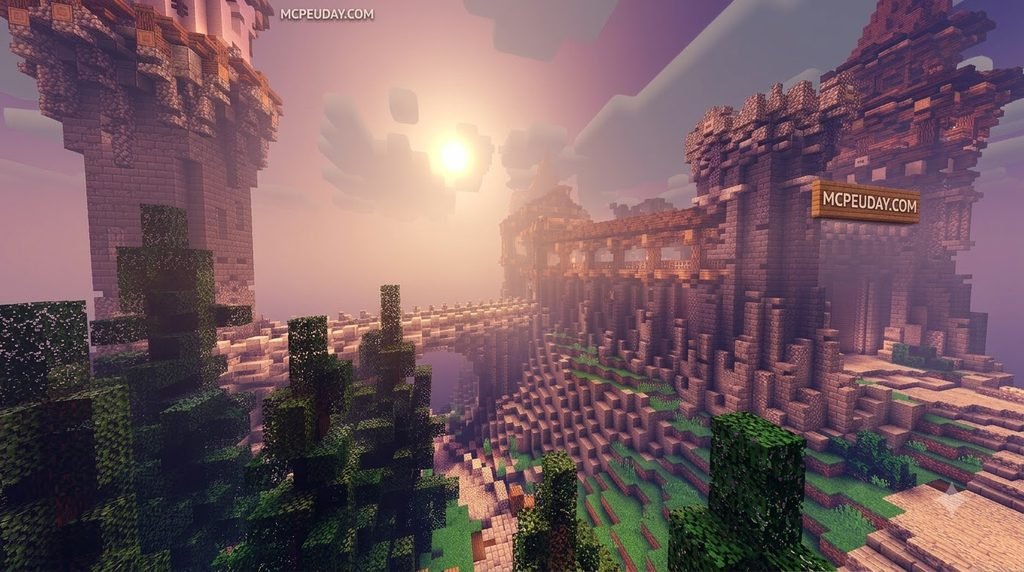
This shader focuses on a soft, warm, vanilla-plus aesthetic. Instead of blinding lens flares or heavy ray-traced shadows that cause mobile devices to overheat, it delivers subtle enhancements that feel native to Minecraft.
| Feature Category | Default Bedrock Graphics | Newb CraftEdge Shader |
|---|---|---|
| Lighting Style | Flat, harsh block light | Warm, gradient-based ambient glow |
| Water Visuals | Static opaque surface | Translucent with subtle surface reflections |
| Sky & Fog | Uniform distance cutoff | Layered atmospheric fog and soft horizon blending |
| Performance Cost | Baseline | Minimal impact (optimized for 60+ FPS on budget devices) |
| Engine Support | Standard RenderDragon | RenderDragon via MaterialBin loaders (Bedrock 1.26+) |
Overview of Newb CraftEdge Shader for Minecraft PE/Bedrock vs Classic Editions
The journey began with the original Newb Shader, which dominated older Bedrock versions before RenderDragon arrived. Since its repository creation on June 7, 2023, the open-source community has pushed Bedrock modding forward. Led by top contributor devendrn (with over 160 contributions), the project has gained immense traction, accumulating 193 GitHub stars, 193 watchers, and 108 forks.
While community iterations like Newb Renewed Shader for Minecraft paved the way for modern aesthetics, Newb CraftEdge refines the pipeline specifically for modern cross-platform stability. It maintains the lightweight spirit of the classic editions while fully adopting modern compilation tools.
Visual Enhancements and RenderDragon Performance in 2026
In September 2026, mobile and desktop hardware is faster than ever, but battery efficiency and thermal stability remain crucial. Newb CraftEdge shines by providing:
- Soft Ambient Shading: Natural light distribution that makes caves atmospheric and sunsets golden.
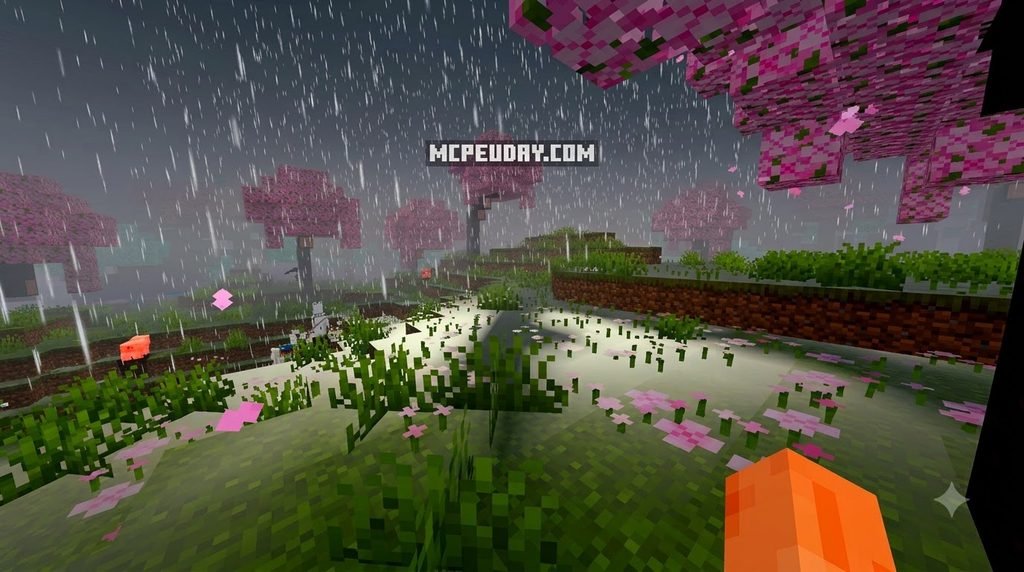
- Subtle Water Textures: Clean, realistic wave highlights without excessive specular glare.
- Atmospheric Depth: Smooth fog falloff that masks chunk loading boundaries seamlessly.
- High Framerate Preservation: Optimized shader code ensures stable frame rates, making it one of the finest lightweight Bedrock shaders available.
Platform-by-Platform Installation Guide
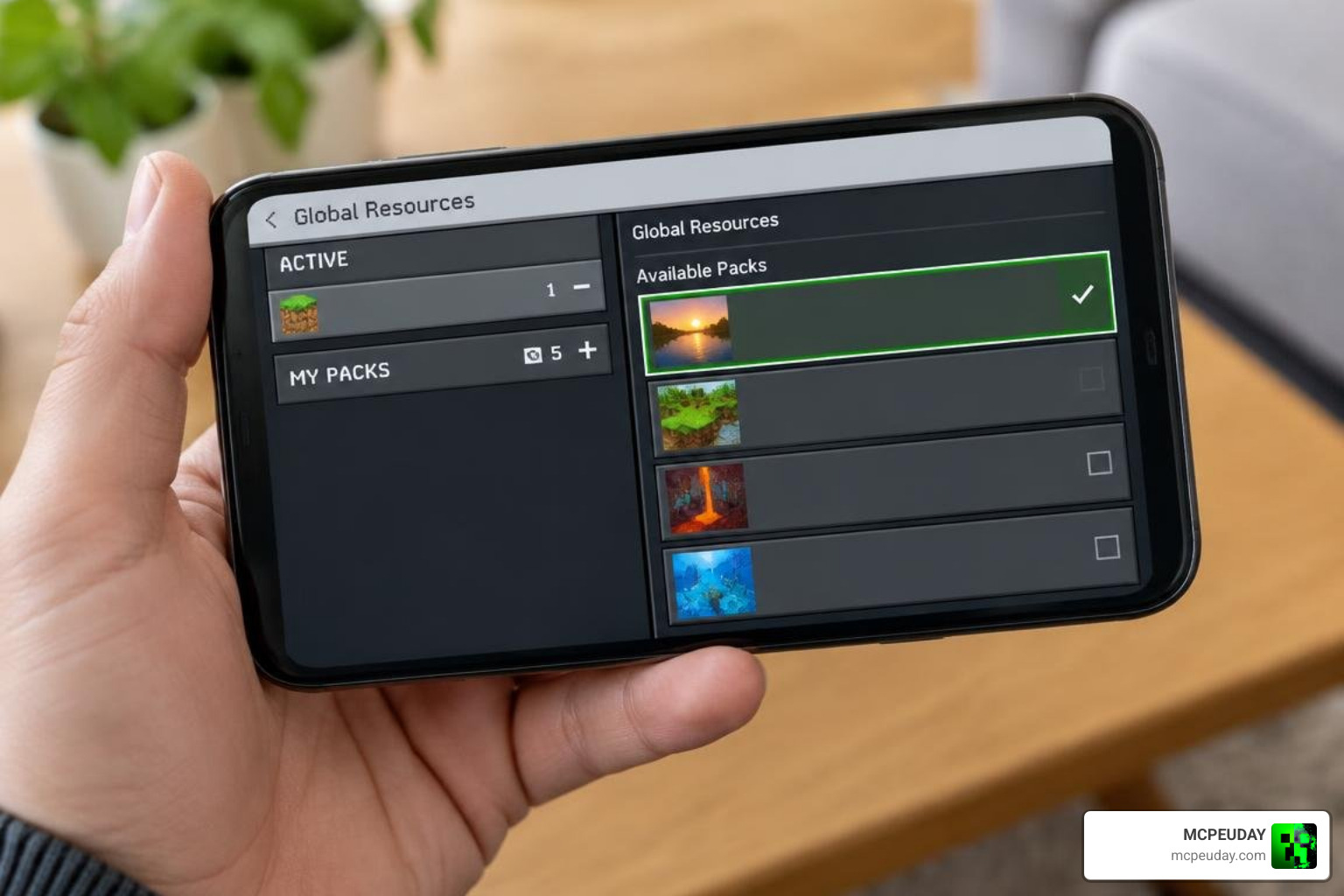
Because Bedrock does not provide native shader toggles on RenderDragon, you must use a platform-specific loader to inject the modified materials.

How to Setup Newb CraftEdge Shader for Minecraft PE/Bedrock on Android and iOS
Installing on mobile requires third-party patching tools to allow resource packs to hook into the game engine properly.
Android Setup (MB Loader):
- Download and install the MB Loader app on your Android device.
- Grant the necessary storage permissions requested by the loader.
- Download the Newb CraftEdge
.mcpackfile. - Launch Minecraft through the MB Loader application.
- Tap the
.mcpackfile from your file manager to import it directly into Minecraft. - Open Settings > Global Resources, select Newb CraftEdge, and hit Activate. This ensures you get smooth FPS lighting packs running without input lag.
iOS Setup (Hynis):
- Sideload the Hynis tool using your preferred iOS signing method.
- Import the Newb CraftEdge shader pack into Hynis.
- Launch Minecraft through the patched container and enable the pack in Global Resources.
Installing on Windows and Linux via RenderDragon Loaders
Desktop players have more direct control over shader injection and runtime hooks.
Windows Setup (BetterRenderDragon / MaterialBinLoader):
- Download the latest release of BetterRenderDragon or MaterialBinLoader.
- Extract the loader files into your Minecraft Bedrock installation directory or run the loader injector alongside the game.
- Double-click the Newb CraftEdge
.mcpackto install it into your game client. - Open Settings > Global Resources, move the pack to the Active list, and ensure it sits at the top of the load order.
- Launch the game using your loader executable.
Linux Setup (MaterialBinLoader / Shaders Mod):
- If running Bedrock via the Linux compatibility launcher, install the MaterialBinLoader mod component.
- Place the compiled shader materials into the dedicated material folder or import the
.mcpackvia the launcher UI. - Verify file permissions and launch the game to experience enhanced visuals on desktop Linux.
Customizing and Building the Shader from Source Code
For creators and enthusiasts looking for custom aesthetics or comparing styles from our 10 Best Newb Shaders for Minecraft PE Bedrock collection, Newb CraftEdge can be built and customized directly from source.
Configuration Parameters in pack_config.toml
Inside the source repository, navigate to src/newb/pack_config.toml. This file gives you total control over the visual presentation:
- Pack Metadata: Change the display name, description, and internal version tag.
- Color Grading: Adjust warm sunlight tints, cool moonlight hues, and underwater visibility.
- Fog Density: Alter distance values for morning mists and rainy weather.
- Subpacks: Define custom presets (e.g., Ultra Light, Cinematic, Vibrant) for users to toggle in-game.
Build Commands and Development Setup
To compile your modified shader pack into a working .mcpack, prepare your build environment:
- Ensure Git and Python 3.11+ are installed on your operating system.
- Install the necessary Python packages:
lazurite(version 0.8.4) andrich(version 14.x.x). - If developing in VSCode or Neovim, configure
clangdfor auto-completion and syntax highlighting across shader material files. - Initialize the project dependencies by running:
./build.sh setup - Compile the raw shader material bins:
./build.sh mats - Package the compiled files into a ready-to-use resource pack:
./build.sh pack
Your finished .mcpack will appear in the output directory, ready for distribution and testing.
Troubleshooting, Licensing, and Community Support
Even with stable releases, RenderDragon workarounds can occasionally run into hiccups. With only 3 open issues currently tracked on GitHub, the base code is remarkably stable, but configuration mismatches can happen.
- Black Screen or Missing World Textures: This occurs when your loader version does not match the installed Minecraft Bedrock version. Always verify that your loader supports Bedrock 1.26+.
- Shader Not Visible In-Game: Make sure you activated the pack under Settings > Global Resources rather than within a single world’s resource settings.
- Material Injection Failure: Disable real-time antivirus blocks on Windows if BetterRenderDragon fails to inject the modified
.material.binfiles. - Pink Textures Glitch: Clear your Minecraft resource cache and re-import the
.mcpackfile.
Licensing Guidelines
Understanding the project’s license is essential if you plan to share your tweaks:
- Source Code: Licensed under the permissive MIT License, allowing you to inspect, fork, modify, and build custom variants freely.
- Compiled Packs: Resource packs and compiled art assets retain creator copyright. You may not re-upload identical compiled releases without proper attribution and adherence to creator terms.
For community help, active discussion, and real-time updates, join the official Newb community Discord server where developers and players share custom subpacks and troubleshooting tips.
Frequently Asked Questions
Is Newb CraftEdge Shader officially supported by Mojang?
No, custom RenderDragon shaders are not officially supported by Mojang. The Bedrock engine lacks native shader import buttons, which is why community tools like MB Loader and BetterRenderDragon are used to load material files safely.
Which Minecraft Bedrock versions are compatible in 2026?
Newb CraftEdge is fully compatible with Minecraft Bedrock 1.26+ across Android, iOS, Windows, and Linux environments when paired with compatible loaders.
Can I redistribute modified versions of the resource pack?
Under the MIT License, you can modify and build from the source code. However, if you distribute compiled .mcpack files, you must respect creator asset copyrights, include the original license, and provide proper attribution to the upstream developers.
Conclusion
Newb CraftEdge proves that you do not need a high-end gaming rig to enjoy breathtaking Minecraft visuals. By combining the lightweight heritage of legacy Newb packs with modern RenderDragon material injection, it provides smooth framerates, atmospheric lighting, and clean water across phones, tablets, and PCs alike.
Download your loader of choice, grab the pack, and explore the best Minecraft Bedrock shaders to transform your worlds today. At MCPEUDAY, we will keep bringing you the latest guides and resources to keep your Bedrock adventures looking stunning.