Scroll down to D0vvnl0ad
Build a Colony, Then Check What Your Addons Support
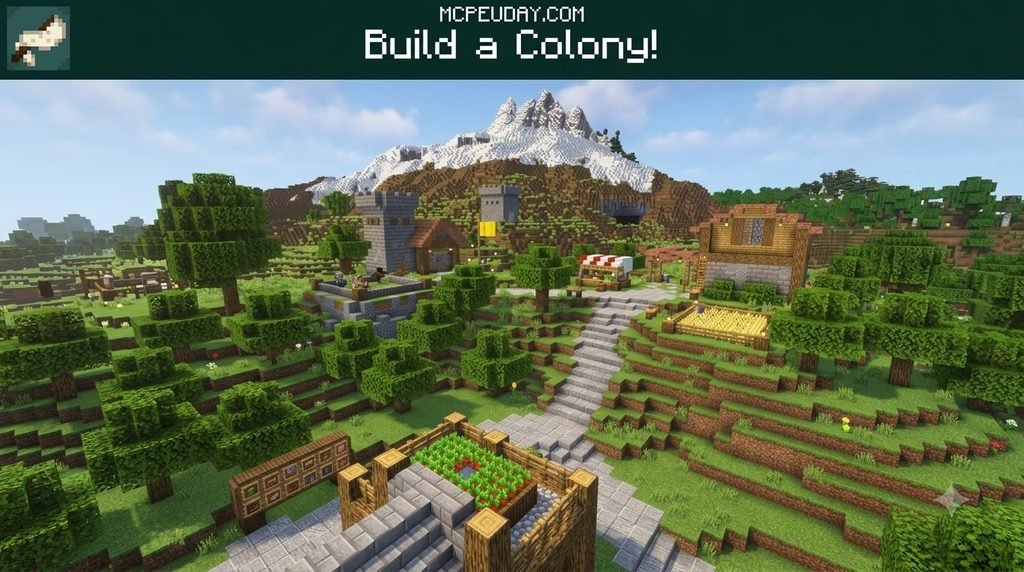
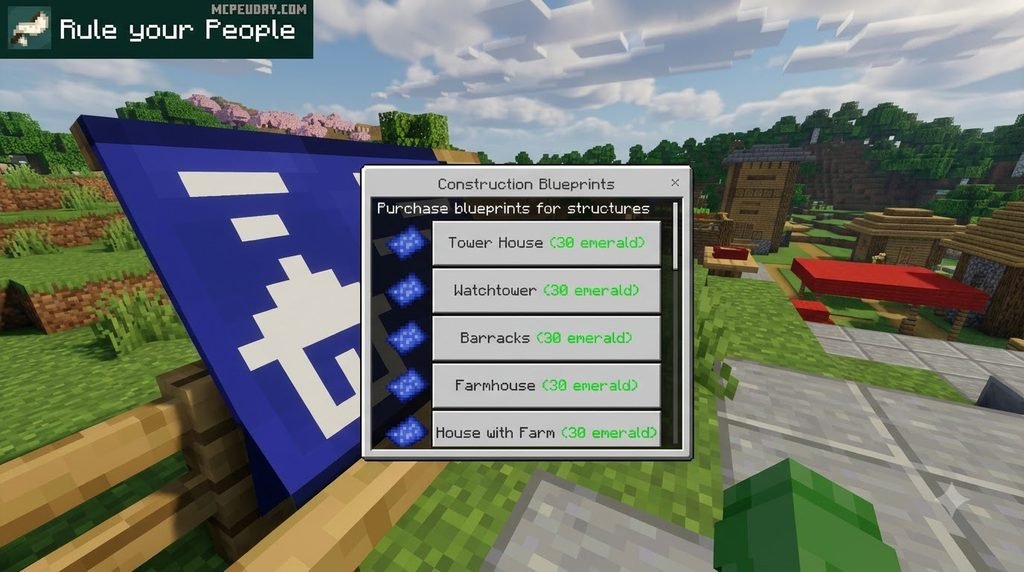
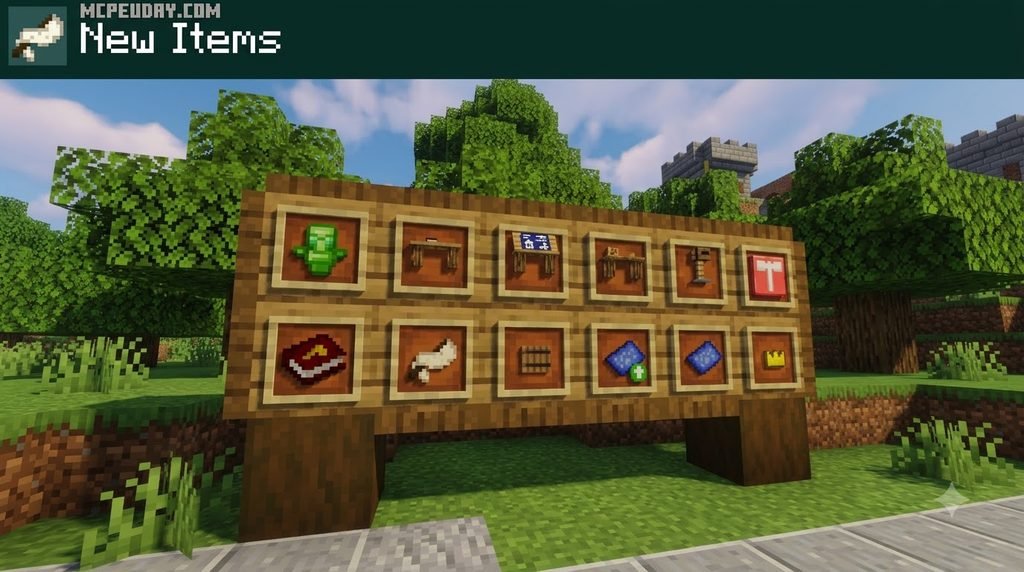
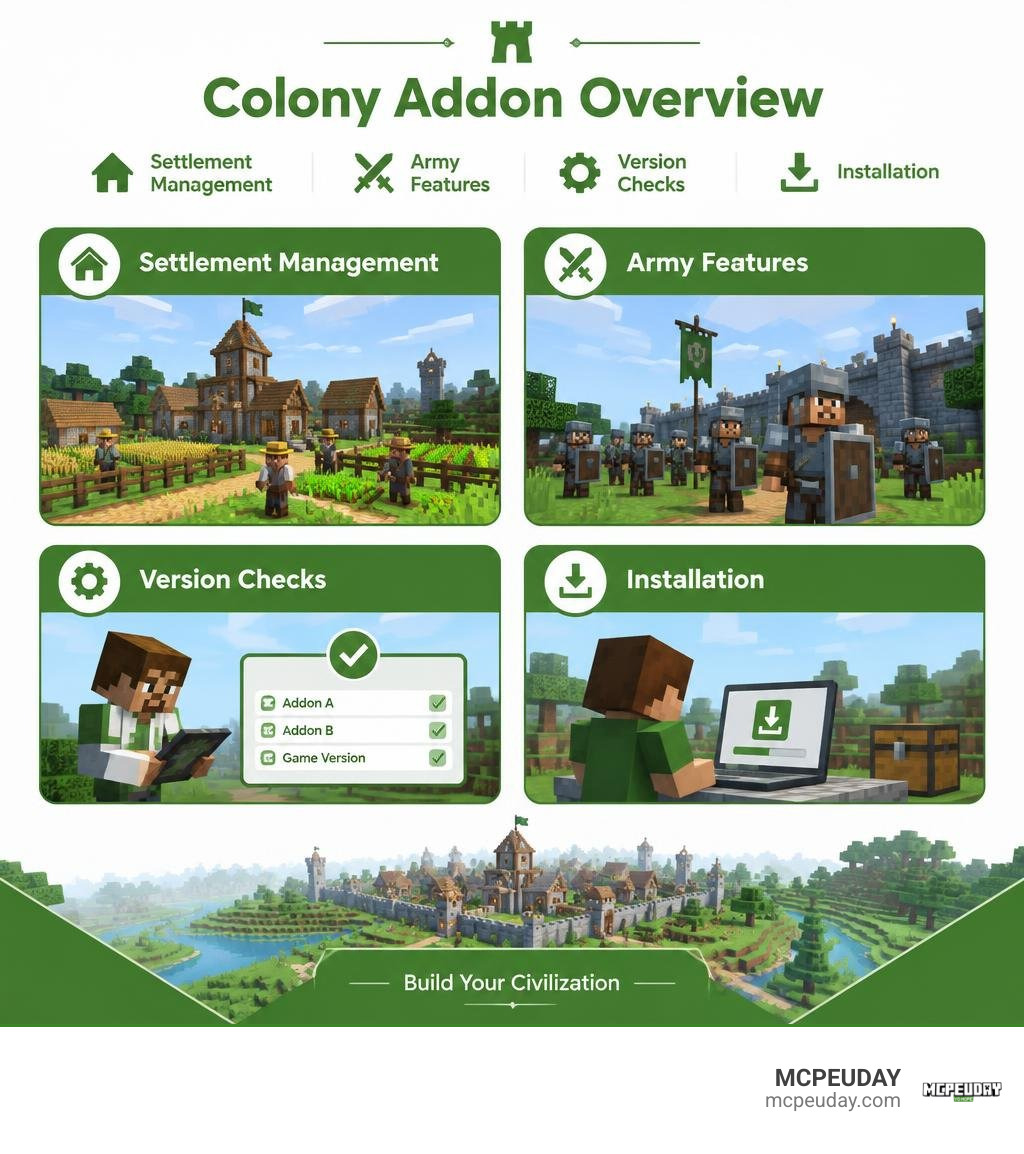
To get started with the Colonies Build Your Civilization Addon for Minecraft PE/Bedrock, import the .mcaddon file into Minecraft, then activate both the Resource and Behavior packs for your world under the Add-Ons tab. Place companion expansions, such as Empire Expansion, above the base colony framework in the load order so their features apply correctly. Once loaded, spawn in and place your city hall followed by a treasury block nearby, this pair forms the foundation for recruiting citizens, collecting taxes, and managing your growing settlement. Empire Expansion adds visual warnings when soldiers rebel and an army guide to help with planning.
If you want to use both, check that their versions match before starting a world. Empire Expansion has been listed for Bedrock 26.30, but that listing alone does not confirm support for every later update or for other add-ons such as Sieged. This guide will help you sort out the features, compatibility, and setup before you install.
What Is the Jerry Colonies Addon?
The Jerry Colonies framework transforms the traditional Minecraft sandbox into an active city-building simulation. Instead of wandering alone across empty plains or trading with passive vanilla villagers, you take on the role of a founder. You establish city halls, zone working districts, recruit specialized citizens, and defend your borders against hostile raids.
As your settlement expands, the base framework manages population growth, job allocations, and day-to-day citizen routines. Builders construct designated infrastructure, farmers cultivate crops to sustain the population, and guards patrol the perimeter. Citizens possess distinct schedules, returning to designated residences at dusk and reporting to workshops at dawn. However, as colonies grow into vast empires, managing military logistics, taxation, and citizen satisfaction requires deeper systems. This is where companion extensions like the Empire Expansion pack come into play, introducing comprehensive army guides, clear visual feedback for unrest, and streamlined economic administration.
Compatibility and Mod Ecosystem Support
When building an ambitious medieval realm or sprawling empire, combining complementary packs elevates the survival experience. While the core colony mechanics handle workforce logic, environmental packs and world-generation expansions enrich your kingdom’s surroundings.
Pairing your kingdom with the Medieval Structures Addon or the Better Structures Addon provides grand fortresses and outposts for your guards to patrol. If you prefer populating wild terrain, pairing your world with Expansive Biomes Addon or adding aesthetic settlements using the Villages Plus Addon gives your expanding borders a vibrant landscape. For players looking to automate kingdom resource processing, combining technical additions like the Create Bedrock Addon or building complex survival worlds with the Better On Bedrock Addon creates an engaging, multifaceted gameplay loop.
| Feature / System | Base Jerry Colonies | Empire Expansion Pack | Combined Ecosystem Integration |
|---|---|---|---|
| Worker Allocation | Basic job assignments (Farming, Mining, Building) | Unchanged / Inherited from base pack | Fully functional alongside Civilization Addon packs |
| Military Management | Basic guard recruitment & patrol routes | In-depth army guide & squad composition mechanics | Synergizes with custom defensive structures |
| Morale Tracking | Passive text prompts or invisible timers | Visual rebellion indicators floating over units | Alerts players before garrison strikes occur |
| Economy & Banking | Basic trade stalls and simple exchanges | Dedicated bankers, treasuries, and administrative posts | Connects smoothly with expanded town hubs |
| World Architecture | Standard colony schematics | Extended utility and administrative posts | Seamlessly matches More Simple Structures Addon |
Regarding combat-heavy mods like Sieged, compatibility is not natively guaranteed. The development team focuses primary updates on synchronizing with Jerry’s Colonies releases, so running third-party siege engines alongside it requires independent testing in a backup world. Ensuring behavior pack priority order places the base colony engine below companion expansions guarantees custom entity entities load all intended AI trees properly.
Core Mechanics of Colonies Build your Civilization Addon for Minecraft PE/Bedrock
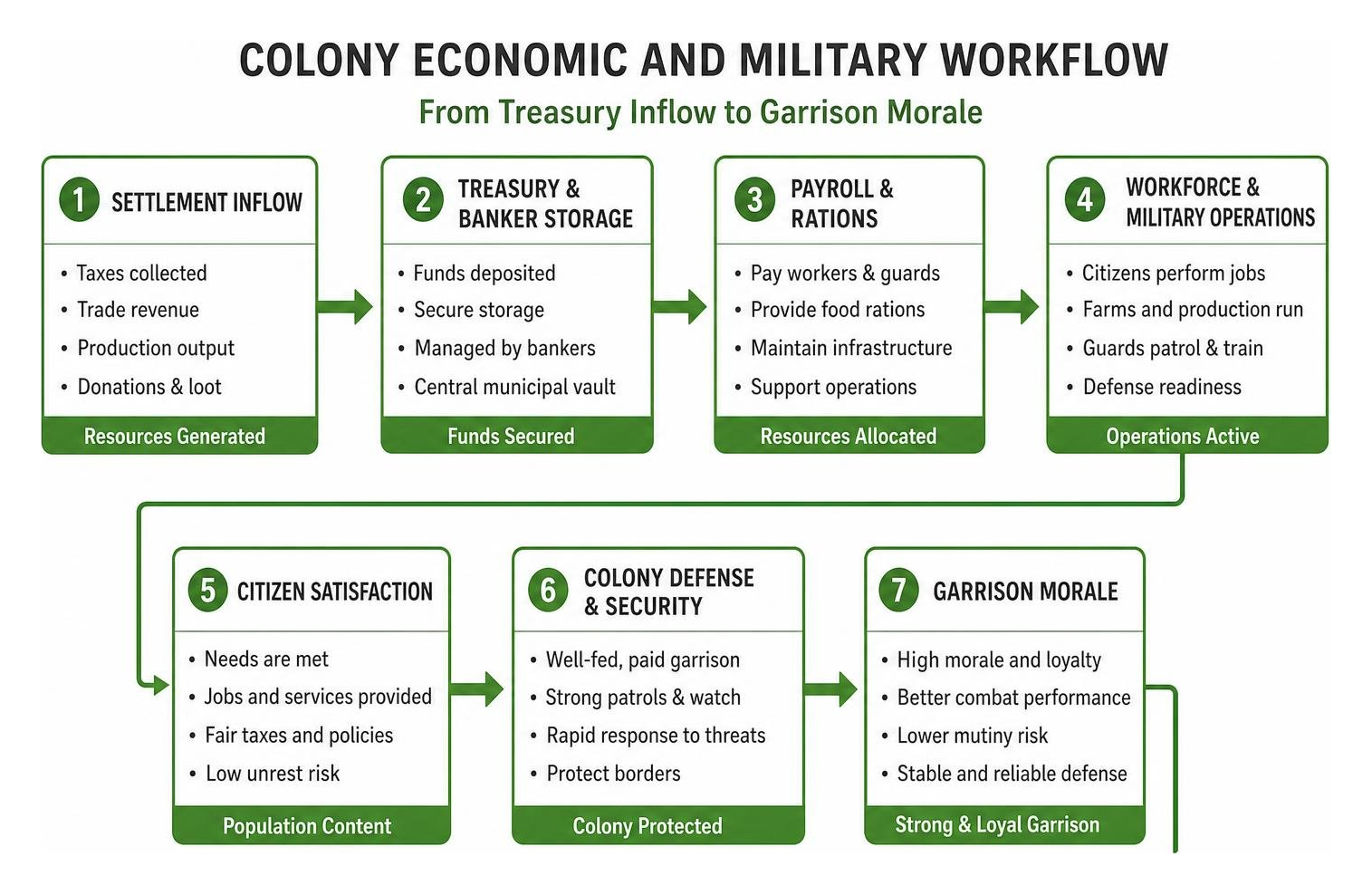
Mastering your empire requires balancing town finances, workforce logistics, and territorial defense. The core gameplay loop of the Colonies Build your Civilization Addon for Minecraft PE/Bedrock revolves around establishing an administrative center, allocating tax revenues, keeping citizens well-fed, and directing specialized military squads.
Managing Bankers, Treasuries, and Outposts
Economic stability determines whether your empire flourishes or collapses from within. Managing your finances effectively involves three primary assets:
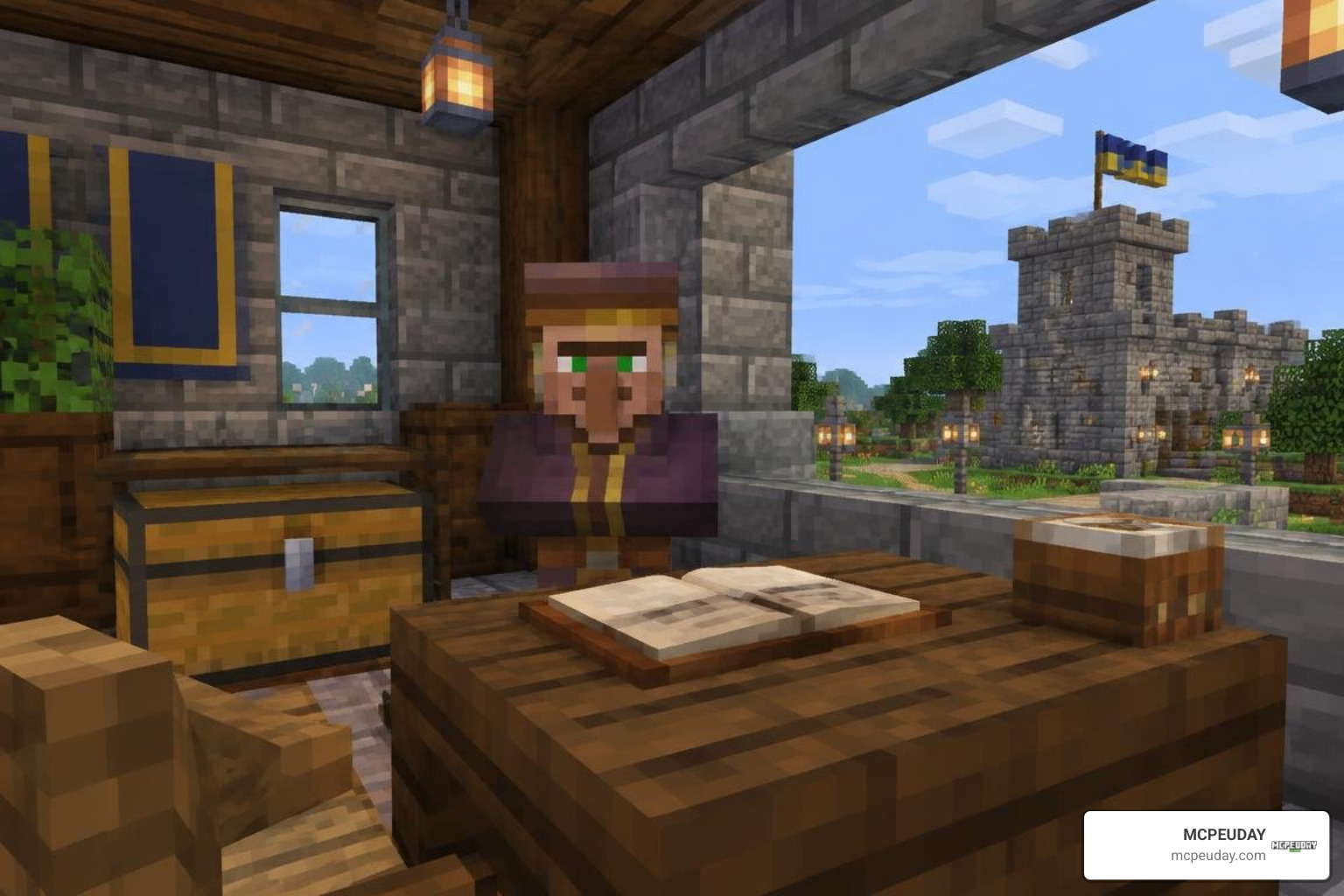
- The Treasury: Serves as the central vault for your settlement. Depositing gold, currency tokens, and trade revenue here ensures your municipal funds remain secure and accessible for automated town expenditures. Automated supply contracts draw directly from this reserve whenever workers require fresh tools or materials.
- Bankers: Specialized administrative NPCs who handle currency storage, tax assessments, and account tracking. If you need to relocate a banker, use the designated staff management tool or shift-interact with administrative tokens to reassign their workstation to a new bank counter. Keeping multiple bankers active across different districts prevents bureaucratic bottlenecks during collection cycles.
- Outpost Stations (Posts): Essential logistical hubs placed at the borders of your territory. Posts allow you to establish supply chains between outlying farms, distant guard towers, and your central city hall without requiring citizens to walk massive distances across unlit terrain. Linking these posts creates safe travel corridors that minimize monster encounters for trade couriers.
Military Tactics in Colonies Build your Civilization Addon for Minecraft PE/Bedrock
A thriving settlement inevitably attracts danger. Expanding your military requires more than simply handing an iron sword to a villager. Through the integrated army guide, you can establish structured squads, designating frontline infantry, ranged archers, and heavy vanguard units.
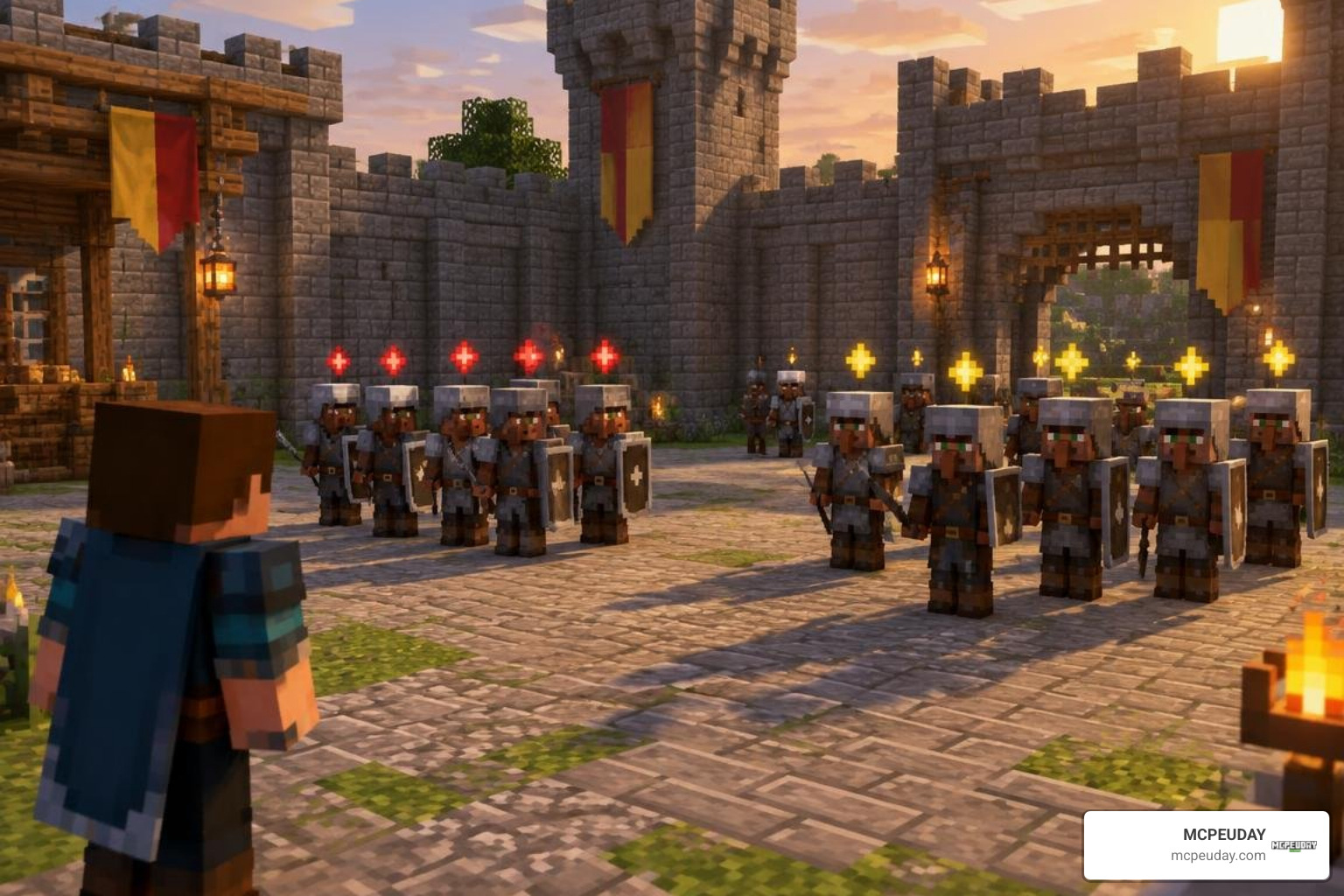
One standout innovation is the visual rebellion indicator system. When soldiers run out of rations or go unpaid for extended periods, their morale plummets. Instead of silently abandoning their posts, units display distinct visual unrest icons above their heads, giving you an immediate warning to resolve supply shortages. If unrest persists unaddressed, rebelling soldiers may refuse defensive orders or turn neutral toward incoming hostiles, leaving your gates vulnerable.
Recent balance patches have also resolved critical combat bugs, such as tagged friendly soldiers attacking one another when tapped, ensuring your garrison maintains strict unit discipline during chaotic defensive maneuvers. You can now reliably position shield walls at choke points while archers provide fire support from elevated ramparts.
Technical Setup and World Configuration
Because Bedrock Edition runs across varied devices, including mobile phones, consoles, and Windows PCs, proper technical configuration ensures consistent frame pacing and avoids script conflicts. The lightweight nature of the expansion files, typically around 724 KB, makes them accessible for mobile devices, while PC players can run performance optimization tools if managing massive megacities.
When managing large populations of custom NPCs, simulation distance settings play a key role. Setting your simulation distance to 4 or 6 chunks on low-end hardware helps prevent background tick lag, while higher-tier platforms can support up to 8 or 10 chunks to keep distant agricultural posts functioning seamlessly.
Installing Colonies Build your Civilization Addon for Minecraft PE/Bedrock
Setting up your world is straightforward across all supported platforms when following the standardized .mcaddon installation workflow:
- Download the File: Acquire the latest
EMPIRE_EXPANSION.mcaddondistribution file tailored for your game version. - Import into Minecraft:
- Android / iOS: Tap the downloaded file and choose Open with Minecraft. The game will launch automatically and import both the Behavior and Resource packs.
- Windows 10/11: Double-click the file to trigger the automatic Bedrock import engine.
- World Configuration: Create a new survival world or edit an existing save. Under the Add-Ons tab, activate both the Jerry Colonies framework and the Empire Expansion pack in the Resource and Behavior slots. Ensure the Empire Expansion pack is placed higher in the load order than the base colony framework.
- Experimental Toggles: While core features function without heavy script overrides, enabling standard creator toggles, like Holiday Creator Features or Custom Biomes when combining terrain mods like the Structures Plus Addon, ensures complete item and entity functionality.
- Create a Backup: Always duplicate your world file before loading new behavior updates to safeguard your buildings against future patch adjustments.
Frequently Asked Questions About Colony Addons
How do you deposit money into the colony treasury?
To deposit currency into the treasury, open the central treasury block interface using your settlement ledger or gold coins. Shift-click your currency into the designated intake slots, or interact directly with an assigned banker NPC who will route collected municipal taxes directly into your settlement’s main balance sheet. You can also configure automatic tax cuts from marketplace stalls so a steady revenue stream enters the vault continuously.
Why are soldiers rebelling in my colony?
Soldiers rebel primarily due to depleted morale caused by missing salary payments or starving garrisons. When the visual rebellion indicator appears over a soldier’s head, check your treasury funds immediately, ensure your granaries have accessible food supplies, and distribute rations using the army command interface to restore loyalty. Maintaining well-stocked guard posts near defensive walls prevents morale from dipping during long sieges.
Are experimental gameplay toggles mandatory for this addon?
No, core settlement and military mechanics are designed to operate without mandatory experimental toggles on supported base versions. However, if you are integrating additional community mods, world generators, or customized administrative scripts, enabling experimental features helps avoid behavior conflicts between complex entity packs.
Conclusion
Building a thriving empire in Minecraft Bedrock transforms routine survival into an engaging leadership experience. By mastering economic balance through dedicated bankers and keeping your garrison satisfied using the clear visual rebellion cues, your settlement can weather any storm.
Whether you are expanding a modest farming hamlet or organizing heavily fortified legions, we make it simple to track down compatible packs, verify version support, and optimize your Bedrock worlds. Ready to upgrade your next playthrough? Head over to our catalog and browse top Minecraft PE mod addons to start constructing your kingdom today.