Scroll down to D0vvnl0ad
Get Your Gear Back After Death in Minecraft Bedrock
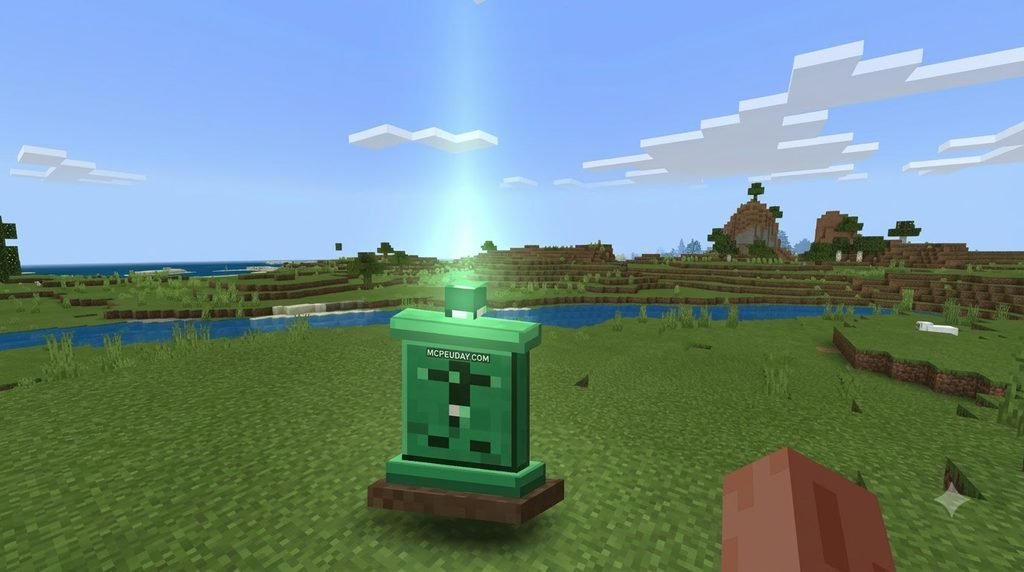
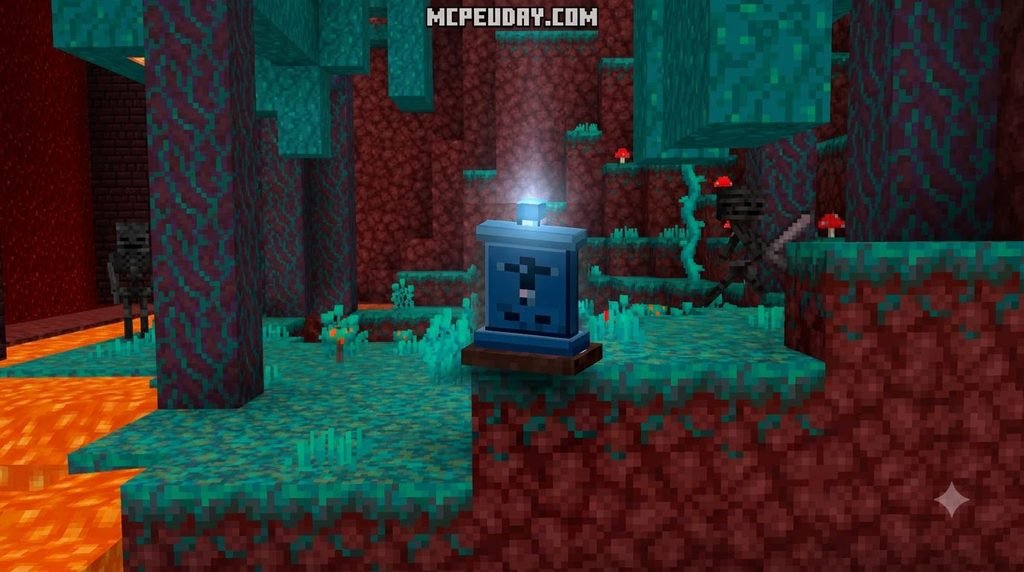
A Gravestone Addon for Minecraft PE/Bedrock stores your items in a grave when you die, giving you a way to recover them instead of searching for scattered drops. To install one, choose a file that matches your game version, import it into Minecraft, and activate its behavior and resource packs in your world settings.
Before testing it, back up your world and check the addon’s instructions. Some versions need Beta API or Keep Inventory enabled. Keys also work differently: one addon may use a key to open a grave, while another may let you teleport back to it.
What is a Gravestone Addon for Minecraft PE/Bedrock?
In standard vanilla Minecraft, dying is brutal. Dropped items scatter across the terrain, burning in lava or despawning after a strict five-minute timer. A Gravestone addon replaces that penalty by generating a persistent container right where you perish. Instead of frantically rushing against the clock, your entire inventory—including armor, hotbar items, and off-hand gear—is safely locked inside an indestructible block.
Beyond holding your equipment, modern death addons post your exact X, Y, and Z death coordinates straight into the chat box or display them on an item. If you fall into hazardous terrain, the addon repositions the grave block onto nearby solid ground or creates an emergency platform so your items remain accessible.
These systems complement other survival quality-of-life additions, such as the sleeping coffins addon for Minecraft Bedrock, giving survival adventurers peace of mind across long exploration runs.
Top Gravestone Addons Compared
Several distinct community packages offer death protection, each built with different mechanics and recovery tools. Here is how the top contenders stack up:
| Addon Name & Creator | Total Downloads | Primary Recovery Mechanic | Teleportation Feature | Auto-Equip Slots |
|---|---|---|---|---|
| GraveStones (by Effect99) | 266,767+ | XP-Tiered Tombstone + Unique Key | No (Shows distance/coords) | Manual retrieve via key |
| Gravestone & Death Coordinates (by euforiaconr) | 158,746+ | Coordinates Chat Log + Breakable Grave | Yes (Dedicated Teleport Key) | Drops items on break |
| Gravestone – Auto Equip System (by Endermen76428) | 84,097+ | Soul Key / Reaper Pathfinding | No (Summons guide entity) | Yes (Restores exact slots) |
| Death Grave & Coords Addon (Bedrock 26.x Ecosystem) | 54,000+ | Coordinate Broadcast + Death Grave | Optional (Configurable) | Quick-equip on touch |
Grave Variants, Hazard Protection, and Death Tracking
Modern addons provide distinct visual variations and hazard safeguards. Rather than placing a generic stone marker, the addon dynamically alters the tombstone based on your circumstances at the time of defeat.
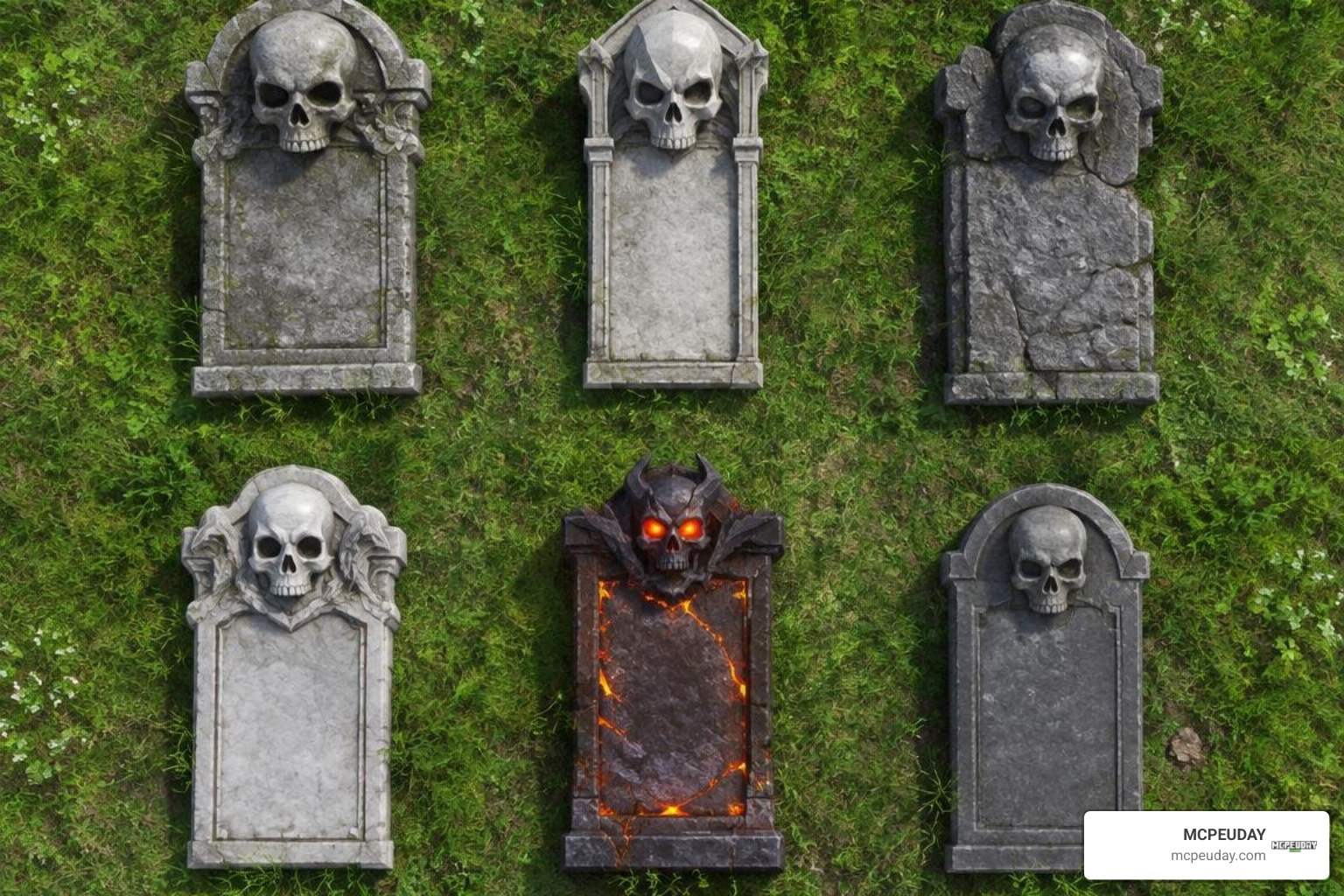
- Mob-Specific Skulls and Biome Variants: The Auto Equip System by Endermen76428 features 72 distinct gravestone variants. If you are defeated by a Bogged, Creeper, Slime, Stray, or Wither Skeleton, a custom carved skull tombstone marks the scene. Traveling into the Nether or The End creates specialized dimension-themed blocks, alongside 8 hidden secret variants for unique circumstances.
- XP-Based Visual Tiers: The GraveStones addon changes the physical structure of your grave across 8 distinct aesthetic tiers matching your accumulated experience level when you fell.
- Reaper Pathfinding & Navigation: Instead of relying solely on coordinate readouts, some packages let you use your recovery key to spawn a spectral Reaper guide that retraces the exact path you walked through dark caves.
- Hazard Protection: If you fall out of the world in The End, the addon constructs an emergency platform at height Y=1 to catch your grave. If you burn in deep lava pools, the grave detects the nearest shore or floats safely to the surface.
How to Install the Addon on Minecraft Bedrock (1.21 / 26.x)
Installing custom packs on Minecraft Bedrock (1.21 and modern 26.x releases) is straightforward. Whether you are pairing your grave mechanics with the atmosphere of the Dark Fantasy Addon or building a clean survival world, the installation process follows a simple workflow.
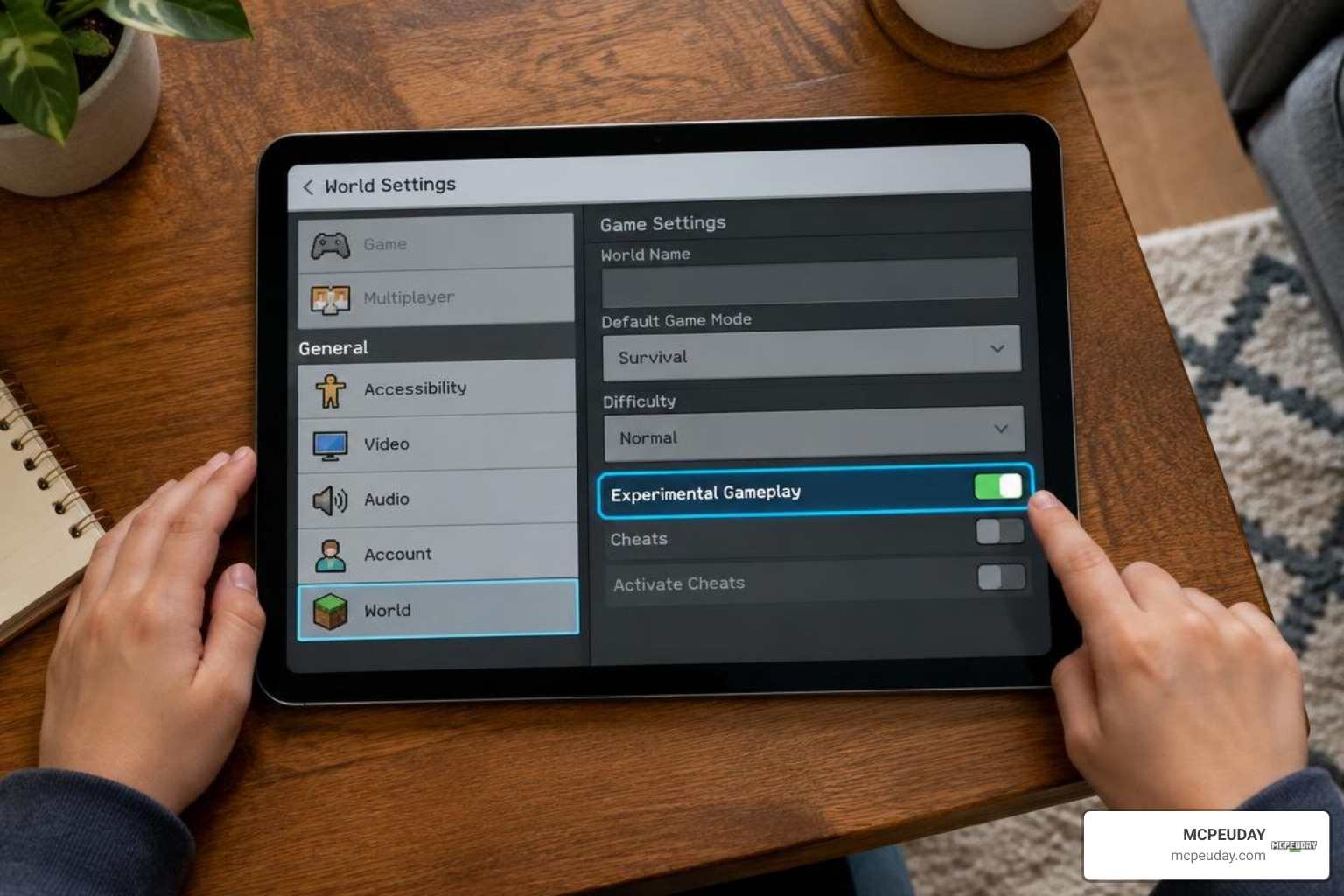
Step-by-Step Installation for Mobile, PC, and Console
- Download the Package: Acquire the
.mcaddonor.mcpackfiles for both the Behavior Pack (BP) and Resource Pack (RP). - Import into Minecraft:
- Mobile (iOS/Android): Tap the downloaded file in your file manager and select “Open with Minecraft”.
- Windows PC: Double-click the file; Minecraft will launch automatically and import the pack.
- Consoles: Import via world transfer tools, dedicated Realms staging, or local add-on storage.
- Access World Settings: Open the game, select your survival world, and click the Edit (Pencil) icon.
- Enable Resource and Behavior Packs:
- Navigate to Resource Packs > Available > Select your gravestone addon and click Activate.
- Navigate to Behavior Packs > Available > Select the matching behavior pack and click Activate.
- Check Pack Priority: Ensure the pack sits above standard vanilla resources in the Active list so textures load properly.
Essential Experimental Settings and Beta API Configuration
To capture player death data and intercept item drop routines, Bedrock addons rely on underlying script events.
- Toggle Beta API: Head into your world’s Experiments tab and turn on Beta APIs. This allows the addon’s JavaScript scripts to detect the
player_dieevent and generate the grave block instantly. - Holiday Creator Features: If your addon uses custom items for teleportation keys or compasses, toggle this setting on.
- Keep Inventory Setting: Some addons (like Effect99’s GraveStones) require Keep Inventory enabled in world settings, using scripts to empty and transfer your inventory into the grave block.
- World Backups: Always create a copy of your world before enabling experimental toggles.
Multiplayer Support, Mechanics, and Compatibility
Gravestones work smoothly across local LAN games, dedicated servers, and Minecraft Realms.
- Unique Grave Keys: When multiple players die simultaneously, the system assigns a unique digital ID to each grave key, preventing other players from looting your gear unless server permissions allow it.
- Admin Master Keys: Server administrators can assign themselves an admin tag or use a master admin key to retrieve player graves, resolve player disputes, or clear abandoned graves.
- Host Synchronization: On Bedrock Realms, only the realm host needs to install the Behavior Pack, while connected clients download the Resource Pack automatically upon joining.
Troubleshooting the Gravestone Addon for Minecraft PE/Bedrock
If you run into issues after installing your addon, use this troubleshooting checklist:
- The Gravestone Did Not Spawn: Ensure the Beta API toggle is active in your world settings. If you added other mods that alter player entities—like the Cave Dweller Addon—ensure the gravestone behavior pack is placed near the top of your load order.
- Cannot Open the Grave: Confirm you are holding the exact key generated on your death. If you lost the key, check if your addon allows crafting a spare or breaking the grave block directly with an iron pickaxe.
- Duplicate Loot or Missing Items: Disable conflicting third-party inventory managers or death-chest mods that might intercept dropped items simultaneously.
Compatibility of the Gravestone Addon for Minecraft PE/Bedrock with Survival and Horror Mods
Running high-difficulty survival packs makes a gravestone system essential. Adding lethal hostile mobs from the Mutant Creatures Addon or tracking entities from the Dwellers Mod elevates your risk of sudden defeat.
Pairing a gravestone mod with intense encounter packs—such as the Herobrine Reawakened Addon—allows you to enjoy challenging horror gameplay without the frustration of losing hours of hard-earned progression.
Frequently Asked Questions About Bedrock Gravestones
What happens to my items if I die in lava or the void?
If you fall into the void in The End, the addon generates an obsidian or cobblestone platform at height Y = 1 and places your grave on top. If you perish in lava, the grave relocates to the closest solid shoreline block or stays fireproof on the lava surface.
Do Gravestone addons work on Minecraft Realms and dedicated servers?
Yes. Gravestone addons function across Minecraft Realms, BDS (Bedrock Dedicated Server), and LAN worlds. Each player receives their own personal death markers and private keys, preventing loot conflicts.
How do I retrieve my items using the Gravestone Key?
Depending on your addon version, right-clicking (or tapping and holding on mobile) while holding the key either teleports you straight to your grave or unlocks the container when interacted with directly. Addons with auto-equip functionality immediately place your gear back into their exact hotbar, armor, and off-hand slots.
Conclusion
Losing hours of mining progress and endgame armor to a surprise explosion or lava fall is frustrating. Installing a Gravestone addon provides a dependable safety net, turning sudden deaths into fun recovery missions.
For more installation guides, player utilities, and survival packs, explore the latest Bedrock mods and addons available on MCPEUDAY to customize your world today.
