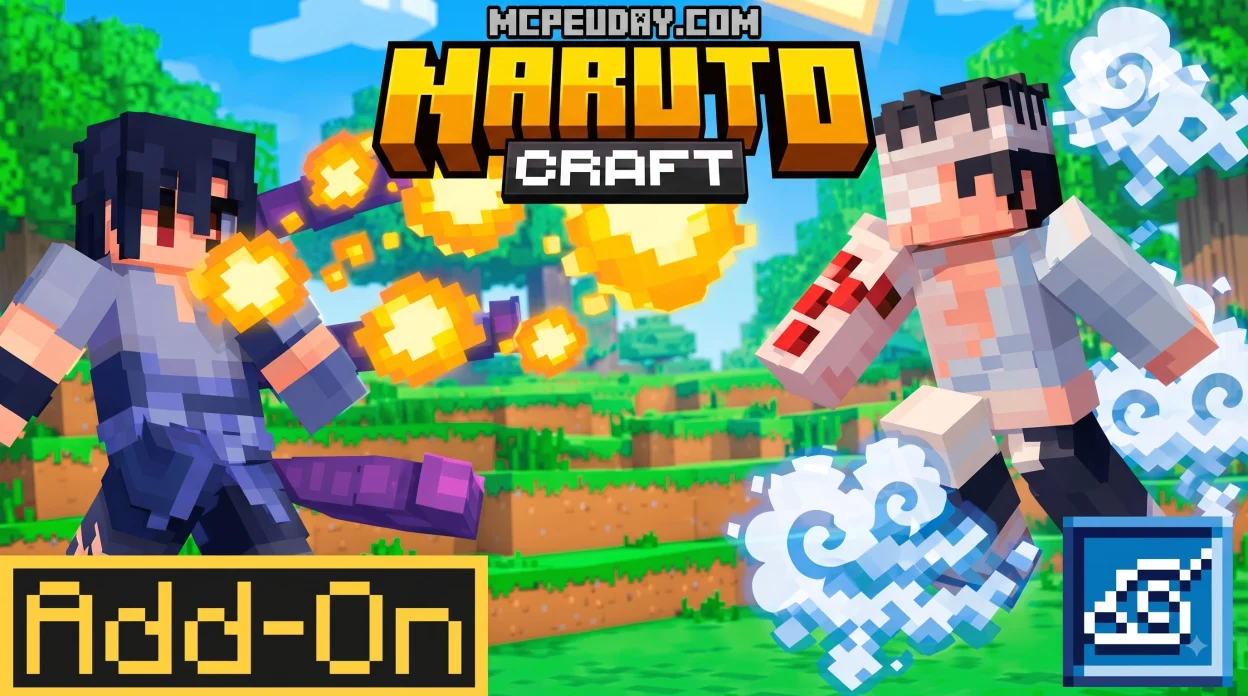
Download and Install the Naruto Craft Addon for Minecraft PE/Bedrock
The Naruto Craft Addon for Minecraft PE/Bedrock turns a normal Bedrock world into a ninja RPG with clans, chakra, jutsus, missions, and major Naruto-inspired transformations. To use it, download the matching Resource Pack and Behavior Pack for your Minecraft version, import both into Bedrock, activate them in a new or existing world, and enable any experimental settings required by that release.
Naruto Craft V6.1 supports Bedrock 1.20 and 1.21+ on Android, iOS, Windows, and compatible consoles. It adds more than 50 modes, jutsus, and missions, including abilities and forms such as Sharingan, Byakugan, Susanoo, Bijuu forms, Chakra Modes, Karma variations, and Baryon Mode.
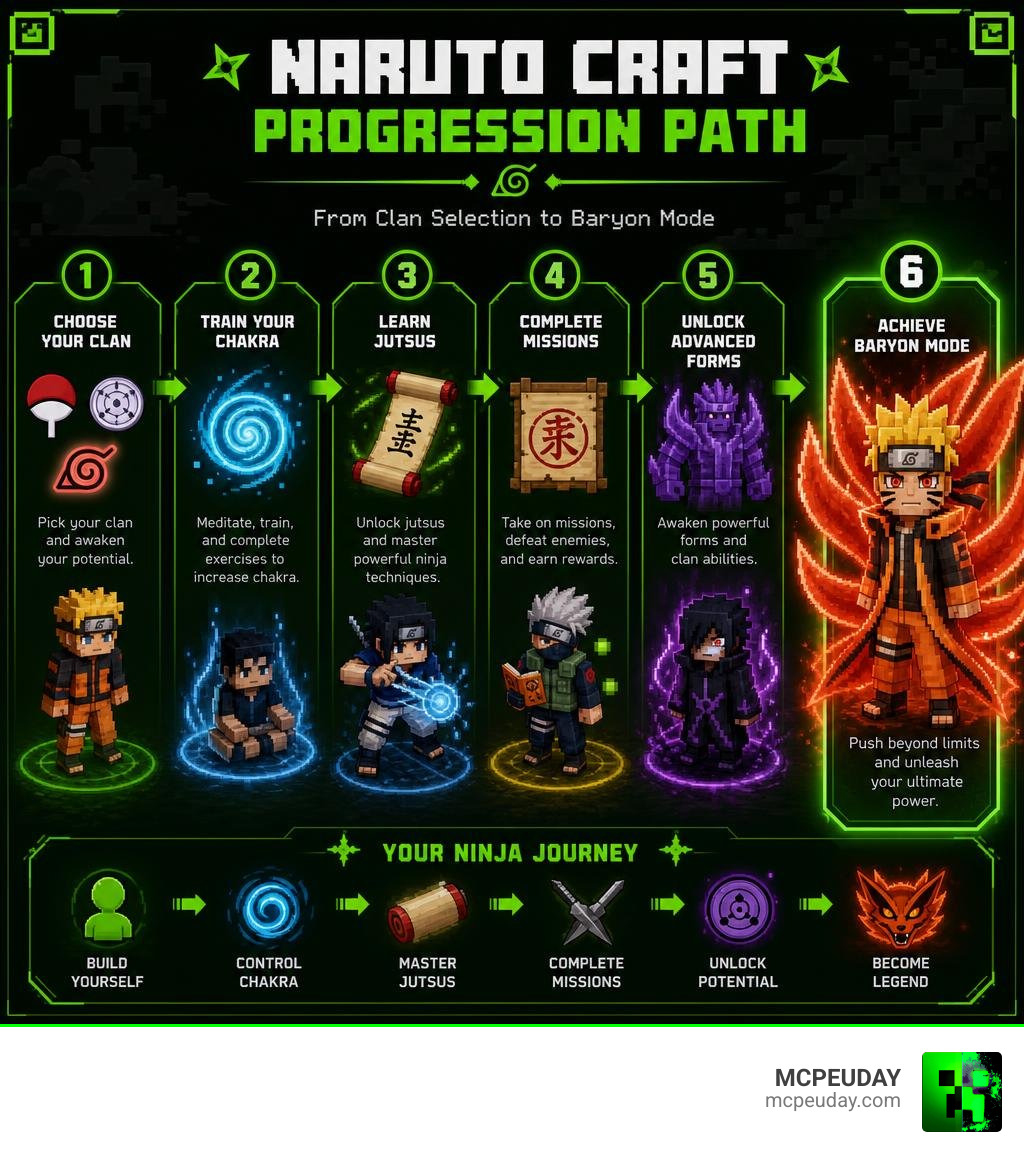
The key to enjoying it is progression. Pick a clan, build and manage your chakra, complete missions, and save high-cost transformations for tough fights. The effects can be demanding on lower-end phones, so the right settings matter as much as the installation.
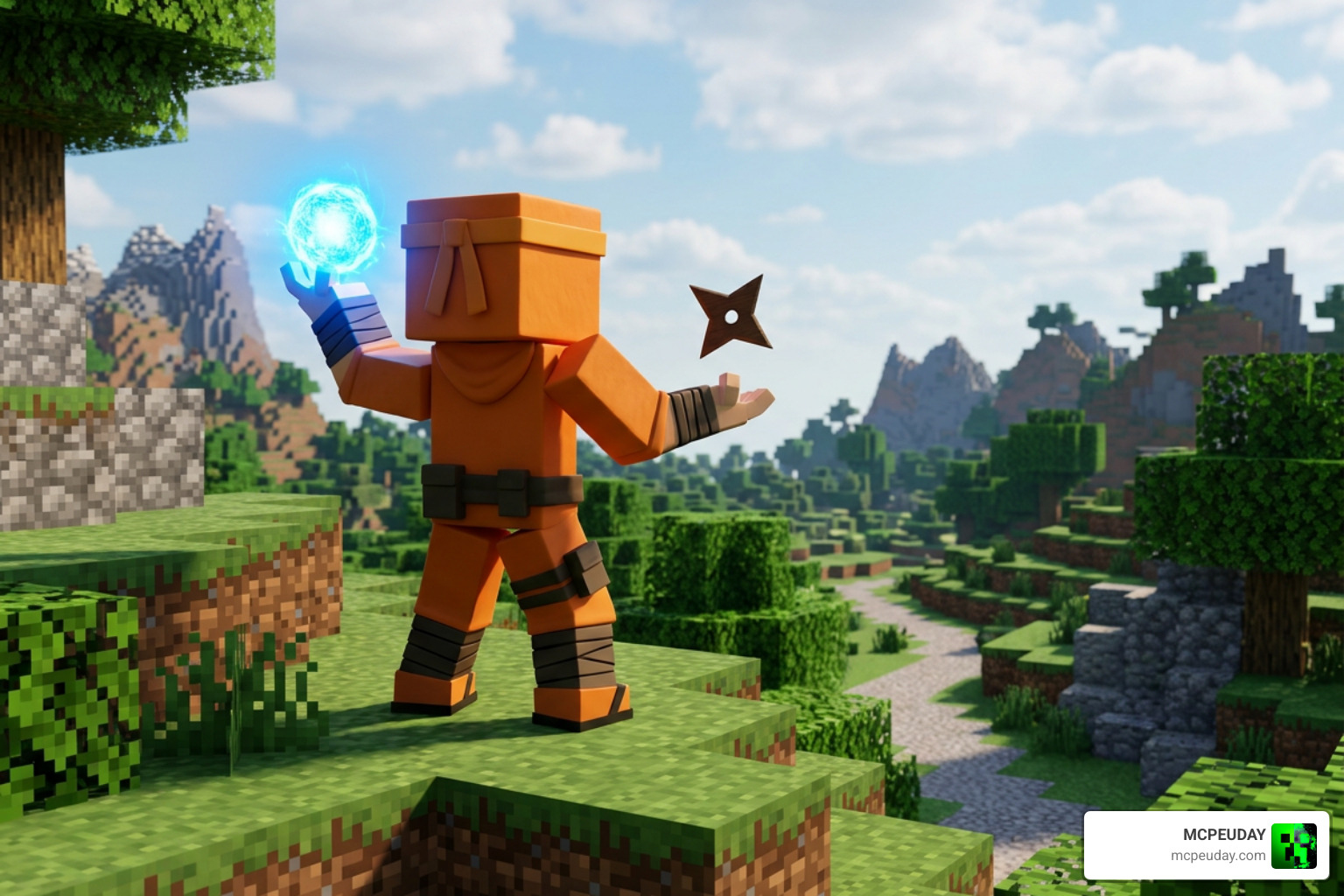
I am UDAY GAMER, and this guide will help you set up Naruto Craft safely and get into ninja gameplay with fewer compatibility problems.
What is the Naruto Craft Addon for Minecraft PE/Bedrock?
The Naruto Craft v6.1 Addon for MCPE Bedrock completely overhauls the sandbox survival experience. Instead of simply mining for diamonds and building basic shelters, we are thrown into a structured anime RPG universe inspired by Naruto directly inside Minecraft Bedrock Edition 1.20 and 1.21+.
The addon introduces custom non-player characters (NPCs), quest-giving masters, iconic ninja equipment, and hostile rogue ninjas that roam your biomes. What makes this pack special is its complete survival integration. Everything you need—from unlocking advanced jutsus to acquiring rare Kekkei Genkai—is woven into standard survival gameplay. You gather resources, engage in story-driven boss encounters, and complete ninja ranks rather than relying on creative inventory shortcuts.
Core Features of Naruto Craft Addon for Minecraft PE/Bedrock
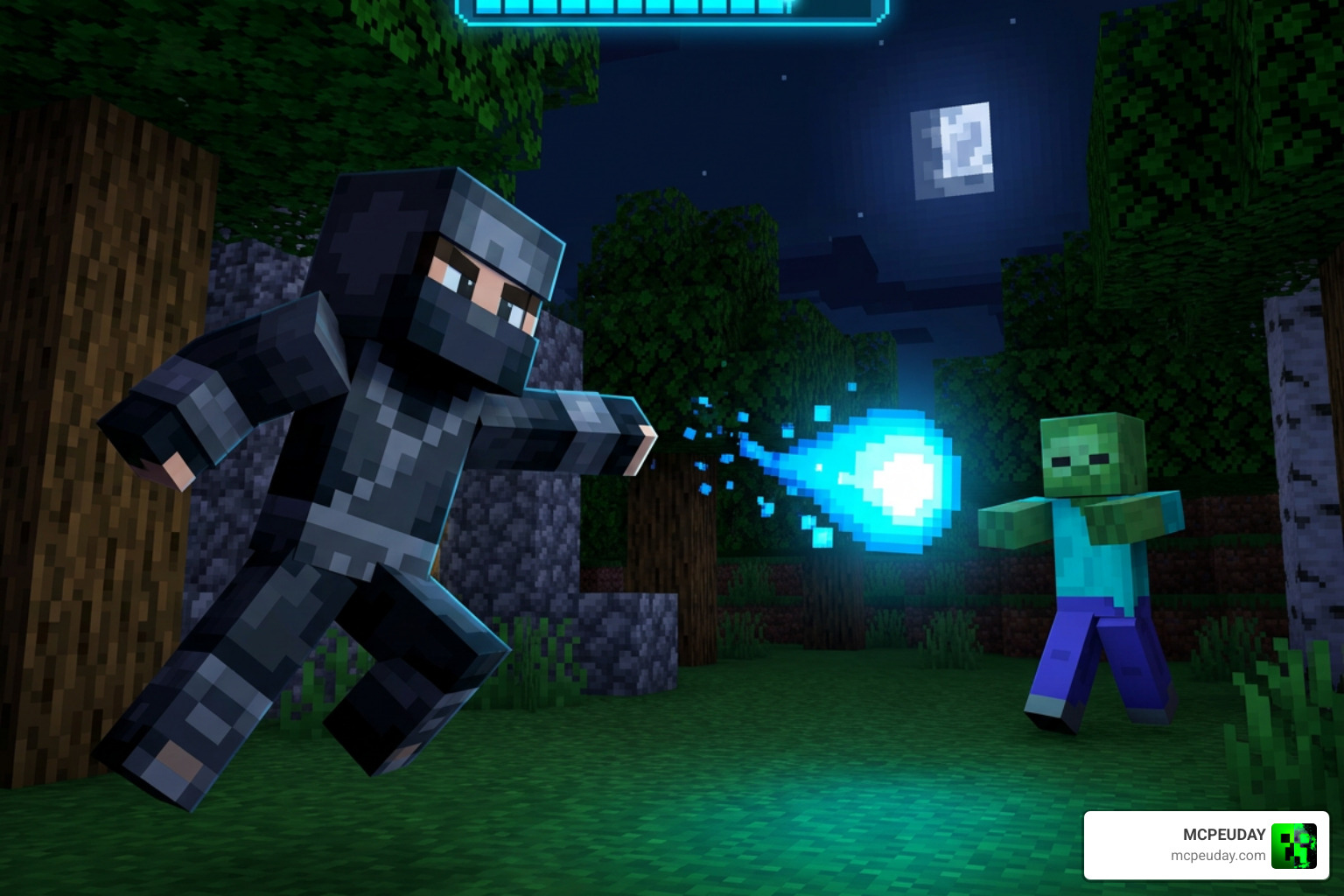
When we step into a world running this addon, the game completely shifts its combat philosophy. The standard sword-swinging loop is replaced with animated ninjutsu, taijutsu, and genjutsu mechanics.
Here are the primary gameplay systems included:
- Chakra Energy Meter: A dedicated on-screen resource HUD that governs all special attacks, running techniques, and defensive maneuvers.
- 50+ Modes and Transformations: Seamless visual and stat-altering transformations, scaling from early-stage cloaks to divine fighting forms.
- Story Quests & Custom Bosses: Scripted missions featuring iconic anime villains with multi-stage boss mechanics and custom attack animations.
- Dynamic Sound Effects & Visuals: High-definition particle effects, custom jutsu voice-lines, and unique animations for hand signs and spell casting.
- Custom Weaponry and Ninja Gear: Kunai, shuriken, chakra blades, and legendary swords with distinct damage scaling and abilities.
- Elemental Nature Affinities: Master fundamental nature transformations including Fire (Katon), Water (Suiton), Wind (Futon), Earth (Doton), and Lightning (Raiton) to counter specific enemy types and exploit weaknesses.
Clan Selection and Bloodline Progression
As soon as your world generates, you are prompted to select your ninja clan. Your bloodline serves as the foundation of your character’s combat style and stat growth.
Choosing the Uchiha clan unlocks access to the Sharingan awakening tree, granting predictive dodging, Genjutsu counters, and the path toward the Mangekyo Sharingan. Opting for the Hyuga clan provides Byakugan vision, allowing you to track entity hitboxes through solid blocks and strike vital chakra points to disable enemy abilities.
Each clan features branching skill trees. As you earn combat experience and mission points, you unlock unique passives—such as increased natural chakra recovery, higher melee damage, or elemental affinities like Fire, Water, Wind, Earth, and Lightning release.
50+ Transformations, Jutsus, and Chakra Mechanics
Combat centers around tactical chakra management. Every jutsu—whether it is a classic Rasengan variation or a massive Fire Style ball—depletes a specific portion of your energy gauge. Recklessly spamming abilities will leave you exhausted and vulnerable in battle.
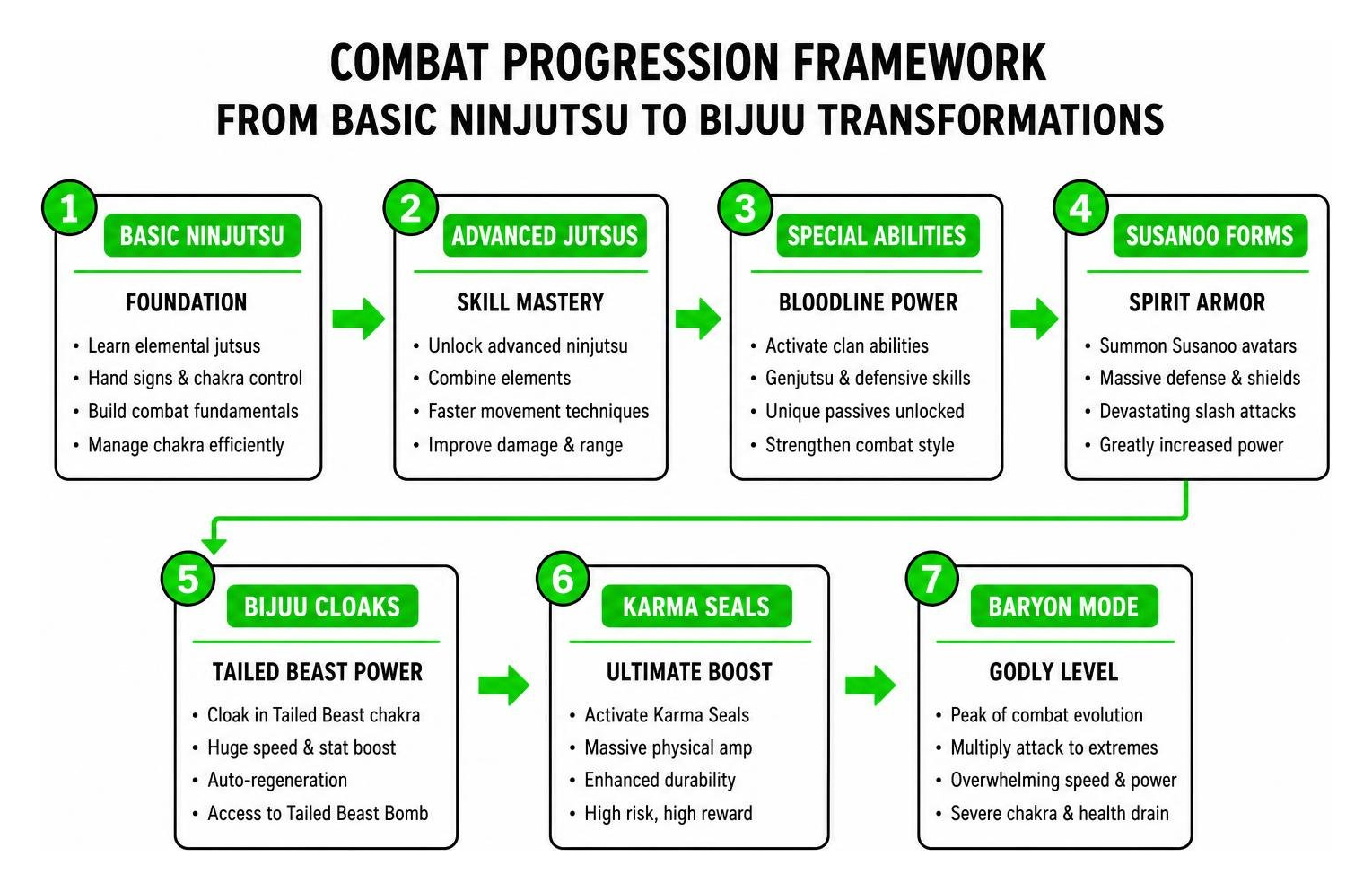
The high-tier forms offer incredible power scaling:
- Susanoo Forms: Summon skeletal, armored, and complete Susanoo avatars that envelop your character, offering massive defensive shields and devastating slash attacks.
- Bijuu Cloaks: Tap into the power of the Tailed Beasts to gain exponential movement speed, auto-regeneration, and access to the Tailed Beast Bomb.
- Karma Seals and Baryon Mode: Ultimate late-game forms that multiply your physical attack parameters to godly levels, balanced by severe chakra and health drain mechanics.
Step-by-Step Installation and Setup Guide
Installing complex Bedrock addons requires importing two separate packages: the Behavior Pack (which handles scripts, damage numbers, and entity AI) and the Resource Pack (which supplies custom 3D models, textures, sound effects, and UI elements).
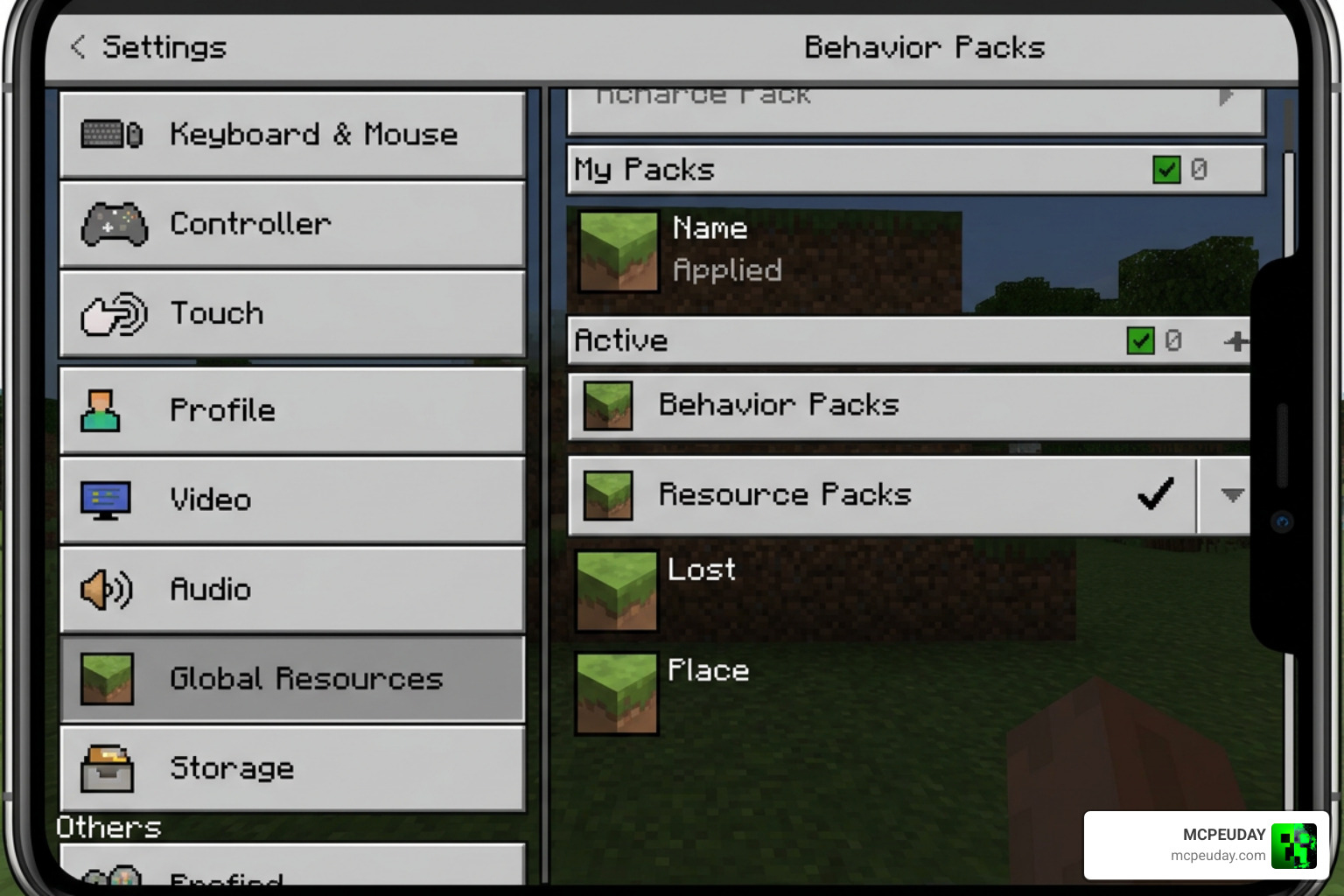
How to Install Naruto Craft Addon for Minecraft PE/Bedrock
Follow these streamlined steps for your device:
- Download the Packs: Get both the Resource and Behavior
.mcpackfiles from verified, trusted sources. - Import into Minecraft:
- Android / iOS: Tap the downloaded
.mcaddonor.mcpackfile in your device file manager. Select “Open with Minecraft” to launch the game and automatically import the files. - Windows 10/11: Double-click each file to execute the automatic import process into your Bedrock client.
- Consoles: Upload the world containing the active packs from a PC or mobile device via a Realm to play on console platforms.
- Android / iOS: Tap the downloaded
- World Configuration:
- Create a new world (or edit an existing one). We recommend always creating a manual backup of existing survival worlds before attaching major script-heavy addons.
- Navigate to the Resource Packs tab on the left menu and activate the Naruto Craft Resource Pack.
- Navigate to the Behavior Packs tab and activate the Naruto Craft Behavior Pack.
Experimental Gameplay and Multiplayer Compatibility
To ensure the custom scripts, Molang animations, and jutsu hitboxes function without crashing, you must enable experimental settings in your world options.
Toggle the following settings under the Experiments tab:
- Holiday Creator Features
- Custom Biomes
- Upcoming Creator Features
- Beta APIs / Molang Features
For multiplayer worlds and local co-op sessions, all connecting players must download and accept the world’s resource pack when prompted upon joining. Running the addon on dedicated servers or Realms allows you and your friends to engage in clan warfare, team up for boss raids, and trade rare ninja scrolls without desynchronization. If you notice entity lag when playing online, verify that the host device has sufficient upload bandwidth and adequate memory allocated.
Comparing Naruto Craft with Top Anime Bedrock Addons
The Minecraft Bedrock anime community is packed with high-quality combat mods. The table below shows how Naruto Craft compares with other top-rated addons:
| Addon Name | Primary Theme | Core Focus | Progression Style |
|---|---|---|---|
| Naruto Craft V6.1 | Naruto Universe | Clan skill trees, 50+ transformations, jutsu management | Mission-based RPG progression |
| Naruto Zenkai Addon for MCPE Bedrock | Naruto Universe | Fast-paced ninja combat & fluid animation sets | Combat-focused leveling |
| Jujutsu Kaisen Addon for MCPE | Jujutsu Kaisen | Domain expansions & cursed energy techniques | Sorcerer grade ranking |
| One Piece Addon for Minecraft PE | One Piece | Devil fruits, Haki systems & ocean exploration | Bounty and exploration |
| Demon Slayer Mules Slayer Addon for MCPE | Demon Slayer | Breathing forms, Nichirin swords & demon arts | Slayer corps ranking |
| Universal Craft Addon Anime PvP | Multi-Anime Crossover | Balanced arena combat and anime 1v1 duels | Competitive PvP matchmaking |
Frequently Asked Questions About Naruto Craft Addon
Is the Naruto Craft V6.1 addon safe to download?
Yes, the addon is completely safe as long as you download it from trusted modding hubs and verified repositories. Always avoid third-party sites that wrap files in executable .exe installers or demand unnecessary app permissions on mobile devices.
Does Naruto Craft work in standard survival mode?
Yes, the addon is specifically balanced around survival gameplay. All weapons, scrolls, and armor sets have functional crafting recipes, while bosses spawn naturally across custom biomes or through craftable summoning scrolls.
How do you fix lag with heavy jutsu particles on low-end devices?
If you experience frame rate drops during massive battles:
- Lower your in-game render distance to 8–10 chunks.
- Turn off Fancy Graphics and Beautiful Skies in video settings.
- Avoid summoning multiple full-sized Susanoo avatars or massive Bijuu transformations in tight spaces.
Conclusion
The Naruto Craft Addon transforms standard Minecraft Bedrock into a thrilling, content-packed anime RPG. With its expansive clan selection, balanced chakra resource management, and iconic transformations like Susanoo and Baryon Mode, it delivers hundreds of hours of ninja adventures for both solo survivalists and multiplayer factions.
We at MCPEUDAY are dedicated to bringing you the latest and most exciting gameplay experiences across the Bedrock ecosystem. If you are ready to expand your world with even more incredible anime, magic, and combat systems, explore our full library of MCPE mod addons to start your next adventure.