Why DYNAMIC VIEW Shader Is the Visual Upgrade Your Minecraft World Needs
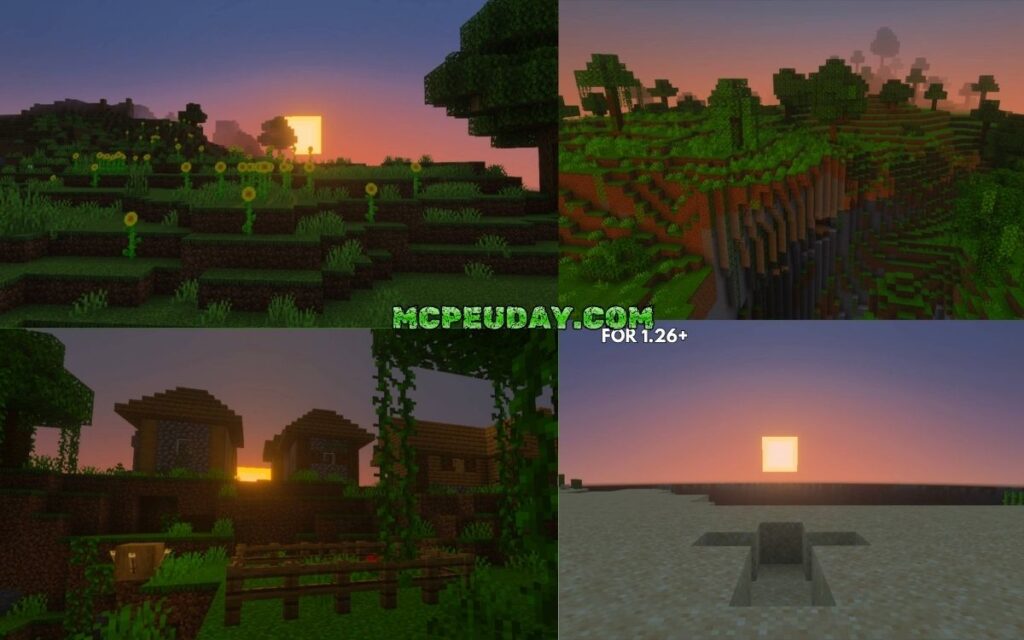
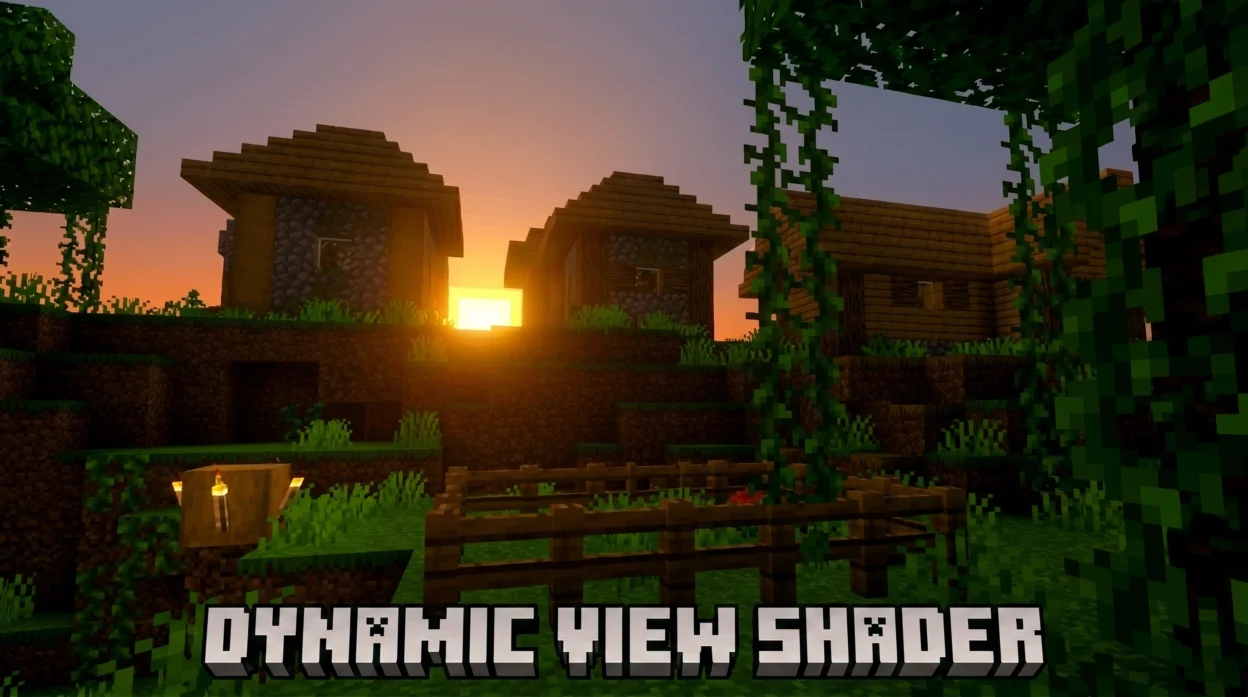
DYNAMIC VIEW Shader is a visual enhancement pack for Minecraft Bedrock Edition that sharpens your world’s appearance and adds dynamic effects — all with adjustable intensity so it works on a wide range of devices.
Quick answer for what you need to know:
- What it is: A shader for Minecraft Bedrock (MCPE) that improves visual quality using dynamic resolution rendering
- Key feature: Adjustable shader level settings let you control visual intensity before loading a world
- Vibrant Visual: An optional setting that boosts color and dynamic effects further
- File size: 235 KB — lightweight and easy to install via
.mcpack - Supported versions: Minecraft Bedrock 1.21 and 1.26
- Best for: Everyday survival gameplay, exploration, and base building — not just screenshots
Most Minecraft players have stared at a flat, washed-out world and wished it looked just a little more alive. Shadows feel static. Colors look dull. The world doesn’t move with you.
That’s the exact problem this shader is built to fix.
Unlike heavy cinematic shaders that tank your frame rate, DYNAMIC VIEW Shader is designed around one idea: make the world look better without making your device struggle. It uses dynamic resolution rendering — a technique where the render resolution adjusts on the fly — to balance visual quality and performance at the same time.
Whether you’re chopping wood, mining, or exploring a new biome, the difference is visible immediately.
What is the DYNAMIC VIEW Shader?
When Microsoft introduced the Render Dragon graphics engine to Minecraft Bedrock Edition, it changed the modding landscape overnight. Traditional shaders stopped working, and players were left searching for innovative alternatives that could work within the new engine’s constraints.
The DYNAMIC VIEW Shader is a brilliant response to this new era of Bedrock graphics. It is a lightweight visual pack (coming in at a tiny 235 KB) released in early 2026 that focuses on sharpening your scenery and introducing responsive, dynamic visual upgrades. Instead of completely rewriting the game’s lighting and breaking your device’s processor, it optimizes how your screen renders what is already there.
What makes this shader stand out is its focus on practical, everyday gameplay. Many ultra-realistic shaders look fantastic in screenshots but are completely unplayable when you try to run, jump, or fight mobs. The DYNAMIC VIEW Shader keeps things smooth, offering customizable visual intensity levels so you can tailor your graphics engine’s performance directly to your device’s capabilities.
Core Mechanics of the DYNAMIC VIEW Shader
To understand how the DYNAMIC VIEW Shader works its magic, we have to look under the hood at how computer graphics function. In any 3D rendering system, there are two primary types of shaders:
- Vertex Shaders: These define how every point (vertex) along a 3D surface is positioned in space.
- Fragment Shaders: These define how every single pixel on your screen is colored.
While traditional texture packs simply swap out static image files, this shader manipulates fragment shaders to adjust pixel coloring dynamically based on your environment. By modifying how light and color interact with the pre-existing geometry of your Minecraft world, it creates a much sharper, more cohesive look.
If you want to try it out for yourself, you can find the official download over on the DYNAMIC VIEW on MCPEDL page.
How DYNAMIC VIEW Shader Differs from Static Rendering
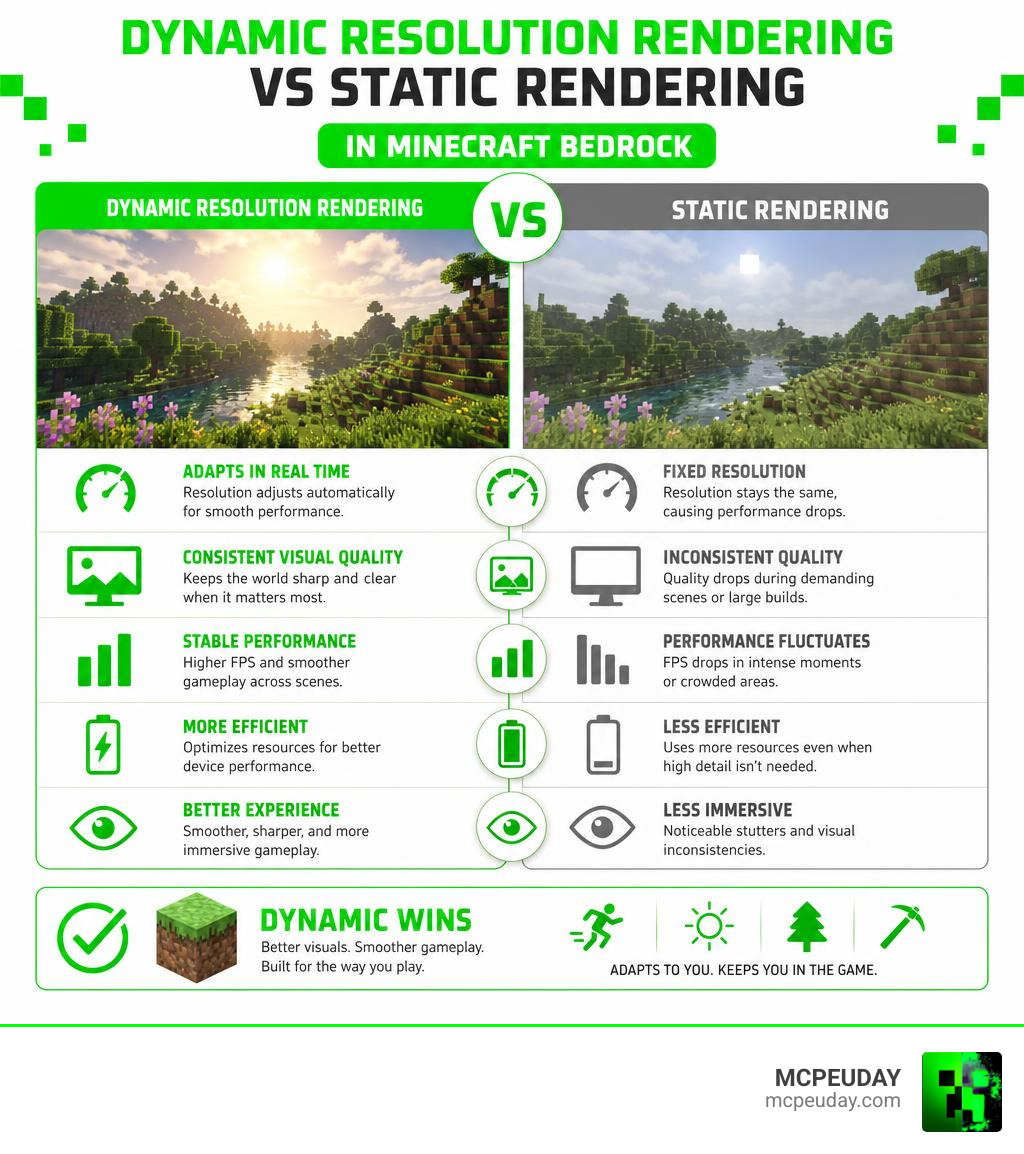
In a traditional, static rendering setup, Minecraft renders your world at a fixed, native resolution (for example, a locked 1080p or 4K). While this looks crisp when you are standing still, it is incredibly inefficient. When you enter a dense jungle biome, trigger massive redstone machines, or blow up a mountain of TNT, your hardware still tries to render every single pixel at full resolution. The result? Severe frame drops, stuttering, and a hot mobile device.
The DYNAMIC VIEW Shader solves this by breaking away from static resolution limits. It uses viewport scaling to dynamically adjust the internal rendering resolution depending on the load. When the action heats up, the shader subtly scales down the rendering viewport while keeping your user interface (UI) and text at crisp, native resolution.
This ensures that your gameplay remains buttery smooth even in the most demanding scenarios. For a deeper look at how this compares to other modern Bedrock shaders, check out our Best Render Dragon Shaders for MCPE 1.21 Tested on Real Devices 2026 Guide.
Technical Principles of Dynamic Resolution Rendering
The concept of dynamic resolution rendering isn’t just a clever trick; it is a heavily researched industry standard used in modern AAA console and PC games. The core technical principle is to decouple the 3D scene’s rendering resolution from the actual output display resolution.
According to the Intel Dynamic Resolution Rendering Whitepaper, this is achieved by using a viewport to constrain 3D rendering to a specific portion of an off-screen render target, which is then scaled back up to the back buffer.
When scaling a dynamic viewport back up to your screen’s native size, the choice of scaling filter dramatically impacts both performance and visual quality:
- Point Filtering: The fastest method. It simply copies pixels, but it results in blocky, aliased edges.
- Bicubic Filtering: Produces a much smoother image but is incredibly resource-heavy.
- Temporal Anti-Aliasing (TAA) Scaling: The gold standard. By jittering frames by half a pixel and combining past and present frame data, it achieves a visual quality almost identical to full native resolution with only a tiny performance cost.
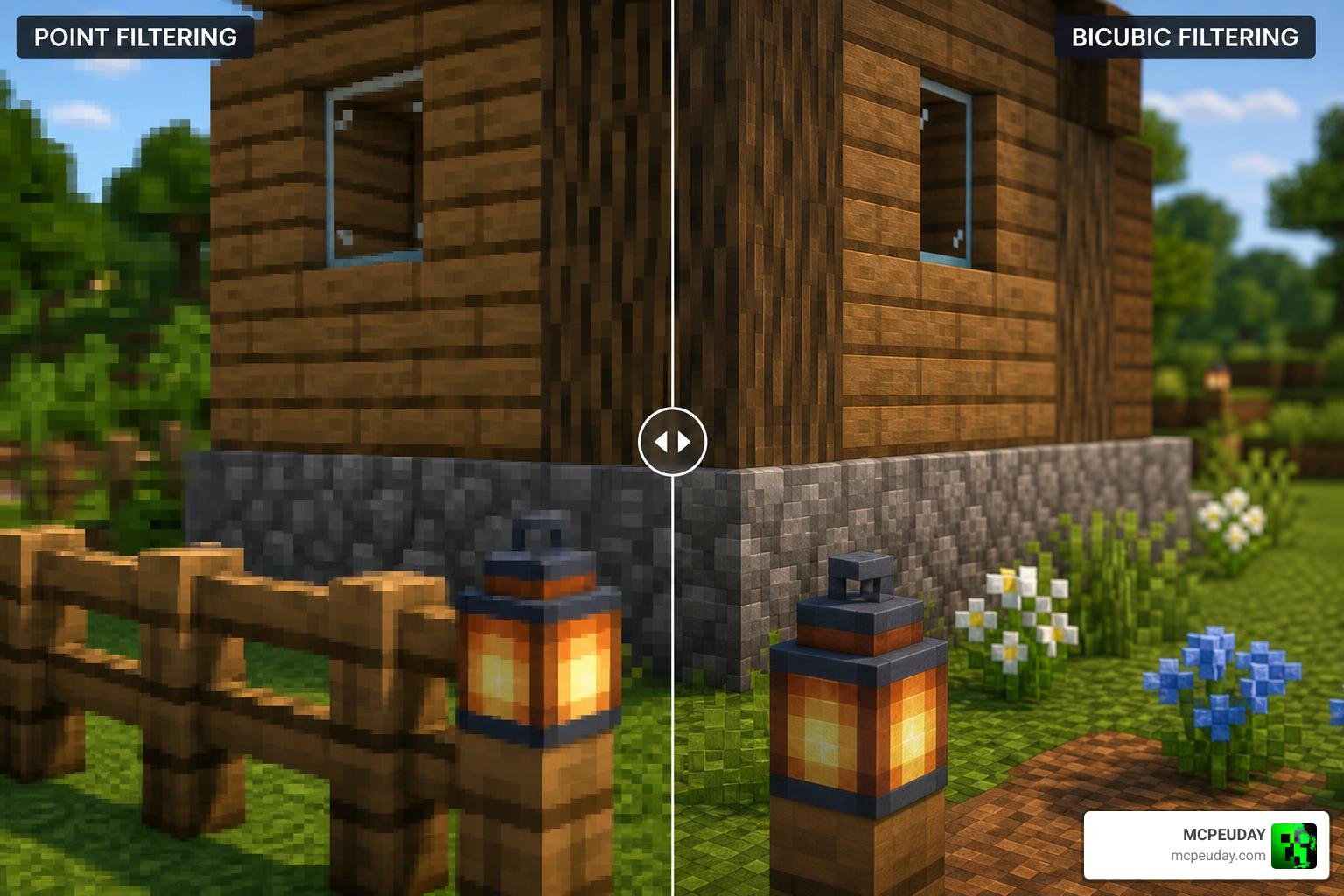
To put this into perspective, let’s look at the actual performance costs associated with scaling from a 0.71x ratio dynamic viewport to a standard 1280×720 output target:
| Scaling Filter Type | Performance Cost (ms) | Visual Quality Level | Best Use Case |
|---|---|---|---|
| Point Filtering | ~0.4 ms | Low (Blocky/Aliased) | Ultra-low-end mobile devices |
| Bilinear Filtering | ~0.4 ms | Medium | Budget hardware |
| Temporal AA Scaling | ~1.1 ms | High (Near-Native) | Balanced gameplay (Recommended) |
| Bicubic Filtering | ~3.5 ms | High (Smooth) | High-end PCs / Consoles only |
By utilizing smart viewport scaling and optimizing fragment shader calculations, the DYNAMIC VIEW Shader brings these advanced rendering principles straight to your mobile phone or tablet.
Key Features and Customization Options
We love options, and this shader gives us plenty of them. Instead of forcing a single “one-size-fits-all” look onto your game, the DYNAMIC VIEW Shader offers a variety of customization settings designed to match your specific gameplay scenarios and hardware capabilities.
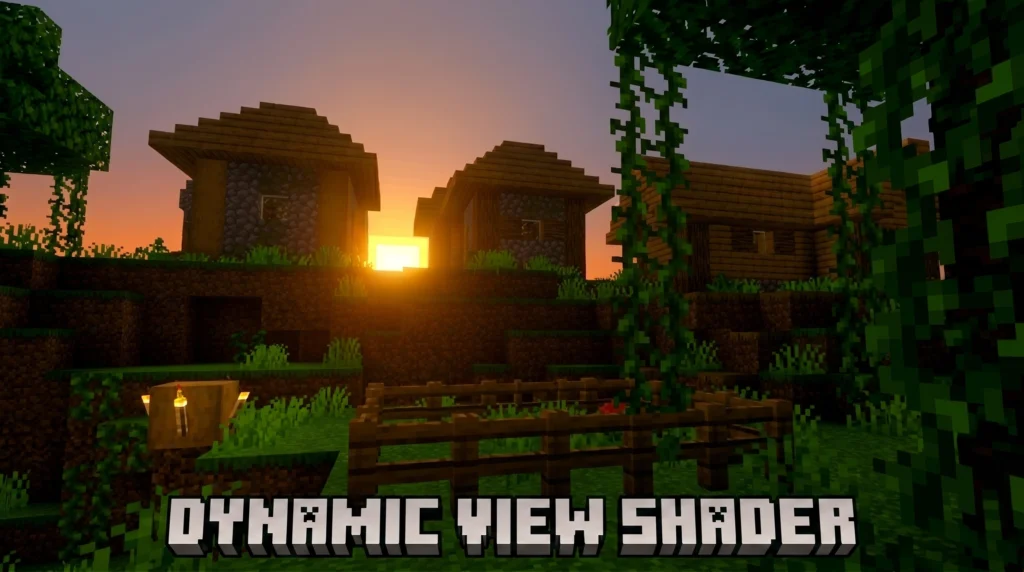
Whether you want to maximize your battery life during a long road trip or push your modern device to its absolute limits for maximum visual fidelity, there is a performance profile ready for you.
Adjusting the DYNAMIC VIEW Shader Level Settings
One of our favorite features is the ability to choose your shader level in the settings menu before you load up your world.
These shader levels act as pre-configured performance profiles:
- Low/Battery Saver: Minimizes shader calculations to keep your device cool and extend battery life. Perfect for long, chill survival sessions like mining or wood gathering.
- Medium/Balanced: The sweet spot for most players. It sharpens the scenery and adds dynamic depth without affecting your frame rate.
- High/Ultra: Pushes the contrast, sharpness, and dynamic rendering to the max for beautiful, immersive exploration.
If you are looking to compare these profiles with other top-tier options, take a look at our curated list of the Top 5 Best Realistic Shaders for MCPE.
The Role of the Vibrant Visual Option
If the standard shader levels aren’t quite colorful enough for you, that is where the Vibrant Visual option comes in. When enabled, this setting acts as a post-processing color and contrast booster.
It increases color saturation, deepens shadows, and enhances contrast across your entire world. Sunsets look warmer, oceans look deeper, and forests look lush and inviting. Because it works hand-in-hand with the dynamic resolution engine, it delivers these gorgeous colors without the massive frame drops associated with traditional color-grading mods.
For more highly optimized visual packs that offer similar eye-candy, check out our guide on the 3 Best Shaders for Minecraft 1.21 Ultra Realistic Smooth FPS Stunning Graphics.
Performance Impact and Power Consumption
We have all been there: you install a beautiful new shader, play for ten minutes, and suddenly your phone feels like a hot coal and your battery has dropped by 30%.
This is where the technical brilliance of dynamic resolution rendering shines. By dynamically scaling down the rendering viewport when needed, the DYNAMIC VIEW Shader drastically reduces the workload on your device’s processor package.
Industry data shows that cutting the resolution to 0.5x reduces the power consumption of the processor package to 0.7x of its normal rate when vertical sync (VSync) is enabled.
By lowering power consumption, you get three massive benefits:
- Extended Battery Life: Play Minecraft on the go for much longer without constantly looking for a charger.
- No Thermal Throttling: Your device stays cool, meaning your phone won’t automatically slow down your game to prevent overheating.
- Stable Frame Rates: No more sudden stuttering when entering complex areas or fighting multiple mobs at once.
Step-by-Step Installation Guide for Minecraft Bedrock
Ready to upgrade your game? Installing the DYNAMIC VIEW Shader on Minecraft Bedrock (MCPE) is incredibly straightforward. Follow our simple step-by-step guide to get it up and running in minutes:
- Download the File: Grab the official
.mcpackfile (approximately 235 KB). - Import to Minecraft: Locate the downloaded file on your device and tap on it. Your device should automatically open Minecraft and import the pack.
- Activate Globally:
- Open Minecraft and go to Settings.
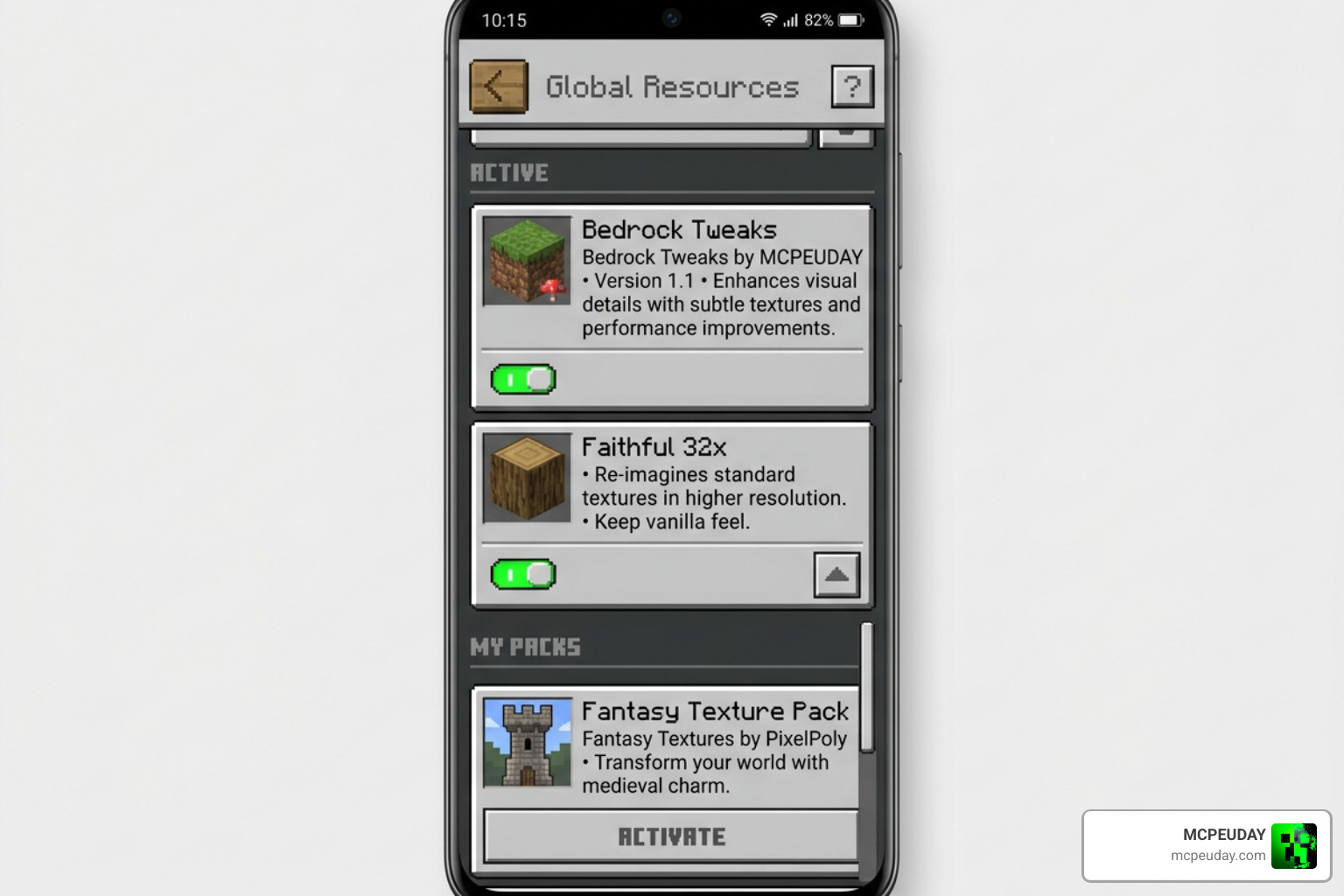
- Scroll down to Global Resources on the left menu.
- Click on My Packs, locate DYNAMIC VIEW, and click Activate.
- Customize Your Settings: Before loading your world, click the gear icon next to the active shader to select your desired shader level (Low, Medium, or High) and toggle the Vibrant Visual option.
- Enjoy Your New World: Load up your favorite survival world or creative build and enjoy the beautiful, lag-free visuals!
Frequently Asked Questions
Is this shader compatible with Minecraft Bedrock 1.21 and 1.26?
Yes! The DYNAMIC VIEW Shader is fully compatible with both Bedrock 1.21 and the latest 1.26 releases. Because it is built to work seamlessly with the modern Render Dragon engine, it will continue to function beautifully through minor game updates.
How does the Vibrant Visual setting affect my frame rate?
Because the Vibrant Visual setting is highly optimized and runs alongside the dynamic resolution scaling engine, its impact on your frame rate is minimal. On most mid-range and high-end devices, you won’t notice any frame drops at all. If you are on an older, low-end device, you can easily turn it off in the settings to prioritize raw performance.
Can I use this shader on low-end mobile devices?
Absolutely! That is the entire purpose of this shader. If you are playing on an older phone or tablet, simply set the shader level to Low/Battery Saver. The dynamic resolution scaling will ensure your game runs at a smooth, playable frame rate while still giving you a sharper, cleaner look than the vanilla game.
Conclusion
At MCPEUDAY, we are always on the lookout for mods and shaders that actually make your gameplay better without breaking your device. The DYNAMIC VIEW Shader is, without a doubt, one of the most effective solutions available in 2026. By combining smart dynamic resolution rendering with gorgeous color enhancements, it gives you the best of both worlds: stunning graphics and flawless performance.
If you are ready to explore even more incredible visual upgrades for your game, don’t miss our ultimate round-up of the Best Shaders for MCPE 1.21 2026 Top 3 Realistic Minecraft PE Shaders. Happy building!