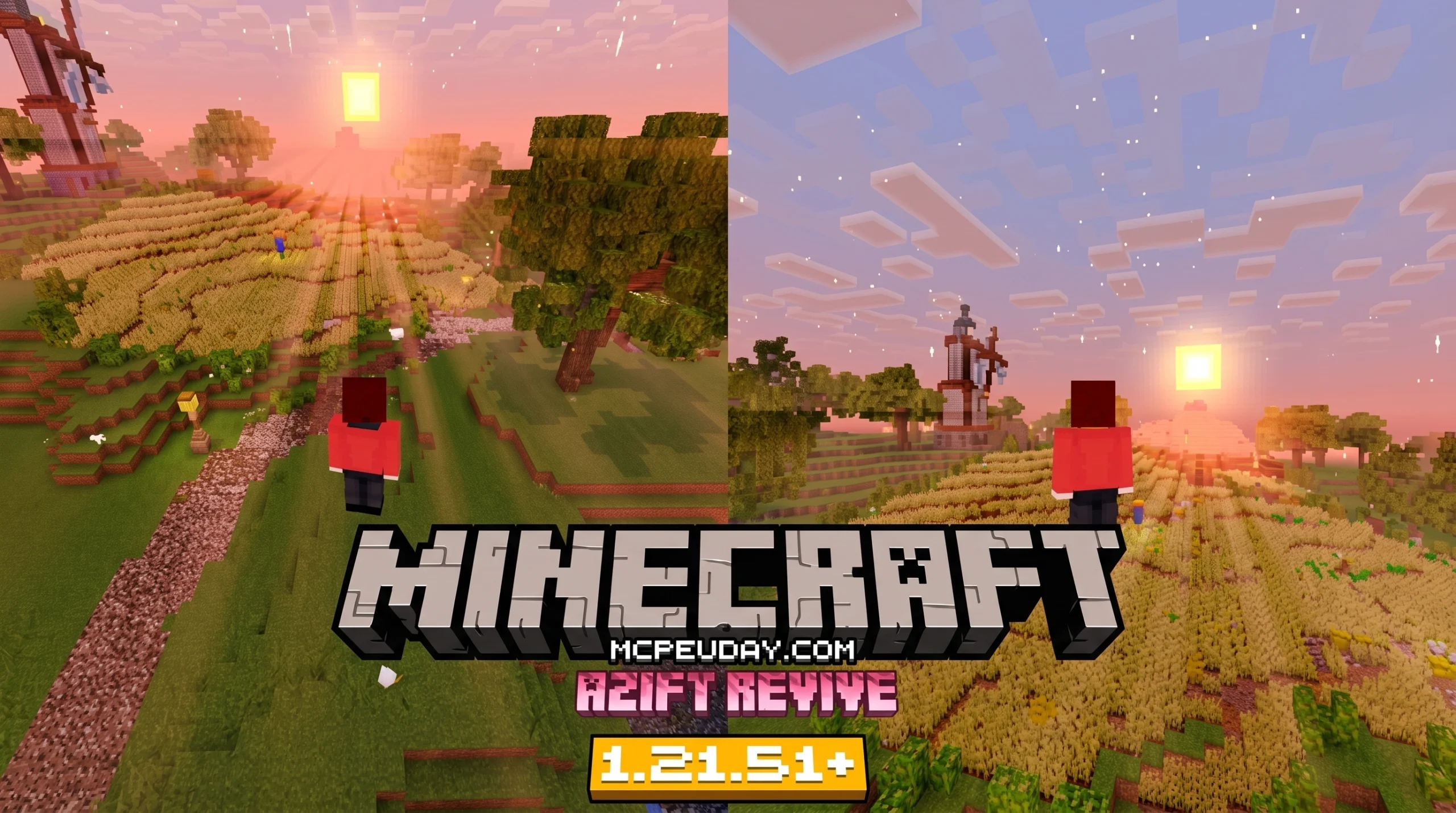
What AziFy Revive SHADER Does for Minecraft Bedrock
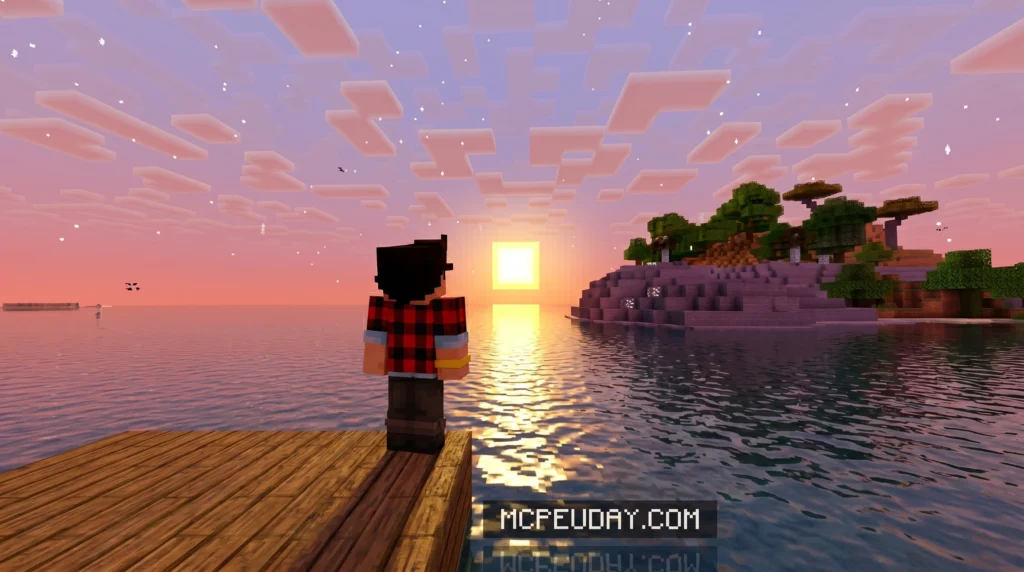
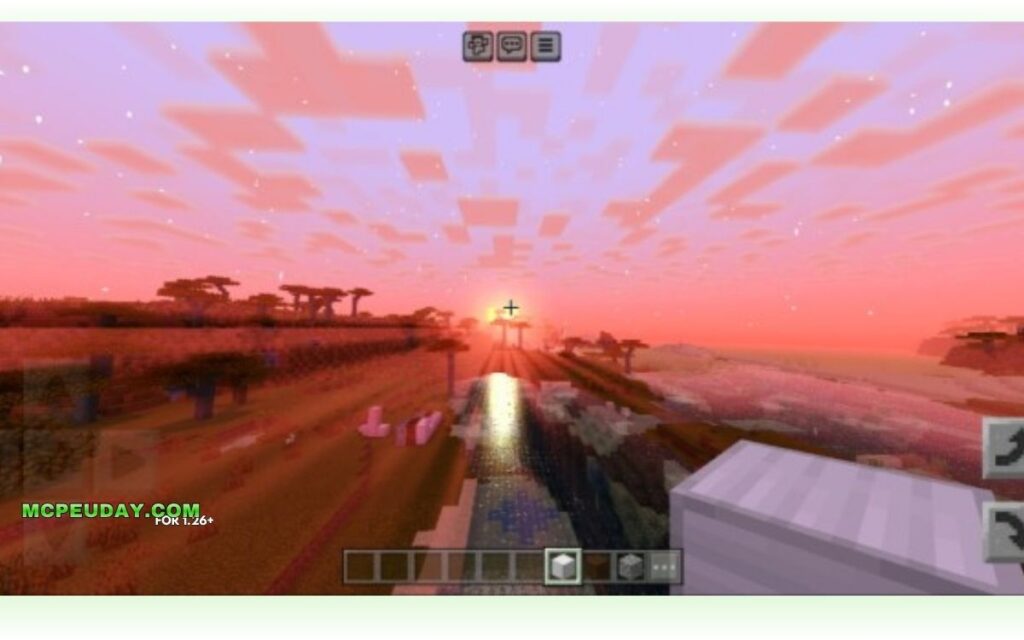
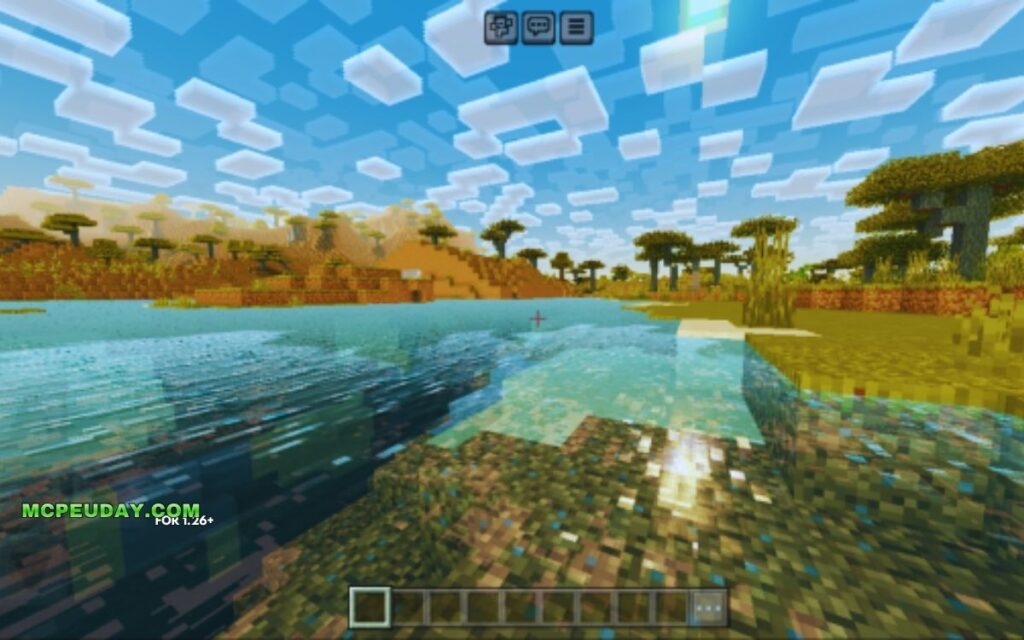
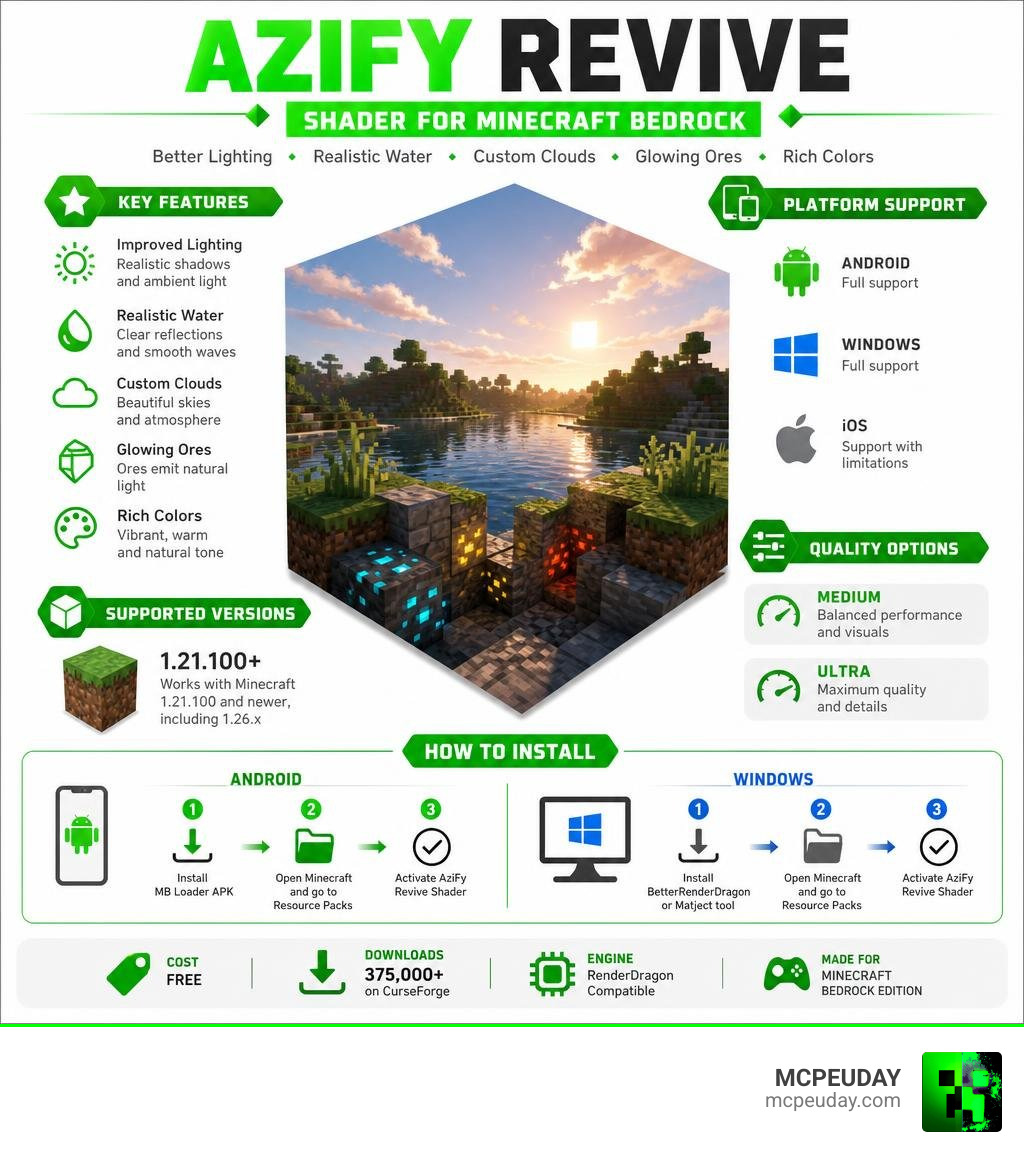
AziFy Revive SHADER is a free visual enhancement pack for Minecraft Bedrock Edition that makes your game look dramatically better — with improved lighting, water reflections, custom clouds, glowing ores, and more.
Here’s a quick summary of what you need to know:
| Topic | Quick Answer |
|---|---|
| What it is | A RenderDragon-compatible shader for Minecraft Bedrock/MCPE |
| Supported versions | Minecraft 1.21.100 and newer (including 1.26.x) |
| Platforms | Android, Windows, iOS (with limitations) |
| Quality options | Medium and Ultra presets |
| How to install (Android) | Use MB Loader APK + activate resource pack |
| How to install (Windows) | Use BetterRenderDragon or Matject tool |
| Download count | 375,000+ downloads on CurseForge |
| Cost | Free |
If you’ve ever felt like Minecraft’s default graphics look a little flat or dull, you’re not alone. Millions of Bedrock players use shaders to bring their worlds to life — and AziFy Revive is one of the most downloaded options available right now.
It doesn’t try to turn Minecraft into a photorealistic game. Instead, it enhances what’s already there — warmer colors, smoother lighting, shimmering water — while keeping the classic Minecraft feel intact.
The shader works on top of Minecraft’s RenderDragon engine, which means it needs a third-party loader to run (more on that in the installation section). It’s a small extra step, but totally worth it.
What is the AziFy Revive SHADER?
The AziFy Revive SHADER is a realistically themed graphic overhaul pack created specifically for Minecraft Bedrock Edition (MCPE). In the past, Minecraft Bedrock relied on older OpenGL and DirectX engines, which made installing custom shaders as easy as clicking a file. However, when Mojang introduced the RenderDragon engine, it blocked traditional custom shaders.
Fortunately, talented community developers found workarounds, and the AziFy Revive SHADER stands out as one of the premier solutions. It focuses heavily on visual clarity, performance, and aesthetic color grading. Rather than completely altering the game’s identity, it acts as a magical polish that makes every biome feel warmer, more vibrant, and deeply immersive.
If you want to experience these stunning upgrades yourself, you can easily grab the files from our Azify Revive Shader for Minecraft Bedrock PE Download page.
Core Features of the AziFy Revive SHADER
What exactly makes this shader so popular? Here are the key visual upgrades we love the most:
- Revamped Water: The water looks incredibly lifelike. It features realistic transparency layers, surface movement, and beautiful metallic reflections that make looking at a lake feel like gazing into a real mountain spring.
- Aesthetic Color Enhancements: The shader uses adaptive, biome-based color grading. Forests look deeper and greener, deserts feel dry and warm, and villages look bright and welcoming.
- Dynamic Lighting & Sun Bloom: Sunrises and sunsets feature gorgeous orange and pink gradients, while daylight is sharp and clean. Torchlight and glow blocks cast a warm, cozy light.
- Improved Nether and End: The alternate dimensions receive a major atmosphere boost. The Nether feels hot and foggy, while the End looks mysterious and vast with refined stars and galaxy-like skyboxes.
- Weather Effects: Rainstorms look moody and dramatic. Surfaces actually look “wet” during storms, reflecting light in a natural way.
- Waving Plants & Glowing Ores: Leaves and tall grass gently sway in the wind, and ores emit a subtle glow in dark caves, making mining trips much more interesting.
Supported Minecraft Bedrock Versions
The AziFy Revive SHADER is designed to work with newer versions of Bedrock. Specifically, it requires Minecraft 1.21.100 or newer (including version 1.26.x and beyond in June 2026).
Why is this the case? Mojang made massive changes to the RenderDragon lighting system in version 1.21.100. Shaders built for older versions of Bedrock will glitch or fail to load on these newer builds. Because the creator of AziFy Revive actively updates the pack, it fully supports these modern lighting mechanics. You can find the correct, up-to-date version for your game on our Azify Revive Shader for Minecraft Bedrock PE Download hub.
Comparing AziFy Revive Editions and Quality Presets
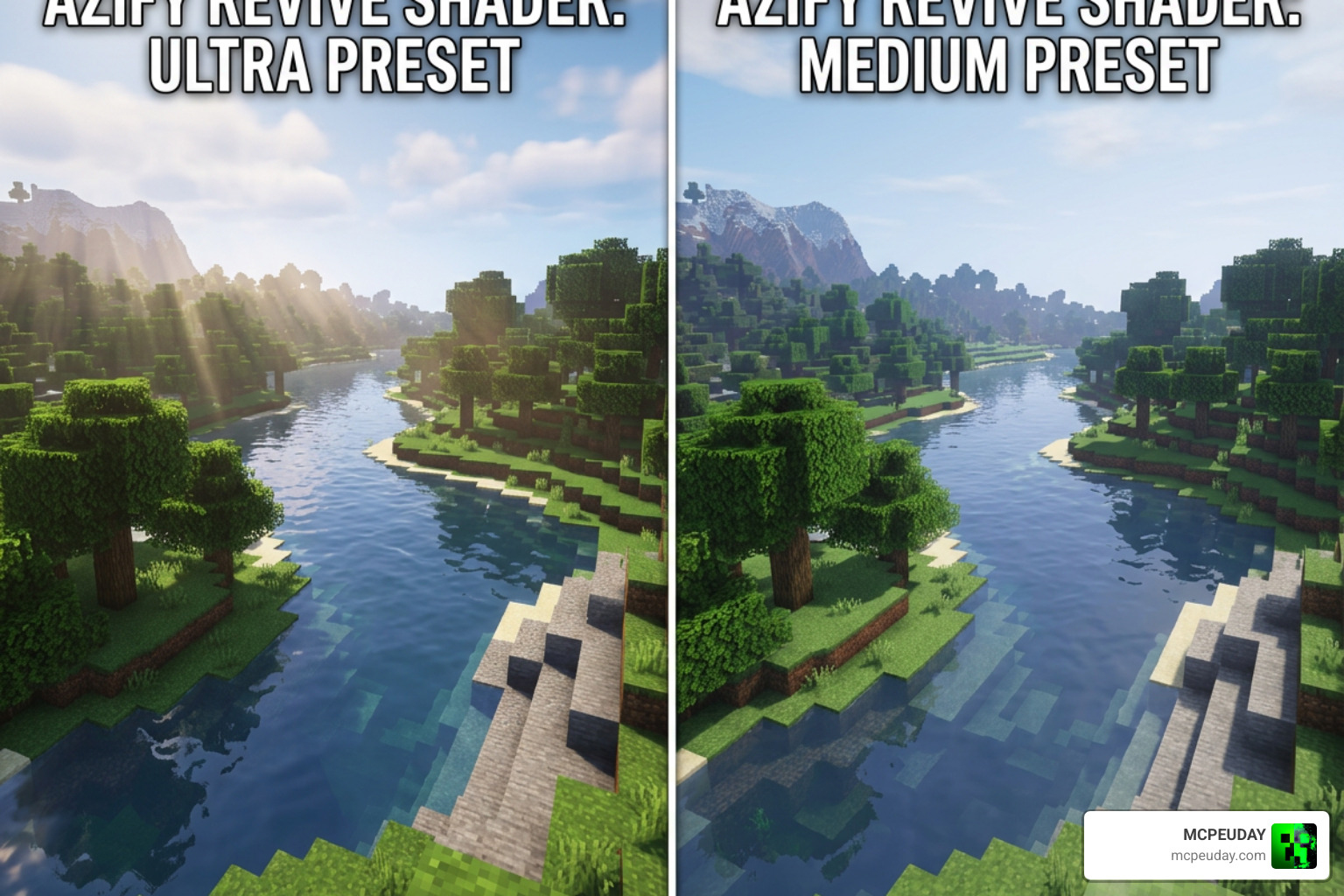
One of the best things about the AziFy Revive SHADER is that it doesn’t leave mobile players with lower-end devices behind. The creator designed multiple presets and editions so you can choose the perfect balance between beautiful graphics and smooth frame rates.
Ultra vs Medium Presets
When downloading the pack, you will typically see options for Medium and Ultra presets. Here is how they stack up against each other:
| Feature | Medium Preset | Ultra Preset |
|---|---|---|
| Water Reflections | Standard reflections | High-fidelity, metallic reflections |
| Waving Plants | Static or very subtle movement | Fully animated leaves and grass |
| Shadow Quality | Soft, basic shadows | Sharp, detailed, dynamic shadows |
| Device Target | Low-to-mid-range phones & tablets | High-end Android devices & Windows PCs |
| Performance (FPS) | Extremely smooth, minimal lag | High resource usage, minor FPS drops on older chips |
| File Size | Very lightweight (~190 KB to 780 KB) | Lightweight (~190 KB to 790 KB) |
If you are playing on an older phone and notice your game stuttering, we highly recommend switching to the Medium preset. It still gives you the wonderful color grading and clean water without overheating your device!
Other Editions of the AziFy Revive SHADER
AziFy isn’t just a single pack; it is a whole family of shaders! Depending on your personal taste, you might want to explore other variations from the same creator:
- Truly Default: This edition is designed for players who want the classic, vanilla Minecraft look but with subtle RenderDragon lighting improvements.
- Reimagined: Often considered the most realistic of all the editions, featuring deeper shadows, high-contrast lighting, and intense reflection maps.
- EnDefault / Ultra Merged: Earlier variations that paved the way for the Revive edition, focusing on cross-platform compatibility.
To see how these editions compare to other popular options on the market, check out our list of the Top 5 Best Realistic Shaders for MCPE.
How to Install AziFy Revive on Android, Windows, and iOS
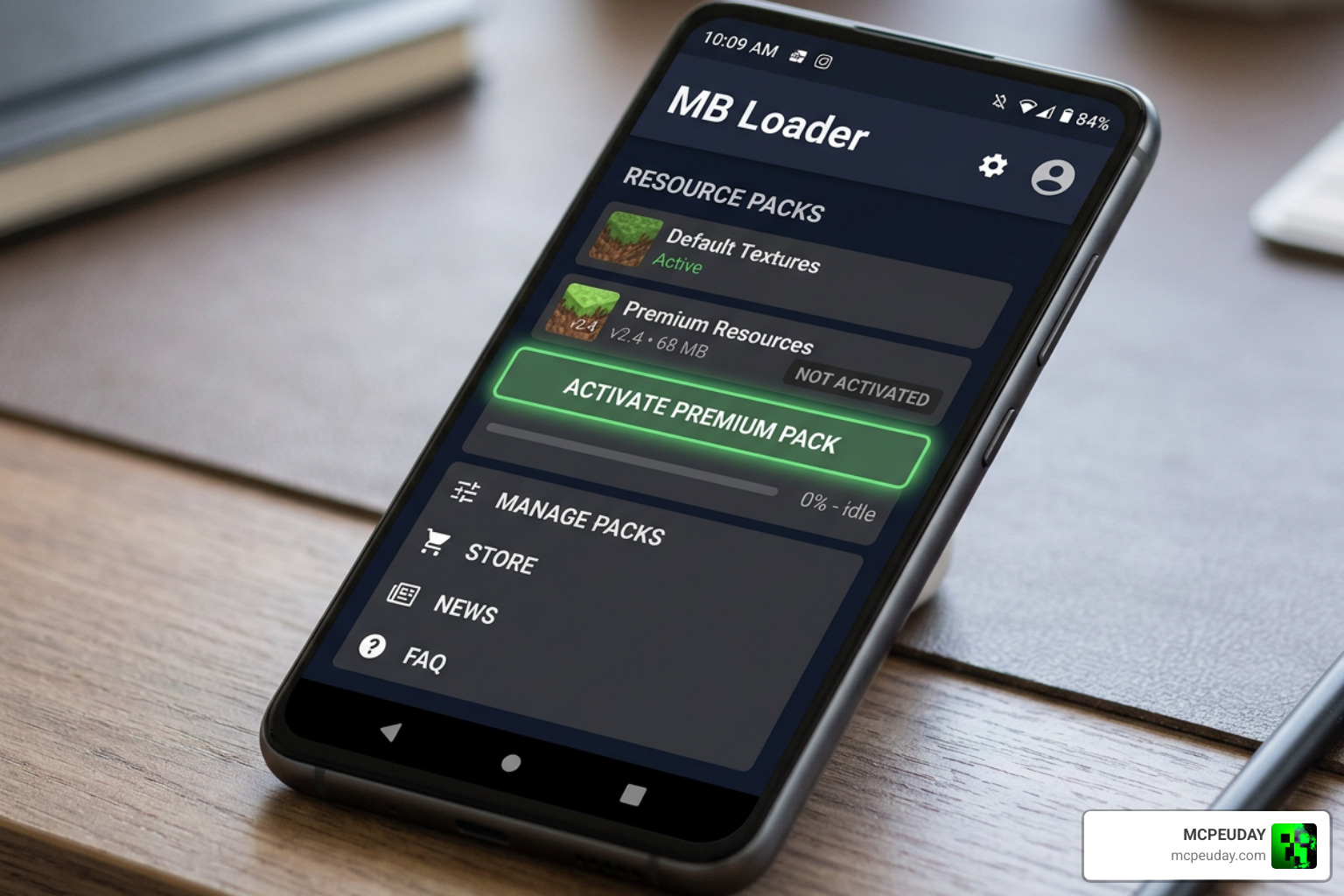
Because Bedrock does not officially support custom third-party shaders anymore, you cannot simply double-click the .mcpack file and expect it to work out of the box. You must use a community-developed loader to inject the shader files into the RenderDragon engine.
Android Installation via MB Loader
To run the AziFy Revive SHADER on Android, you will need a tool called MB Loader (MaterialBinLoader).
- Download MB Loader: Find and install the MB Loader APK on your Android device.
- Download the Shader: Grab the
.mcpackfile for your preferred preset (Medium or Ultra) from our Minecraft Shaders Download for Android page. - Import to Minecraft: Open the downloaded
.mcpackfile using Minecraft to automatically import it. - Activate the Pack: Go to Settings > Global Resources, locate AziFy Revive under “My Packs,” and click Activate.
- Launch via MB Loader: Instead of opening Minecraft normally, launch the game through the MB Loader application to ensure the custom shaders are injected correctly.
Windows Installation via BetterRenderDragon
For Windows 10 and 11 players, the process involves a helper program called BetterRenderDragon.
- Download BetterRenderDragon: Install the latest version of BetterRenderDragon or the Matject tool on your PC.
- Import the Shader: Open the AziFy Revive
.mcpackfile to import it into your game. - Configure the Loader: Use BetterRenderDragon to enable the “MaterialBinLoader” feature.
- Activate and Play: Launch Minecraft through the BetterRenderDragon UI, activate the shader in your Global Resources, and enjoy the stunning view! For more PC-friendly options, take a look at our guide on the 3 Best Shaders for Minecraft 1.21 Ultra Realistic Smooth FPS Stunning Graphics.
iOS and Linux Setup
- iOS: Installing custom RenderDragon shaders on iOS is notoriously difficult due to Apple’s closed ecosystem. It generally requires a jailbroken device or using third-party IPA sideloading tools.
- Linux: If you play Minecraft Bedrock on Linux (using the flatpak/mcpelauncher), you can use the
mcpelauncher-materialbinloader-modto load the shader files.
If you are still confused about the setup process, don’t worry! We have a complete, step-by-step tutorial on How to Get Shaders in Minecraft that will walk you through every single detail.
Frequently Asked Questions about AziFy Revive
Does AziFy Revive work on Minecraft 1.21?
Yes! The AziFy Revive SHADER is fully compatible with Minecraft 1.21 and newer versions (like 1.21.100+). In fact, because of Mojang’s major lighting changes in the 1.21.100 update, older shaders will not work, making AziFy Revive one of the few reliable options left for modern players.
Do I need a modified APK to run this shader on Android?
Yes. Because official Minecraft Bedrock does not support custom shader files, you must use a tool like MB Loader (which acts as a modified loader) to inject the shader code into the RenderDragon engine. Running the vanilla game app directly from the Google Play Store without a loader will result in standard vanilla graphics.
Where can I safely download the official AziFy Revive files?
We highly recommend downloading the shader files directly from our verified vaults at MCPEUDAY on our Category: Shaders page.
You can also find the official project files on the creator’s AziFy Revive Shader | AFR – Minecraft Bedrock Texture Packs CurseForge page. Be careful when browsing random third-party download sites, as some platforms host outdated files or fake links that could harm your device.
Conclusion
If you want to breathe new life into your Minecraft Bedrock worlds, the AziFy Revive SHADER is an absolute must-have. With over 375,000 downloads and a fantastic reputation in the MCPE community, it perfectly balances performance and beauty. Whether you are building a massive seaside castle or exploring deep, glowing caves, this pack makes every moment feel magical.
Ready to see the difference for yourself? Head over to our selection of the Best Shaders for MCPE 1.21 2026 Top 3 Realistic Minecraft PE Shaders to download AziFy Revive and start your next visually stunning adventure today!