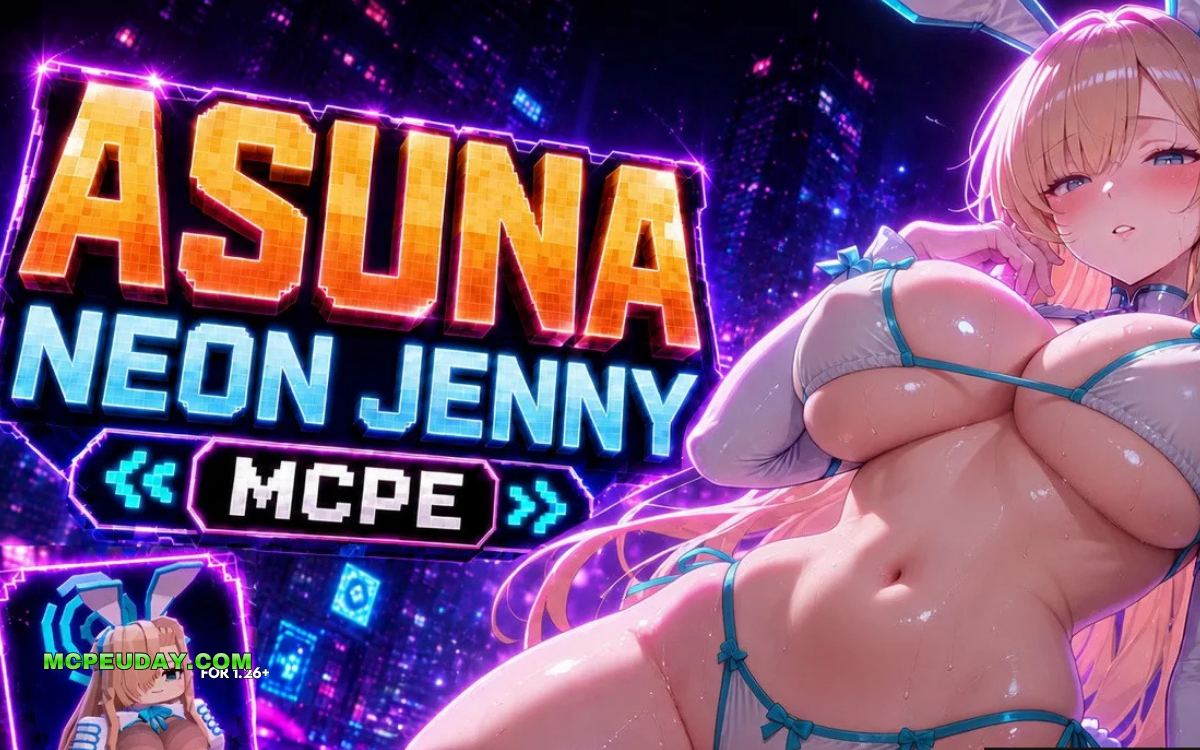
What You Need to Know About the Asuna Neon Jenny Mod
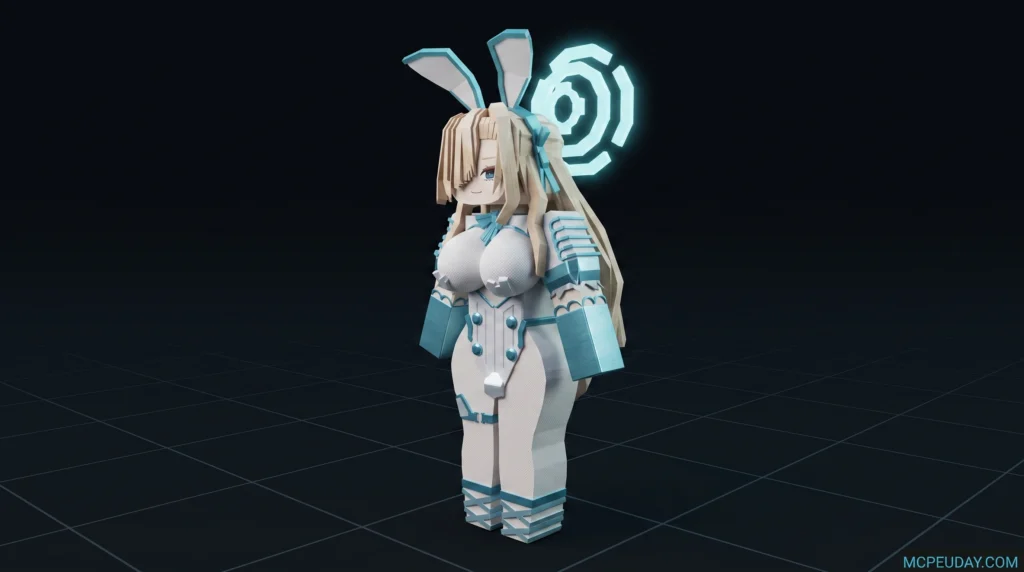
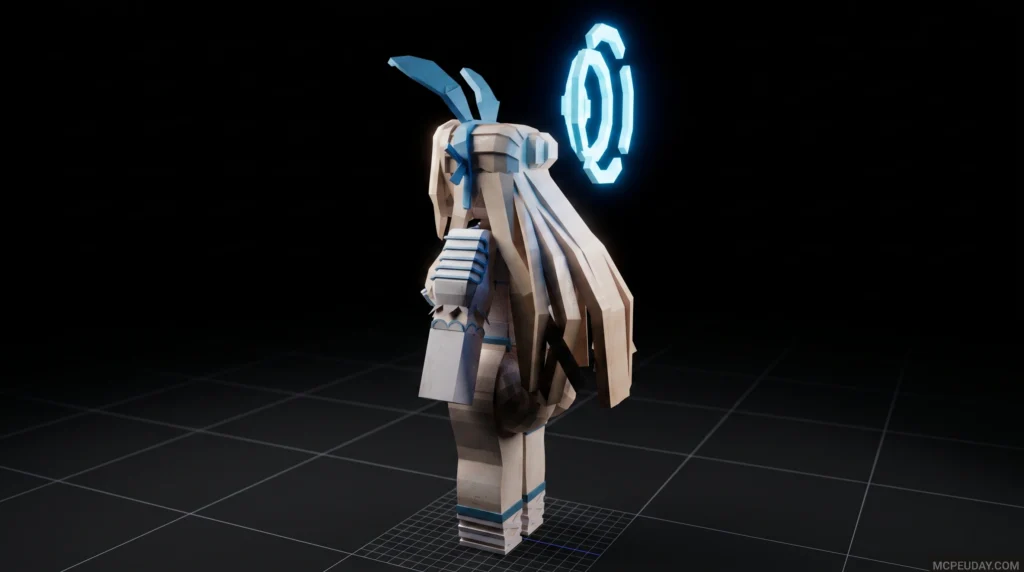
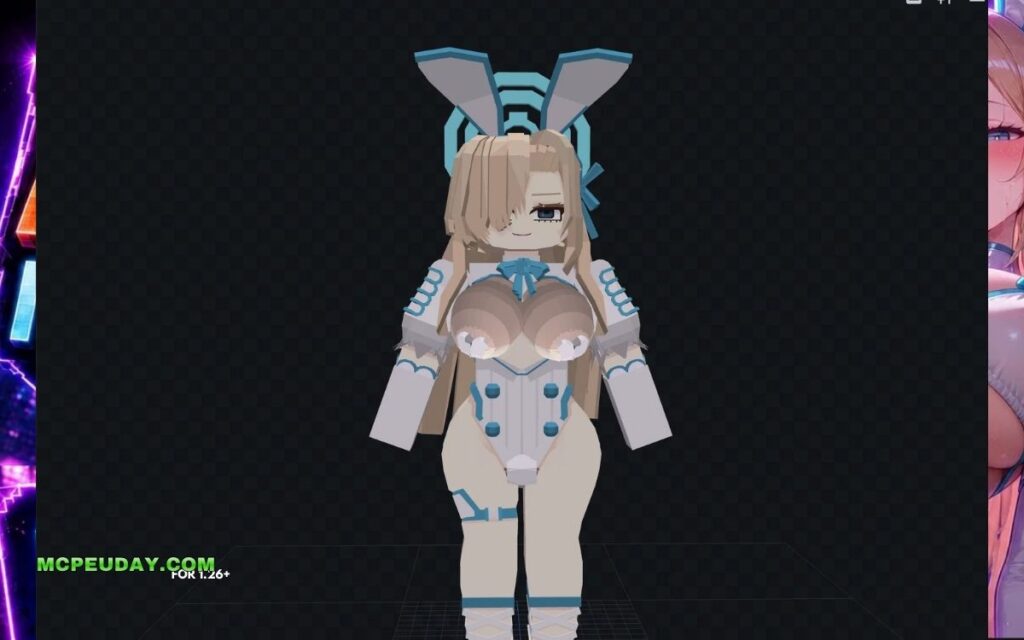
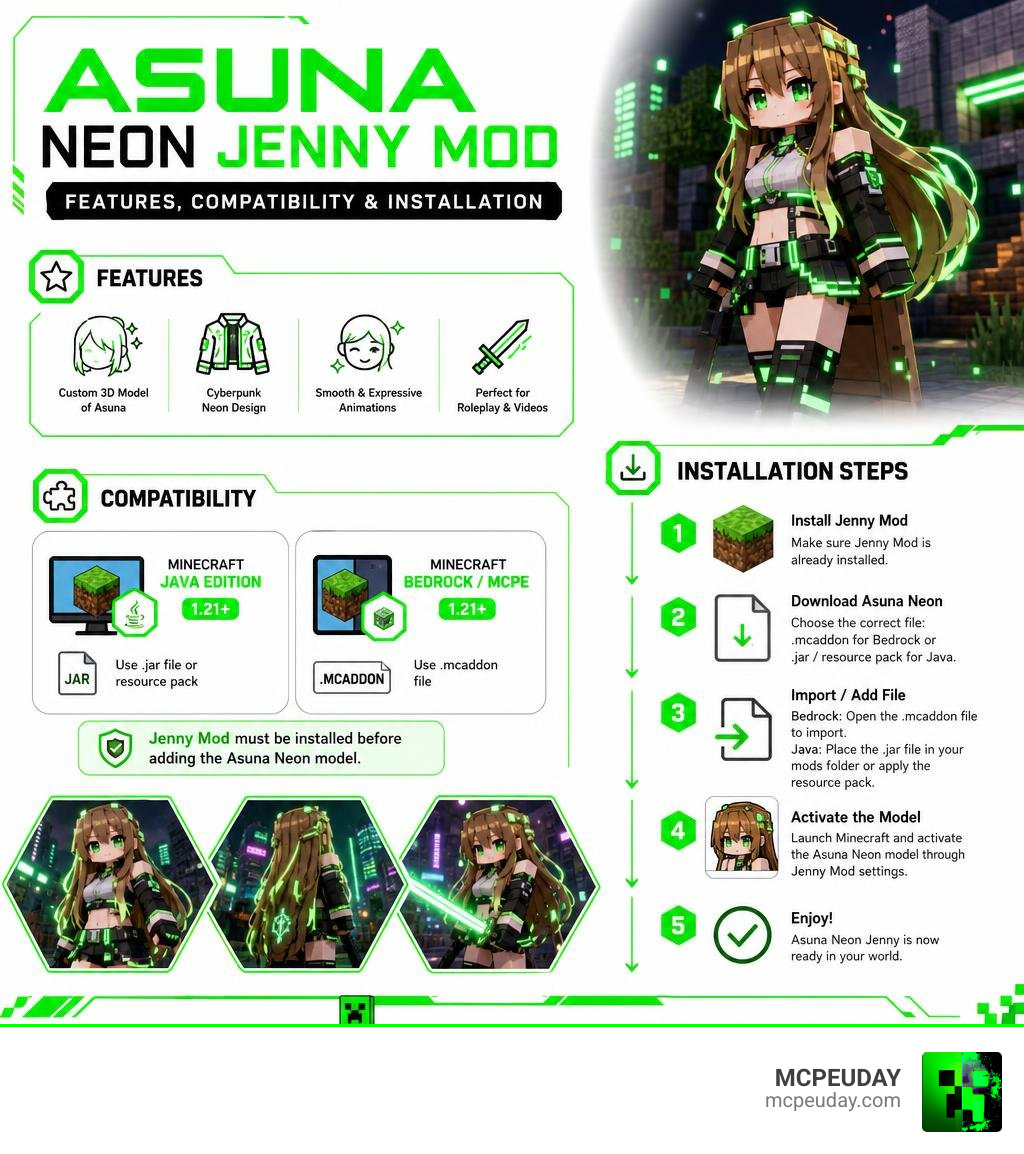
The Asuna Neon Jenny Mod is a custom 3D character model for Minecraft that replaces the default Jenny Mod character with an anime-inspired, cyberpunk-styled version of Asuna — complete with glowing neon accents, futuristic clothing, and smooth custom animations.
Quick answers:
- What it is: A character model addon for Jenny Mod featuring Asuna in a neon/cyberpunk visual style
- Works on: Minecraft Java Edition and Bedrock/MCPE (1.21+)
- How to install: Download the correct file format (.mcaddon for Bedrock, .jar or texture pack for Java), install Jenny Mod first, then activate the model
- Best for: Anime roleplay, cinematic videos, cyberpunk-themed builds, and content creation
- Key requirement: Jenny Mod must already be installed before adding the Asuna Neon model
Jenny Mod is one of the most popular Minecraft addons, adding interactive NPC companions with animations and emotional AI. The Asuna Neon model takes that a step further — swapping the base character for a sleek, neon-lit anime design that fits perfectly into futuristic or sci-fi worlds.
Whether you want it for a roleplay server, a YouTube video, or just to shake up your survival world, this guide covers everything — from what makes this model unique to exactly how to download and install it safely in June 2026.
What is the Asuna Neon Jenny Mod?
The Asuna Neon Jenny Mod is a premium-quality aesthetic upgrade designed to overhaul the companion system in your Minecraft world. At its core, this mod replaces standard companion models with a gorgeous, high-fidelity recreation of the iconic anime heroine, Asuna. Originally known as a central figure in Japanese pop culture—as detailed on Asuna (Sword Art Online) – Wikipedia)—this model reimagines her with a heavy cyberpunk twist.
Unlike standard 2D skins that simply wrap flat textures over the default Steve or Alex geometry, this is a fully realized 3D model. It features custom hair physics, unique outfits, and highly expressive facial animations. The design is heavily inspired by high-end virtual reality avatars, such as the Asuna by Soshi – Jinxxy model, which features incredible customization sliders and advanced shader support.
When integrated into Minecraft, the Asuna Neon variant maintains the interactive AI behaviors of the base Jenny Mod. She will still accompany you on adventures, respond to gifts, and interact with the environment, but she does so with a visual flair that completely changes the atmosphere of your game.
Key Visual Features and Cyberpunk Design of the Asuna Model
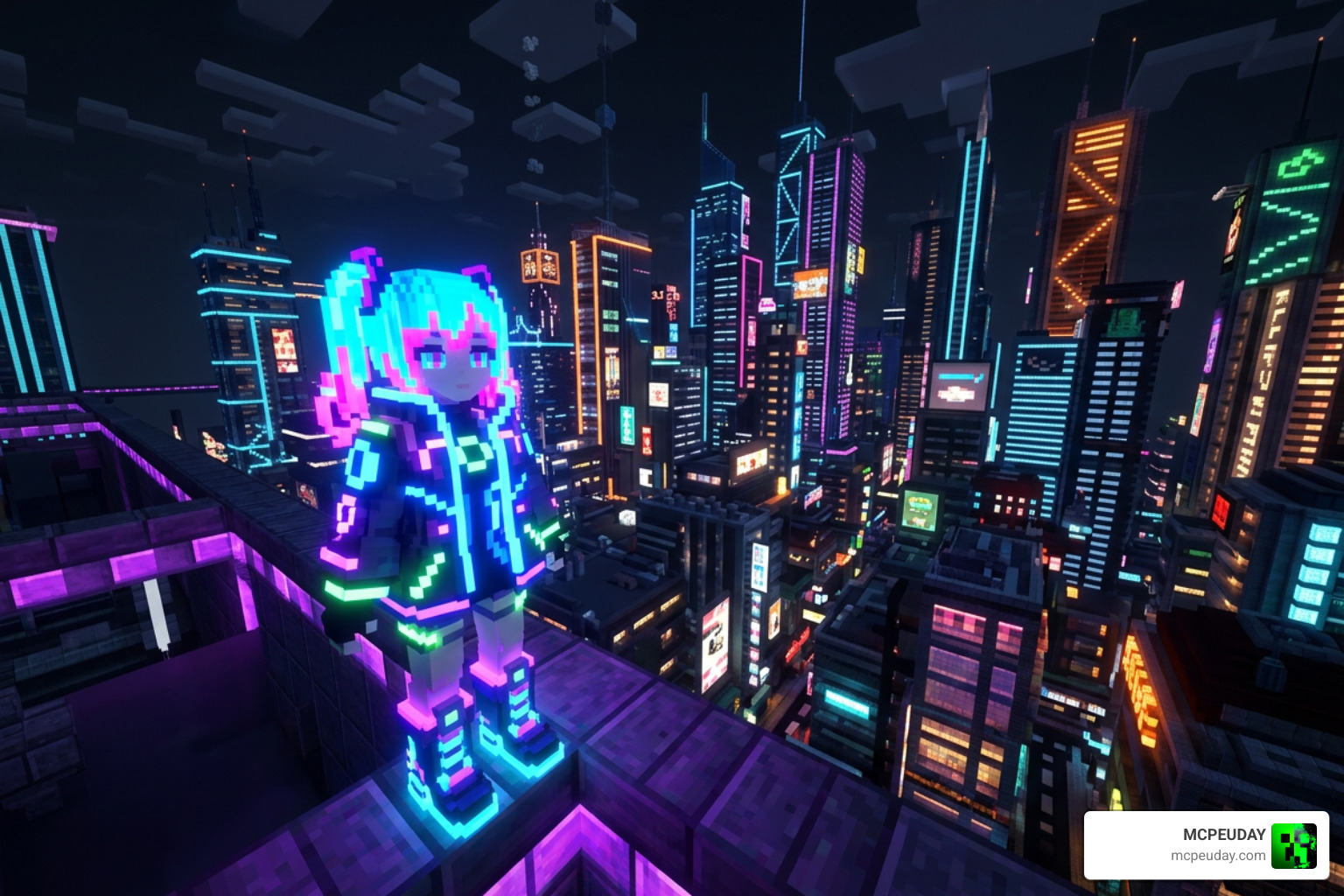
What truly sets this mod apart is its relentless commitment to the cyberpunk aesthetic. If you are tired of medieval fantasy or vanilla block styles, this model injects a massive dose of futuristic energy into your game.
The model boasts several standout features:
- Emissive Textures: The neon lines on Asuna’s outfit and hair actually glow in the dark, making her stand out beautifully during night-time survival runs or inside dimly lit underground bases.
- Refined Proportions: She features custom blocky-yet-curved geometry that balances the classic Minecraft style with sleek anime proportions.
- Fluid Animations: From idle breathing and walking to combat stances and custom emotes, her movements are incredibly smooth compared to standard Minecraft NPCs.
Cyberpunk Aesthetics of the Asuna Neon Jenny Mod
The visual design is a masterclass in sci-fi styling. The hair features a brilliant neon blue and pink gradient that catches the light perfectly. In fact, within the gaming community, fans jokingly echo the sentiment that Asuna is the best neon in the world – VLR.gg due to how incredibly vibrant this specific color scheme looks in dark environments.
Her futuristic outfit consists of a glossy black jacket, glowing trim, and custom sci-fi boots. She also comes packed with unique emotes and animations that fit her cool, high-tech persona, making her the perfect companion for modern city builds and neon-drenched cyberpunk roleplays.
How to Safely Download and Install the Mod
Whenever you are downloading popular community mods, safety should always be your top priority. Because the Jenny Mod and its custom character models are hosted across various community forums, we highly recommend scanning every downloaded file with an up-to-date antivirus program before opening it.
Always look for clean file formats: .mcaddon or .mcpack for Bedrock/MCPE, and .jar or standard zip resource packs for Java Edition. Avoid any files that end in .exe or ask for administrative permissions to run on your PC.
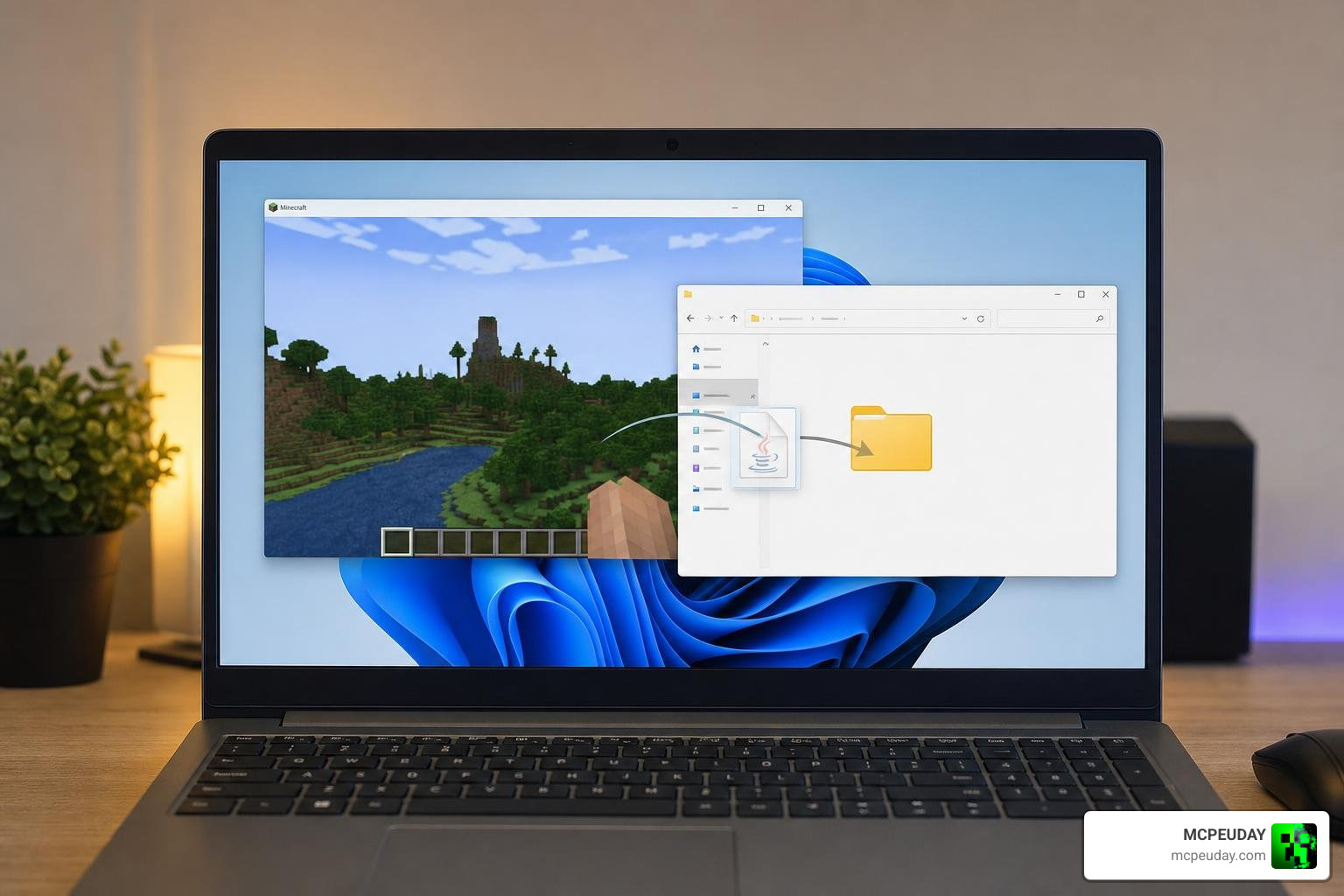
To ensure your game runs smoothly with these detailed 3D models, consider these quick performance optimization tips:
- Allocate More RAM: If you are playing on Java Edition, allocate at least 4GB of RAM to Minecraft via the launcher settings.
- Use Optimization Mods: Pair the mod with performance enhancers like Sodium or Rubidium (Java) to keep your FPS stable.
- Adjust Render Distance: Keep your simulation and render distances moderate if you notice slight stuttering when the model loads in.
How to Install the Asuna Neon Jenny Mod on MCPE and Bedrock
If you are playing on a mobile device, tablet, or Windows 10/11 Bedrock edition, importing this model is a breeze.
- First, make sure you have the base addon installed. You can download the latest version via the Jenny Addon 26 X 1 21 Mcpe Bedrock Mod page.
- Download the Asuna Neon model
.mcaddonfile. - Locate the file on your device and double-click or tap it. Minecraft will automatically launch and import the pack.
- Go to your world settings, navigate to “Behavior Packs” and “Resource Packs”, and activate both the base Jenny mod and the Asuna Neon pack.
- If you need a secondary link or extra setup instructions, check out the Addon 26 X 1 21 Mcpe Bedrock Mod guide.
Installing the Mod on Minecraft Java Edition
For Java players, the process involves using Minecraft Forge or Fabric.
- Ensure you have Forge installed for your target version (typically 1.12.2 for legacy stability, or newer versions depending on your mod pack).
- Install the core Jenny Mod by placing its
.jarfile into your.minecraft/modsfolder. You can read a complete walkthrough on how to handle these files at the Ellie Addon 1 21 1 20 Mcpe Jenny Mod Guide Download page. - Place the Asuna Neon resource pack or model overwrite file into your
resourcepacksfolder, or load it as an active mod depending on the creator’s packaging. - Launch Minecraft, enable the resource pack in-game, and enjoy your brand-new cyberpunk companion!
Comparing Asuna Neon to Other Popular Jenny Mod Characters
The world of custom companion models is vast. To help you decide which character fits your playstyle best, we have put together a comparison table of the most popular options available right now:
| Character Model | Visual Style | Best Suited For | Key Feature |
|---|---|---|---|
| Asuna Neon | Cyberpunk, Glowing Neon, Sci-Fi | Futuristic Cities, Night Survival | Emissive glowing textures |
| Asa Mitaka | Dark Fantasy, Serious Anime | Story-driven Roleplay, Grim Worlds | Subtle, realistic animations |
| Solar Flare | Warm Orange, Golden Accents | Desert Biomes, Cinematic Sunsets | Vibrant colors without shaders |
| Lucy Cyberpunk | Edgerunner Style, Pastel Hair | Sci-Fi Roleplay, Modern Builds | Sharp green-violet eyes |
If you are looking for even more variety to add to your game, you should check out the Jenny Nier Automata Addon 1 21 Download For Mcpe 2b Mod to bring a sleek, combat-ready android companion into your world. Many creators love mixing and matching these characters to create incredible stories, just like the adventures seen in popular videos such as I Spent 100 Days In NEW Jenny Mod – YouTube.
Frequently Asked Questions About the Asuna Neon Jenny Mod
Is the Asuna Neon Jenny Mod safe to download?
Yes, as long as you download it from verified community hubs and trusted resource sites like ours. Always run an antivirus scan on any downloaded file and avoid executable files (.exe). The mod should only consist of standard Minecraft file formats like .mcaddon, .mcpack, or .zip/.jar.
Does this mod work on Minecraft PE (MCPE) 1.21?
Yes! The model has been fully optimized to support MCPE and Bedrock Edition versions 1.21 and above. Make sure your mobile device has decent hardware specs, as highly detailed 3D models can sometimes cause minor frame drops on older, low-end devices.
Can I use the Asuna Neon model alongside other Jenny Mod addons?
Absolutely. You can use resource packs to swap models or use skin packs to change outfits on the fly. Just make sure you set the resource pack priority correctly in your world settings so that the Asuna Neon textures load on top of the base Jenny Mod files.
Conclusion
The Asuna Neon Jenny Mod is an incredible way to inject fresh, futuristic energy into your Minecraft world in 2026. With its striking glowing textures, custom cyberpunk design, and fluid animations, it easily stands out as one of the most visually impressive character models ever created for the Jenny Mod framework.
Whether you are building a towering neon metropolis or recording high-quality cinematic stories for your channel, this model is a must-have. Ready to upgrade your companion’s look? Explore more Minecraft Mod Addons on our site and start customizing your ultimate blocky adventure today!
3 thoughts on “Asuna Neon Jenny Mod (26.x, 1.21) – MCPE/Bedrock Mod”