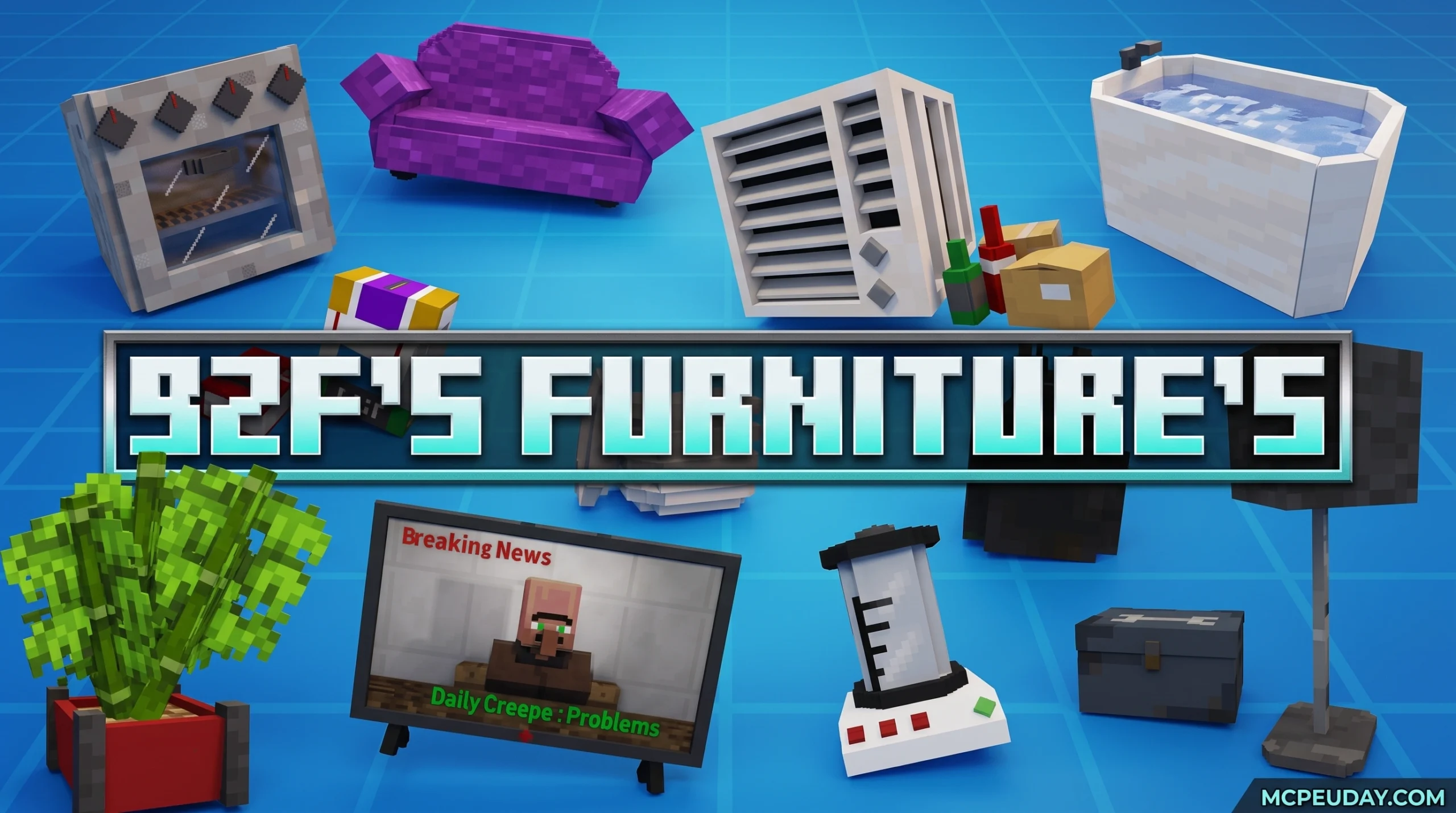
What the BZF FURNITURE’S Addon Does for Your Minecraft World
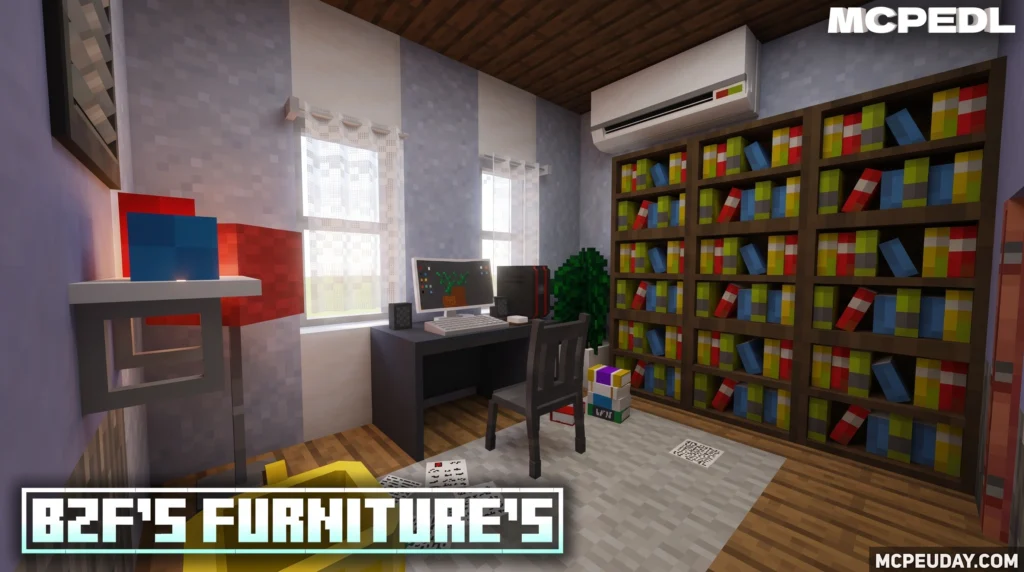
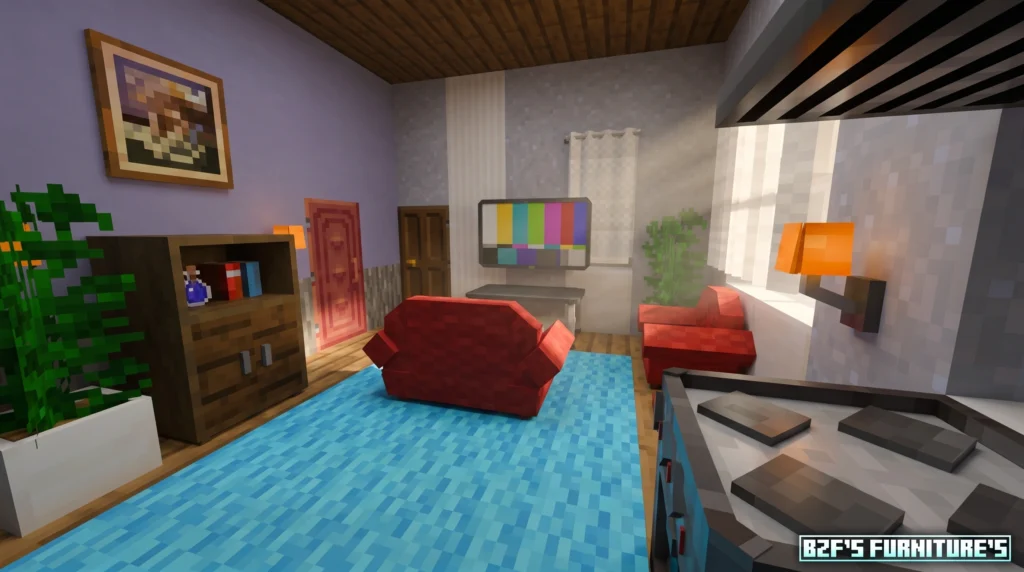
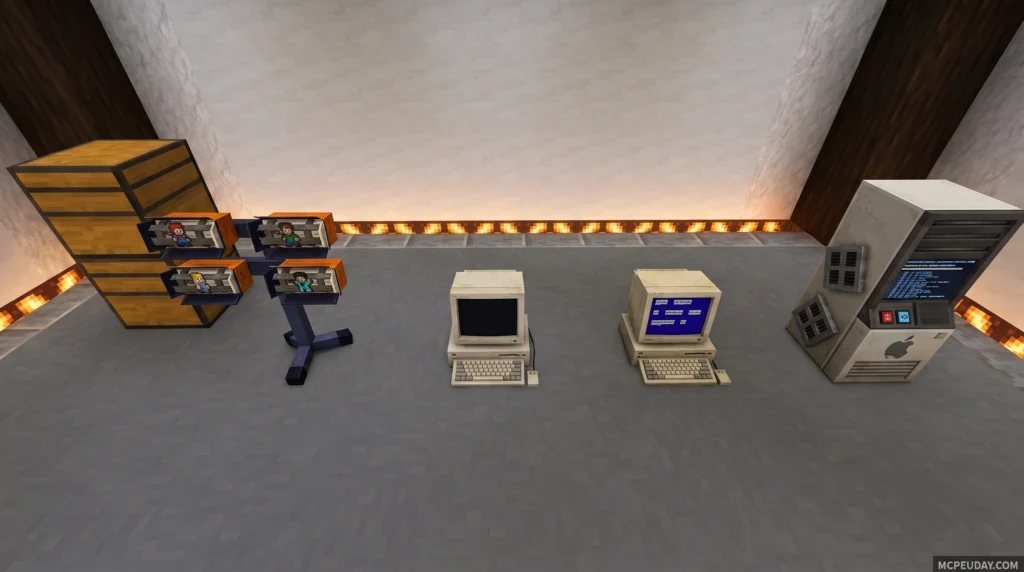
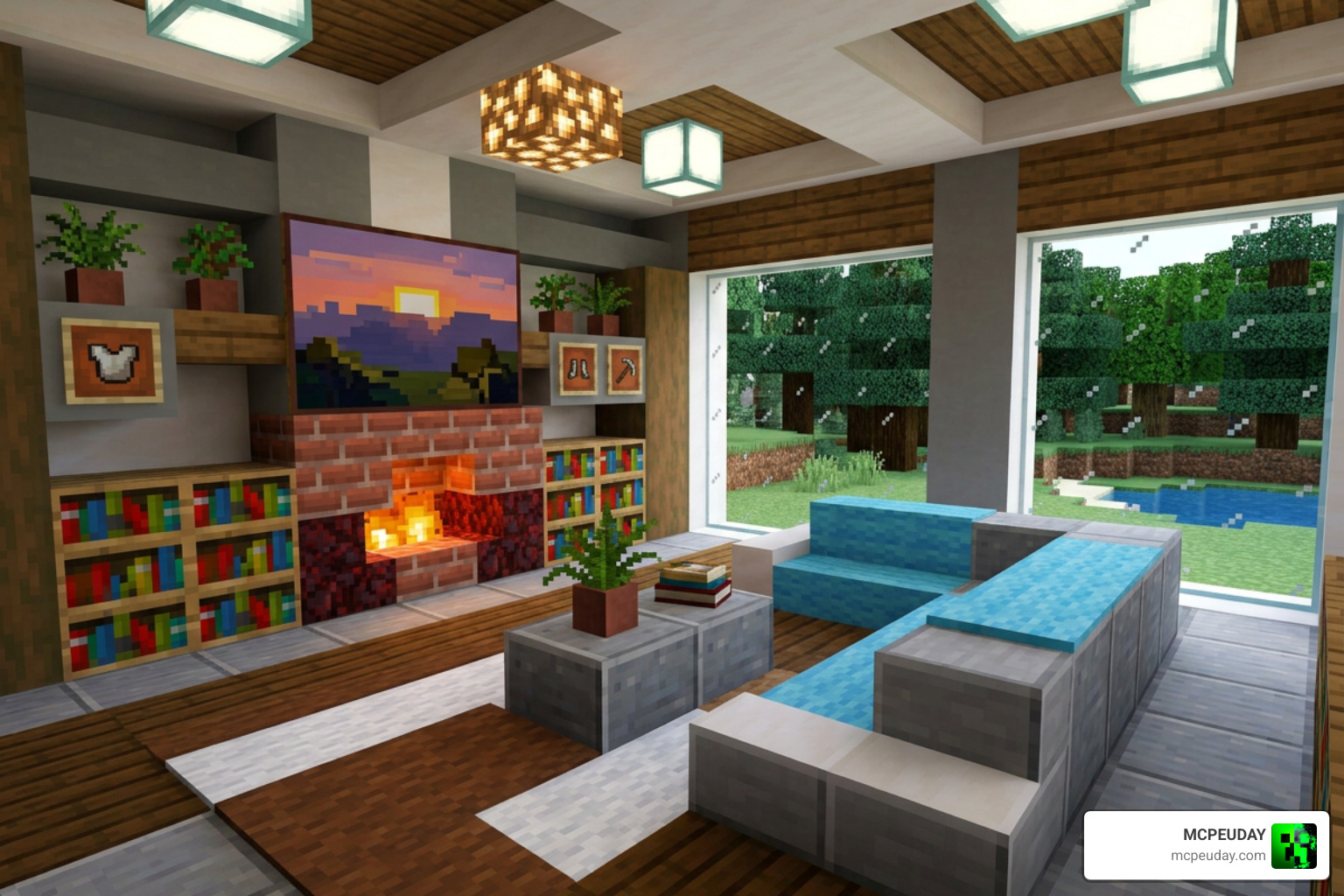
The BZF FURNITURE’S Addon is one of the most feature-packed decoration addons available for Minecraft Bedrock Edition, adding over 450 customizable furniture pieces to the game.
Quick answer for what it includes:
- 77 base furniture items with multiple style variations (450+ total pieces)
- Furniture for kitchens, living rooms, bedrooms, bathrooms, gardens, and more
- Interactive items — sit on chairs, toggle lamps, open cabinets
- Access furniture by crafting a Furniture Box, then using a Stonecutter
- Compatible with Minecraft Bedrock/PE versions 1.17, 1.18, 1.19, 1.20, and 1.21
- Created by BlazingFire203 in a vanilla-friendly art style
- Latest version is v2.8.0 (updated January 2026)
If you’ve ever felt like your Minecraft home looks too plain — just flat blocks and empty rooms — this addon fixes that. It brings real furniture into your world: couches, TVs, fridges, bookshelves, lamps, and much more.
No Java mods, no complicated setup. It’s built specifically for Bedrock Edition, so it works on Windows, Android, iOS, and consoles.
What is the BZF FURNITURE’S Addon?
At its core, the BZF FURNITURE’S Addon is a massive decorative expansion created by BlazingFire203. Unlike many other mods that might feel out of place, this addon relies on a gorgeous, vanilla-friendly art style. The 3D models are incredibly detailed but still look like they belong in the blocky world of Minecraft.
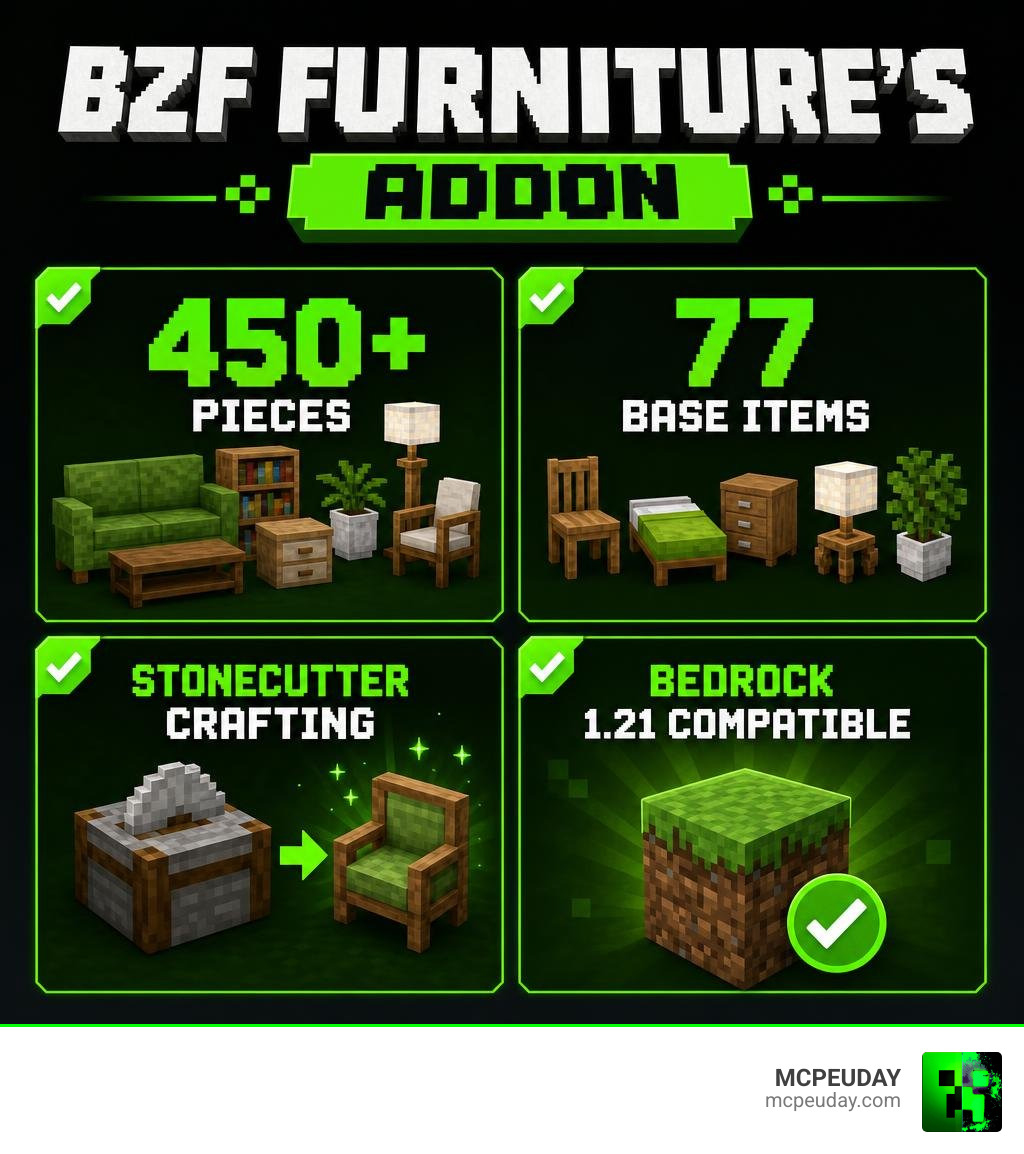
We love how it breathes life into empty builds. Instead of trying to construct a bulky couch out of stairs and signs, you can place a beautifully modeled 3D sofa. The addon includes 77 base furniture items, but once you factor in all the different wood types, color variations, and styles, you have over 450 unique pieces to play with!
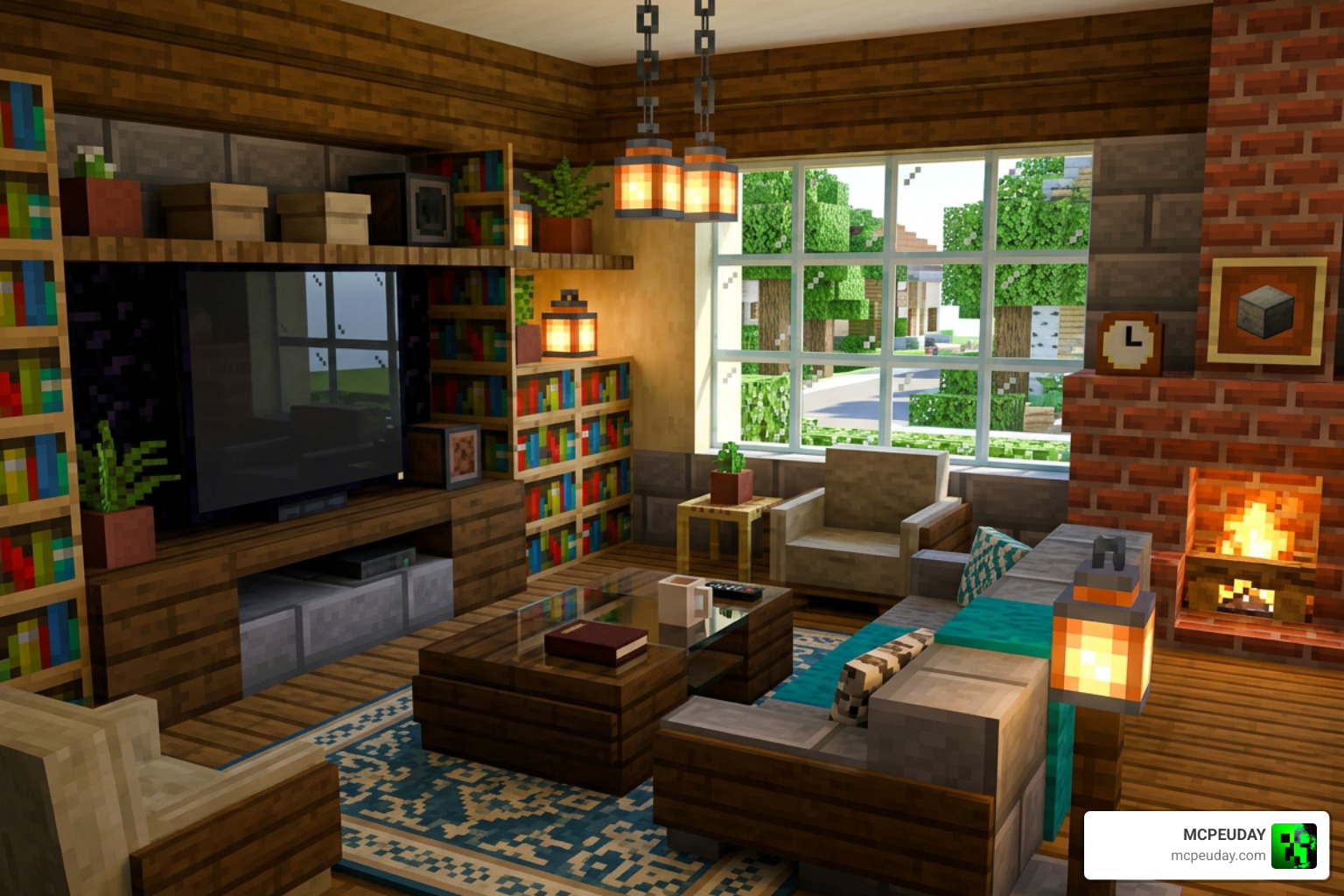
This level of customization allows you to design everything from ultra-modern suburban homes to rustic cabins. If you want to compare it to other popular options, you should check out our guide on the Modern Furniture Addon to see how different styles fit your building preferences.
Key Features of BZF FURNITURE’S Addon
What makes the BZF FURNITURE’S Addon truly stand out is that it is not purely decorative. Many of the included blocks feature interactive elements that make your virtual home feel lived-in and functional:
- Comfortable Seating: You can actually sit on chairs, stools, and couches. No more hovering awkwardly over your dining table!
- Interactive Lighting: Lamps, fluorescent lights, and ceiling fixtures aren’t just for show. You can turn them on and off to set the perfect mood.
- Storage Solutions: Cabinets, drawers, and refrigerators can be opened to store your items, food, and gear.
- Custom Bedcovers: You can place special bedcovers directly over your beds to change their appearance and match your bedroom’s color scheme.
If you enjoy interactive decorations, you might also want to look into the Fabulous Furniture Addon, which offers similar high-quality 3D models and interactive features.
Supported Rooms and Styles in BZF FURNITURE’S Addon
No matter what room you are building, this addon has you covered. It categorizes its items to help you design cohesive, themed spaces throughout your world:
- The Kitchen: Furnish your culinary space with realistic counters, sinks, blenders, and functioning refrigerators.
- The Bathroom: Install bathtubs, toilets, and modern sinks to create a clean, realistic bathroom.
- The Living Room & Office: Set up entertainment centers with flat-screen TVs, cozy couches, coffee tables, computers, and desks.
- Outdoor & Garden: Decorate your backyard with patio chairs, tables, and beautiful plants.
- Holiday & Special Themes: The addon features spooky Halloween decor and festive holiday items to celebrate the changing seasons in your world.
To expand your design palette even further, we highly recommend checking out the whimsical Lily Furniture Addon, the dark fantasy vibes of the Ghoulcraft Furniture Addon, or the colorful aesthetic of the Decodrop Furniture Addon.
How to Obtain and Craft Furniture Items
One of the best things about the BZF FURNITURE’S Addon is how survival-friendly it is. You do not have to rely on creative mode to furnish your dream home. Everything can be crafted using standard survival mechanics.
To keep things organized and prevent your crafting table from being cluttered with hundreds of recipes, the addon utilizes a clever “Furniture Box” system.
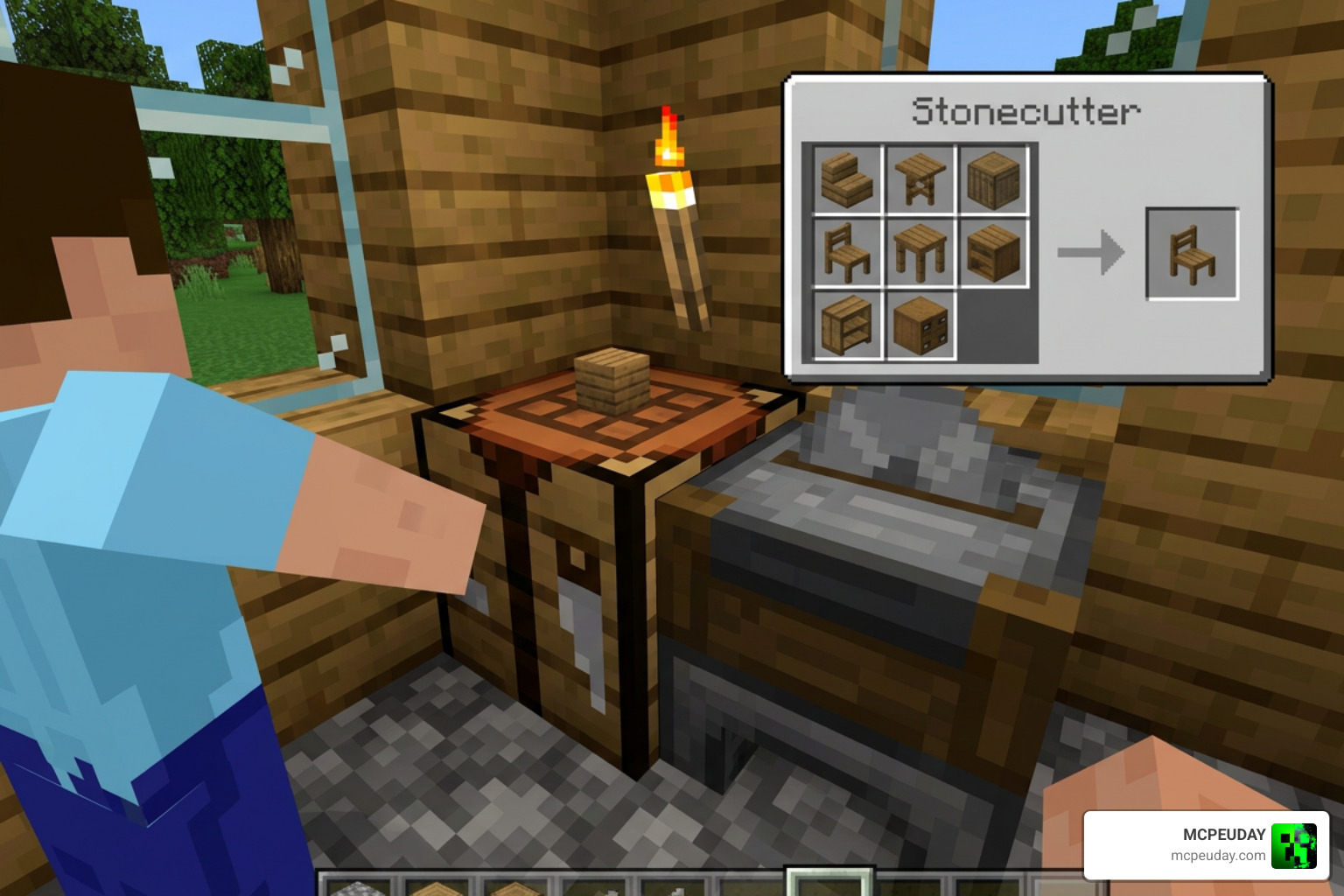
First, you craft one of the four themed storage boxes at a standard crafting table. You can use almost any wood type in the game (except bamboo) to craft these boxes. Once you have your box, simply place it inside a Stonecutter. The Stonecutter will display all the available furniture templates for that category, allowing you to select and craft the exact piece of furniture you need!
If you like this style of progression, you can also read about the Faramirs Furniture Addon or the medieval-themed Feudal Furniture Addon for more crafting inspiration.
Here is a quick reference table comparing the four types of storage boxes you can craft:
| Storage Box Type | Crafting Material Base | Example Furniture Outputs | Best Used For |
|---|---|---|---|
| Indoor Box | Standard Wood Planks | Couches, TVs, Tables, Beds, Kitchen Counters | Bedrooms, Living Rooms, Kitchens |
| Garden Box | Wood Planks & Foliage | Patio Chairs, Garden Tables, Outdoor Plants | Backyards, Patios, Balconies |
| Halloween Box | Wood Planks & Pumpkins | Spooky Lights, Cobweb Decors, Skeleton Props | Haunted Houses, Autumn Themes |
| Special Box | Wood Planks & Redstone/Iron | Computers, Fridges, Fluorescent Lights, Tech | Offices, Modern Kitchens, Laboratories |
Installation Guide, Version Compatibility, and Latest Updates
Getting the BZF FURNITURE’S Addon up and running in your world is incredibly simple. It is fully compatible with Minecraft Bedrock versions 1.17, 1.18, 1.19, 1.20, and 1.21.
Step-by-Step Installation:
- Download the Files: Get the latest
.mcaddonor.mcpackfiles. You can find direct download links on trusted community sites like the 9Minecraft BZF Furniture Page. - Import to Minecraft: Tap or double-click the downloaded file. Minecraft Bedrock will open automatically and import the addon.
- Create or Edit Your World: Go to your world settings.
- Enable Resource & Behavior Packs: Under the “Add-Ons” section, activate the BZF Furniture resource pack and behavior pack.
- Turn on Experimental Gameplay: For the addon to work correctly, make sure to toggle on “Holiday Creator Features” and “Upcoming Creator Features” in your world settings.
- Load Your World: Enter your world and start crafting!
For a deeper look at installing similar mods on modern versions, check out our guide on the Modblockte Furniture Addon.
What’s New in the Latest Updates (v2.7.0 & v2.8.0)?
The creator, BlazingFire203, consistently updates this mod to improve performance and add new content. In the latest versions (v2.7.0 and v2.8.0), several exciting changes were introduced:
- The Anomalous Plant: A mysterious, beautiful new decorative plant to place in your home or garden.
- Fluorescent Light Fixes: Fixed a bug where fluorescent lights would incorrectly display as dirt blocks. They now function perfectly as sleek, modern light sources.
- Naked Christmas Tree: A customizable holiday tree available in creative mode that you can decorate yourself.
- Switchable Light Sources: Improved coding for lights to make toggling them on and off smoother, especially in version 1.21.90+.
For players who enjoy exploring other classic furniture options, you can read up on the history of decoration mods on the MrCrayfish’s Furniture Mod Wiki or check out the Furniture Mod for Minecraft PE on Google Play for mobile alternatives. You can also watch gameplay showcases on this YouTube Video Guide.
Frequently Asked Questions about BZF Furniture
How do you craft furniture in the BZF Furniture’s Addon?
To craft furniture, you must first craft one of the four base Furniture Boxes (Indoor, Garden, Halloween, or Special) using wood planks at a crafting table. Then, place the box into a Stonecutter to select and cut out the specific furniture piece you want.
Is BZF Furniture’s Addon compatible with Minecraft Bedrock 1.21?
Yes! The addon is fully compatible with Minecraft Bedrock 1.21, as well as older versions like 1.20, 1.19, 1.18, and 1.17. It runs smoothly on Windows, mobile devices (iOS/Android), and consoles.
Can you interact with the furniture items?
Absolutely. Many items are interactive. You can sit on the chairs and sofas, sleep in the customized beds, open cabinets and refrigerators to store items, and click on lamps and ceiling lights to turn them on or off.
Conclusion
The BZF FURNITURE’S Addon is an absolute must-have for anyone who loves interior decoration and custom builds in Minecraft Bedrock. With over 450 variations, survival-friendly stonecutter crafting, and interactive features, it turns basic structures into warm, realistic homes.
We at MCPEUDAY are committed to bringing you the very best resources, tips, and updates for your favorite sandbox game. Be sure to keep your addon updated to the latest v2.8.0 version to enjoy all the new lights, plants, and bug fixes!
Looking to add some thrills to your newly decorated world? Head over to our Best Minecraft Horror Mods for Java & Bedrock 2026 Guide to find the perfect spooky companions for your next adventure!