What Every Minecraft Player Should Know About ToonCraft Resource Pack
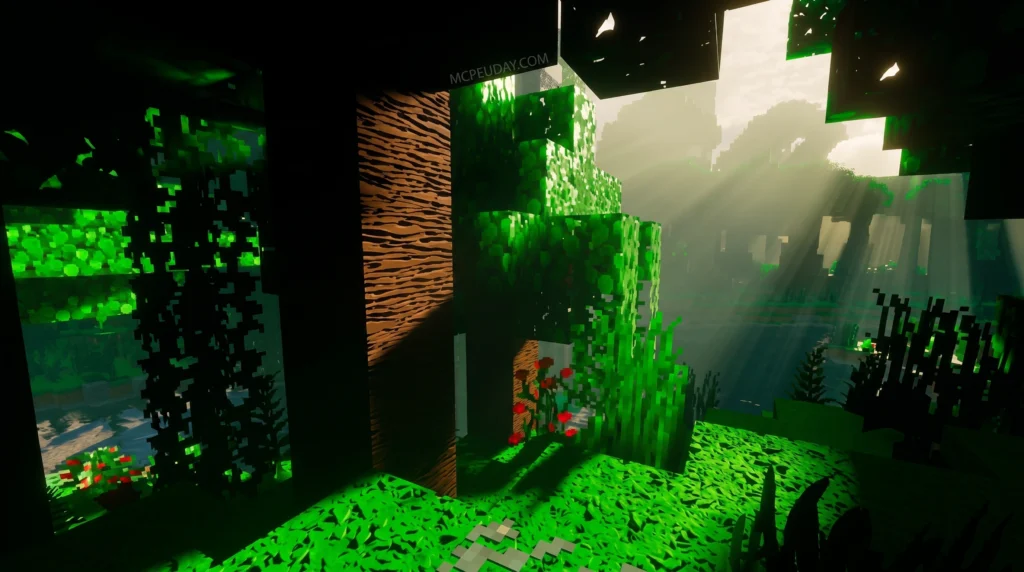
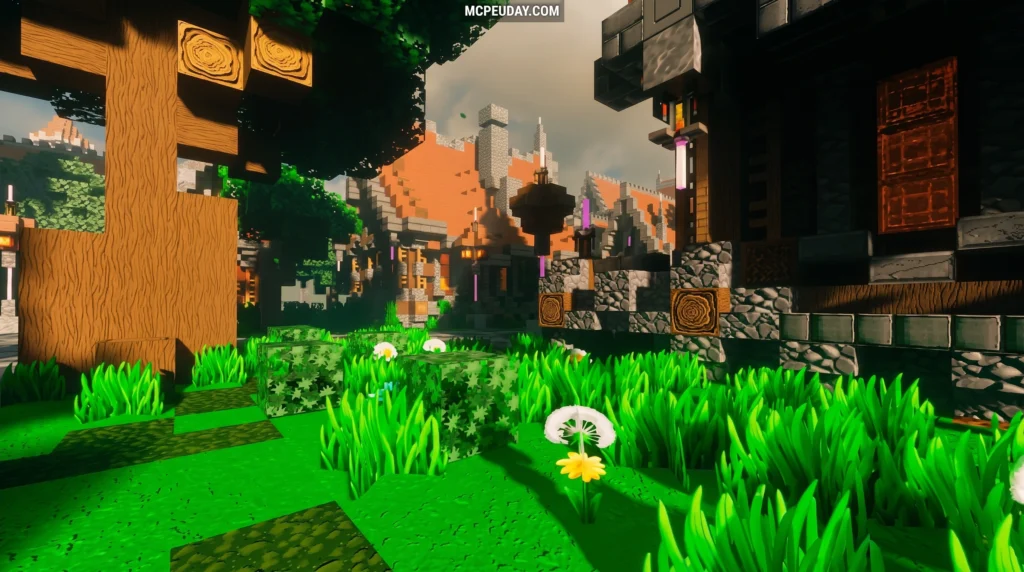
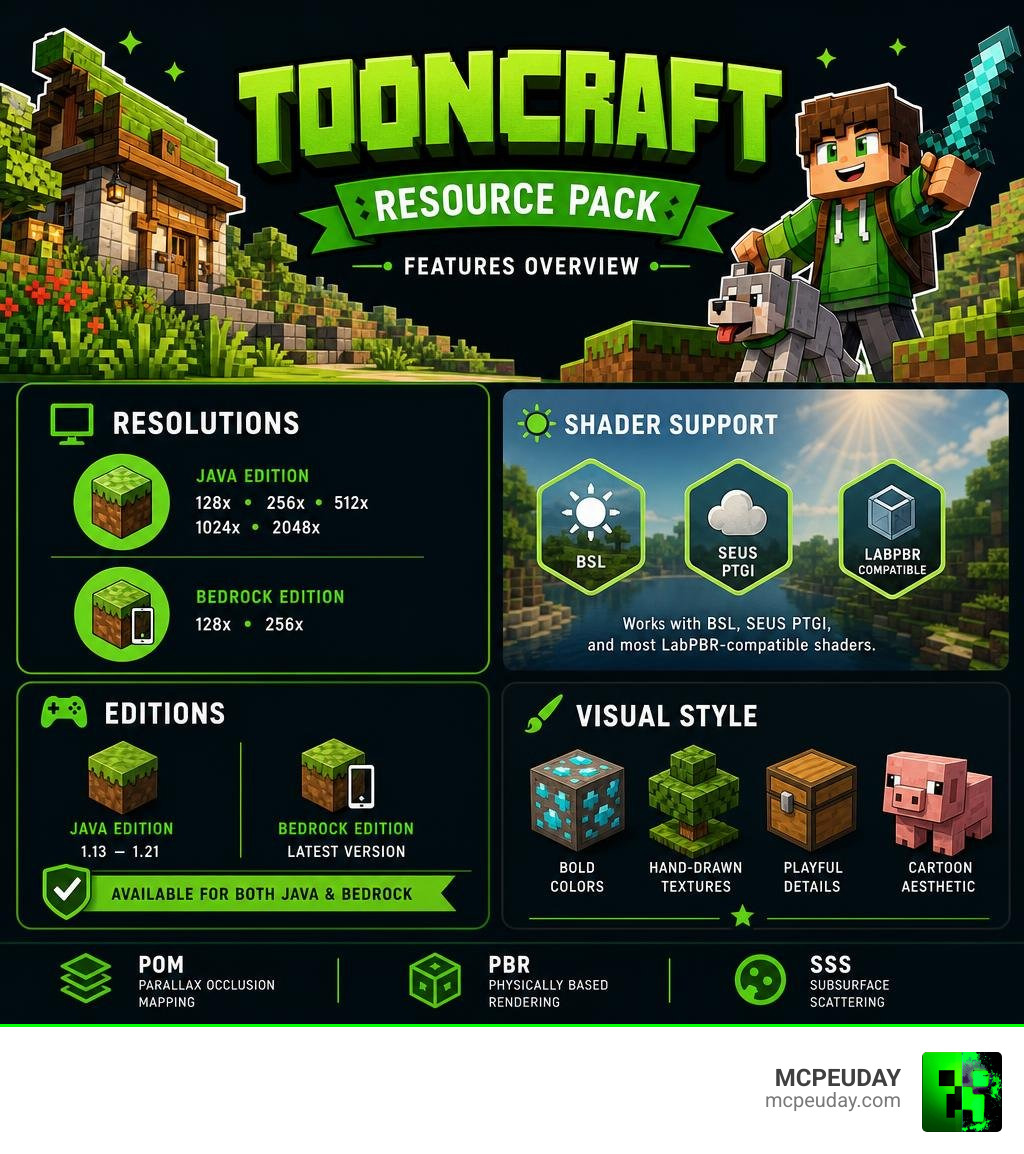
The ToonCraft Resource Pack is a cartoon-style texture pack for Minecraft that replaces the default visuals with bold colors, smooth hand-drawn textures, and playful effects — available for both Java and Bedrock editions.
Quick answer for those in a hurry:
- What it is: A cartoon-themed Minecraft resource pack with vibrant, hand-drawn-style textures
- Who made it: GalacticCraft, the same creator behind the popular RealisCraft pack
- Free version: Yes — a 128x demo is available for both Java and Bedrock editions
- Full version: Resolutions up to 2048x (Java) and 256x (Bedrock), unlocked via Patreon
- Compatible with: Minecraft Java Edition 1.13 through 1.21, and Bedrock Edition
- Shader support: Works with BSL, SEUS PTGI, and most LabPBR-compatible shaders
- Advanced features: Includes Parallax Occlusion Mapping (POM), Physically Based Rendering (PBR), and Subsurface Scattering
Minecraft has thousands of texture packs. Most go for gritty realism. ToonCraft goes the other direction — and it works really well.
It transforms your world into something that feels alive, colorful, and fun. Mining ores, chopping trees, building bases — everything just looks better in a way that’s hard to explain until you see it.
And unlike some cartoon packs that look great in screenshots but fall apart during actual gameplay, ToonCraft is designed to stay readable even when things get chaotic.
Whether you’re a long-time player tired of the same look, or someone who wants Minecraft to feel fresh again, this guide covers everything you need to know.
What is the ToonCraft Resource Pack?
We love a good visual overhaul, and the ToonCraft Resource Pack is easily one of the most delightful projects to hit our screens. Created by GalacticCraft, the highly talented developer famous for the hyper-realistic RealisCraft pack, ToonCraft represents a massive creative pivot. Instead of trying to make Minecraft look like the real world, GalacticCraft set out to make it look like a high-budget animated movie.
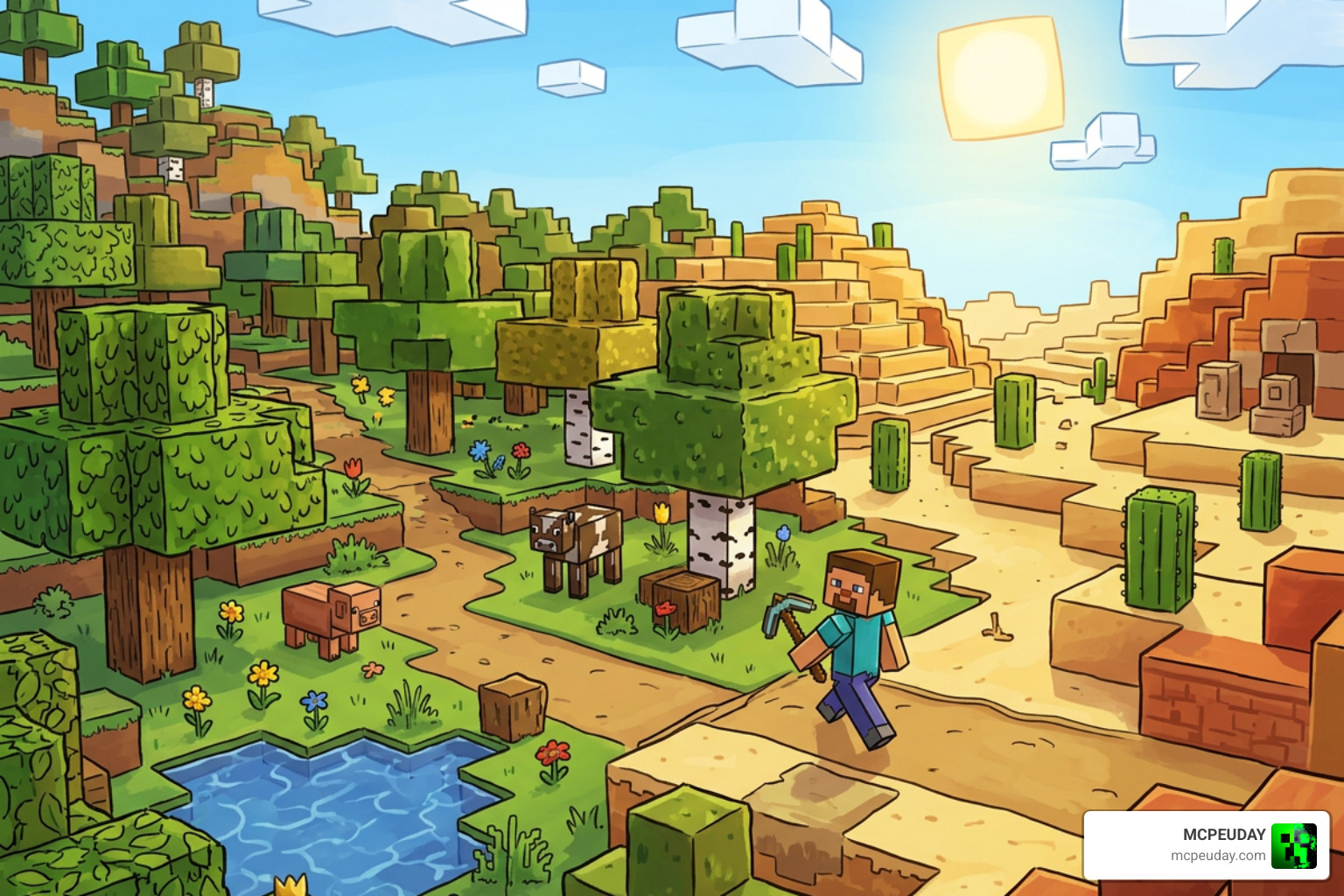
The pack trades the noisy, pixelated textures of vanilla Minecraft for hand-drawn, painted designs. Every block, from the humble dirt block to complex crafting tables, gets a clean and smooth cartoon styling. Saturated color palettes make forests look lusher, deserts warmer, and oceans deeper.
With the release of the latest ToonCraft Resource Pack updates supporting modern versions like 1.21, the pack has collected hundreds of thousands of views and tens of thousands of downloads. It is designed to keep your game completely readable. You will never find yourself staring at a block in your inventory wondering what on earth you just mined.
The History and Legacy of ToonCraft
If you are a Minecraft veteran, the name “ToonCraft” might ring a bell from a long time ago. Before GalacticCraft’s modern masterpiece, there was a classic 16×16 resource pack called Puddles’ Tooncraft, which was originally created during the early 1.5 era of Minecraft. It gained over 100,000 downloads as a beloved, lightweight alternative to default textures.
Later on, designers like GreenAtmoz revived that classic 16×16 legacy pack for versions like 1.12.2 and 1.13.2, blending Puddles’ original cartoon vibe with modern blocks.
While that nostalgic 16×16 pack holds a special place in our gaming hearts, the modern ToonCraft Resource Pack by GalacticCraft is a completely different beast. It is built from the ground up to support high-definition resolutions and cutting-edge rendering techniques that players in the early days of Minecraft could only dream of.
Visual Style, Resolutions, and Shader Support
What truly sets ToonCraft apart is its visual polished design. It is not just a simple re-skin. The pack includes custom 3D models for many blocks, custom skyboxes, and specialized toon lighting that makes the world feel incredibly cozy. When you combine this with smooth custom animations, the entire environment feels like a living, breathing cartoon.
ToonCraft Resource Pack Resolutions and Versions
Whether you are running Minecraft on a humble laptop or a high-end gaming rig, there is a version of ToonCraft designed for you. The pack is split into various resolutions and editions:
- 128x Resolution (Free Demo): This is the perfect starting point. It gives you a fantastic look at the cartoon aesthetic without putting a heavy load on your graphics card. You can download the ToonCraft [v2.0] [Demo] – ToonCraft JE: A wonderfully adorable texture pack to test how it runs on your system.
- 256x Resolution: The sweet spot for Bedrock Edition performance and great clarity on Java.
- 512x & 1024x Resolutions: High-definition tiers available through the creator’s Patreon page, offering incredibly crisp lines.
- 2048x Resolution: The ultimate ultra-HD version. Every single block looks like a hand-painted work of art, though you will need a powerful graphics card to run this smoothly.
If you are wondering how these versions behave across different platforms, check out our guide on Minecraft Java vs Bedrock to see how resource packs handle on each edition.
Comparing ToonCraft Resource Pack to Other Styles
To understand the magic of ToonCraft, it helps to compare it directly to GalacticCraft’s other famous creation, RealisCraft. While one aims for cartoon perfection, the other pushes the boundaries of virtual realism.
| Feature | ToonCraft Resource Pack | RealisCraft |
|---|---|---|
| Primary Style | Whimsical, Hand-Painted Cartoon | Ultra-Realistic, Gritty |
| Color Saturation | High, Vibrant, and Playful | Balanced, Natural, and Soft |
| Readability | High (Designed for chaotic action) | Medium (Focuses on immersion) |
| Maximum Resolution | 2048x (Java) / 256x (Bedrock) | 2048x |
| Core Aesthetic | Adorable mobs, clean blocks | Detailed bark, stone cracks |
Advanced Rendering and Shader Compatibility
If you think ToonCraft looks great on its own, wait until you pair it with shaders. The pack fully supports advanced rendering technologies such as LabPBR 1.3 and OldPBR. This means if you use a compatible shader pack, you will experience:
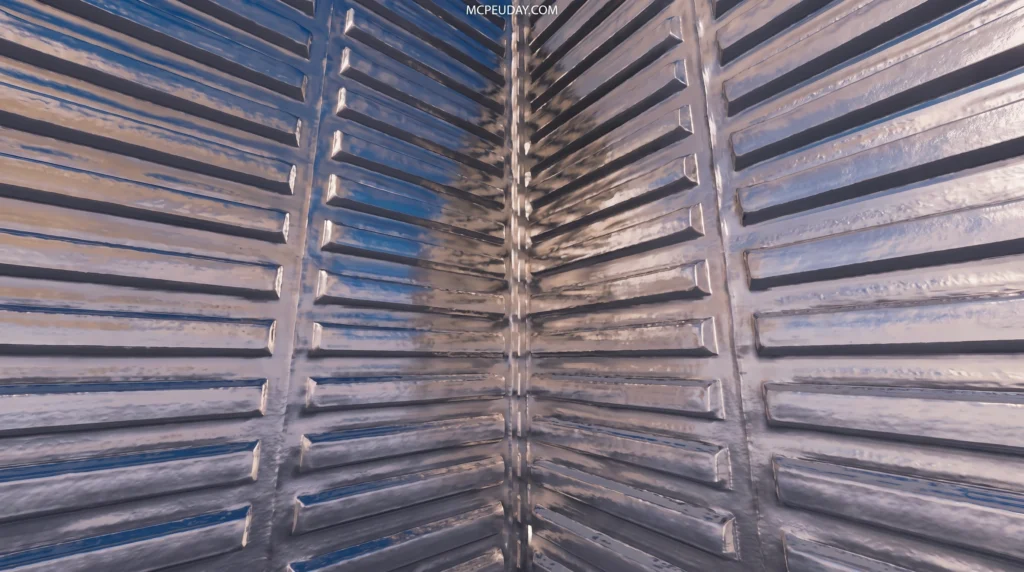
- Parallax Occlusion Mapping (POM): Gives flat textures actual 3D depth. Bricks will pop out, and gravel paths will look bumpy and real.
- Subsurface Scattering (SSS): Simulates how light penetrates semi-translucent materials like plants, ice, and slime blocks, giving them a soft glow.
- Porosity Emission Material: Allows specific blocks to emit light naturally or react beautifully to wet weather.
For the absolute best visual experience, we highly recommend using BSL Shaders or SEUS PTGI. If you are new to shaders and want to know how they work, check out What are Shaders in Games to understand the technology, and follow our guide on How to Get Shaders in Minecraft to set them up easily.
How to Install ToonCraft in Minecraft
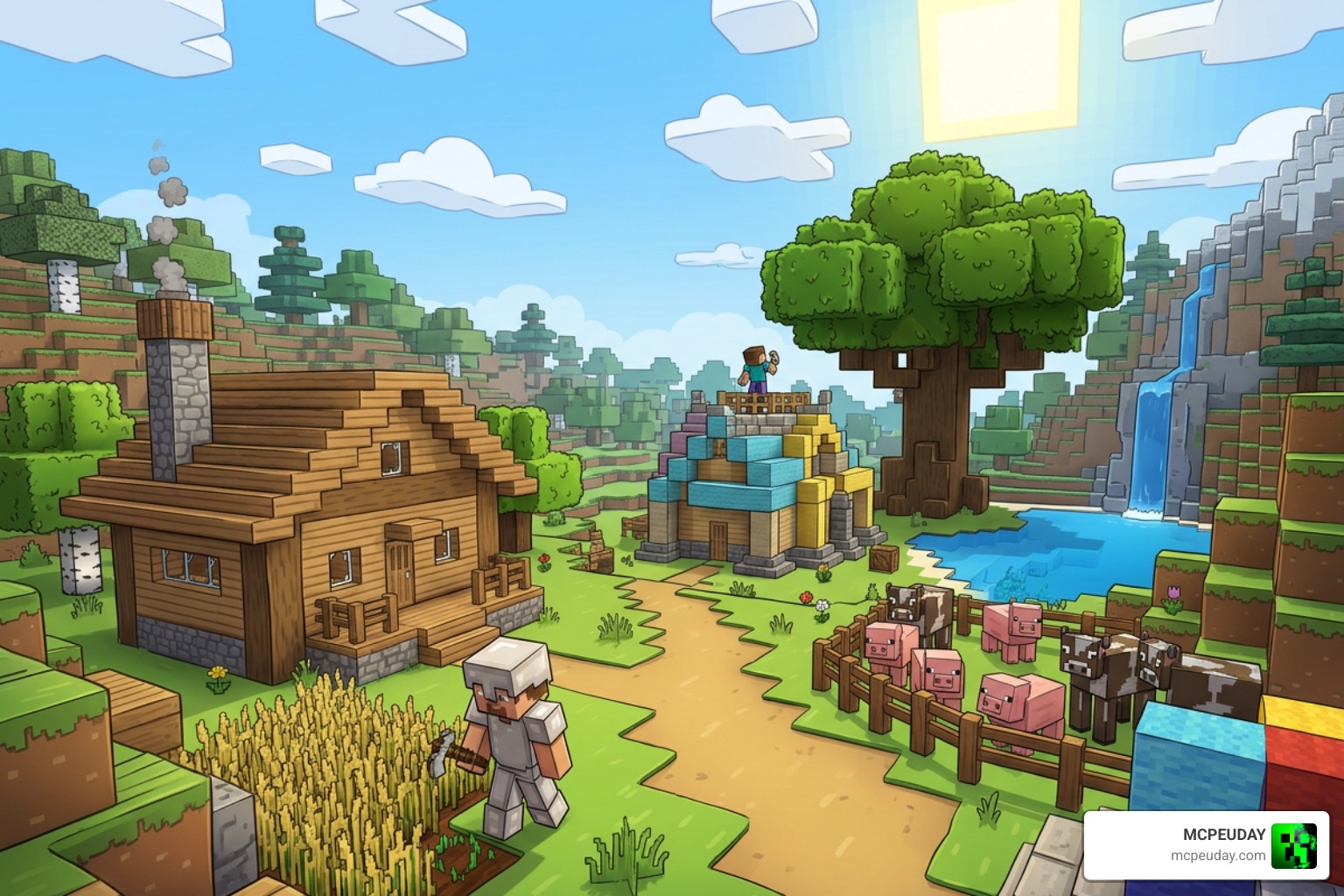
Ready to give your Minecraft world a stunning cartoon makeover? Installing the pack is incredibly simple.
Here is a quick step-by-step sequence to get you up and running:

For Minecraft Java Edition:
- Download the ToonCraft Resource Pack zip file (start with the free 128x demo).
- We highly recommend installing OptiFine or the Iris/Sodium combination first to ensure full compatibility with custom skyboxes and shaders.
- Open Minecraft and navigate to Options > Resource Packs.
- Click Open Pack Folder to open your system’s file directory.
- Drag and drop the downloaded
.zipfile into this folder. - Back in Minecraft, hover over the ToonCraft icon, click the arrow to move it to the “Selected” column, and click Done.
For Minecraft Bedrock Edition (including mobile devices):
- Download the
.mcpackfile for the Bedrock version. - Double-click or tap the file. Minecraft Bedrock will open automatically and import the pack.
- Go to Settings > Global Resources and activate ToonCraft.
- If you are playing on an Android device and want to take your graphics even further, check out our guide on Minecraft Shaders Download for Android to find compatible mobile shaders.
Frequently Asked Questions
Is there a free version of ToonCraft available?
Yes! The creator offers a wonderful 128x Lite/Demo version for both Java and Bedrock editions completely free of charge. This allows you to experience the adorable visual style and test your computer’s performance before deciding if you want to support the project on Patreon for the higher resolutions.
Do I need a high-end PC to run ToonCraft?
For the free 128x demo and the 256x version, a standard gaming PC or modern console will run the pack beautifully. However, if you plan to run the ultra-high-definition 1024x or 2048x versions alongside heavy shaders, you will need a strong dedicated graphics card to maintain a smooth framerate.
Can I use ToonCraft on Minecraft Bedrock Edition?
Absolutely! ToonCraft has dedicated Bedrock versions that support RTX (for ray-tracing enabled PCs) and Vibrant Visuals configurations, ensuring Bedrock players get a gorgeous, colorful experience.
Conclusion
The ToonCraft Resource Pack is a breath of fresh, colorful air in the Minecraft community. By stepping away from hyper-realism and focusing on a beautifully stylized, playable, and readable cartoon aesthetic, GalacticCraft has created a pack that makes Minecraft feel like an entirely new game.
Whether you are exploring the Best Minecraft Seeds in 2026 or building an epic castle with your friends, ToonCraft brings a warm, cheerful charm to every single block.
We highly recommend starting with the free 128x demo. If you fall in love with the hand-painted look, consider supporting the creator’s Patreon to unlock those mind-blowing high-resolution tiers. For more incredible ways to change your game’s look, Explore More Minecraft Texture Packs in our curated library here at MCPEUDAY!

1 thought on “ToonCraft Resource Pack (26.x, 1.21) – MCPE/Bedrock Resource Pack”