Scroll down to D0vvnl0ad
Overview of the TNT Destructive AScroll down to D0vvnl0ad
ddon for Minecraft PE/Bedrock
To download and install the TNT Destructive Addon for Minecraft PE/Bedrock, first download the .mcaddon file, then open it with Minecraft to import the pack. After importing, create or edit a world, activate the TNT Destructive resource pack and behavior pack in world settings, enable Holiday Creator Features under Experiments, and launch the world. Once installed, you can find the new explosives in the Creative inventory or craft them in Survival mode.
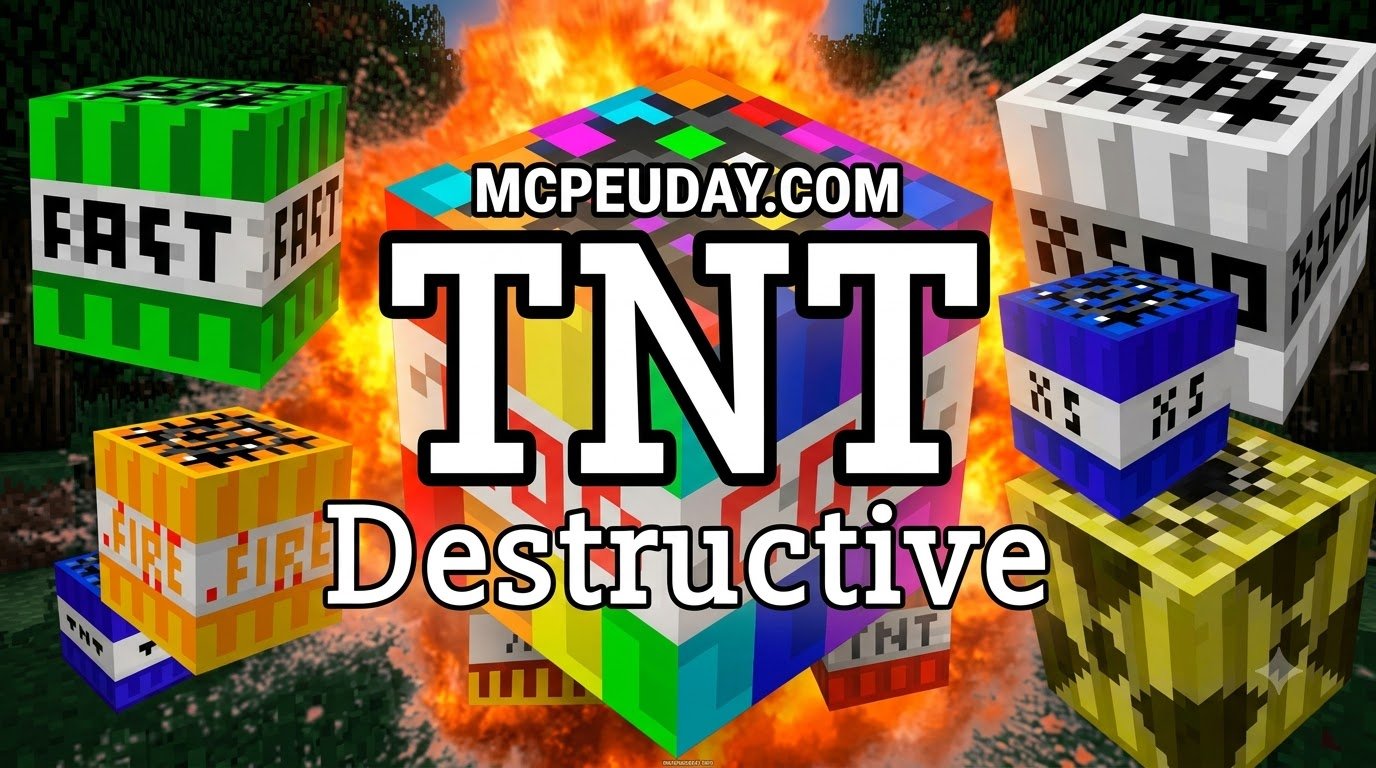
Whether you want to clear out an underground perimeter in seconds or simply enjoy massive pyrotechnics, vanilla explosives often feel a bit limited. The TNT Destructive Addon for Minecraft PE/Bedrock transforms your game into a demolition playground by introducing 32 brand-new explosive variants. Created to give players extreme power over their environment, this add-on ranges from precision mining charges to landscape-erasing mega bombs.
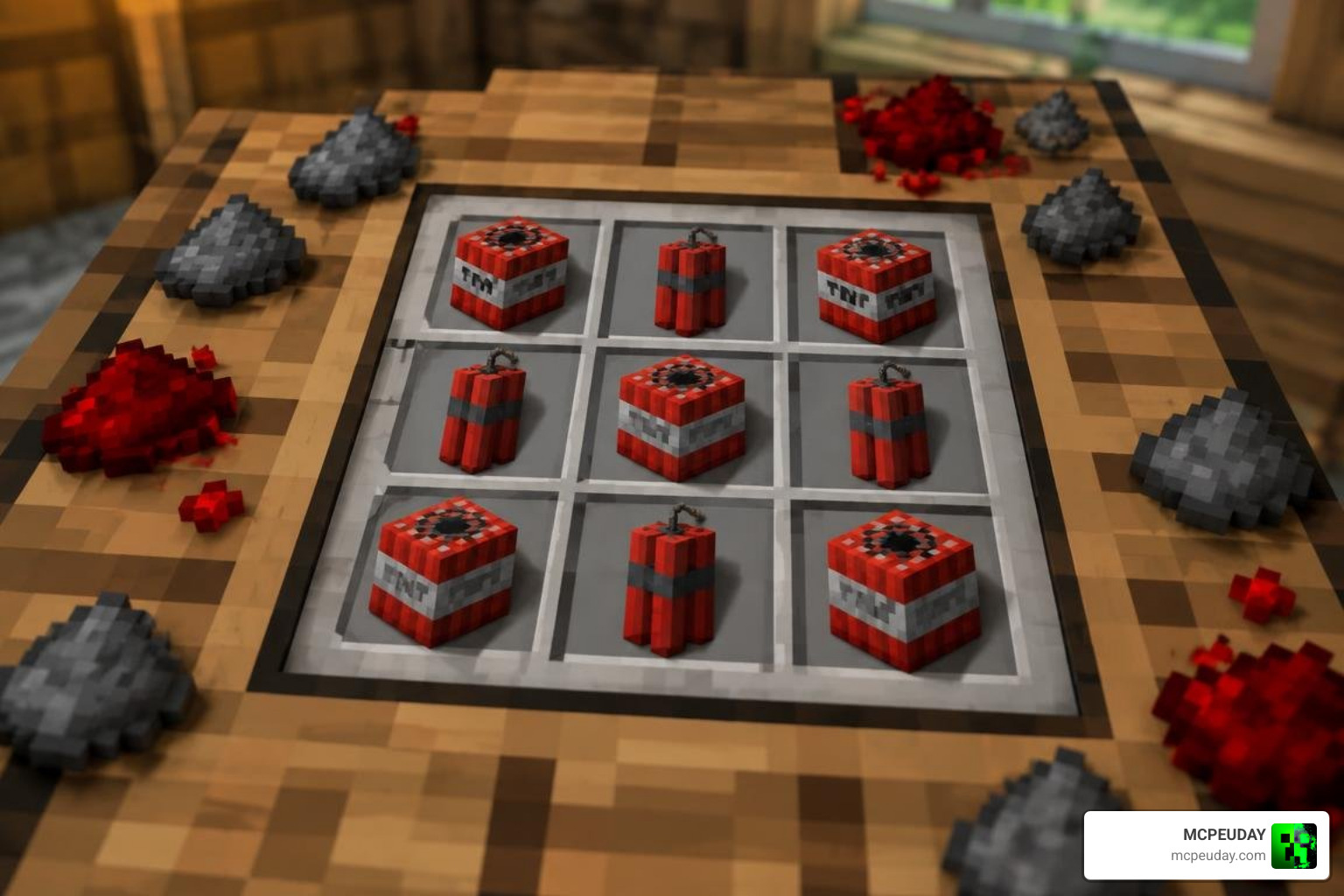
The addon is delivered as a lightweight .mcaddon package (usually under 500 KB), making it easy to download and install on mobile devices, consoles, and Windows. Developed originally as an expansive demolition pack and later iterated by community creators like InfinitySwordofDiamond, the project has evolved through major updates like TNT Destructive V14, delivering smooth entity animations and distinct detonation behaviors.
Key Features of the TNT Destructive Addon for Minecraft PE/Bedrock
This expansion is packed with features designed to diversify explosive gameplay:
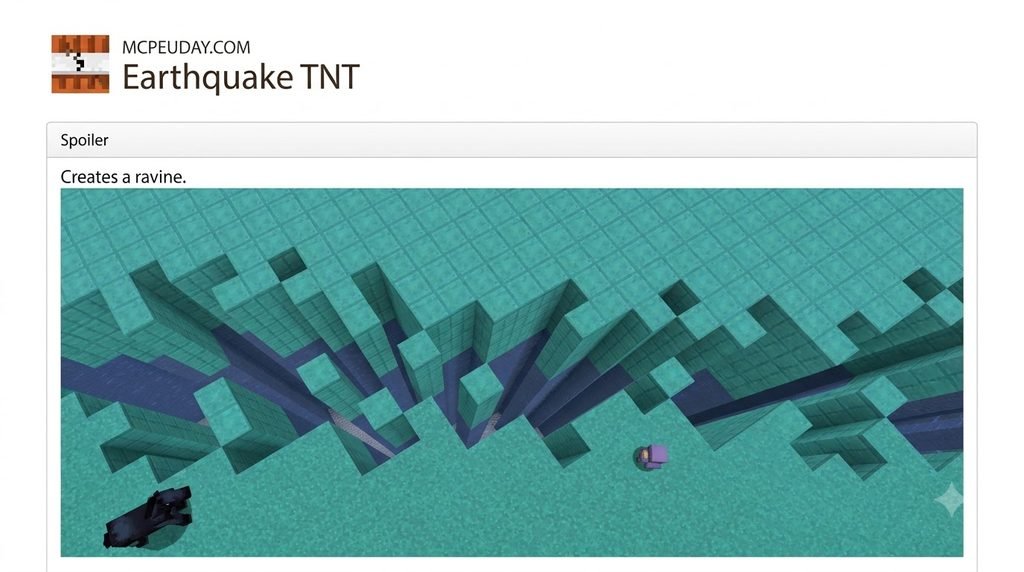
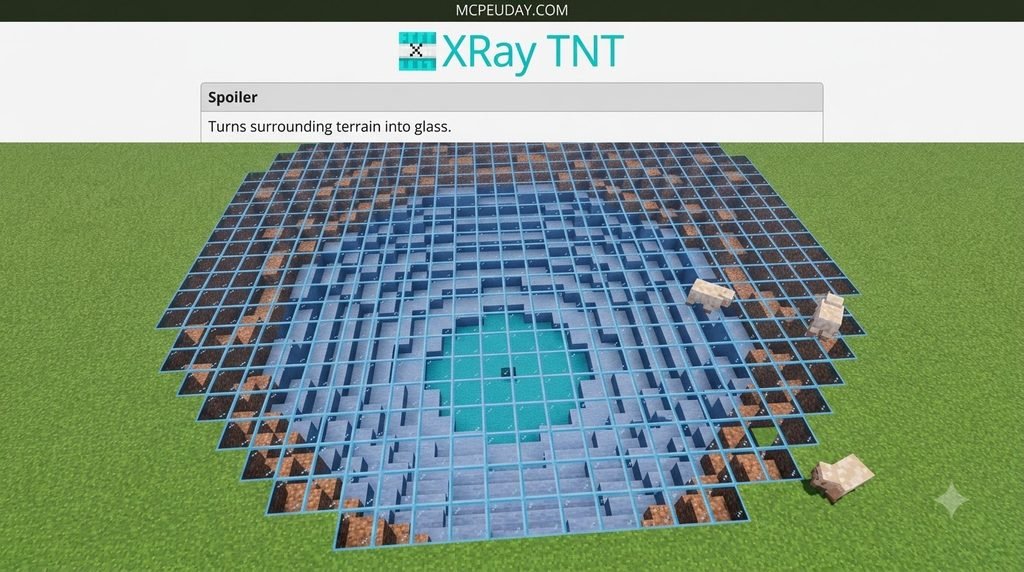
- 32 Explosive Variants: A massive selection of destructive blocks and projectiles tailored for specific jobs.
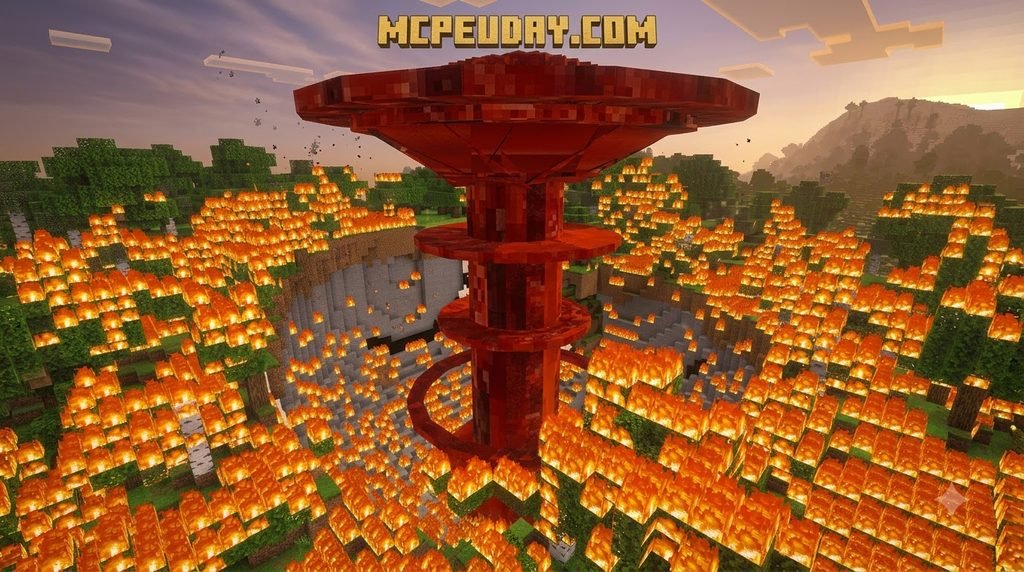
- Custom Explosion Physics: Different types behave uniquely—some spread fire, others mine blocks with 100% item drop rates, and some detonate instantly.
- Throwable Dynamite: Handheld alternatives to placed blocks, giving you safe throwing distances for extreme explosives.
- Creative and Survival Integration: Fully functional in Creative mode via the inventory and craftable in Survival mode using balanced recipes.
If you enjoy explosive overhauls, you might also like the More TNT Addon or the standard TNT Addon for even more pyrotechnic variety.
Explosive Variants and Power Ratings
To help you choose the right explosive without accidentally deleting your base, here is a breakdown of the most prominent TNT variants included in the pack:
| Explosive Name | Power Multiplier | Blast Radius | Special Effect / Intended Use |
|---|---|---|---|
| Small TNT | 0.5x Vanilla | ~2 blocks | Precision demolition; minimal terrain collateral |
| Mining TNT | 1.0x Vanilla | ~4 blocks | 100% item drop rate; preserves valuable ores |
| TNT x5 to x50 | 5x – 50x | 10 – 35 blocks | Mid-tier quarrying and rapid hill clearing |
| TNT x100 & x500 | 100x – 500x | 50 – 120+ blocks | Massive terraforming and crater creation |
| Napalm / Fire TNT | 4x Vanilla | ~15 blocks | Spreads fiery devastation across foliage |
| Nuke | Extreme | 100+ blocks | Massive blast wave leaving deep, wide craters |
| God TNT | Ultra Extreme | 200+ blocks | World-altering blast; high system demand |
| Fake TNT | 0x (Harmless) | 0 blocks | Perfect for pranking friends without damage |
For a broader look at how Minecraft handles explosive mechanics, you can review the TNT entry on Wikipedia.
Crafting Recipes: TNT vs Throwable Dynamite
Every explosive in this addon has an intuitive recipe path, allowing survival players to upgrade standard gunpowder into high-yield demolition tools.
Standard and Super TNT Crafting Recipes
Crafting supercharged TNT generally relies on combining standard TNT with additional explosive catalysts such as gunpowder, redstone, or iron blocks. As you climb the tiers:
- TNT x5: Crafted by surrounding a central vanilla TNT block with 4 or 8 gunpowder units.
- Higher Multipliers (x20 to x500): Require combining multiple units of the previous tier on the crafting table.
- Mining TNT: Surrounds a TNT block with pickaxes or iron ingots to focus the shockwave on block drops rather than block destruction.
- Specialty Blocks (Napalm/Fire): Combine TNT with blaze powder or fire charges.
For players building large-scale automated setups, combining these blast tools alongside the Create Addon or heavy industrial machinery from the Buildcraft Addon makes clearing massive quarries fast and efficient.
Dynamite Crafting and Throwing Mechanics
One of the biggest hazards of high-tier explosives is lighting a block and failing to run away fast enough. The addon solves this with Dynamite variants.
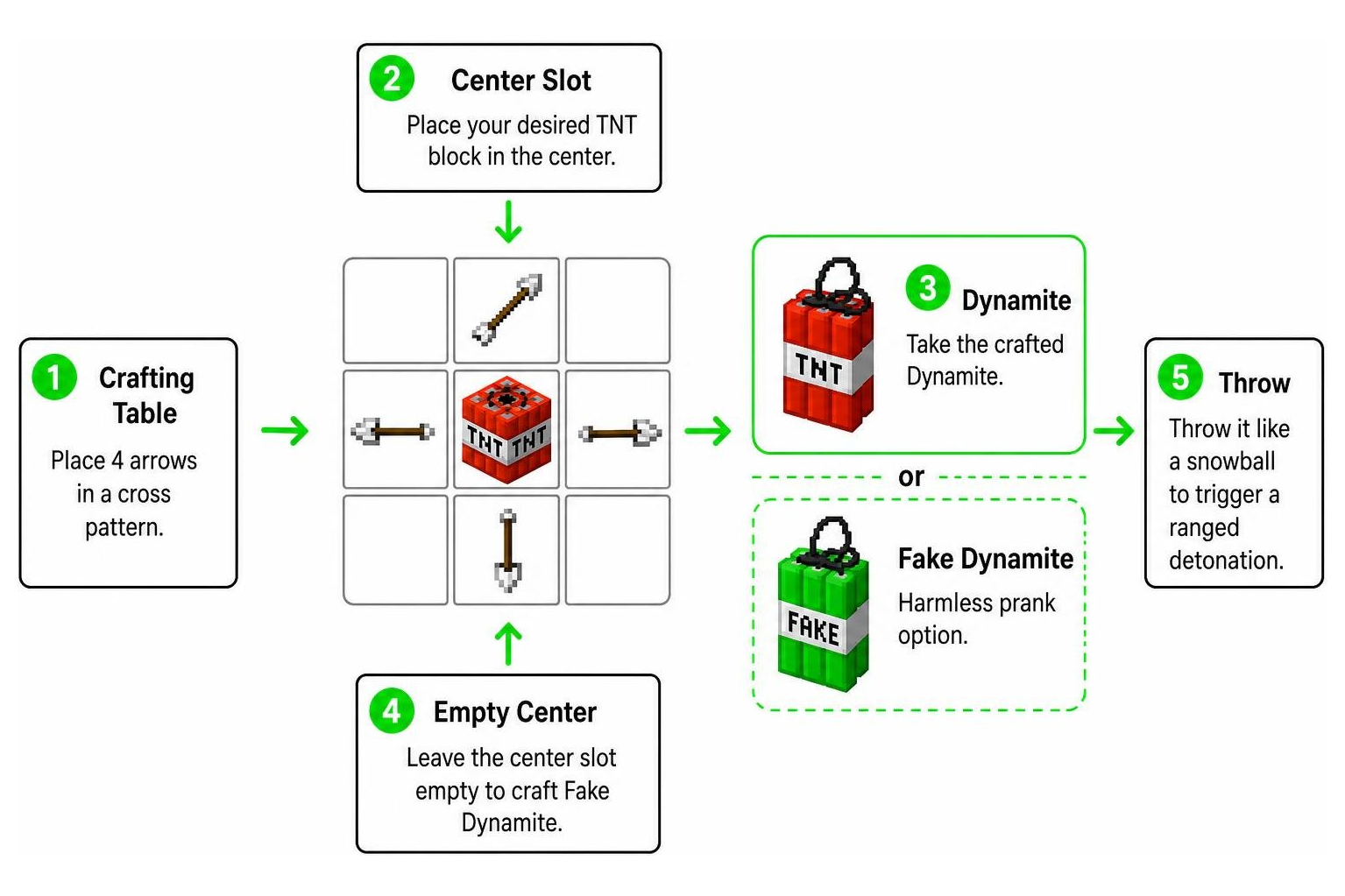
- Open a crafting table.
- Place 4 arrows in a cross pattern (top, bottom, left, right).
- Place your desired TNT block in the center slot (e.g., standard TNT, Nuke, or Napalm).
- Note: Leaving the center slot empty creates harmless Fake Dynamite.
- Take the crafted Dynamite and throw it like a snowball to trigger a ranged detonation.
Using throwable dynamite is a great tactical choice when you need rapid excavation, serving as an explosive companion to tools like the Ultimate Vein Miner Addon.
How to Download and Install on Pocket Edition and Bedrock
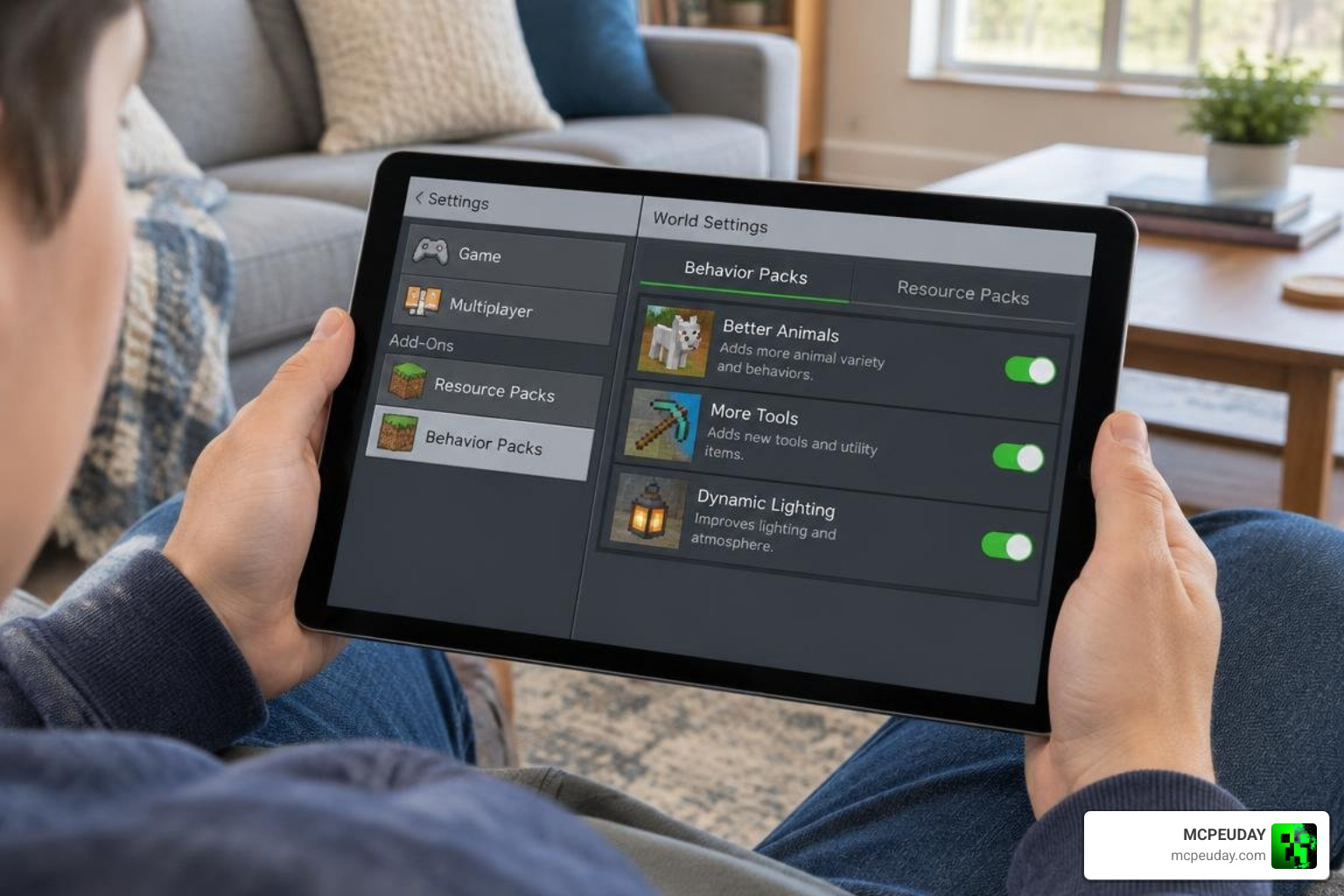
Installing community addons on Minecraft Bedrock has never been simpler. Follow this walkthrough to get the addon running properly on your platform.
Step-by-Step Installation of the TNT Destructive Addon for Minecraft PE/Bedrock
- Download the Pack: Obtain the
.mcaddonor.mcpackfiles. - Import to Minecraft:
- Android / iOS: Tap the downloaded
.mcaddonfile and select “Open with Minecraft”. The game will launch and display “Import Started”, followed by “Successfully Imported”. - Windows 10/11: Double-click the
.mcaddonfile to launch Bedrock and automatically install both the Resource and Behavior packs.
- Android / iOS: Tap the downloaded
- Create or Edit a World:
- Go to your world settings.
- Navigate to Resource Packs and activate TNT Destructive.
- Navigate to Behavior Packs and activate TNT Destructive.
- Enable Experimental Features:
- Under the Experiments tab in world settings, toggle Holiday Creator Features and Custom Biomes/Molang Features (if applicable).
- Launch the World: Load in and locate your new explosives in the Creative inventory or craft them at your workbench.
Critical Settings, Render Distance, and Version Compatibility
- Version Support: TNT Destructive V14 and modern updates maintain compatibility across Minecraft Bedrock versions including 1.20, 1.21.3, and through 1.26.40.
- Render Distance Adjustments: When igniting massive explosives like the God TNT or extra-large variants, increase your simulation and render distance (up to 96 chunks if your hardware allows) to ensure the blast wave calculates smoothly without visual clipping.
- World Backups: Massive explosions can permanently alter huge land areas. Always duplicate your favorite survival world before testing high-tier explosives.
Performance Optimization, Known Issues, and Gameplay Comparisons
Explosions require your device to calculate block updates, lighting changes, and physics simultaneously. Knowing how to handle these technical demands keeps your game running smoothly.
Handling High-Yield Explosions and Knockback TNT Bugs
- Knockback TNT Glitch: In certain Bedrock engine updates, the physics vectors for Knockback TNT can miscalculate, causing minimal entity pushback. The community developers frequently publish patches for this interaction.
- Mitigating Tick Lag: Detonating God TNT or 500x charges spawns thousands of block particles. If you experience temporary freezes, avoid moving until all falling blocks have settled.
- Clearing Space Efficiently: For precise construction clearing without the lag of chain explosions, consider complementing your toolset with the Effortless Building Addon.
Bedrock Destruction vs Java TNT Mods
Bedrock’s C++ engine processes entity explosions differently than Java’s ‘Too Much TNT’ mod. While Java mods often calculate explosions spherically with lingering item drops, Bedrock handles block breaking efficiently in batches. The TNT Destructive Addon takes full advantage of this, offering explosive power comparable to classic Java mods without requiring complex modloaders like Forge or Fabric.
For focused resource extraction rather than pure destruction, using specialized mining tools like the Better Vein Miner and Tree Cutter Addon offers an alternative approach to ore gathering.
Frequently Asked Questions About Minecraft TNT Addons
Can you craft throwable dynamite in survival mode?
Yes! You can craft dynamite by placing four arrows in a cross shape around the TNT block of your choice on a crafting table. You can throw the resulting item like a snowball to trigger a ranged blast.
Which Minecraft versions are supported by TNT Destructive V14?
The addon works across multiple Bedrock versions, including 1.20, 1.21.3, and updates up through 1.26.40 on Android, iOS, Windows, and supported consoles.
Why do huge explosions cause world lag or visual glitches?
When high-yield explosives detonate, the game engine updates hundreds of thousands of block states and lighting data in a single tick. Lowering graphics settings and ensuring adequate render distance helps prevent crashes during massive detonations.
Conclusion
The TNT Destructive Addon brings an exciting mix of chaotic fun and practical terraforming tools to Minecraft Bedrock. Whether you are using throwable dynamite for safe combat or leveling a mountain range with a single God TNT, this addon delivers serious firepower. Remember to back up your favorite worlds, test the blast radii in Creative mode first, and fine-tune your settings for smooth performance.
Looking to expand your world with more mods, tools, and visual enhancements? Check out our full library to explore the best Minecraft PE mod addons available today!