Scroll down to D0vvnl0ad
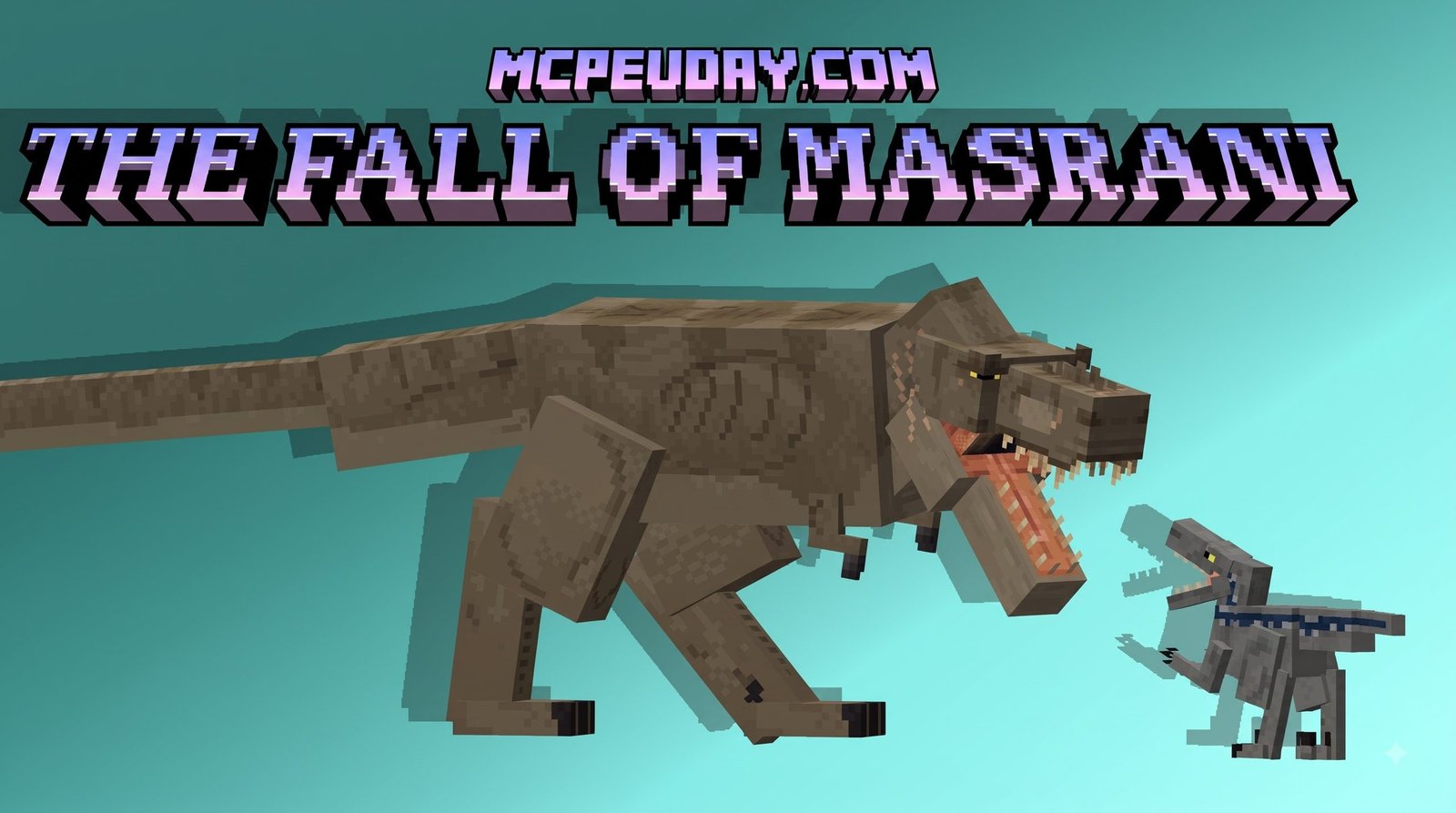
What Is The Fall Of Masrani Addon for Minecraft PE/Bedrock?
To get rid of Masrani addon woes and download fast, start by obtaining the verified .mcaddon file, importing it into Minecraft Bedrock, and activating both the Behavior Pack and Resource Pack in your world settings. Then enable the required experimental toggles—Holiday Creator Features, Custom Biomes, Upcoming Creator Features, and Beta APIs—before launching the world. If creatures appear invisible or textures show as black-and-purple blocks, move the Masrani Resource Pack to the top of your active list and clear cached data under Settings > Storage. These steps resolve the most common setup failures before you explore the ruins.
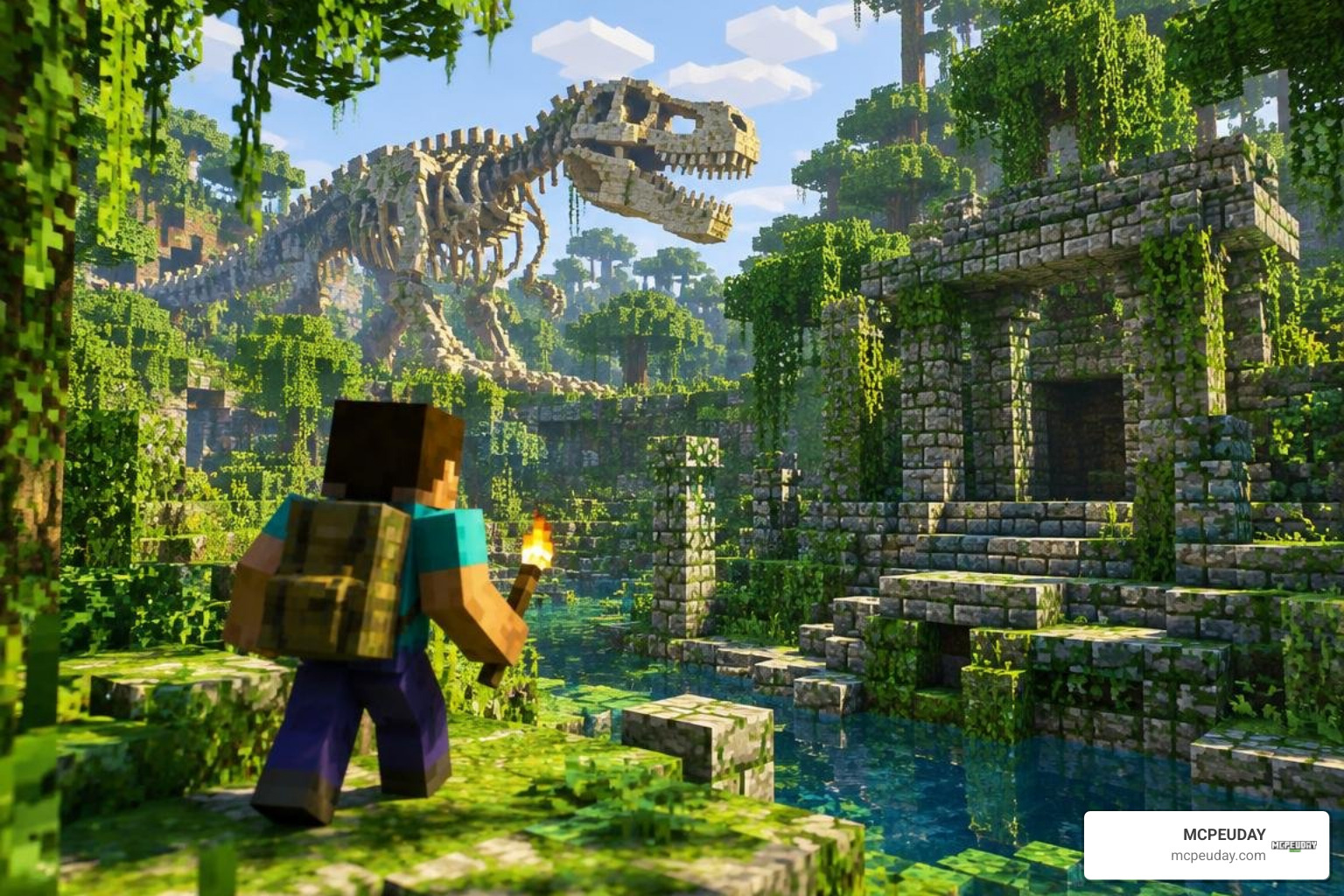
The Fall of Masrani transports players straight into the ruins of an ambitious prehistoric theme park run by Masrani Global. Rather than peaceful wildlife, your Overworld becomes overrun by genetically modified predators, bio-engineered hybrids, and roaming mega-herbivores. Every corner of your standard biome generation takes on a tense, untamed atmosphere filled with danger and wonder.
Much like transforming a standard survival world with a gritty dark fantasy addon, installing this expansion radically shifts how you approach outdoor exploration. Venturing out past sundown is no longer just about avoiding creepers; you are actively dodging apex predators capable of tearing down wooden fences and tracking your scent across biomes. Surviving the early game requires strategic resource management, quick reflexes, and an understanding of dynamic dinosaur behavior.
Core Features of The Fall Of Masrani Addon for Minecraft PE/Bedrock
This expansion introduces an array of custom content designed to overhaul combat, exploration, and resource management across your world:
- Bio-Engineered Prehistoric Entities: Encounter classic carnivores like velociraptors, Tyrannosaurus rex, and Indominus-inspired hybrid specimens with custom attack animations, roars, and dynamic AI hunting routines.
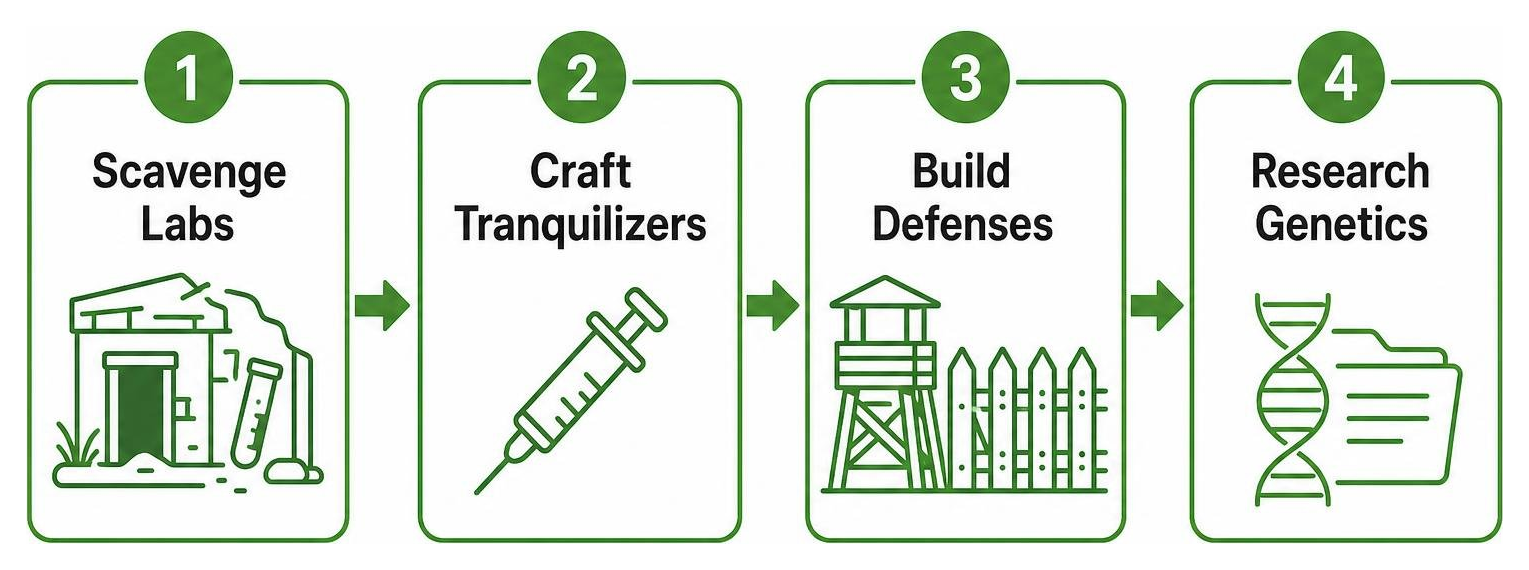
- Park Infrastructure & Ruined Labs: Stumble across decaying containment paddocks, visitor centers, security towers, and abandoned genetics stations scattered across forests and plains.
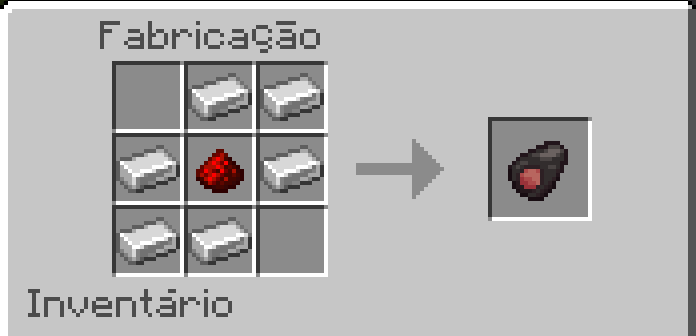
- Custom Genetic Loot: Collect amber fossils, DNA vials, tranquilizer darts, and advanced research journals that grant access to specialized survival equipment.
- Intense Survival Combat: Face off against pack hunters with tactical behaviors, requiring players to build reinforced structures and craft high-grade weaponry.
If you enjoy populating your world with distinct, untamed creatures, pairing this with the lost mobs addon creates an exceptionally rich ecosystem of rare beasts.
Storyline and Theme Behind Masrani’s Downfall
The addon draws heavy narrative inspiration from corporate disaster lore. Masrani Global attempted to push genetic engineering to its absolute limits, manufacturing hybrid creatures for public entertainment. Predictably, containment failed. Power grids collapsed, security forces were overrun, and the park was abandoned to nature. As a survivor, your goal is to reclaim the wilderness, salvage corporate research, and establish fortified safe zones amidst the prehistoric outbreak.
Step-by-Step Installation Tutorial and Setup Guide
Setting up custom creature expansions in Bedrock Edition requires precise configuration. If files are loaded incorrectly, models can fail to spawn or crash your session.
How to Download and Activate The Fall Of Masrani Addon for Minecraft PE/Bedrock
Follow these streamlined steps to get your prehistoric world running smoothly:
- Download the Verified Package: Obtain the
.mcaddonfile directly from a trusted source. - Import into Minecraft: Tap or double-click the
.mcaddonfile on your device (Android, iOS, or Windows) to automatically launch Minecraft and import both the Behavior Pack (BP) and Resource Pack (RP). - Create or Edit Your World: Open your world settings menu.
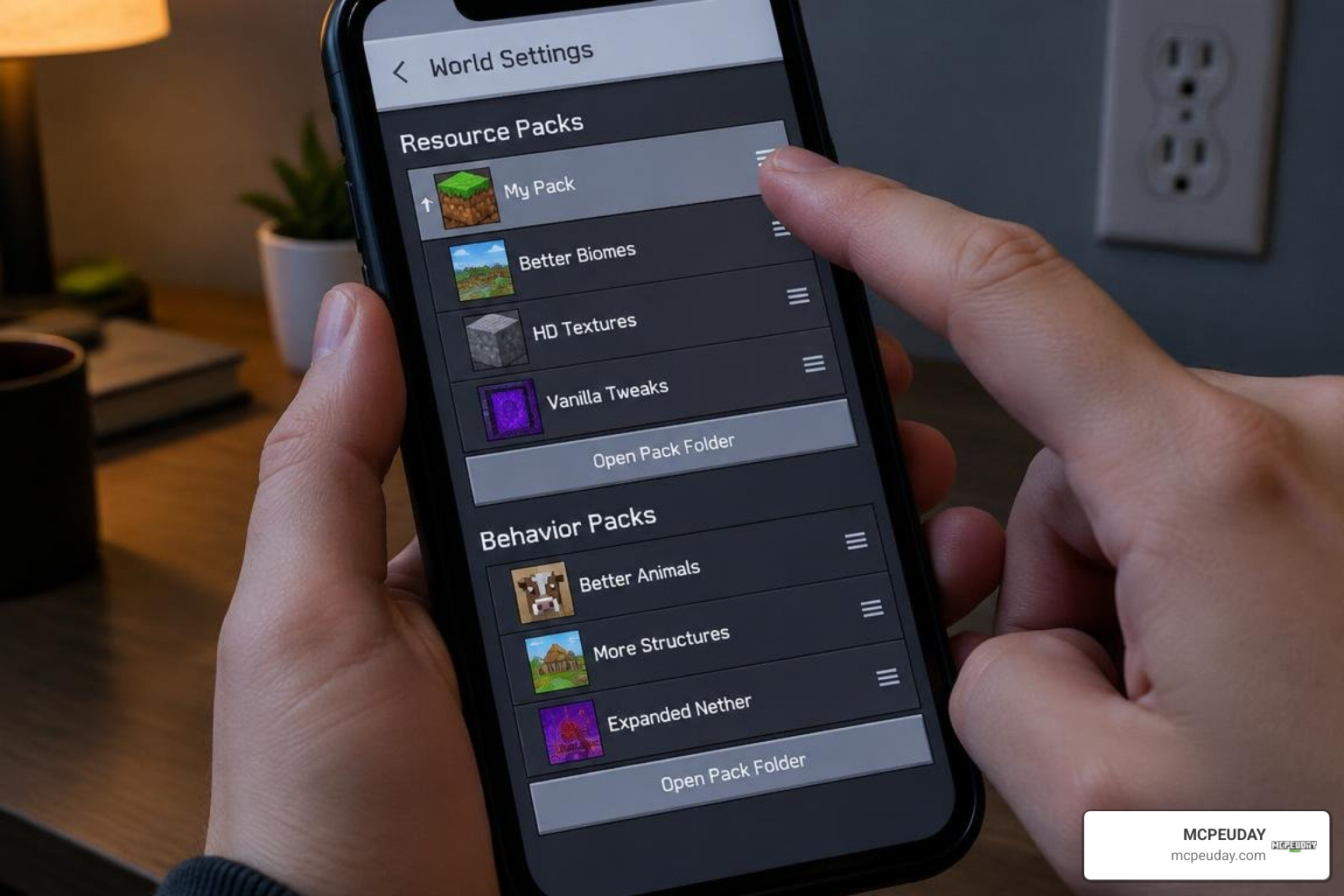
- Activate Resource & Behavior Packs: Navigate to Resource Packs > My Packs and activate the addon. Repeat the process under Behavior Packs.
- Enable Experimental Gameplay: Scroll down to the Experiments tab and turn on the required toggles, including:
- Holiday Creator Features
- Custom Biomes
- Upcoming Creator Features
- Beta APIs (Molang features)
- Launch the World: Enter your game and verify that custom spawn eggs appear in your creative inventory or naturally in the wild.
For background on how these toggles function, Mojang’s own Minecraft Experimental Features documentation explains what each flag unlocks for custom content creators.
For players who love high-tension encounters, combining these dangerous beasts with the stealth mechanics of the cave dweller addon creates a truly terrifying subterranean survival challenge.
System Requirements and Compatibility Checks
- Minecraft Version: Fully compatible with Minecraft PE/Bedrock 1.21.x updates.
- RAM Allocation: We recommend a minimum of 4 GB RAM on mobile devices and 8 GB on Windows PC to prevent stuttering when large dinosaur entities load into chunks.
- Storage Space: Ensure at least 150 MB of free storage space for world caching and high-resolution entity textures.
- Processor Performance: Devices with modern multi-core processors will handle complex entity animations and pack AI behaviors significantly better, preventing frame drops during massive dinosaur encounters in dense biomes.
Troubleshooting Common Glitches, Performance Lag, and Entity Errors
Even with a proper setup, running complex scripts and high-polygon models in Bedrock can occasionally cause technical hiccups.
Fixing Experimental Toggle and Texture Loading Issues
If you encounter black-and-purple missing texture blocks or invisible mobs, review these common fixes:
- Check Pack Priority: Open Global Resources or World Resource Packs and ensure the Masrani Resource Pack sits at the top of your active list.
- Clear Storage Cache: Go to Settings > Storage > Cached Data and clear old cached packs that might conflict with newly imported textures.
- Toggle Experiments Again: Turning experimental toggles off and on after a major game update can force Bedrock to re-index custom entity definitions.
- Verify File Integrity: If errors persist, re-download the package to ensure no files were corrupted during the import process.
When you’re dealing with deadly encounters where sudden deaths are common, pairing your survival setup with the stone tombs addon helps keep your valuable gear safe whenever an apex predator catches you off guard.
Resolving Entity Despawns and Taming Mechanics
- Preventing Despawns: Custom entities without active name tags or taming flags can despawn if you move too far away. Always use a Name Tag on prize specimens or pen them inside well-lit, fully enclosed chunks.
- Taming AI Glitches: If feeding items fails to trigger heart particles, check that you are using the specific custom meat or sedative item designated by the addon rather than vanilla cooked beef.
- Pathfinding Stutters: If large dinosaurs get stuck on two-block inclines, smooth out terrain surrounding your base with slabs to help their bounding boxes navigate cleanly.
If you enjoy managing majestic, flying creatures alongside ground-based reptiles, exploring the last dragon addon offers an excellent companion experience for legendary beast mastery.
The Fall of Masrani vs Other Dinosaur and Survival Addons
Choosing the right survival mod depends heavily on whether you prefer hard-edged combat, extensive park-building, or deep dungeon exploration.
To flesh out your Overworld beyond dinosaur paddocks, pairing ancient ruins with the more overworld dungeons addon ensures that both nature and underground labyrinths feel packed with rewarding loot.
| Feature / Metric | The Fall of Masrani Addon | Standard Prehistoric Addons | Post-Apocalyptic Survival Mods |
|---|---|---|---|
| Primary Focus | Corporate Ruin & Bio-Hybrids | Broad Fossil/Dino Catalogs | Wasteland Scavenging & Tech |
| Mob AI Complexity | Aggressive Pack & Stalking AI | Passive / Neutral Grazing | Ranged Raiders & Mutants |
| Custom Structures | Genetic Labs & Containment Pens | Museum Sites & Dig Pits | Fallout Bunkers & Junk Towns |
| Survival Difficulty | High (Heavy Predator Damage) | Moderate (Peaceful Progression) | Very High (Hunger & Hazards) |
| Bedrock 1.21 Ready | Fully Optimized | Variable by Creator | Requires Scripting Toggles |
Frequently Asked Questions
Is The Fall of Masrani addon compatible with Minecraft PE 1.21?
Yes. As of October 2026, the addon works on standard Bedrock 1.21 builds provided all relevant experimental creator toggles are activated in your world settings before launch.
How do you tame and breed dinosaurs in the addon?
Most small to mid-sized species require tranquilization followed by feeding specific meat cuts or nutrient paste. Breeding typically involves crafting genetic incubators using collected DNA samples rather than standard vanilla feeding mechanics.
Why are dinosaurs invisible or displaying missing texture blocks?
This happens when the Behavior Pack is active but the Resource Pack is either disabled, positioned too low in your load order, or missing required subpack dependencies. Ensure both packs are active and matched in your world settings.
Conclusion
The Fall of Masrani delivers an unforgettable survival experience for Minecraft Bedrock players who want genuine danger, cinematic creatures, and abandoned sci-fi infrastructure across their worlds. By following our setup steps and enabling the necessary experimental features, you can jump straight into the action without running into missing textures or broken entity scripts.
At MCPEUDAY, our mission is to provide clean, version-checked downloads and reliable tutorials so you spend less time troubleshooting and more time playing. Explore our complete library of latest Minecraft PE and Bedrock mods to discover more curated expansions, shaders, and adventure maps for your next playthrough!
