What Is Luca Visual Shader and Why Minecraft Players Love It
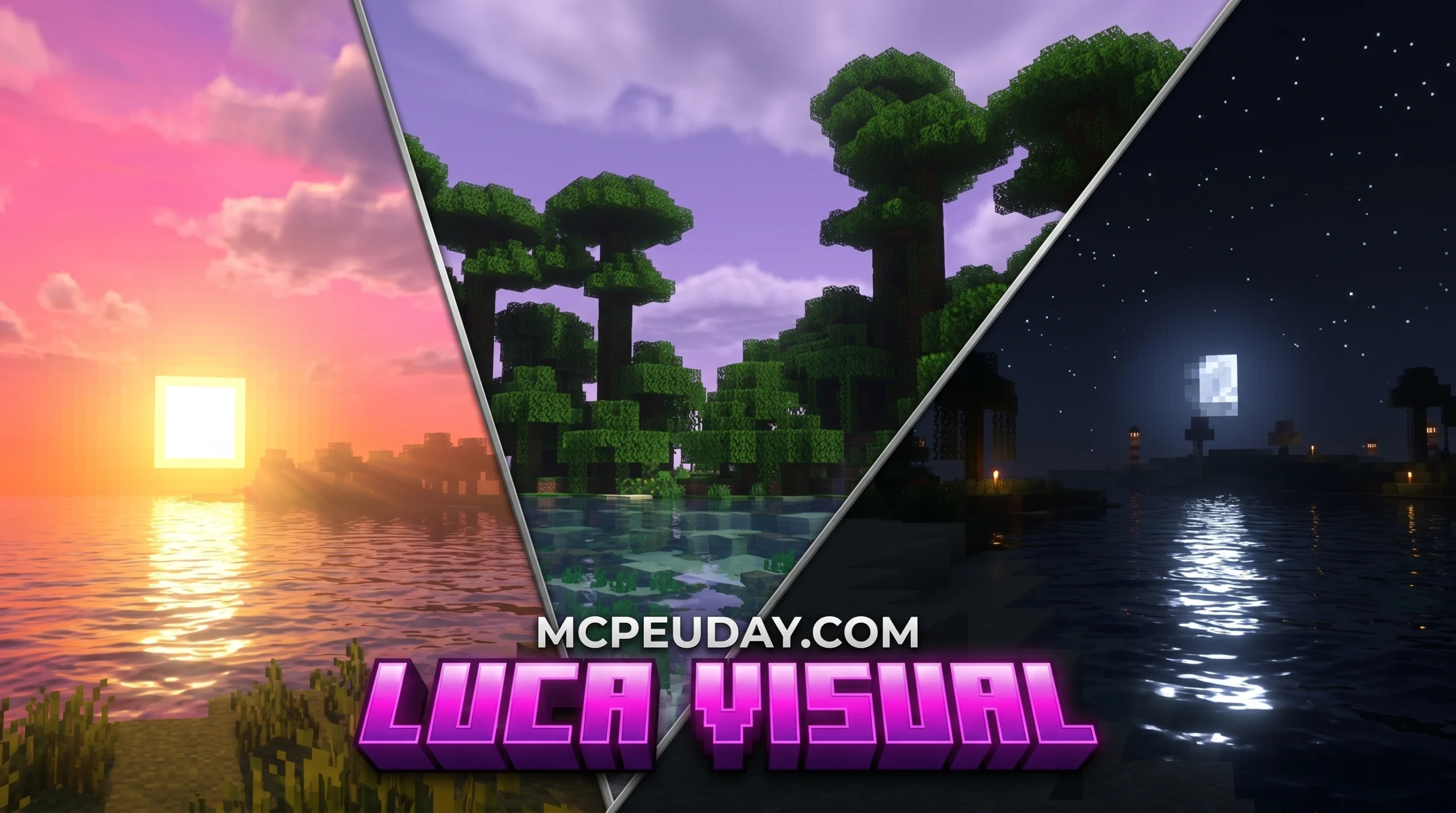
Luca Visual Shader is a resource pack for Minecraft Bedrock Edition (MCPE) that transforms the game’s graphics with richer visuals, better lighting, and more immersive environments.
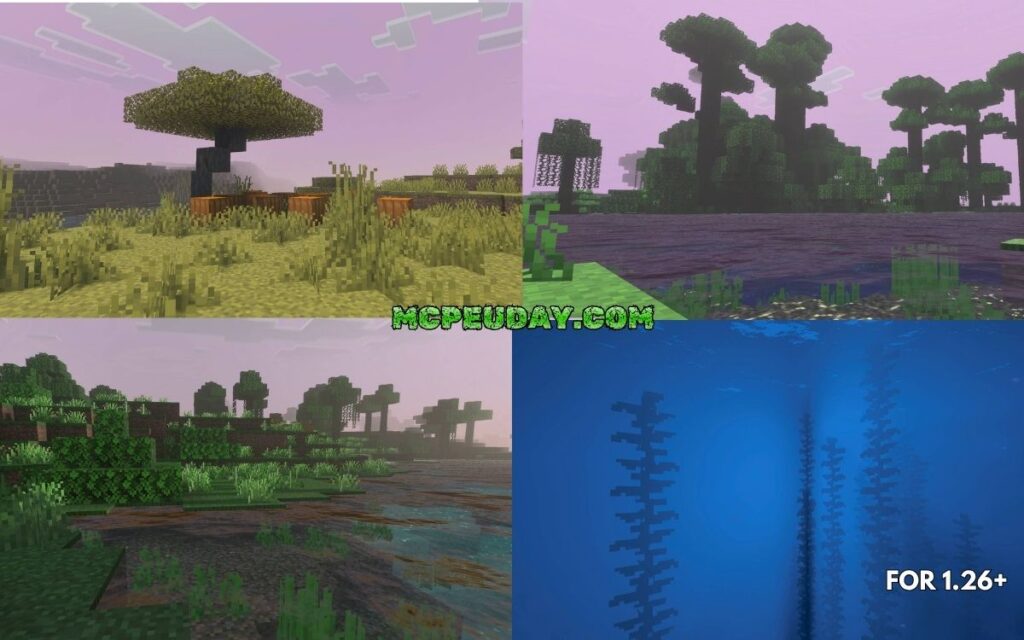
Quick answer — here’s what Luca Visual Shader gives you:
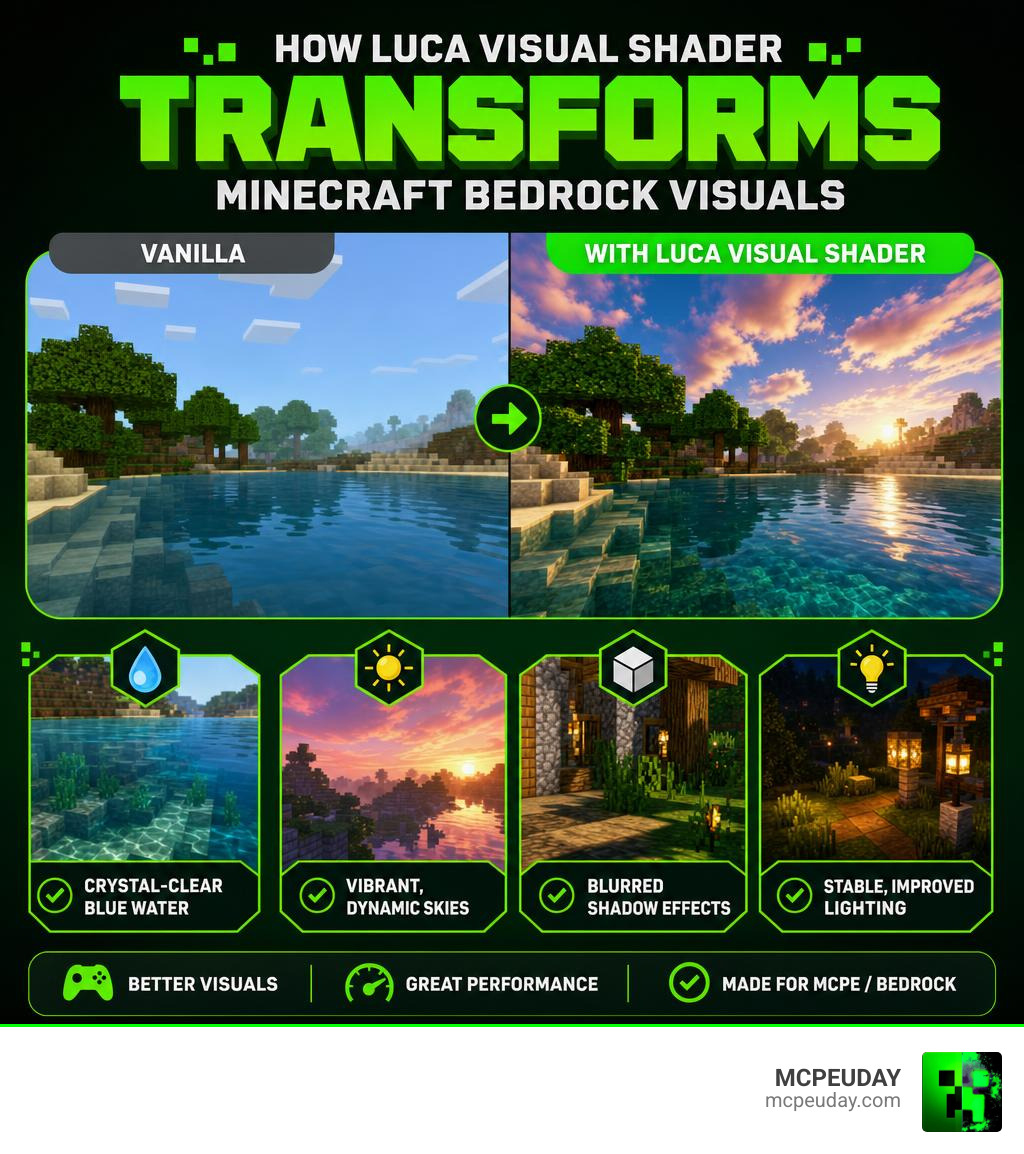
- Crystal-clear blue water that looks far more realistic than vanilla Minecraft
- Unusual, vibrant skies with bright hues and dynamic colors
- Blurred shadow effects that add depth to every block and structure
- Stable, improved lighting across day and night cycles
- A blend of cartoon and realistic styles that looks great without destroying performance
- Compatible with MCPE/Bedrock 1.21 and 1.26
If you’ve ever looked at your Minecraft world and thought it felt flat or dull, you’re not alone. Vanilla Bedrock graphics leave a lot of players wanting more — especially on mobile. Luca Visual Shader is one of the most accessible ways to fix that, without needing a high-end device or complicated setup.
It installs as a simple .mcpack file, works on Android, iOS, and Windows 10, and requires no coding knowledge at all.
Key Features of the Luca Visual Shader
When we look at custom graphics in Minecraft, we often have to choose between ultra-realistic rendering that melts our graphics cards or basic texture tweaks that barely change the atmosphere. The Luca Visual Shader strikes a perfect balance. It utilizes visual shader logic to overhaul your environment, giving you high-end aesthetics while keeping the game running smoothly.
If you are curious about how visual shaders are constructed on a technical level, you can Learn about visual shader design. While game engines like Godot use visual node graphs to compile shader code behind the scenes, Minecraft Bedrock shaders use similar mathematical principles to calculate how light hits blocks, how shadows blur, and how water reflects the sky.
Visual Enhancements of Luca Visual Shader
The visual package of this shader is designed to make your world feel alive. Instead of completely rewriting Minecraft’s visual identity, it enhances what is already there.
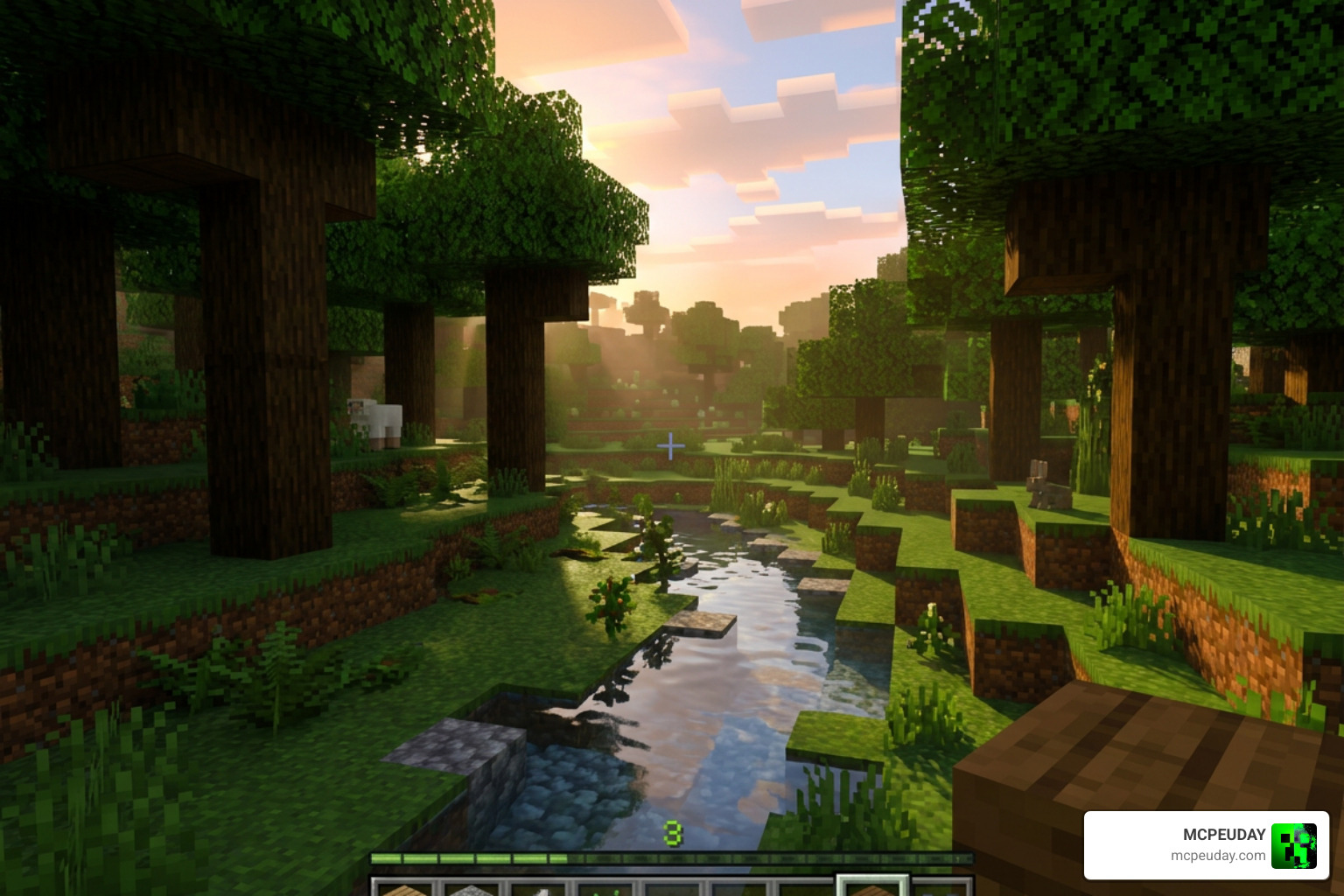
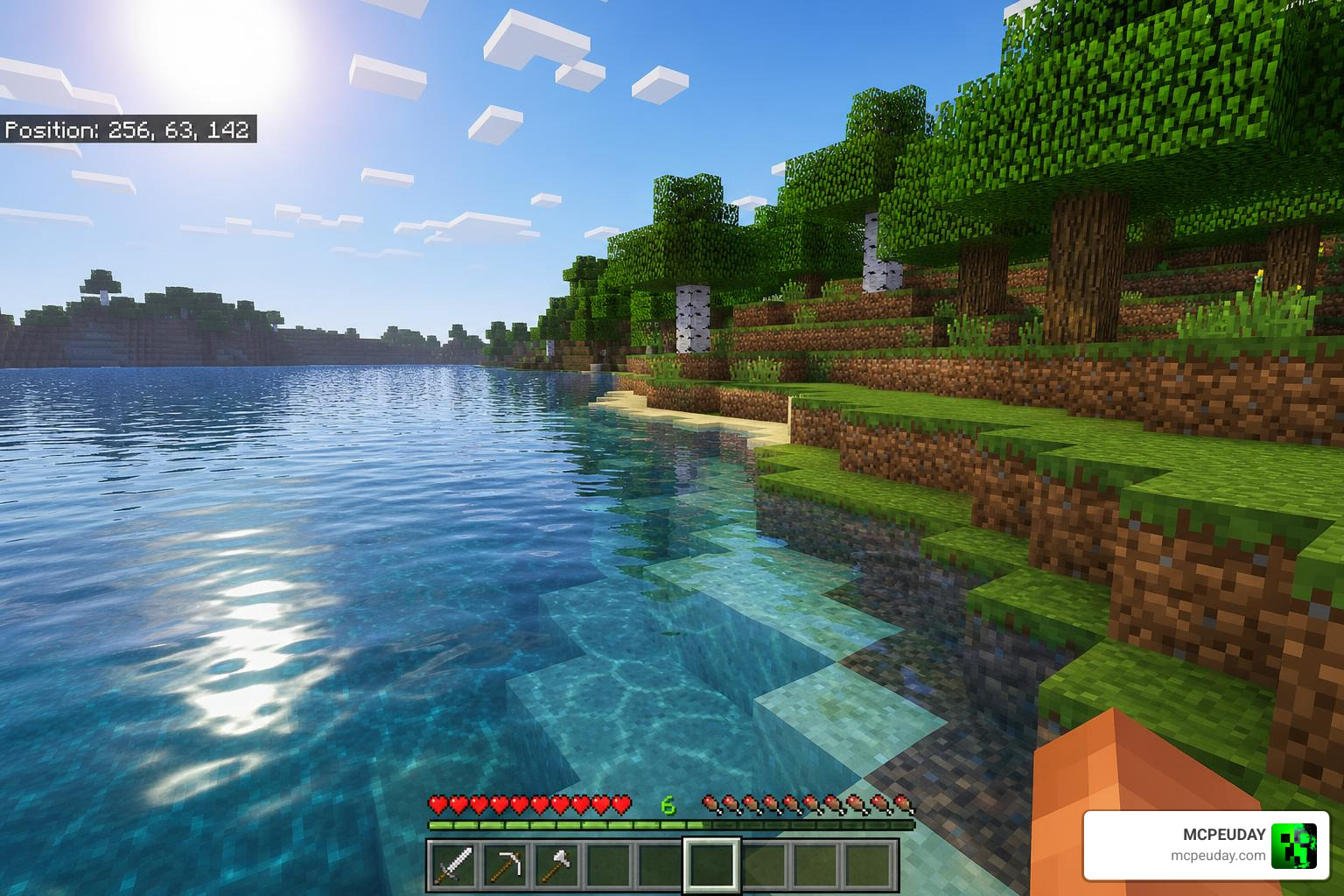
- Crystal-Clear Water: The default swampy, opaque water is replaced with a beautiful, transparent blue. You can see straight to the bottom of rivers and oceans, making underwater exploration far more inviting.
- Bright Sky Hues: The skybox gets a complete makeover. Daytime features rich, gradient blues, while sunsets and sunrises paint the horizon in dramatic orange, pink, and purple tones.
- Blurred Shadows: Instead of harsh, blocky black squares under trees and structures, the shader introduces soft, blurred shadow edges. This mimics how light behaves in the real world, where shadows diffuse as they get further from an object.
- Stable Lighting: Many mobile shaders suffer from flickering or sudden exposure changes when you look up and down. This pack ensures a stable, consistent light level that adjusts smoothly when transition zones are crossed.
- Cartoon-Realistic Blend: It doesn’t try to turn Minecraft into a photorealistic movie. Instead, it preserves the blocky, charming cartoon style of vanilla while layering realistic lighting and environmental effects on top.
Aesthetic Impact on Gameplay
How does this actually feel when you are playing? In short, it changes everything.
When you step out of your dirt shelter on day one, the warm morning light filtering through the trees immediately builds a sense of adventure. The improved underwater visibility means you can spot shipwrecks and ocean ruins from the surface without constantly diving to check.
During the night, the stable lighting ensures that caves and dark forests remain spooky but readable. You won’t have to crank your device’s brightness to maximum just to see if a Creeper is waiting for you in the shadows. The sunset colors create natural pause points in your gameplay, making you want to sit on top of your newly built castle and simply watch the day turn to night.
Compatibility and Installation Guide
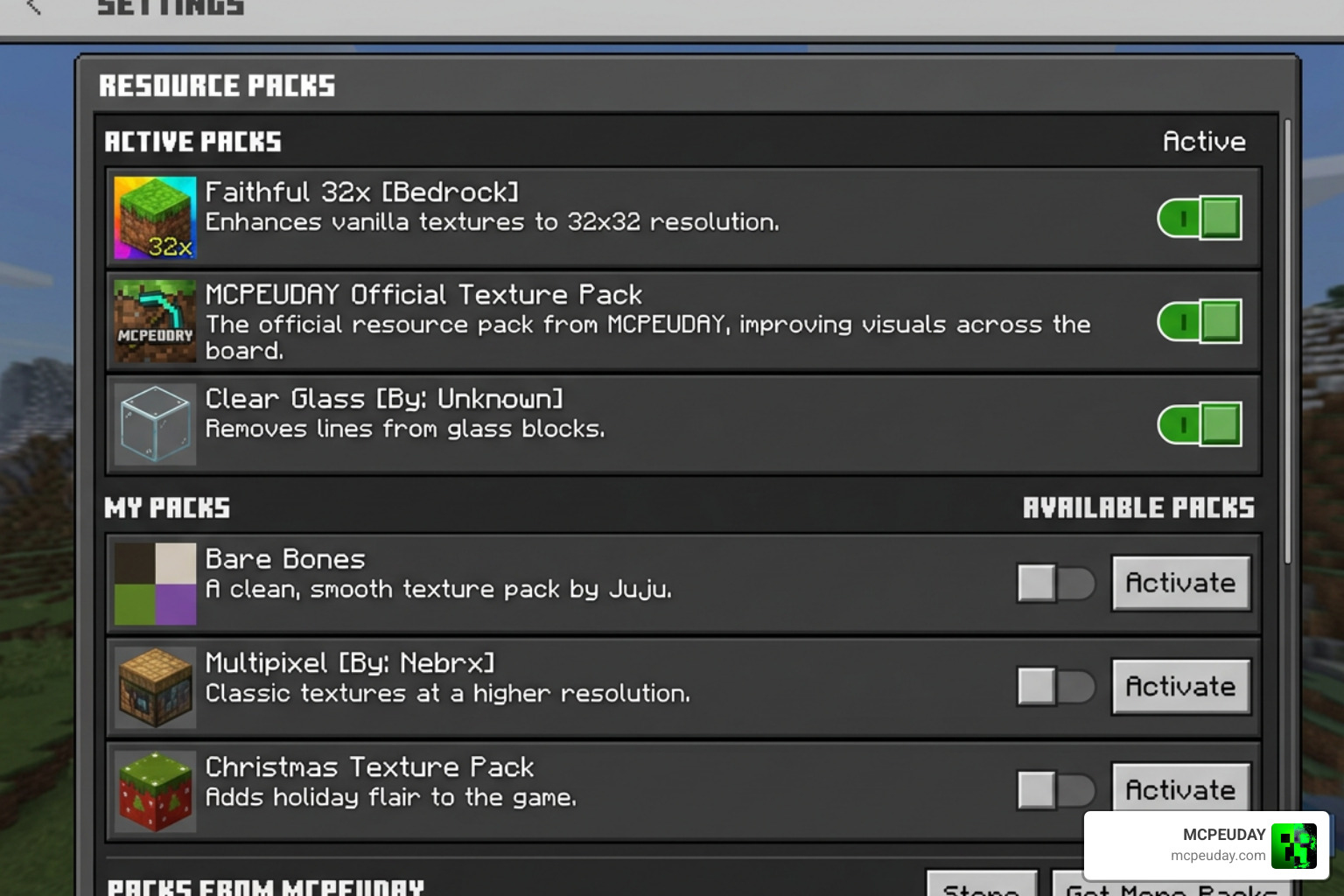
One of the biggest hurdles for Bedrock players is finding shaders that actually work with the modern Render Dragon engine. Fortunately, this shader has been optimized to offer great compatibility across the latest releases of the game.
If you love experimenting with different styles, you can also Explore alternative graphics with Luxen Visuals Shader for MCPE to see how different developers approach lighting and performance on mobile platforms.
How to Install Luca Visual Shader on Bedrock 1.21 and 1.26
Installing resource packs on Minecraft Bedrock is much easier than it used to be. Because the shader is packaged as an .mcpack file, your device handles most of the heavy lifting.
- Download the File: Grab the official
.mcpackfile for your version (fully compatible with 1.21 and 1.26) from our secure download links on MCPEUDAY. - Open with Minecraft:
- Android/iOS: Use a file manager to locate the downloaded file and tap on it. Select “Open with Minecraft.” The game will launch automatically and import the pack.
- Windows 10/11: Double-click the downloaded file, and Minecraft will open to import it.
- Activate the Pack:
- Go to the Minecraft Main Menu and click Settings.
- Scroll down to Global Resources on the left menu.
- Click on My Packs, locate the shader, and click Activate.
- Create or Load a World: Enter your world and enjoy the gorgeous new visuals!
Performance Considerations and Device Optimization
Shaders can be demanding, but this pack is designed with mobile players in mind. Here is how to keep your frame rate high:
- Adjust Render Distance: If you experience stuttering on low-end Android or iOS devices, drop your render distance to 8–12 chunks.
- Toggle Fancy Graphics: Turning off “Fancy Bubbles” or “Beautiful Skies” in your video settings can free up processing power if your device runs hot.
- Battery Consumption: Because shaders require more GPU processing, your battery will drain faster than normal. We recommend playing on medium brightness or keeping an eye on your battery levels during long gaming sessions.
Comparing Luca Visual Shader with Other Bedrock Shaders
To help you decide which graphic pack is right for your playstyle, we have put together a comparison table of some of the most popular visual packs available on MCPEUDAY.
| Shader Name | Primary Visual Style | Water Quality | Performance Impact | Best For |
|---|---|---|---|---|
| Luca Visual Shader | Cartoon-Realistic Blend | Crystal-Clear Blue | Low to Medium | All-around survival play on mobile and PC |
| Prizma Visuals Pack for MCPE | Vibrant & High Contrast | Deep Blue, Semi-Clear | Medium | Players who love bright, saturated colors |
| Lotiif Visuals Shader for MCPE | Soft & Warm Pastel | Light Teal, Transparent | Low | Cozy builders and peaceful creative worlds |
| Atmos Visuals Shader | Cinematic & Moody | Realistic Reflections | High | High-end devices and cinematic screenshots |
| Solum Visuals Shader Transform Minecraft into a Stunning Realistic World | Ultra-Realistic | Dynamic Waves & Foam | Medium to High | Hardcore survivalists wanting maximum realism |
If you want a highly cinematic experience, you might also want to look at the Cinematic Visuals Shader or the clean, minimalist look of the Zen Visuals Shader. For those who prefer stylized graphics, the Pixel Edge Visuals Shader for MCPE and Outline Visuals Shader offer excellent alternatives, while the Wandrers Visual Pack provides an entirely unique atmospheric feel.
Frequently Asked Questions about Luca Visual Shader
What Minecraft versions support Luca Visual Shader?
The shader is fully optimized for Minecraft Bedrock 1.21 and 1.26. It works on pocket edition (MCPE) updates across mobile devices, tablets, and Windows PC.
Does Luca Visual Shader cause lag on mobile devices?
For the vast majority of modern devices, the lag is minimal. Because it focuses on optimized textures, blurred shadows, and color gradients rather than heavy ray-tracing calculations, it runs beautifully even on devices with 3–4GB of RAM.
Is Luca Visual Shader compatible with Render Dragon?
Yes! The creator has updated the pack to ensure compatibility with Minecraft’s Render Dragon engine. It uses modern material bin files and resource configurations to bypass the old shader limitations, making it easy to run without complex system modifications.
Conclusion
At MCPEUDAY, our goal is to bring you the absolute best resources to make your Minecraft adventures unforgettable. The Luca Visual Shader is a stellar choice for anyone looking to step up their game’s visuals without sacrificing performance. With its beautiful water reflections, warm skies, and highly stable performance, it is easily one of our top recommendations for Bedrock players this year.
Ready to see your world in a whole new light? Download the best shaders from our curated list and start your next build with stunning, upgraded graphics today!
1 thought on “Luca Visual Shader (26.x, 1.21) – MCPE/Bedrock Shader”