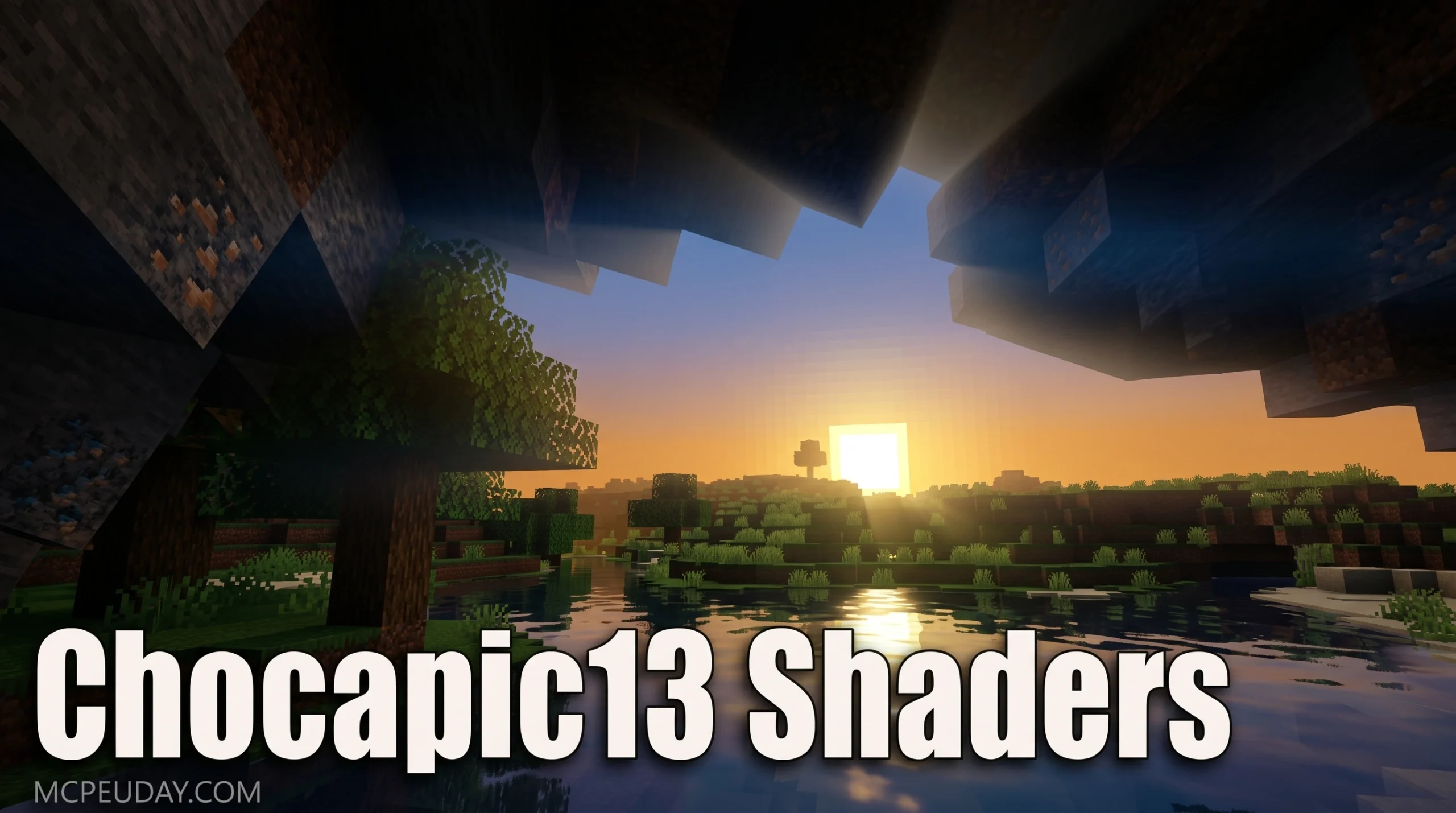
Why Chocapic13 Shaders Are One of Minecraft’s Most Downloaded Visual Upgrades
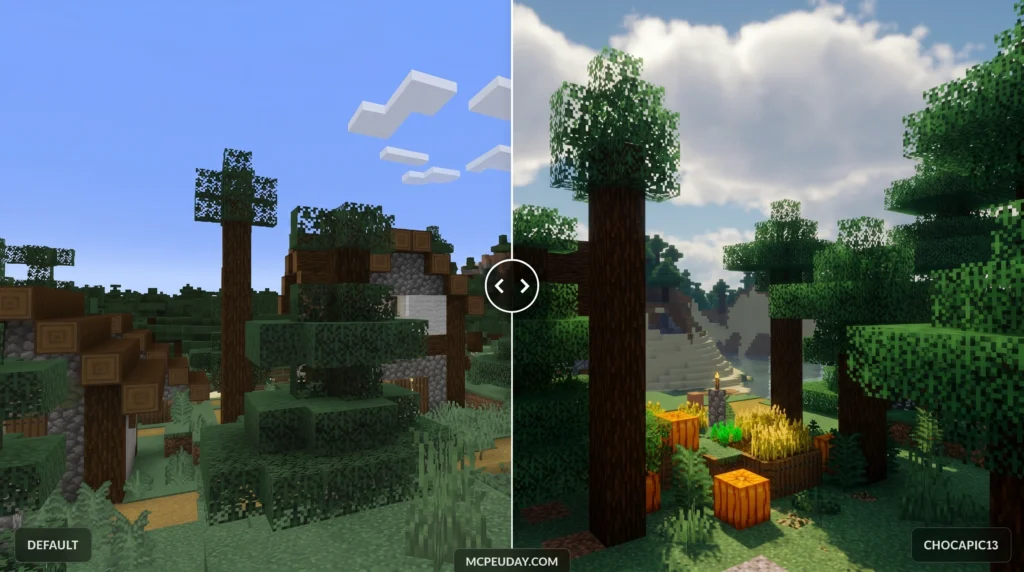
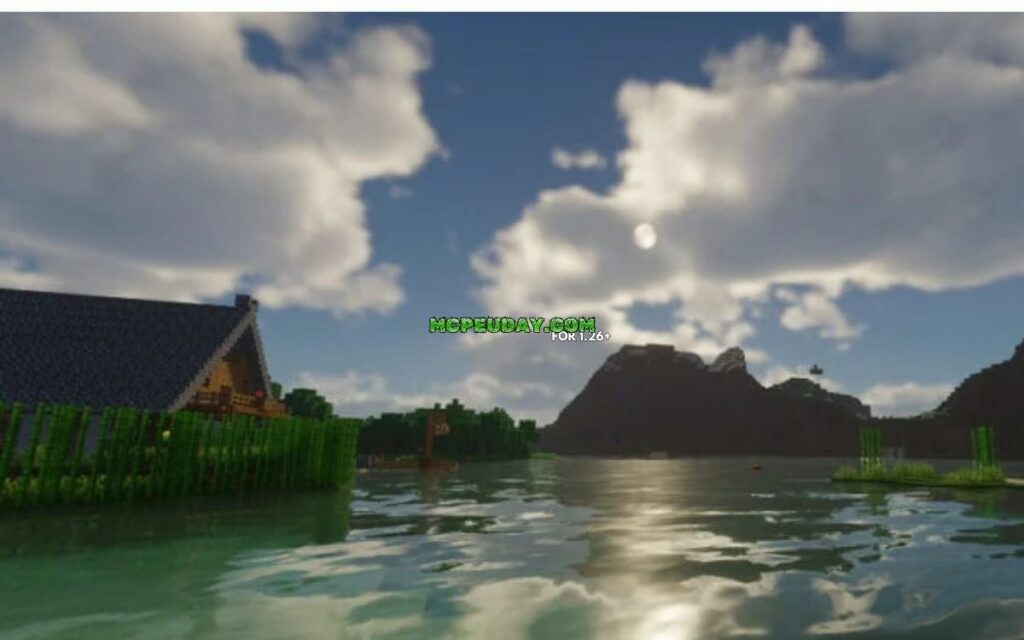
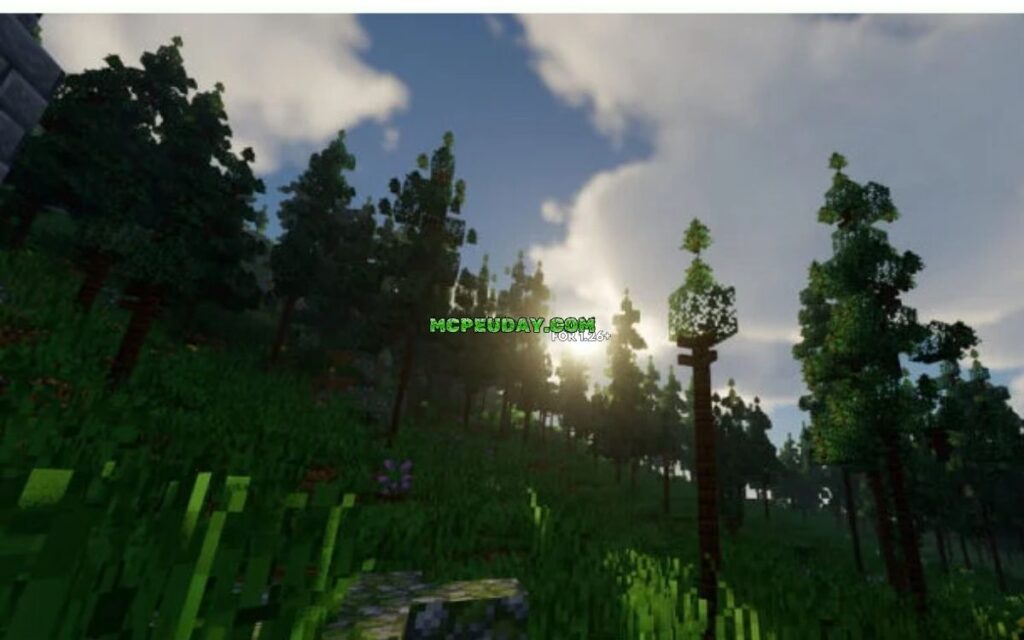
Chocapic13 shaders are a popular shader pack for Minecraft Java Edition that dramatically improves how the game looks — adding realistic lighting, dynamic shadows, volumetric fog, and water reflections.
Quick answer at a glance:
| What you want to know | The short answer |
|---|---|
| What is it? | A shader pack that transforms Minecraft’s visuals |
| Who made it? | A developer known as Chocapic13 |
| First released | February 12, 2014 |
| Total downloads | Over 9 million on CurseForge |
| Supported versions | Minecraft 1.7 through 1.21+ |
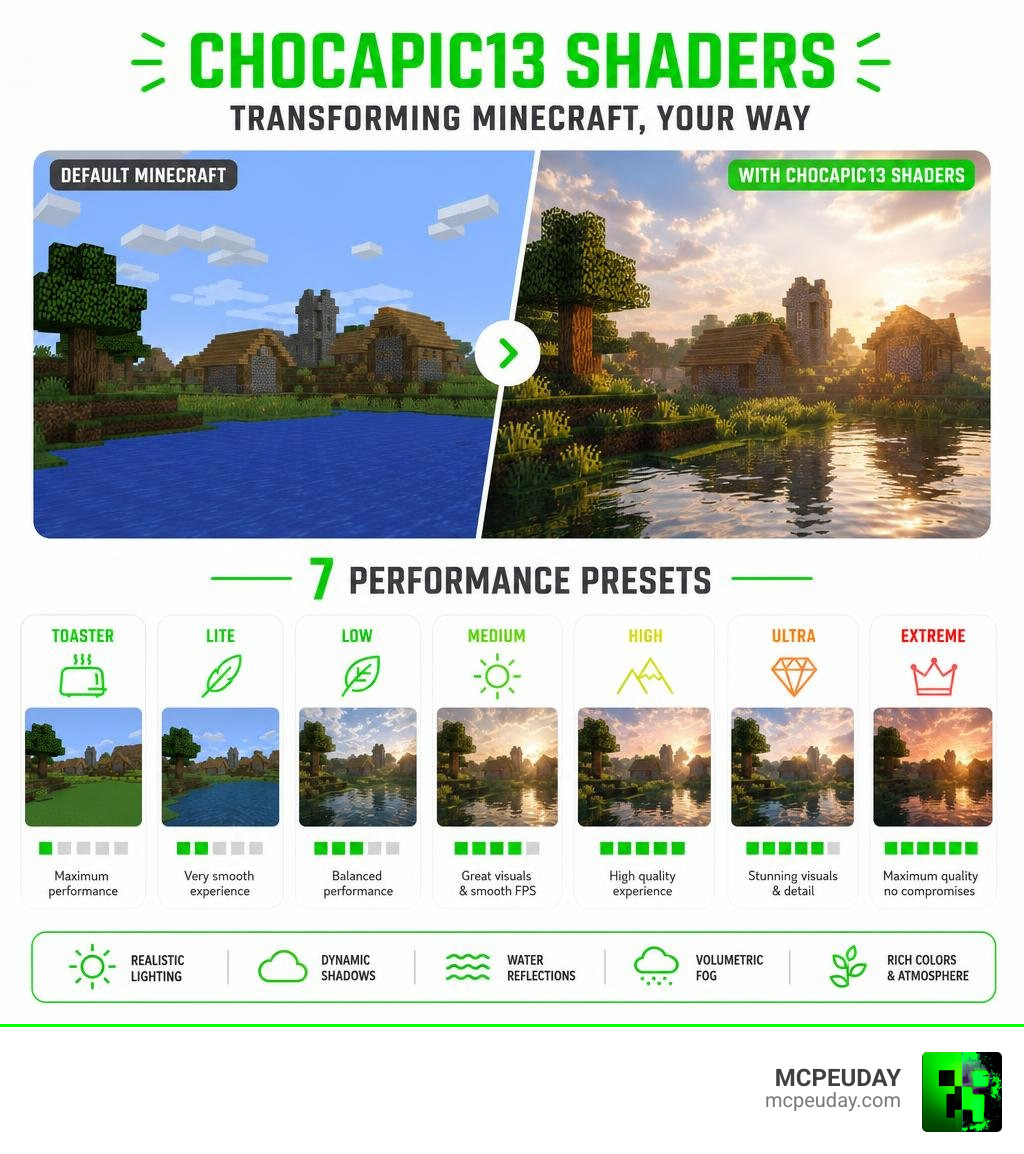
| Performance options | 7 presets: Toaster, Lite, Low, Medium, High, Ultra, Extreme |
| How to run it | Requires OptiFine or Iris Shaders mod |
Default Minecraft lighting is blocky and flat. Even with the best in-game graphics settings turned up, it still looks like a game from 2011 — because it is.
That’s where shader packs come in. And few have stood the test of time like this one.
Chocapic13’s pack has been downloaded over 9 million times and is widely used as a foundation by other shader developers. It strikes a rare balance: genuinely beautiful visuals without completely destroying your frame rate. Whether you’re running a mid-range GPU at 80-100 FPS or an old Intel integrated chip on the Toaster preset, there’s a version built for you.
This guide covers everything — features, presets, installation, and settings — so you can get it running fast.
What are Chocapic13 Shaders?
Created by the developer Chocapic13 and first published back in February 2014, Chocapic13 shaders have grown into an absolute legend within the Minecraft community. Accumulating over 9,084,810 total downloads on CurseForge alone, this shader pack is widely considered a gold standard for Minecraft graphic overhauls.
Unlike standard resource packs that simply swap out block textures, a shader pack completely rewrites how Minecraft calculates light, shadows, and environments. When you launch Minecraft with these shaders active, the blocky, static lighting of the vanilla game is replaced by a dynamic, directional lighting system. Instead of light updating block-by-block, it flows smoothly across surfaces, casting realistic shadows based on the position of the sun or moon.
While originally built for Minecraft Java Edition, players on all kinds of setups have sought out the magic of Chocapic13. If you are looking to download the pack or find equivalent graphical enhancements for your mobile devices, we have got you covered. You can easily find the latest files and community-voted visual mods in our dedicated Category Shaders section on MCPEUDAY.
Key Features and Visual Enhancements
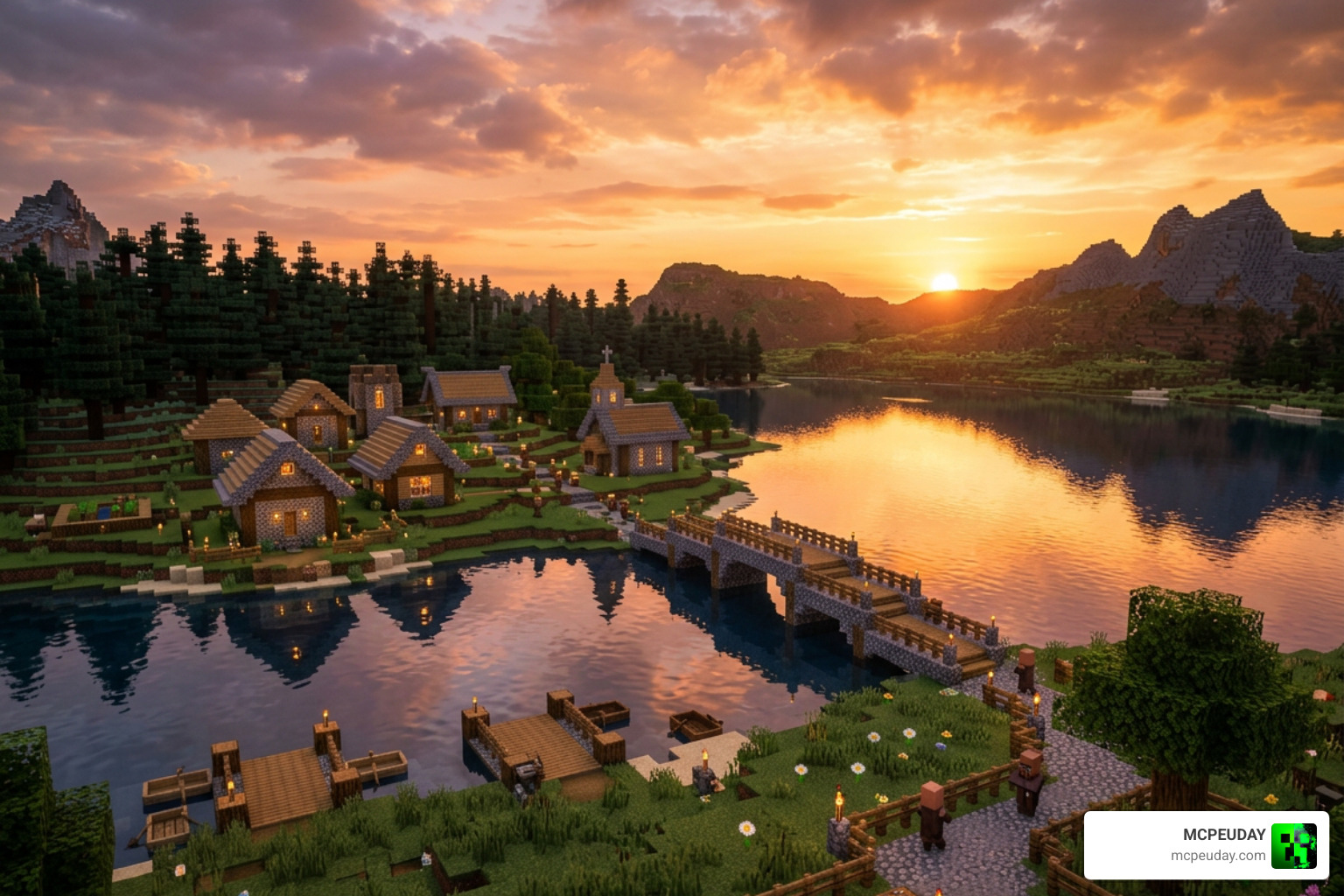
What makes the chocapic13 shaders pack stand out in a sea of visual mods? It is the sheer attention to atmospheric detail. Instead of just making things brighter, it introduces a physically plausible High Dynamic Range (HDR) lighting system.
Here are the main features you will notice immediately upon loading into your world:
- Dynamic Lighting & Variable Penumbra Shadows: Shadows are not just dark shapes on the ground; they feature realistic soft edges (penumbra) that change depending on the distance from the object casting them.
- Water Reflections and Caustics: Water is no longer a semi-transparent blue block. It features real-time reflections, waves, and underwater light patterns (caustics) that look incredibly lifelike.
- Volumetric Fog and Clouds: The sky is filled with procedural, volumetric clouds that have actual depth, discarding the old flat, cubic cloud system. The fog interacts with light rays to create gorgeous “god rays” filtering through dark forests.
- Waving Foliage: Leaves, grass, and flowers sway gently in the breeze, making biomes feel alive.
If you want to see how this pack stacks up against other modern visual options in 2026, be sure to check out our breakdown of the 3 Best Shaders for Minecraft 1.21 Ultra Realistic Smooth FPS Stunning Graphics.
Visual Realism of Chocapic13 Shaders
The sense of realism provided by chocapic13 shaders is highly atmospheric. The sun and moon glow with soft, realistic halos, casting a custom sky gradient that transitions beautifully from a warm, orange dawn to a deep, dark night.
Unlike some realistic shaders that make caves pitch-black and unplayable, Chocapic13 maintains excellent visibility for survival players. It even includes a special “screenshots preset” in version 9 designed specifically for virtual photography—allowing you to capture stunning, professional-grade images of your builds.
For mobile players wondering how to get similar high-end atmospheric effects on Bedrock, take a look at our curated list of the Best Shaders for MCPE 1.21 2026 Top 3 Realistic Minecraft PE Shaders.
Popular Edits and Derivatives
Because Chocapic13 open-sourced much of their work and created such a highly optimized foundation, many other famous shader packs are actually modified versions of it. Highly regarded shaders like Bliss, TME, RedHat, and even classic edits like Vibrance (which was specifically modified to allow compatibility with the famous Lord of the Rings Minecraft Mod) all trace their roots back to Chocapic13’s code.
For instance, the Vibrance edit fixed the day/night cycle and added waving animations for custom Middle-earth plants. If you are playing on mobile or pocket edition and want to see similar highly optimized, realistic edits, check out our guide on the Top 5 Best Realistic Shaders for MCPE.
Performance Presets and System Requirements
One of the best aspects of chocapic13 shaders is its scalability. The pack is divided into several presets, meaning you do not need a high-end NASA computer to enjoy enhanced graphics.
To run these shaders smoothly, you should meet these basic requirements:
- Operating System: Windows, Mac, or Linux.
- Graphics Drivers: Always updated to the latest available version (outdated drivers are the #1 cause of black or white screens when loading shaders).
- Target Resolution: A minimum of 500 pixels on each axis.
- Graphics Mod: OptiFine or Iris Shaders installed.
Comparing the Presets
To help you decide which version to download, here is a quick comparison of the performance presets based on hardware tests:
| Preset | Target Hardware | Estimated FPS (Mid-Range GPU) | Key Features Included |
|---|---|---|---|
| Toaster | Integrated Graphics / Low-end Laptops | 300+ FPS | Basic shadows, custom sky gradient, sun/moon glow |
| Lite | Older Graphics Cards | 200-250 FPS | Soft shadows, basic water reflections |
| Low | Budget Dedicated GPUs | 160-220 FPS | Waving foliage, improved shadow resolution |
| Medium | Mid-range GPUs (GTX 1060 / RX 570) | 140-170 FPS | Volumetric fog, improved water caustics |
| High | Modern Mid-range GPUs | 100-120 FPS | TAA anti-aliasing, detailed water reflections, bloom |
| Ultra | High-end GPUs | 70-90 FPS | Depth of field, high-resolution volumetric clouds |
| Extreme | Enthusiast Gaming Rigs | 55-70 FPS | SSGI (Global Illumination), maximum shadow penumbra |
If you are looking to download the optimized high-performance variants, the High Performance version of the pack has been downloaded over 1.1 million times by players looking to maximize their frame rates.
Step-by-Step Installation Guide
Ready to transform your game? Follow our simple step-by-step guide to install chocapic13 shaders on Java Edition. If you are new to modding, you might also want to read our general guide on How to Get Shaders in Minecraft.
Step 1: Install your Shader Loader (Iris or OptiFine)
Shaders cannot run on a completely vanilla Minecraft client. You need a mod that enables shader support. We highly recommend Iris Shaders for the best FPS performance, though OptiFine is also a great classic option.
- For Iris: Download the Iris installer, run it, and select your desired Minecraft version.
- For OptiFine: Download the corresponding version jar, open it, and click “Install”.
Step 2: Download Chocapic13 Shaders
Head over to the official distribution page at Chocapic13′ Shaders – Minecraft – CurseForge and download the ZIP file for your preferred preset. Keep the file zipped! Do not extract it.
Step 3: Open your Shaderpacks Folder
- Launch Minecraft using your newly installed Iris or OptiFine profile.
- In the main menu, navigate to Options > Video Settings > Shaders (or Shader Packs if using Iris).
- Click the Open Shaderpack Folder button. This will open a folder window on your desktop.
Step 4: Add the Shader Pack
Drag and drop the downloaded Chocapic13 .zip file directly into the shaderpacks folder.
Step 5: Activate and Enjoy
Go back into Minecraft. You should now see Chocapic13 Shaders in your in-game list. Click on it to select it, hit “Apply” or “Done”, and load into your world!
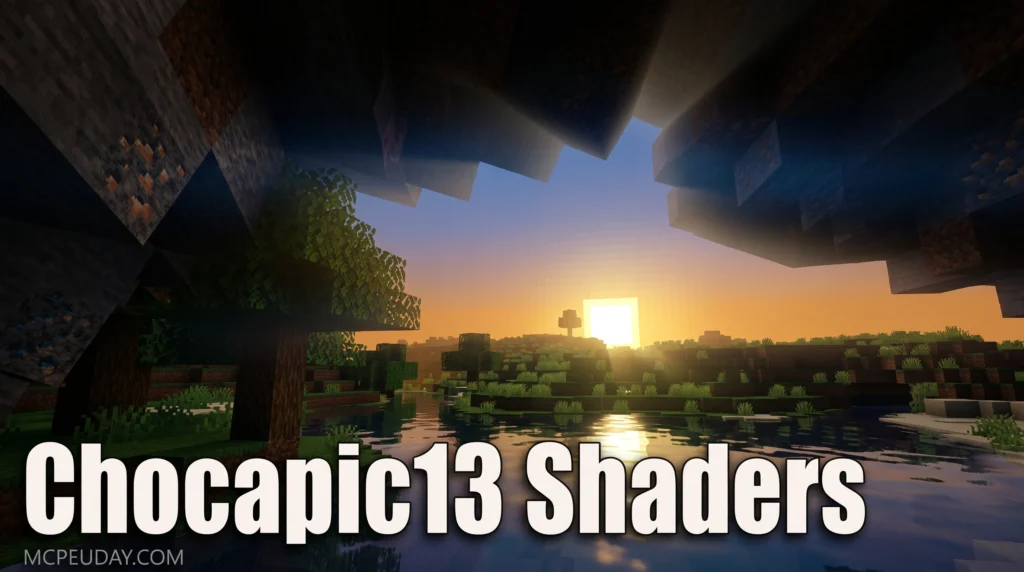
For a visual walkthrough of this process, you can watch this helpful tutorial on How To Download and Install Chocapic 13 Shaders in Minecraft … .
How to Configure Chocapic13 Shaders for Best Performance
To get the absolute best balance of visuals and smooth gameplay, we recommend applying these optimized settings in your OptiFine or Iris menu:
- Shadow Quality: Keep this set to 1.00x in your main OptiFine menu. If you want to change shadow resolution, always adjust it inside the specific shader options menu instead to avoid heavy lag.
- Old Lighting: Set this to Off or Default. Leaving it on can cause weird rendering bugs with newer shader versions.
- Sky Settings: Ensure Sky and Custom Sky are set to On in your details settings so the custom procedural sky gradients display correctly.
- Wavy Foliage: If the waving leaves look too intense (like a permanent hurricane), go into the shader’s material settings and reduce the wavy strength to 0.75 and wavy speed to 0.7 for a much gentler, natural breeze.
For players on Bedrock Edition utilizing the newer graphics engines, check out our Best Render Dragon Shaders for MCPE 1.21 Tested on Real Devices 2026 Guide to optimize your mobile performance.
Frequently Asked Questions
Which Minecraft versions are compatible with Chocapic13?
Chocapic13 is incredibly versatile. Classic versions like V6 are compatible with almost every Minecraft version from 1.7 all the way up to 1.21+. Newer versions like V7, V8, and V9 generally require at least Minecraft 1.12 or newer to run properly due to updated rendering techniques.
Why are leaves and grass disappearing when using this shader?
This is a common bug reported by players using OptiFine (such as in GitHub issue #4048). It happens when your Mipmap Levels are turned off or set to 0. To fix this instantly, go to Video Settings > Quality and set Mipmap Levels to 1 or higher. Your foliage will reappear immediately!
Can I run Chocapic13 shaders on a low-end PC or Intel graphics?
Yes, absolutely! You should download the Chocapic13 High Performance variant. By using the Toaster or Low presets, players running integrated Intel HD 620 graphics can easily achieve a stable 50-60 FPS, while still enjoying beautiful dynamic shadows and custom skies.
Conclusion
If you want to breathe new life into your Minecraft worlds, downloading chocapic13 shaders is one of the easiest and most rewarding upgrades you can make. With its incredible scaling options, even players on older laptops can experience the warmth of dynamic lighting and soft shadows.
We at MCPEUDAY are committed to bringing you the absolute best resources, mods, and shaders to customize your gaming experience. Be sure to check out our extensive library and Explore more Minecraft shaders on MCPEUDAY to find the perfect look for your next blocky adventure!
