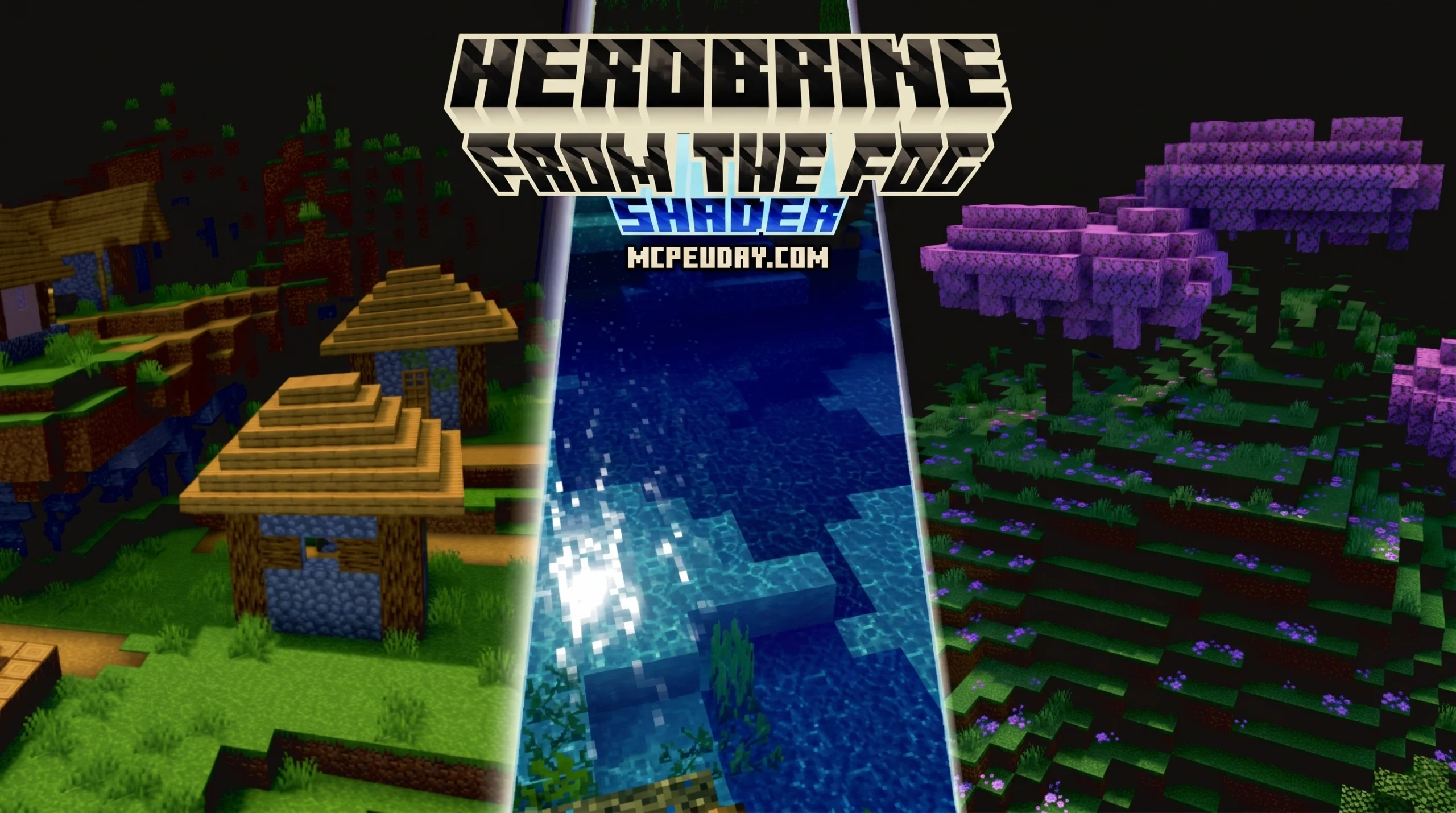
Why the Herobrine from the Fog Shader Makes Minecraft Genuinely Scary
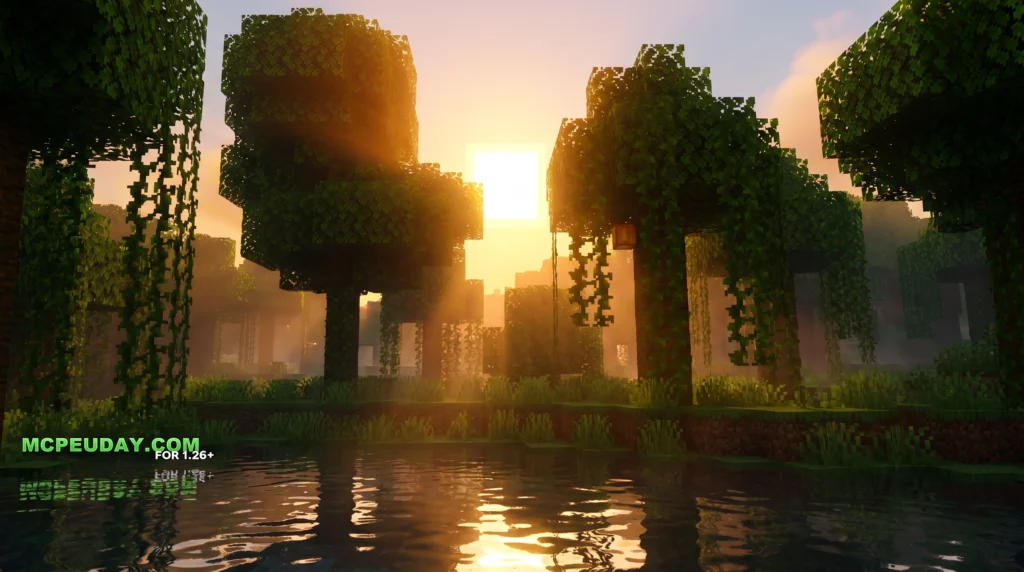
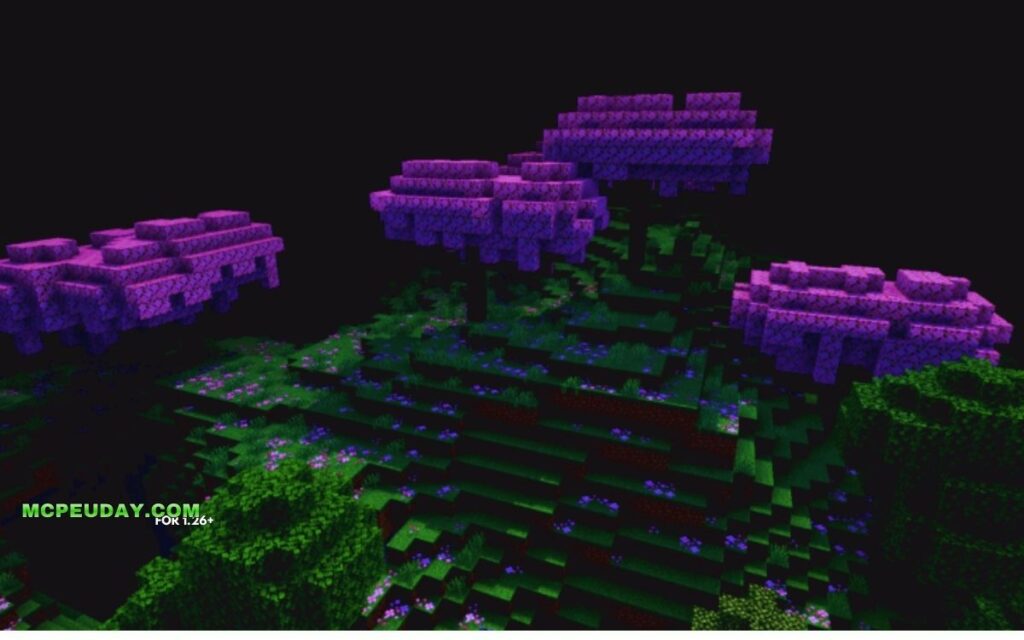
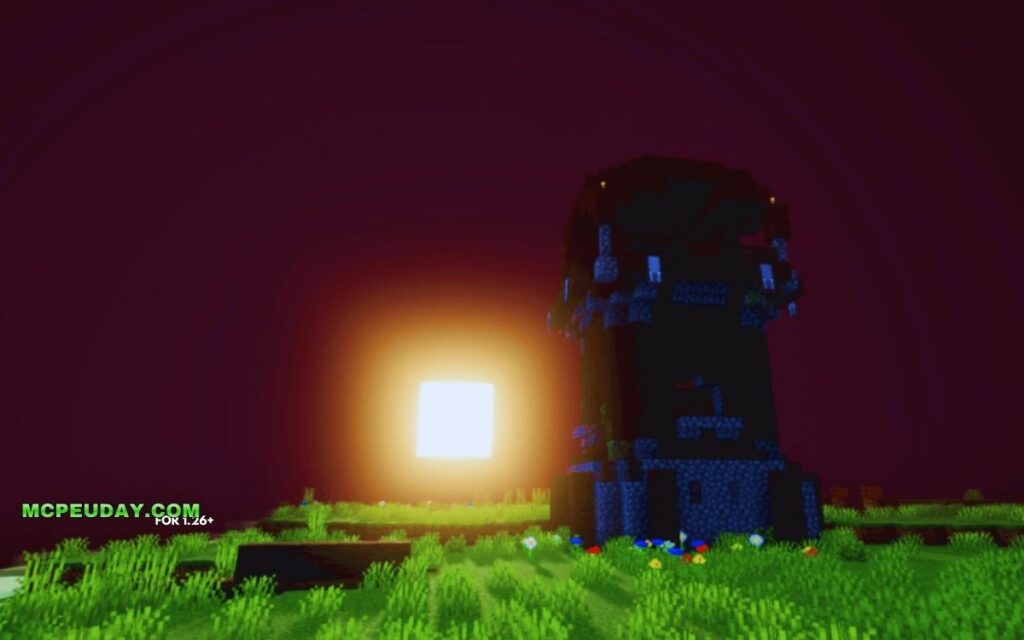
The Herobrine from the fog shader is a visual enhancement used alongside the From The Fog mod or datapack to make Herobrine encounters feel more atmospheric and terrifying in Minecraft. Here’s a quick breakdown:
What it does at a glance:
- Adds dense, moody fog to Minecraft worlds
- Makes Herobrine’s white eyes glow using core shaders
- Works with the From The Fog mod (Java Edition) and as a standalone shader pack for Bedrock/MCPE
- Compatible with Minecraft 1.21 and newer versions
- Supports Fabric, Forge, and Neoforge loaders (Java), plus mcpack format (Bedrock)
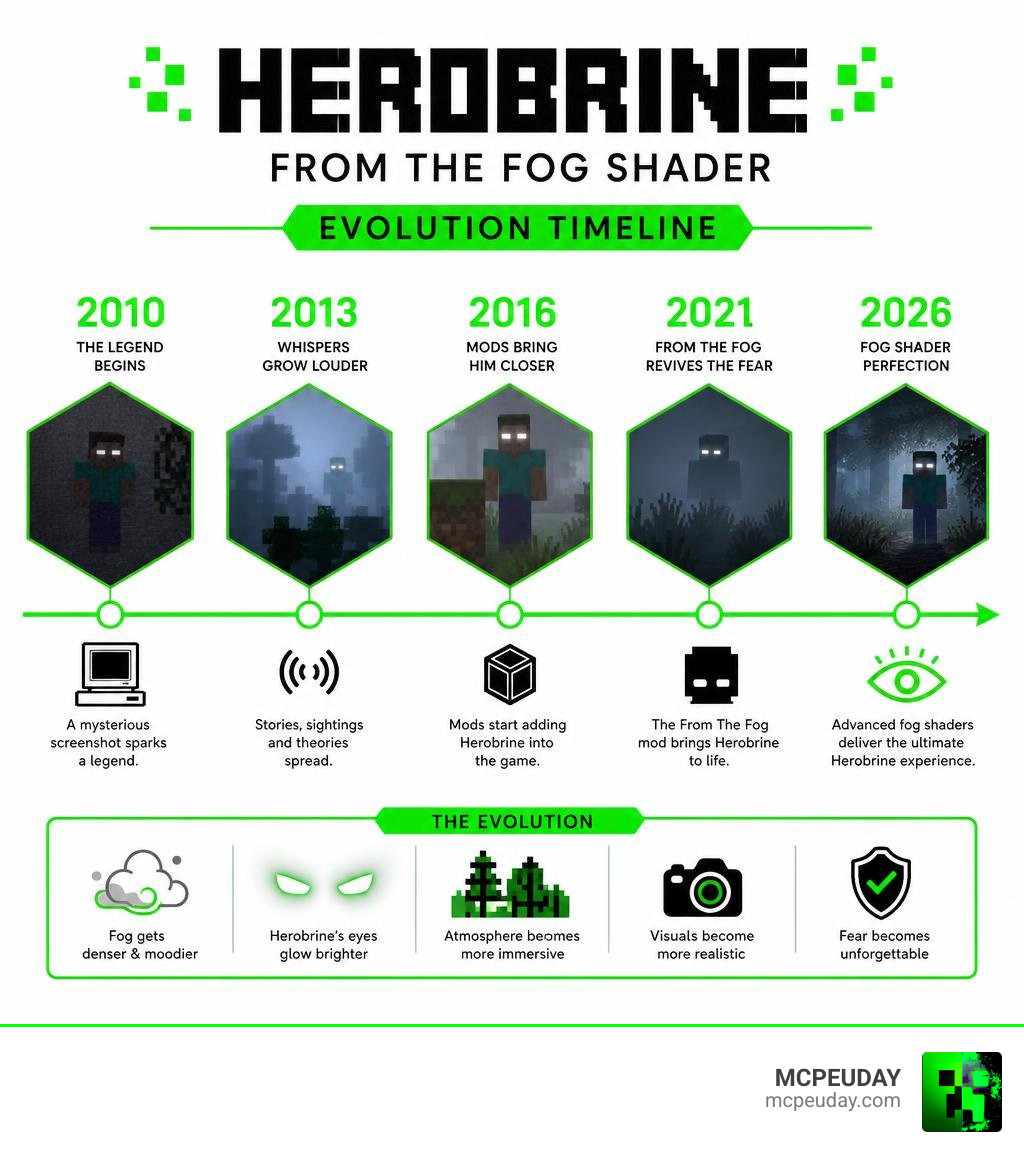
Herobrine started as an anonymous post on 4chan back in 2010 — a grainy screenshot of a figure with solid white eyes lurking in the fog. That single image sparked one of gaming’s most enduring legends. Despite never existing in vanilla Minecraft, Herobrine ranked 46th on a Guinness World Records poll for the Top 50 Video Game Villains of All Time.
Now, the From The Fog mod brings that legend to life — and the fog shader makes it look the part.
With over 3.2 million downloads on Modrinth, this mod has become the go-to way to experience genuine Herobrine dread. The shader layer on top takes it further, thickening the fog, making his eyes glow, and turning every dark forest into a reason to panic.
Understanding the Herobrine from the fog shader and Mod
To truly appreciate the Herobrine from the fog shader, we first need to look at the project that inspired it. Created by LunarEclipseStudios, the From The Fog | Minecraft Datapack/Mod is a highly customizable mod and datapack that introduces Herobrine into your world.
Unlike other horror mods that rely on cheap jumpscares, this mod focuses on building suspense. You’ll catch him watching you from a distant hill, standing behind a tree, or building classic creepypasta structures like sand pyramids and leaf-stripped trees.
For the full historical backstory of this legendary character, you can explore the Herobrine – Minecraft Wiki or read about his cultural impact on Herobrine .
What is the Herobrine from the fog shader?
While the mod controls Herobrine’s AI and spawning mechanics, the Herobrine from the fog shader handles the visual atmosphere. In vanilla Minecraft, fog is just a rendering limit. With this shader, the fog becomes dynamic, thick, and deeply unsettling.
By utilizing core shaders, the pack isolates Herobrine’s eyes, allowing them to glow in absolute darkness. If you are new to how graphics engines manipulate lighting, you can check out our guide on What Are Shaders In Games to understand how these post-processing layers work.
Mod vs. Datapack: Key Differences
The developers have written From The Fog primarily in mcfunction (making up over 99% of its codebase). This means you can run it as either a mod or a datapack. Here is how they compare:
| Feature | Mod Version | Datapack Version |
|---|---|---|
| Loader Required | Fabric, Forge, or Neoforge | None (Vanilla compatible) |
| Installation | Drop into the /mods folder | Drop into world /datapacks folder |
| Performance | Highly optimized via display entities | Standard vanilla commands |
| Config Menu | Built-in graphical user interface | Managed via chat commands |
5 Quick Changes to Optimize Your Herobrine Fog Shader Experience
If you want to turn Minecraft into a psychological thriller, simply installing the files isn’t enough. You need to tweak your settings to find the perfect balance between gameplay visibility and sheer terror. For a complete horror overhaul, you can also pair this with the Herobrines Horror Remake Addon When Minecraft Turns Into A Creepy Nightmare.
Here are the 5 quick changes we recommend making right now to optimize your setup.
1. Adjust Fog Density and Color Settings
The default Minecraft fog can feel a bit too clean. To get that classic 2010 Alpha vibe, lower your render distance to 6 or 8 chunks.
Within your shader settings, increase the fog density and shift the color palette toward a colder, desaturated grey. This ensures that you only see Herobrine when he is relatively close, giving you less time to react when he suddenly appears. If you need help tweaking these settings, read our tutorial on How To Get Shaders In Minecraft.
2. Enable Glowing Core Shaders for Herobrine’s Eyes
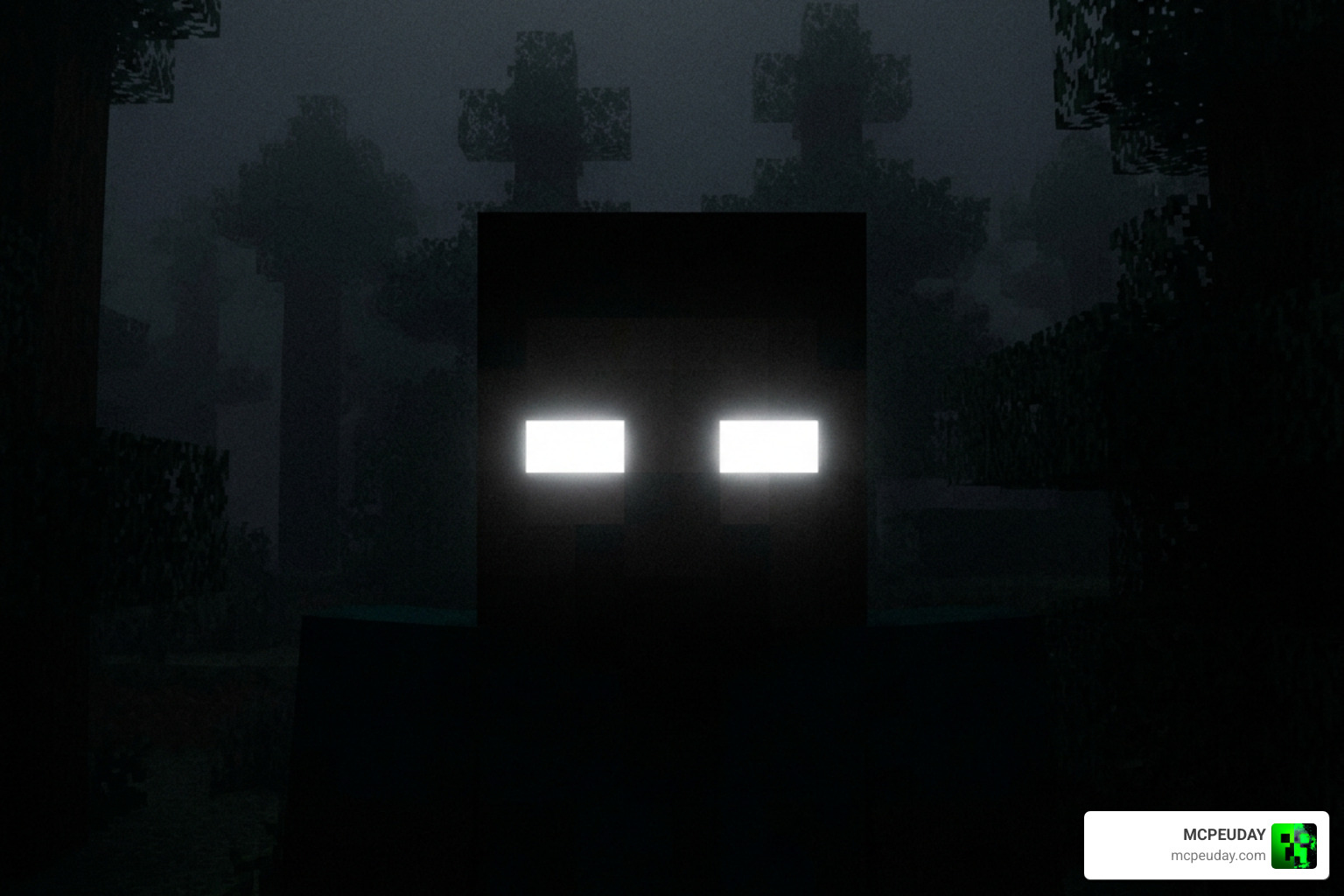
The defining feature of the Herobrine from the fog shader is the glowing eyes. In older versions of Minecraft, Herobrine’s eyes would fade into the darkness just like any normal player skin.
By enabling core shaders, the game forces the white pixels on Herobrine’s face to render at full brightness, regardless of the light level around him. This creates a terrifying visual cue where you might not see his body at all—only two glowing white dots staring at you from a dark cave.
3. Configure Sighting Windows and Suspense Levels
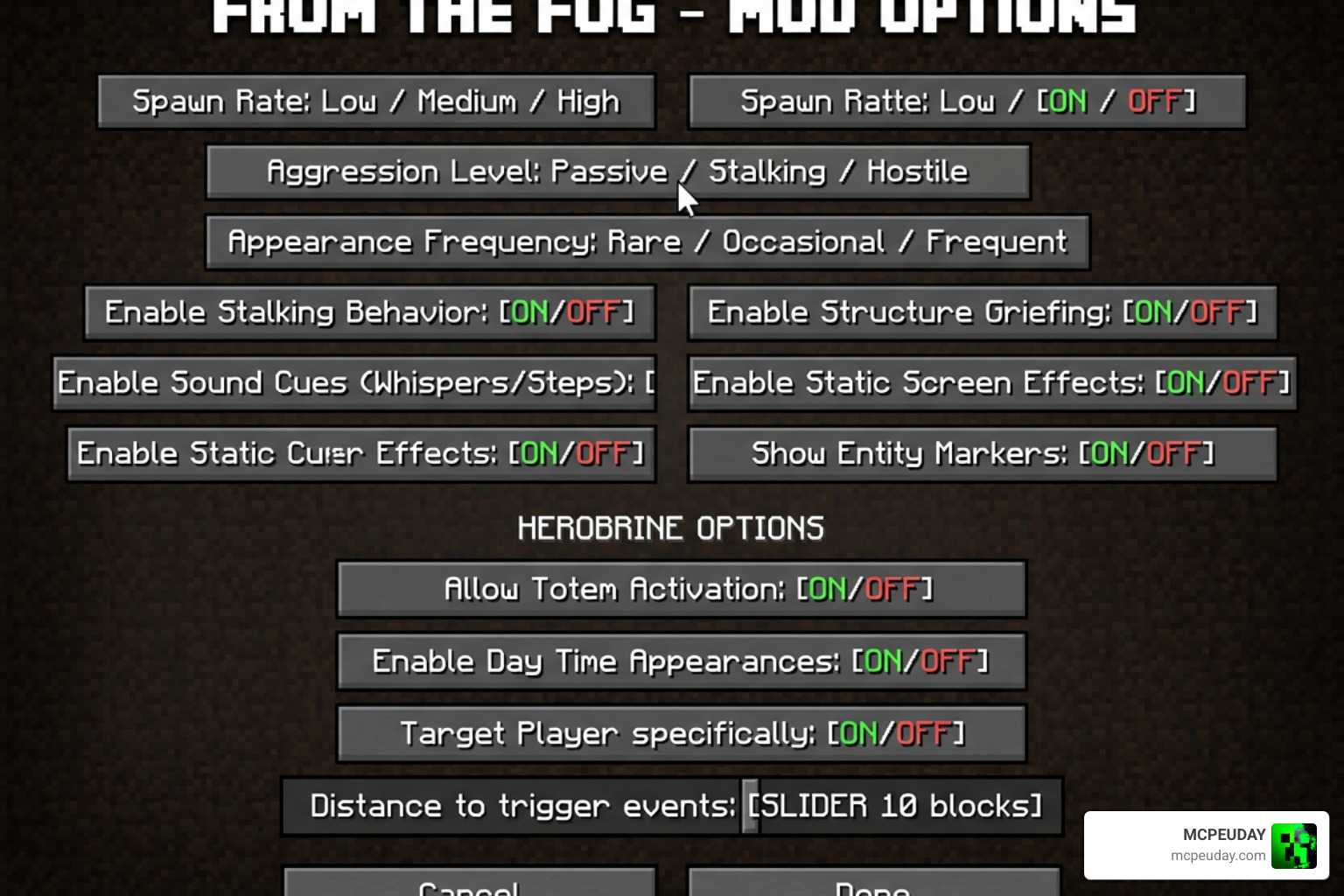
Using the in-game configuration menu, you can fine-tune how and when Herobrine appears. We recommend adjusting the following settings:
- Sighting Window: Reduce this to make his appearances brief and fleeting.
- Suspenseful Sighting: Turn this up to increase the delay between when he spawns and when he vanishes, building tension.
- Sighting Types: Enable the “Dwelling Shadow” and “Sneaky Strike” behaviors so he stalks you from the dark instead of just standing in the open.
4. Set Up Custom Herobrine Skins
The rewritten version of the mod features infinite custom skin slots. If you want to keep your gameplay unpredictable, you can add different variations of the Herobrine skin. You can configure classic skins, bloodied versions, or even models that mimic your friends’ skins but with those vacant, glowing white eyes.
5. Optimize RAM Allocation and Performance
Running heavy fog shaders alongside AI-driven entity mods can take a toll on your system.
- Allocate at least 4GB of RAM in your Minecraft launcher settings to prevent stuttering.
- Avoid OptiFine: The From The Fog Reimagined modpack developers explicitly warn against using OptiFine due to compatibility issues with custom entity rendering. Use Sodium or Iris instead.
- Mobile Players: If you are playing on Bedrock, optimize your render distance to keep your framerate smooth. You can find lightweight mobile shaders in our guide on Minecraft Shaders Download For Android.
How to Install the From The Fog Mod and Shader
Setting up the mod and shader is straightforward. Depending on whether you play on Java Edition or Bedrock/MCPE, follow the instructions below. Make sure to download the correct version, such as ✨Release v1.11.1 – 1.21.9-1.21.10 – From The Fog , to match your game version.
Step-by-Step Java Edition Installation
- Download and install the Fabric Loader and Fabric API.
- Download the From The Fog mod file.
- Drop the downloaded
.jarfile into your.minecraft/modsfolder. - Launch Minecraft, open your world, and use the config menu to customize your settings.
How do I install the Herobrine from the fog shader on Bedrock?
For our Bedrock and MCPE players on version 1.21, you can install this as an .mcpack file:
- Download the shader and addon pack to your device.
- Tap the file to automatically import it into Minecraft PE.
- Go to your world settings, activate the resource pack, and ensure experimental gameplay features are turned on.
- For an even more intense Bedrock experience, try pairing it with the Herobrine Reawakened Addon 1 21 1 26 The Ultimate Horror Experience In Minecraft Pe.
Frequently Asked Questions about the Herobrine from the fog shader
Does Herobrine actually exist in vanilla Minecraft?
No. Despite decades of rumors, Mojang has never added Herobrine to the vanilla game. However, they love to keep the joke alive by writing “Removed Herobrine” in dozens of official changelogs.
Can I use OptiFine with the From The Fog modpack?
We highly recommend against it. OptiFine tends to break the custom core shaders used to make Herobrine’s eyes glow and can lead to “NBT is null” errors or game crashes. Use Iris and Sodium instead for better performance and shader compatibility.
Where can I find community support and updates for the mod?
The project is hosted on GitHub under the CC BY-NC-SA 4.0 license. You can join the official Lunar Eclipse Studios Discord server for troubleshooting, updates, and to share your terrifying in-game encounters with other players.
Conclusion
Adding the Herobrine from the fog shader to your game completely changes how you experience Minecraft. It turns a familiar, relaxing sandbox into an atmospheric horror game where you are never truly alone.
If you are ready to transform your world’s visuals even further, check out our curated list of the best shaders for MCPE 1.21 (2026) top 3 realistic Minecraft PE shaders to find the perfect graphical style for your next adventure!