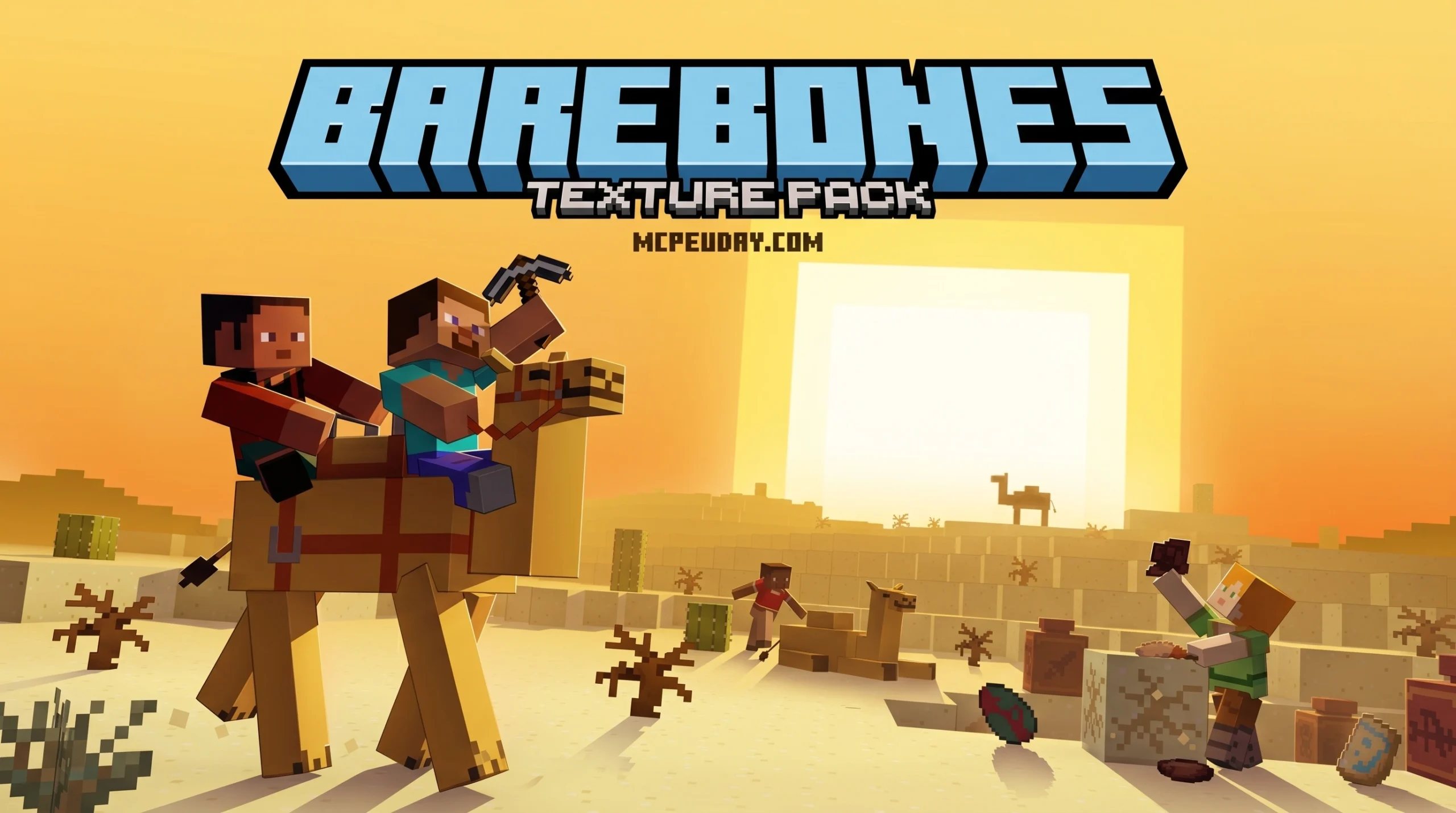
The Bare Bones Texture Pack: Minecraft’s Trailer Look, Finally in Your Game
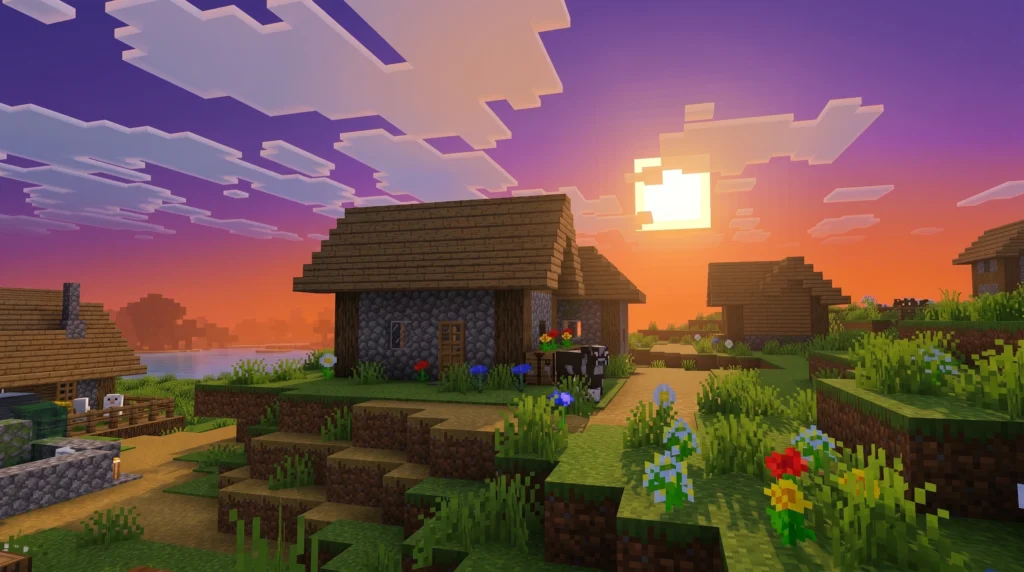
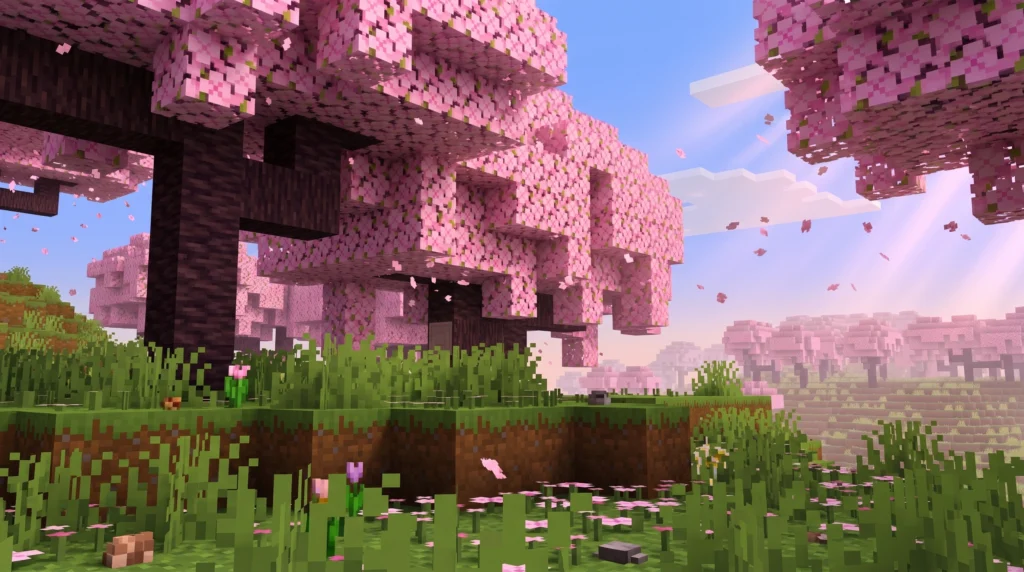
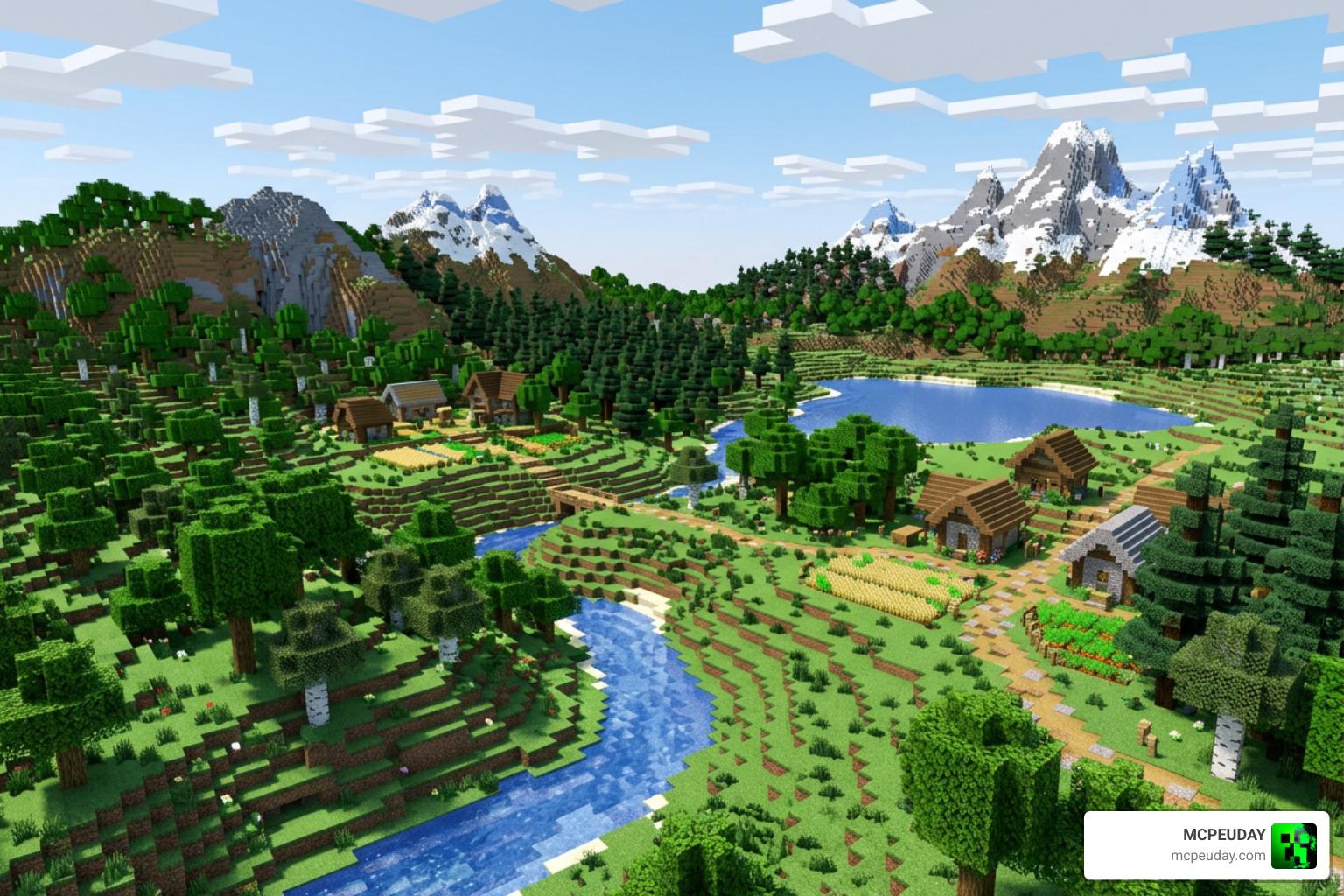
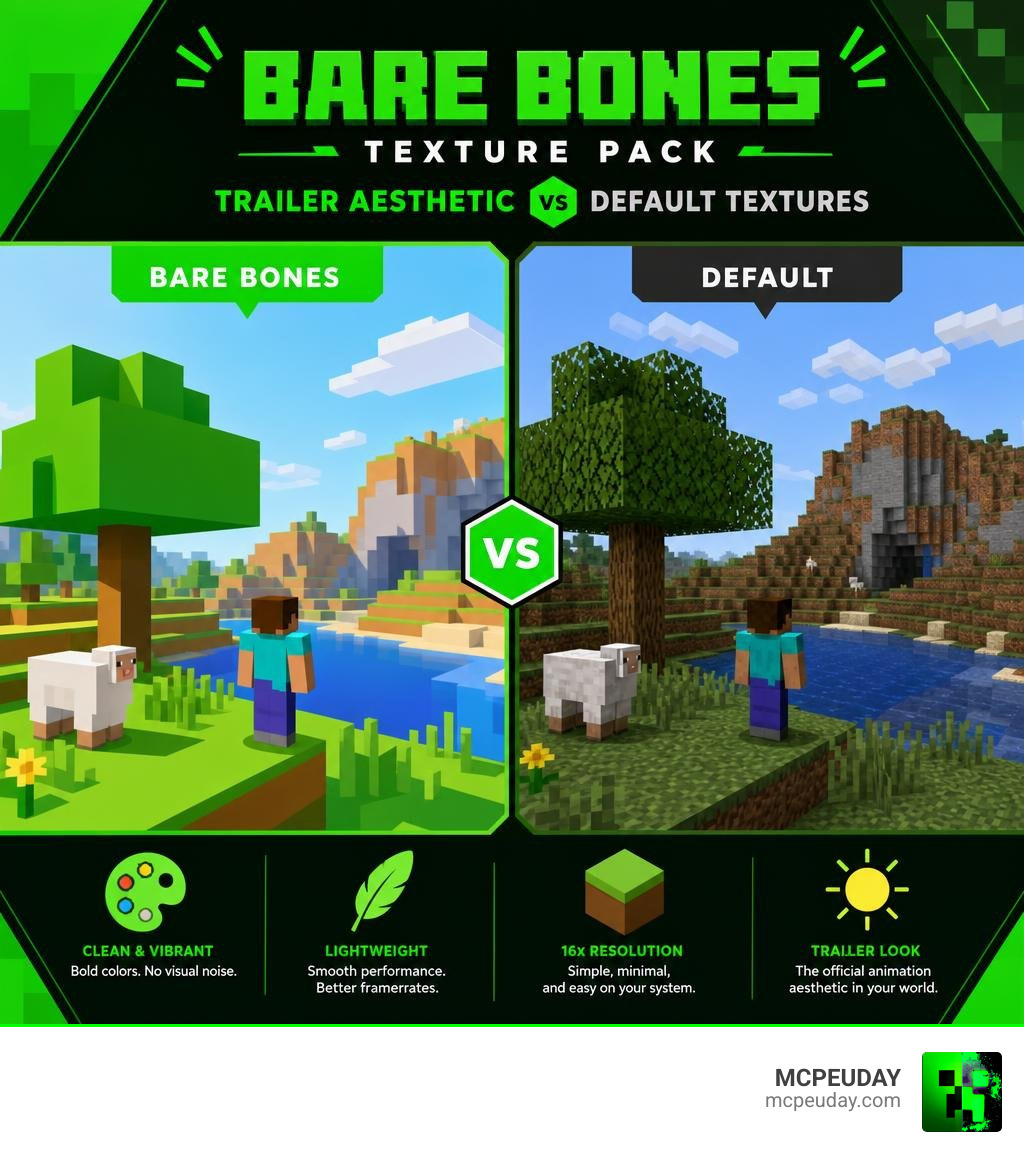
The Bare Bones Texture Pack is a free Minecraft resource pack that makes your game look like the official Mojang trailers — clean, vibrant, and simple.
Quick answer:
- What it is: A 16x resolution texture pack that strips Minecraft’s default textures down to flat, bold colors
- Who made it: A creator known as robotpants
- Platforms: Java Edition (1.8–1.21+) and Bedrock/MCPE Edition
- Downloads: Over 10 million across CurseForge, Modrinth, and Bedrock platforms
- Best for: Players who want a clean, bright look without hurting performance
- Where to get it: CurseForge, Modrinth, or directly for Bedrock/MCPE here
You’ve probably seen it before. A Minecraft trailer drops, and the game looks amazing — bright colors, clean blocks, no visual noise. Then you open your own world and it looks… grittier. Busier. Less like the trailers.
That gap is exactly what Bare Bones fixes.
It’s been continuously updated since 2017 and remains one of the most downloaded texture packs in the Minecraft community.
What is the Bare Bones Texture Pack?
We have all wanted our game to match the beautiful, low-detail aesthetic of official Mojang animations. The Bare Bones Texture Pack was created specifically to solve this. Originally designed by the talented creator robotpants (also known as robotpantaloons), this pack was initially named MCMojang. However, to keep things unique and avoid any trademark confusion, it was renamed to Bare Bones.
At its core, Bare Bones is a 16×16 resolution resource pack. Instead of trying to make Minecraft hyper-realistic, it strips away the “noise” and gritty pixel details of the default textures. By turning blocks into flat, vibrant colors, it delivers a clean, cartoonish style. The pack acts as a visual bridge, transforming the standard, sometimes cluttered pixel art of vanilla Minecraft into the smooth, vector-like art style seen in promotional materials, update trailers, and official artwork.
This design philosophy doesn’t just change the blocks; it completely alters how light and shadow interact with the environment. The simplified textures allow the game’s natural geometry to stand out, making structures look bolder and landscapes look more expansive.
Whether you play on Java Edition or enjoy mobile gaming on Bedrock, you can experience this design. If you are looking to get the Bedrock version right now, you can get the Bare Bones Texture Pack 1.21 MCPE Bedrock Edition Download Now file directly from our site. For Java players, the project is officially hosted on Bare Bones – Minecraft Resource Pack – Modrinth. This cross-platform availability ensures that no matter where you build your worlds, you can enjoy the iconic trailer aesthetic without any compromises.
Key Features of the Bare Bones Resource Pack
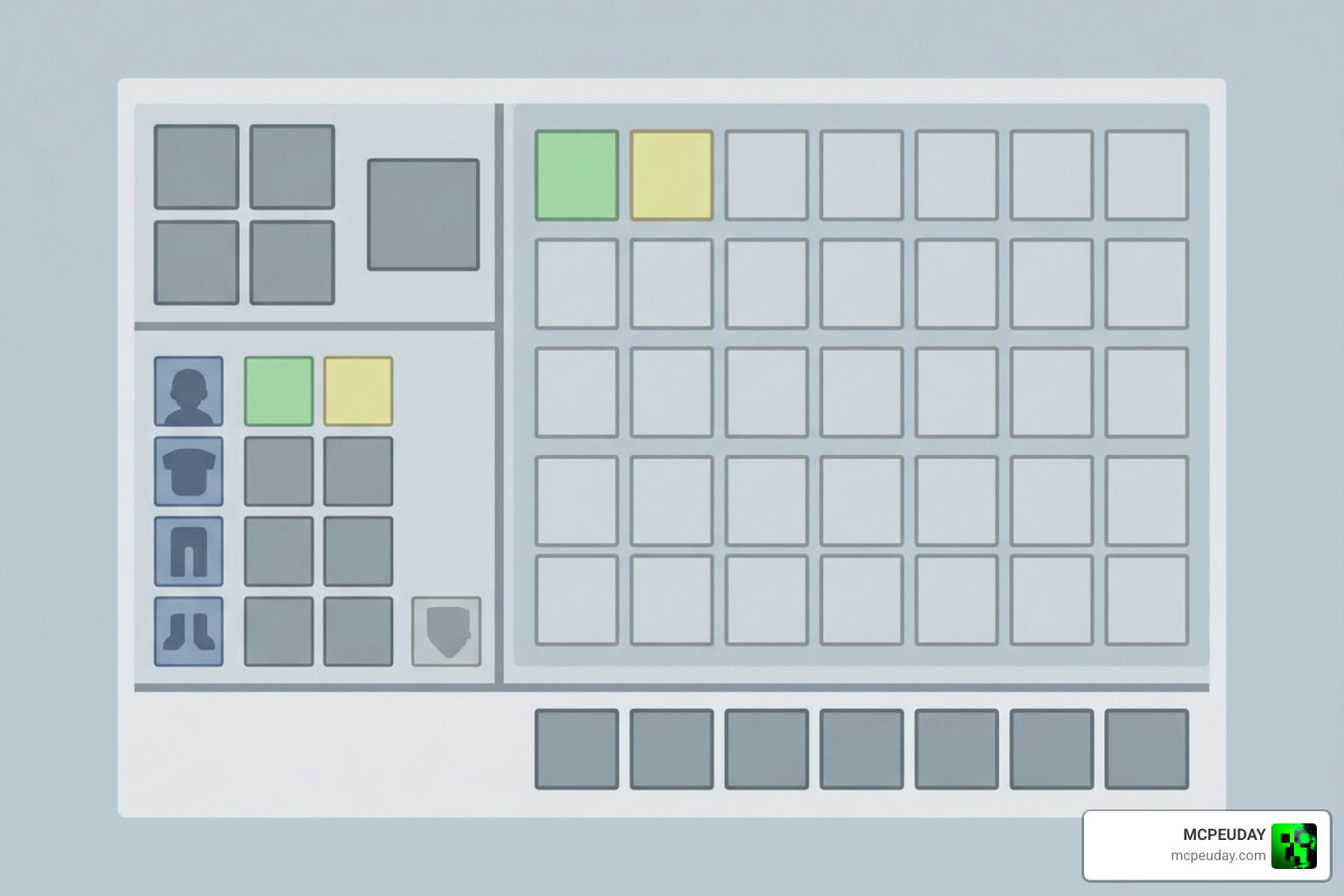
When we play Minecraft with this pack, the differences from the vanilla look are immediately obvious. Here are the core features that make Bare Bones stand out:
- Vibrant, Solid Colors: The pack removes the textured “grain” from blocks like dirt, stone, and grass, leaving smooth, bright surfaces that make the world pop. This lack of noise makes building much more satisfying, as blocks blend together seamlessly.
- Clean and Minimalist GUI: The inventory, menus, and item bars are completely redesigned to match the flat, distraction-free aesthetic. The hearts, hunger bar, and armor icons are simplified into clean, solid shapes that are easy to read at a glance.
- Animated Blocks and Items: Despite its simplicity, the pack includes custom animations for specific blocks and elements, adding life and immersion to your world. You will notice subtle movements in active blocks, giving the environment a dynamic, living feel.
- Performance Friendly: Since it sticks to a lightweight 16×16 resolution, it is incredibly easy on your hardware, making it perfect for budget setups and mobile devices. It reduces the rendering load on your GPU, which often results in a noticeable frame rate increase.
To see how it stacks up against the default game, we put together a quick comparison:
| Visual Element | Vanilla Minecraft | Bare Bones Texture Pack |
|---|---|---|
| Texture Detail | Detailed, pixelated, gritty | Simplified, flat, smooth |
| Color Palette | Standard, slightly muted | Highly vibrant, bright |
| Visual Noise | High (grainy blocks) | Zero (clean surfaces) |
| GUI Design | Traditional textured grey | Flat, modern, minimalist |
| Performance Impact | Standard | Extremely lightweight (often boosts FPS) |
This clean approach makes it a massive favorite for players on Minecraft PE who need high frame rates without sacrificing visual quality. By stripping away the unnecessary details, the pack allows the core gameplay and your creative builds to take center stage, proving that sometimes less really is more.
How to Install the Bare Bones Texture Pack
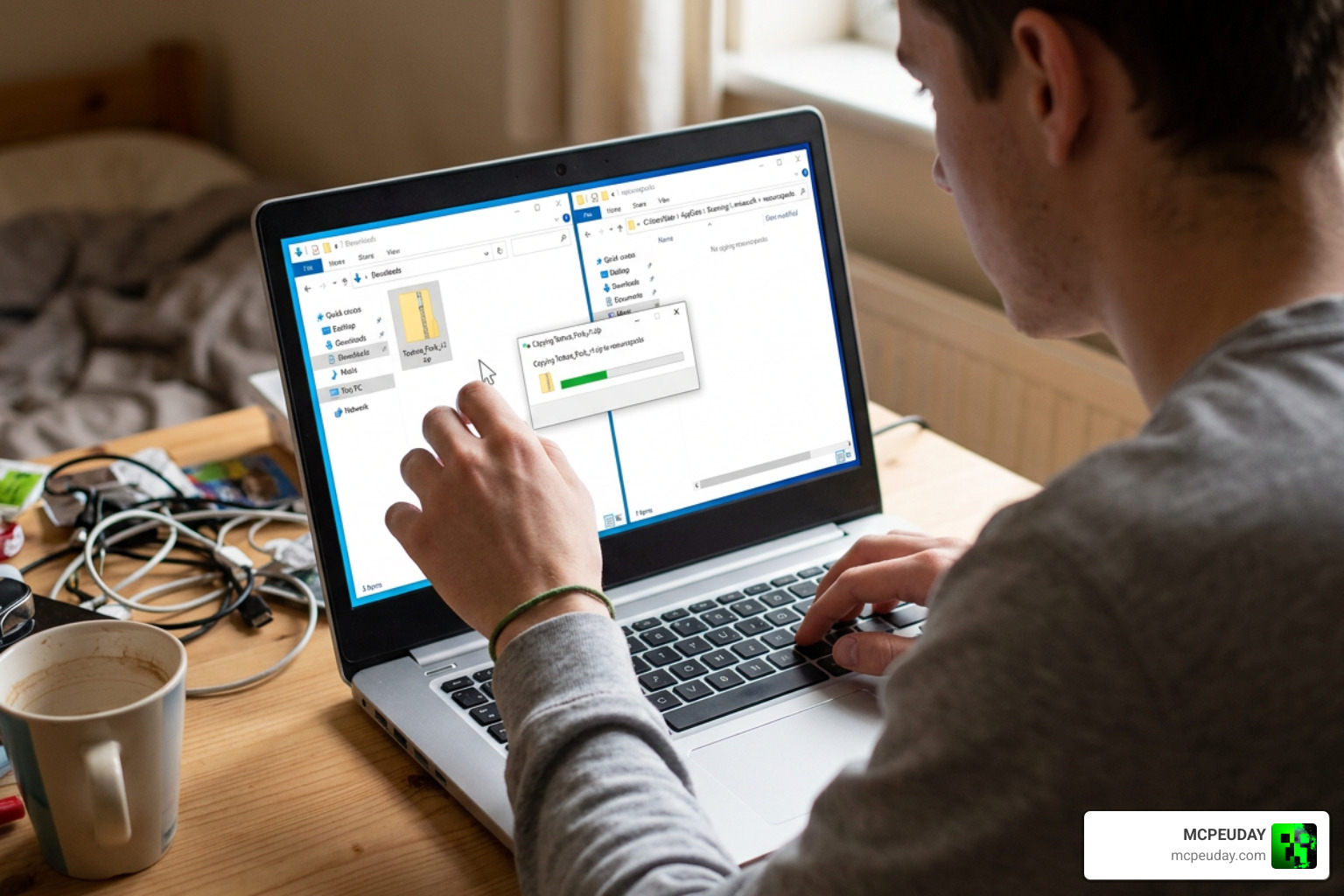
Installing resource packs can sometimes feel a bit confusing, but we have simplified the process for both platforms. Whether you are playing on a high-end PC or a mobile device, follow our guides below.
Installing Bare Bones Texture Pack on Java Edition
- Download the Bare Bones ZIP file from the official Bare Bones – Minecraft Resource Pack – Modrinth page.
- Press the Windows Key + R on your keyboard, type %appdata% into the box, and press Enter.
- Open the .minecraft folder and look for the resourcepacks directory.
- Drag and drop the downloaded ZIP file directly into the resourcepacks folder.
- Launch Minecraft, navigate to Options, select Resource Packs, hover over Bare Bones, and click the arrow to move it to the active side.
Tip: If you see a warning saying the pack was made for an older version of Minecraft, you can safely ignore it and click “Yes” to load the pack anyway.
Installing Bare Bones Texture Pack on Bedrock Edition
For those playing on mobile devices, tablets, or consoles running Bedrock, installing is even easier:
- Head over to our download page to get the Bare Bones Texture Pack 1.21 MCPE Bedrock Edition Download Now file.
- Once downloaded, tap or double-click the .mcpack file.
- Your device will automatically launch Minecraft and import the pack.
- Go to Settings > Global Resources, click on My Packs, find Bare Bones, and click Activate.
Recommended Shaders and Add-ons for Bare Bones
While the Bare Bones Texture Pack looks incredible on its own, pairing it with the right add-ons and shaders will take your game to a whole new level.
If you want the ultimate trailer experience, we highly recommend combining the pack with the Fresh Animations mod. This mod completely rewrites mob movements, giving zombies, villagers, and creepers bouncy, expressive animations that match the official Mojang videos. When paired with the flat textures of Bare Bones, the mobs look like they stepped right out of a high-budget animated film.
To get those beautiful lighting effects, soft shadows, and water reflections, you should pair the pack with shaders. If you are on Java, Complementary Reimagined or BSL Shaders are the absolute best choices for keeping that clean, stylized look. These shaders offer specific settings to disable complex wave simulations and realistic wind effects, allowing you to maintain the cartoonish, blocky aesthetic while still enjoying gorgeous global illumination and volumetric fog.
For our Bedrock and MCPE mobile players, finding the right shader can be tricky due to engine changes. We recommend checking out our handpicked lists, such as the Best Shaders for MCPE 1.21 2026 Top 3 Realistic Minecraft PE Shaders and the Best Render Dragon Shaders for MCPE 1.21 Tested on Real Devices 2026 Guide to find options that run smoothly on your device. You can also explore our guides on the 3 Best Shaders for Minecraft 1.21 Ultra Realistic Smooth FPS Stunning Graphics or the Top 5 Best Realistic Shaders for MCPE to achieve that perfect render-like aesthetic. By choosing the right shader, you can replicate the exact lighting and atmosphere seen in Mojang’s promotional media.
Frequently Asked Questions about Bare Bones
Is the Bare Bones Texture Pack free to download?
Yes! The Bare Bones Texture Pack is 100% free to download and use for personal play. The official creator, robotpants, released the pack for free across all platforms after working through publishing discussions with Microsoft. While you are welcome to modify the textures for your own private use, you cannot redistribute or reupload the pack. For any commercial licensing needs, you must contact the creator directly. At MCPEUDAY, we always provide direct, safe access to the official free versions, ensuring you get the authentic experience without any hidden costs or security risks.
Does Bare Bones work on Minecraft 1.21?
Absolutely. The pack supports Minecraft versions all the way from legacy 1.8 up to the latest 1.21 updates. The creator regularly rolls out bug fixes and texture changes to match new game updates. Recent versions have added simplified textures for new features like the camel, parched blocks, trial chambers, and updated horse armor, ensuring your entire world looks completely cohesive. No matter how many new blocks Mojang adds to the game, the Bare Bones pack is quickly updated to ensure that the new content fits perfectly into the established minimalist style.
Can I use Bare Bones for PvP?
While the base version of Bare Bones is designed for survival and creative building, its clean textures make it great for competitive play. Because it removes visual noise, it is much easier to spot opponents in BedWars or SkyWars. The flat textures also provide a massive frame rate boost, giving you smooth gameplay during intense fights. If you want a more competitive setup, there are community-made PvP add-ons designed to work alongside it, which shorten swords, lower fire effects, and highlight ore borders while keeping the beautiful Bare Bones aesthetic intact.
Conclusion
The Bare Bones Texture Pack is the perfect way to bring the clean, cheerful, and iconic look of official Minecraft trailers directly into your game. By removing unnecessary visual clutter and boosting color vibrancy, it offers a refreshing aesthetic while giving your device a nice performance boost.
At MCPEUDAY, we love how this pack transforms the game. If you are ready to swap out your default textures for something much cleaner, grab the download and give it a try. Don’t forget to check out our Category Texture Packs page for more amazing resources, mods, and shaders to customize your Minecraft experience!
8 thoughts on “Bare Bones Texture Pack (26.x, 1.21) – MCPE/Bedrock Texture Pack”