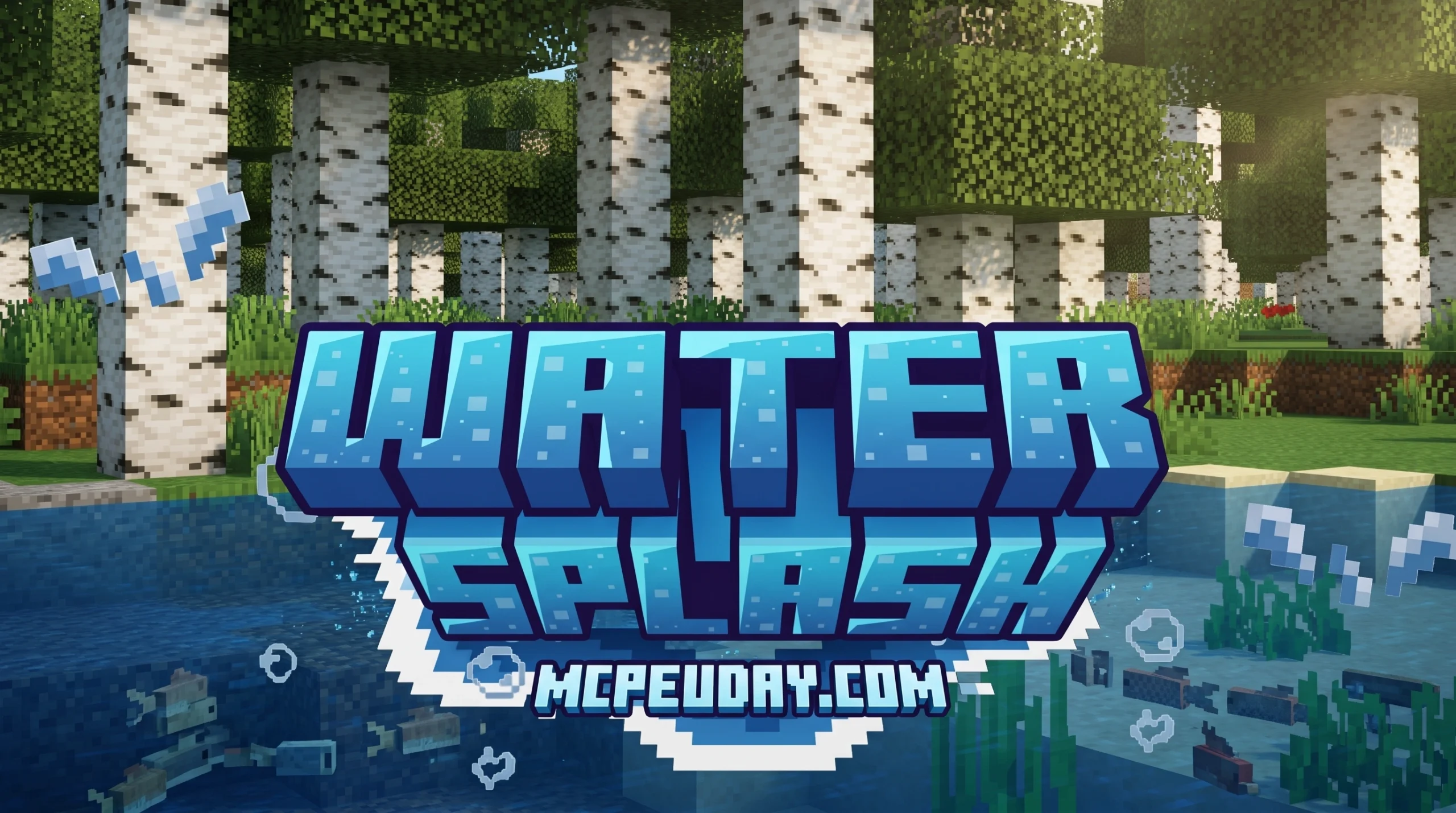
Why Every Creator Needs a Water Splash Animation Pack
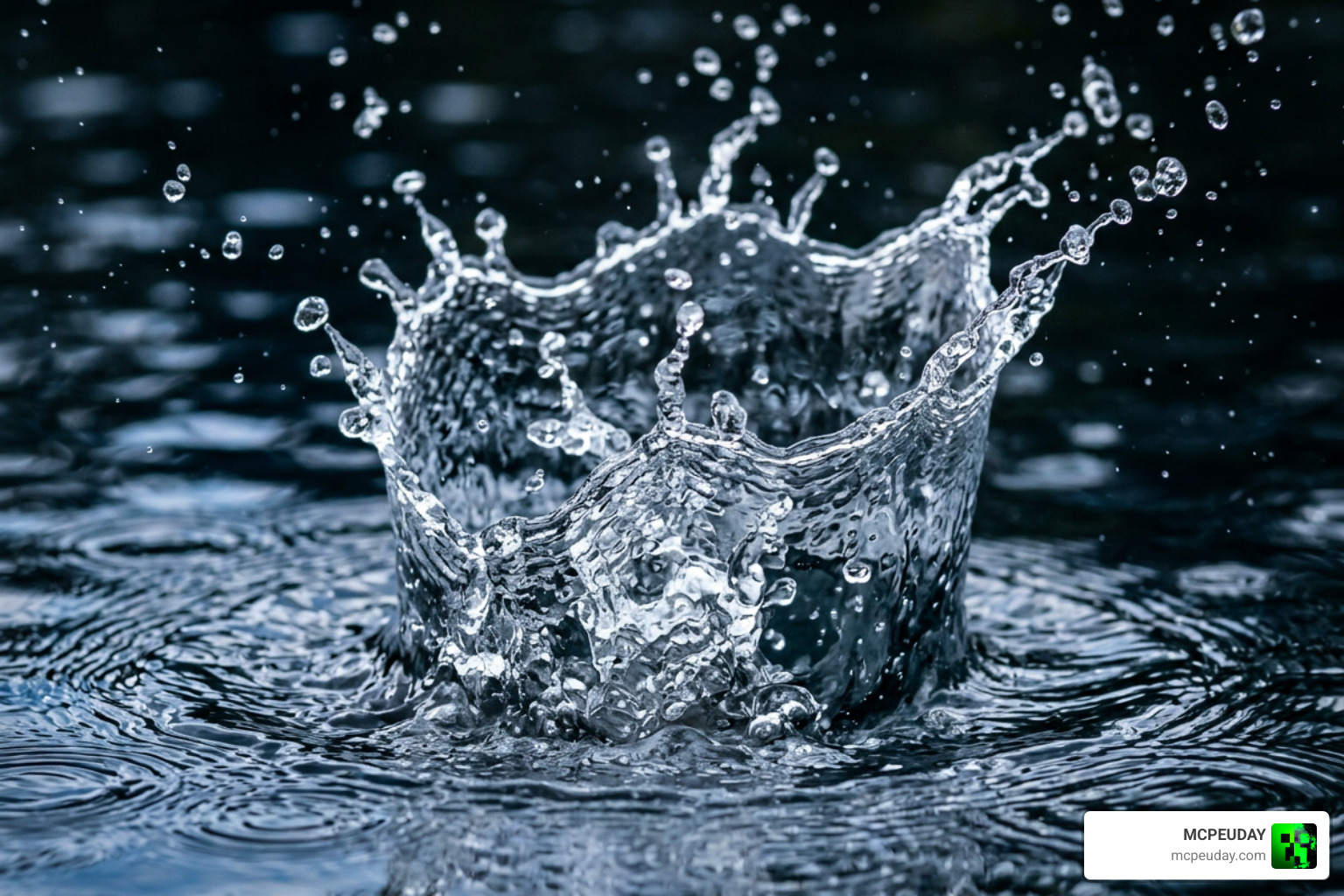
A water splash animation pack is one of the fastest ways to level up your visuals — whether you’re building a Minecraft world, making a game in Unity, or creating motion graphics.
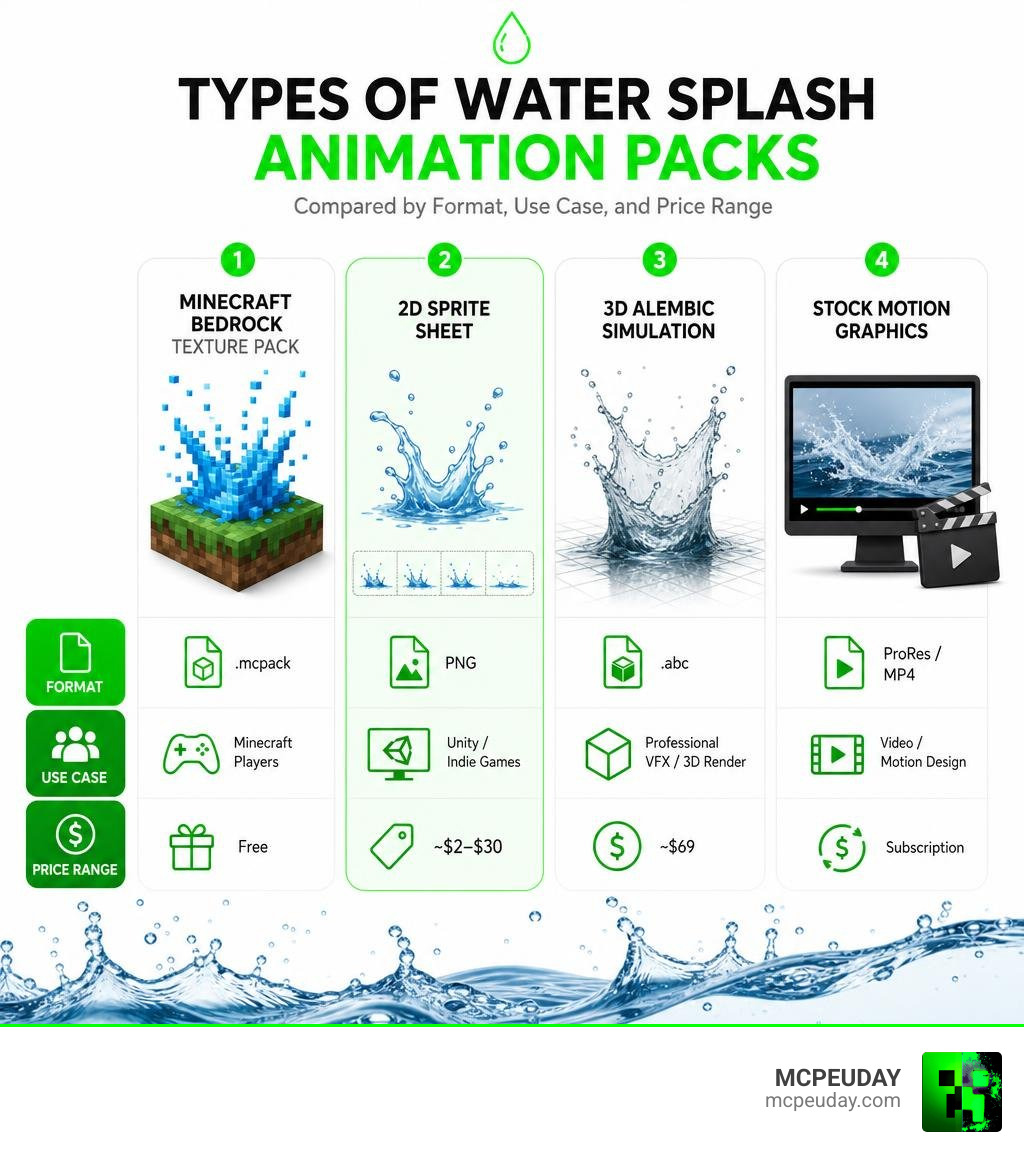
Here’s a quick breakdown of the most popular types:
| Pack Type | Best For | Format | Example Price |
|---|---|---|---|
| Minecraft Bedrock texture pack | Minecraft players | .mcpack | Free |
| 2D sprite sheet | Unity/indie games | PNG | ~$2–$30 |
| 3D Alembic simulation | Professional VFX/3D render | .abc | ~$69 |
| Stock motion graphics | Video/motion design | ProRes/MP4 | Subscription |
There are over 665,000 water splash animation assets on Adobe Stock alone — so finding the right one for your project can feel overwhelming.
This guide cuts through the noise. We cover the best packs for Minecraft Bedrock, Unity game dev, and professional 3D rendering — so you can pick the right one fast.
Understanding the Water Splash Animation Pack
At its core, a water splash animation pack is a curated collection of visual assets designed to replicate how water behaves when disrupted. When an object hits a body of water, it doesn’t just make a sound; it erupts in a complex choreography of droplets, foam, and ripples.
These packs save creators from having to simulate fluid dynamics from scratch, which is notoriously difficult and resource-heavy. Depending on your needs, a pack can include:
- 2D Sprite Sheets: Flat, frame-by-frame sequences ideal for side-scrollers, retro games, and lightweight mobile apps.
- 3D Alembic/VDB Simulations: Heavy-duty physical calculations baked into files for realistic movie-grade VFX.
- Particle Systems: Dynamic, code-driven effects that generate splashes on the fly.
For motion designers looking to add a playful, hand-drawn touch to their videos, stylized packs like Splash Elements | Motion Graphics offer gorgeous 2D cartoon animations of splashes, bubbles, and liquid explosions in crisp 4K resolution at 30 FPS.
Key Formats in a Water Splash Animation Pack
Choosing the right file format is crucial for keeping your projects running smoothly. Here are the formats you will run into most often:
- PNG Sprite Sheets: These are single images containing a sequence of animation frames. They are incredibly lightweight and highly compatible with almost any 2D game engine.
- ProRes 4444 (with Alpha Channel): Ideal for video editors. These video files feature built-in transparency, allowing you to drop a splash directly over your footage. If you need clean, stylized drips and abstract liquid shapes, options like Liquid Water Drip Animated Fx, Motion Graphics | VideoHive deliver pre-keyed clips that make video compositing a breeze.
- Alembic (.abc) and OpenVDB (.vdb): These are the heavy hitters of the 3D world. Alembic files store geometric vertex data over time, allowing you to import high-fidelity, pre-calculated water meshes directly into 3D render engines.
- .mcpack: The native format for Minecraft Bedrock Edition, allowing players to easily import custom textures and particle animations directly into their game.
Customization and Speed Variations
A great animation pack isn’t just a “one-and-done” deal; it gives you the flexibility to adapt the water to your specific environment. Premium 3D packs often include multiple speed variations (such as slow-motion, regular, and fast) for each simulation to match the dramatic timing of your scene.
Additionally, you can customize physical parameters like viscosity to make the liquid look thicker (like paint) or thinner (like water). In 2D game engines, you can easily tweak frame rates, scale dimensions, and apply color-matching shaders to make the water fit a toxic swamp, a lava pit, or a crystal-clear ocean.
Comparing 2D Sprites, 3D Simulations, and Minecraft Texture Packs
To help you decide which approach fits your project, let’s look at how these three asset types perform side-by-side:
| Feature | 2D Sprite Sheets | 3D Alembic/VDB | Bedrock Texture Packs |
|---|---|---|---|
| Primary Use Case | 2D Indie Games & UI | Film, VFX, & High-End 3D | Minecraft Customization |
| Performance Impact | Extremely Low | High (requires heavy rendering) | Low to Medium |
| Realism level | Stylized / Cartoon / Pixel Art | Photorealistic | Blocky / Vanilla-Plus |
| Customization | Color tinting & scaling | Scale, speed, shading | Subpack style options |
| File Sizes | Small (~1 MB to 15 MB) | Very Large (~100 MB to several GB) | Very Small (< 1 MB) |
When choosing between these formats, you must balance visual fidelity with your target platform’s hardware limits. If you are customizing Minecraft, you might want to look at options like the Custom Water Texture Pack 26 x 1 21 Mcpe Bedrock Texture Pack to see how custom water colors and animations can transform your blocky worlds without lagging your device.
2D Sprite-Based Water Splash Animation Pack Options
For game developers building 2D worlds, sprite sheets are the gold standard. They are light on memory and incredibly easy to implement.
If you are working within the Unity engine, the Water Splash (Packed) | 2D Water | Unity Asset Store is a popular choice. It features 10 distinct animations with frame counts ranging from 6 to 21 frames, optimized for the Built-in, URP, and HDRP pipelines.
For those crafting nostalgic, retro-inspired games, the 2D Water Waves & Splash Animations (Pixel Art) by Pixel Perfect Assets – by Silas offers hand-drawn, pixel-perfect frames. It even includes the original editable Aseprite source files, allowing you to modify individual pixels to match your game’s unique color palette.
3D Alembic and VDB Fluid Simulations
If you are a 3D artist working in Blender, Cinema 4D, or Houdini, 2D sprites simply won’t cut it. You need physical presence and realistic lighting. This is where 3D fluid simulations shine. Industry-standard packs (like the popular Fluid Effects: Water Splashes 3 from The Pixel Lab) provide pre-simulated Alembic meshes that work flawlessly across major render engines like Octane, Redshift, Arnold, and V-Ray.
However, 3D simulations come with a catch: bounding box constraints. Because fluid simulations are calculated within a specific virtual box to keep file sizes manageable, the splash can get cut off if it expands past the boundaries. As a best practice, always frame your camera carefully to ensure the edges of the simulation box remain invisible to the viewer.
Top Water Splash Animation Packs for Game Engines and VFX
Whether you are building a commercial game or editing an energetic commercial, these professional packs offer great value:
- For Unity Developers: The Water Splashes VFX (09.03.23) | 2D Textures & Materials | Unity Asset Store is a robust, lightweight asset pack designed to drag and drop straight into your modern Unity projects.
- For Motion Designers: The Dynamic Blue Liquid Splashes Animation Pack, Elements Motion Graphics ft. cartoon water splash & water – Envato is a brilliant choice. It features realistic fluid physics, pre-rendered with transparent alpha channels, making it perfect for transitions and energetic video overlays.
Enhancing Minecraft Bedrock with Water Splash Animations
Minecraft’s default water particles are notoriously simple. Fortunately, the Minecraft Bedrock community has created incredible custom texture packs to make water interactions feel alive.
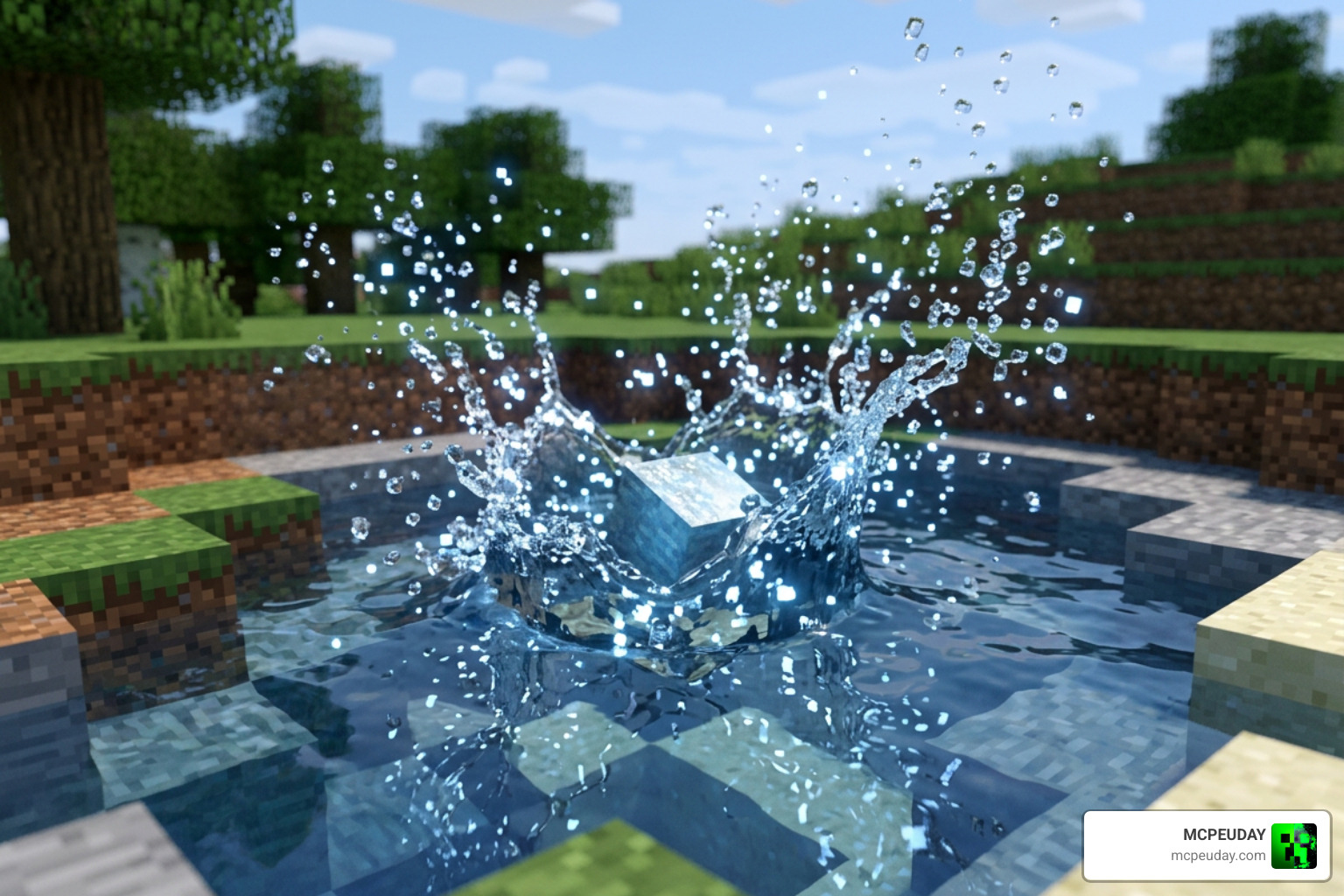
The Water Splash Animation – Minecraft Bedrock Texture Packs is a massive favorite, boasting over 74,000 downloads on CurseForge and nearly 100,000 downloads on Minecraft PE Texture Packs. This pack replaces the flat, default particles with smooth, natural animations that appear whenever a player or entity splashes into the water.
What makes this pack stand out is its built-in customization. It features five distinct splash styles (Wave, Crown, Burst, Ring, and Foam) packaged as subpacks. You can easily switch between them in your global resource settings to find the perfect look for your game.
To create a truly immersive environment, we recommend pairing these splash animations with the Better Weather Texture Pack or the highly realistic Better Rain Shader to make storm scenes feel incredibly dramatic.
Integrating Shaders and Addons for Realistic Water
If you want to push Minecraft’s graphics to their absolute limit, simply adding a splash pack isn’t enough. You will want to combine it with modern rendering techniques.
First, learn the ropes with our How to Get Shaders in Minecraft guide. Once you know the basics, check out our step-by-step How to Turn on Shaders in Minecraft 2026 Guide Java Bedrock Mcpe Setup Fast Mcpeuday to get everything running at peak frame rates.
To round out your aquatic atmosphere, install the Better Rain Addon, which adds realistic dripping visual effects and wet surface textures to your blocks when a storm rolls in.
Frequently Asked Questions about Water Splash Animations
What is the performance impact of using a water splash animation pack?
In 2D engines and Minecraft Bedrock, the performance impact is minimal because the animations rely on lightweight sprite sheets. However, if you spawn hundreds of splash particles simultaneously, you may notice a dip in frame rates.
If you are running on lower-end mobile devices and experience lag, consider installing optimization packs like HoneyStudios’ No Particles FPS pack (which has over 56,000 downloads) to keep your game running smoothly. For 3D Alembic simulations in VFX, the performance impact is high during rendering but virtually zero during viewport navigation since the simulation is pre-calculated.
Can I use these water splash packs for commercial projects?
It depends entirely on the license you purchase. Most assets on the Unity Asset Store or Creative Market are sold under a Single Entity Commercial License, which allows you to use them in one commercial game or video project.
If you are working with stock subscriptions like Envato Elements, your commercial usage is covered as long as your subscription is active. Always read the license file included with your download to avoid legal issues!
How do I install a water splash texture pack in Minecraft Bedrock?
Installing a water splash pack is incredibly simple:
- Download the
.mcpackfile from a trusted source. - Double-click or tap the file. Minecraft Bedrock will open automatically and import the pack.
- Go to Settings > Global Resources > My Packs.
- Click on the Water Splash Animation pack and select Activate.
- Click the gear icon on the activated pack to choose your preferred splash style (Wave, Crown, Burst, Ring, or Foam).
Conclusion
Whether you are an indie game developer, a professional video editor, or a passionate Minecraft player, a high-quality water splash animation pack is an essential tool in your creative arsenal. From lightweight 2D pixel art sprites to heavy-duty 3D Alembic simulations, these packs save you hours of tedious work while giving your projects a polished, professional feel.
If you are ready to upgrade your Minecraft Bedrock experience with the latest shaders, textures, and visual mods, Explore MCPE Bedrock Resources on our site today to find everything you need to build your dream world!