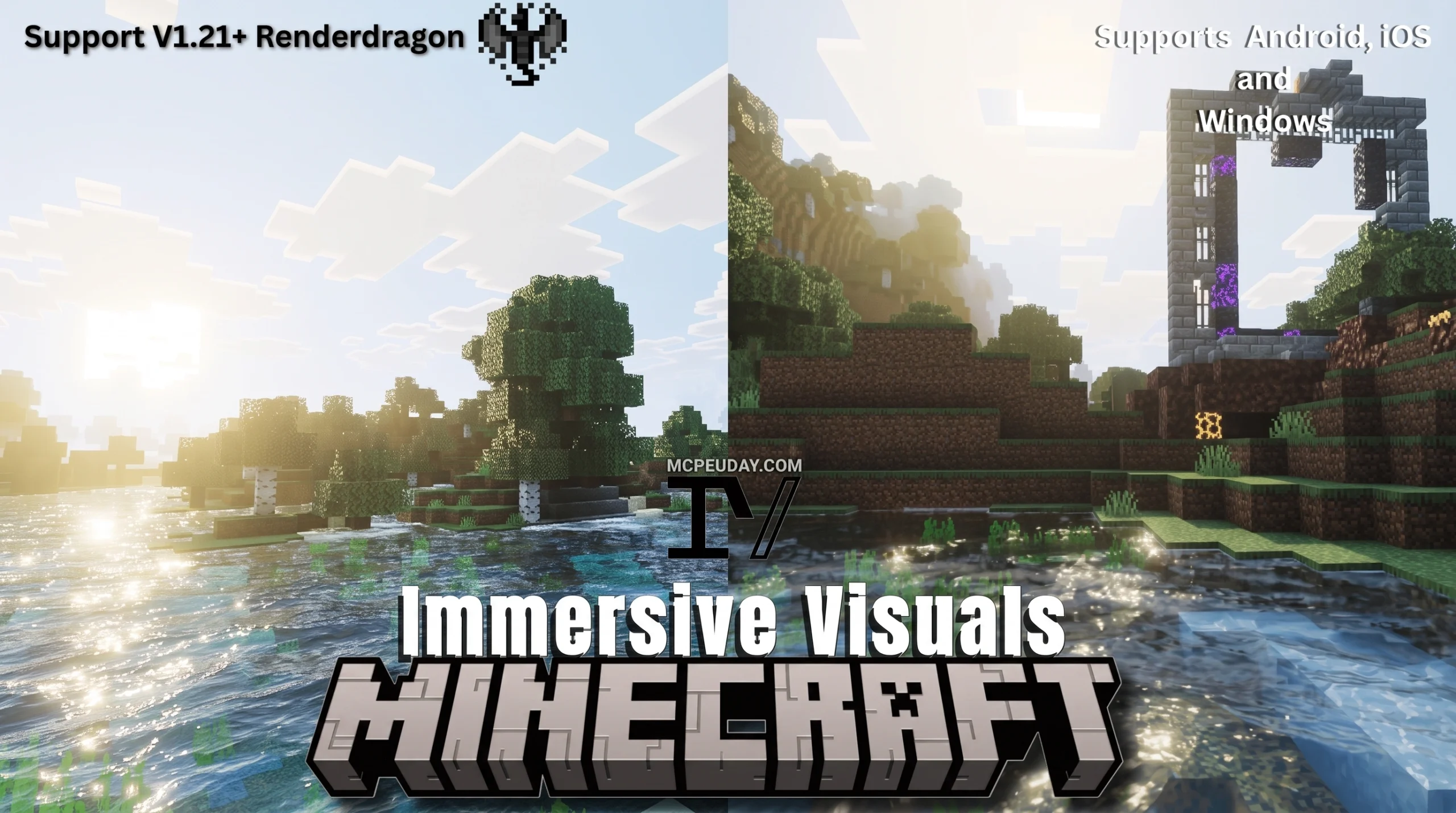
What the Immersive Visuals Shader Does (and Why Minecraft Players Love It)
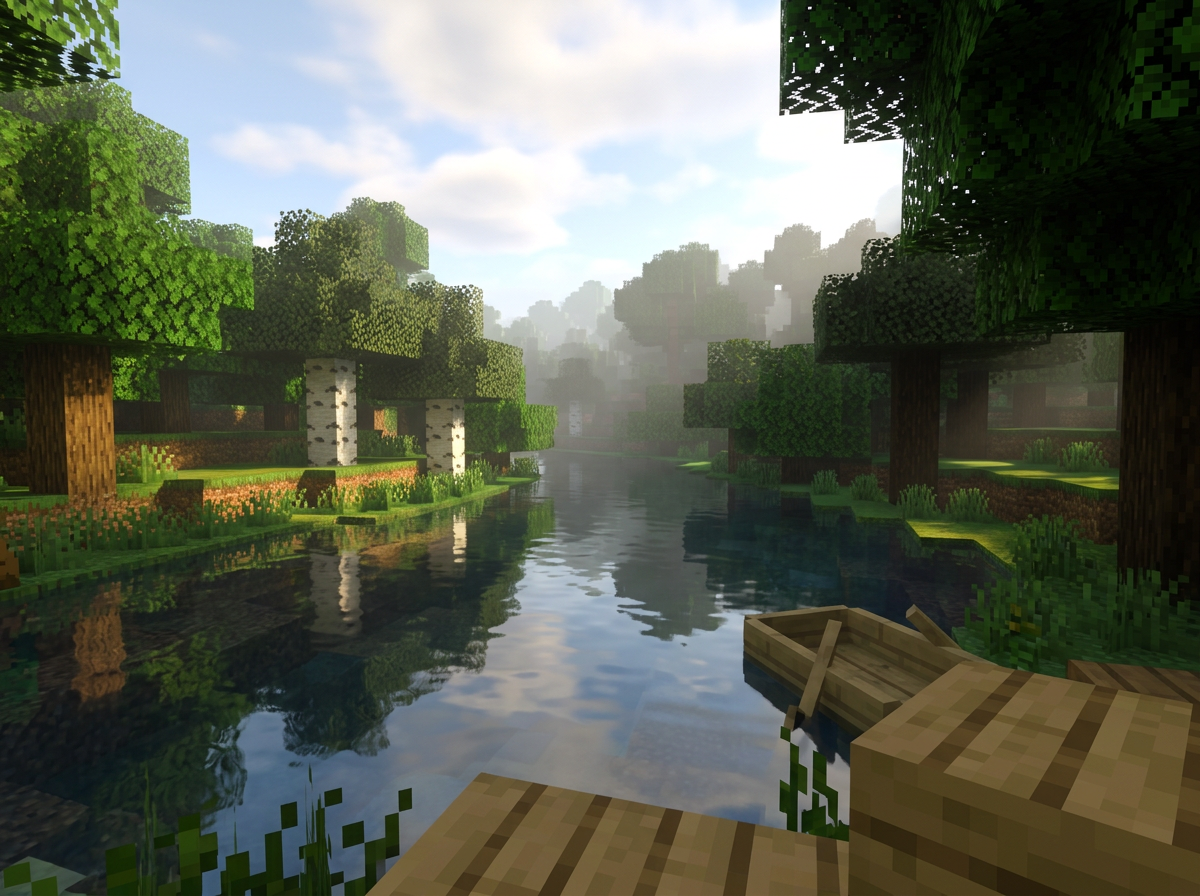
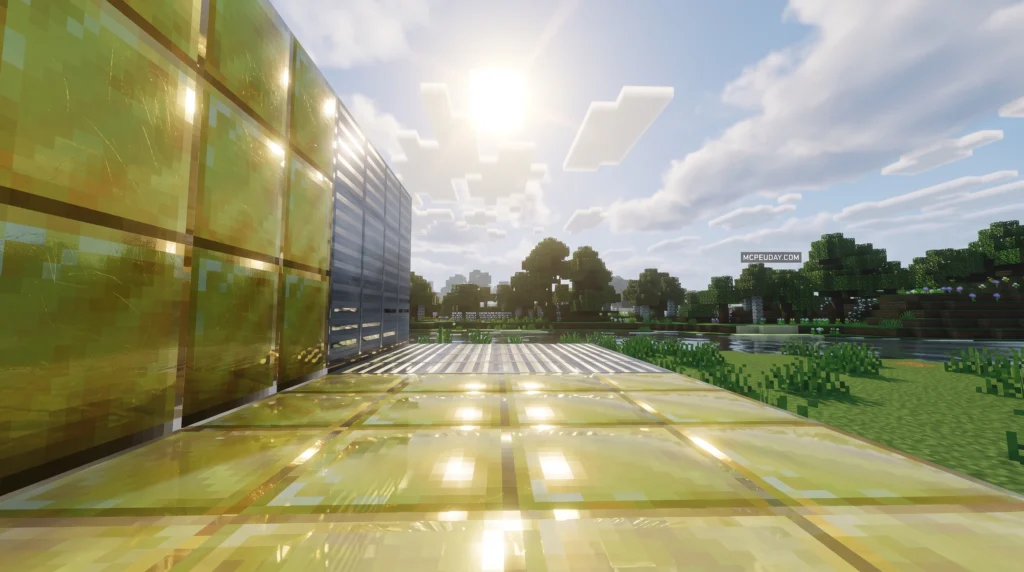
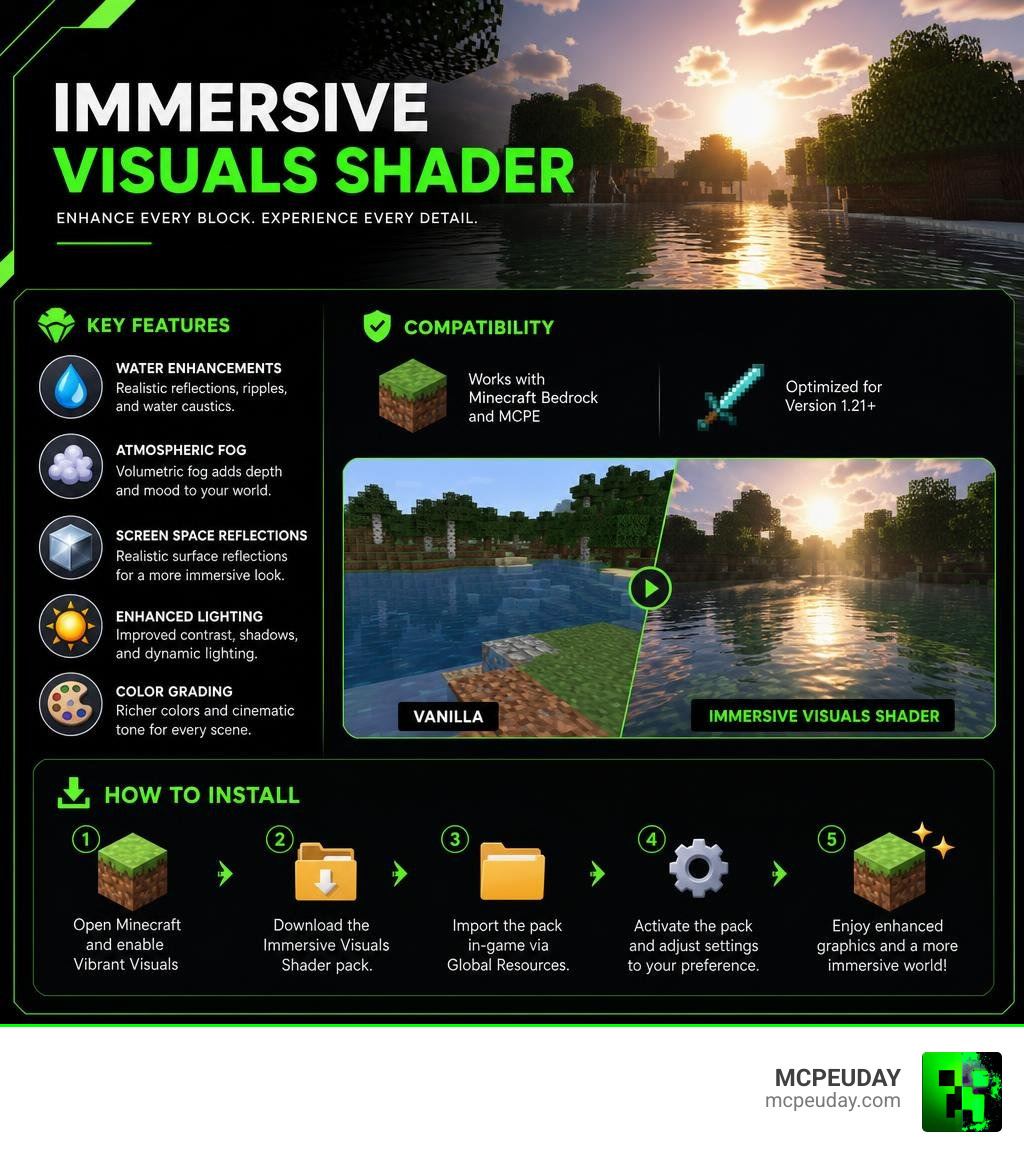
The Immersive Visuals Shader is one of the most popular visual upgrade packs for Minecraft Bedrock Edition and MCPE, adding water reflections, atmospheric fog, color grading, and surface light effects on top of Minecraft’s official Vibrant Visuals graphics system.
Quick answer for searchers:
- What it is: A shader/texture pack that enhances Vibrant Visuals with better water, fog, and lighting
- Who it’s for: Minecraft Bedrock and MCPE players on version 1.21+
- What it adds: Water caustics, ripples, screen space reflections, volumetric fog, and color grading
- How to use it: Enable Vibrant Visuals first, then apply the Immersive Visuals pack on top
- Does it break gameplay? No — it’s purely cosmetic, vanilla mechanics stay intact
Minecraft’s visuals have come a long way. The official Vibrant Visuals update brought directional lighting, physically based rendering, and dynamic shadows to Bedrock Edition. But some players felt there was still room to push things further — better water, moodier fog, richer colors.
That’s exactly what the Immersive Visuals Shader delivers.
With over 144,000 downloads and a strong community following, it’s become a go-to add-on for players who want their Minecraft worlds to feel cinematic without sacrificing performance or breaking the vanilla feel they love.
Whether you’re exploring coral bays, building a base, or just wandering through a taiga at dusk, this shader makes every scene look like it belongs in a screenshot showcase.
What is the Immersive Visuals Shader?
The Immersive Visuals Shader is a cutting-edge visual enhancement pack designed specifically for Minecraft Bedrock Edition and MCPE. Operating on Mojang’s modern RenderDragon engine, this shader acts as a bridge between official game mechanics and ultra-realistic community shaders.
In the community, it has garnered an impressive 144.1k downloads and a solid 3.6 average rating for its texture pack variant, alongside a stellar 4 out of 5 rating from users running the MCPE/Bedrock 1.21 specific version.
It is designed to work hand-in-hand with Minecraft’s official Vibrant Visuals graphics upgrade, taking the baseline enhancements provided by Mojang and pushing them to their absolute limits.
How It Relates to Official Vibrant Visuals
Minecraft’s official Vibrant Visuals update was a massive step forward, introducing a deferred lighting pipeline directly into the Bedrock engine. This pipeline utilizes physically based rendering (PBR) via “MERS” texture maps. MERS stands for:
- Metalness: Determines how metallic and reflective a block surface is.
- Emissive: Controls how much a block glows in the dark (like glowing sculk or torch flames).
- Roughness: Dictates how light scatters across rough textures like wood versus smooth metal.
- Subsurface Scattering: Simulates how light penetrates and glows through semi-translucent blocks.
While the official update set the foundation, the Immersive Visuals Shader acts as a fine-tuning tool. It tweaks these properties to create richer environments. If you want to see how it stacks up against other top-tier options, check out our guide on the Best Render Dragon Shaders for MCPE 1.21.
Key Features and Visual Enhancements
When we load up this shader, the first thing we notice is how “crisp” the entire world becomes. It provides a comprehensive visual pass that makes Bedrock Edition feel like it has a high-end camera lens attached to it. Daytime lighting is vibrant and naturally bright, while the night atmosphere becomes beautifully moody without turning your screen into a muddy, pitch-black mess.
You can find more high-quality graphics packs like this on our MCPEUDAY Shader Resources page.
Key Features of the Immersive Visuals Shader
The core strength of this shader lies in its technical additions:
- Volumetric Fog: Light shafts filter through trees and cave openings dynamically based on the biome.
- High-Resolution Caustics: Realistic light patterns dance across the ocean floor.
- Particle PBR Textures: Floating dust particles and smoke react realistically to local light sources.
- Custom Biome JSONs: Each biome has unique atmospheric and color grading settings to make them feel distinct.
For a broader look at realistic options, browse our list of the Top 5 Best Realistic Shaders for MCPE.
Water Effects and Reflections
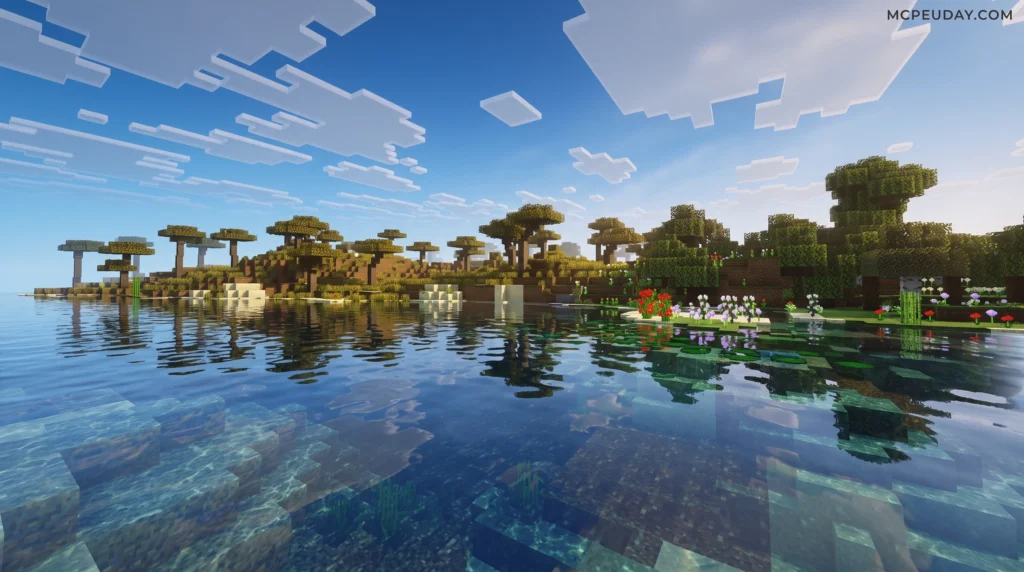
Water is often the ultimate test for any shader pack. The Immersive Visuals Shader replaces the flat, repetitive vanilla water with a dynamic wave-style rendering system.
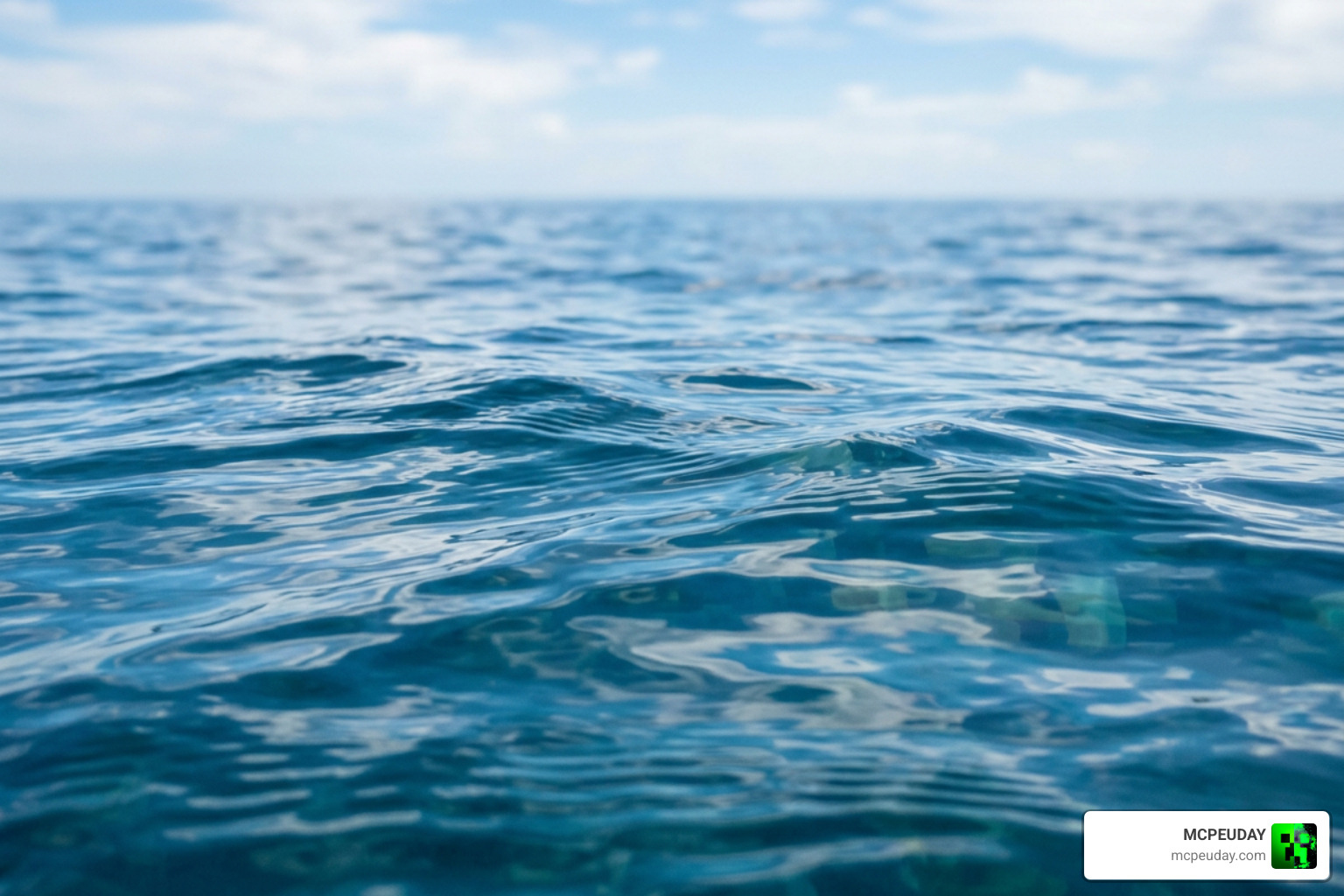
Using screen space reflections (SSR), water surfaces capture subtle scene reflections, mirror the sky, and distort dynamically based on wind and movement. Rivers, coral bays, and ocean shorelines gain an incredible sense of depth. If water effects are your favorite part of graphical mods, you will love the packs featured in our 15 Best Minecraft PE Shaders June 2026 round-up.
Atmospheric Fog and Color Grading
Atmosphere is everything. By adjusting the game’s internal fog and biome JSON files, this shader alters how light behaves in different environments. Lush caves feel warm and highly contrasted, while deep oceans feel vast and mysterious.
The color grading has been meticulously tweaked so that colors match the actual block surfaces, avoiding the washed-out look common in older shader styles. This level of atmospheric detail is why we highly recommend it in our guide to the 10 Top Minecraft PE Shaders June 2026.
Installation and Configuration Guide
To help you decide if this shader is right for you, here is a quick comparison of what you get with the vanilla Vibrant Visuals versus the enhanced Immersive Visuals setup:
| Feature | Official Vibrant Visuals | Immersive Visuals Shader |
|---|---|---|
| Shadows | Pixel-aligned, blocky shadows | Smooth, high-resolution dynamic shadows |
| Water | Standard reflections | Wave-style ripples, SSR, and custom caustics |
| Fog | Basic volumetric fog | Biome-specific fog JSONs with light rays |
| Color Grading | Standard vanilla tones | Adjusted high-contrast color grading |
| Performance | Optimized for mid-range | Customizable (Performance vs. Visuals) |
How to Install the Immersive Visuals Shader
Installing the shader on your mobile device or PC is incredibly straightforward. Since it comes packaged as an .mcpack file, you don’t need to manually dig through your system files.
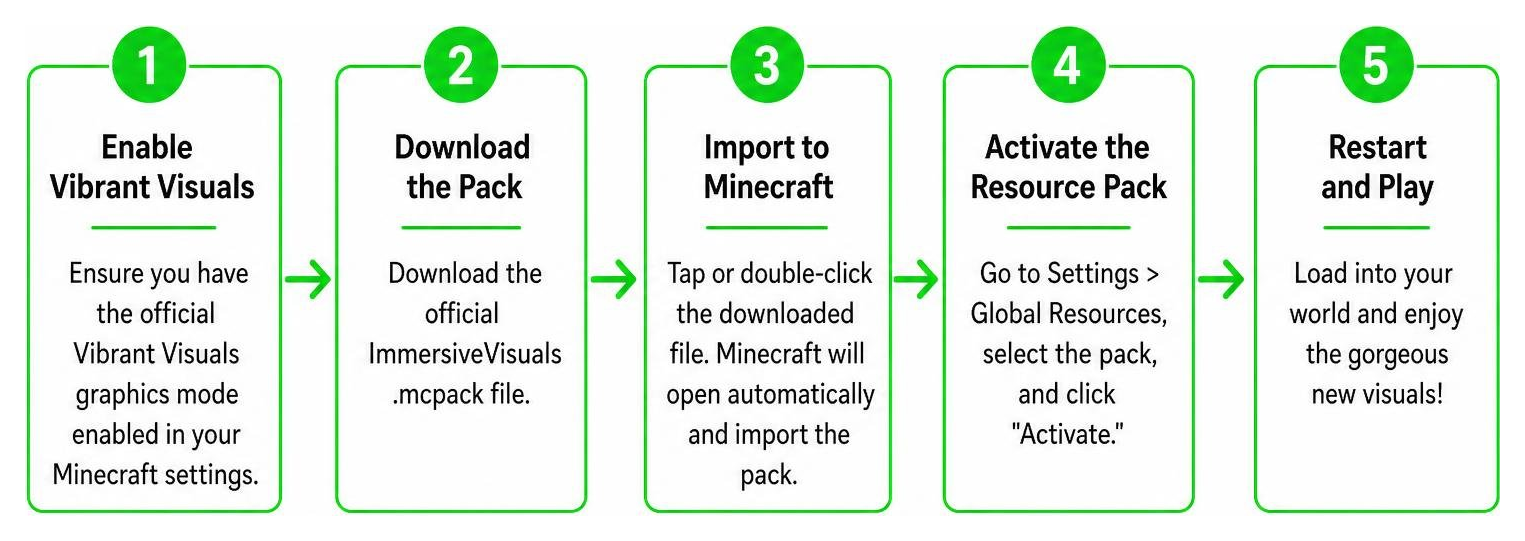
- Enable Vibrant Visuals: Ensure you have the official Vibrant Visuals graphics mode enabled in your Minecraft settings.
- Download the Pack: Download the official
ImmersiveVisuals.mcpackfile. - Import to Minecraft: Tap or double-click the downloaded file. Minecraft will open automatically and import the pack.
- Activate the Resource Pack: Go to Settings > Global Resources, select the pack, and click “Activate.”
- Restart and Play: Load into your world and enjoy the gorgeous new visuals!
If you need a more detailed walkthrough on shader management, read our complete guide on How to Get Shaders in Minecraft.
Recommended Settings for Optimal Performance
While the shader looks spectacular, running deferred rendering can be heavy on mobile devices.
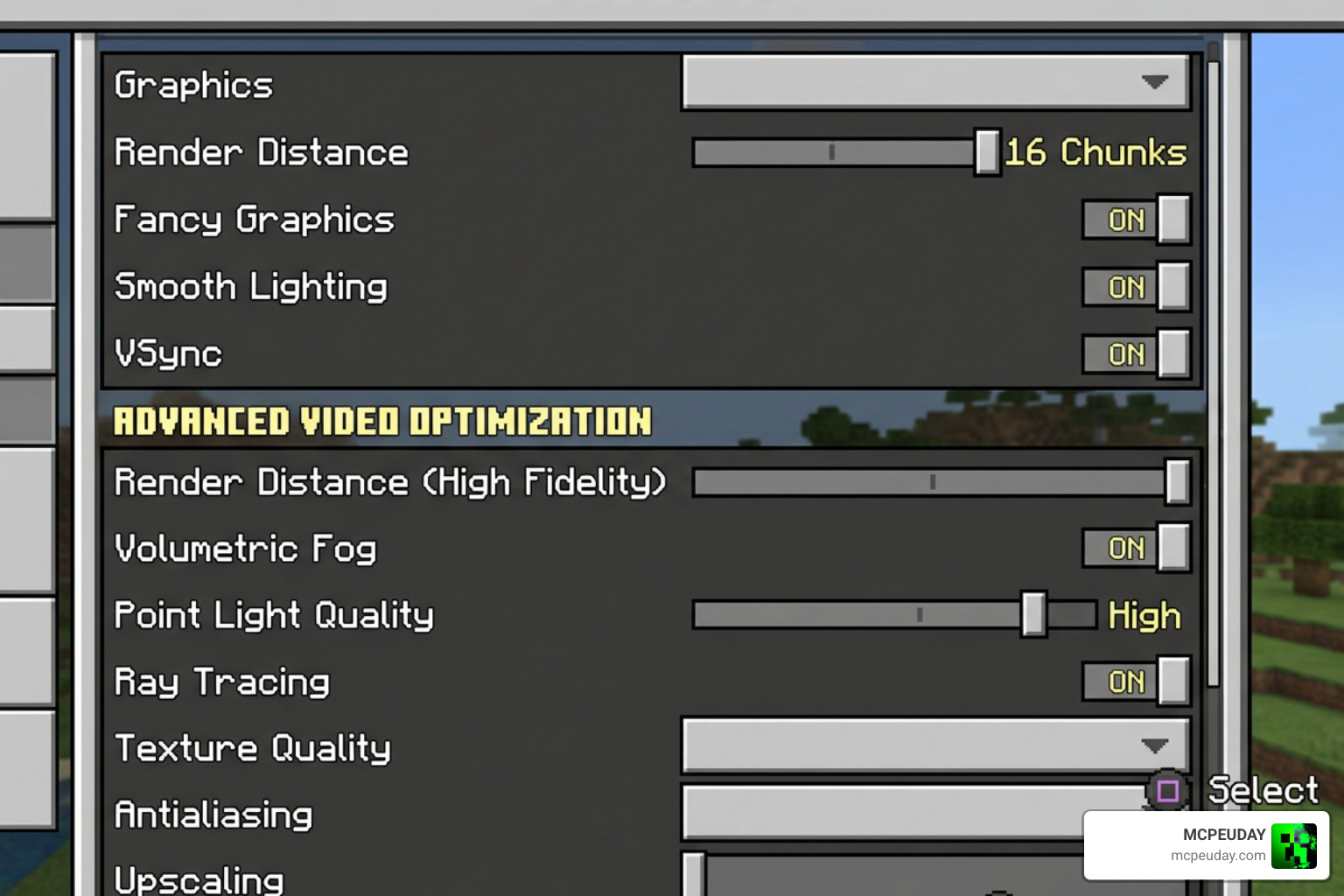
To keep your frame rates smooth, we recommend adjusting the following settings in your video menu:
- Deferred Render Distance: Keep this slider between 8 and 16 chunks. Going up to the maximum 28 chunks will drastically reduce FPS on mobile.
- Point Light Quality: Set to medium. This ensures torches cast beautiful colored light without overheating your device.
- Volumetric Fog: Keep enabled, but reduce reflection quality if you experience stuttering.
Frequently Asked Questions
Which Minecraft versions and devices are supported?
The shader is fully optimized for Minecraft Bedrock Edition/MCPE version 1.21 and newer. It runs on any device that supports the RenderDragon deferred technical preview, including modern Android and iOS devices, Windows PCs, and next-gen consoles. For alternative options compatible with this version, check out the 3 Best Shaders for Minecraft 1.21.
Are there any known compatibility issues or limitations?
Because the shader relies on the RenderDragon engine, it is not compatible with older, legacy shader engines (like ES2-based shaders). Additionally, mixing this with other heavy graphic packs that modify the same fog or biome JSON files might cause visual glitches. We recommend using it alongside vanilla-friendly texture packs for the best compatibility.
Does this shader affect gameplay mechanics?
No, this is a purely cosmetic upgrade. Core gameplay lighting mechanics—such as mob spawning rules, crop growth, and mobs burning in the sunlight—remain completely unchanged. Your farms and survival mechanics will function exactly as they do in vanilla Minecraft.
Conclusion
The Immersive Visuals Shader is an absolute game-changer for Bedrock and MCPE players in 2026. By building directly upon Mojang’s official Vibrant Visuals system, it delivers breathtaking water reflections, realistic biome-specific fog, and vibrant color grading that makes building, exploring, and surviving feel brand new.
Ready to take your game’s graphics to the next level? Head over to our main hub for the Best Shaders for MCPE 1.21 2026 to download the best packs and find more tips on optimizing your Minecraft experience!