What Every Minecraft Player Should Know About the Civilization Addon
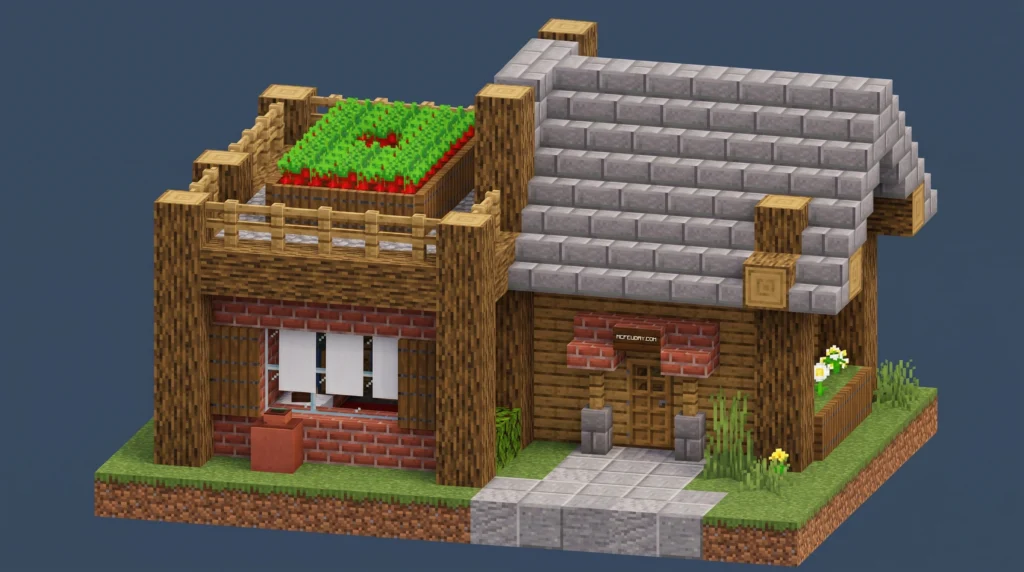
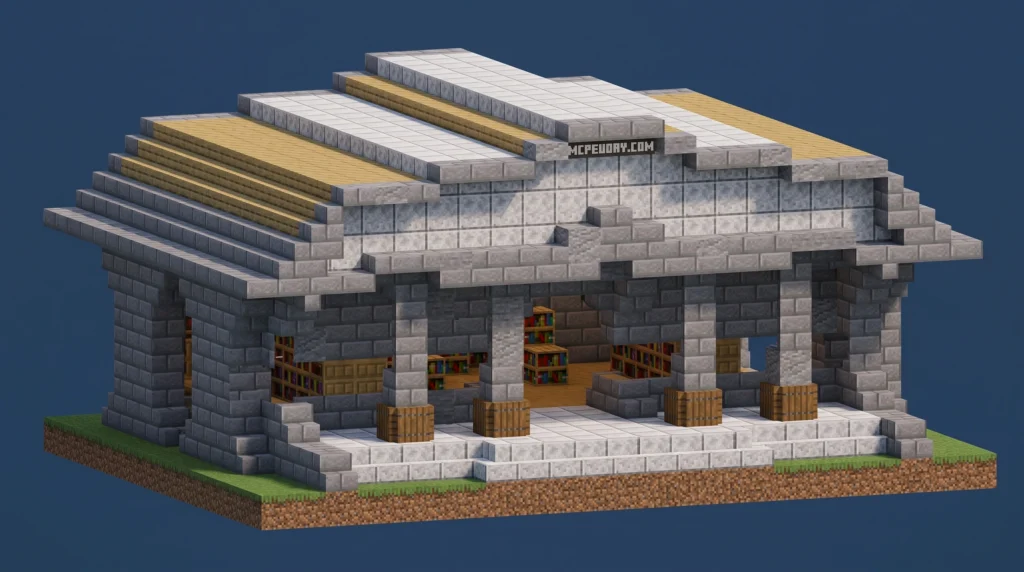
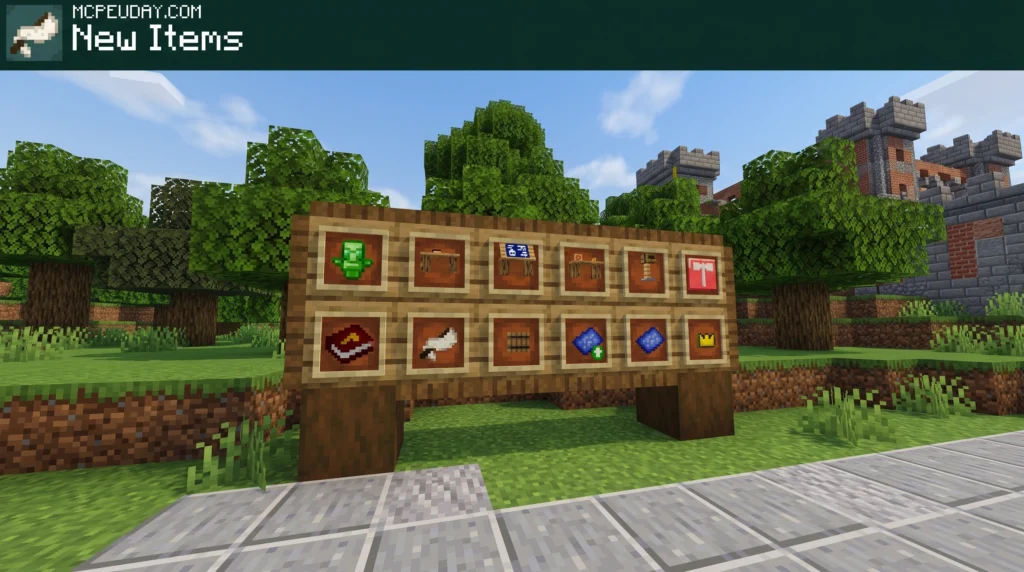
The Civilization Addon for Minecraft Bedrock drops you into a world of ancient cultures, forgotten ruins, and powerful new gear — all inside your survival world.
Here’s a quick look at what it adds:
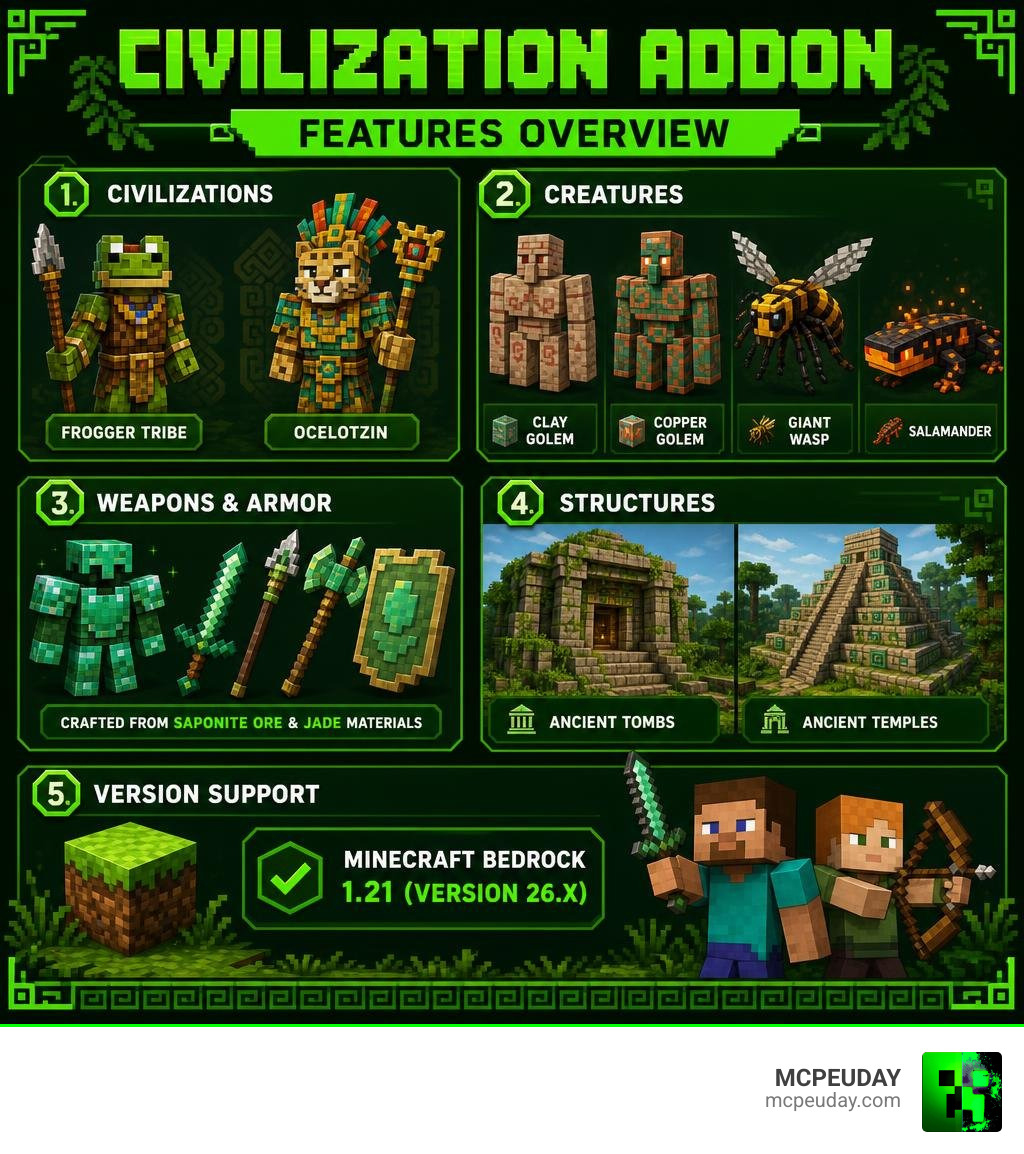
- New civilizations — including the ancient Frogger tribe and the Aztec-inspired Ocelotzin
- New creatures — Clay Golems, Copper Golems, Giant Wasps, Salamanders, and more
- New weapons and armor — crafted from Saponite ore and Jade materials
- New structures — ancient tombs and temples that generate in your world
- Supported version — Minecraft Bedrock 1.21 (version 26.x)
It has racked up over 31,800 downloads and holds a 4.5 out of 5 rating — so players clearly love what it brings to the game.
Whether you want to explore crumbling temples, battle jungle warriors, or craft ancient weapons, this addon transforms a normal survival world into something that feels like a lost history lesson — a fun one.
This guide covers everything: what’s inside, how to install it, how it compares to other addons, and tips for getting the most out of it.
What is the Civilization Addon for Minecraft Bedrock?
If you have ever felt that Minecraft PE and Bedrock Edition worlds can feel a bit empty after you have built your tenth base, you are not alone. While the game has villagers, they do not exactly build sprawling empires or defend ancient ruins. That is where the Civilization Addon comes in.
This addon is a massive world-building expansion designed to inject historical depth, cultural lore, and RPG-style progression into your regular survival gameplay. It introduces entirely new factions that spawn naturally in your world, complete with their own unique behaviors, architecture, and technology.
If you want to see how these elements look in real-time, you can check out this EARLY LOOK at the upcoming Civilizations add-on! to get a taste of the gameplay before diving in.
Exploring the Ancient Frogger Civilization Addon
The first major faction you will encounter is the mysterious Frogger tribe. This ancient civilization lives in harmony with nature but guards its territory fiercely.
By exploring their lands, you can uncover Saponite, a brand-new mineral that you can mine in survival mode. Saponite serves as the cornerstone for a completely new tier of craftable weapons and armor. If you are tired of the classic progression from Iron to Diamond, hunting down Saponite in Frogger territory offers a refreshing and rewarding detour.
Meet the Ocelotzin Civilization Addon
If you venture deep into the jungle biomes, you will run into the formidable Ocelotzin civilization. Introduced in Beta 1.0.10, this faction draws heavy inspiration from real-world Aztec and Mayan cultures.
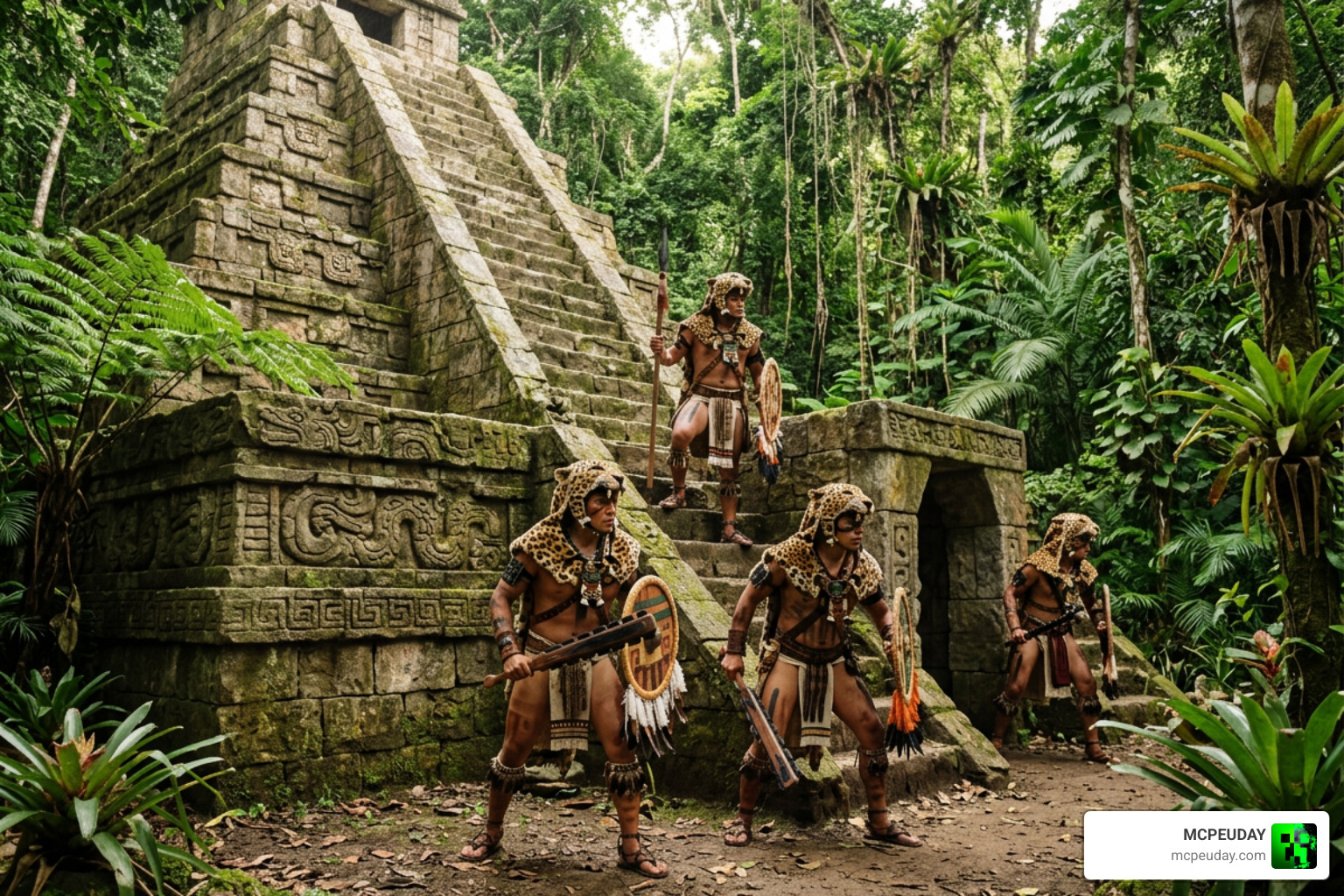
The Ocelotzin are ruled by powerful jaguar men who command the dense jungles. They are not just simple mobs; they form a complex society. You will find Ocelotzin blacksmiths, soldiers, and shamans wandering their territories. You can choose to cooperate with these proud warriors or challenge them to claim their legendary treasures.
Key Features of the Civilizations Addon
This addon goes far beyond adding cosmetic skins. It completely rewrites your exploration and combat loops by introducing custom items, new mechanics, and highly detailed mobs.
New Creatures and Custom Villagers
Your world will feel much more alive with a variety of new entities roaming the biomes:
- Clay Golems & Copper Golems: Ancient mechanical guardians that protect sacred sites.
- Giant Blue Beetles: Massive insects that roam the forests.
- Salamanders & Giant Wasps: Dangerous elemental and airborne threats that will keep you on your toes during night expeditions.
These creatures feature custom behaviors and animations, making combat feel dynamic and unpredictable.
Legendary Weapons, Armor, and Saponite Ore
To survive these new threats, you will need to upgrade your arsenal. The addon introduces high-tier equipment that feels incredibly rewarding to craft:
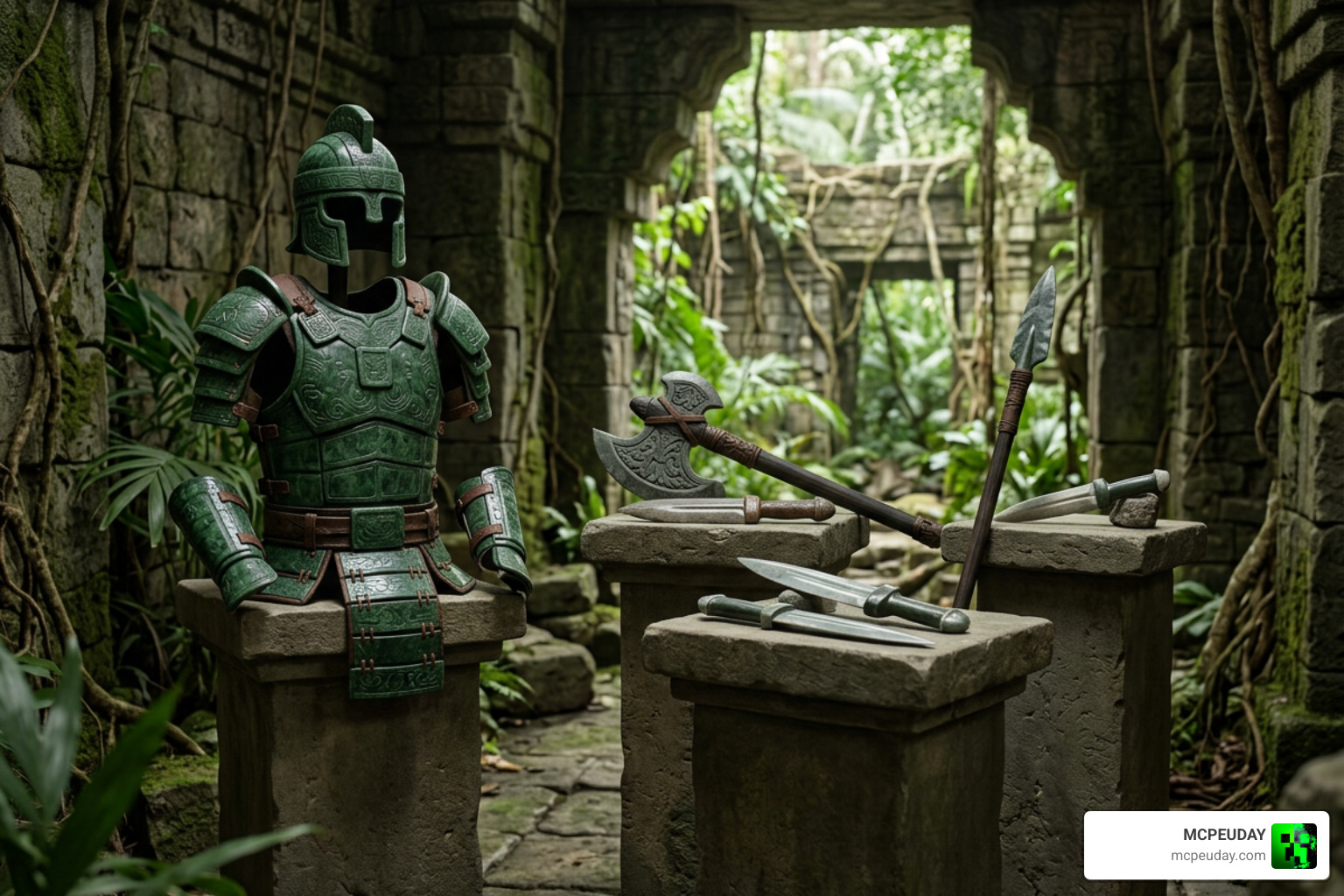
- Fire and Jade Macuahuitl: Traditional Aztec-inspired club-swords lined with razor-sharp obsidian and jade.
- Jade Armor & Jade Shield: Highly durable defensive gear that offers unique protection bonuses.
- Saponite Gear: Mid-to-high tier weapons and tools that bridge the gap between traditional vanilla tiers.
Items are organized across various rarity tiers, giving your survival adventure an exciting, loot-driven RPG feel.
Ancient Structures and Hidden Tombs
Exploration is at the heart of this addon. As you travel across your Bedrock world, you will stumble upon randomly generating structures that blend seamlessly into the environment:
- The Crimson Tomb: A dark, trap-filled underground labyrinth filled with valuable loot.
- The Temple of Tlayohuaquetl: A towering jungle monument dedicated to the Ocelotzin gods, decorated with Jade Pedestals and Ceremonial Candles.
These structures are not just pretty to look at; they are filled with unique challenges, spawners, and exclusive chests.
How to Install and Configure the Addon
Because the Civilization Addon introduces custom structures, blocks, and entities, setting it up correctly is crucial to avoid missing textures or empty worlds.
Step-by-Step Installation Guide for MCPE
To get the mod working flawlessly on your mobile device or PC, you must download and install all four required packages:
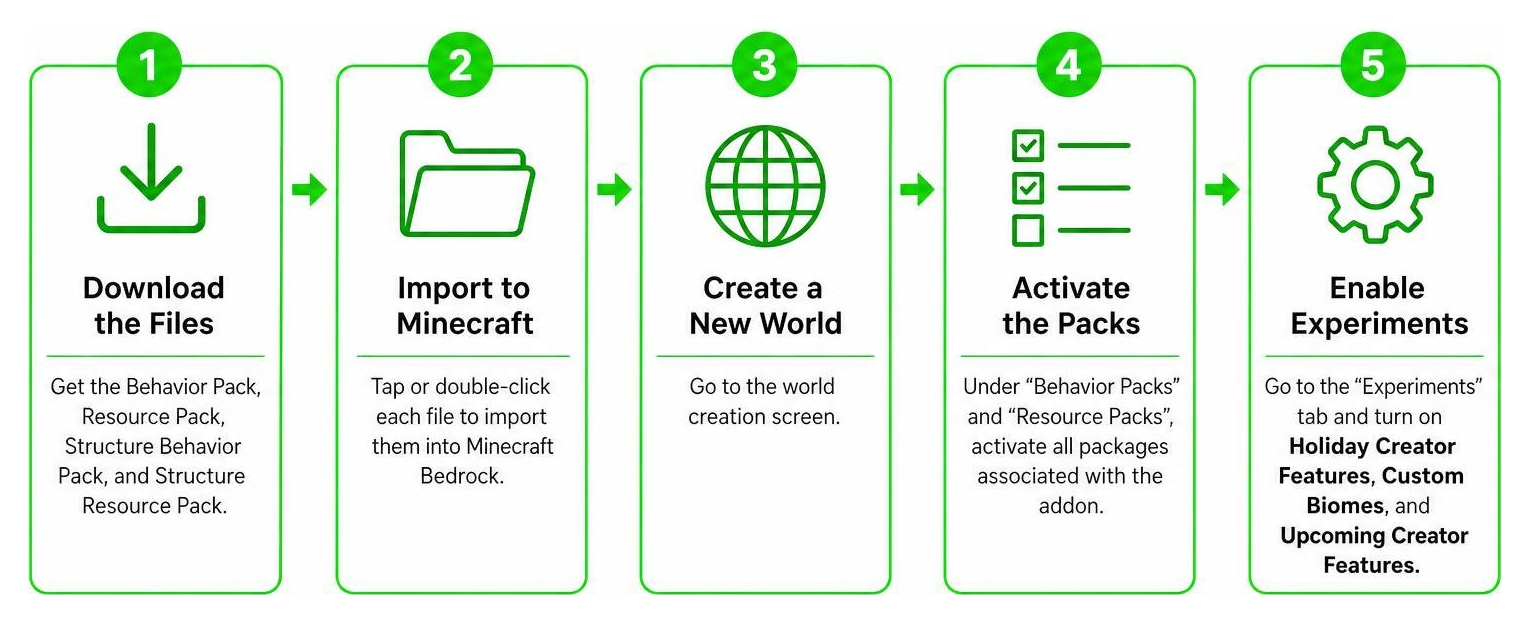
- Download the files: Ensure you have downloaded the Behavior Pack (BP), Resource Pack (RP), Structure Behavior Pack, and Structure Resource Pack.
- Import to Minecraft: Tap or double-click each file to automatically import them into your Minecraft Bedrock client.
- Create a New World: Go to the world creation screen.
- Activate the Packs: Under “Behavior Packs” and “Resource Packs”, activate all packages associated with the Civilizations Addon.
- Enable Experimental Toggles: This is the most important step! Scroll down to the “Experiments” tab and turn on Holiday Creator Features, Custom Biomes, and Upcoming Creator Features.
Troubleshooting Common Setup Issues
If you notice that structures are not spawning, or if certain mobs look like black-and-purple blocks, try these troubleshooting steps:
- Check Experimental Toggles: Double-check that all experimental gameplay toggles are enabled in your world settings.
- Verify Pack Order: Ensure the Resource Packs match the order of your Behavior Packs in the active list.
- Backup Your World: Always create a backup of your favorite survival worlds before applying major gameplay-altering addons.
- Check Version Compatibility: Ensure you are running Minecraft Bedrock version 1.21 or later.
Comparing Civilizations Addon with Other Survival Expansions
How does this mod stack up against other popular expansions available on the market? While PC players often look to Steam Workshop overhauls like Steam Workshop::Civilizations Expanded, Bedrock players have excellent native options.
| Feature | Civilization Addon | Better on Bedrock | Bedrock Reimagined |
|---|---|---|---|
| Primary Focus | Ancient Cultures & Lore | Survival Overhaul & Quests | RPG Classes & Progression |
| New Minerals | Saponite, Jade | Multiple new tiers | Fantasy-themed ores |
| Structures | Tembs, Aztec Temples | Custom towers, dungeons | RPG ruins, castles |
| Ideal For | Historians & Explorers | Quest-lovers | RPG enthusiasts |
Civilizations Addon vs Better on Bedrock
The Better On Bedrock Addon 1 21 Best Survival Expansion For Mcpe is a legendary expansion that focuses heavily on quest systems, world progression, and refining vanilla mechanics. While Better on Bedrock makes the overall survival loop smoother with clear questlines, the Civilization Addon focuses more on historical roleplay, cultural immersion, and unique localized factions like the Ocelotzin.
Civilizations Addon vs Bedrock Reimagined
If you want to turn your game into a full-blown fantasy RPG, the Bedrock Reimagined Addon 1 21 1 26 Transform Minecraft Bedrock Into An Rpg Adventure is a fantastic choice. It introduces custom classes and magic systems. The Civilization Addon, by contrast, keeps its feet a bit closer to historical fiction, making it perfect for players who want a survival experience that feels grounded in ancient mythology rather than high fantasy.
Frequently Asked Questions about the Civilization Addon
What Minecraft versions are supported by the Civilization Addon?
The addon is fully optimized for Minecraft Bedrock 1.21 (version 26.x) and is compatible with subsequent updates up to version 1.26. Always make sure your game client is updated to the latest stable release to avoid compatibility issues.
Is the Civilization Addon compatible with other Bedrock mods?
Yes! It integrates beautifully with most utility and optimization mods. If you love building automated factories next to your ancient temples, it pairs well with the Create Addon 26 X 1 21 For Mcpe Best Automation Mod For Minecraft Bedrock. For a broader survival expansion, you can also run it alongside the Core Craft Addon Mcpe 1 21 Features Download Full Guide without major conflicts, provided your device can handle the performance load.
How do I find the new structures like the Temple of Tlayohuaquetl?
The Ocelotzin structures, including the grand Temple of Tlayohuaquetl, spawn exclusively in Jungle biomes. Because they generate randomly, grab some swiftness potions, pack a Saponite sword, and head deep into the nearest jungle. Keep an eye out for mossy stone brick structures rising above the tree canopy!
Conclusion
The Civilization Addon is a masterclass in world-building for Minecraft Bedrock. By introducing the Frogger and Ocelotzin tribes, deep mining mechanics with Saponite, and breathtaking structures, it breathes new life into the classic survival formula.
We at MCPEUDAY are dedicated to bringing you the absolute best resources, installation guides, and downloads for your favorite Bedrock expansions. If you want to take your world in a completely different direction after exploring these ancient empires, check out our curated Best Minecraft Horror Mods Guide to add some spine-chilling thrills to your next adventure!