Scroll down to D0vvnl0ad
Install DoubleHands for a Functional Bedrock Offhand
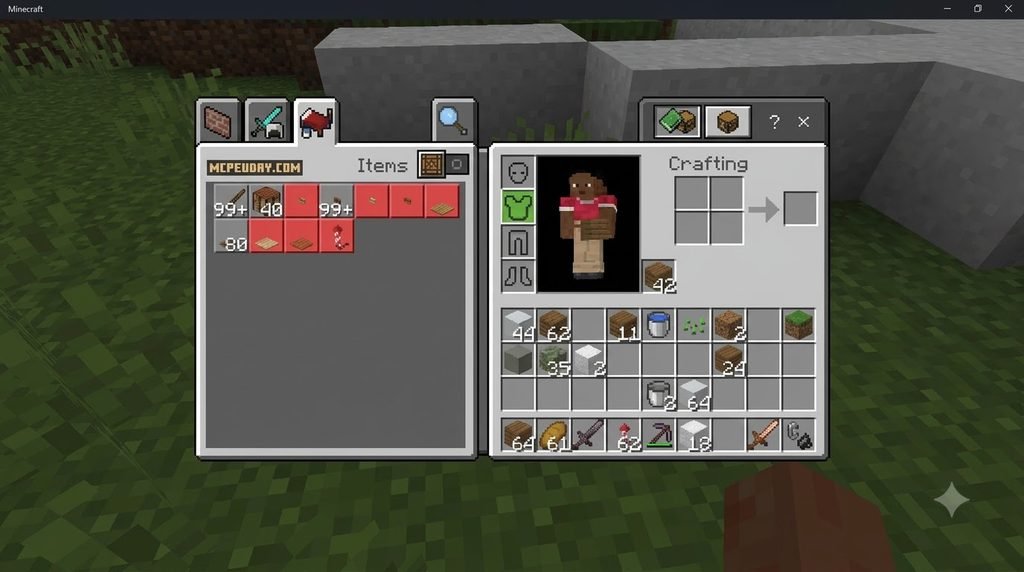
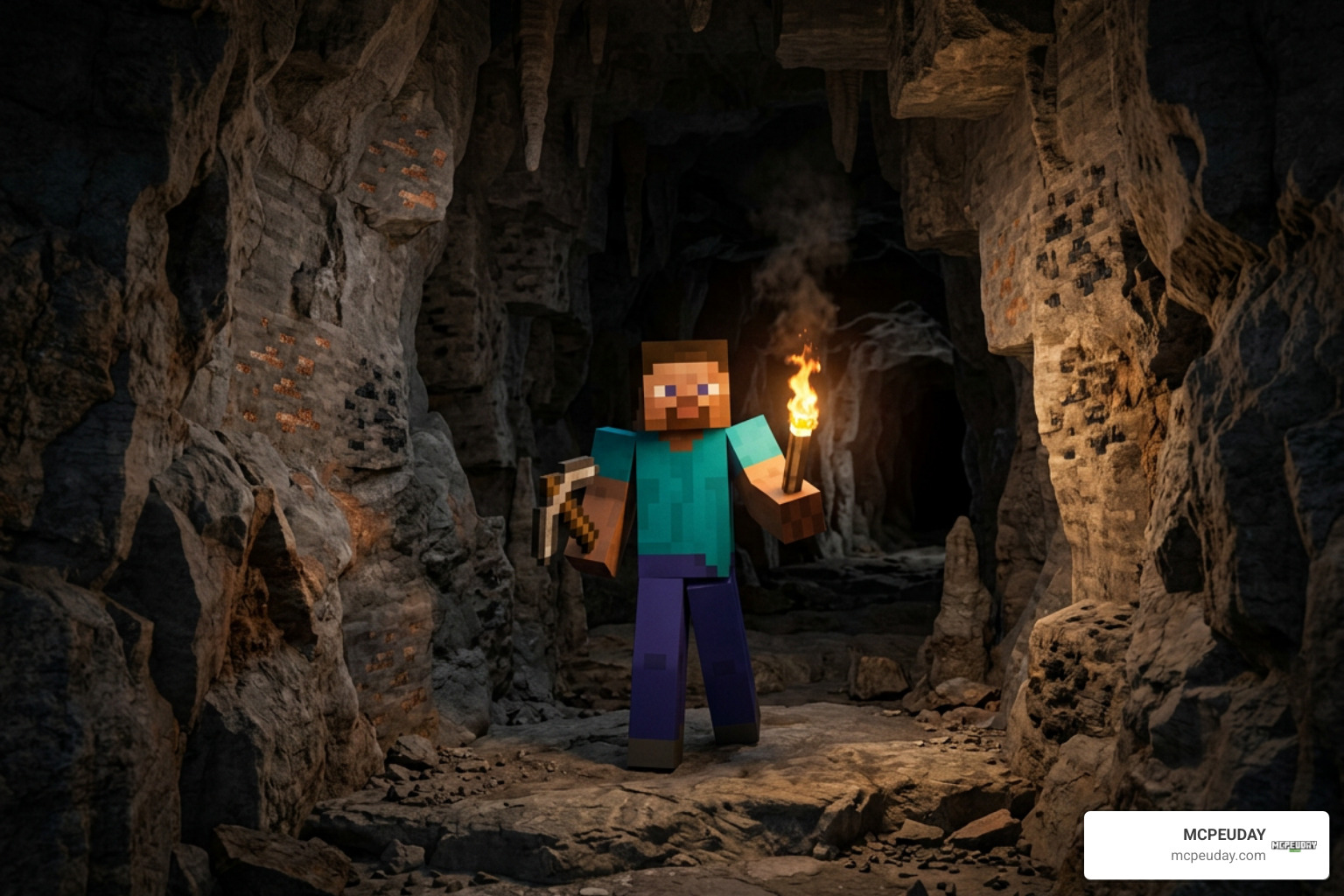
To install the DoubleHands Addon – Functional Offhand like Java edition, download a version that matches your Bedrock game, open the .mcpack file in Minecraft, and activate its included packs in your world settings. Then double-sneak to swap an item into your offhand.
DoubleHands lets you do more without switching hotbar slots, such as placing torches while holding a pickaxe. It works in single-player worlds, Realms, and dedicated servers without experimental toggles.
What Is the DoubleHands Addon – Functional Offhand like Java edition?
For years, one of the most prominent topics in the ongoing debate over Minecraft Java vs Bedrock has been offhand functionality. While Java Edition players enjoy the freedom of placing blocks, setting torches, using buckets, and firing projectiles straight from their left hand, vanilla Bedrock players have remained restricted. Traditionally, Bedrock’s offhand slot only accepts a tiny selection of items: shields, arrows, maps, fireworks, and totems of undying. If you wanted to place a torch while mining, you had to cycle away from your pickaxe every single time.
The Doublehands Addon completely bridges this gap. Created to bring true Java parity to Pocket Edition, console, and Windows players, this mod re-engineers how secondary item holding works in Bedrock.
What makes this addon uniquely popular—boasting over 457,000 total downloads across its 6 published versions—is how cleanly it runs. Unlike older generation modifications that relied on hacking your player.json file and breaking other character-based mods, DoubleHands uses modern scripting approaches. This means you get full offhand utility without disabling Xbox achievements and without turning on risky experimental toggles.
Core Mechanics of the DoubleHands Addon – Functional Offhand like Java edition
Understanding how DoubleHands interacts with your world makes survival gameplay much smoother. Much like running a comprehensive utility mod such as the Bedrock Essentials Addon, DoubleHands introduces intuitive logic to manage dual-wielding:
- Main Hand Priority System: If your main hand holds an item with an active interaction (like a weapon swing, eating food, or using a bow), the game prioritizes that action. However, when your main hand holds a tool without a secondary right-click use (like a pickaxe) or is completely empty, interacting targets your offhand item instead.
- Visual Offhand Slot Display: You can clearly see the item resting in your character’s left hand in both first-person and third-person perspectives, mimicking the authentic Java user interface.
- Dynamic Lighting Engine: Holding emissive items—such as regular torches, soul torches, sea lanterns, or glowstone—in your offhand automatically lights up the surrounding dark cave or room dynamically as you walk.
- Immersive Sound Feedback: Offhand actions trigger the correct native sound effects, giving authentic audio cues when you place a stone block, drop a water source, or fling a snowball.
Methods for Swapping Items to the Offhand
To ensure accessibility across touchscreens, controllers, and keyboards, the addon supports four different methods for moving items into your offhand:
- Double-Sneak (Default): Tap your crouch button twice in rapid succession while holding the item you want to move. The item in your main hand will instantly jump to your offhand.
- The “Over There” Emote: Trigger the standard “Over There” emote from your emote wheel to swap items immediately without needing to crouch.
- Chat Command: Type
/swapinto your chat bar for an instant hotbar-to-offhand swap. - Custom Keybinds: If you are playing on Windows or using a custom controller layout, you can bind the swap function to your preferred key (like the standard “F” key on Java Edition).
For players who enjoy enhanced immersion, combining this mechanic with visual mods like the Dynamic First Person Model Addon makes watching your offhand interact with blocks feel even more seamless.
Functional Capabilities and Survival Use Cases
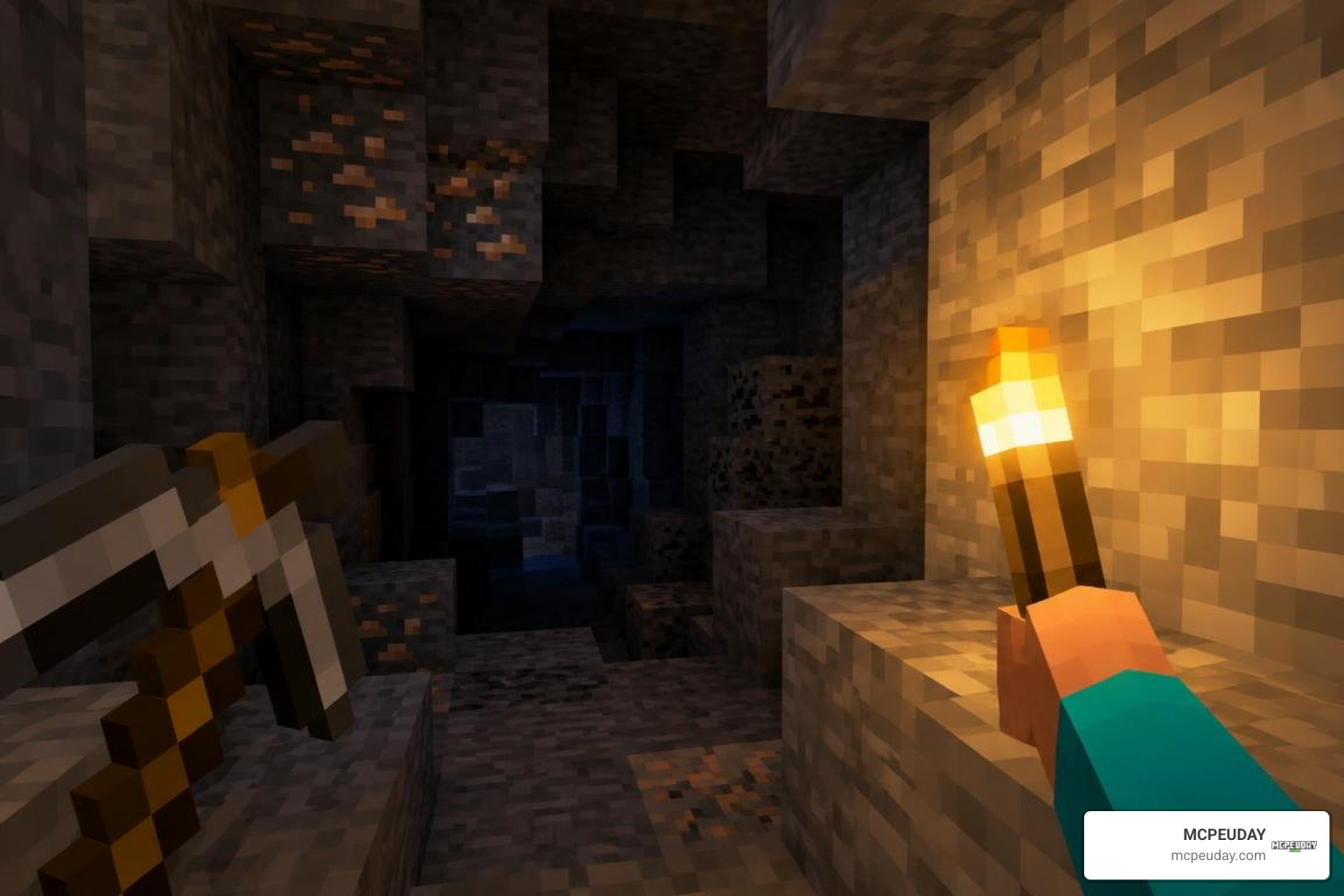
Dual-wielding in Minecraft transforms how you interact with the environment. Rather than serving as a decorative placeholder like a simple Offhand Torch Addon, DoubleHands allows you to execute complex survival workflows on the fly.
Everyday Survival, Farming, and Combat Utility
By liberating your left hand, survival tasks become significantly faster and safer:
- Caving and Mining Efficiency: Keep a diamond or netherite pickaxe from your More Tools Addon pack in your main hand while slotting torches into your offhand. You can continuously strip-mine without pausing to switch hotbar slots, all while lighting up dark pockets before mobs can spawn.
- Fast Water Bucket Clutching: Keeping a water bucket in your offhand allows you to instantly extinguish lava, scale high cliff faces, or neutralize sudden fall damage while keeping your main hand focused on navigation.
- Agricultural Speed-Farming: Hold a hoe in your main hand to till dirt while your offhand automatically places wheat, potato, carrot, or beetroot seeds in the freshly prepared soil behind you.
- Combat Strategy: Pair a sword in your main hand with specialized defenses from the More Shield Addon for Minecraft Bedrock MCPE New Powerful Shields You Must Try or keep flint and steel ready in your left hand to ignite aggressive mobs while landing critical hits.
- Ranged Support: Throw snowballs, eggs, ender pearls, or wind charges directly from your offhand without sacrificing the melee weapon held in your primary grip.
Known Engine Limitations and Placement Bugs
While the creator of DoubleHands Functional Offhand Like Java Edition has achieved remarkable Java parity, a few engine-level limitations exist within Bedrock 1.21+:
- Consumables: Due to hardcoded Bedrock engine behavior, you cannot eat food or drink potions directly from the offhand slot. Consumables must still be consumed from your main hand.
- Firework Flight Duration: While fireworks can be held, their flight boost duration remains uniform rather than scaling based on individual firework craft tiers.
- Decorative Object Quirks: Placing offhand blocks in immediate proximity to delicate entities—such as pre-existing item frames or flower pots—can occasionally pop the frame or cause visual alignment glitches.
- Block Scaling Visual Glitch: Some solid blocks render slightly smaller in your offhand in first-person view. This is purely cosmetic and does not impact block placement physics.
Installation and Setup for Bedrock Worlds
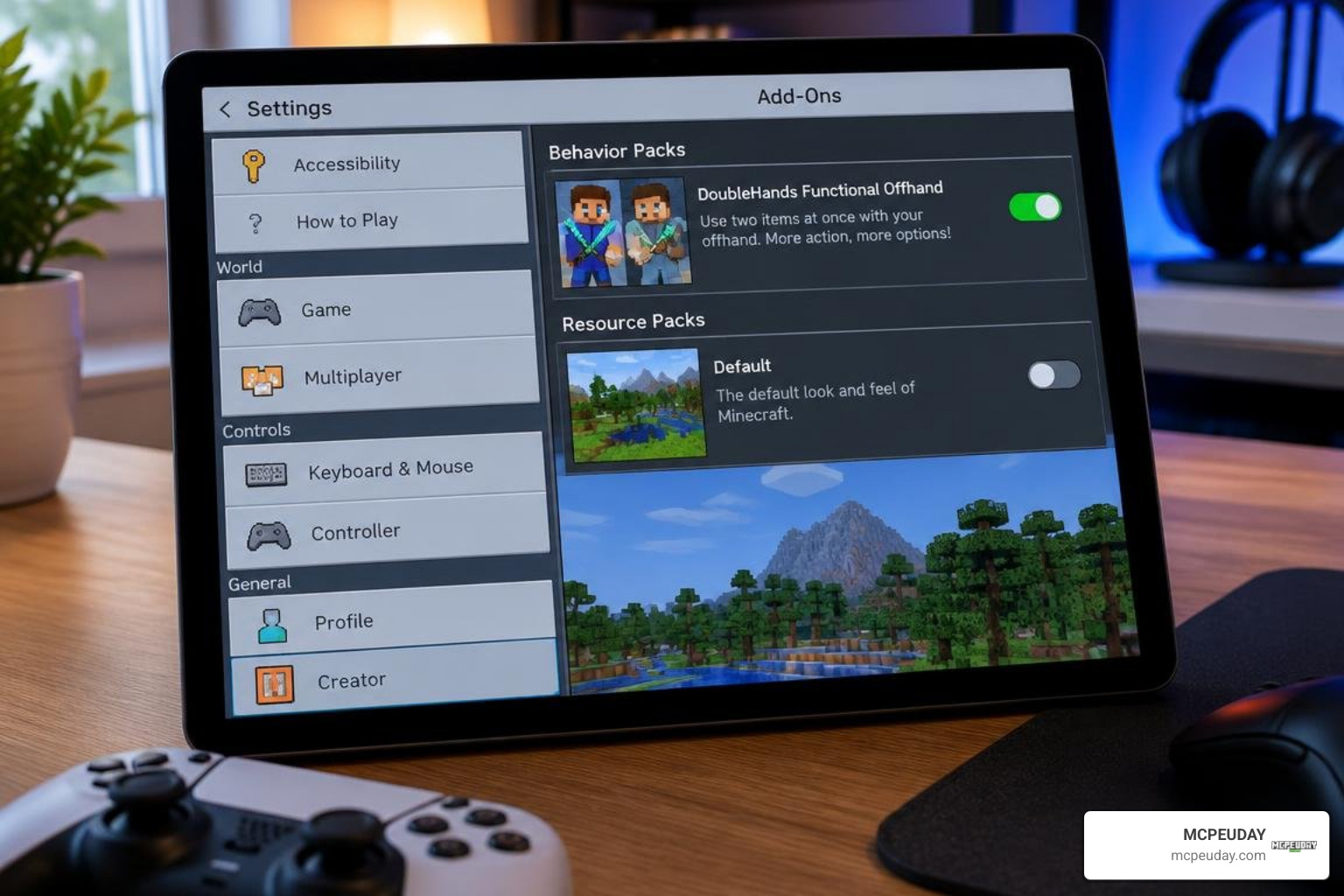
Installing the DoubleHands addon is straightforward, but setting up the correct pack priority ensures you avoid conflicts with other mods.
Step-by-Step Guide to Installing the DoubleHands Addon – Functional Offhand like Java edition
- Download the latest
.mcpackfile compatible with your game version (supports Minecraft Bedrock 1.21+). - Locate the downloaded file on your device (Windows, Android, or iOS) and double-click or tap it. Minecraft will open automatically and display an Import Started message at the top of your screen.
- Wait for the notification reading Successfully imported DoubleHands.
- Open the world settings for an existing world, or select Create New World.
- Scroll down the left-hand menu to Resource Packs, open the Available tab, locate DoubleHands, and click Activate.
- Switch to Behavior Packs, open Available, select DoubleHands, and click Activate.
- Ensure that the behavior pack appears near the top of your active list if you run combat additions like Raiyons Java Combat Addon.
- Launch your world. You do not need to enable any experimental toggles, and Xbox achievements will remain fully active!
Compatibility with Other Addons and Multiplayer
Because DoubleHands avoids altering player.json, it enjoys widespread compatibility across popular gameplay overhauls. You can run it effortlessly alongside broad survival packages like the Better on Bedrock Addon 1 21 Best Survival Expansion for MCPE and quality-of-life additions like Nics Common Sense Addon.
For multiplayer enthusiasts, DoubleHands operates cleanly on Minecraft Realms, Dedicated Servers (BDS), and local LAN sessions. Server hosts simply need to apply both the behavior and resource packs to the server directory. The mod automatically synchronizes offhand item actions across all connected clients without creating server tick lag.
DoubleHands vs. Other Bedrock Offhand Mods
To see how DoubleHands stacks up against other community modifications and vanilla Bedrock mechanics, review the comparison table below:
| Feature | Vanilla Bedrock 1.21+ | DoubleHands Addon | Traditional Offhand Addons |
|---|---|---|---|
| Block Placement | No | Full Support | Partial Support |
| Bucket / Liquid Use | No | Full Support | Rare / Unstable |
| Emissive Dynamic Lighting | No | Built-in | Requires External Packs |
| Requires Experimental Toggles | No | No (Vanilla Safe) | Usually Yes |
| Disables Achievements | No | No (Keeps Achievements) | Frequently Yes |
Modifies player.json | No | No (High Compatibility) | Yes (Causes Mod Conflicts) |
| Multiplayer / Realm Friendly | Yes | Yes (Full Sync) | Limited Sync |
| Food & Potion Consumption | No | No (Engine Limitation) | No |
When building out your ideal survival setup, pairing DoubleHands with health utility mods such as the Java Saturation Regeneration Addon gives you the closest complete parity to the authentic Java survival experience available on Bedrock today.
Frequently Asked Questions About DoubleHands
Does the DoubleHands addon disable Xbox achievements in Bedrock?
No. Because DoubleHands uses modern scripting hooks rather than modifying base game templates or requiring experimental game rules, your world remains completely achievement-safe.
Can you eat food or launch Elytra fireworks from the offhand?
You cannot consume food or drink potions from the offhand due to hardcoded Bedrock animation limitations. While fireworks can be placed into the offhand, using them for Elytra flight boosts is best done from the main hand for consistent propulsion control.
Is DoubleHands compatible with Realms and Dedicated Servers?
Yes. DoubleHands is fully supported on standard Bedrock Dedicated Server (BDS) software and Minecraft Realms. Once activated in world settings, all connecting players can utilize the offhand mechanics simultaneously without experiencing desynchronization.
Conclusion
The DoubleHands Addon provides Bedrock players with the dual-wielding capabilities they have wanted for years. By letting you place torches while mining, deploy emergency water buckets, quickly till and seed farmland, and toss projectiles without cluttering your main hand, it dramatically refines your survival gameplay. Combined with its achievement-friendly architecture and total independence from experimental toggles, it stands as an essential addition to any Bedrock survival world.
At MCPEUDAY, our mission is to bring you the best tools, gameplay overhauls, and utilities to elevate your Bedrock experience. Once you have installed DoubleHands and mastered your second hand, head over to explore more high-quality Bedrock addons and mods to continue expanding your Minecraft adventures!
