Why Is Minecraft Bedrock So Laggy? (Quick Answer)
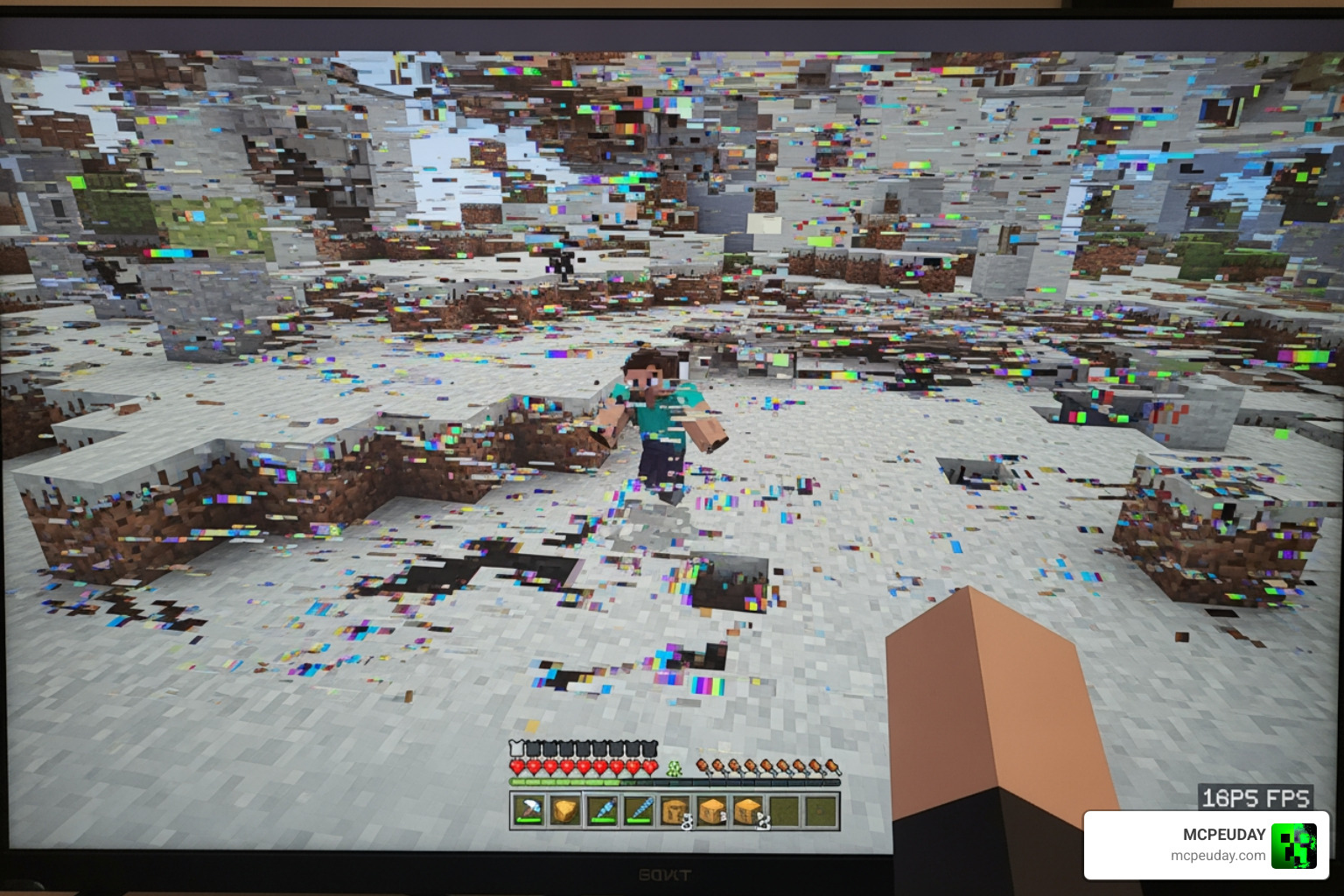
If you’ve ever wondered why is Minecraft Bedrock so laggy, you’re not alone — and the frustrating part is it can happen even on powerful hardware.
Here are the most common reasons:
- Memory leaks from recent updates — A bug in the “Improved Input Response” setting has caused RAM usage to spike above 30GB, dropping frame rates from 150+ FPS to single digits
- Platform-agnostic codebase — Bedrock is built to run on everything from budget phones to gaming PCs, which means it can’t fully take advantage of your hardware
- Insufficient RAM or CPU power — Bedrock needs at least 2GB of RAM; less than that causes constant data swapping and stuttering
- Thermal throttling — Overheating forces your device to slow down mid-game, causing sudden lag spikes
- High render distance or fancy graphics — These settings load more chunks and entities than your hardware may handle smoothly
- Background processes and overlays — Windows Game Mode, Xbox Game Bar, and Discord overlays are known to cause microstuttering
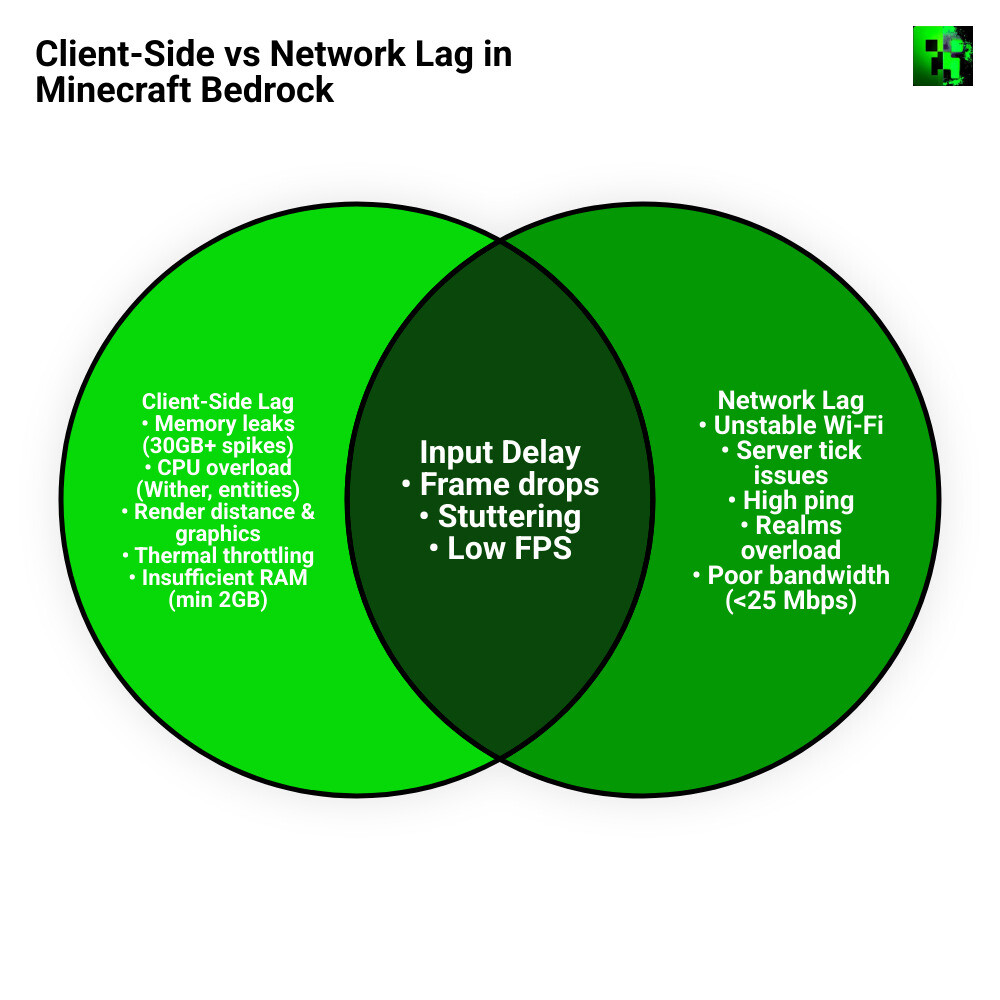
- Network issues — For multiplayer and Realms, a slow or unstable connection adds latency on top of any client-side lag
- World corruption or chunk errors — Bloated or corrupted saves can cause lag in specific areas even if the rest of the game runs fine
The good news? Most of these are fixable. This guide walks you through every cause and solution — step by step.
Why is Minecraft Bedrock so laggy compared to Java Edition?
One of the most frequent debates in our community centers on the performance gap between the two versions of the game. While Java Edition was once considered the “laggy” version due to its reliance on the Java Virtual Machine, the narrative has shifted as we move through May 2026.
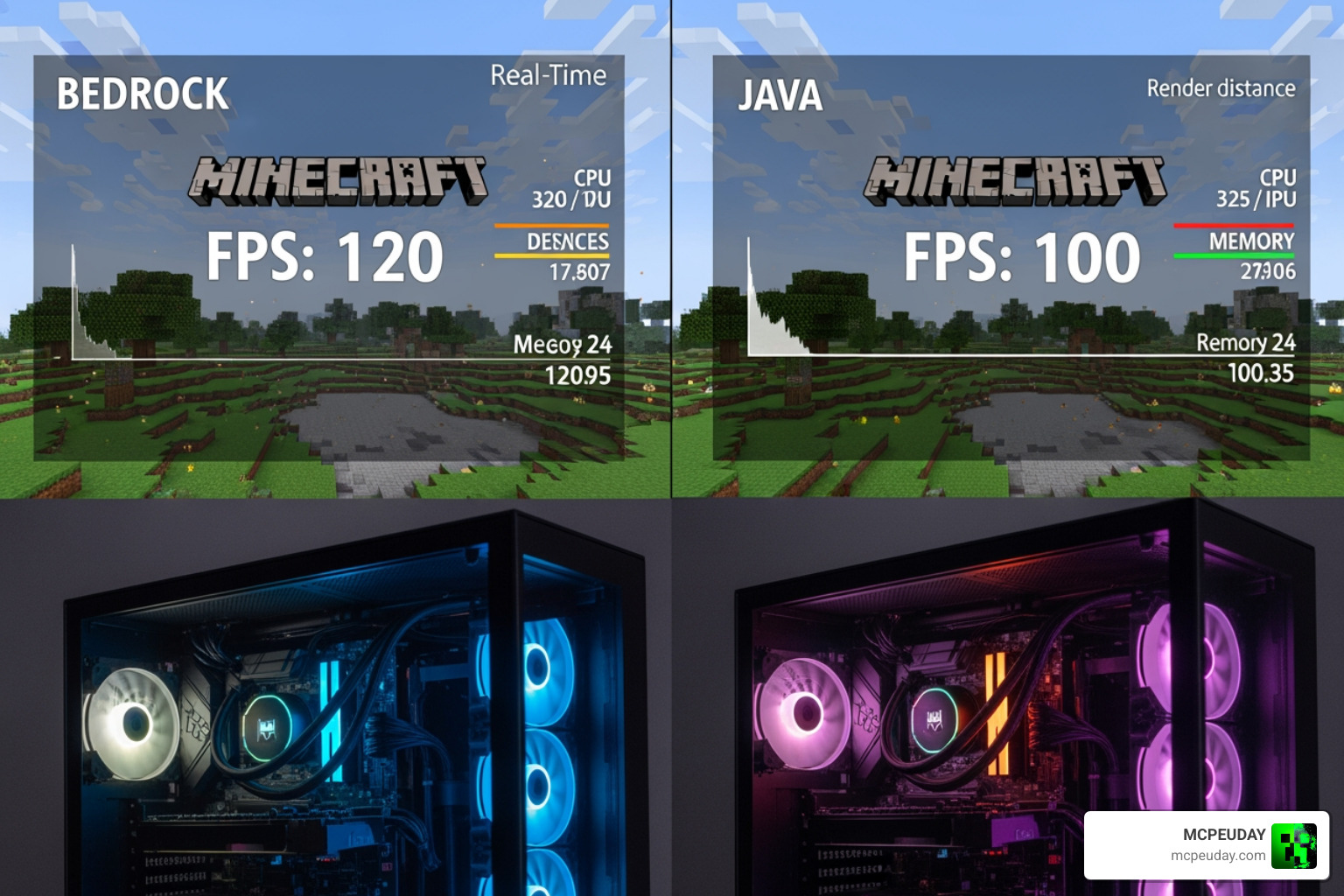
The core reason Bedrock feels different—and often more problematic on high-end PCs—is its platform-agnostic design. Bedrock is written in C++, which is technically more efficient than Java, but it is built to be a “one size fits all” engine. This means the code running on your $3,000 gaming rig is fundamentally the same code running on a budget smartphone from five years ago. Because the engine must remain compatible with mobile touchscreens and console controllers, it often fails to utilize the multi-core processing power of modern desktop CPUs.
Furthermore, the world storage systems differ significantly. Bedrock uses LevelDB, which is great for mobile devices but can lead to “chunk lag” on PCs when the game struggles to read and write data fast enough during high-speed travel.
| Feature | Minecraft Bedrock Edition | Minecraft Java Edition |
|---|---|---|
| Codebase | C++ (Universal) | Java (PC Only) |
| Optimization | Broad compatibility (Mobile focus) | Deep PC-specific optimization |
| Storage Format | LevelDB | Anvil |
| RAM Allocation | Automatic (Managed by OS) | Manual (User-defined) |
| Performance Fixes | Limited (Settings based) | Extensive (Mods like Optifine/Sodium) |
According to research from Why is bedrock so laggy? – Games Learning Society, the cross-platform strength of Bedrock acts as a “platform-agnostic albatross,” preventing the game from truly soaring on high-end hardware. As noted in Why Is Minecraft Bedrock So Laggy on PC? – AEANET, this results in a paradox where a game designed for efficiency feels stuttery and unoptimized on powerful systems.
Hardware requirements and RAM limitations
While the official minimum requirements might seem low, our experience shows that they are often insufficient for a smooth experience in 2026. Minecraft Bedrock requires at least 2GB of RAM just to function. If your device has exactly 2GB or less, the operating system is forced to constantly “swap” data between the RAM and your storage drive. This data swapping is a primary reason why is minecraft bedrock so laggy on mobile devices and older laptops.
Integrated GPUs (graphics chips built into your processor) also struggle with Bedrock’s rendering demands. If you are playing on a low-end device, we highly recommend using lightweight optimizations. For instance, the Newb X Lowres Renewed Shader Best Lightweight Shader For Minecraft Pe Bedrock/ is specifically designed to provide a visual boost without the massive performance hit of standard resource packs.
Entity processing and the Bedrock Wither
Another technical hurdle is how Bedrock handles entities. Every “tick” in Minecraft lasts about 50-60 milliseconds. If the CPU takes longer than that to process everything happening in the world, you experience “TPS lag” (Ticks Per Second).
A classic example of this is the Bedrock Wither. Unlike the Java version, the Bedrock Wither has 600 Health Points (double Java’s 300) and summons additional Wither Skeletons throughout the fight. This massive increase in entity count and AI processing can cause your CPU load to skyrocket, leading to severe lag spikes during boss fights. As discussed in Why am I getting random lag spikes in Minecraft Bedrock. – Microsoft Q&A, these spikes often happen when the game engine is overwhelmed by mob AI and explosive block updates.
Common Causes of Performance Drops in 2026
If your game was running fine last week but is unplayable today, the cause is likely a software conflict or a hardware bottleneck that has recently surfaced.
Why is minecraft bedrock so laggy on high-end PCs?
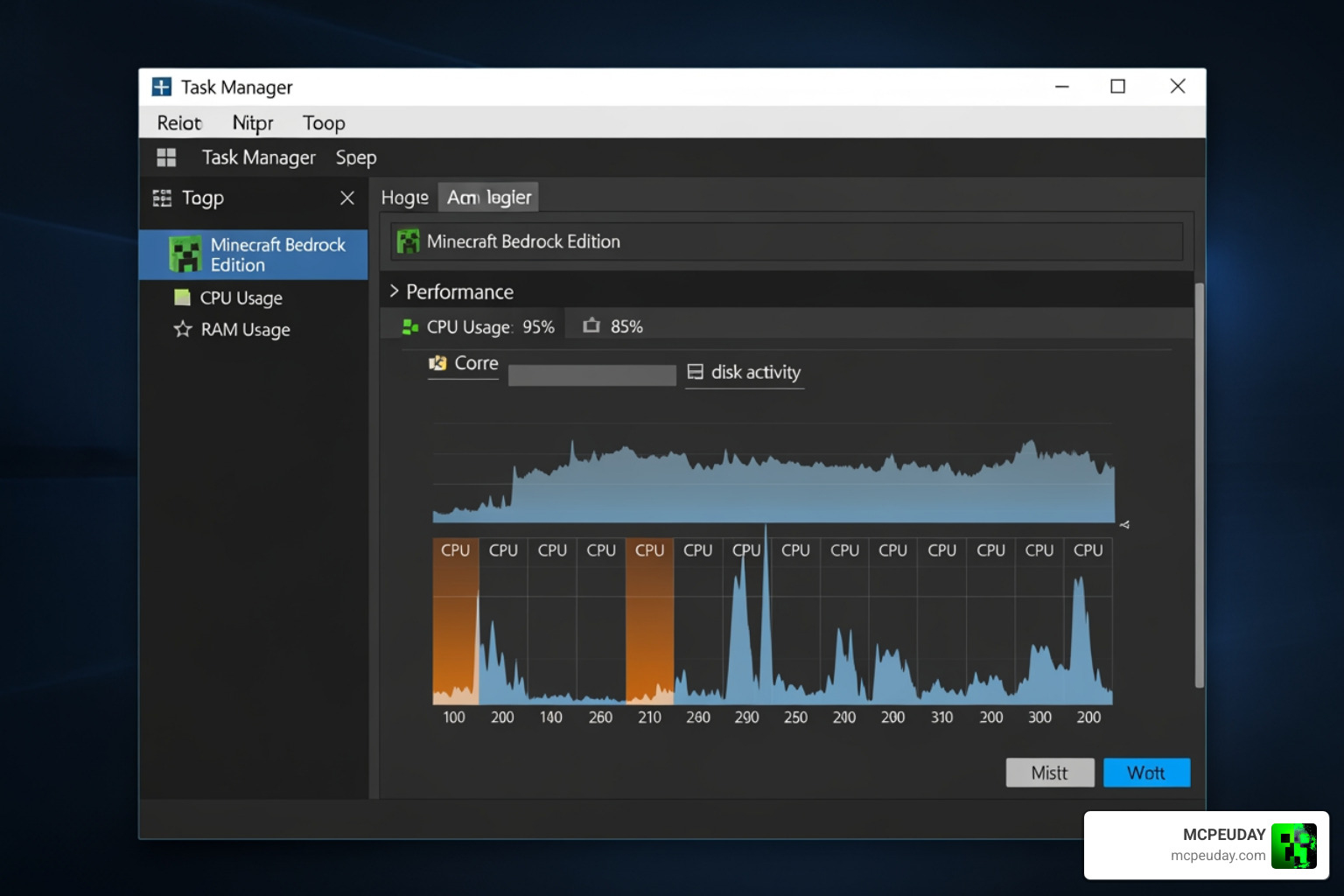
It sounds counterintuitive, but some of the worst lag reports in 2026 come from users with RTX 4070, RTX 5070, and 32GB of RAM. We’ve seen reports of users getting as low as 2 FPS on “Simple” graphics settings while using a 1440p QD-OLED monitor. In many cases, these users see 98% memory usage at the main menu before they even load a world.
This isn’t a hardware failure; it’s a software optimization issue. High-end hardware often tries to push the game’s limits, but Bedrock’s engine can sometimes “panic” when it encounters specific driver versions or background overlays like Windows Game Mode. If you’re on a high-end rig and facing these issues, you might find that using a high-quality shader actually stabilizes your frame rate by forcing the GPU to take over more of the workload. We recommend checking out the Newb X Ambient Shader My Honest Test On A Low End Pc Real Fps Results Setup Guide for insights on balancing visuals and performance.
The “Improved Input Response” memory leak bug
The most significant culprit for sudden lag in recent updates is the “Improved Input Response” setting. This feature was intended to reduce the delay between your mouse click and the game’s action, but it has introduced a massive memory leak.
Users have reported RAM usage climbing from a normal 2-4GB all the way to 30GB+, effectively “bricking” the game until it’s restarted. If you are wondering why is minecraft bedrock so laggy after a recent update, this is the first setting you should check. Disabling it has been shown to restore gameplay from a stuttering mess to a smooth 100+ FPS. For a deeper dive into these types of bugs, the How to Fix Lag in Minecraft Bedrock – Full Guide – GeekChamp offers great troubleshooting steps.
Step-by-Step Optimization Guide
Ready to fix the lag? Follow these steps to reclaim your frame rate.
Optimizing in-game settings to fix why is minecraft bedrock so laggy
The quickest way to boost FPS is to adjust your in-game Video settings. We recommend the following “Sweet Spot” settings for most players:
- Render Distance: Set this to 8-12 chunks. Even if your PC can handle 60+ chunks, the engine often struggles to synchronize that much data, leading to stuttering.
- Anti-Aliasing: Lower this to 1 or 2. High anti-aliasing is a massive drain on the GPU.
- Fancy Graphics & Smooth Lighting: If you’re on a mobile device or older laptop, turn these OFF.
- V-Sync: Turn this OFF if you notice input lag, but keep it ON if you see “screen tearing.”
- Particle Effects: Lowering these can significantly help during combat or near large farms.
If you still want the game to look beautiful without the lag, consider using optimized shaders. You can find our top picks in the Best Shaders For Mcpe 1 21 2026 Top 3 Realistic Minecraft Pe Shaders/ guide. For those specifically on the Render Dragon engine, our Best Render Dragon Shaders For Mcpe 1 21 Tested On Real Devices 2026 Guide/ is an essential resource.
Technical fixes: Cache, drivers, and reinstalls
Sometimes the problem lies within the game files themselves. Over time, the LocalCache folder can become bloated with temporary data that slows down loading times and causes micro-stuttering.
- Clear Cache: Navigate to
%localappdata%\Packages\Microsoft.MinecraftUWP_8wekyb3d8bbwe\LocalCache\minecraftpeand delete the contents (backup your worlds first!). - Update Drivers: Ensure your GPU drivers are updated directly from the manufacturer (NVIDIA or AMD) rather than relying on Windows Update.
- SSD Installation: If you are still using a traditional Hard Drive (HDD), moving Minecraft to an SSD can eliminate the lag that occurs when you move between chunks.
For a comprehensive walkthrough of these technical steps, check out How To Fix Lag In Minecraft Bedrock – Full Guide – TechBloat.
Network and Server Lag Solutions
If your game runs smoothly in a solo world but lags when you join friends, you’re dealing with network lag.
A common misconception is that “fast internet” prevents lag. While speed matters (we recommend at least 25 Mbps optimal download speed), latency (ping) is more important. If your ping is over 100ms, you will experience “ghost blocks” and delayed mob movements. Using a wired Ethernet connection instead of Wi-Fi is the single best way to stabilize your connection. As suggested in HOW TO GET RID OF LAG In Minecraft Bedrock Edition! – YouTube, reducing the number of devices on your network during play can also help.
Server-side performance best practices
If you are hosting a server or a Realm, you can improve performance for everyone by editing the server.properties file:
- Tick Distance: Reduce this to 4 or even 2. This controls how far away from the player the game processes things like crop growth and mob AI.
- View Distance: Set this to 10 to reduce the strain on the server’s CPU.
- Max Threads: Ensure this is set to 0 to allow the server to use all available processing cores.
If you’re looking for shaders that work well in multiplayer without causing lag for your friends, the Newb X Ale Shader For Minecraft Pe Bedrock Best Realistic Shader For Low End Devices/ is a fantastic choice that balances beauty and efficiency.
Frequently Asked Questions about Bedrock Lag
Does the Bedrock Wither cause more lag than Java?
Yes, significantly. With 600 HP and the ability to summon Wither Skeletons, the Bedrock Wither places a much higher load on the CPU. The constant explosions and entity updates can cause massive frame drops even on high-end consoles and PCs.
Can I manually allocate more RAM to Bedrock Edition?
Unlike Java Edition, Bedrock does not have a “built-in” way to allocate RAM. The C++ engine manages memory automatically. However, you can “free up” more RAM by closing background apps and disabling the “Improved Input Response” setting to stop memory leaks.
Why is my game lagging only in specific world areas?
This is usually caused by entity cramming (too many mobs in one spot), massive redstone contraptions, or world corruption. If a specific chunk is corrupted, the game will struggle to load it every time you get close. You can try using external tools to “prune” or repair these chunks.
Conclusion
At MCPEUDAY, we know how frustrating it is when your favorite game turns into a slideshow. Whether it’s the “Improved Input Response” bug, a bloated cache, or simply needing a more optimized shader, there is always a way to improve your performance.
By following this guide, you should now have a much clearer understanding of why is minecraft bedrock so laggy and, more importantly, how to fix it. Keep your drivers updated, manage your in-game settings wisely, and don’t forget to check out our latest collection of performance-friendly mods and shaders.
For more guides and the best Bedrock resources, visit our main category at https://mcpeuday.com/category/mcpe-bedrock/. Happy (and lag-free) mining!
5 thoughts on “Why Is Minecraft Bedrock So Laggy? Fix FPS Drops, Stuttering & Lag Spikes (2026 Guide)”